


Facebook Ads Automation in 2026: Rules, Advantage+ and What Happens After the Click
Updated at Oct 21, 2026
23 min to read
To create a Facebook chatbot, choose a no-code platform like BotPenguin, connect your Facebook Page, build the conversation flow, train the bot on your FAQs or business content, test every path in Messenger, and publish. No coding is required, and setup time depends on your chatbot's complexity.
Facebook Messenger gives businesses a direct way to answer questions, capture leads, and support customers. But building those conversations manually can quickly become difficult.
There are two main ways to get started. The developer route uses a Facebook app, Messenger API, webhooks, and custom code. The easier option is a no-code Facebook chatbot, where you connect your Page and build conversations visually.
For most businesses, the no-code route is faster and easier to manage.
This guide explains how to create a Facebook chatbot in six practical steps, from connecting your Page to testing and publishing the final experience.
A Facebook chatbot is an automated assistant for Messenger conversations. It responds to customers without requiring constant manual support. For a deeper explanation, explore BotPenguin's Facebook chatbot platform.
Businesses commonly use it to:
These workflows reduce repetitive work and keep conversations moving. Before you create one, it’s worth understanding the pros and cons of Facebook chatbots so you can decide where Facebook automation makes sense and where human support is still needed.
Meta reports more than one billion active threads with businesses on WhatsApp, Messenger, and Instagram every day. That scale makes fast, consistent responses increasingly important. The wider market reflects that shift.
Fortune Business Insights values the global chatbot market at $10.42 billion in 2026 and projects it to reach $60.21 billion by 2034. (Source: Fortune Business Insights, 2026)
The value is clear, but a chatbot still needs the right setup. Before building one, you need a few basic requirements in place.
Before you start, make sure the three basic requirements are in place.
1. A Facebook Business Page: Messenger automation works through a business Page, not a personal profile. This is the Page your chatbot will connect to and manage conversations for.
2. Admin access: You need the right Page permissions to authorize the connection. Without admin-level access, the chatbot platform cannot complete setup correctly.
3. A no-code chatbot platform: This gives you the visual builder and manages the technical connection behind the scenes.
You do not need a Facebook Developer account or App ID. You can also skip custom hosting, webhook setup, and coding.
A no-code platform handles that infrastructure for you.
Once these prerequisites are ready, you can move into how to create a Facebook chatbot step by step.
The setup becomes much easier when you follow a clear sequence. If you are learning how to create a Facebook Messenger bot, start simple and build from there.
These six steps cover everything from platform selection to launch.
Start with a platform that supports Facebook Messenger directly. The right tool should reduce technical work, not create more.
Look for these capabilities:
Ease of setup matters just as much as advanced features. You should be able to manage conversations without developer support.
If you are comparing options, review our guide on the best Facebook chatbot platforms.
In BotPenguin: Log in to your dashboard, click Create New Bot, select Facebook as your platform, and choose your bot's primary purpose.
Once you select the platform, the next step is connecting your Page.
Open your chatbot platform and select Facebook or Messenger as the channel. Sign in using the Facebook account that manages your business Page.
Approve the requested messaging permissions. Then choose the Page you want the chatbot to operate on.
The platform completes the technical connection in the background. You do not need to configure APIs or webhooks manually. This is essentially how to add a chatbot to a Facebook Page without developer setup.
In BotPenguin: Log in with Facebook, select the business account and Page you want to connect, review the requested permissions, and confirm the connection.
Once connected, you can start designing the customer experience.
Start with the first message customers will receive. Keep it short and immediately explain what they can do.
Add quick-reply buttons for common intentions, such as:
Next, branch each response into the right conversation path. You can also add lead-capture fields when you need customer details.
In BotPenguin: Open your Facebook bot's chatflow builder, customize the welcome message, add quick replies, and create conversation paths for common customer requests.
Avoid creating one long conversation for every visitor. Different customer goals should lead to different paths.
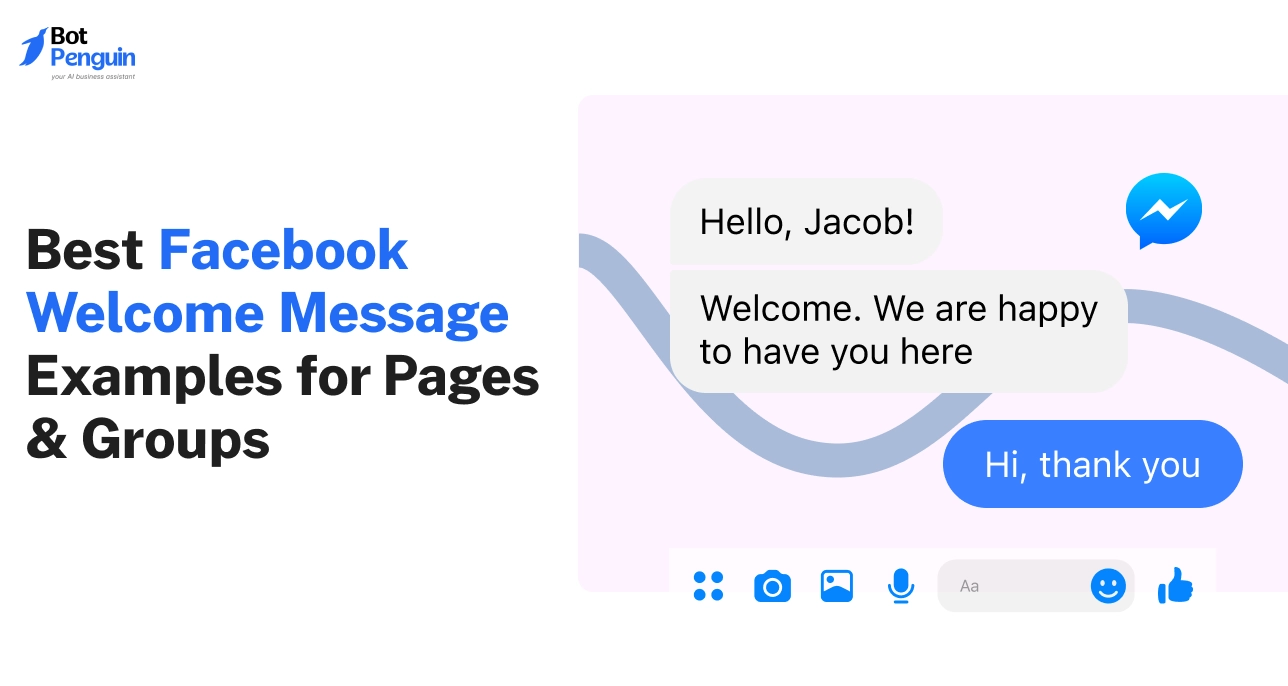
For ideas, review these Facebook welcome message examples. Once the basic flow works, you can make it more flexible with AI.
Scripted flows work well for predictable questions. AI helps when customers ask something outside those predefined paths.
Train the chatbot using relevant business information, such as:
The AI can then use those sources to answer questions contextually. It should also escalate conversations when human assistance is needed.
In BotPenguin: Add your business FAQs, website URLs, and supported documents to the chatbot's knowledge sources. Review the content before testing AI responses.
This creates a useful balance between structured flows and natural conversations. Learn more about Facebook AI chatbots if AI will play a larger role.
Before customers use the chatbot, test both layers carefully.
Do not rely only on the builder preview. Send real messages to your Facebook Page through Messenger.
Test every important part of the experience:
Try both expected and unexpected questions. Make sure customers never reach a confusing dead end.
Also check whether information remains clear on mobile. Fix broken paths and unclear wording before publishing.
In BotPenguin: Open Messenger, send a test message to your connected Facebook Page, and verify the welcome message, quick replies, AI responses, and human handoff.
Once every core journey works, the chatbot is ready to launch.
Publish the chatbot to your connected Facebook Page. Then create clear ways for customers to start conversations.
You can promote Messenger through:
In BotPenguin: Once your Facebook bot is connected and tested, promote it using Messenger links and supported sharing options. You can also use comment auto-replies and Facebook Messenger automation for broadcasts and drip campaigns.
Broadcasts and drip campaigns are available on the Little plan and above, subject to Meta's messaging policies and applicable opt-in requirements.
After launch, monitor completed flows, unanswered questions, and lead capture. Use those signals to improve the chatbot regularly.
The no-code process removes most technical setup. Businesses worldwide use BotPenguin to manage and automate customer conversations across digital channels.
BotPenguin is a no-code platform for building AI agents, chatbots, and voice agents that automate lead generation, sales, marketing, and customer support on WhatsApp, Instagram, Facebook, Telegram, phone, and websites.
BotPenguin is a Meta Business Partner.
However, you can also build Facebook chatbots manually using APIs, webhooks, and custom development. Understanding that route makes the difference between the two approaches much clearer.
The manual route gives developers more control over Messenger setup. However, it also requires significantly more technical work.
You typically need to:
For most businesses, the extra control does not justify the overhead.
The manual approach usually requires:
This route makes sense for highly customized engineering requirements. Most teams do not need that level of control.
The six-step no-code route handles this infrastructure automatically. Teams can instead focus on conversations, testing, and customer experience.
Once the chatbot is live, the next priority is engagement. That depends on how well you design and improve the experience.
A working chatbot doesn't automatically drive strong engagement. The experience still needs to feel clear, useful, and easy to navigate.
Good chatbot design helps users reach answers faster. It also reduces drop-offs, failed conversations, and unnecessary handoffs.
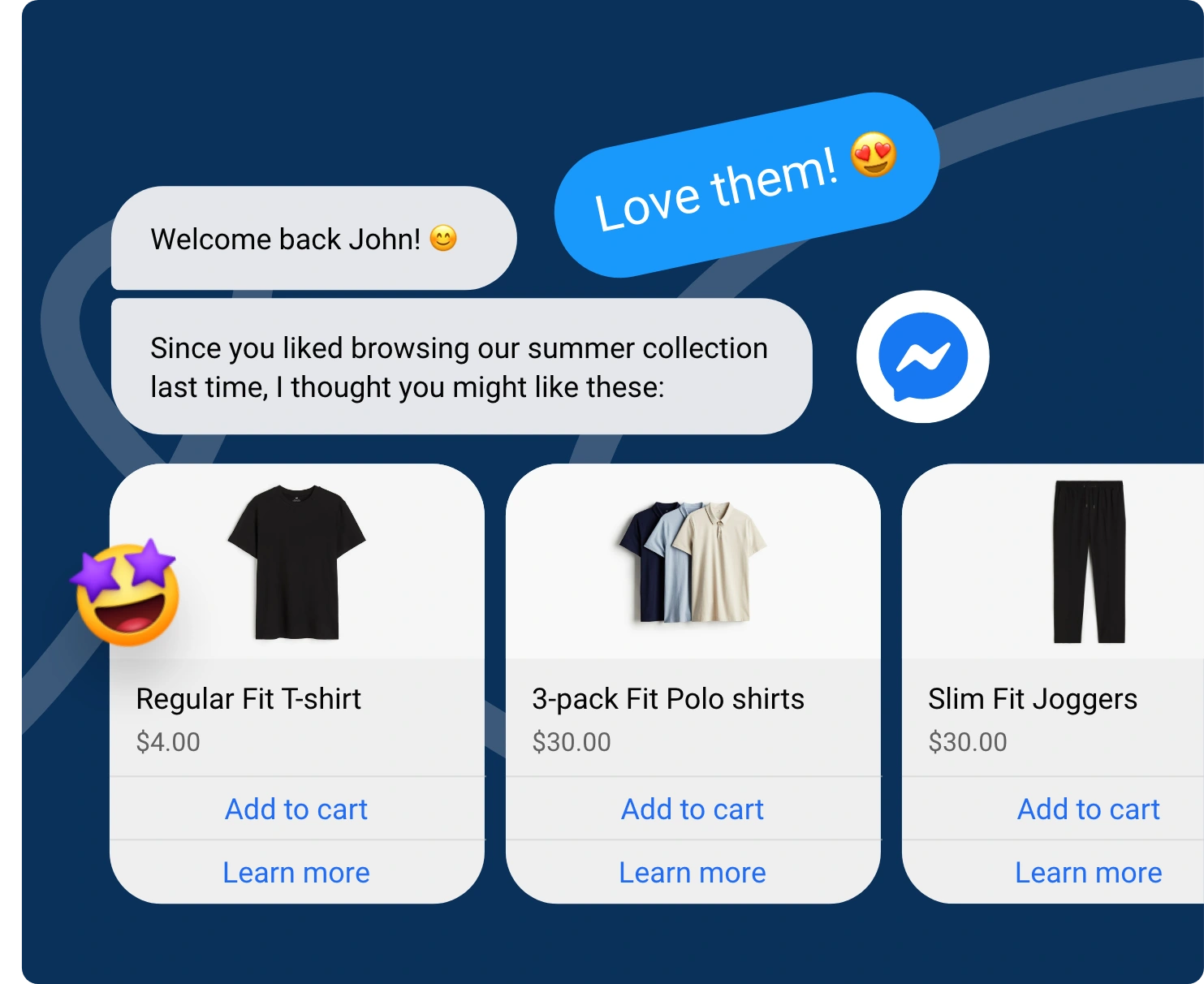
Use customer details when they genuinely improve the interaction. Returning visitors shouldn't feel like every conversation starts from scratch.
Keep personalization relevant and avoid asking for unnecessary information.
Long Messenger replies are difficult to scan.
Break information into short messages with one clear purpose. Use buttons and quick replies whenever possible.
They reduce effort and guide customers toward the next action.
Customers should know what the chatbot can handle. They should also know when human support is available.
Provide a clear handoff for complex or sensitive requests. Avoid trapping users inside repeated automated replies.
Tell users what the chatbot can help them accomplish. This reduces confusion and makes conversations easier to navigate.
Don't make the chatbot seem more capable than it is.
Review unanswered questions and failed responses regularly.
Add or improve flows around recurring customer needs. Analyze where users leave the conversation. High drop-off points often reveal confusing messages or unnecessary steps.
Test welcome messages, buttons, and CTAs over time. Small improvements can make important journeys easier to complete.
Strong practices improve engagement, but avoidable mistakes can still undermine the experience. Knowing those mistakes helps prevent them from affecting customers.
Even a well-built chatbot can underperform when you overlook basic mistakes. Most problems come from unnecessary complexity, weak conversation design, or poor testing.
Custom development can add flexibility, but it also adds maintenance. Most businesses do not need APIs, webhooks, and custom hosting.
Use the developer route only when your use case requires deeper control.
A long opening makes Messenger conversations harder to scan. It can also discourage users before the interaction begins.
Keep the welcome message short and conversational. Give users clear options for what to do next.
Not every customer question should stay automated. Complex, sensitive, or unresolved requests need an easy escalation path.
Make human support visible before users reach a dead end.
Test every important path before publishing. Check buttons, branches, forms, AI responses, and handoff behavior.
Also send real Messenger messages instead of relying only on previews.
Customer questions and behavior change over time. Review unanswered queries, drop-offs, and failed journeys regularly.
Use those signals to improve flows, messages, and responses.
Avoiding these mistakes creates a more reliable chatbot experience. Next, answer the most common setup questions directly.
BotPenguin's free-forever Baby plan includes one Facebook bot. Connect your Page, build a conversation flow, test it in Messenger, and publish. Broadcasts, drip campaigns, and AI comment replies require the Little plan ($29/month). AI Agent is available on the King plan ($99/month).
No. A no-code platform lets you create Facebook Messenger bot flows visually without coding. The developer route requires APIs, webhooks, server-side code, and hosting. For most businesses, the no-code approach is simpler to launch and maintain.
A basic Facebook chatbot with welcome messages and quick replies requires less configuration than an advanced setup. Chatbots with multiple conversation flows, AI training, integrations, and detailed testing generally take longer. The final timeline depends on your business requirements and chatbot complexity.
Yes. You can train AI on website pages, FAQs, documents, and knowledge base content. The chatbot can then answer open-ended questions contextually and escalate when needed. Learn more about Facebook AI chatbots.
Choose Facebook or Messenger inside your chatbot platform, then sign in. Approve the required messaging permissions and select the correct business Page. You need suitable Page access to authorize the connection before the chatbot can handle Messenger conversations.
A chatbot follows the flows you design. An AI agent handles open-ended questions using your business knowledge and hands off to your team when needed. In BotPenguin, AI Agent is available on the King plan. Learn more about a Facebook AI agent.
Yes. Businesses can run Messenger chatbots through their Facebook Pages using Meta's Messenger Platform and tools like BotPenguin. These bots can answer questions, capture leads, and support customers. Fake profiles and bots that artificially generate likes or followers may violate Meta's rules and lead to account restrictions.
BotPenguin offers one Facebook bot on its free-forever plan. The Little plan costs $29/month and adds broadcasts, drip campaigns, and AI comment replies. The King plan costs $99/month and includes AI Agent capabilities. Explore the Facebook chatbot pricing guide for more information.
Learning how to create a Facebook chatbot is much simpler when you avoid unnecessary technical setup.
A no-code platform lets you connect your Page, build conversations visually, add AI, test every path, and publish without managing APIs or webhooks.
The real value comes after launch. Clear flows, concise messages, human handoff, and regular optimization help turn a basic bot into a useful customer experience.
You can still choose the developer route when you need deeper control. For most businesses, though, no-code is faster and more practical.
Ready to put the process into action? Start building your Facebook chatbot with BotPenguin, without writing code.
If you need inspiration before building, explore these Facebook chatbot examples with complete Messenger flows you can use as starting templates.
Build Facebook Chatbots Without Coding
Create a Facebook Messenger chatbot without coding, connect your Page, build flows, test conversations, and launch with BotPenguin today.
Build Your ChatbotCheckout our related blogs you will love.
Updated at Oct 21, 2026
23 min to read

Updated at Oct 10, 2026
12 min to read
Updated at Oct 10, 2026
19 min to read
Updated at Oct 9, 2026
8 min to read
Updated at Oct 7, 2026
12 min to read

Updated at Oct 1, 2026
7 min to read
Table of Contents


