


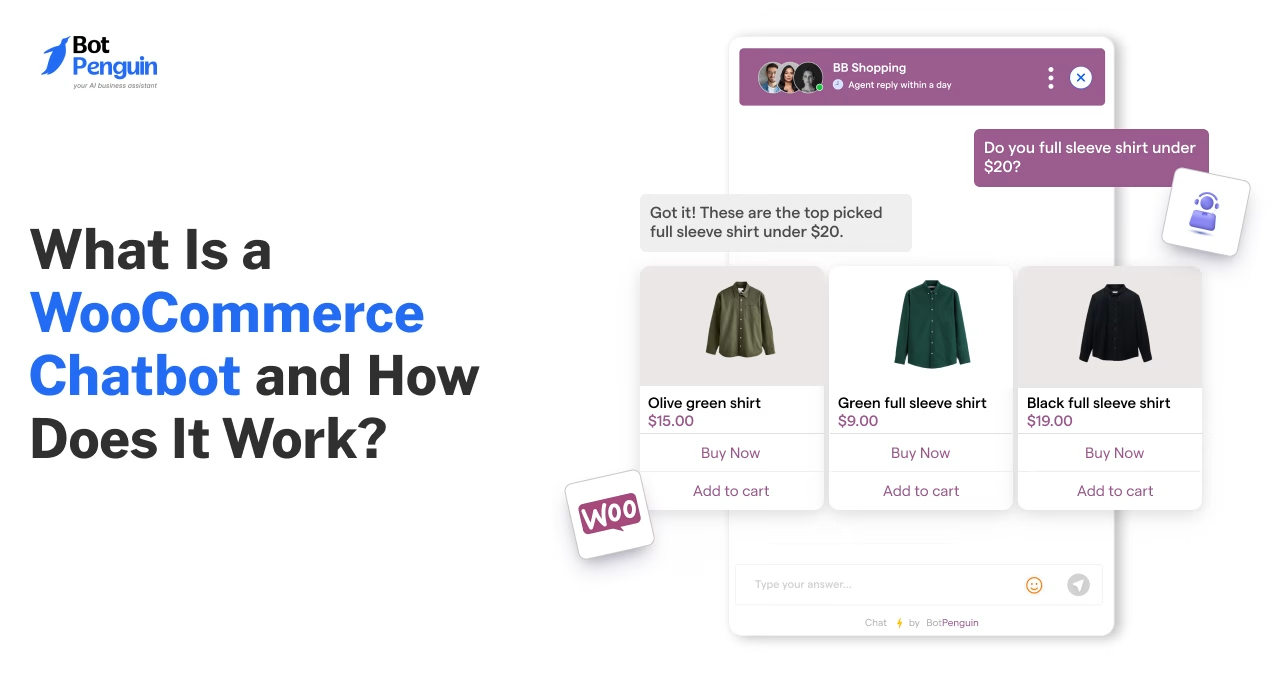
What Is a WooCommerce Chatbot and How Does It Work?
Updated at Oct 24, 2026
12 min to read

Choosing the right WooCommerce chatbot builder starts with five core checks: integration depth, setup, pricing, multi-channel support, and analytics. This guide also covers AI quality, human handoff, and common buying mistakes to help you compare builders with confidence.
You’ve decided your WooCommerce store needs a chatbot. Now comes the harder decision: opting for a builder that delivers.
The WooCommerce chatbot builder you choose shapes what your chatbot can actually do, how well it fits your store, and how much effort it takes to run.
Most chatbot builders look alike on the surface, promising AI, automation, and easy setup. The differences surface the moment you need real product recommendations, order tracking, or a WooCommerce integration that actually holds up.
This guide breaks down five things worth checking before you commit, so you can compare builders with confidence and pick one that scales with your store.
For more background, first understand what a WooCommerce chatbot is and how it works within an online store.
On paper, most WooCommerce chatbot builders look interchangeable: same promises, same buzzwords, same setup screenshots.
The real differences only show up under everyday store conditions: how deep the integration goes, how the AI actually performs, and what the pricing looks like at scale.
“AI-powered”, “WooCommerce-ready”, “set up in minutes”. Nearly every builder uses the same three claims, so the label alone tells you nothing.
The gap only becomes visible once you compare how each one handles a live order, not whether it says it can.
“Integrates with WooCommerce” can mean pulling a product name and price, or it can mean live access to inventory, order status, coupons, and customer accounts.
One lets a customer browse; the other lets them actually check on an order. Most product pages don't say which one you're getting.
When it comes to AI, the real test is whether it answers from your actual catalog and order data or falls back on generic, scripted responses when a question gets specific.
That gap only shows up in a live conversation, not a demo.
The advertised price may not include AI credits, premium integrations, or usage caps, costs that surface only after your chatbot starts handling real volume.
A plan that looks cheapest on the pricing page can become more expensive as your store scales.
A builder that fits a 50-product catalog may not hold up at 5,000, or across a second sales channel.
Migrating chatbot data, flows, and integrations can require significantly more time than choosing with growth in mind now.
These gaps make a clear evaluation checklist more useful than relying on feature labels alone.
BotPenguin is built around practical store needs. It connects WooCommerce to a WhatsApp chatbot through a no-code plugin, sends order and cart-recovery messages automatically, and offers AI you train on your own products and FAQs.
The next section breaks down the five key factors to evaluate before choosing a WooCommerce chatbot builder.
Knowing how to choose a chatbot for WooCommerce starts with five practical checks.
The best WooCommerce chatbot builder is the one that performs well across all five under real store conditions. Here’s where basic tools and serious ones actually diverge:
The comparison gives you a quick overview. The sections below explain why each factor matters and what you should check before committing to a platform.
A WooCommerce chatbot plugin should treat the store connection as a core feature, not an add-on.
It should be able to pull live product data, order status, and stock levels directly into a conversation. Here's what you need to ask before you sign up:
If several answers are “no”, expect a more limited WooCommerce experience.
You can also compare specific WooCommerce chatbot plugins before deciding which integration fits your store.
A store owner should be able to launch this alone. If it needs a developer, an API key, or a support ticket just to get started, it's built for engineers, not for you.
Here's what a genuinely easy setup looks like:
If these basics are missing, setup time and support dependence can grow quickly.
What matters most is how pricing changes as chatbot usage grows during sales, launches, or seasonal peaks. In that case, what you need to check before you choose a plan:
The items below are where the real bill usually hides:
The lowest entry price may not remain the lowest once usage, channels, and integrations increase.
Shoppers don't stay on one channel. A builder that runs the same chatbot logic across your website, WhatsApp, and Instagram means one setup instead of three, and one place to update flows when your catalog changes.
Here's what to check before you assume it's covered:
One dashboard and one flow, that’s what turns three channels into one chatbot instead of three.
A message count tells you activity happened. It doesn't tell you why a chat failed or whether it led to a sale, and that's the number that actually matters.
Here’s what real reporting should show you:
Without this level of detail, you’re tracking that the chatbot exists, not whether it’s working.
A WooCommerce chatbot builder is a long-term investment, not just another plugin. Evaluating these five areas carefully will help you choose a platform that delivers value today and continues to support your store as your needs evolve.
The five core checks cover most buying decisions. The following additional factors separate a WooCommerce chatbot builder that works today from one that holds up over time.
Salesforce's 2025 State of Service report found AI now handles 30% of service cases, expected to hit 50% by 2027.
Together, these checks reveal whether a builder can support your store now and adapt as its needs become more complex.
A demo can look flawless and still fall apart on your actual store. These are the mistakes that surface only after you've already committed.
Demos usually show clean, predictable conversations. Test real customer questions, including vague product queries, coupon requests, and order issues.
Feature pages only tell part of the story. Test the WooCommerce chatbot plugin with your own catalog, support questions, and workflows before committing.
A builder that looks capable in a sales call can still stumble on your specific product mix or return policy.
A chatbot is not completely hands-off. Someone still needs to review failed conversations, update flows, and keep store information accurate.
Some issues need a person. Refunds, complaints, payment problems, and complex orders should move quickly to live support.
The goal is not to automate everything. It is to choose a builder that handles routine work well and knows when to step aside.
Choosing the right platform becomes much easier when you can test these capabilities yourself.
BotPenguin lets you build and try a WooCommerce WhatsApp chatbot without code during a 7-day free trial, so you can test the store connection, your flows, AI answers, and analytics on your own store before you commit.
Choosing a WooCommerce chatbot builder is about more than comparing feature lists. The right platform should fit your store, work reliably with WooCommerce, and continue to support your business as your needs change.
Taking time to evaluate integration quality, ease of setup, pricing, multi-channel support, and analytics can help you avoid costly mistakes later.
Use these five factors as your checklist when comparing different options. A little extra research now can make the difference between a chatbot that simply answers questions and one that delivers lasting value for your store.
Check native WooCommerce integration, setup requirements, pricing limits, channel support, and reporting. These factors show whether the builder can support real store workflows without unexpected technical work or costs.
Not necessarily. Look for a no-code builder with a WooCommerce plugin, visual flow editor, and ready-made templates. Test the setup process before choosing, since technical requirements vary between tools.
Start with a free plan or trial when available. Test your catalog, support queries, and store workflows first. Upgrade only after confirming which features, usage limits, and integrations your store requires. With BotPenguin, the WooCommerce integration is on paid plans, and you can test it first with the 7-day free trial.
Yes, provided the builder supports multiple channels from one dashboard. Check whether the same flows, customer context, catalog data, and reporting can work across your website, WhatsApp, and social channels.
Review resolved conversations, drop-off points, human escalations, add-to-cart actions, and chatbot-influenced sales. Message volume alone shows activity, but it does not reveal whether the chatbot improves customer outcomes.
Test the AI with specific product, stock, coupon, and order questions. Check whether responses come from current store data and whether the bot avoids inventing answers when information is unavailable.
Yes. A suitable builder should transfer complex queries to a live agent without losing chat history. Check where agents receive conversations and whether customers must repeat their information after escalation.
Subscribe to Our Newsletter
Get the latest business insights straight into your inbox.
Checkout our related blogs you will love.
Updated at Oct 24, 2026
12 min to read
Updated at Oct 21, 2026
8 min to read
Updated at Oct 21, 2026
8 min to read
Updated at Oct 12, 2026
12 min to read
Updated at Oct 9, 2026
11 min to read

Updated at Oct 6, 2026
6 min to read
Table of Contents



