


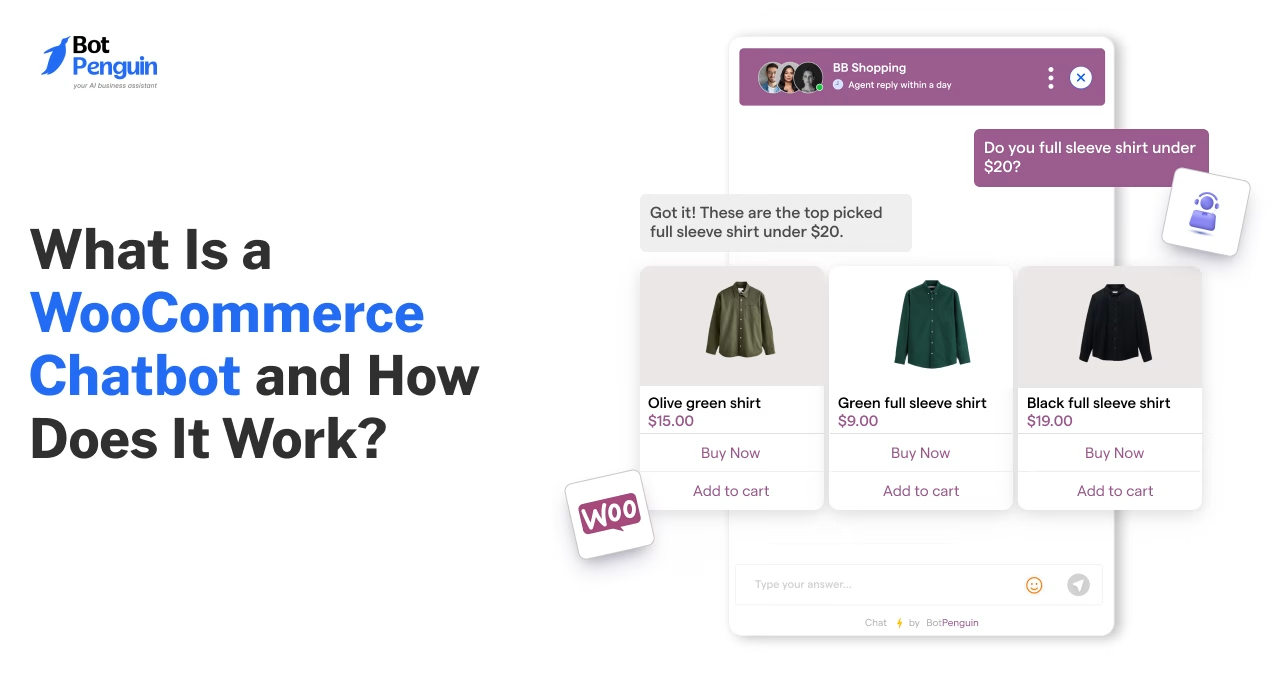
What Is a WooCommerce Chatbot and How Does It Work?
Updated at Oct 24, 2026
12 min to read

BotPenguin, Tidio, and Botsify each offer a different WooCommerce chatbot plugin experience. Their pricing, integration depth, setup process, and multi-channel support vary. Store owners should compare these differences before choosing the option that fits their support, sales, and automation needs.
Choosing the wrong chatbot can lead to additional costs and limited automation.
A WooCommerce chatbot plugin should match your store’s support, sales, and integration needs. For broader context on chatbot capabilities and use cases, review this WooCommerce chatbot guide.
The challenge is that plugin features often look similar at first. Pricing models, setup requirements, WooCommerce access, and supported channels can vary significantly.
This guide compares BotPenguin, Tidio, and Botsify across practical buying factors. You will learn how each option handles installation, ecommerce workflows, multi-channel conversations, and ongoing costs.
The comparison will help you shortlist a plugin based on your store’s actual requirements.
A strong WooCommerce chatbot plugin should connect directly with store data. It should access product details, order status, and customer information.
Setup should also be simple. No-code installation and guided configuration can reduce delays.
Compare each option across these factors:
Channel support matters when customers contact you beyond the website. Check whether the tool supports WhatsApp, Facebook, or Instagram conversations.
Human handover should preserve conversation context. Analytics should also show engagement, response performance, and conversion activity.
For a more in-depth evaluation framework, review our guide to what to look for in a chatbot builder.
These criteria establish the baseline for directly comparing BotPenguin, Tidio, and Botsify.
BotPenguin, Tidio, and Botsify address different ecommerce automation needs. Their main differences involve WooCommerce access, pricing, setup, and supported channels.
(Disclaimer: Pricing, features, integrations, and channel availability were verified as of August 2026. Confirm current details on each provider’s official website before purchase or publication, as plans and features may change.)
The comparisons below explain each plugin’s setup, capabilities, channel coverage, and practical fit.
BotPenguin suits stores needing ecommerce support, sales assistance, and multi-channel automation. It connects WooCommerce workflows with website and WhatsApp conversations.
Setup: Stores install the plugin, activate it, and add the provided API key. They can then connect a WhatsApp bot number.
Channel Support: BotPenguin supports websites and WhatsApp. Its wider platform also supports Instagram, Facebook Messenger, Telegram, Microsoft Teams, and SMS.
Additional Features: Stores can use customer analytics, segmentation, live-agent handover, automated translation, and campaign tools for ongoing customer engagement.
Pricing: A free forever plan is available. Paid plans start at $29 per month.
Tidio suits stores prioritizing live chat and guided customer support. Its WooCommerce integration helps agents assist shoppers without leaving the inbox.
Setup: Stores install Tidio through WordPress, activate the plugin, select a project, and approve WooCommerce read access.
Channel Support: Tidio supports website chat, WhatsApp, Instagram, and Facebook Messenger. It also connects with CRM and marketing tools.
Additional Features: Teams can combine live chat, automation, AI assistance, and conversation management. This supports service-led selling and faster responses across common customer service journeys.
Pricing: Starter costs $24.17 monthly when billed annually, or $29 monthly. Lyro AI requires a separate paid add-on that starts at around $32.50 per month.
Botsify suits agencies and businesses building prompt-based AI agents. Its ecommerce offering focuses on support automation, lead capture, and assisted deployment.
Setup: Businesses can create agents through plain-language prompts. They can also choose managed support for configuration, testing, and deployment.
Channel Support: Botsify supports websites, WhatsApp, Instagram, Messenger, Telegram, SMS, email, and Slack.
WooCommerce Integration: Its official pages promote ecommerce automation. However, they do not list a dedicated WooCommerce connector. Deeper workflows may require APIs or custom development to access store data.
Pricing: A free building option is available. Do-It-Yourself plans start at $49 per month. Higher managed or agency-oriented plans cost more.
These differences show why broader channel support and integration options need to be compared more closely next.
A plugin’s value depends on how well it fits existing store systems. Channel coverage alone does not guarantee useful WooCommerce automation.
The best WooCommerce chatbot builder should balance these capabilities with manageable setup.
BotPenguin offers broad channel support and WooCommerce-focused automation. Tidio combines live chat with access to the store catalog. Botsify may require custom connections for deeper WooCommerce workflows.
Stores should compare integration depth, not only feature counts. A long feature list offers little value when important systems remain disconnected.
The right choice depends on your store’s priorities. BotPenguin, Tidio, and Botsify are commonly compared options. Evaluate WooCommerce access, setup, supported channels, automation features, pricing, analytics, and human handover before choosing a plugin.
Several WooCommerce chatbot plugins offer free plans. These plans usually include basic chat, limited automation, or lower usage limits. Paid tiers typically offer advanced analytics, more conversations, broader channel support, deeper integrations, and greater automation capacity.
Most WooCommerce chatbot plugins use guided or no-code installation. Store owners usually install a plugin, connect an account, approve permissions, and configure conversation flows. Custom integrations may still require developer support when deeper access to store data is needed.
Yes. Some plugins support WhatsApp alongside website chat. BotPenguin connects WooCommerce workflows with website and WhatsApp conversations. Other tools may require separate plans, connectors, or API access, so confirm channel availability before choosing.
Most chatbot plugins can be deactivated and replaced without affecting unrelated WooCommerce data. Export important contacts, conversation records, and automation settings first. Then test the replacement plugin before removing the existing tool from the live store.
The right WooCommerce chatbot plugin depends on your store’s actual requirements.
Compare integration depth, supported channels, setup effort, pricing, and the automation features your team needs. Do not choose based on feature count alone.
A suitable plugin should integrate with store data, support daily workflows, and align with existing customer service processes.
Also consider how easily teams can manage conversations and transfer complex issues. Strong reporting can help measure adoption, response quality, and automation performance.
BotPenguin offers a free plan for stores that want to test WooCommerce automation first. You can get started with BotPenguin.
Subscribe to Our Newsletter
Get the latest business insights straight into your inbox.
Checkout our related blogs you will love.
Updated at Oct 24, 2026
12 min to read
Updated at Oct 21, 2026
12 min to read
Updated at Oct 21, 2026
8 min to read
Updated at Oct 21, 2026
8 min to read
Updated at Oct 12, 2026
12 min to read
Updated at Oct 9, 2026
11 min to read
Table of Contents



