


How to Add a WhatsApp Link to Your Instagram Profile
Updated at Oct 8, 2026
14 min to read
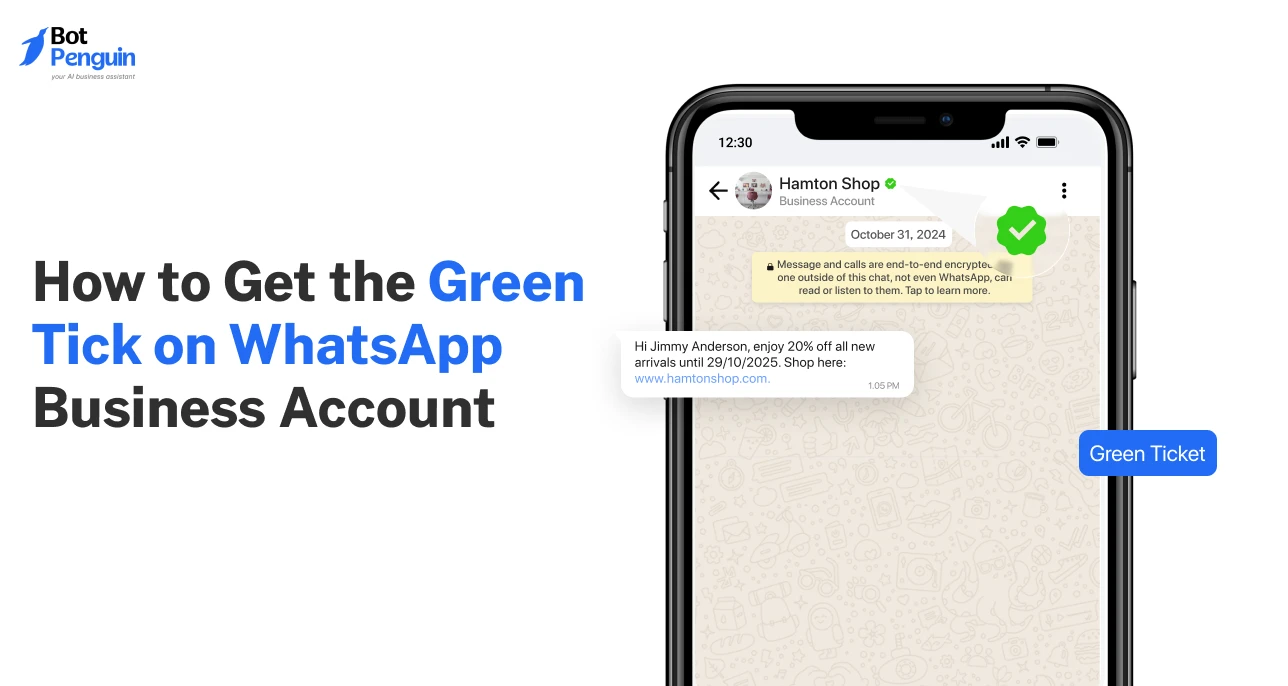
The WhatsApp green tick no longer exists.
For years, it was the mark of authenticity that businesses wanted, but it’s retired. Now, verification shows up as a blue badge.
Besides, getting verified isn’t one-size-fits-all anymore. There are two ways to earn the blue tick. Large, notable brands can apply through the WhatsApp Business API. Smaller businesses can subscribe to Meta Verified in the app.
This guide explains what replaced the WhatsApp green tick, why it matters, and how to get a green tick (now blue tick) on whatsapp today.
The WhatsApp green tick used to be the golden mark for businesses.
If you saw it, you instantly knew the account was real. It wasn’t just a badge—it was WhatsApp’s way of saying, “this brand is verified and trustworthy.” For customers, it built confidence. For businesses, it gave an edge in conversations where trust decides whether a message gets read or ignored.
Picture this: two businesses message you. One shows only a phone number. The other shows its brand name with a green tick on WhatsApp Business.
Which would you trust more? Most people would click on the verified one. That was the power of the badge—it turned ordinary outreach into official communication.
Beyond trust, it simplified recognition. Customers didn’t have to second-guess if the account was fake or spam. The green tick removed doubt and made every message feel secure.
In short, it was more than a small symbol. It represented credibility, authority, and brand authenticity inside WhatsApp.
Here’s the reality: the whatsapp green tick verification process is no longer open.
WhatsApp retired the badge and replaced it with the blue Meta Verified tick. That means no new business can apply for the green tick today.
This change matters. Many still search for the whatsapp verification green tick, but what they’ll actually get now is the blue badge. The function remains the same—signaling trust and identity—but the color and system have evolved.
So, if you’re planning to verify your business today, your target isn’t the green badge anymore. It’s the blue one.
The old tick may be gone, but its role in shaping how businesses earn customer trust hasn’t disappeared.
In fact, it paved the way for the new system. That brings us to the next question.
The green tick changed how businesses were perceived on WhatsApp.
It wasn’t just a mark of identity—it altered customer behavior. A message from a regular account could be ignored, but one from an account with the whatsapp business account green tick often stood out.
The badge also worked as proof of credibility.
In industries where scams were common, like finance or retail, it gave customers a reason to trust the interaction. For brands, it meant fewer barriers when reaching new audiences.
Customers didn’t have to question if the message was fake; the tick answered that upfront.
Although the green tick for WhatsApp Business has now been replaced with the blue Meta Verified badge, the benefits remain unchanged.
The tick still acts as a shortcut to trust, and today it’s more widely available through Meta’s subscription model.
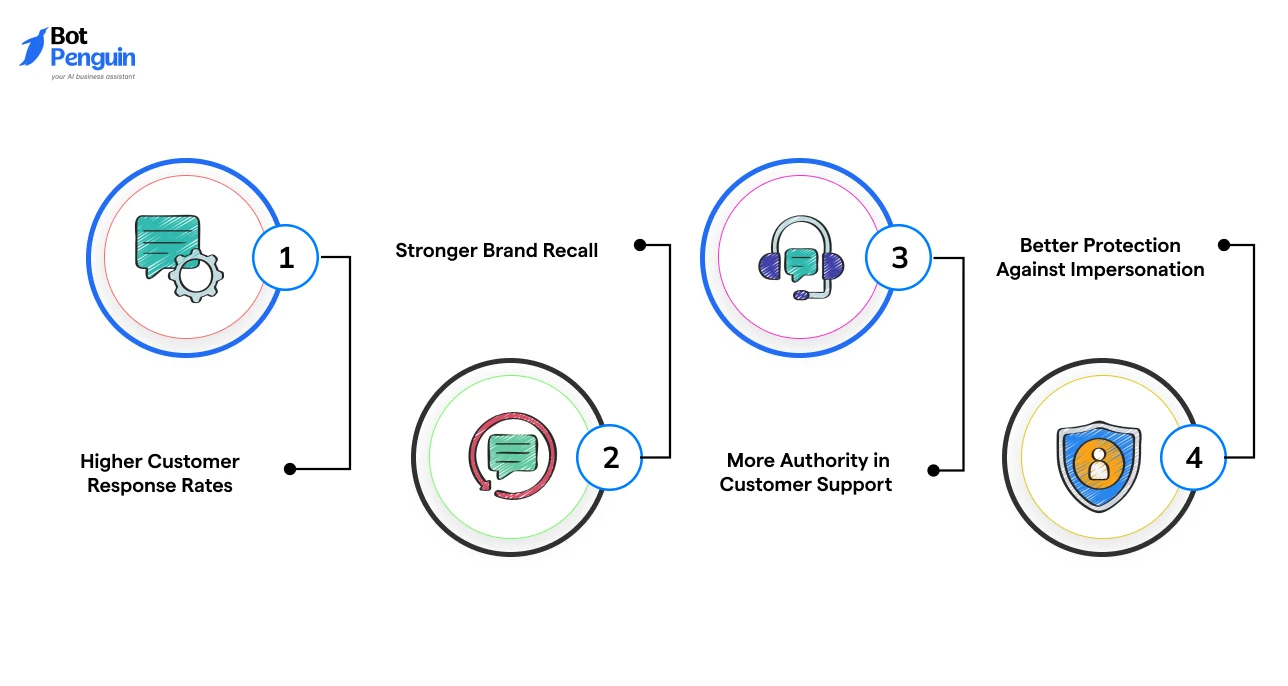
The whatsapp official business account green tick brought practical business value.
For example, a logistics company with the tick could instantly reassure a customer about delivery issues without being mistaken for a scammer.
These same advantages now live on with the blue badge, but the access model has shifted.
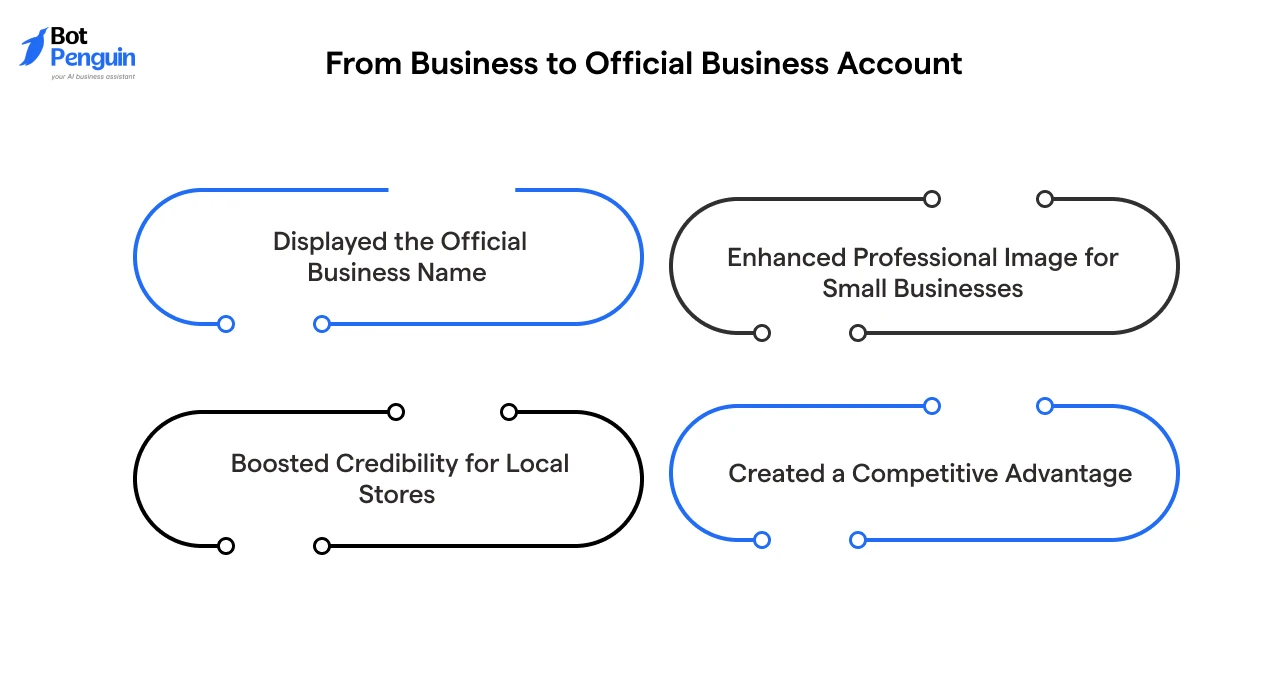
Verification wasn’t cosmetic. The whatsapp business green tick verification changed an account’s status.
A local travel agency, once overlooked, could now appear as a reliable brand simply because of that badge. Today, the blue tick on whatsapp takes over this role, ensuring even small businesses can project legitimacy.
But getting verified requires meeting specific conditions.
There are certain eligibility criteria every business must meet before earning the blue Meta Verified badge. There are two ways to meet these requirements.
Larger brands that operate at scale often opt for the API route, while small and medium-sized businesses can subscribe to Meta Verified directly within the app. The specifics can vary depending on the chosen verification path.
Let’s examine the basic requirements first, and then explore the two routes businesses can take to get verified.
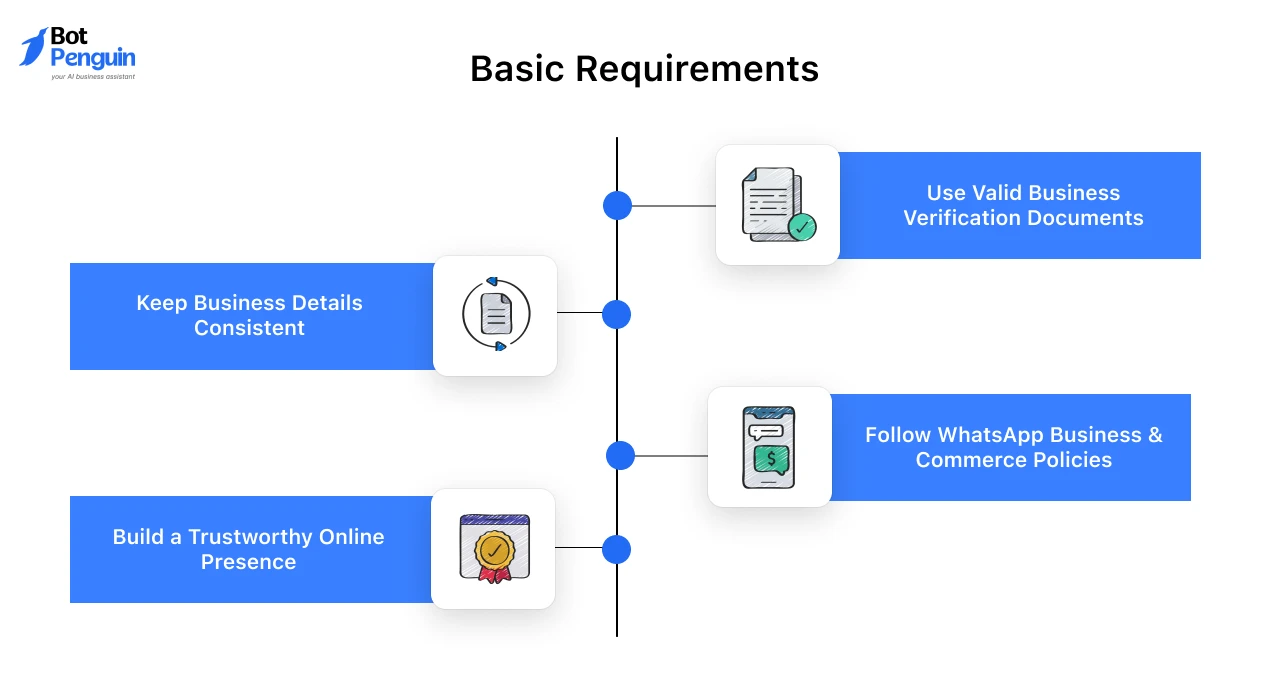
Every business—no matter which route it chooses—has to meet some basic standards. These rules ensure that verification is given only to genuine brands.
For example, if a local clothing brand wants to verify its WhatsApp account, the account name must match its store name. Any mismatch could lead to rejection.
That’s why businesses researching how to verify a WhatsApp business account with a green tick should know that the same principles now apply to the blue badge.
The API route was once the only way to get the green tick. It’s still available, but now grants the blue badge to larger, notable brands. To qualify, businesses must:
On the other hand, the Meta Verified path is simpler. Any small or medium-sized business can subscribe from inside the app. They need:
This distinction highlights how WhatsApp Business API green tick requirements were stricter, whereas WhatsApp Business green tick verification today is more accessible with Meta Verified.
Verification has shifted from an exclusive badge for big brands to something available for businesses of all sizes. But eligibility alone isn’t enough.
You’ll need to follow the right process to actually get approved. Next, let’s walk through the process of getting verified on WhatsApp.
Knowing the eligibility rules is one thing. Actually applying is where most businesses get stuck.
The process can feel unclear, especially since WhatsApp has changed how verification works over time.
To simplify the process, let’s break down the exact steps you need to follow. We’ll review the requirements for using the API and explain how the Meta Verified subscription works within the WhatsApp Business app.
By the end, you’ll have a clear path to the verified blue tick.
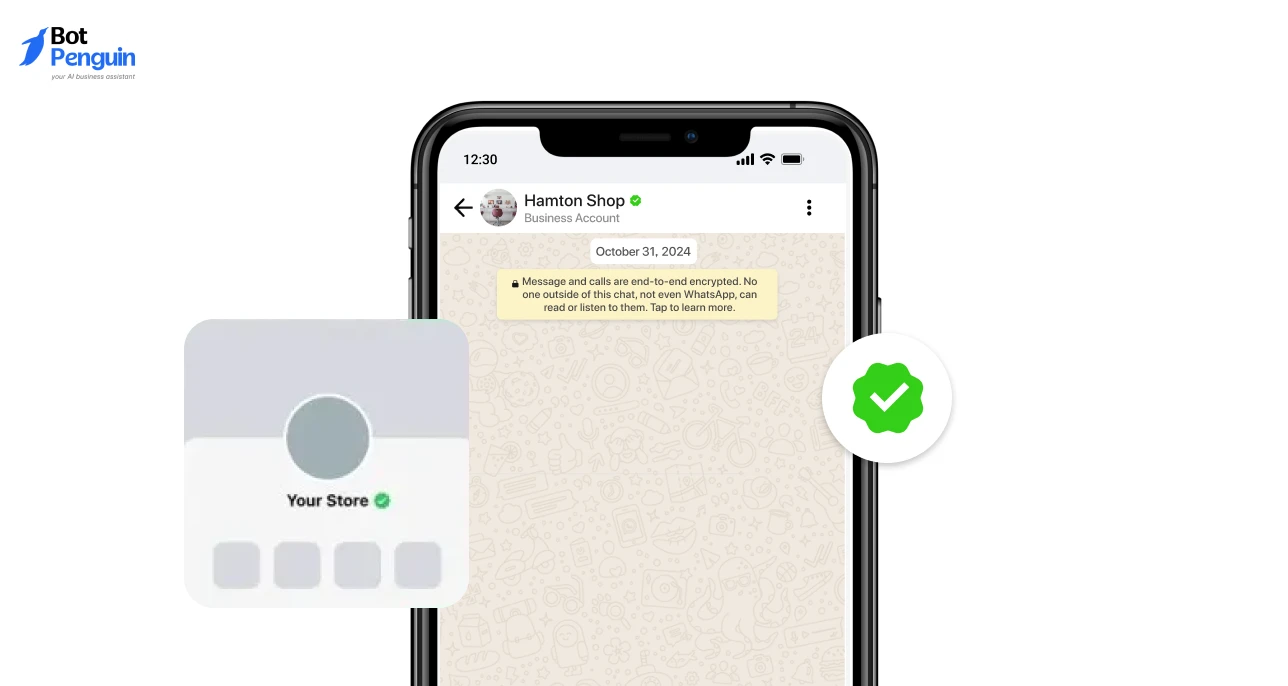
The API path was the original way businesses earned the old green tick. Today, the process grants the blue badge but still follows strict rules.
To apply for an Official Business Account, you must use the WhatsApp Business API, which is often accessed through a Business Solution Provider (BSP).
A BSP is a trusted third-party partner approved by Meta. They help businesses connect their WhatsApp numbers to the API, manage large-scale messaging, and handle technical setup.
Here’s how it works in practice:
Once approved, WhatsApp upgrades your account to “Official Business Account.” That’s when your business name replaces the phone number in chats, paired with the verified blue tick.
This route is best suited for larger companies, enterprises, or well-known brands.

The second option is newer and more accessible.
With the Meta Verified program, businesses can now apply for verification directly through the WhatsApp Business app. Unlike the old whatsapp green tick verification process, this doesn’t require API access or brand notability.
Steps are simple:
Within days, your account is reviewed. Once approved, you’ll see the blue verified badge next to your business name.
This route is ideal for small and medium-sized businesses that want instant credibility without going through a complex API onboarding process.
Regardless of the route you choose, you must complete a review step. This is where Meta checks your documents and confirms your brand identity.
After approval, your profile officially shows the badge.
The verification process is straightforward once you know the steps. But timelines, checks, and approvals vary depending on the path you take.
In the next section, let’s look closely at how the WhatsApp verification process works from start to finish.
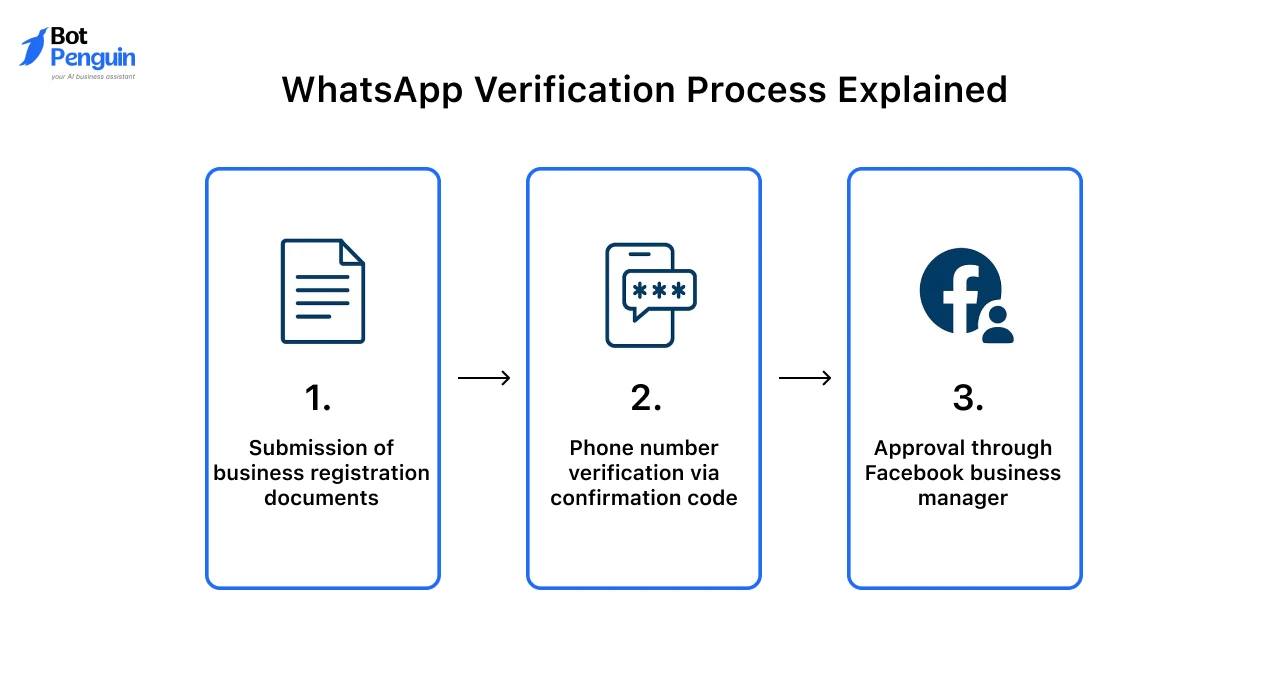
By now, you know there are two ways to earn the verified badge on WhatsApp. But what actually happens after you apply?
Many businesses worry about how long it will take and whether they’ll get approved. That’s because the process isn’t the same for everyone.
The API route involves more checks and a longer timeline, while the app-based Meta Verified subscription is quicker. Both end with the same outcome—a blue tick that replaced the old whatsapp business verification green tick.
Let’s break it down.
The timeline depends on your chosen path.
This streamlined whatsapp green tick verification process reflects how Meta is making verification more accessible, especially for small businesses.
Still, both routes require accurate details and compliance with WhatsApp policies to pass.
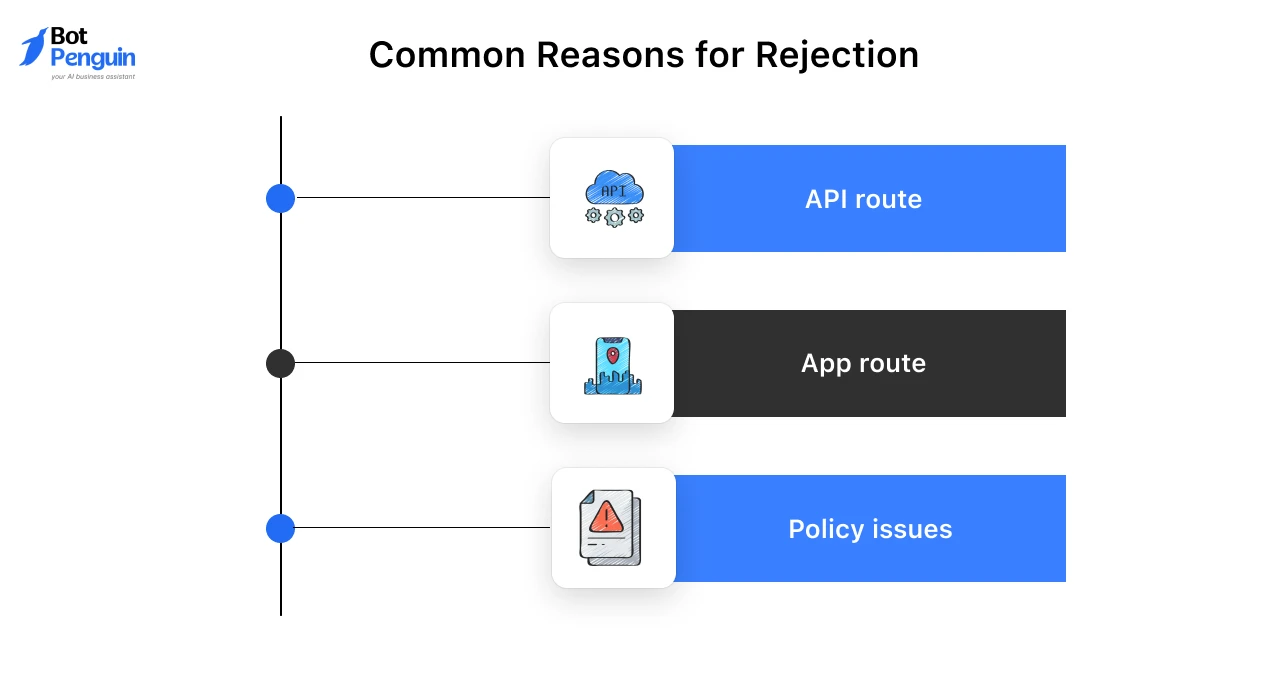
Not every application is approved. Businesses can face rejection if their details don’t match or if they fall short of Meta’s standards.
So if you’re asking, “How can I get a green tick on WhatsApp Business without delays?”—the answer is simple: prepare your documents, ensure your brand identity is consistent, and follow guidelines carefully.
Getting verified is no longer about chasing the whatsapp verification green tick. It’s about navigating the updated system smoothly. Once you know what to expect, the process feels less intimidating.
Now that you understand the timelines and possible hurdles, the next big question is:
This is one of the most frequently asked questions by business owners.
The reality is simple: the green tick on whatsapp has been phased out. You can no longer apply for it, and there’s no free trick to get verified.
That doesn’t mean all paths were paid. Under the old API system, there wasn’t a direct fee for the badge. But there were still costs.
Businesses had to work with a Business Solution Provider (BSP) to access the API. That came with setup charges, monthly usage costs, and messaging fees. So while the tick itself didn’t carry a price tag, getting it was never truly free.
Today, with the Meta Verified program, the process is different. Now, businesses on the WhatsApp Business app can subscribe to get the blue badge. This involves a monthly payment along with an identity check. Unlike before, there’s no way around the subscription.
In short, verification has always required an investment—whether in API costs before or in a subscription today.
So, if you’re still searching for a free path to the green tick on WhatsApp, it’s time to reset your expectations. The badge has evolved into Meta’s blue verified tick, and that comes with its own pricing model.
Up next, let’s clear the air on how the old green tick compares to today’s blue badge on WhatsApp.
The green tick once marked trusted businesses on WhatsApp. Now, it has been replaced by the blue Meta Verified badge. Both symbols build trust, but the way to get them is different.
Here’s a quick comparison:
The WhatsApp green tick may be gone, but the blue badge carries the same weight.
In fact, the blue Meta Verified badge has opened the door for wider access.
Businesses can now secure verification through either the API route or the Meta Verified subscription, making official recognition more flexible than ever.
This guide walked you through the journey of the WhatsApp green tick—what it was, why it mattered, and how it shaped customer trust.
We then explored how it has now been replaced by the blue Meta Verified badge, available through two routes: the API path for notable brands and the subscription model inside the WhatsApp Business app for everyday businesses.
If you came here searching for how to get green tick on WhatsApp, you now know that the old green tick verification process has been discontinued. However, the blue badge continues to play its role, granting businesses authority, visibility, and credibility.
The choice comes down to your size and resources. Larger companies may still use the API route, while small and medium businesses can subscribe directly in-app.
If your goal is to build stronger trust on WhatsApp, the next step is simple—get verified and make your brand official.
Technically, yes. A brand with API access may also subscribe to Meta Verified for additional benefits, including support and protection.
However, most businesses opt for the route that best suits their size, resources, and communication needs.
You’ll be notified of the reasons for rejection. Common causes include a mismatched ID, an unsupported country, or policy violations. Businesses can correct the issues and reapply.
The system is built to encourage legitimate verification, not block it permanently.
Yes. Businesses can move to the API route if they scale and need advanced features.
The transition requires fresh verification, Meta Business approval, and setup through a Business Solution Provider. It’s possible, but not automatic—you’ll need to restart parts of the process.
Yes. The badge is tied to the subscription. If you cancel, your account will remain active, but it will lose its verified status.
Customers will no longer see the badge beside your name, which may impact trust and visibility in chats and calls.
Yes. Each number requires its own verification. For API users, the brand’s notability may only need to be checked once.
Still, every WhatsApp number must be individually approved to display the badge, ensuring authenticity across different contact points of the same business.
Yes. If your business violates WhatsApp’s rules after being verified, the badge can be removed. Meta monitors compliance regularly.
Serious policy breaches, misleading details, or fraudulent activity can all lead to losing the blue badge. Verification depends on ongoing compliance, not just initial approval.
Verified? Now Automate WhatsApp
After verification, make every message count. Automate responses, handle scale, and deliver faster customer experiences.
Watch DemoCheckout our related blogs you will love.
Updated at Oct 8, 2026
14 min to read
Updated at Oct 6, 2026
13 min to read
Updated at Sep 26, 2026
10 min to read
Updated at Sep 25, 2026
16 min to read

Updated at Sep 25, 2026
15 min to read

Updated at Sep 25, 2026
6 min to read
Table of Contents


