



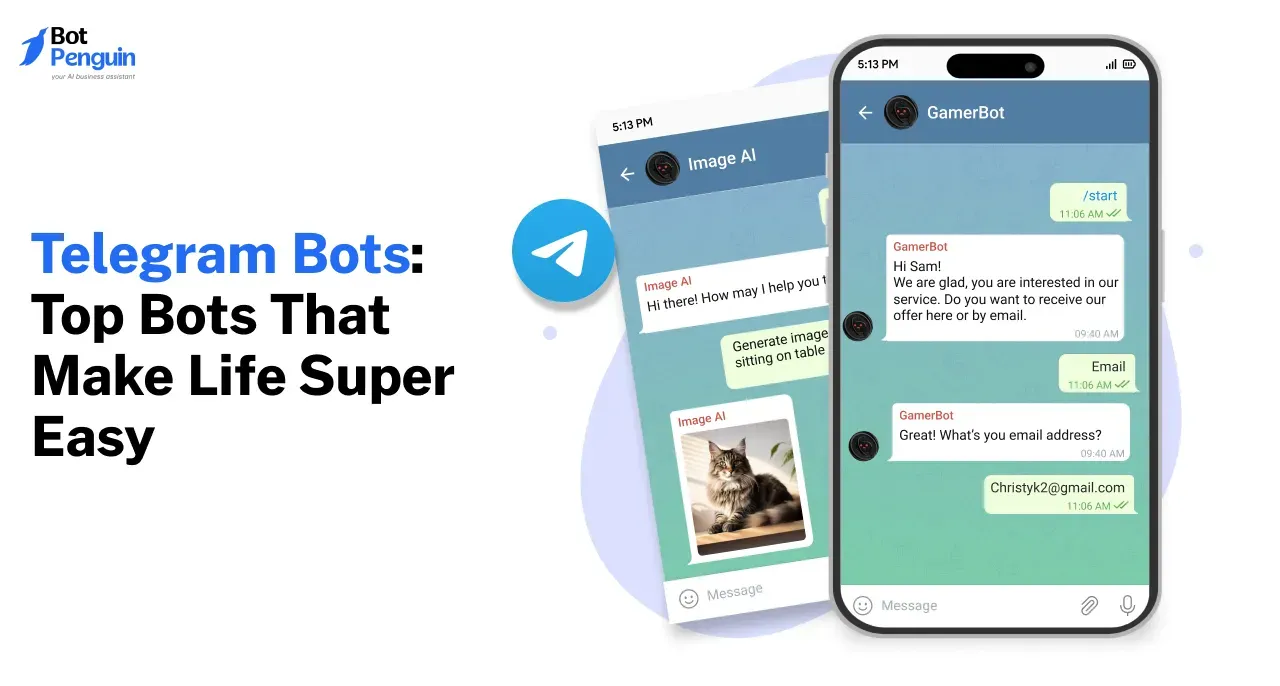
Telegram Bots: Top 8 Bots That Make Life Super Easy
Updated at Nov 20, 2026
9 min to read

Updated On Nov 18, 2026
9 min to read

To deploy a Telegram bot, you need more than a working conversation flow. Your bot must stay online, respond reliably, and be accessible to the right audience.
You may have already created a bot, but without proper hosting and configuration, users could face delayed responses or failed interactions. Even a functioning bot delivers little value if nobody knows where to access it.
If you haven't created one yet, build a Telegram bot without coding before proceeding.
This guide covers six steps, from choosing hosting and configuring BotFather to promoting your bot and tracking performance.
Deploying a Telegram bot means making it available to receive messages, process requests, and respond to users whenever they need assistance.
Unlike a regular Telegram account, a bot operates through software. If you're unfamiliar with its functionality, read what a Telegram bot is and why businesses use one.
Successful deployment involves three essential components:
Hosting: Your bot's software must run on a reliable server or hosted platform. This keeps it available to process incoming messages and send responses.
Public Profile: Configure a recognizable name, profile picture, description, and command list. These details help users identify the bot and understand its purpose.
Accessibility: Share the bot's t.me link so users can open it directly and start a conversation.
All three components matter. A properly hosted bot may function perfectly, but without a clear profile and accessible link, customers may never interact with it.
Before deploying your Telegram bot, ensure it can handle real conversations and complete its intended tasks. Users should understand its purpose, navigate easily, and receive relevant responses without confusion.
Identify your target audience and the specific problem your bot will solve.
For example, a business offering consultations might use a Telegram bot to answer service questions and help users book appointments.
Review support tickets, community discussions, and sales inquiries to identify the five most common customer questions. Prioritize these before adding more features.
Define one primary objective, such as generating leads, answering support questions, or scheduling appointments.
Then select measurable KPIs to evaluate performance.
Record baseline figures before launch so you can compare results after deployment.
Keep messages brief and provide clear actions instead of lengthy instructions.
For additional guidance, review these tips for keeping a Telegram AI chatbot engaging.
Telegram provides several features that make bot interactions easier.
/start begins a conversation, while /help explains available functions.Configure these controls around your bot's primary purpose. Ensure users can return to the main menu when needed.
(Source: Telegram Bot Features)
To deploy a Telegram bot, you need a reliable hosting environment that keeps its software running and processes incoming messages.
You can manage the hosting yourself or use a no-code platform that handles the infrastructure. The right choice depends on your technical resources, customization needs, and budget.
Self-hosting means running your bot's code on your own server or cloud infrastructure.
Developers connect the application to Telegram through the Telegram Bot API, which handles communication between Telegram and the bot's backend.
Self-hosting requires you to:
This approach provides greater control over custom functionality. However, your team must manage server availability, maintenance, and troubleshooting.
Telegram supports two methods for receiving bot updates.
A Telegram bot webhook requires a publicly accessible HTTPS endpoint.
Telegram does not allow polling and webhooks to receive updates simultaneously. Developers must select one method based on their hosting environment.
Businesses without development resources can use a hosted platform to avoid managing servers.
BotPenguin's Telegram chatbot builder provides a no-code environment for creating and managing Telegram chatbots.
You can connect your Telegram bot using its BotFather token, while BotPenguin manages the hosting infrastructure.
This removes the need to maintain a separate server for standard chatbot deployment. However, customization remains limited to the platform's supported capabilities.
Review BotPenguin pricing to compare available plans.
Self-hosting suits businesses needing custom backend control. Hosted platforms are more practical for teams prioritizing deployment without server management.
Before promoting your Telegram bot, complete its public profile using BotFather. A recognizable profile helps users understand who operates the bot and what they can expect from it.
Follow these six steps to prepare your profile:
Bot name and username: Choose a recognizable name that reflects your business. Keep the username easy to remember and share.
Profile picture: Upload your business logo or a relevant image so users can recognize your bot.
Description: Explain what the bot does and which tasks it can help users complete.
About text: Add a short summary of the bot's purpose. Telegram displays this information on its profile.
Command list: Configure useful commands such as /start for beginning conversations and /help for accessing assistance.
Testing: Open the bot's public profile, review its details, and test the initial conversation.
An incomplete or unclear profile can make an otherwise functional bot appear unreliable. Review every element before sharing its link.
Once your bot is running, users need a clear way to access it. Effective promotion starts with making the bot visible where your existing audience already communicates.
Focus on relevant channels and explain the specific benefit users receive when they start a conversation.
Telegram assigns bots a public link in the format https://t.me/YourBotUsername. Users can open this link to access the bot directly.
Share it through relevant customer touchpoints:
Explain what the bot offers instead of simply asking users to click.
For additional ideas, review these ways to use a Telegram chatbot for marketing.
Telegram supports deep links containing a start parameter, such as https://t.me/YourBotUsername?start=website.
Developers can use different parameters for campaigns, emails, or website placements. When users open these links and start the bot, the parameters can help identify their entry source.
Deep-link tracking requires the bot's backend to process start parameters. Check whether your chosen hosting platform supports this functionality before using it to measure campaign performance.
Introduce the bot within Telegram communities where its functionality is relevant.
Share a short explanation in your channel and pin the introductory post for new subscribers.
Where group rules permit, introduce the bot with a specific use case, such as booking consultations or answering common questions.
Avoid repeated promotional messages. Give members a clear reason to interact with the bot.
After deployment, focus on helping users complete tasks and giving them reasons to return. Relevant responses, useful updates, and reliable support encourage continued interaction.
Structured conversation flows work well for predictable tasks, but users may ask questions outside predefined options.
AI models such as ChatGPT, Gemini, Claude, DeepSeek, and OpenRouter can help process these requests using natural language processing.
Use structured flows for fixed tasks and AI responses for questions requiring flexible language understanding.
Telegram broadcasts help businesses communicate updates to subscribers who have opted to receive messages.
Use them for:
Keep messages purposeful and avoid excessive broadcasts that could discourage engagement.
Not every inquiry can be resolved through automation.
When the bot cannot answer a question, explain the limitation and provide a clear route to human assistance.
This may include sharing a support contact or directing users to an available representative.
Integrations help extend your bot's functionality beyond basic conversations.
BotPenguin supports Telegram integrations with SimplyBook, Notion, Dropbox, Zapier, and Pabbly.
Zapier requires the King plan, while Pabbly is available from the Little plan onward.
Choose integrations based on the tasks your bot needs to complete rather than connecting unnecessary tools.
Telegram bot deployment requires ongoing testing to ensure the bot remains available, responds correctly, and helps users complete their intended tasks.
Review its performance after launch to identify technical problems and conversation flows that need improvement.
Test the start command: Confirm /start opens the correct welcome message and main menu.
Check availability: Send messages after periods of inactivity to confirm the bot responds correctly.
Review conversation flows: Test buttons, menus, commands, and human assistance instructions.
Record activity: Track bot starts, completed conversations, and unresolved inquiries.
Identify recurring problems: Review failed interactions, customer feedback, and technical errors.
Make improvements: Update responses or workflows and retest the affected conversations.
Record these metrics using available reporting tools or a tracking sheet.
Compare results regularly to identify improvements and evaluate your Telegram bot deployment.
To deploy a Telegram bot successfully, you need more than a working conversation flow. Start by preparing the bot for real users and choosing a reliable hosting method.
Complete its BotFather profile, test the conversation flows, and share the public link where your audience is active. Once launched, monitor user activity, completion rates, and recurring issues to improve performance.
Self-hosting offers greater technical control but requires ongoing server maintenance. For businesses without development resources, BotPenguin's Telegram chatbot builder provides a no-code alternative that handles hosting infrastructure.
Start with a clear purpose, measure results, and improve your bot based on user feedback.
To deploy a Telegram bot, create it using BotFather and obtain its API token. Choose between self-hosting and a hosted no-code platform. Configure the bot's name, description, and commands. Test its responses and conversation flows before sharing its public t.me link with your audience.
You need a server or cloud environment if you manage the bot's code yourself. Hosted no-code platforms such as BotPenguin handle the infrastructure for you. Free Telegram bot hosting services may also be available, but some impose limits on uptime, usage, or computing resources.
Polling repeatedly requests updates from Telegram and is generally easier to configure for development. Webhooks send updates to your HTTPS endpoint and are commonly used for production deployments. Telegram supports only one method at a time. Hosted no-code platforms typically manage this configuration automatically.
To promote your Telegram bot, share its t.me link on your website, social media profiles, email campaigns, and relevant Telegram channels. Pin an introductory message in your channel and share the bot in groups where promotion is permitted. Explain what users can accomplish when they press Start.
Deployment time depends on your hosting method, technical requirements, and conversation complexity. Connecting a bot through a hosted platform generally requires less infrastructure setup than self-hosting. Additional time may be needed to configure commands, test conversation flows, verify integrations, and resolve errors before launch.
Subscribe to Our Newsletter
Get the latest business insights straight into your inbox.
Checkout our related blogs you will love.
Updated at Nov 20, 2026
9 min to read
Updated at Nov 4, 2026
13 min to read

Updated at Nov 2, 2026
10 min to read
Updated at Oct 15, 2026
7 min to read

Updated at May 22, 2026
7 min to read
Updated at Nov 19, 2026
10 min to read
Table of Contents

