



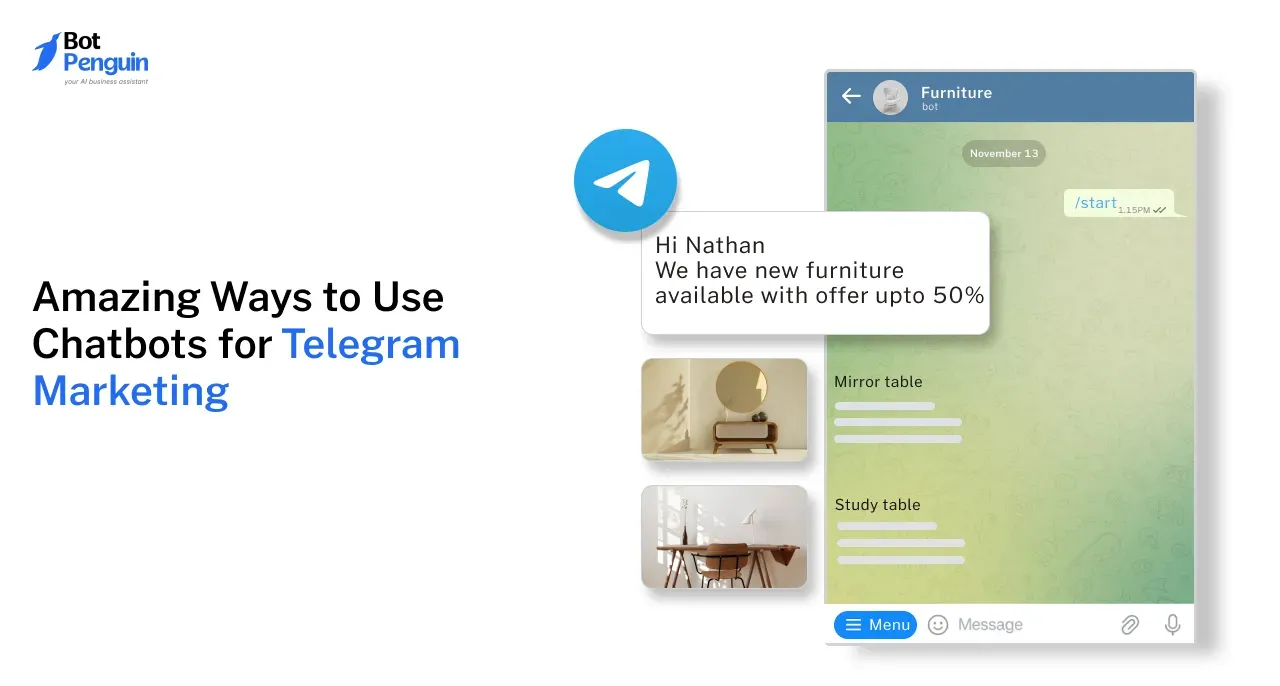
Telegram Marketing with Chatbots: 7 Ways to Turn Followers into Leads
Updated at Nov 21, 2026
7 min to read

Updated On Nov 20, 2026
9 min to read

The most useful Telegram bots include BotFather for creating bots, BotList Bot for finding bots, Skeddy for reminders, AirTrack for flight alerts, Rose for group moderation, Voicy for voice-to-text, Dr.Web for malware checks, File Converter for file conversions, and DropMail for temporary email addresses. These bots were checked on Telegram in October 2026.
Finding the right Telegram bot shouldn't take hours.
Yet many bot lists recommend inactive tools, outdated features, or bots that don't do what they promise. You end up testing multiple options just to complete one simple task.
Whether you need reminders, flight alerts, file conversion, or group moderation, choosing the right bot makes a difference.
This Telegram bot list covers useful bots, their exact usernames, key features, and practical use cases. You'll also learn how to use them safely and create your own Telegram bot for business.
Telegram bots are automated accounts that perform tasks and respond to users within the Telegram messaging app. They can answer questions, send reminders, share information, and manage group conversations.
Users interact with bots through messages, commands like /start and /help, or buttons in the chat menu.
Developers create bots using BotFather, Telegram's official bot-management tool. BotFather provides an API token that connects the bot to the Telegram Bot API.
However, receiving an API token does not make a bot official. Most Telegram bots are independently developed by individuals or businesses.
Businesses can also build Telegram chatbots using no-code tools like BotPenguin.
If you're planning to create your own bot, our Telegram chatbot guide explains the setup process and how to get started.
Telegram bots fall into different categories based on their functions. Here are six common types and what they help users accomplish.
Productivity Bots: Set reminders, organize tasks, and manage schedules. Skeddy, for example, sends task reminders directly through Telegram.
Information Bots: Provide news, weather updates, and travel information. AirTrack helps users monitor flight prices and receive fare alerts.
Utility Bots: Perform tasks such as file conversion, voice transcription, and malware scanning. Examples include File Converter, Voicy, and Dr.Web.
Group Moderation Bots: Help administrators filter spam, enforce group rules, and manage warnings or bans. Rose is one example.
AI Bots: Use large language models (LLMs) to understand questions and generate responses. Unlike rule-based bots, they can handle varied questions and follow-up messages. Avoid sharing sensitive information with unfamiliar AI bots.
Business Bots: Answer customer questions, collect leads, handle appointment requests, and transfer conversations to human agents when needed.
Telegram is a messaging app with over 1 billion monthly active users as of March 2025 (Source: TechCrunch, 2025).
Beyond personal messaging, Telegram supports groups, channels, and automated bots for everyday tasks and business communication.
Here are some key features of Telegram:
Cross-device access: Available on Android, iOS, Windows, macOS, Linux, and web browsers.
Interactive buttons: Bots can display buttons that help users select options without typing commands.
Inline search: Supported bots can provide results directly within Telegram conversations.
Mini Apps: Developers can create interactive web-based experiences that open inside Telegram.
Payment support: Telegram's Bot API supports payments through supported providers and Telegram Stars for eligible transactions.
These features allow developers to build bots for information sharing, productivity, customer communication, and other practical tasks.
Using a Telegram bot takes only a few steps. You can start directly from the Telegram app without installing additional software.
Search for the bot: Open Telegram's search bar and enter the exact username, such as @SkeddyBot. Check the username before opening the account.
Press Start: Open the bot's chat and tap Start. This usually sends the /start command to begin the conversation.
Use commands or buttons: Follow the bot's instructions. Enter commands such as /help or select options from its menu.
Add the bot to a group: If the bot supports group functions, add it through your group's settings. Grant only the permissions it needs.
Stop or block the bot: Open the bot's profile to block it when you no longer need it. Remove group permissions separately if applicable.
Before using unfamiliar bots, avoid sharing passwords, payment details, or sensitive documents.
Telegram bots help users complete routine tasks and manage conversations without switching between multiple applications.
These capabilities make Telegram bots useful for individuals, community administrators, and businesses handling repetitive conversations.
You can find Telegram bots through the app's search function, bot directories, or curated lists. Here are three ways to get started.
Safety Tip: Always verify usernames before starting a bot. Copycat accounts may request passwords, personal information, or suspicious payments. Avoid sharing sensitive details with unfamiliar bots.
This Telegram bot list features tools for reminders, flight alerts, file conversion, group moderation, and everyday tasks.
The bots were checked in October 2026 for their usernames, availability, and advertised features. However, bot functionality can change, so confirm each bot responds before relying on it.
BotFather is Telegram's official tool for creating and managing bots. Developers use it to register new bots and configure their settings.
Key features:
BotFather is the starting point for anyone building a Telegram bot. However, creating a bot through BotFather does not automatically make it an official Telegram bot.
BotList Bot helps users discover Telegram bots through a categorized directory. It connects to the @BotList channel, which shares bots for different purposes.
Key features:
For example, typing @BotListBot music in a chat can display music-related bot recommendations.
Skeddy is a reminder bot that helps users remember tasks, appointments, and important activities without leaving Telegram.
Key features:
Skeddy is useful for students, professionals, and anyone managing recurring personal tasks.
AirTrack helps travelers search for flights and monitor ticket prices. Users can check routes and receive alerts when fares change.
Key features:
AirTrack is useful for travelers who want to compare fares before booking flights.
Rose is a Telegram group moderation bot that helps administrators manage communities and enforce group rules.
Key features:
Rose is particularly useful for large Telegram communities that need consistent moderation.
Voicy converts voice messages into text, helping users read audio content when listening is inconvenient.
Key features:
Voicy can help users review spoken information without replaying entire recordings. Availability and free-use limits may vary.
Dr.Web is a security bot that checks files and links for potential malware. It provides an additional screening option within Telegram.
Key features:
Dr.Web can provide an additional security check, but no malware scanner guarantees complete protection.
File Converter helps users change file formats directly within Telegram. It supports common media conversion tasks.
Key features:
File Converter is useful when you need a quick format change without opening separate conversion software.
DropMail provides temporary email addresses for users who need a disposable inbox.
Key features:
DropMail is useful for temporary signups and testing. Avoid using disposable inboxes for important accounts or sensitive information.
Telegram bots offer practical benefits for individuals, community administrators, and businesses. They help manage conversations, deliver information, and perform routine tasks within Telegram.
Telegram is free to download and use. Anyone can create a bot through BotFather without paying a registration fee.
However, developing and maintaining a bot may involve additional costs. Businesses might pay for hosting, AI models, chatbot builders, or advanced automation features.
Telegram channels, groups, and bots serve different purposes.
For example, a business can publish updates through a channel and answer questions using a bot. A moderation bot can also help manage discussions in its community group.
Telegram works on Android, iOS, Windows, macOS, Linux, and web browsers.
Users can access their Telegram conversations across multiple devices. Cloud-based chats and bot conversations synchronize when users sign in to the same account.
This makes Telegram bots accessible whether someone is working on a computer or using a smartphone.
Yes, Telegram's Bot API supports payments through supported payment providers. Telegram Stars also enables payments for eligible digital goods and services.
However, BotPenguin's Telegram chatbots do not currently support payments. Businesses cannot use this integration to collect payments directly within Telegram conversations.
For businesses requiring in-chat payment functionality, BotPenguin offers payment capabilities through its WhatsApp chatbot.
Telegram bots are not limited to reminders, file conversion, or group moderation. Businesses can also use them to answer customer questions, capture leads, and manage conversations.
BotPenguin provides a no-code Telegram chatbot builder for creating and managing business chatbots.
With BotPenguin, you can:
BotPenguin also offers integrations and additional automation features. Availability depends on the selected plan and whether the integration supports Telegram.
BotPenguin offers a free plan and paid options for businesses with additional requirements.
The right Telegram bot depends on what you need to accomplish. Skeddy helps with reminders, Voicy transcribes voice messages, and File Converter handles common file formats. Rose is useful for group moderation, while AirTrack helps travelers monitor flight prices.
Before using any bot, verify its username, review its permissions, and avoid sharing sensitive information with unfamiliar accounts.
Businesses can go beyond these ready-made tools by creating chatbots for customer communication and lead capture.
With BotPenguin, you can build your own Telegram chatbot without coding and manage conversations from one place.
Telegram bots are software-operated accounts that perform automated tasks within Telegram. They respond to messages, commands, and interactive buttons. Depending on their functions, bots can provide reminders, share information, moderate groups, or answer customer questions.
The best Telegram bot depends on your requirements. Skeddy works well for reminders, Voicy handles voice transcription, and Rose supports group moderation. BotFather is useful for creating bots, while Dr.Web helps check files and links for potential threats.
Open Telegram and search for the bot's exact username. You can also browse directories such as @BotListBot or the @BotList channel. Before starting a bot, verify its username and watch for copycat accounts requesting sensitive information.
Yes. You can create a Telegram bot through BotFather and connect it to the Telegram Bot API. Developers can build custom functionality using code. Businesses can also use no-code tools like BotPenguin to create automated conversations.
Telegram bots can be useful, but their safety depends on the developer and requested permissions. Avoid sharing passwords, verification codes, or confidential documents. Review group permissions carefully, verify bot usernames, and block suspicious accounts.
Yes. Telegram bots work across supported mobile, desktop, and web versions of Telegram. Users can access bot conversations from different devices when signed in to the same account. Some bot features may depend on the client or device.
Popular Telegram bot use cases include task reminders, flight alerts, file conversion, voice transcription, and group moderation. Businesses also use Telegram bots to answer customer questions, capture leads, and manage routine conversations.
Subscribe to Our Newsletter
Get the latest business insights straight into your inbox.
Checkout our related blogs you will love.
Updated at Nov 21, 2026
7 min to read

Updated at Nov 21, 2026
10 min to read
Updated at Nov 18, 2026
9 min to read
Updated at Nov 4, 2026
13 min to read
Updated at May 22, 2026
7 min to read

Updated at Nov 19, 2026
10 min to read
Table of Contents

