


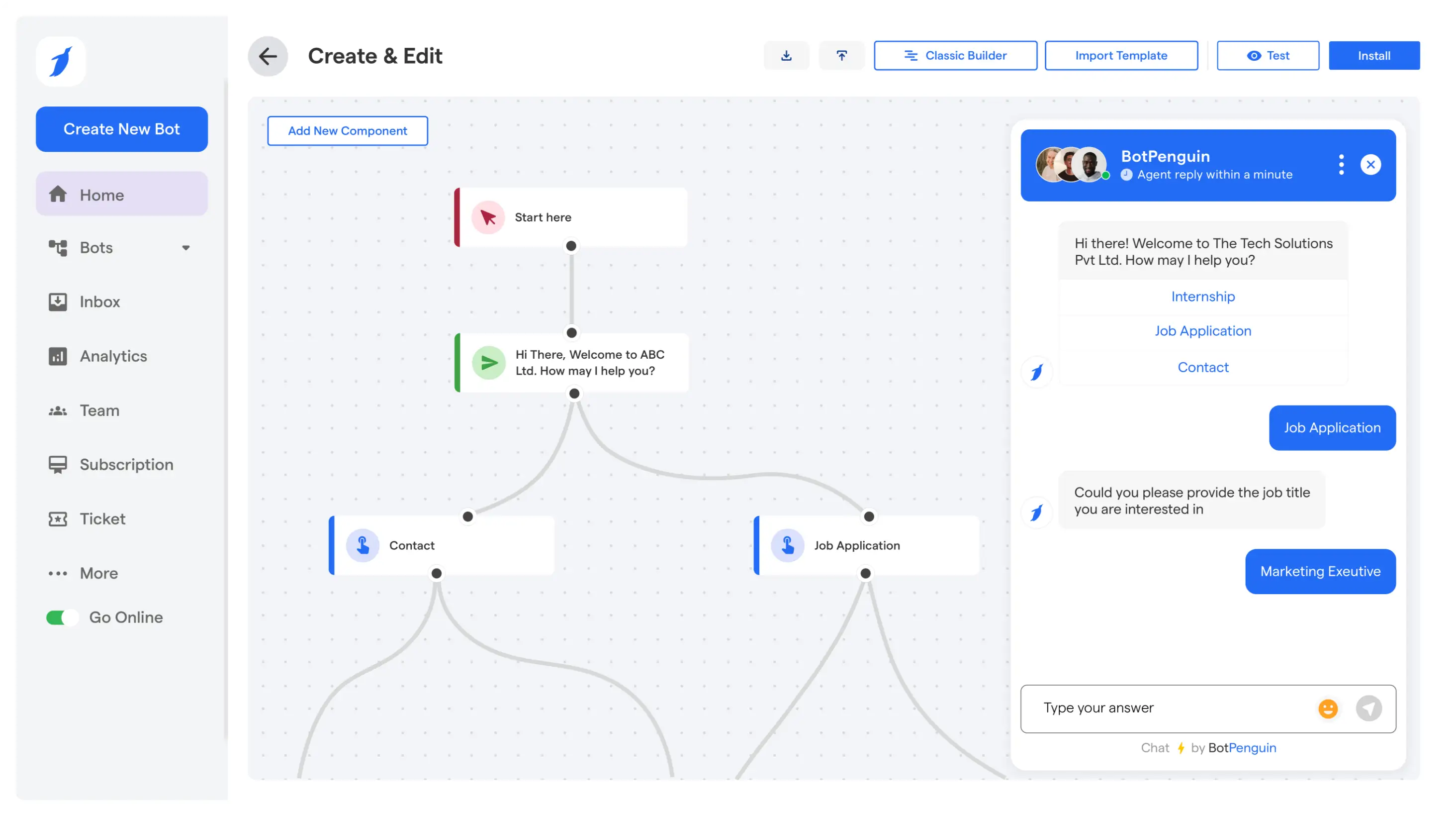

Shopify Customer Service Chatbot: How It Improves Support
Updated at Oct 16, 2026
15 min to read

Shopify marketing automation can fail even when every tool works.
Messages still miss when they arrive late or ignore shopper intent.
A Shopify chatbot adds a conversational layer using product views, cart activity, and customer questions. It can send relevant offers, re-engagement messages, and campaign updates while customers are still active.
For the wider picture across support, orders, and operations, read our Shopify automation guide.
Fixed campaigns follow a schedule. Conversational automation responds to current shopper actions. It uses defined triggers, conditions, and customer replies to decide what message should appear next.
Each automated conversation begins with a specific customer action. Common triggers include:
• Product views: A shopper repeatedly visits a product page without purchasing.
• Cart activity: A customer adds an item but leaves before checkout.
• Customer segments: New visitors, repeat buyers, and inactive customers receive different messages.
• Direct questions: Queries about price, stock, delivery, or payment can open relevant conversation flows.
These triggers help a Shopify chatbot respond according to customer intent rather than a fixed schedule.
Conditional branches determine what happens after each customer reply.
• A sizing concern opens the size guide.
• A delivery question shows estimated arrival details.
• A payment issue displays available payment methods.
• A complex request moves to a live agent with the previous chat context.
This structure prevents customers from receiving irrelevant answers or repeating information.
Every flow also needs clear stopping rules.
• Exit conditions end the conversation when help is declined.
• Purchase suppression stops cart reminders after checkout.
• Unsubscribe rules prevent future promotional messages.
• Agent handoff rules stop automated replies once a human joins.
Consider a customer who leaves running shoes in the cart. The chatbot asks whether sizing, delivery, or payment caused the delay. Their answer opens the correct response. The flow ends after purchase.
Email supports detailed campaigns. SMS handles urgent updates. Chatbots manage active customer conversations. Together, they support wider Shopify automation across different stages.
Triggers decide when a conversation begins. Personalization decides what the shopper sees next. The goal is to use current behavior and clear intent to guide each response.
Browsing signals help the chatbot narrow choices without overwhelming the shopper. It can respond to repeated product views, category activity, and direct questions.
• Repeated views: Trigger a short comparison between similar products.
• Viewed categories: Shape recommendations around the shopper’s current interest.
• Size or color questions: Open available options immediately.
• Product comparison requests: Show differences in price, features, or use.
An AI chatbot for Shopify should keep every suggestion relevant to the current session.
Cart messages should solve the reason behind hesitation before offering an incentive. The chatbot can ask what is blocking checkout and respond directly.
• Remind shoppers which items remain in the cart.
• Answer concerns about size, fit, quality, or compatibility.
• Clarify shipping cost, delivery time, and return terms.
• Delay discounts until the shopper shows price resistance.
This protects profit margins and keeps the conversation useful.
Past purchases can support timely messages when the product creates another need. The chatbot can use order history to guide these recommendations.
• Send replenishment reminders for consumable items.
• Suggest compatible accessories for previous purchases.
• Share product care instructions after delivery.
• Update customers about loyalty points or available rewards.
Each message should match the product cycle and customer history.
Personalization needs clear limits. Use only data that improves the current conversation and avoid exposing sensitive customer details.
• Let customers stop promotional messages at any time.
• Avoid referencing private information inside visible chat messages.
• Test every branch before publishing the flow.
• Confirm that completed purchases stop unnecessary recommendations.
These controls make personalization more accurate and less intrusive.
To review these flows in practice, see BotPenguin’s Shopify chatbot and choose the right use case for your store.
Personalization becomes useful when it brings shoppers back at the right moment. Re-engagement works best when each message follows a clear action, solves a specific concern, and stops after a response or purchase.
Repeated product views show interest, but they do not explain hesitation. A chatbot can offer:
• Size or fit information
• Delivery estimates
• Product comparisons
• Availability updates
The message should support a decision, not pressure the shopper.
A Shopify chatbot can reference the saved product and ask what prevented checkout. For the full setup, see our guide to Shopify abandoned cart automation.
The response path can then:
• Answer questions about price, fit, quality, or returns
• Clarify shipping cost and delivery time
• Return the customer to the saved cart
• Stop reminders after purchase
This keeps the campaign relevant and prevents repeated messages after conversion.
Customers can request an alert through chat when a product is unavailable. The chatbot records the request and sends an update after inventory changes.
The message should include the product name, selected option, current availability, and a direct route to the product page.
Timing should match how the product is used.
• Consumable products may need replenishment reminders
• Durable products may need accessories, care guidance, or support
• Loyalty members may receive relevant reward updates
The reminder should reflect purchase history without revealing unnecessary data.
Track actions that show whether the campaign helped:
• Replies
• Product clicks
• Returned sessions
• Completed carts
• Opt-outs
• Agent handoffs
Compare results by trigger and message path. Remove weak steps and improve confusing branches.
BotPenguin can help you build re-engagement flows around shopper behavior and clear stopping rules.
Re-engagement works better when each channel has a clear role. Email supports planned communication. Chatbots respond when shoppers return, ask questions, or need help before buying.
Email works best when the message needs space, detail, or scheduled delivery. It supports:
• Newsletters with product updates and brand news
• Detailed product education and buying guides
• Receipts and order confirmations
• Long nurture campaigns based on customer interest
• Scheduled promotions for launches and seasonal offers
These messages give customers time to read and return when ready.
A Shopify chatbot supports moments that require an immediate response or action. It can handle:
• Questions about products, stock, size, or delivery
• Two-way conversations based on customer replies
• Product guidance during active browsing
• Preference collection for better recommendations
• Cart support before checkout
• Real-time actions such as opening a product or saved cart
The conversation can also move to an agent when the request needs human support.
A connected Shopify automation flow can use both channels without repeating the same promotion.
• An email introduces a product category.
• The customer returns to the Shopify store.
• The chatbot answers product questions.
• It guides the customer toward the right item or checkout.
• Customer actions update future email campaigns.
Suppression rules should stop duplicate messages. A customer who completes a purchase should not receive cart reminders. Someone who declines an offer should not see it again through chat.
For a deeper look at coordinated email workflows, automate your email marketing too.
Use each channel for the moment it handles best, then connect the customer actions behind them.
A useful chatbot starts with one clear purpose. Define the action you want customers to take, then build each trigger, response, and measurement around that outcome.
Start with one campaign instead of automating every customer interaction at once.
• Product discovery
• Cart recovery
• Lead capture
• Repeat purchases
• Back in stock alerts
A focused goal makes the flow easier to test and improve.
Choose the customer action that should start the conversation.
• Product view
• Cart activity
• Customer message
• Completed purchase
• Inactivity period
The trigger should reflect clear intent rather than general website activity.
Plan every possible path before building your Shopify chatbot.
Include:
• Opening message
• Customer response options
• Conditional branches
• Exit points
• Agent handoff
• Unsubscribe option
Each response should move the customer toward a useful next step.
Connect only the information required for the campaign.
• Product data
• Inventory data
• Cart information
• Order information
• Customer segments
Limited data access keeps the flow easier to manage and reduces unnecessary exposure.
Test the flow from different customer positions.
• New visitor
• Returning customer
• Completed order
• Empty cart
• Unavailable product
• Failed trigger
• Agent handoff
Confirm that purchase and unsubscribe actions stop future messages.
Track results after the flow becomes active.
• Replies
• Clicks
• Purchases
• Handovers
• Opt-outs
• Broken conversation paths
Review each branch separately. Improve unclear messages and remove steps that customers ignore.
This approach keeps Shopify automation focused on customer actions instead of message volume.
A chatbot can send personalized offers, reminders, and product guidance based on customer actions. It can respond during active shopping sessions, support email campaigns, and guide shoppers toward checkout. This creates real-time conversations that address questions when purchase intent is still active.
Yes. A chatbot can start messages automatically after inactivity, repeated product views, or unfinished carts. Consent rules should define who can receive each message. Stopping conditions must end the campaign after purchase, opt-out, or customer response. This prevents unnecessary follow-ups.
No. Email works well for newsletters, receipts, detailed education, and scheduled campaigns. Chatbots handle immediate questions, product guidance, and active shopping decisions. Both channels should share customer actions and suppression rules so shoppers receive useful messages without seeing the same promotion repeatedly.
Yes. It can use recently viewed products, category activity, cart contents, and approved customer data to shape relevant offers. The message should match current interest rather than expose private details. Customers should also have a clear option to stop promotional conversations.
Most tools offer no-code flow builders to create triggers, conditions, responses, and stop rules. Merchants should begin with one campaign, such as cart recovery. Test every branch before launch, including purchases, failed triggers, opt-outs, and transfers from the Shopify chatbot to an agent.
Conversational automation works best when it responds to clear customer actions. It should answer questions, guide purchase decisions, and stop once the customer completes the next step.
Shopify marketing automation should combine chatbots with email and SMS. Each channel supports a different moment. Email handles detailed campaigns. SMS works for urgent updates. A Shopify chatbot manages active conversations during browsing and checkout.
Start with one focused campaign, such as cart recovery or product discovery. Measure replies, clicks, purchases, opt-outs, and agent handovers. Review weak steps before adding more flows.
This approach keeps each message relevant and easier to improve.
Turn Shopify Conversations Into More Sales
Use BotPenguin to automate product guidance, cart recovery, and customer follow-ups through one Shopify chatbot.
Start With BotPenguinCheckout our related blogs you will love.
Updated at Oct 16, 2026
15 min to read
Updated at Oct 15, 2026
15 min to read
Updated at Oct 14, 2026
7 min to read
Updated at Oct 13, 2026
9 min to read
Updated at Oct 13, 2026
11 min to read
Updated at Oct 13, 2026
8 min to read
Table of Contents



