



Shopify Customer Service Chatbot: How It Improves Support
Updated at Oct 16, 2026
15 min to read
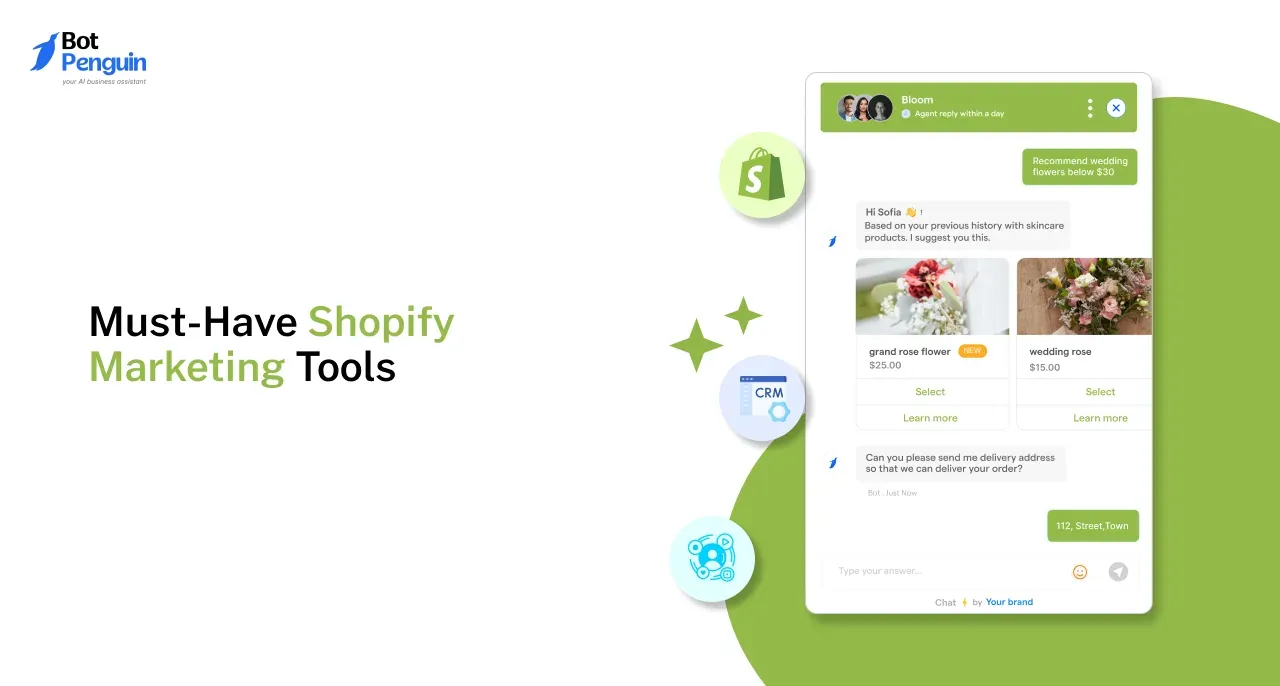
Choosing Shopify marketing tools becomes difficult when several products promise similar results. A useful Shopify automation stack should solve clear marketing problems without repeating the same functions.
A practical stack usually supports:
Merchants do not need every tool available in the Shopify App Store. They need connected tools that address current gaps and produce measurable value.
For a broader view of how these workflows fit together, see the full Shopify automation guide.
Start with essential categories. Add specialist tools only when traffic, customer expectations, or campaign complexity create a clear requirement.
Email supports planned communication throughout the customer relationship. It helps merchants reach subscribers before a purchase and continue communication after an order.
Shopify email automation should connect customer actions with relevant messages. The selected tool should also reduce manual campaign work without making reporting harder to manage.
A suitable email tool should cover the main messages customers expect from an online store.
Essential capabilities include:
These functions help merchants communicate with customers at relevant moments. However, each message should have a clear purpose.
Sending more emails does not automatically improve campaign performance.
Shopify currently provides marketing tools for building email and SMS campaigns using templates. Its marketing automation tools can also connect customer actions with automated messages. (Shopify,2026)
The right option depends on store size, contact volume, campaign complexity, and available setup time.
Merchants should compare:
Shopify Messaging provides a native option for merchants who want campaign creation inside Shopify. Shopify also offers customer segmentation for grouping shoppers and sending targeted messages. (Shopify, 2024)
Klaviyo connects Shopify customer, product, and order data with segmentation, email campaigns, and prepared automations. Omnisend also syncs Shopify customers, products, and orders for targeted email and SMS communication. (Klaviyo,2024)
Merchants needing detailed workflow guidance can set up email automation properly through the dedicated guide.
Email works well for planned communication. However, customers often need immediate answers while browsing products, comparing options, or checking an existing order.
A chatbot for Shopify covers these real-time moments. It can support visitors while maintaining access to human help when a question needs personal attention.
Chatbots are useful when response delays could interrupt a sale or create unnecessary support work.
They can help merchants:
A shopper may ask whether an item is available in a particular size. A chatbot can provide an immediate answer or collect the question for an agent.
This support is different from email. Email continues the conversation over time. Chatbots assist customers while they are actively browsing or seeking help.
Merchants planning deeper conversational campaigns can go deeper on chatbot marketing automation.
Chatbot tools vary in their integration controls, knowledge sources, and human support options.
Merchants should assess:
Product access matters because outdated information can create poor recommendations. Human handover is also important because some payment, return, or delivery concerns need direct assistance.
BotPenguin is one option for Shopify merchants evaluating automated sales and support conversations. Its e-commerce offering includes product catalog support, order tracking, cart recovery, and live customer assistance. (BotPenguin)
Merchants can see BotPenguin's Shopify chatbot and compare its capabilities with their store requirements.
SMS and push notifications help merchants deliver messages that require faster attention. They should support email and chatbot communication rather than repeat every campaign across another channel.
These tools are most useful for:
SMS requires clear customer consent. Merchants should also control message frequency because unnecessary texts can lead to unsubscribes and customer complaints.
Push notifications can reach customers who have accepted browser or application alerts. They may suit stores with regular product releases or repeat-purchase activity.
A suitable SMS or push tool should provide:
Some email tools also include SMS capabilities. Klaviyo supports email and SMS campaigns through its Shopify integration. Omnisend also combines Shopify data with email and SMS communication. (Klaviyo)
Review existing tools before buying another product. A separate SMS tool may be unnecessary when the current email product already supports the required campaigns and compliance controls.
Marketing tools create activity. Analytics show whether that activity produces useful outcomes.
Merchants need reporting that connects campaigns with sales, customer acquisition, repeat purchases, and long-term value.
Without this connection, teams may increase spending without understanding what actually works.
Shopify reporting is a practical starting point for smaller stores.
Merchants can use native information to review:
Native reporting may answer the most important early questions. These include which traffic sources generate orders and which campaigns bring visitors back.
A smaller store may not need a separate attribution product immediately. Adding one too early can increase cost and reporting complexity without improving decisions.
Report availability may depend on the Shopify subscription and current product configuration. Confirm required reports before selecting a plan.
A dedicated analytics product becomes useful when native reporting cannot explain complex campaign performance.
Merchants may need deeper analysis when they manage:
A store running paid search, social advertising, email, and affiliate campaigns may struggle to identify which channel influenced a purchase.
Dedicated attribution can help compare these interactions. However, merchants should define the question before purchasing another reporting tool.
Merchants should compare analytics tools based on decision quality rather than dashboard quantity.
Important criteria include:
The attribution model should match the store's sales process. A simple model may suit short purchase cycles.
Longer customer journeys may require more detailed analysis.
Start with Shopify reporting. Add another tool when a specific reporting limitation prevents confident budget or campaign decisions.
A larger tool stack does not guarantee stronger marketing performance. Each additional product creates another subscription, integration, and reporting system to manage.
Merchants should adopt tools in a clear sequence. This keeps spending connected to real business requirements.
A practical adoption order is:
This order covers essential communication and measurement before adding specialist products.
A new store may begin with email, native reporting, and basic customer support. A growing store can add conversational automation when question volume starts delaying responses.
SMS becomes more useful when the store has customer consent and a clear need for immediate communication.
Before purchasing another product, merchants should review what their current systems already provide.
Check:
Several products may offer email forms, segmentation, reporting, and customer messaging. Paying for the same function twice can increase costs without improving customer experience.
Create a simple list of each tool and its primary purpose. Remove or replace products that no longer solve a distinct problem.
A new tool should address a measurable marketing or operational issue.
Suitable reasons may include:
Popularity alone is not a sufficient reason to add software. The expected outcome should be clear before installation.
Start with email automation for planned communication. Add chatbot support for immediate questions and Shopify analytics for performance tracking.
SMS, push notifications, and dedicated attribution tools can follow when traffic, campaign volume, and reporting requirements become more complex.
Many stores benefit from both because they support different moments.
Email manages scheduled campaigns and behavior-based communication. Chatbots answer immediate questions, support product discovery, collect leads, and connect shoppers with agents.
Free tools or entry plans may cover basic requirements for smaller stores.
Review contact limits, sending limits, integrations, reporting access, branding restrictions, and automation controls before deciding whether a free option remains suitable.
Begin with Shopify native reporting and list the questions it cannot answer.
Consider a dedicated tool when you need clearer attribution, campaign profitability, customer lifetime value, cohort reporting, or combined performance data across several channels.
Not necessarily. Establish reliable email, customer support, and consent processes first.
Add SMS when immediate communication provides clear customer value, such as urgent order updates, back-in-stock alerts, or time-sensitive campaigns.
A useful Shopify marketing stack covers essential needs without creating unnecessary complexity.
Begin with email for planned communication, chatbot support for real-time conversations, and native analytics for performance tracking. Add SMS, push notifications, and advanced attribution when a clear need appears.
Shopify automation works best when every tool has a defined purpose. Review existing capabilities before increasing software spending.
Ready to complete your stack with conversational support?
Subscribe to Our Newsletter
Get the latest business insights straight into your inbox.
Checkout our related blogs you will love.
Updated at Oct 16, 2026
15 min to read

Updated at Oct 15, 2026
15 min to read
Updated at Oct 14, 2026
7 min to read
Updated at Oct 13, 2026
9 min to read
Updated at Oct 13, 2026
11 min to read
Updated at Oct 13, 2026
8 min to read
Table of Contents



