


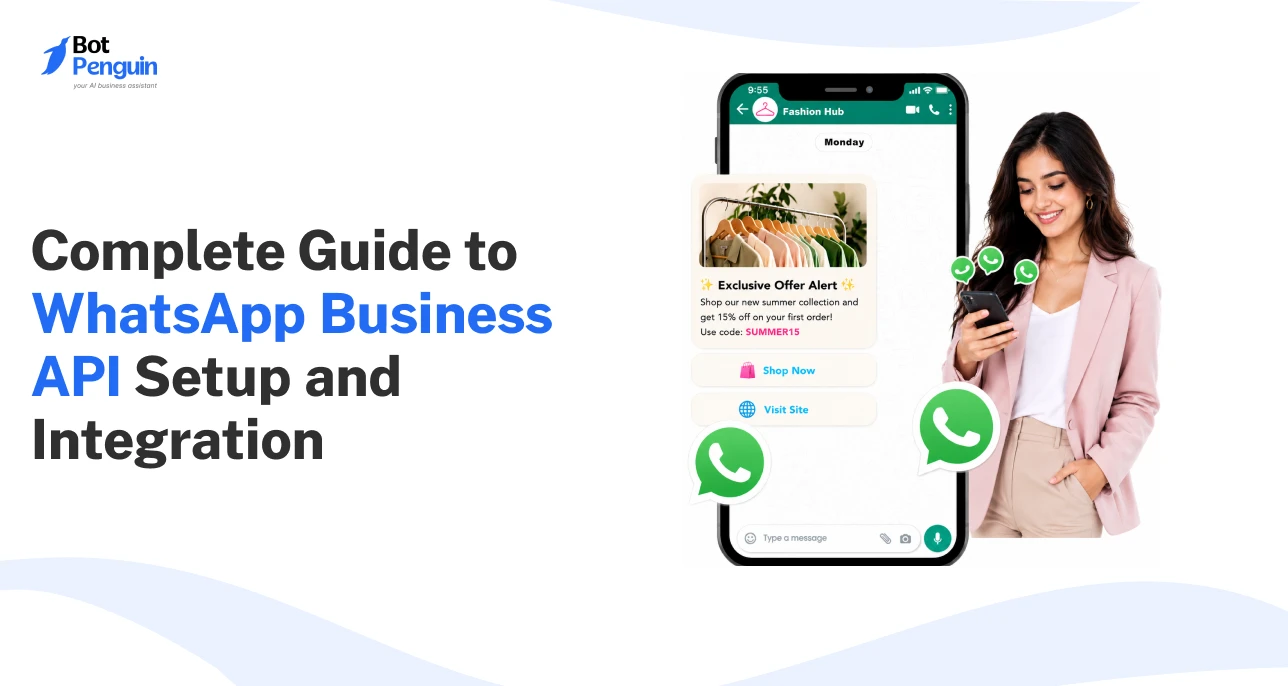
Complete Guide to WhatsApp Business API Setup and Integration
Updated at Oct 5, 2026
11 min to read
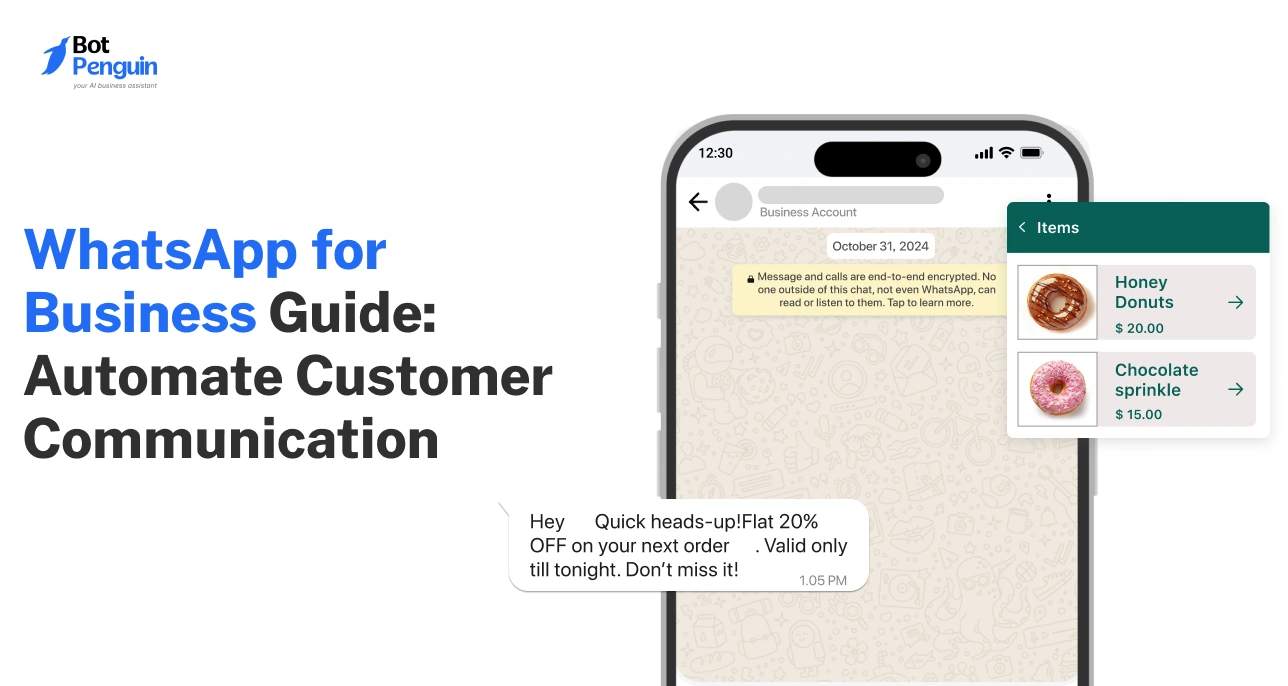
WhatsApp is no longer just an app.
For most customers, opening WhatsApp feels more natural than checking email or visiting a website. Conversations happen faster. Expectations are higher.
And businesses are starting to catch up.
WhatsApp for business is not just about sending messages. It’s about showing up where your customers already are and making communication effortless.
In this guide, you’ll learn what WhatsApp for business is and how to use it to simplify conversations, automate responses, and scale customer communication without adding complexity.
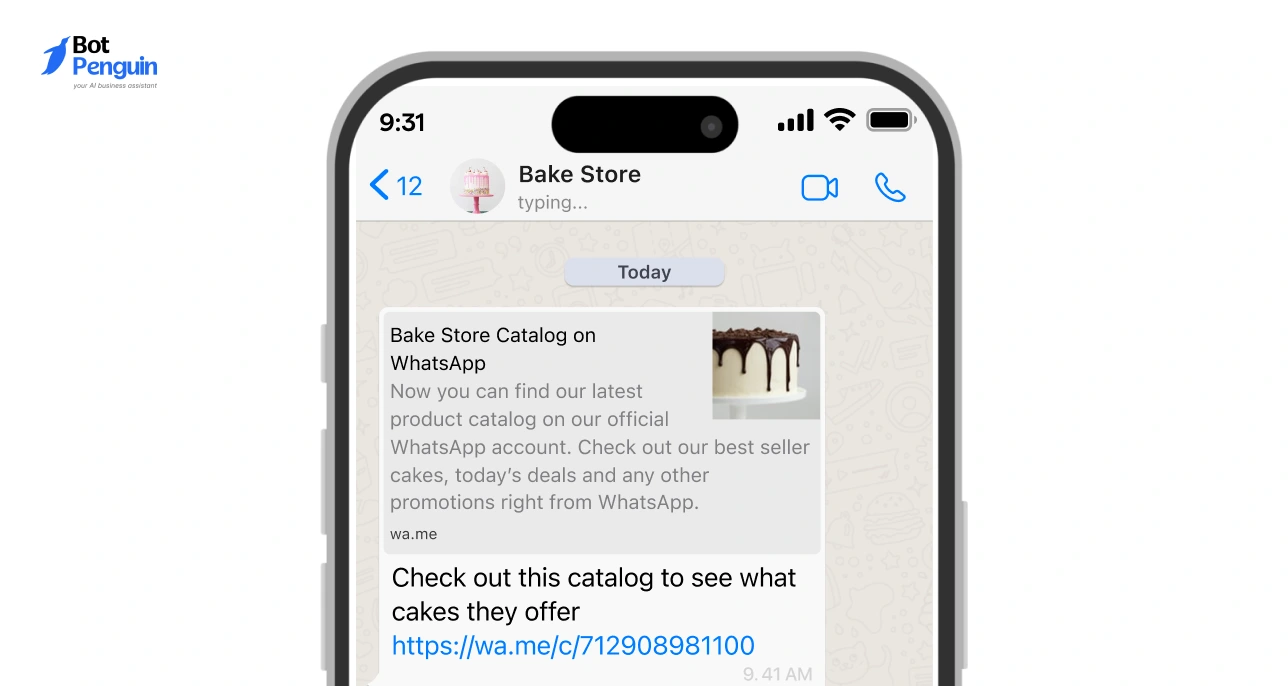
WhatsApp for business is a communication platform that helps businesses connect with customers using messaging, automation, and tools designed for sales, support, and engagement at scale.
According to Chatarmin research, businesses that adopt WhatsApp for customer service report response efficiency gains of up to 225%.
The WhatsApp Business App is a free mobile app built for small businesses. It helps manage basic customer communication without a complex setup.
For example, a fashion store owner can simply replace scattered DMs and missed calls with one organized WhatsApp inbox, complete with quick replies and automated greetings.
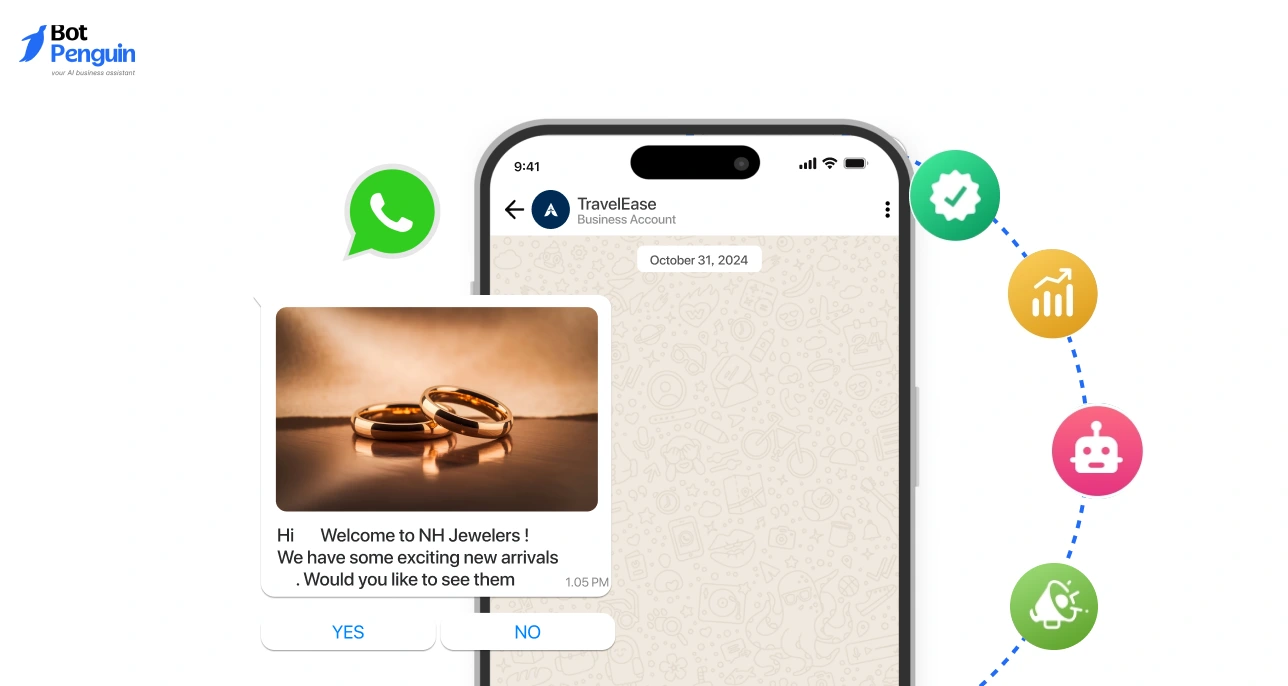
The WhatsApp Business API is designed for medium to large businesses that need scale, automation, and integrations. It doesn’t have a front-end app and requires a platform provider.
A WhatsApp Business solution refers to third-party platforms that build on the API to provide a complete system.
Typically includes:
It simplifies setup and helps businesses run WhatsApp as a full communication channel.
Already thinking about implementation? BotPenguin lets you set up WhatsApp automation, chatbots, and team inboxes — without writing a single line of code.
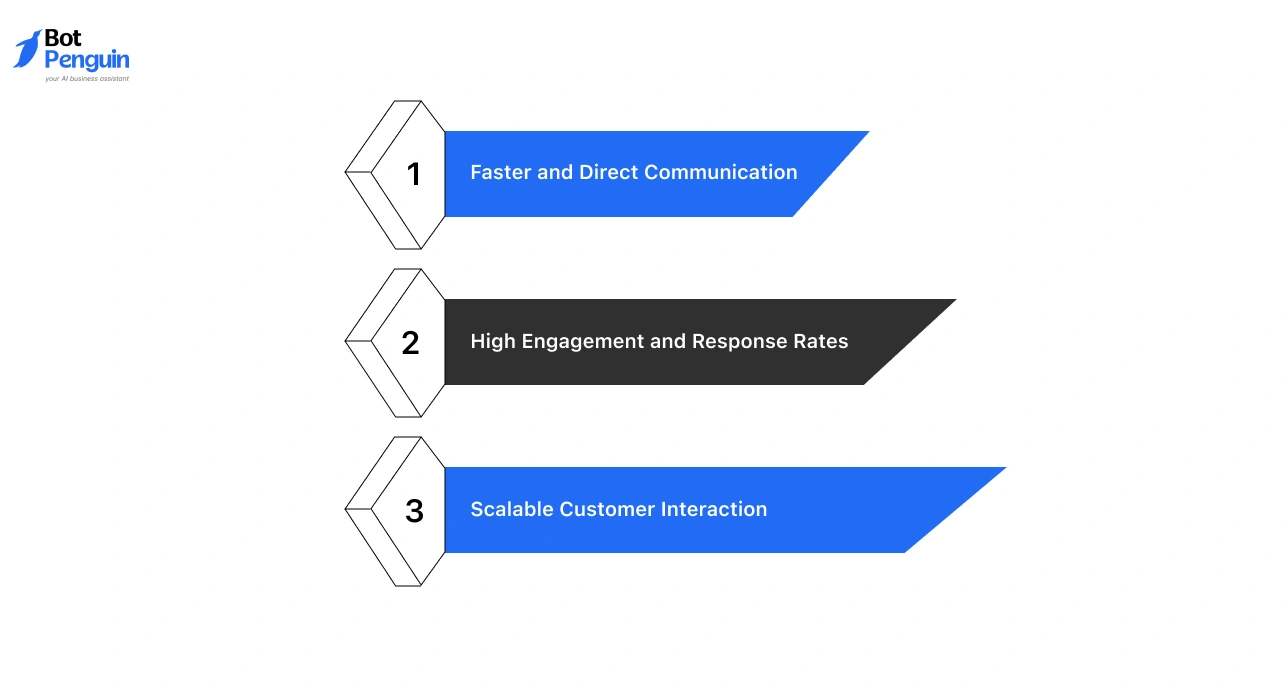
The first question that arises in this context is: Why WhatsApp? For businesses, it is a way to reach clients where they’re most comfortable.
The chances that your customers will open your text or email vs. WhatsApp messages are worlds apart! (email averages 20%, while WhatsApp hits 98%)
Here’s why organizations are leaning towards the Meta platform:
No inbox clutter. No waiting cycles. Just a quick back-and-forth that feels like a real chat, helping businesses resolve queries and make decisions faster.
People actually open and reply here. Messages don’t get ignored, which means better visibility, quicker responses, and stronger customer attention.
In fact, 88% of WhatsApp messages are read within 5 minutes of delivery. (Source: Infobip)
Handle hundreds or thousands of chats without chaos. With the right setup, teams can manage volume smoothly while still keeping conversations personal.
The question, therefore, is no longer whether to use WhatsApp for business. It’s how fast you can get started.
WhatsApp Business is built for simplicity and quick setup, while the business API is designed for scale, automation, and structured communication.
The table below lays out the core distinctions between the two:
Points Worth Remembering
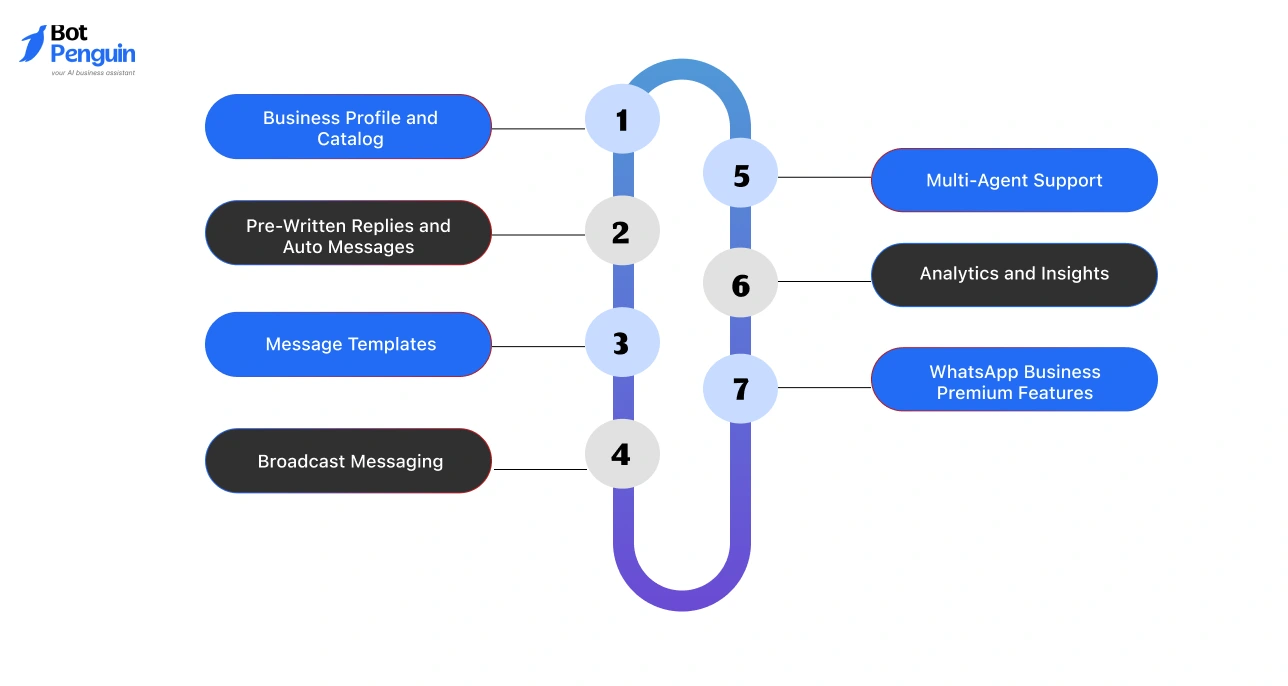
WhatsApp gives you simple but powerful tools to manage conversations without making things complicated.
These WhatsApp features help you stay responsive, organized, and consistent as your customer interactions grow.
Your profile works like a quick intro to your business. Add key details and showcase products so customers can explore options directly within the chat.
Avoid typing the same answers again and again. Save common responses and set up basic auto-messages to handle queries even when you’re not around.
Send structured messages like confirmations, reminders, or updates at scale. These keep communication clear and consistent, especially as volume increases.
For instance, you can send a payment reminder, a delivery update, or a post-purchase thank-you - all without typing a single message manually.
Share updates, offers, or announcements with multiple contacts at once - without losing the personal feel of one-on-one conversations.
Did you know? WhatsApp broadcasts consistently hit open rates of 40-70%, compared to just 20-30% for email. That's a gap worth noting.
When messages increase, teams can step in together. Shared access helps manage conversations smoothly without overlap or missed replies.
Get a clear view of how your messages are performing. Track responses and engagement to improve how you communicate over time.
Remember: WhatsApp analytics don’t just tell you who opened your message, they tell you who didn't. Which is basically the business equivalent of knowing who left you on read.
Premium adds extras like custom short links and better device access, helping you create a more polished and flexible setup. Some of these include:
Curious to learn more? Read our comprehensive guide on WhatsApp premium features for businesses.
Got it—this needs more flow and less “corporate table energy.” Let’s loosen it up while keeping it sharp.
Whether you're closing a sale, resolving a complaint, or reminding someone about their appointment - WhatsApp fits everything into one familiar chat window that your clients use every day.
Reflecting the significance of these real-world applications, WA-CRM states that over 175 million customers message business accounts on WhatsApp daily - proof that customers don't just tolerate WhatsApp for business; they actively choose it.
Which use case fits your business?
The common thread? Meeting customers where they already are.
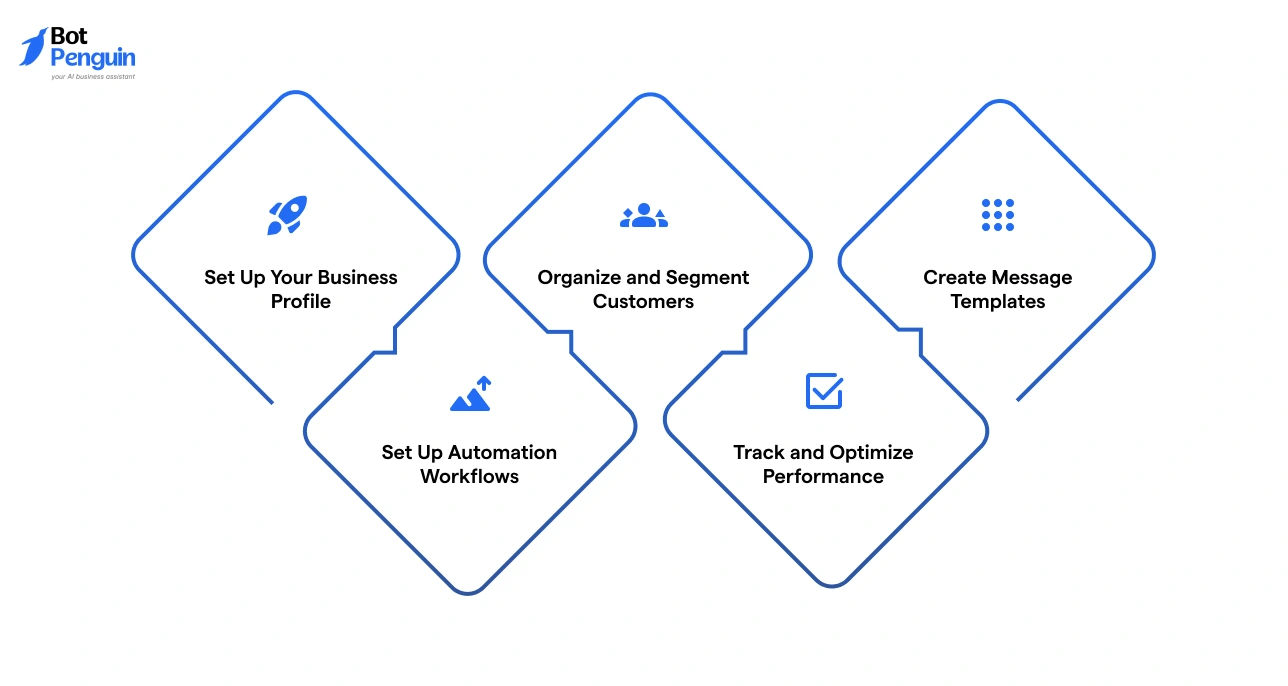
Here’s how businesses actually get started and make WhatsApp work without overcomplicating things:
None of these steps requires technical expertise. Most businesses are fully set up and messaging customers within a day. The key is starting with the right foundation and building from there.
Automation is what turns WhatsApp from a simple chat tool into a system that runs conversations for you, without losing speed or context.
If you're considering a chatbot, we've covered the full breakdown in our WhatsApp Chatbots guide - worth a read before you build.
Want to set this up without the technical hassle? BotPenguin handles all of this (chatbots, handoffs, notifications, and more) in one no-code platform.
The key is balance. Automate the repetitive parts, but keep room for human interaction where it matters most.
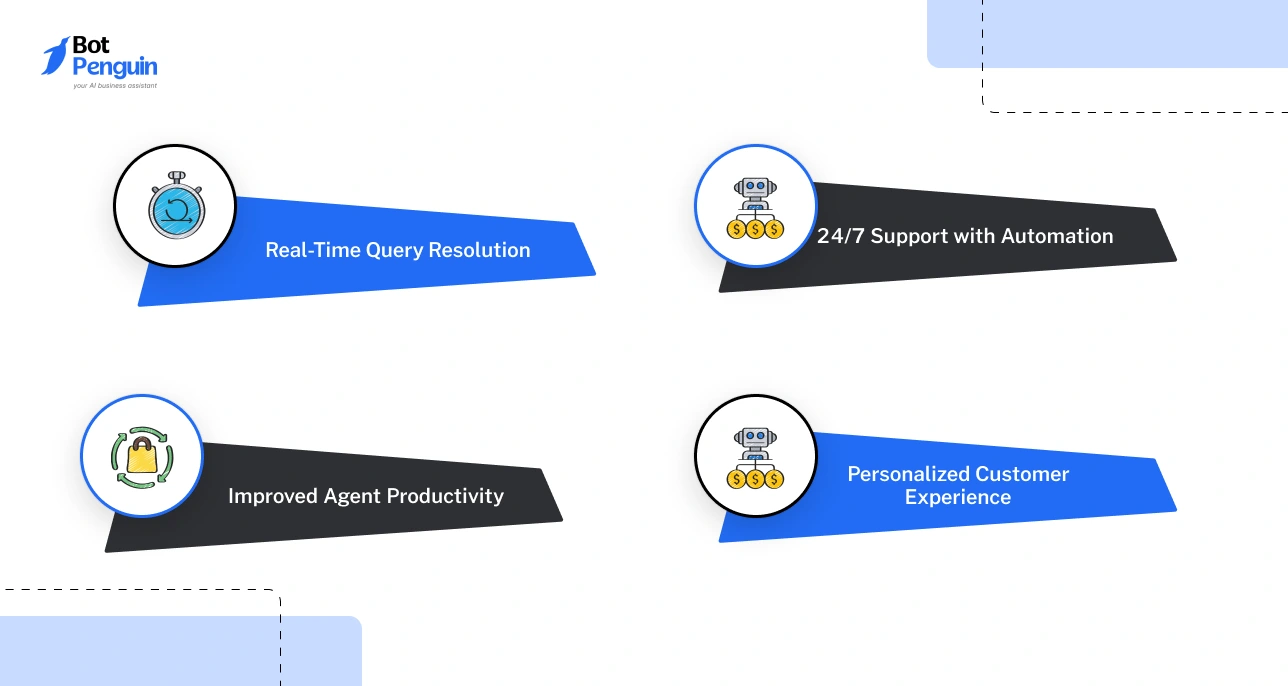
Customer support works best when it’s fast, simple, and feels human. That’s exactly what WhatsApp enables. Real conversations without friction.
When done right, WhatsApp doesn’t just support customers, it improves the entire experience.
Using WhatsApp effectively isn't just about sending messages.
There's a fine line between being helpful and being that brand customers mute. And the best practices below are what keep you on the right side of it.
Always get clear permission before messaging. Respect opt-outs and follow platform rules.
Example: Ask users to opt in via a website form before sending updates.
Be clear on why you’re using WhatsApp - support, sales, or updates.
Example: If customer support is the idea for your WhatsApp business account, use it only for order updates and support, not random promotions.
Add accurate details so customers instantly know who they’re talking to.
Example: Include business hours so customers know when to expect replies.
Group contacts based on behavior or needs.
Example: Separate new leads from existing customers for targeted messages.
Automate routine replies, but step in when needed.
Example: Use auto-replies for FAQs, then hand off complex queries to a human.
Don’t overwhelm users. Send messages at the right time.
Example: Avoid late-night promotions or sending multiple messages in a day.
Use names, context, and past interactions.
Example: Reference a recent purchase while suggesting related products.
Keep bulk messages relevant and valuable.
Example: Send offers only to users who have shown interest in similar products.
Monitor responses and engagement.
Example: Adjust message timing if open or reply rates drop.
Alongside these best practices, there are a few common pitfalls that are easy to fall into, and just as easy to avoid once you know them.
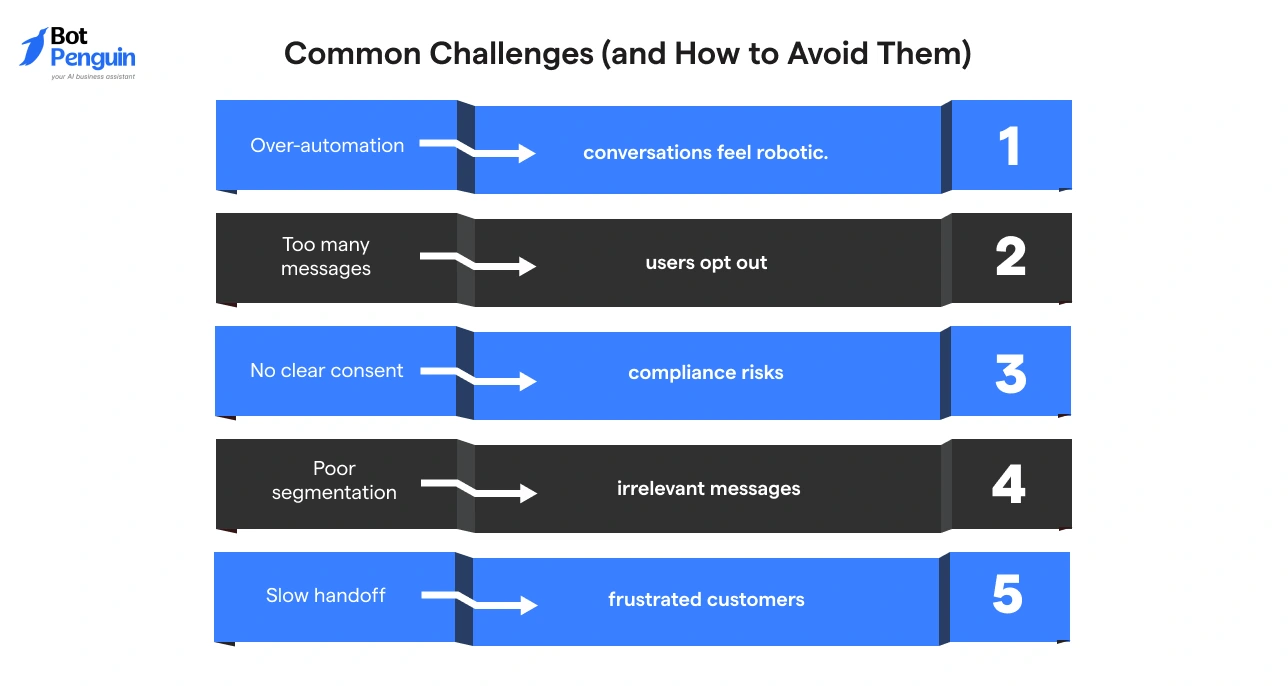
A few common mistakes can reduce effectiveness if not handled well:
WhatsApp is a powerful channel, but only when used with intention. Get the practices right, avoid the common pitfalls, and you'll have a platform that works as hard as your team does.
Sending messages on WhatsApp comes with responsibility.
From GDPR requirements in Europe to WhatsApp's own messaging policies, businesses need to stay compliant, not just to avoid fines, but to keep the trust of every customer they communicate with.
Getting compliance right isn’t just about avoiding penalties; it builds trust and keeps your communication sustainable in the long run.
For a deeper dive into staying compliant, read our WhatsApp Business Compliance and GDPR guide.
With the compliance groundwork in place, the next step is finding a solution that brings it all together.
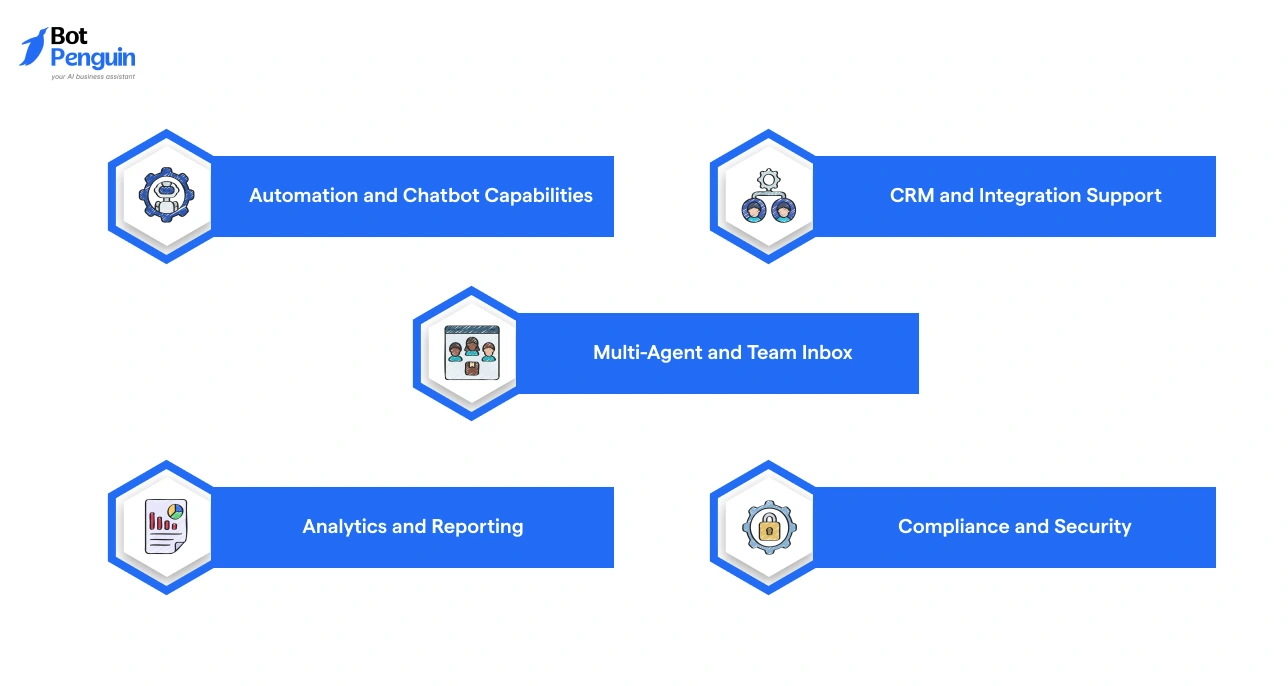
Not every WhatsApp solution is built the same. The right one fits your team size, your workflows, and the volume of conversations you're handling, without making things more complicated than they need to be.
Here’s what to look for:
The right solution doesn’t just support your WhatsApp strategy; it accelerates it.
Take time to evaluate your options against these criteria before committing, because switching platforms mid-scale is a headache nobody needs.
WhatsApp has become a natural part of how people communicate.
Companies that use WhatsApp for business meet customers where conversations already happen, and decisions are made faster.
It’s not about sending more messages. It’s about having better conversations that are timely, relevant, and easy to act on.
Start simple. Set up the basics. Then add automation and structure as you grow.
When used right, WhatsApp for business becomes more than a messaging tool. It becomes a reliable way to connect, support, and convert.
WhatsApp for business is a platform that helps businesses communicate with customers using messaging, automation, and tools for sales, support, and engagement.
Set up your profile, segment customers, use templates, enable automation, and track performance to improve conversations and manage customer communication efficiently.
The app is for small businesses with basic features, while the API supports automation, integrations, and high-volume messaging for growing or large businesses.
Yes, businesses use WhatsApp for real-time support, automated responses, and quick query resolution, making customer communication faster and more convenient.
Businesses automate messages using chatbots, workflows, and templates to send replies, updates, and follow-ups without manual effort, ensuring faster response times.
The WhatsApp Business App is free, but the API involves costs based on conversations, messaging volume, and the platform provider used.
It enables faster communication, higher engagement, better customer experience, and scalable interactions, helping businesses manage conversations and improve conversions effectively.
Automate Customer Communication With WhatsApp for Business
Handle inquiries, follow-ups, support, and updates on WhatsApp. Respond faster, reduce manual work, and scale conversations with simple automation.
Get Started NowCheckout our related blogs you will love.
Updated at Oct 5, 2026
11 min to read
Updated at Oct 7, 2026
12 min to read
Updated at Oct 6, 2026
13 min to read
Updated at Oct 6, 2026
10 min to read
Updated at Oct 1, 2026
9 min to read

Table of Contents



