


How to Add a WhatsApp Link to Your Instagram Profile
Updated at Oct 8, 2026
14 min to read
A lot has been said about WhatsApp Business, but far less about APIs.
Few understand what actually powers automation and real growth on WhatsApp. Because the real capability isn’t in the app; it’s in the infrastructure behind it.
This is where the WhatsApp Business API comes in.
It enables smarter flows, multi-agent support, integrations, high-volume messaging, and all the things that the basic app can’t handle.
In this guide, you’ll learn what the WhatsApp Business API is, how it works, and why it’s becoming crucial for businesses that want to improve communication without additional effort.
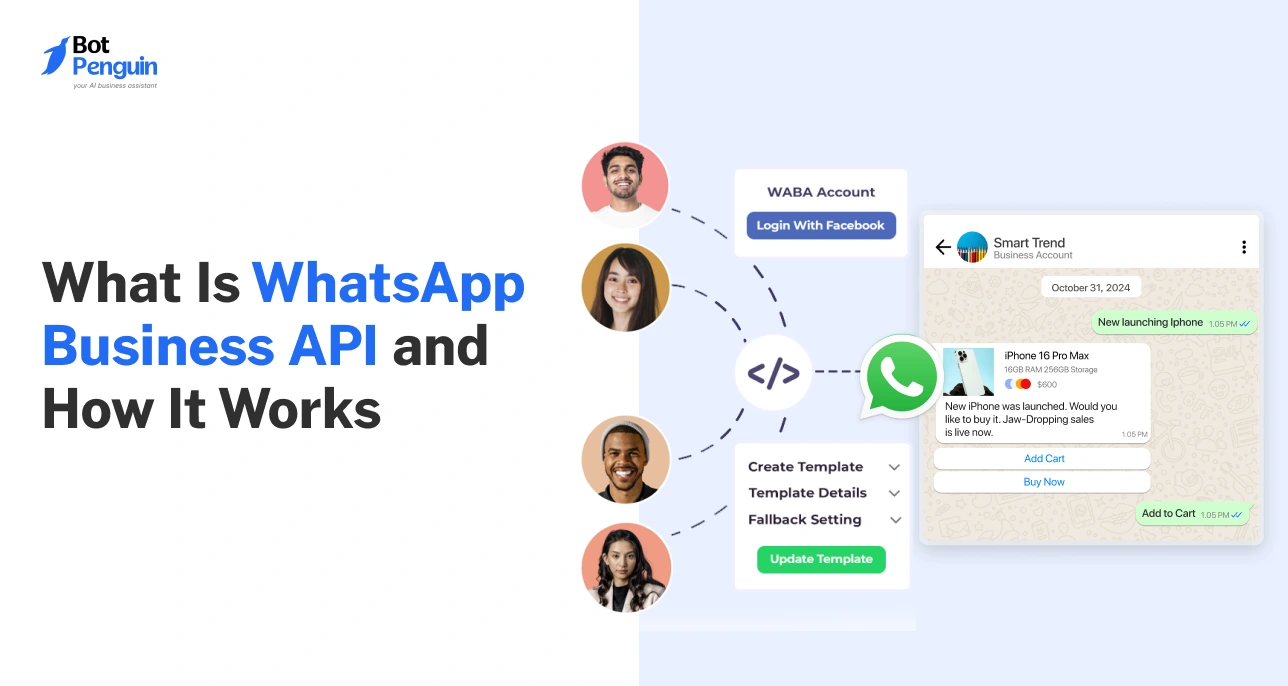
The WhatsApp Business API (Application Programming Interface) is a backend interface that connects WhatsApp with your CRM, helpdesk, or marketing tools, enabling automated workflows, chatbot conversations, and high-volume messaging.
In simple terms, it turns WhatsApp from a messaging app into a business communication system.
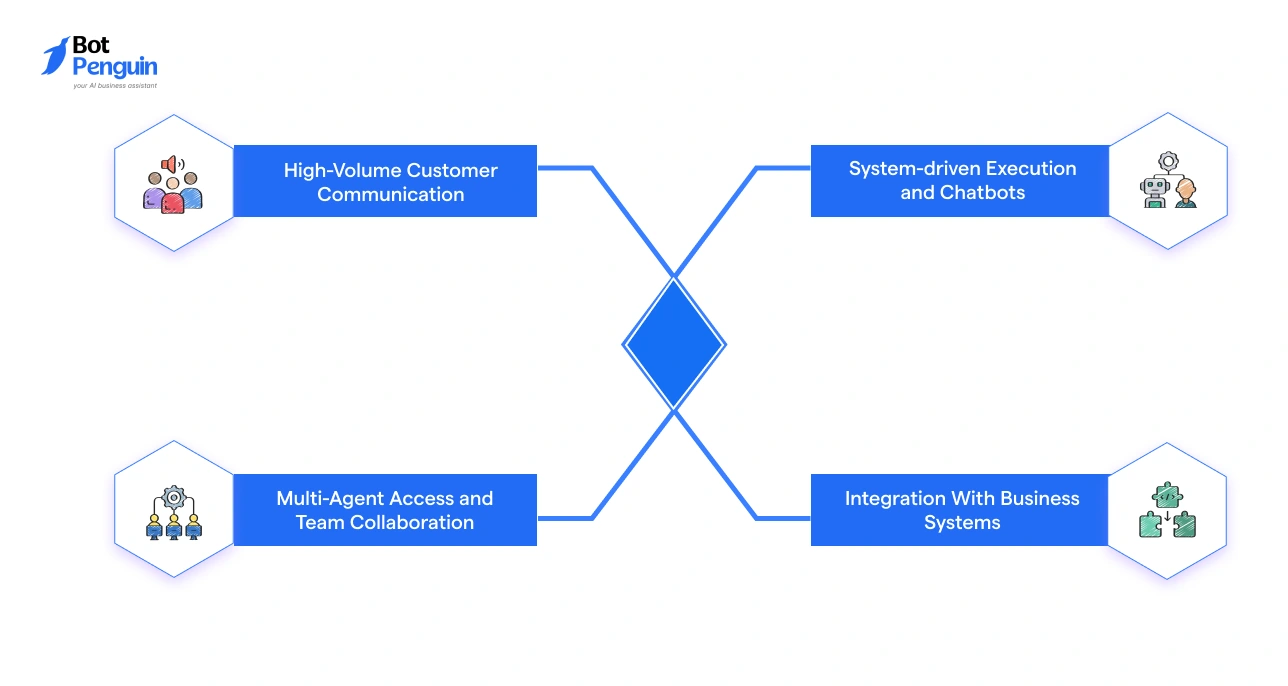
The API is best suited for businesses that are growing fast and need more than a basic messaging app. They need automation, team collaboration, and frictionless system integrations to keep up with customer demand.
While we talk about WhatsApp Business API, it’s equally important not to confuse it with the broader term “WhatsApp APIs”.
Here’s how the two differ in meaning:
Thus, if you're a business wanting to use WhatsApp to grow your reach and build lasting customer relationships, it's important you opt for the official WhatsApp Business API, not just any third-party WhatsApp integration.
Partnering with official WhatsApp Business API-powered platforms like BotPenguin can let you deploy a WhatsApp chatbot without writing a single line of code. From automated workflows and lead capture to CRM integrations, BotPenguin gives growing businesses everything they need to turn WhatsApp into a revenue channel.
Today, businesses use the WhatsApp Business API to handle conversations more efficiently, reduce manual effort, and support growth without breaking their communication systems.
In fact, JestyCRM reports that select brands have recorded sales growth of up to 127% after adopting the WhatsApp Business API.
Think: A fashion brand with 10 million followers on Instagram couldn’t possibly manage every inquiry manually or reply one message at a time.
Here’s how WhatsApp Business API can help:
The result? Less chaos and more clarity on what your customer needs and whether you’re delivering that to them.
The WhatsApp Business App and WhatsApp Business API serve different stages of business growth.
The app works well for small teams handling chats manually. The API, on the other hand, is built for businesses that need structured communication, process optimization, and system-level control.
The table below shows how they differ across capabilities and business use cases:
Remember: The app helps you start, but the API helps you scale.
Want to learn more about how WhatsApp Business accounts work? Read our complete guide on WhatsApp for Business to understand features and applications in detail.
Here’s when you should consider making the shift from a normal business account to WhatsApp Business API:
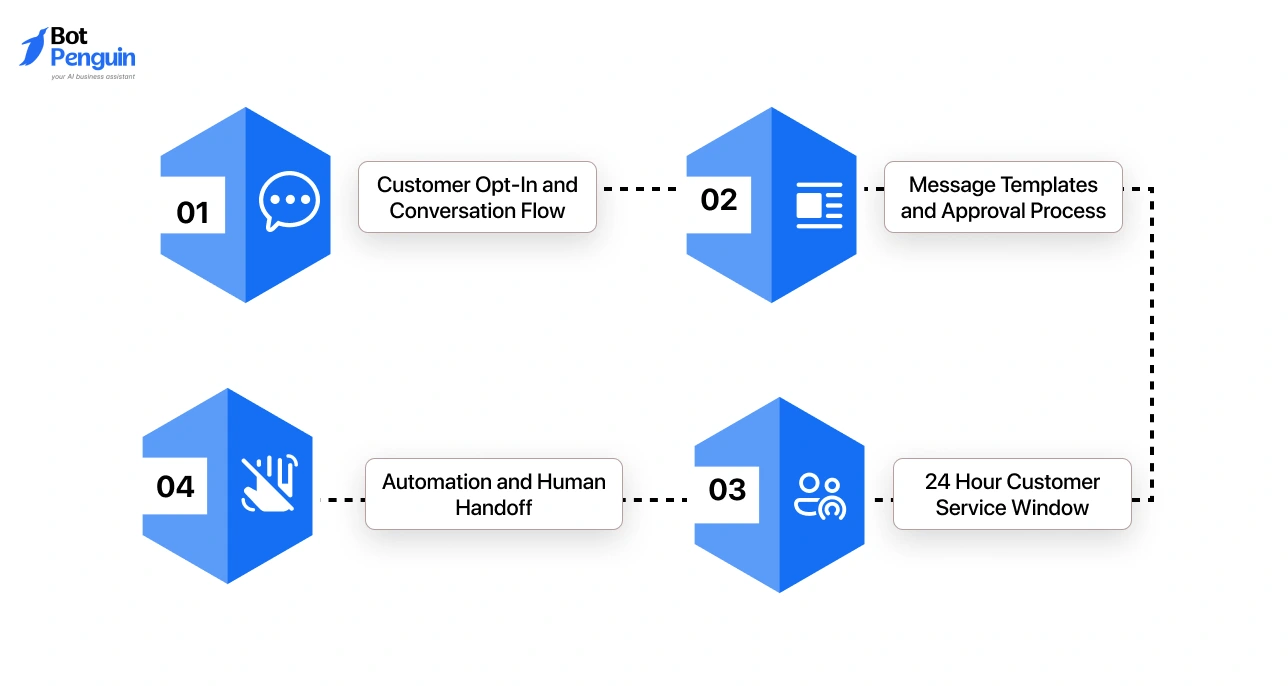
The WhatsApp Business API process flow displays how conversations are structured, controlled, and scaled.
Here’s a step-by-step breakdown:
Want to go deeper on this? Check out our complete guide on WhatsApp Chatbots to see how automation fits into the bigger picture.
Thus, every step in the WhatsApp Business API flow is designed to keep conversations structured, compliant, and conversion-ready.
Businesses can access the WhatsApp Business API in different ways depending on their technical capability, control needs, and resources.
The 3 common types that emerge are WhatsApp Cloud API, On-Premise WhatsApp Business API, and access via Business Solution Providers (BSPs).
Here’s a quick comparison:
In most cases, businesses choose Cloud API or BSPs for faster setup and easier management, while on-premise is reserved for enterprises where full data control is a non-negotiable priority.
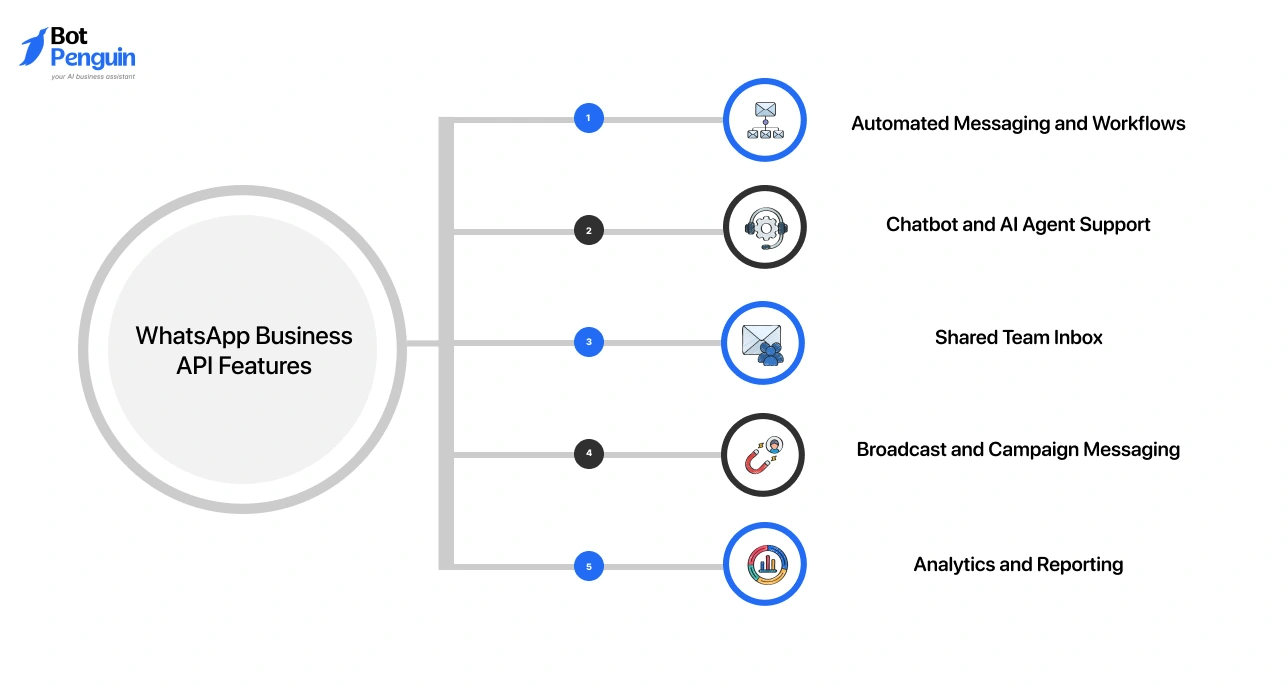
The WhatsApp Business API offers a set of features designed to empower support teams and turn every customer interaction into a measurable business outcome.
Prominent features include:
Businesses can optimize replies, follow-ups, and notifications based on user actions.
For example, an e-commerce brand can send order confirmations, shipping updates, and abandoned cart reminders automatically without manual effort.
You can deploy chatbots or AI agents to handle FAQs, qualify leads, and guide users.
For instance, a healthcare provider can use a chatbot to answer common queries, book appointments, and route complex cases to staff.
Multiple agents can access and respond to messages from a single dashboard.
A support team can collaborate in real time, assign chats, and ensure faster responses without switching devices.
Businesses can send bulk messages to opted-in users using approved templates.
For example, a retail brand can run promotional campaigns, launch announcements, or festive offers directly on WhatsApp.
Track key metrics like delivery rates, response times, and engagement.
This helps businesses optimize campaigns, improve support performance, and make data-driven decisions.
The real power of the WhatsApp Business API comes from how well it connects with your existing tools.
Instead of working in isolation, it becomes part of your larger business ecosystem, syncing data, triggering actions, and improving how teams operate.
When integrated well, WhatsApp becomes a central layer that connects your marketing, sales, and support efforts effortlessly.
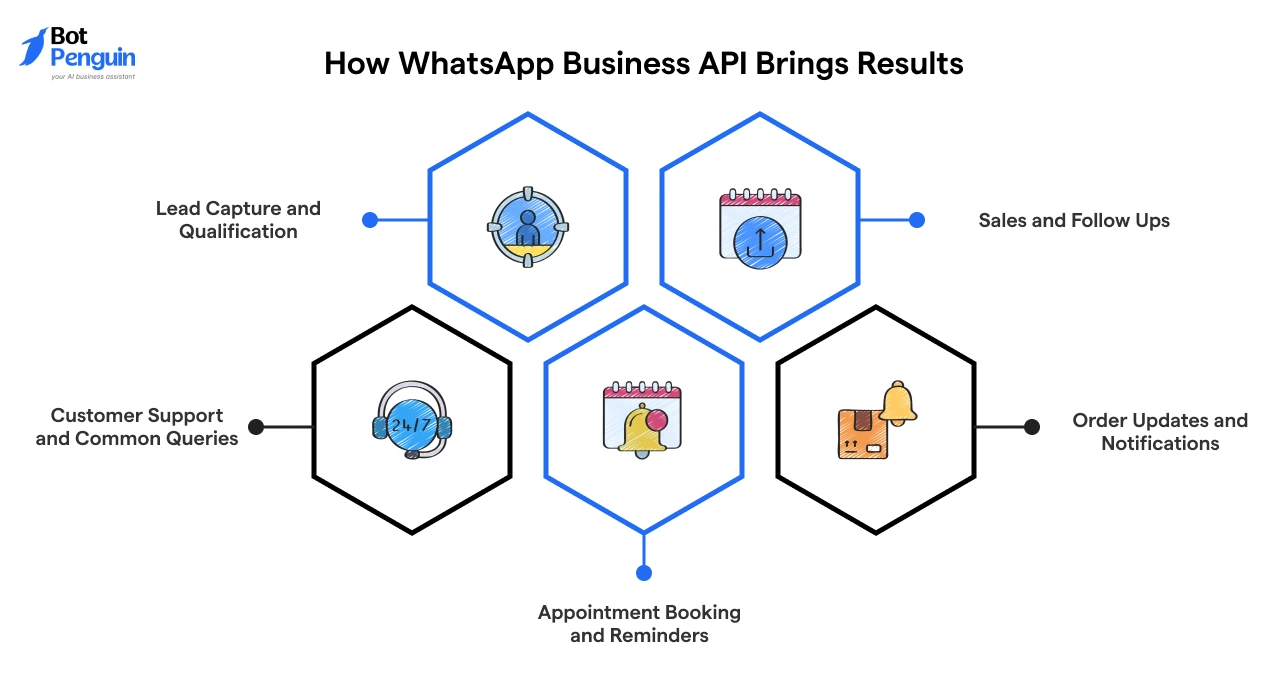
The WhatsApp Business API supports multiple use cases across the customer journey, from first interaction to post-purchase support.
You can capture leads through click-to-WhatsApp ads, website widgets, or QR codes.
Use automated flows to ask questions, qualify prospects, and route high-intent leads to sales teams.
Businesses can engage prospects with product details, catalogs, and timely follow-ups.
For example, a sales team can re-engage users who showed interest but didn't complete a purchase by sending a personalized WhatsApp message with the exact product they viewed, a limited-time offer, and a one-tap checkout link.
Handle frequent questions using chatbots and route complex issues to agents. This reduces response time and ensures consistent support without overwhelming teams.
For every “Where is my order?” you can set up a chatbot that replies instantly with real-time tracking details - no agent required.
Send automated messages for order confirmations, shipping updates, and delivery alerts. This keeps customers informed without requiring manual effort.
Allow users to book, reschedule, or cancel appointments directly on WhatsApp. Automated reminders help reduce no-shows and improve operational efficiency.
From capturing a lead to closing a sale and supporting a customer post-purchase, the WhatsApp Business API covers the entire journey, not just one touchpoint.
For businesses looking to get more out of WhatsApp Business API from day one, BotPenguin comes pre-built for every use case above - lead capture, abandoned cart recovery, FAQ automation, appointment booking, and more. The platform connects directly to the official WhatsApp Business API so you can go live fast.
Understanding WhatsApp Business API pricing is essential before committing to a plan. Here's a breakdown of how costs are structured.
In 2025, Meta moved from conversation-based pricing to a per-message model.
Rates vary from $0.0008 to $0.1365 depending on message category and recipient country.
All non-template messages sent within an open customer service window are free.
Beyond Meta's fees, businesses should account for three cost layers:
BSP charges vary. Some add per-message markups, setup fees, or monthly platform subscriptions on top of Meta's base rates.
There are four message categories: marketing, utility, authentication, and service.
Points to be Noted:
When we talk about pricing, it’s also important to talk about how we can optimize these costs. Here’s what you can consider:
In short, the smarter you structure your messages, the less you pay, and the more value you deliver to every customer.
Getting access to the WhatsApp Business API involves meeting a few requirements and choosing the right setup path based on your technical needs.
Before you can apply, your business must meet a few essential criteria set by Meta:
There are multiple ways to access the API depending on your resources and technical capability:
Once ready, follow these steps to get your WhatsApp Business API up and running:
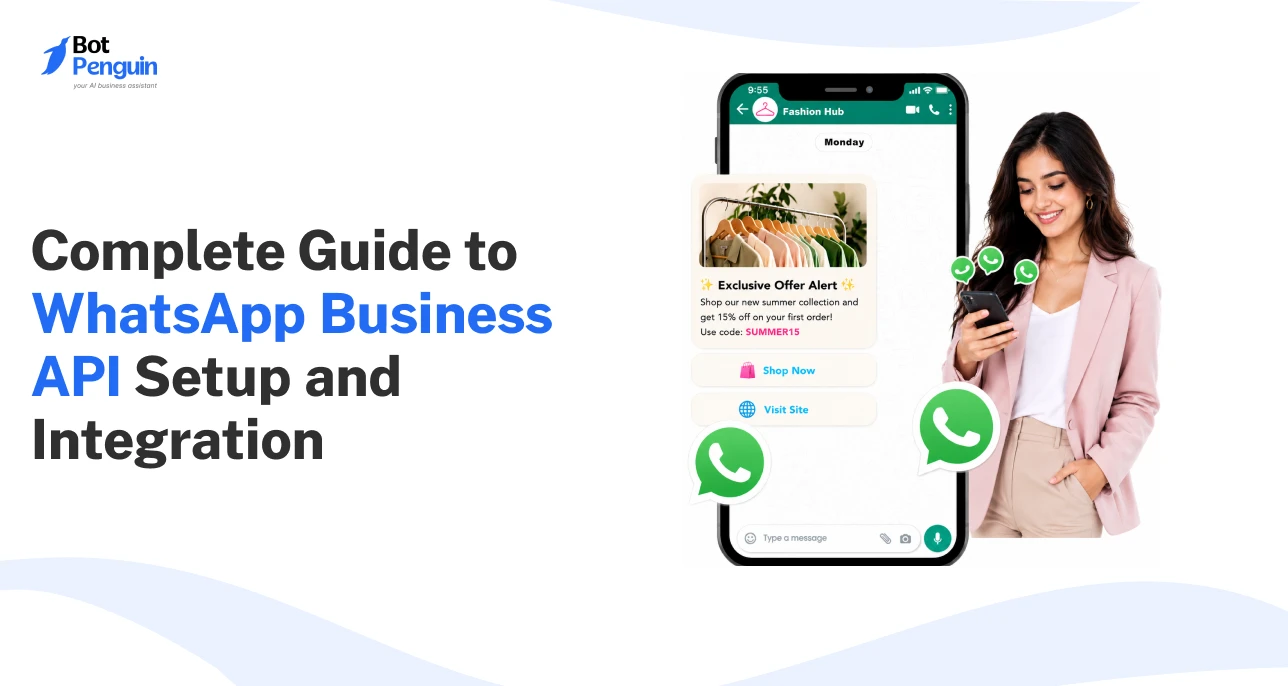
If you want to go deeper on how to set up WhatsApp Business APIs, you can read our step-by-step WhatsApp Business API setup guide here: Complete Guide to WhatsApp Business API Setup and Integration
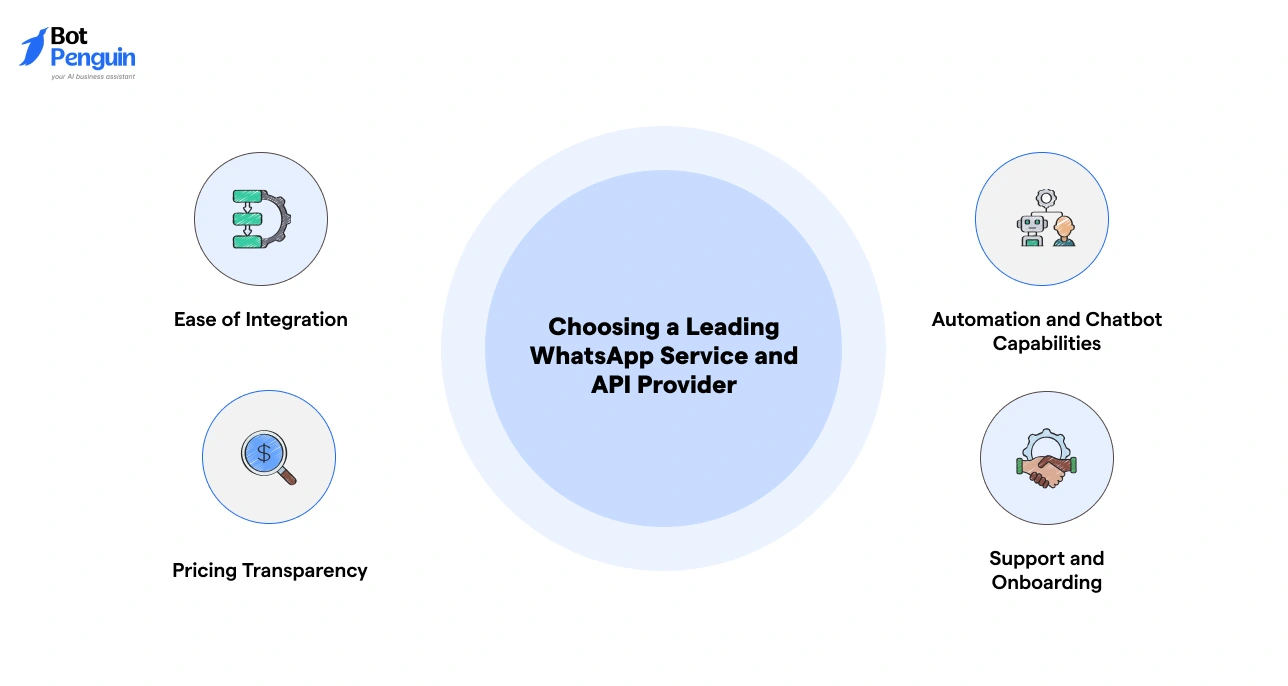
Selecting the right provider impacts how quickly you launch, how well your system performs, and how easily you scale.
Focus on these key factors:
Choosing the right provider ensures faster setup, smoother operations, and long-term scalability without unnecessary complexity.
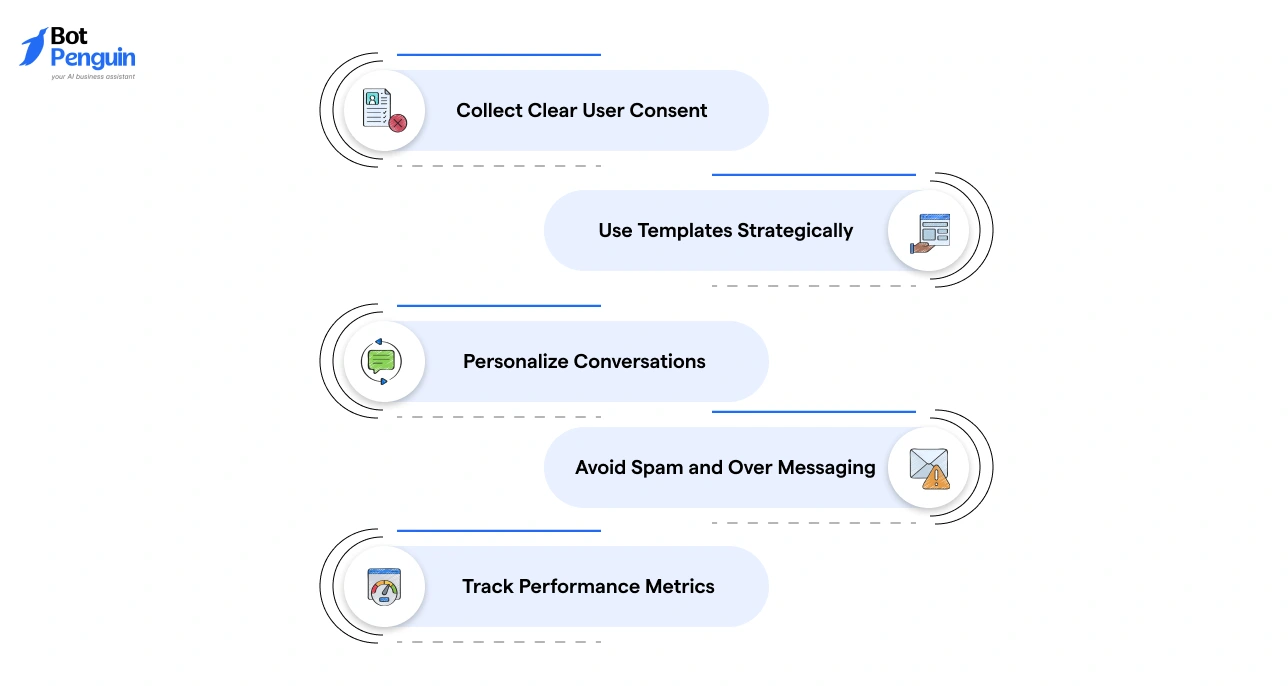
To get the most out of the WhatsApp Business API, businesses need to focus on compliance, relevance, and user experience.
Following these best practices helps you build trust, improve engagement, and get consistent results from your WhatsApp communication strategy.
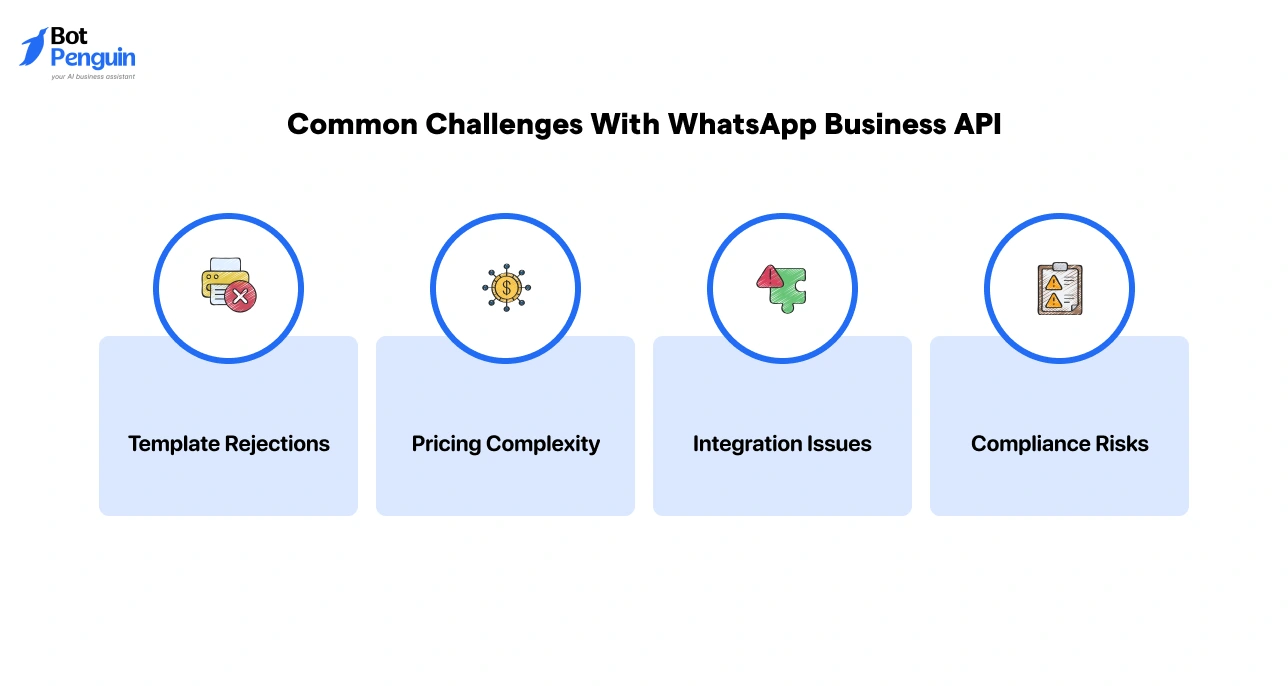
Every powerful tool comes with a learning curve. Here’s what businesses commonly run into, and how to handle it:
Templates get rejected when they're too promotional, vague, or don't meet Meta's content guidelines. This can delay campaigns and disrupt workflows.
With per-message rates varying by country and category, estimating costs upfront can be confusing, especially for businesses messaging across multiple markets.
Connecting WhatsApp with CRMs, helpdesks, or automation tools can get technically complex without the right expertise or API documentation.
Messaging users without proper opt-ins or violating Meta's policies can result in account restrictions or bans.
The businesses that succeed with WhatsApp Business API aren't the ones that avoid these challenges. They're the ones who plan for them from day one.
The WhatsApp Business API is no longer optional for growing businesses. It’s the shift from manual replies to structured, scalable communication.
If you’re handling a high volume of messages, the basic app will slow you down. The API helps you automate conversations, connect your tools, and manage everything in one place.
Start by understanding your needs: volume, team size, and integrations. Then choose the right setup path and provider.
Done right, WhatsApp becomes more than a chat channel. It becomes a system that supports your marketing, sales, and support.
WhatsApp Business API is a solution that enables businesses to automate, manage, and scale customer conversations with integrations, chatbots, and multi-agent access.
The app is for small businesses with manual chats, while the API supports automation, integrations, shared access, and high-volume messaging for growing businesses.
Businesses handling large message volumes, needing automation, team collaboration, or system integrations, should use WhatsApp Business API to manage communication efficiently.
It works through user consent, message templates, a 24-hour reply window, and automation tools like chatbots to manage and scale conversations.
No, WhatsApp Business API uses conversation-based pricing set by Meta, along with additional costs from providers or platforms used for access and management.
You can apply directly via Meta, use a Business Solution Provider, or choose an automation platform that offers easier setup and built-in tools.
Yes, it integrates with CRM, ecommerce, helpdesk, and automation tools to streamline workflows, personalize messaging, and improve customer engagement.
Scale Conversations With WhatsApp Business API & Chatbots
Automate replies, qualify leads, and manage high-volume chats on WhatsApp Business API. Reduce manual work, respond faster, and grow with smart workflows.
Explore Now!Checkout our related blogs you will love.
Updated at Oct 8, 2026
14 min to read
Updated at Oct 7, 2026
12 min to read
Updated at Oct 6, 2026
13 min to read
Updated at Oct 6, 2026
10 min to read
Updated at Oct 5, 2026
11 min to read
Updated at Oct 1, 2026
9 min to read
Table of Contents



