


Einstein Bots vs Agentforce: Salesforce's Chatbot Options Compared (2026)
Updated at Oct 13, 2026
13 min to read
Did you know there's a game-changing way to manage business leads that's both efficient and reliable?
It involves integrating chatbots with Salesforce, a widely-used software in the business world.
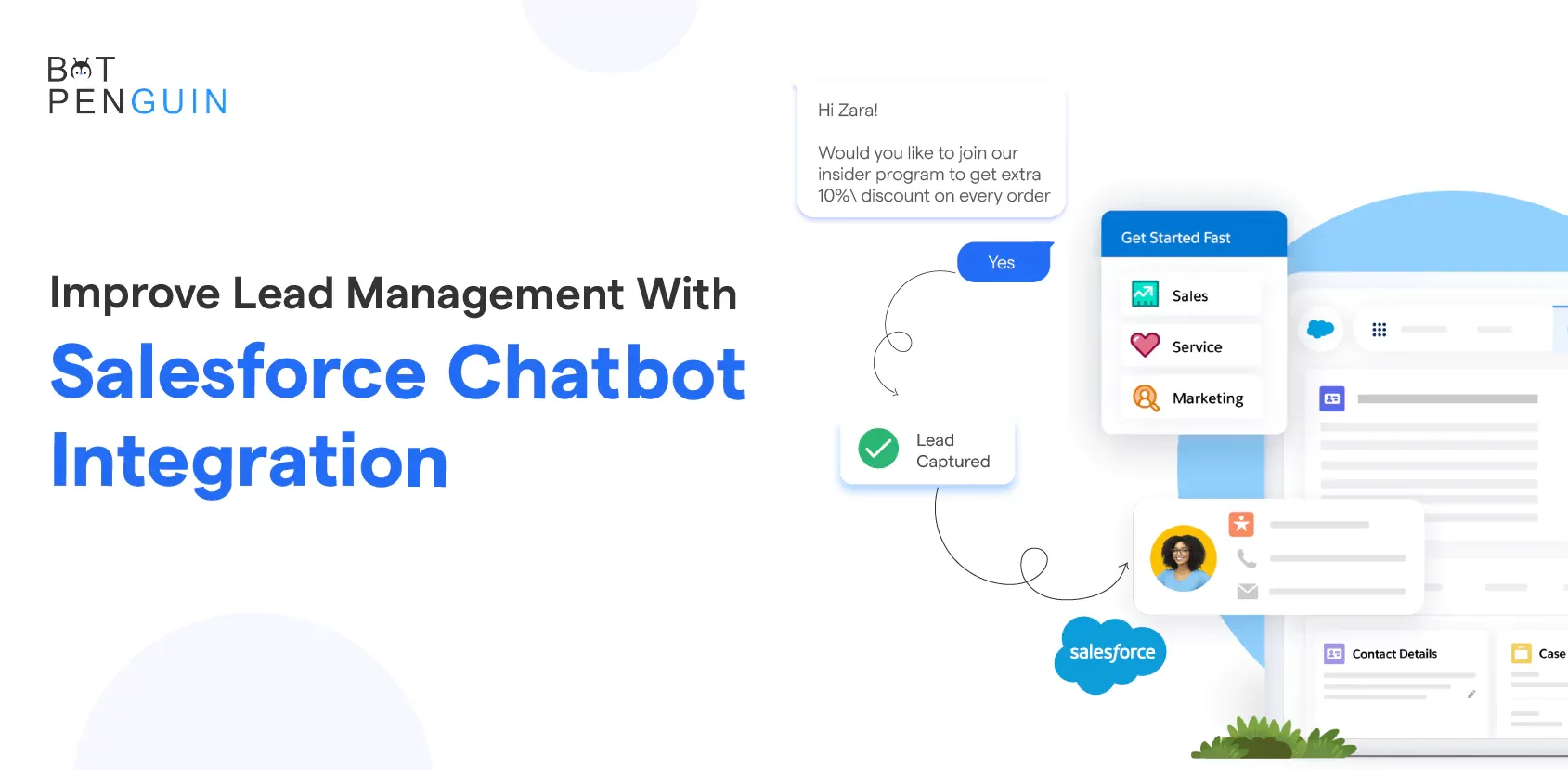
In this blog, we will discuss how combining Salesforce with a chatbot can revolutionize your lead management process. We'll explore the ways in which this powerful duo can save time, minimize errors, and improve overall business performance.
From capturing and qualifying leads to scoring them accordingly, discover how chatbot integration with Salesforce can make a massive difference in how leads are handled.
Let's dive in and learn together how this integration can transform your lead management strategy.
Salesforce chatbot integration offers many benefits that can greatly enhance lead management processes.
Let's explore the key advantages of incorporating chatbots into your lead management strategy:
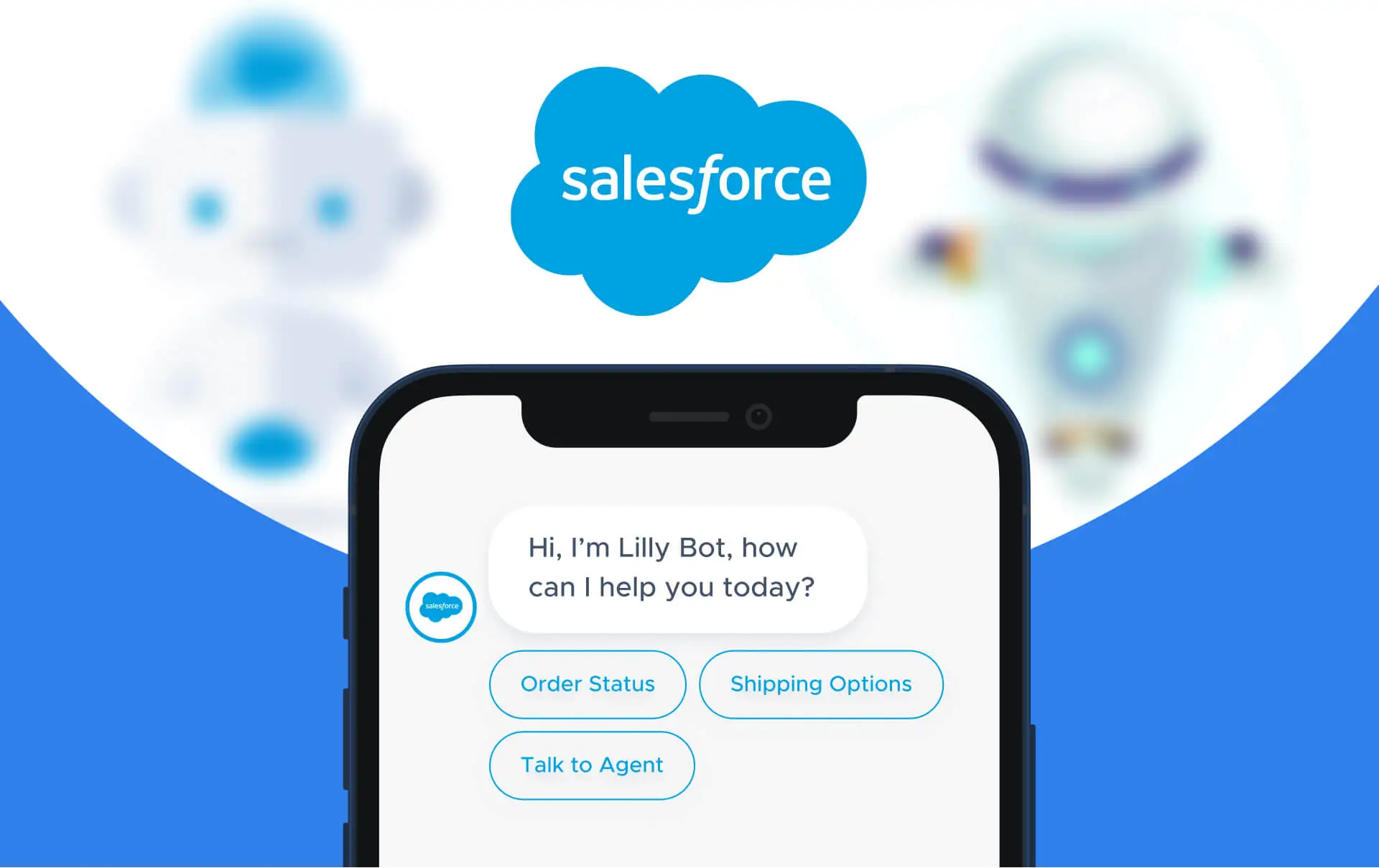
Chatbots can automate lead capture and qualification through intelligent conversations, saving time and effort for your sales team.
With chatbots, you can provide round-the-clock support and instant responses to prospects, ensuring no lead goes unanswered.
Chatbots can handle multiple conversations simultaneously, eliminating the need for manual follow-ups and allowing your team to focus on high-value leads.
Salesforce chatbots can gather data about leads and personalize interactions based on their preferences, increasing engagement and building stronger relationships.
Next, we will see how Salesforce Chatbot integration works.
You need to understand the underlying mechanisms and components to integrate Salesforce chatbots into your lead management process.
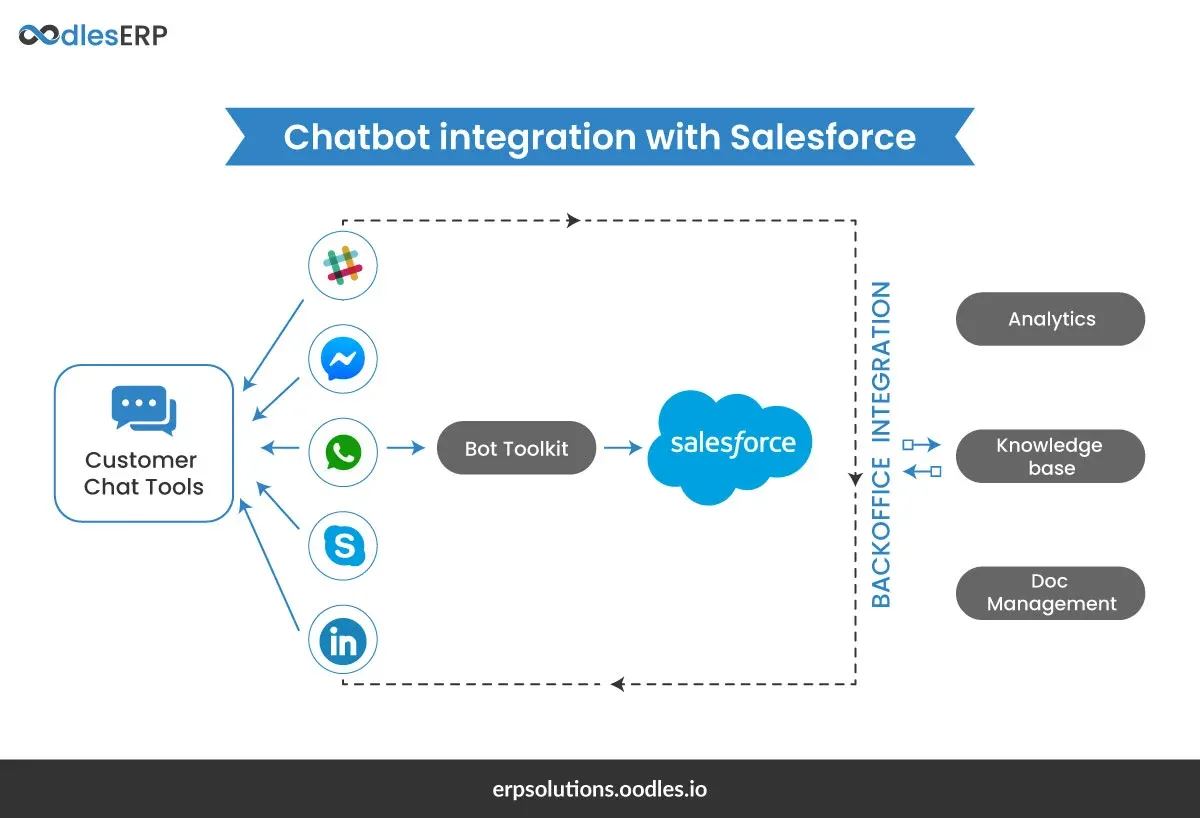
Here's an overview of how Salesforce chatbot integration works:
Salesforce is a renowned customer relationship management (CRM) platform that provides robust tools for managing leads, contacts, and sales processes.
Salesforce offers an API (Application Programming Interface) that allows developers to connect chatbot platforms like BotPenguin to their CRM system.
This integration enables seamless data exchange and interaction between the chatbot and Salesforce.
Next, we will see the Salesforce Chatbot Integration Process.
Determine the chatbot's purpose: Identify the tasks or functions you want the chatbot to handle, such as customer inquiries, lead generation, or order tracking.
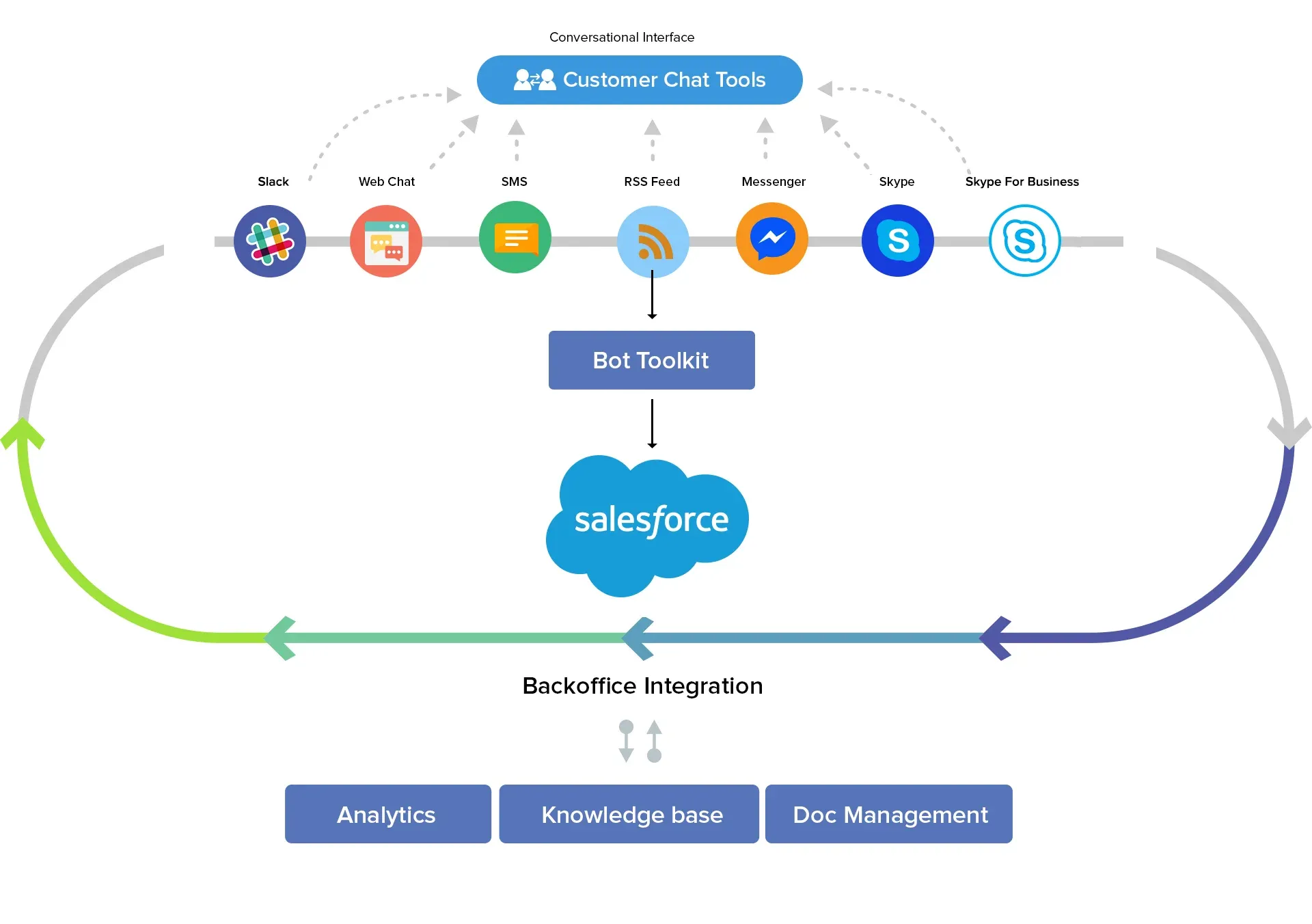
Select a chatbot development platform compatible with Salesforce, such as BotPenguin, Dialogflow, IBM Watson, or Microsoft Bot Framework.
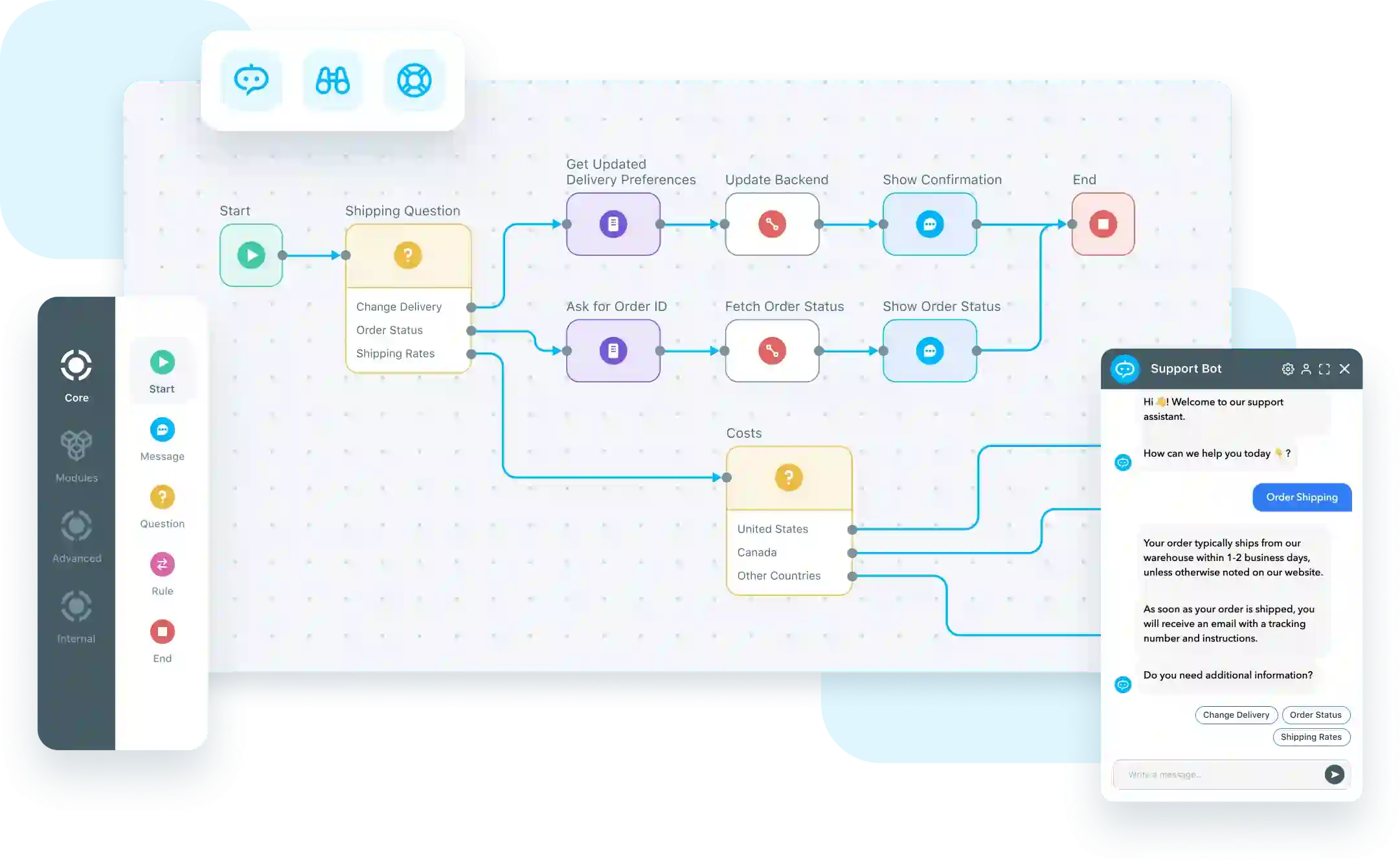
Create a conversational flow that aligns with your business requirements. Define the chatbot's responses, actions, and decision points based on user input.
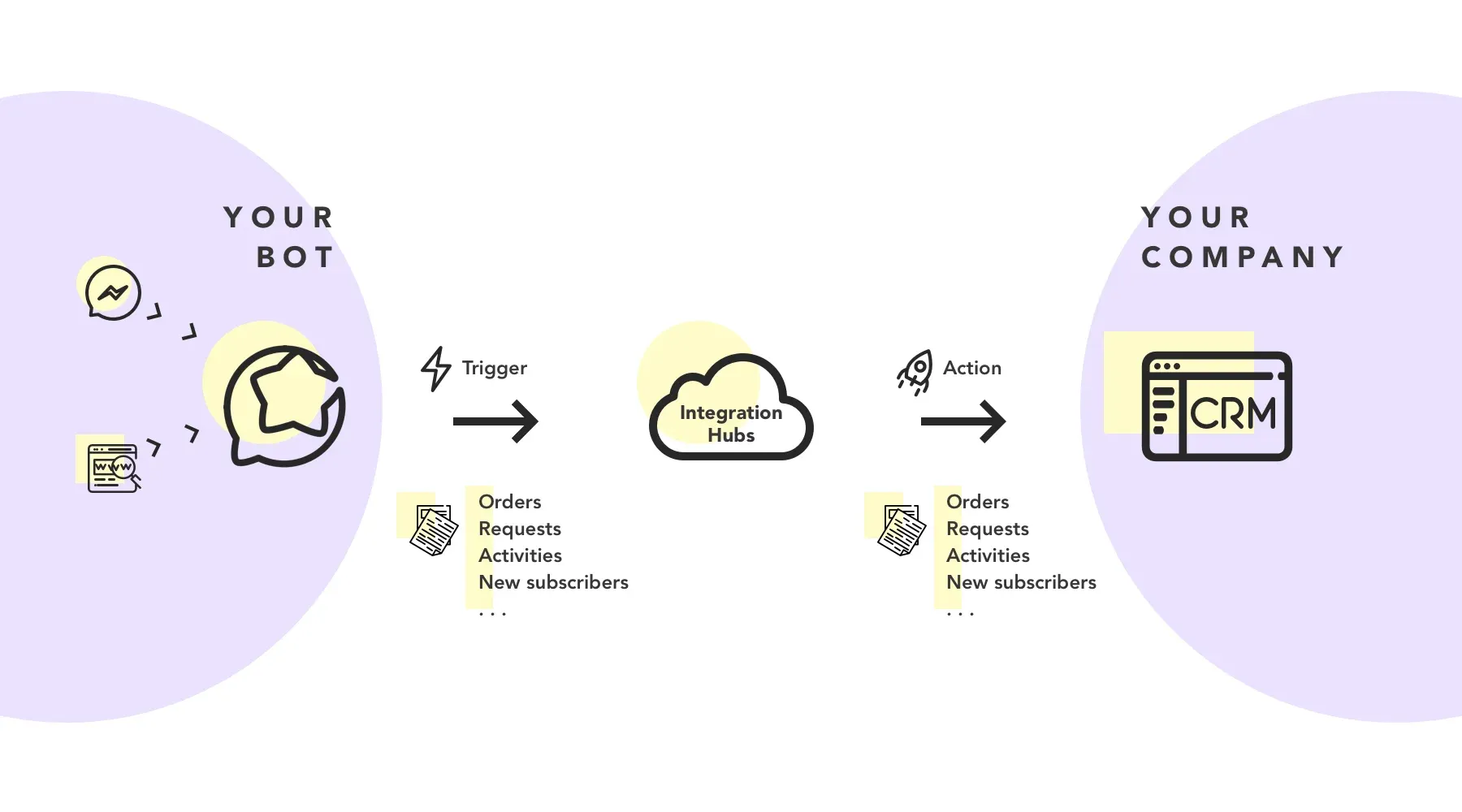
Use Salesforce APIs to connect the chatbot with Salesforce. This allows the chatbot to access and update customer data, create cases, and perform other CRM-related tasks.
Thoroughly test the chatbot integration to ensure it functions correctly and meets your business needs. Continuously gather user feedback and make improvements to enhance the chatbot's performance.
Next, we will see some of the use cases of Salesforce Chatbot Integration for Lead Management.
Salesforce chatbot integration can empower your lead management strategy in various ways.
Let's explore some common use cases where chatbots can significantly enhance lead management:
Chatbots can engage with website visitors, collect relevant information, and qualify leads based on predefined criteria, ensuring that only qualified leads are passed on to the sales team.
Chatbots can engage leads through personalized conversations, deliver targeted content, and schedule follow-up actions, nurturing them throughout the buying journey.
Salesforce chatbots can intelligently route leads to the most appropriate sales representatives based on predefined rules and availability, ensuring timely and efficient lead distribution.
Chatbots can answer frequently asked questions (FAQs) and provide relevant information from your knowledge base, reducing the burden on your support team and enabling self-service for leads.
Next, we will cover best practices for implementing Salesforce Chatbot Integration for Lead Management.
To optimize the effectiveness of Salesforce chatbot integration for lead management, consider the following best practices:
Keep on reading!
Identify your target audience and their pain points to design personalized conversational flows that resonate with your leads.
Create intuitive and user-friendly conversational flows that guide leads toward their desired outcomes. Implement effective natural language processing techniques to understand and interpret user queries accurately.
Train your chatbot and update its knowledge base with frequently asked questions, product updates, and industry-specific information to ensure accurate and up-to-date responses.
Regularly monitor and analyze chatbot performance metrics, such as response time, conversation success rate, and customer satisfaction, to identify areas for improvement and optimize the chatbot's performance.
While Salesforce chatbot integration offers many benefits, there are a few challenges and limitations to consider:
Below, we have covered some of the challenges and limitations of Salesforce Chatbot Integration for Lead Management.
While chatbots are becoming more advanced in understanding natural language, they may still need help with complex queries or understanding user intent accurately.
This can result in incorrect or irrelevant responses, impacting customer satisfaction.
Setting up a chatbot and training it to handle specific tasks and provide accurate responses can require a significant upfront effort.
It involves designing conversation flows, defining intents, and training the chatbot using appropriate datasets to ensure optimal performance.
Integrating a chatbot with Salesforce requires accessing and updating customer data. It is essential to ensure the security and privacy of customer information during this integration process.
Proper measures need to be taken to encrypt and protect sensitive data.
Chatbots often struggle to maintain contextual conversations, especially when dealing with multi-turn interactions.
They may need help recalling previous user inputs or understanding nuanced queries, potentially resulting in a frustrating user experience.
As customer expectations evolve, chatbots must adapt and stay up-to-date to meet those expectations.
Regular monitoring, training, and updating of the chatbot must ensure it remains relevant and can effectively handle new scenarios and queries.
Last but not least, we will see BotPenguin and Salesforce chatbot integration.
Integrating BotPenguin, a leading chatbot platform, with Salesforce can enhance your lead management capabilities.
BotPenguin seamlessly connects with Salesforce, combining the power of intelligent chatbots with robust CRM functionalities.
Key benefits of using BotPenguin for lead management with Salesforce include:
BotPenguin's chatbots utilize natural language understanding to hold personalized and meaningful conversations with leads, ensuring a human-like chat experience.
Through intelligent conversations, BotPenguin captures and qualifies leads, allowing you to prioritize follow-ups and convert more leads into customers.
BotPenguin integrates seamlessly with Salesforce, ensuring that lead data is instantly synchronized, eliminating manual data entry, and minimizing the risk of errors or data loss.
BotPenguin provides detailed analytics and reports on chatbot performance, lead engagement, and customer interactions, allowing you to measure and optimize the effectiveness of your lead management strategy.
The takeaway is clear - chatbot integration supercharges your lead management.
But the benefits don't stop there. An intelligent chatbot platform like BotPenguin keeps working 24/7 to drive sales too. How? By continuing conversations with qualified leads.
Guiding them through your sales funnel. Answering questions and removing obstacles until they happily convert into delighted customers.
Now is the time to step up your lead management game. Integrate an advanced chatbot platform into your Salesforce CRM today.
BotPenguin makes it easy with seamless 60+ integration capabilities.
Plus you get access to conversational AI that feels amazingly human-like. Don't miss this opportunity to connect with every lead, nurture them better, and boost conversions.
Sign up with BotPenguin to enjoy real-time sync with Salesforce. Gain data-driven insights from chatbot analytics.
And use chatbots to grow your business. The offer is risk-free with BotPenguin's free trial. See for yourself how transformative chatbots can be. Supercharge lead management and sales with BotPenguin. Your future customers are waiting to be delighted.
Salesforce chatbot integration improves lead management by automating lead capture, providing instant responses, increasing efficiency, and enabling personalized engagement with leads.
Key benefits include streamlining lead generation, 24/7 availability, increased efficiency, personalized customer engagement, and seamless data synchronization with Salesforce.
Salesforce provides an API that connects chatbot platforms like BotPenguin to their CRM system. This integration allows for data exchange, lead qualification, real-time synchronization, and integration with other Salesforce functions.
Use cases include pre-qualified lead generation, automated lead nurturing and follow-ups, intelligent lead routing and assignment, and providing FAQ resolution and knowledgebase support.
Best practices include understanding the target audience, designing conversational flows, training and updating the chatbot's knowledge base, and monitoring and analyzing chatbot performance to optimize lead management effectiveness.
Subscribe to Our Newsletter
Get the latest business insights straight into your inbox.
Checkout our related blogs you will love.
Updated at Oct 13, 2026
13 min to read
Updated at Oct 1, 2026
28 min to read

Updated at Oct 1, 2026
7 min to read
Updated at May 9, 2026
8 min to read
Updated at May 8, 2026
8 min to read
Updated at May 7, 2026
5 min to read
Table of Contents

