


What are Chat Transcripts on Live Chat?
Updated at May 11, 2026
10 min to read
Most live chat widgets go unused.
Not because visitors do not need help, but because the first message pushes them away.
That single line decides everything. It can invite a conversation or quietly shut it down. Many websites rely on polite but generic greetings.
Others interrupt visitors with messages that feel forced. The result is the same—low engagement.
A live chat welcome message is not small copy. It is the first touchpoint of the conversation.
In this guide, you will learn how the best live chat welcome messages work, how to write a general live chat welcome message for a website, and see real examples you can use across different pages and industries.
A live chat welcome message is the first message a visitor sees when a chat widget opens on a website. It is designed to start a conversation, not to answer a question.
This message sets the tone for the entire interaction and signals that help is available.
On most websites, the live chat welcome message appears inside the chat widget, usually at the bottom corner of the screen. It may show automatically after a few seconds, on specific pages, or when a visitor shows intent to interact. The goal is to invite, not interrupt.
A welcome message is different from a reply. A greeting opens the conversation. A reply responds after the visitor has already typed a message. Mixing the two often leads to poor engagement and missed conversations.
A general live chat welcome message is used when the visitor's intent is not clear.
These examples are written to communicate availability, purpose, and next steps in a single message, making them useful across multiple pages and industries.
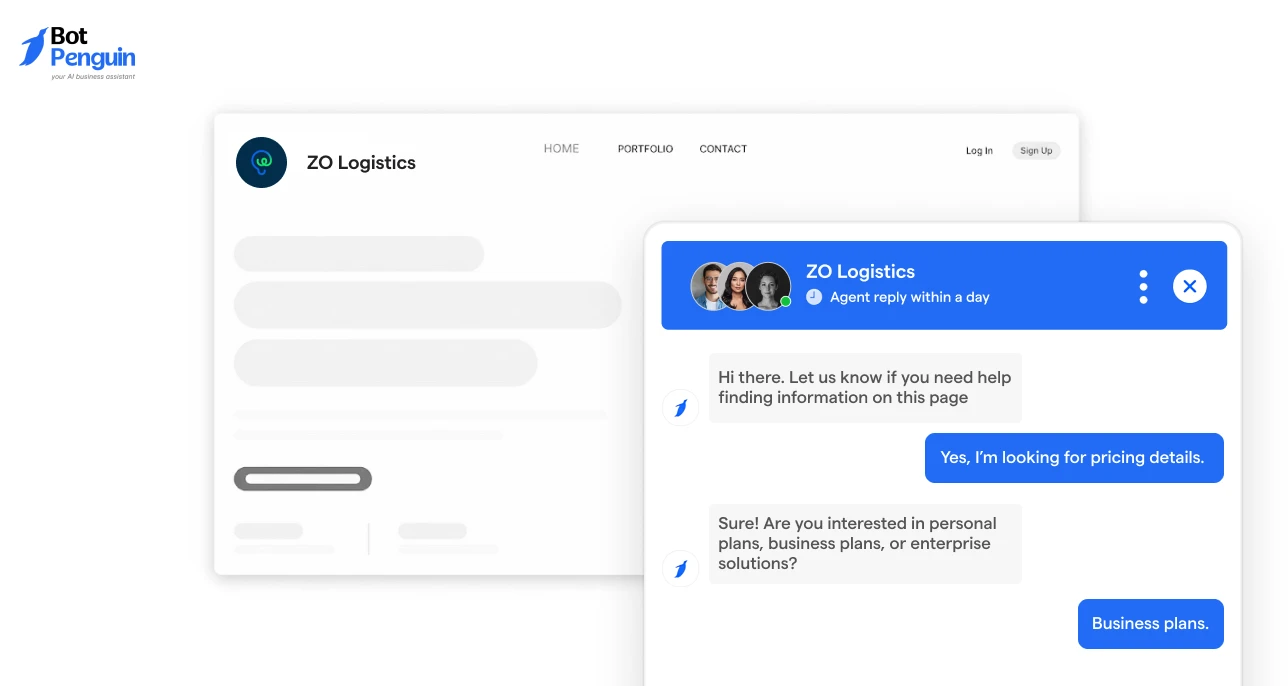
These messages work across most websites and do not assume user intent.
1. “Hi there. Let us know if you need help finding information on this page.”
2. “Welcome. Our team is available if you have questions while browsing.”
3. “Hello. Feel free to ask if you need clarification on anything here.”
These messages clearly explain why the chat is present and what kind of help is available.
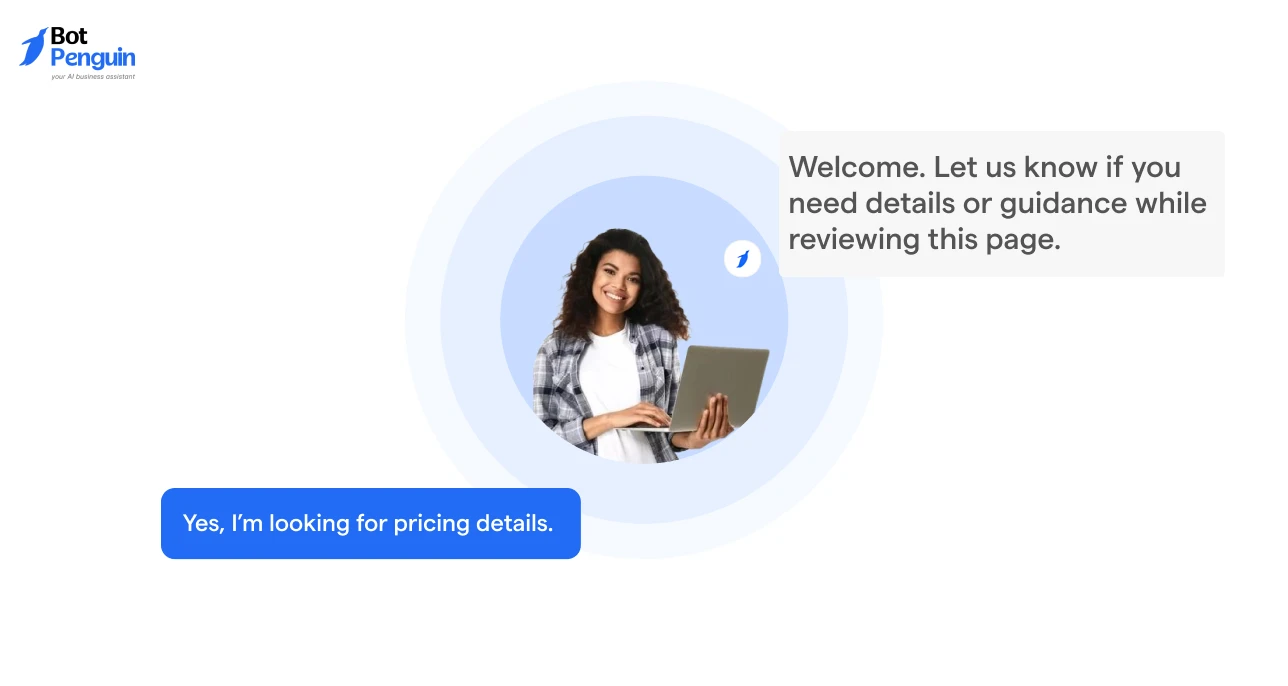
These messages suit SaaS, B2B, and enterprise websites where clarity and tone matter.
4. “Hi. Our team can help answer questions about our product or services.”
5. “Welcome. Let us know if you need details or guidance while reviewing this page.”
6. “Hello. We are here to assist if you have questions about what we offer.”
These examples balance professionalism with approachability and avoid sales pressure.
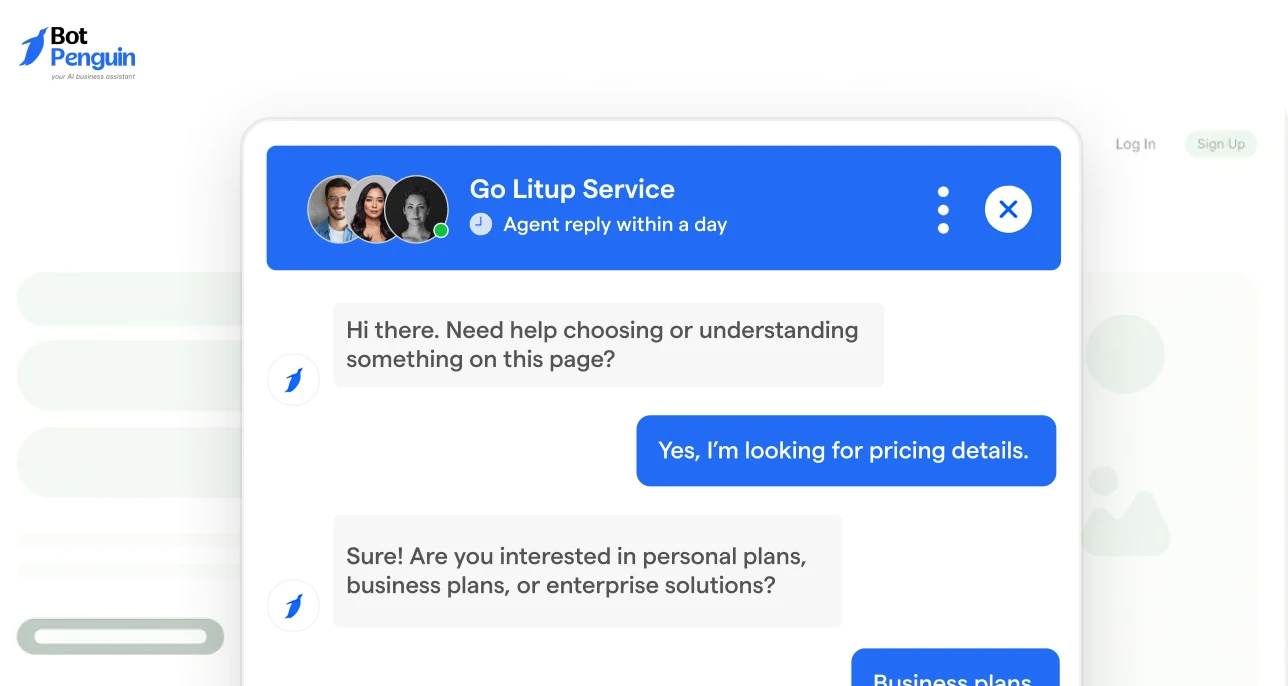
These messages are suitable for ecommerce and service-based websites.
7. “Hi there. Need help choosing or understanding something on this page?”
8. “Welcome. If you have questions while browsing, we are here to help.”
9. “Hello. Let us know if you would like help with anything you see here.”
These messages reduce hesitation and encourage interaction without urgency.
These messages focus on guidance and clarity rather than conversation alone.
10. “Hi. We can help explain features, pricing, or next steps if needed.”
11. “Welcome. Ask us if you need help understanding any information here.”
12. “Hello. Our team can clarify details or answer questions as you review this page.”
These messages are useful when visitors are researching and comparing options.
The above examples show how a general live chat welcome message for website use can provide context and value while remaining simple and easy to respond to.
These examples are grouped by visitor intent and page context. Each live chat welcome message is short, clear, and suitable for direct use inside a chat widget.
The wording follows standard best practices and works across industries.
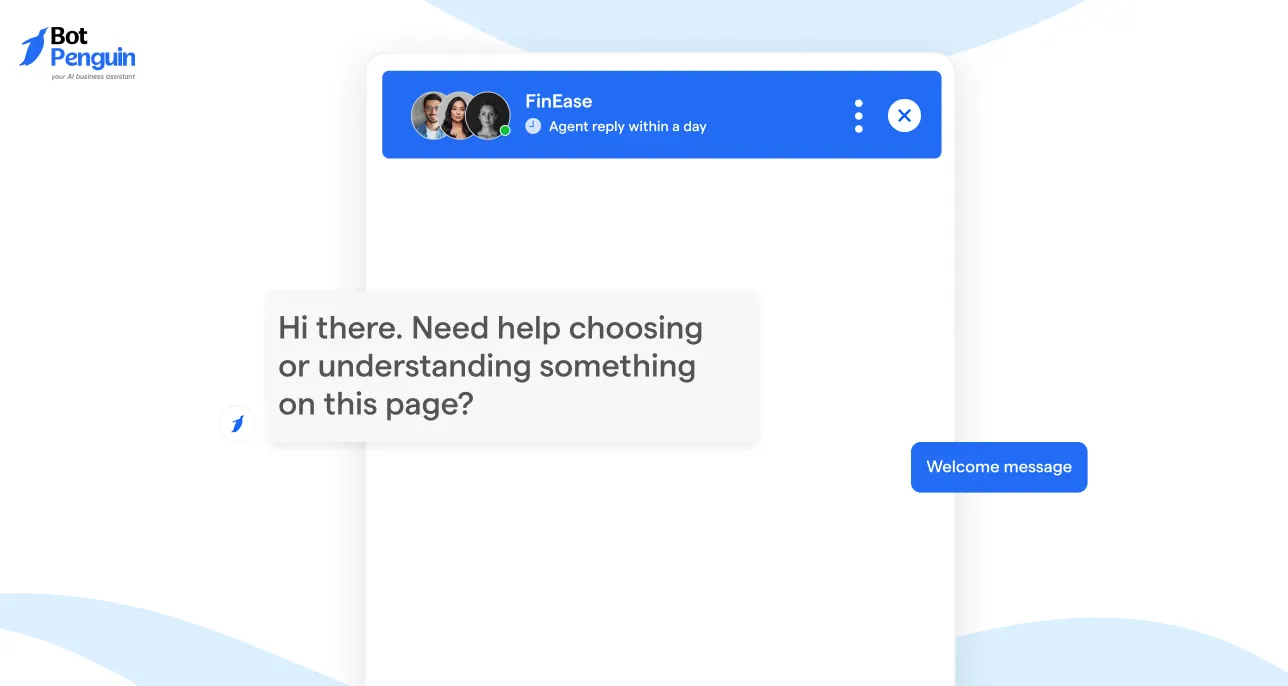
These welcome messages are designed for pages where visitor intent is unclear.
They work well on homepages, feature pages, and general content pages where users may be browsing, researching, or comparing options. The goal is to signal availability without making assumptions or pushing an action.
13. “Hi there 👋 Let us know if you need help finding information on this page.” This message works well for content heavy pages where users may be scanning for specific details.
14. “Welcome. Our team is available if you have questions while browsing.” This is effective on pages with multiple sections, helping users feel supported without interrupting their flow.
15. “Hello 👋 Feel free to ask if you need clarification on anything here.” This message encourages questions and is useful when the page includes complex or detailed information.
16. “Hi. We are here to help if you have questions about what you see.” A neutral option that fits most industries and keeps the conversation open-ended.
17. “Need help understanding anything on this page? We are available.” This message works well when users may be reviewing features, services, or explanations.
These examples show how a live chat welcome message can remain flexible and informative while encouraging engagement across different website contexts.
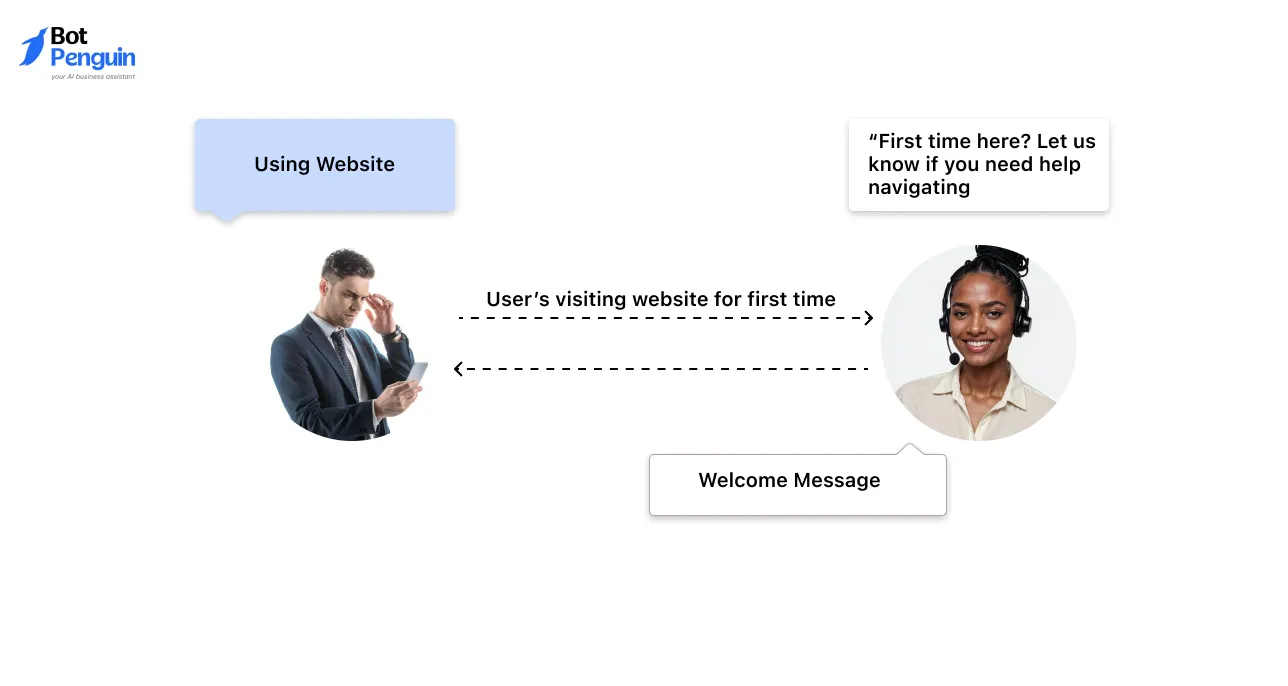
First time visitors often need reassurance more than direction.
These welcome messages focus on guidance and orientation, helping new users understand that assistance is available without assuming intent. They work well on landing pages, product introductions, and educational content.
18. “Welcome 👋 What are you looking to learn or explore today?” This message invites discovery and works well when visitors are still forming intent.
19. “Hi. Can we help you understand anything as you get started?” Useful for onboarding focused pages where users may need clarity early.
20. “First time here? Let us know if you need help navigating.” This message directly acknowledges new visitors and reduces hesitation.
21. “Hello. Ask us if you have questions while reviewing this page.” Effective on pages with detailed explanations or multiple sections.
22. “Looking for something specific? We can help.” A flexible option that allows visitors to guide the conversation.
These examples help first time visitors feel supported and confident enough to start a conversation.
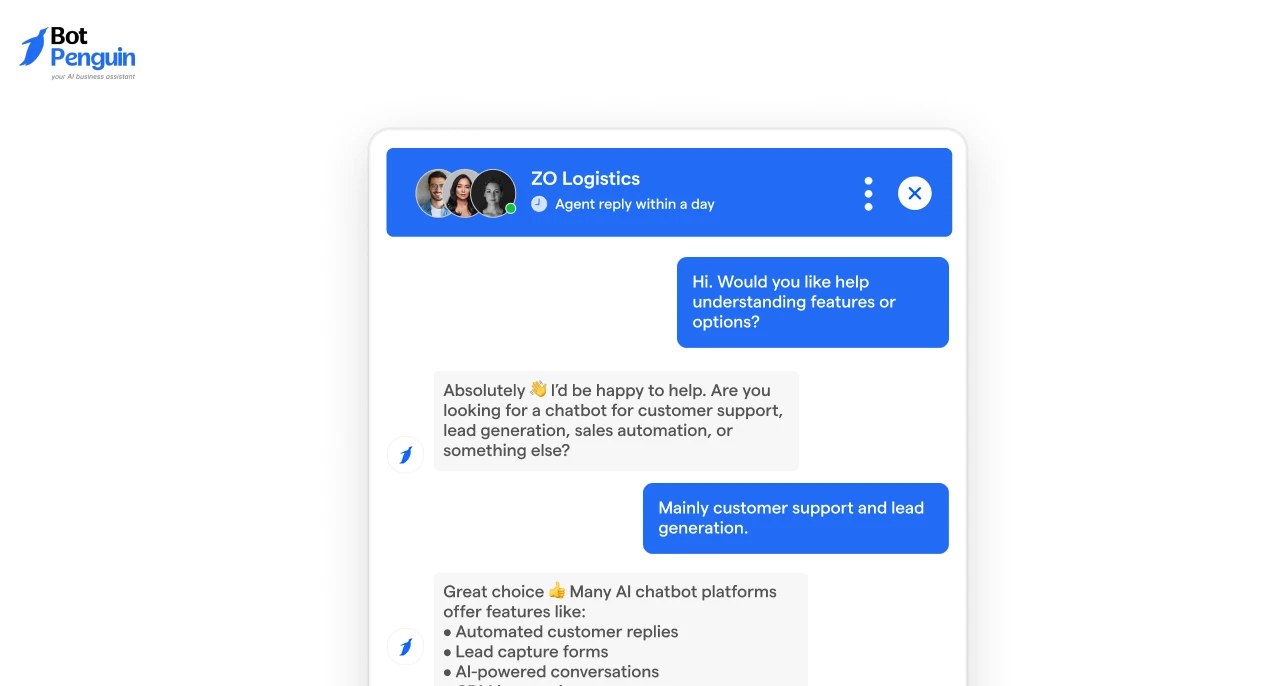
Sales focused pages require a careful balance. Visitors are often interested but not ready to be pushed.
These welcome messages are designed to support buying conversations by offering help and clarity without forcing a decision. They work well on product pages, feature comparisons, and solution overviews.
23. “Hi. Would you like help understanding features or options?” This message opens the conversation by offering clarification rather than a pitch.
24. “Questions about how this product fits your needs?” Useful when visitors are comparing solutions or evaluating suitability.
25. “Need help comparing plans or deciding next steps?” This message works well when multiple options are available and guidance is helpful.
26. “Hello 👋 We can help if you are evaluating your options.” A neutral option that acknowledges consideration stage intent without pressure.
27. “Looking for guidance before making a decision?” Effective for high intent pages where users may want reassurance before proceeding.
These examples encourage meaningful sales conversations while keeping the visitor in control of the interaction.
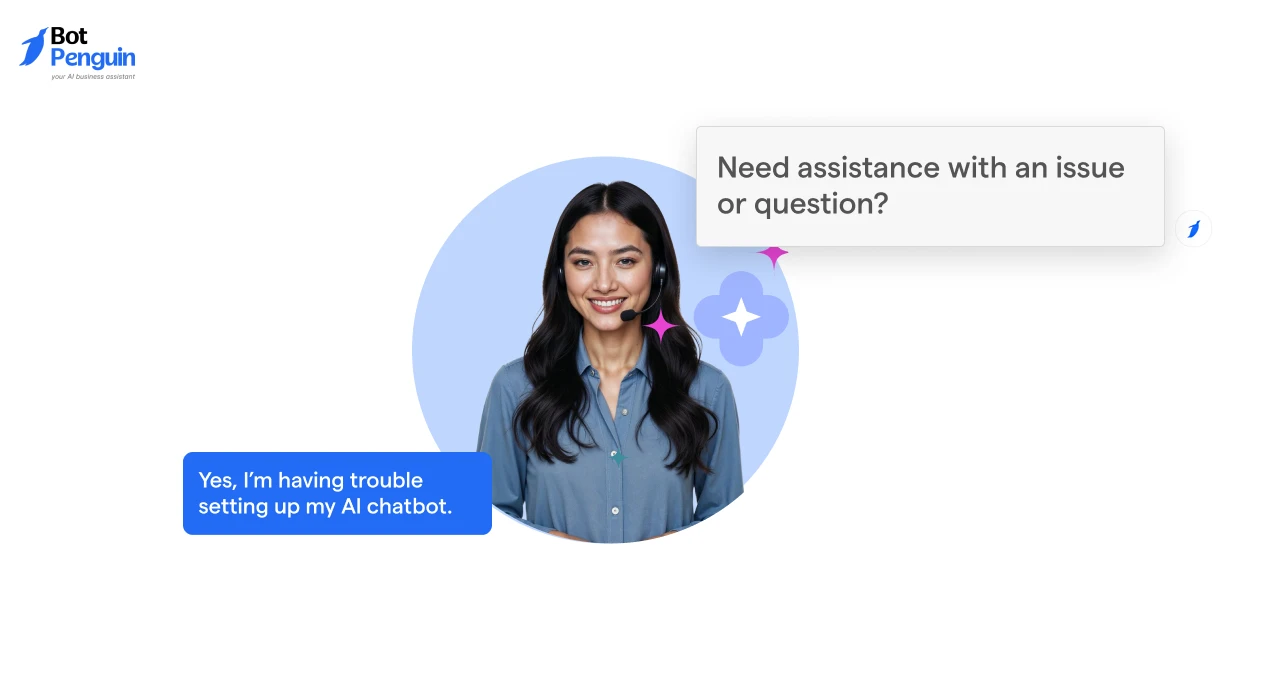
Customer support chats are most effective when users feel understood and guided from the start.
These welcome messages focus on helping users describe their issue clearly and move toward resolution without adding friction. They work well on help centers, account pages, and post-purchase support screens.
28. “Hi 👋 What can we help you with today?” This message is direct and gives users a clear opening to describe their issue.
29. “Need assistance with an issue or question?” A simple option that covers both technical and general support needs.
30. “Tell us what you need help with and we will guide you.” Useful when issues may vary and some explanation is required.
31. “Hello. We are here to support you with any problems.” A reassuring message that sets expectations for help.
32. “Having trouble with something? Let us know.” Effective for situations where users may be unsure how to describe their issue.
These examples help structure support conversations and improve resolution quality from the first interaction.
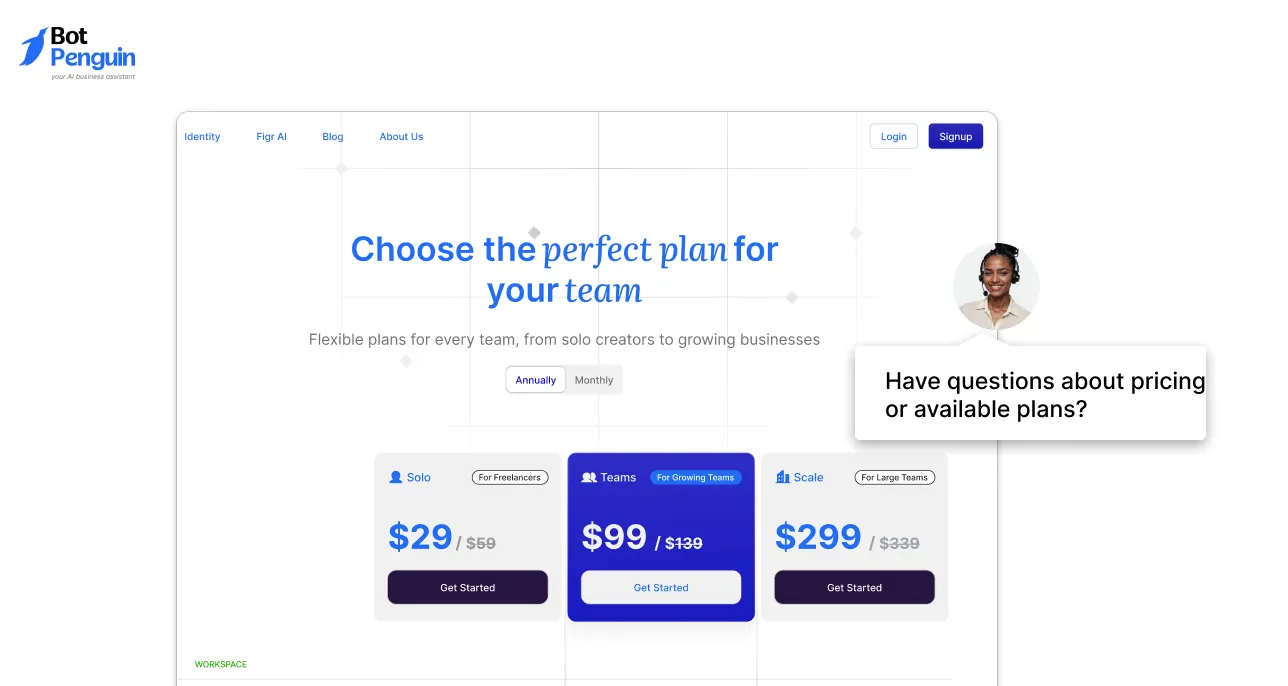
Pricing pages attract high intent visitors who are close to making a decision but may still have questions.
These welcome messages are designed to reduce hesitation by offering clarity and reassurance without pushing for a purchase. They work best on pricing pages, plan comparison pages, and checkout-related screens.
33. “Have questions about pricing or available plans?” This message directly addresses the most common concern at this stage.
34. “Need help understanding costs or plan differences?” Useful when multiple plans or feature tiers are displayed.
35. “Unsure which option fits your requirements?” This message works well for visitors comparing options and looking for guidance.
36. “Hello. We can clarify pricing details if needed.” A neutral option that reassures users without adding pressure.
37. “Want help choosing the right plan for your needs?” Effective for decision stage users who want confirmation before moving forward.
These examples help remove friction on pricing pages and support confident decision making without interrupting the buying flow.
Different industries attract different user expectations. A welcome message that works in ecommerce may not work for healthcare or SaaS.
The following sections show how live chat welcome messages should be adapted based on industry context while keeping clarity and usability consistent.
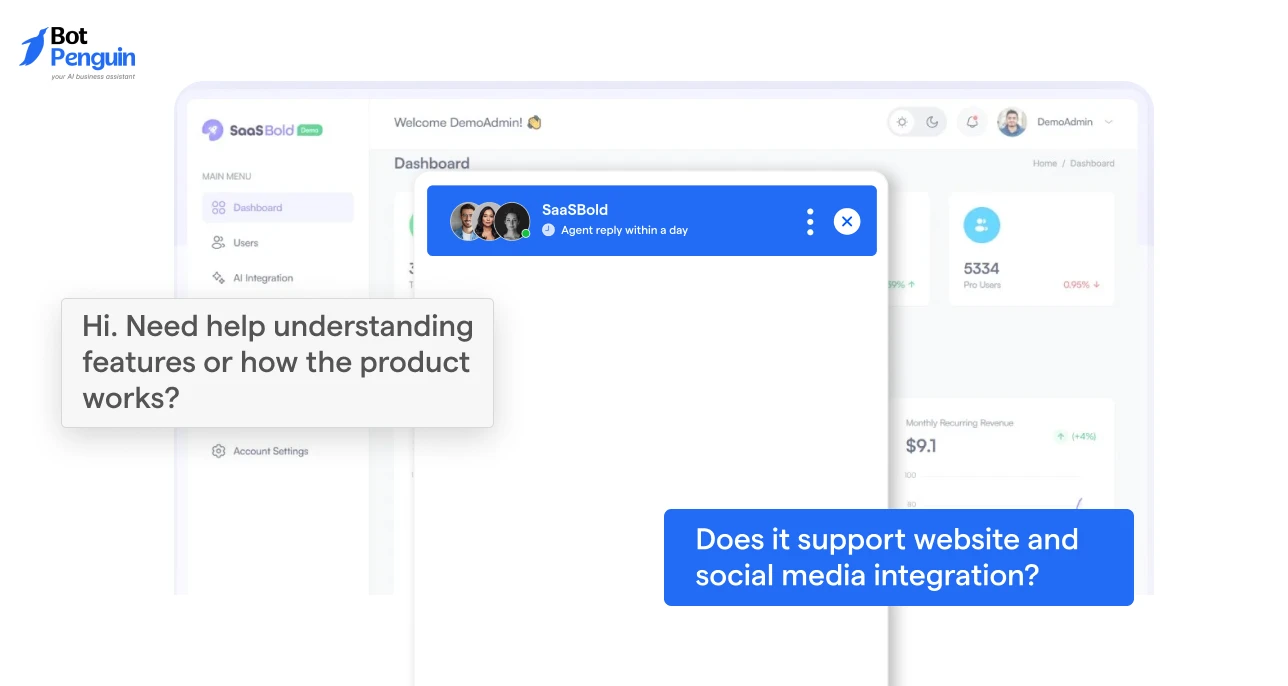
SaaS and software visitors are usually evaluating multiple tools at the same time. They want to understand features, use cases, setup requirements, and pricing before taking action.
These welcome messages focus on clarity and product understanding, helping users assess fit without pushing them toward signup or conversion too early.
38. “Hi. Need help understanding features or how the product works?” This message works well on feature pages where users are reviewing capabilities.
39. “Welcome. We can help answer questions about plans or use cases.” Useful when visitors are comparing pricing tiers or evaluating applicability.
40. “Looking to see if this product fits your needs?” This message supports evaluation and encourages intent driven conversations.
41. “Have questions while exploring the platform?” Effective for product overview or demo related pages.
42. “Need guidance on setup or capabilities?” Best suited for technical or onboarding focused content.
These messages support product evaluation and informed decision making without creating pressure to sign up.
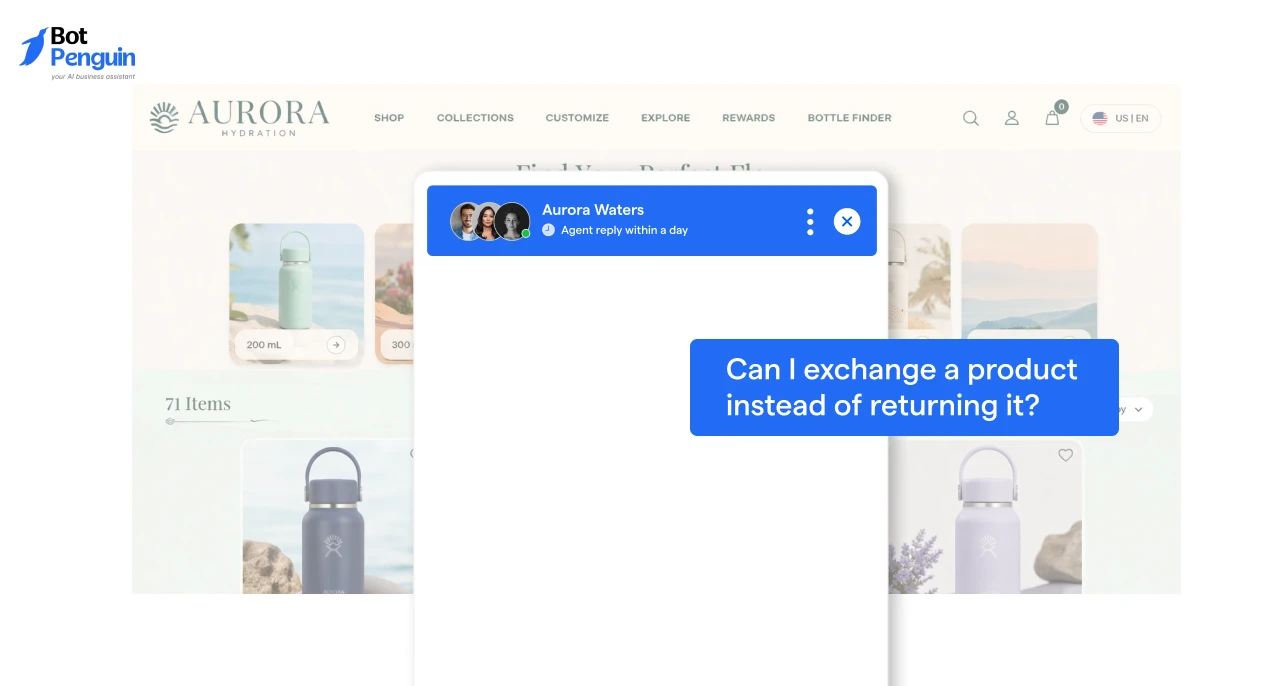
Ecommerce visitors usually want fast and specific answers. Their questions often relate to product details, availability, orders, shipping, or returns.
These welcome messages focus on reducing effort and removing friction during browsing and checkout without interrupting the shopping experience.
43. “Hi 👋 Need help finding the right product?” This message works well on category and search result pages where users are comparing items.
44. “Have questions about an item or your order?” Useful for product pages and order related sections.
45. “Looking for details on shipping or returns?” Effective when delivery terms or return policies influence purchase decisions.
46. “Need help before checking out?” Best suited for cart and checkout pages where hesitation is common.
47. “We are here if you need help while shopping.” A neutral option that supports browsing without adding pressure.
These messages help ecommerce users move forward with confidence and reduce drop offs caused by unanswered questions.
Service based businesses often attract visitors who are exploring options and comparing providers. These users want clarity on services, pricing, availability, and next steps before reaching out.
The following welcome messages are designed to guide users toward informed inquiries without rushing them into contact or booking.
48. “Hi. Would you like help understanding our services?” This message works well on service overview pages where visitors are learning what is offered.
49. “Looking for details on pricing or availability?” Useful for users who are evaluating cost or scheduling before taking action.
50. “Have questions before booking or contacting us?” Effective for pages with contact forms or appointment options.
51. “Need help deciding which service fits your needs?” This message supports comparison and decision making.
52. “We can help explain how our services work.” A neutral option that reassures users that guidance is available.
These messages help visitors move from browsing to meaningful inquiries with better clarity and confidence.
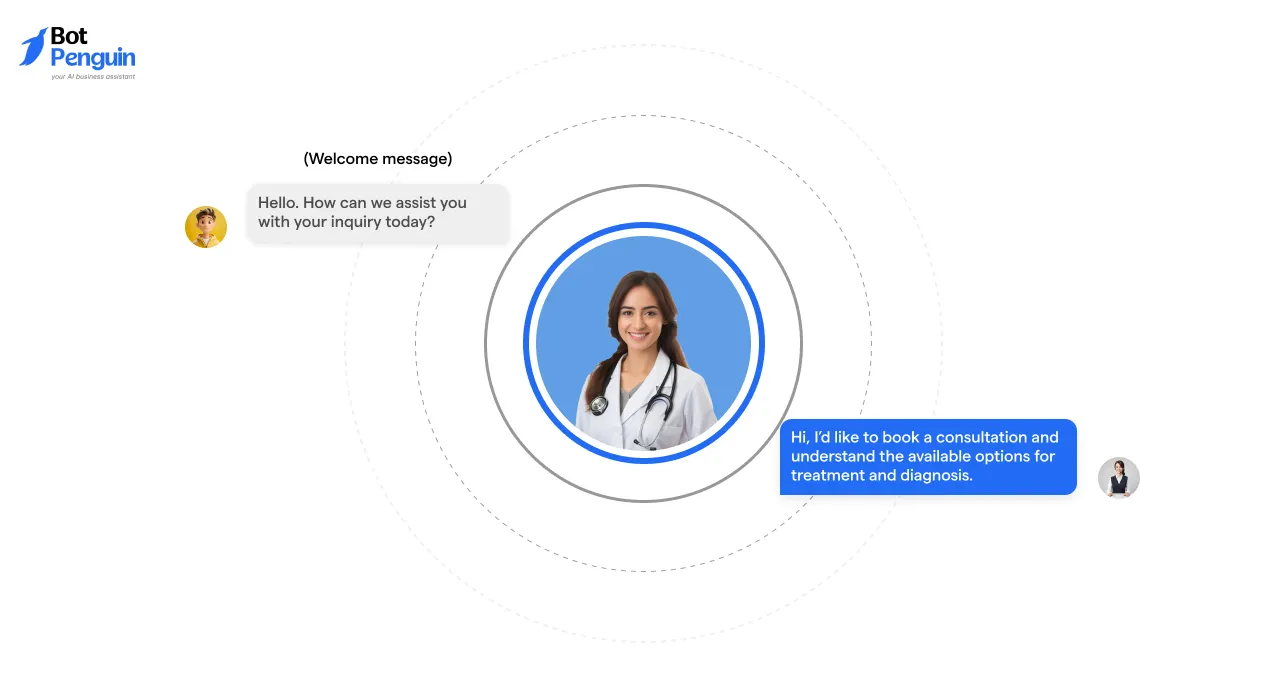
Healthcare and wellness visitors expect clarity, professionalism, and reassurance. These users are often looking for general information, appointment details, or guidance on next steps.
The following welcome messages are designed to support inquiries without sounding casual or intrusive.
53. “Hello. How can we assist you with your inquiry today?” This message works well as a neutral entry point across healthcare pages.
54. “Need help understanding our services or appointments?” Useful for visitors exploring treatment options or scheduling.
55. “Have questions about availability or next steps?” Effective when users are unsure how to proceed.
56. “We are here to help with general information.” A reassuring option that sets clear expectations.
57. “Let us know if you need assistance navigating this page.” Helpful for pages with detailed or structured information.
These messages help maintain trust and guide users toward appropriate information.
Education focused visitors are often researching programs, comparing courses, or evaluating outcomes. These welcome messages focus on guidance and clarity, helping users understand options before enrolling or committing.
58. “Hi. Need help choosing the right course or program?” This message supports early stage exploration and comparison.
59. “Have questions about enrollment or curriculum?” Useful for visitors reviewing program details.
60. “Looking for guidance before getting started?” Effective when users are unsure about next steps.
61. “We can help explain course structure or timelines.” Helpful for users evaluating workload or duration.
62. “Let us know if you need help deciding.” A neutral message that encourages conversation without pressure.
These examples help education focused visitors move forward with clearer understanding and confidence.
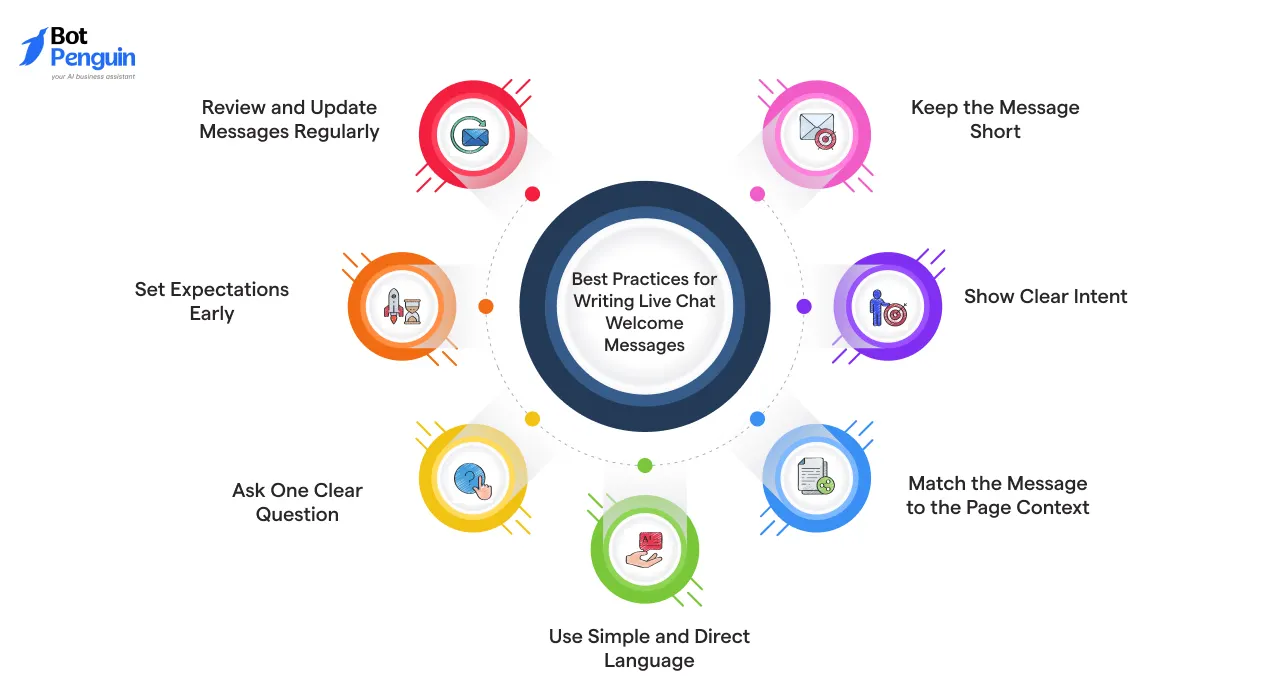
Best practices help ensure that a live chat welcome message performs consistently across different pages and audiences.
These guidelines are based on common usage patterns and observed engagement behavior. They focus on clarity usability and response quality rather than tone or branding preferences.
Short messages are easier to read and faster to process.
Short messages reduce effort and increase the chance of a reply.
The message should explain why the chat exists.
Clear intent helps users decide quickly whether to engage.
Context improves relevance and conversation quality.
Context-based messages lead to more meaningful chats.
Plain language performs better than formal wording.
Simple language lowers hesitation and improves response rates.
Questions guide users toward action.
A single clear question reduces confusion and improves engagement.
Users should understand what happens next.
Clear expectations improve satisfaction and conversation flow.
Welcome messages should not remain static.
Regular review ensures the message remains effective over time.
These best practices help create welcome messages that are clear functional and easy for users to respond to.
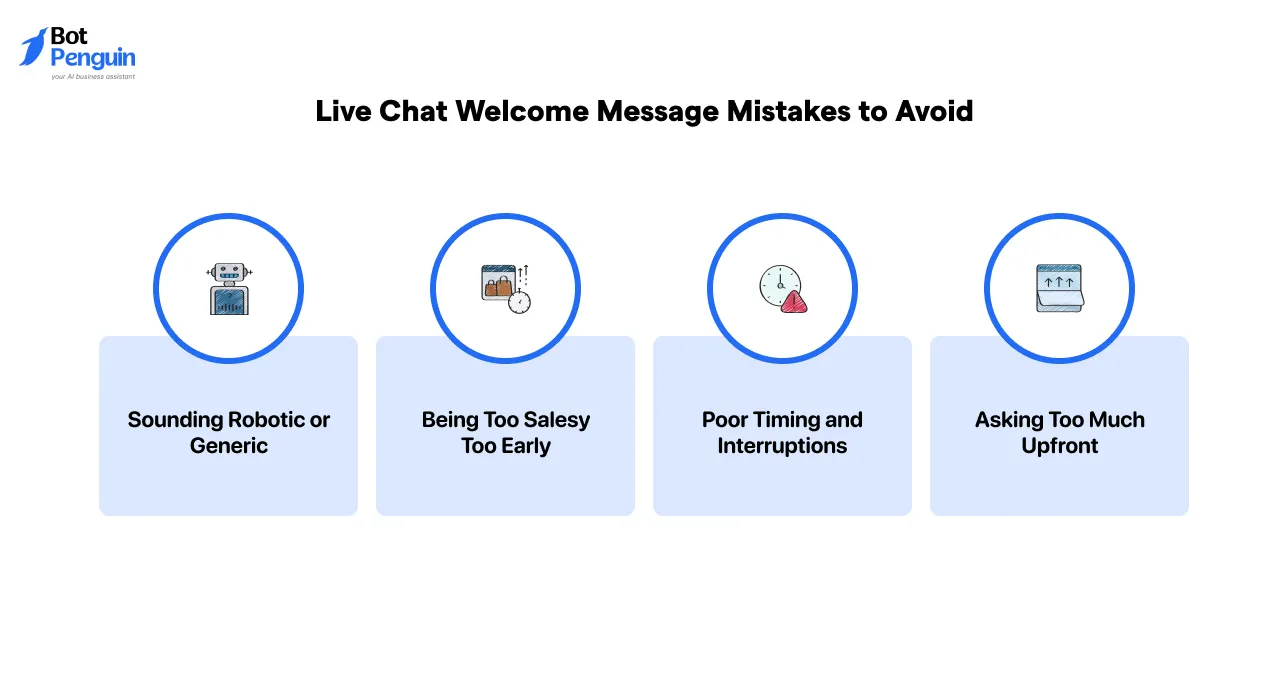
Even well-intentioned welcome messages can fail if they are poorly written or poorly timed. These mistakes often reduce engagement, frustrate visitors, and make live chat feel intrusive instead of helpful.
Avoiding the issues below helps ensure that the welcome message supports conversation rather than blocking it.
Messages that feel automated or templated are easy for users to ignore. Phrases that lack context or personality signal low value assistance.
When visitors cannot see how the chat is relevant to them, they are less likely to respond. A welcome message should sound purposeful and clearly connected to the page or experience.
Pushing offers or conversions in the first message creates resistance. Visitors often use live chat to seek clarity, not to be sold to immediately.
Sales focused language too early can break trust and end conversations before they begin. The welcome message should prioritize help and understanding before promotion.
Showing a welcome message too quickly can interrupt the browsing experience. Messages that appear the moment a page loads often feel disruptive.
Timing should allow users to engage with the content before prompting interaction. Well timed messages feel supportive rather than distracting.
Asking multiple questions or requesting detailed information in the first message increases effort. Visitors may not yet know what they want to ask.
A strong welcome message keeps the initial prompt simple and focused. Additional details can be collected later once the conversation has started.
Avoiding these mistakes helps create welcome messages that feel relevant, respectful, and easy to engage with.
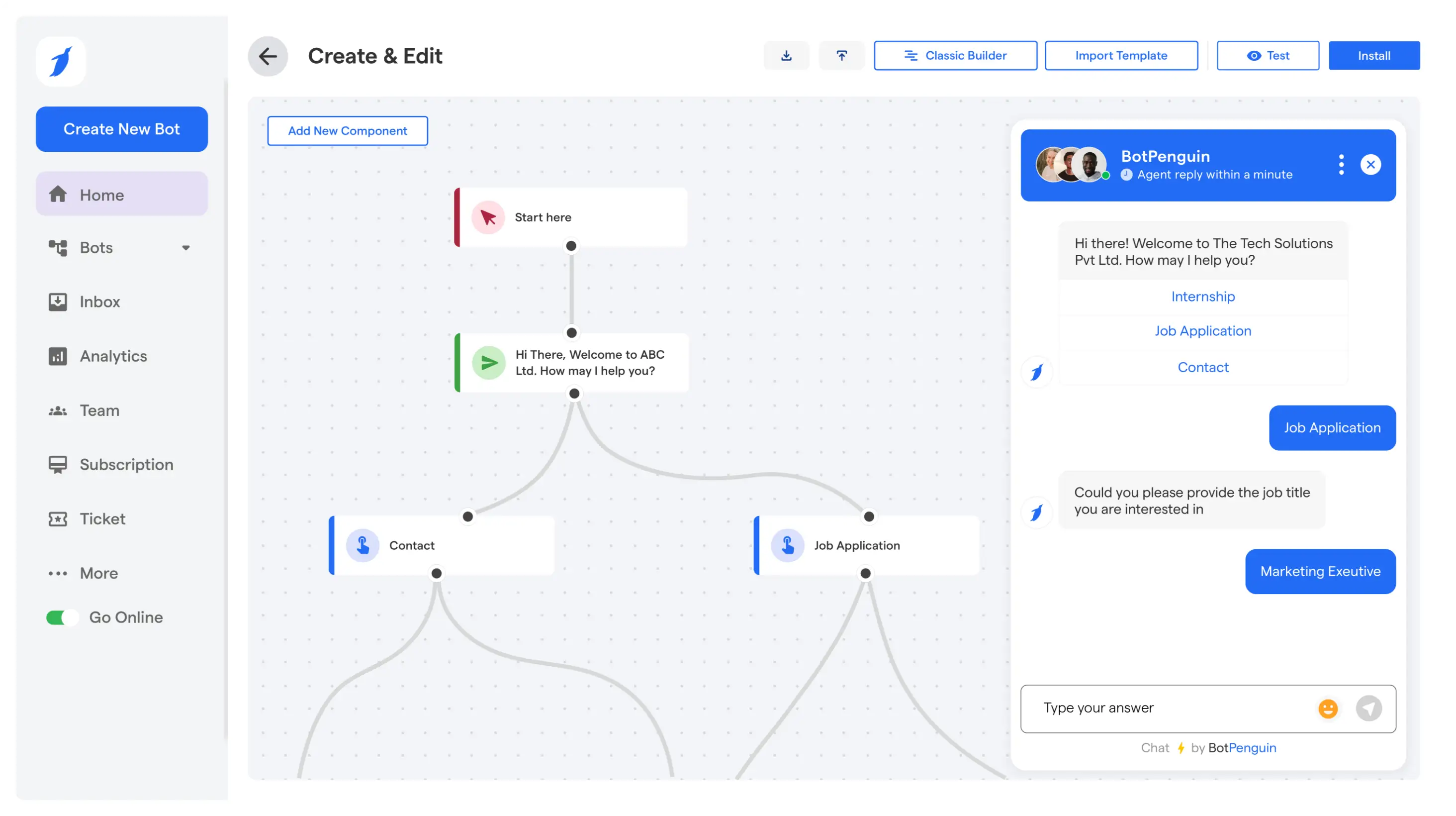
As live chat volume grows, welcome messages need to adjust based on context, visitor type, and conversation flow. Static messages create inconsistency and limit engagement.
BotPenguin helps teams apply live chat welcome message best practices consistently while scaling real conversations across the website.
✅ Context aware welcome messages based on page type
✅ Different welcome messages for first-time and returning visitors
✅ Automated welcome messages triggered instantly on page load
✅ AI driven conversations that adapt to user responses
✅ Human like chat tone across automated interactions
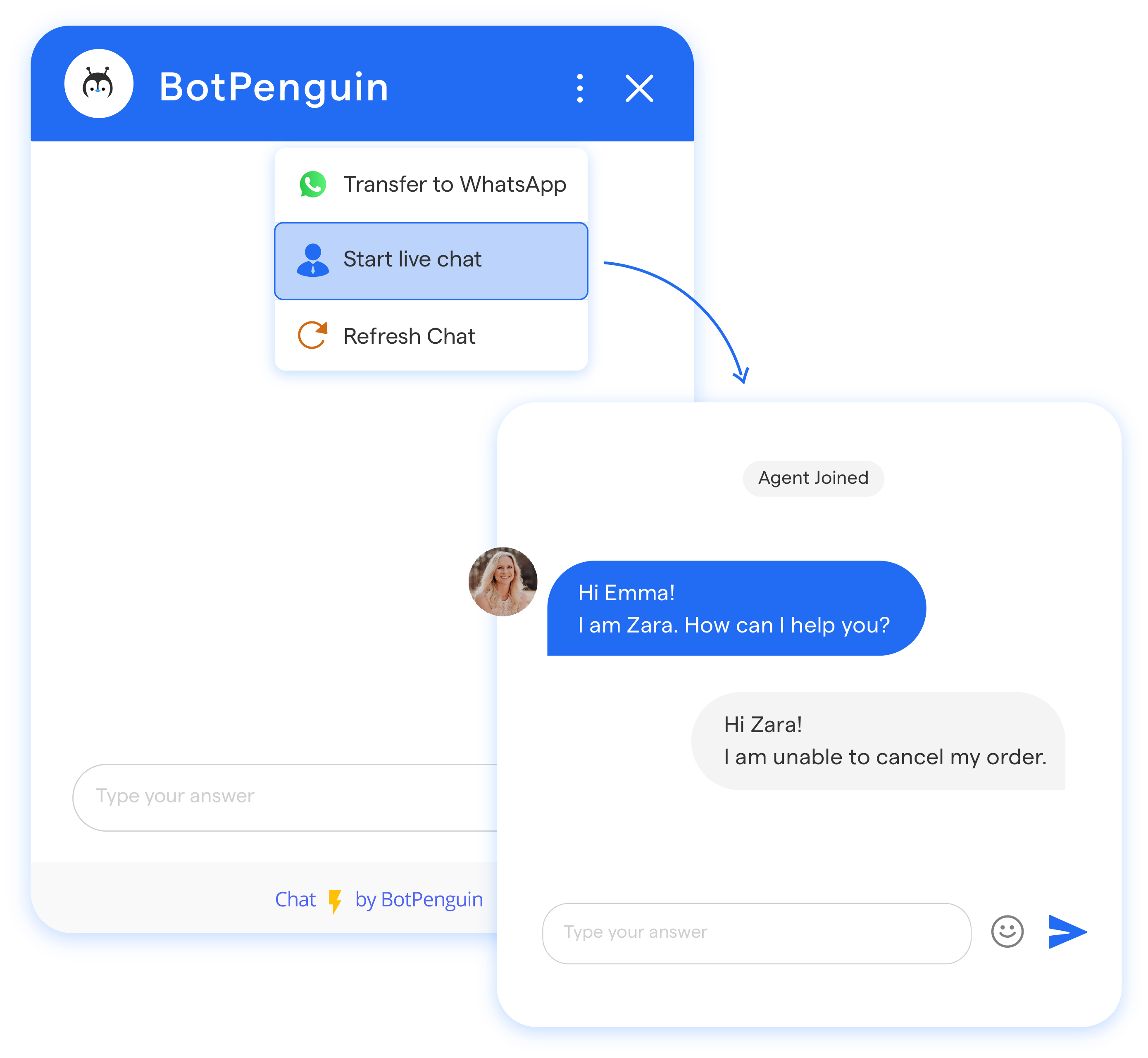
✅ Live agent takeover at any stage of the conversation
✅ Full conversation history available during agent handoff
✅ No need for users to repeat questions after escalation
✅ Support for multiple live agents from one dashboard
✅ Consistent welcome behavior across website and messaging channels
These capabilities help teams move beyond static examples and deliver personalized live chat experiences without adding operational complexity.
Live chat welcome messages play a critical role in how visitors engage with a website. Small changes in wording, timing, and context can directly influence conversation starts, lead quality, and overall user experience.
When written clearly and aligned with intent, these messages become a reliable entry point into meaningful interactions.
As traffic and use cases grow, regularly reviewing performance, testing variations, and personalizing messages by page or audience helps maintain relevance.
Gradual optimization ensures live chat continues to support engagement and conversions without adding friction or complexity.
The ideal length is one short sentence. Messages between six and fifteen words receive higher response rates and reduce hesitation to start a chat.
It should trigger after brief page engagement or scroll activity, not immediately on page load, to avoid interrupting the visitor experience.
They should be reviewed quarterly or after major page changes to ensure relevance, accuracy, and alignment with visitor behavior.
Yes. Mobile messages should be shorter and more direct due to limited screen space and faster browsing behavior.
Yes. Clear welcome messages help users frame questions better, reducing back and forth and improving overall response efficiency
Automate Live Chat Messages Instantly
Reply faster, engage visitors 24/7, and convert more leads with BotPenguin’s AI-powered live chat automation.
Get Started NowCheckout our related blogs you will love.
Updated at May 11, 2026
10 min to read
Updated at Sep 26, 2026
8 min to read
Updated at Sep 26, 2026
8 min to read
Updated at Sep 24, 2026
10 min to read
Updated at Aug 19, 2026
12 min to read
Updated at Jul 3, 2026
12 min to read
Table of Contents

