


AI Telegram Chatbot vs Rule-Based Bot: What’s the Difference?
Updated at Nov 5, 2026
10 min to read

Updated On Nov 4, 2026
13 min to read
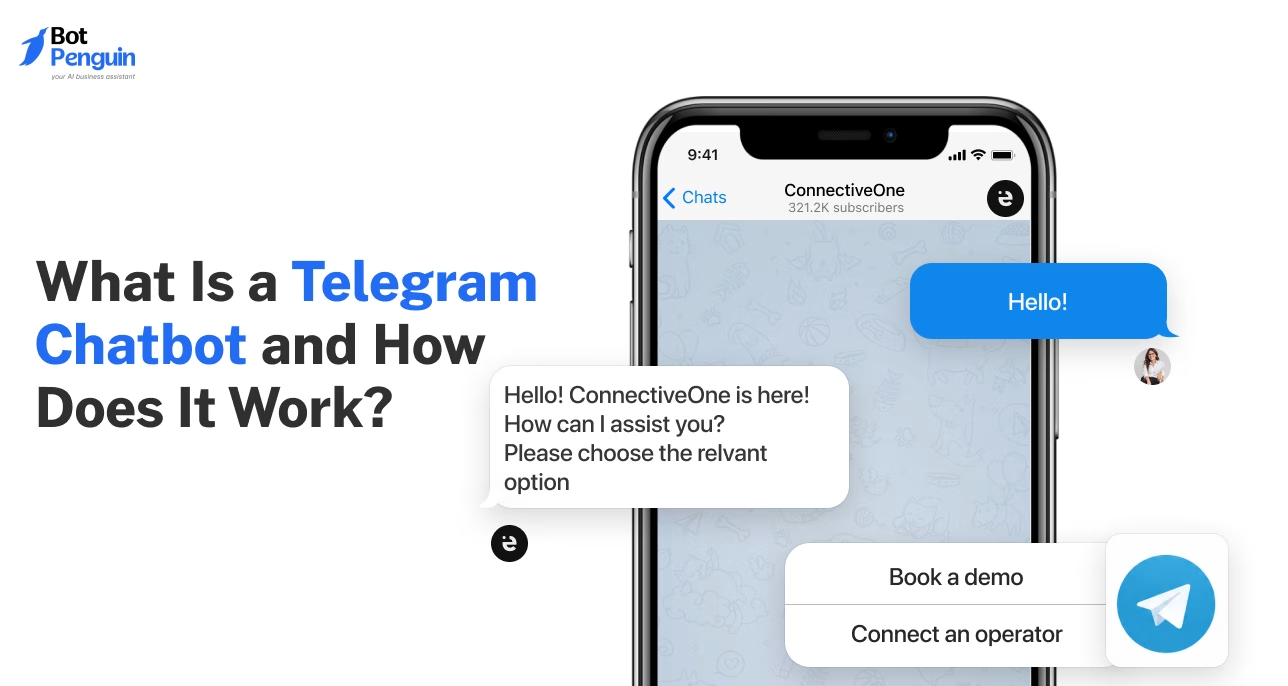
A Telegram bot is a software-controlled Telegram account that responds to messages and performs tasks automatically. Its username ends in “bot.” You create it through @BotFather, which issues an API token. That token connects your bot to Telegram’s Bot API for sending and receiving messages.
Ever used @gif to find a GIF or seen bots manage Telegram groups? These simple interactions show how Telegram bots make everyday tasks easier.
Businesses use them to answer questions, collect leads, and assist customers. Some bots follow fixed commands, while others understand questions using AI.
However, not every Telegram bot is designed for conversation. Every Telegram chatbot is a bot, but some bots only send alerts, conduct polls, or execute commands.
So, what is a Telegram bot, and how does it actually work? This guide covers its meaning, functionality, types, benefits, and limitations. You'll also learn when businesses need one and how to create it.
If you want to build a Telegram AI chatbot free, start by understanding what makes these bots different from regular Telegram accounts.
A Telegram bot is an automated account that performs tasks within Telegram. Unlike regular users, bots operate through software instead of manual conversations.
Understanding the Telegram bot meaning starts with its unique characteristics:
These characteristics follow Telegram's official bot documentation, which explains how automated accounts operate.
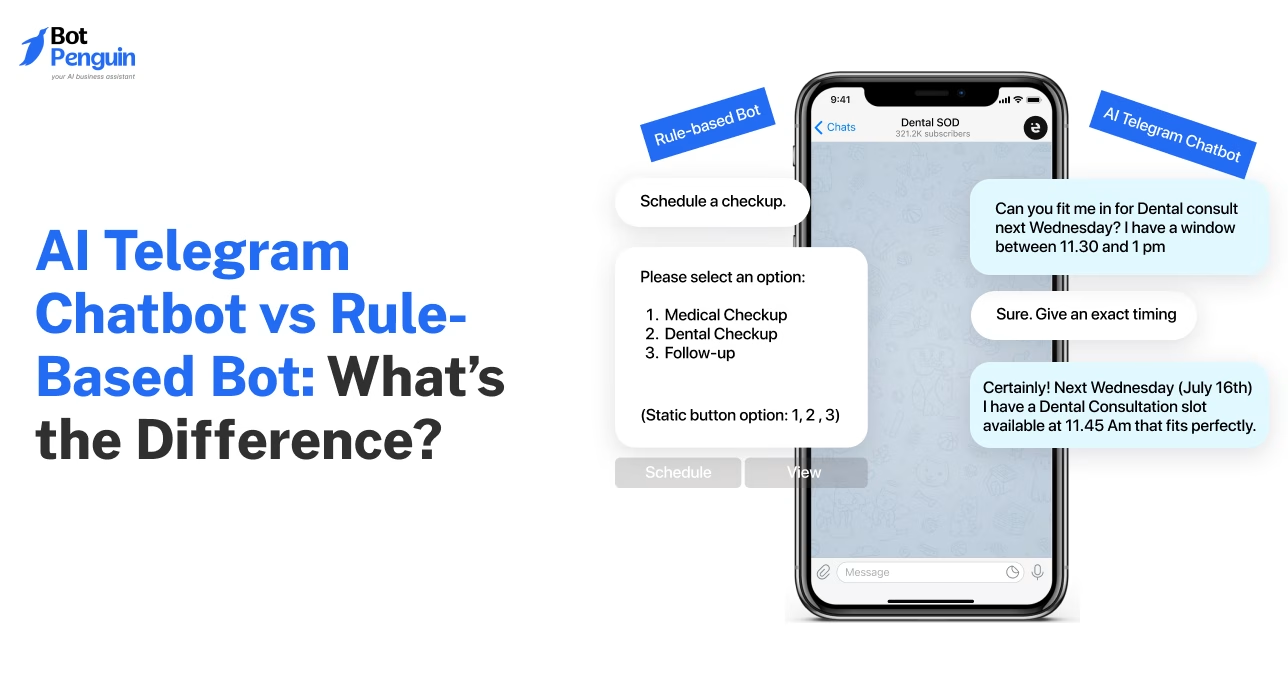
Not every Telegram bot handles conversations. A rule-based bot follows predefined commands, while an AI-powered bot interprets questions.
A Telegram chatbot focuses on conversational interactions, often helping users get information or support. Other bots perform specific tasks, such as sending reminders or managing groups.
These differences come from how each bot processes information. Understanding that process explains how Telegram bots receive messages, make decisions, and respond.
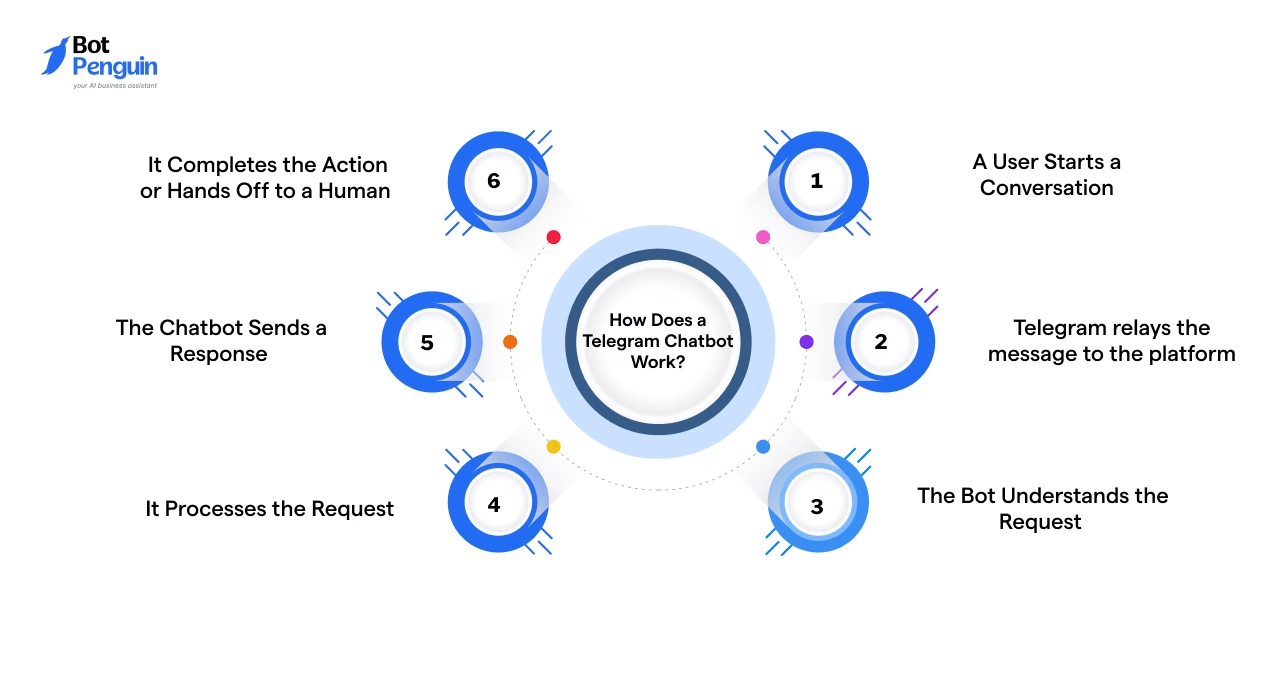
Telegram chatbot use Telegram's Bot API to connect user conversations with automated software. However, before operating, a bot must be registered through @BotFather. This creates its username and API token, which must remain private.
Once connected, the bot follows three steps.
A user sends a message, enters a command, or selects a button.
Telegram captures this interaction and creates an update containing relevant information. This may include the message text, chat ID, or selected action.
Telegram delivers the update to the software controlling the bot.
The Telegram Bot API supports two delivery methods:
Both methods allow the software to receive and process user requests.
The software analyzes the update and determines what happens next.
Rule-based bots follow predefined commands and conditions. AI-powered bots interpret messages and generate responses using connected AI models.
The bot then sends its response through the Bot API. Users may receive text, buttons, images, or files directly in Telegram.
This interaction model has supported Telegram bots since the platform's original bot launch.
While the underlying process remains similar, bots serve different purposes. Their capabilities depend on the tasks and interactions they're designed to handle.
Telegram bots serve different purposes, from simple utilities to AI-powered business support. Their capabilities depend on how they're programmed and connected to other tools.
Most bots fall into three categories.
These bots simplify everyday tasks within Telegram without requiring separate apps.
Common examples include:
Telegram's official bot features documentation explains these interactions.
AI bots connect Telegram with language models to handle open-ended questions.
Unlike fixed-command bots, they interpret user intent and generate contextual replies. Some also retrieve information from connected documents or knowledge bases.
Their capabilities depend on the AI model, configuration, and available data.
For a closer comparison, consider AI Telegram chatbot vs a rule-based bot.
Business bots help companies manage customer interactions directly within Telegram.
They commonly support:
For practical applications across industries, review these Telegram chatbot examples.
These applications show how bots support both individuals and businesses. For companies, the value becomes clearer through their operational benefits.
Telegram bots help businesses respond faster, manage inquiries, and engage customers efficiently. Here are the key benefits:
Businesses can also use Telegram broadcasts to communicate with subscribers. However, BotPenguin broadcasts send only the first component of the selected chatflow. They are not a tool for unrestricted promotional messaging.
These benefits make Telegram bots useful for handling everyday customer interactions. However, businesses should also understand their technical and operational limitations before implementation.
Telegram bots offer practical benefits, but they also have technical and operational limitations. Businesses should consider these before implementation.
Telegram's official Bot FAQ explains technical restrictions, including message limits.
Understanding these limitations helps businesses assess whether a Telegram bot fits their needs.
A Telegram bot makes sense when your customers already use Telegram. It should solve specific problems rather than add another communication channel.
Use this checklist to evaluate your needs:
Checked four or more points? A Telegram bot may be worth testing. Start with a small workflow and measure its effectiveness.
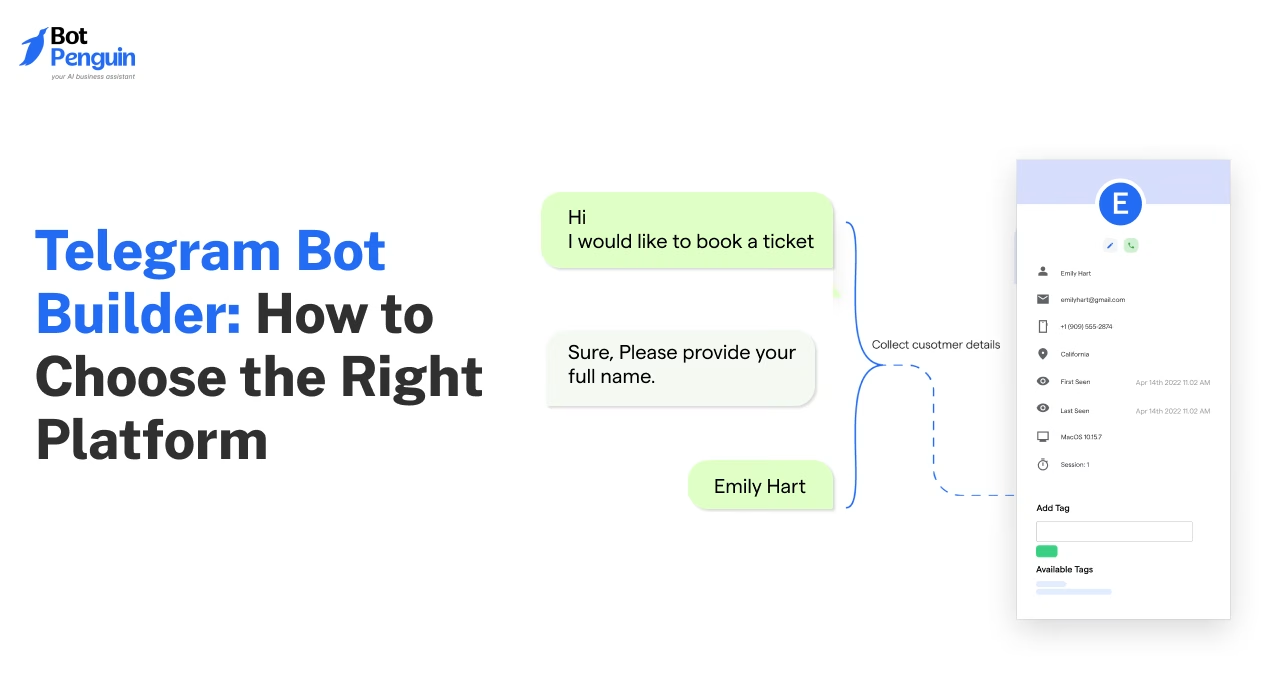
Before selecting a platform, understand how to choose a Telegram bot builder that supports your requirements.
Once your needs are clear, creating a bot doesn't necessarily require coding.
You don't need programming skills to create a Telegram bot. BotPenguin lets you connect Telegram and build automated conversations using a no-code interface.
BotPenguin provides two connection methods:
Choose the method that suits your setup requirements.
Use BotPenguin's visual builder to design conversations.
Add welcome messages, buttons, and predefined responses. Create paths for common questions, lead collection, or appointment requests.
Enable AI-powered answers for questions beyond predefined chatflows.
BotPenguin supports models from ChatGPT, Gemini, Claude, DeepSeek, and OpenRouter. You can also configure knowledge sources to improve response relevance.
Set up live-agent handoff for inquiries requiring personal assistance.
This helps customers reach your team when automated responses aren't sufficient.
Test commands, buttons, AI responses, and handoff within Telegram. Fix any issues before sharing your bot's link with customers.
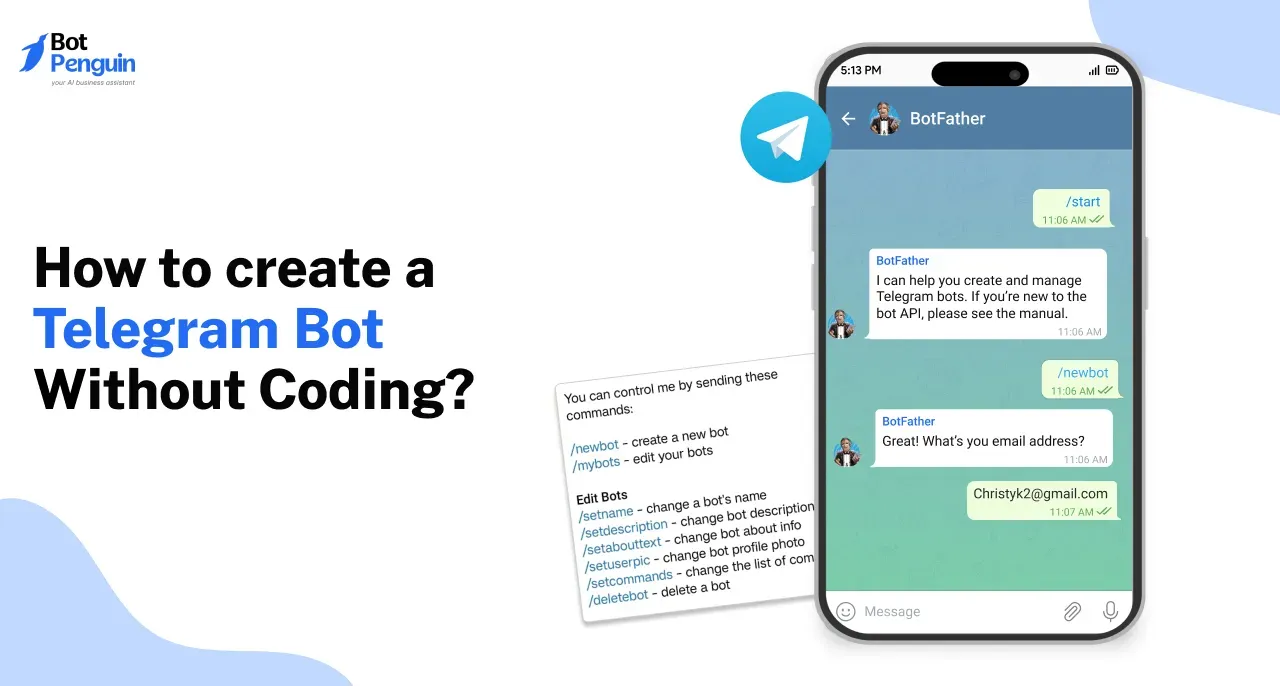
For screenshots and detailed instructions, refer to this step-by-step guide to creating a Telegram bot without coding.
Once launched, protecting customer conversations and bot credentials becomes equally important.
Telegram bots can be safe when users and businesses follow security practices. However, their safety also depends on the bot's owner and configuration.
Here are the key precautions:
BotPenguin is GDPR, HIPAA, and CCPA compliant, ISO certified, SOC 2 attested, and VAPT-assessed by a CERT-In empanelled auditor.
For additional precautions, read how to stay safe with Telegram bots.
Telegram bots are generally safe when operated by trusted developers. Verify usernames, review requested permissions, and avoid sharing passwords or sensitive information. Remember that bot conversations aren't end-to-end encrypted, so use caution when providing personal details.
Yes. Telegram bots can generate revenue through paid services, subscriptions, or digital products using Telegram Stars. Businesses can also benefit indirectly through lead generation and customer engagement. However, BotPenguin's Telegram bots don't currently support payment processing.
Telegram doesn't publish an official top-ten ranking. Popular examples include @gif, @wiki, reminder bots, translation bots, and moderation tools. Rankings depend on functionality and user preferences. For more options, check this list of the best Telegram bots [Suggested interlink: /blogs/list-of-best-telegram-bots].
To understand what are Telegram bots used for, consider their everyday functions. They can send reminders, manage groups, run polls, answer questions, and collect leads. Businesses also use them for customer support, appointment booking, and automated conversations.
Check the account's profile and username. Most bot usernames end in “bot,” although some official exceptions exist. Bot profiles display a bot label and often feature a Start button. Verify the account before sharing personal information.
Open @BotFather, use /newbot, and follow the instructions to generate an API token. Connect that token to your software or a no-code builder like BotPenguin. You can begin with BotPenguin's free plan.
So, what is a Telegram bot? It's a software-controlled account that responds to messages and performs tasks within Telegram.
Bots work through Telegram's Bot API, connecting user requests with automated software. They can manage groups, answer questions, collect leads, and support customer conversations.
For businesses, Telegram bots make sense when customers already use the platform. They help manage common inquiries and provide assistance beyond business hours.
However, successful automation requires regular updates, testing, and monitoring. Complex or sensitive issues should still have a human handoff option.
Ready to put these capabilities to work? With BotPenguin, you can build your Telegram AI chatbot free without coding.
Subscribe to Our Newsletter
Get the latest business insights straight into your inbox.
Checkout our related blogs you will love.
Updated at Nov 5, 2026
10 min to read
Updated at Nov 2, 2026
6 min to read
Updated at Oct 23, 2026
9 min to read
Updated at Sep 23, 2026
7 min to read
Updated at Aug 11, 2026
8 min to read
Table of Contents