


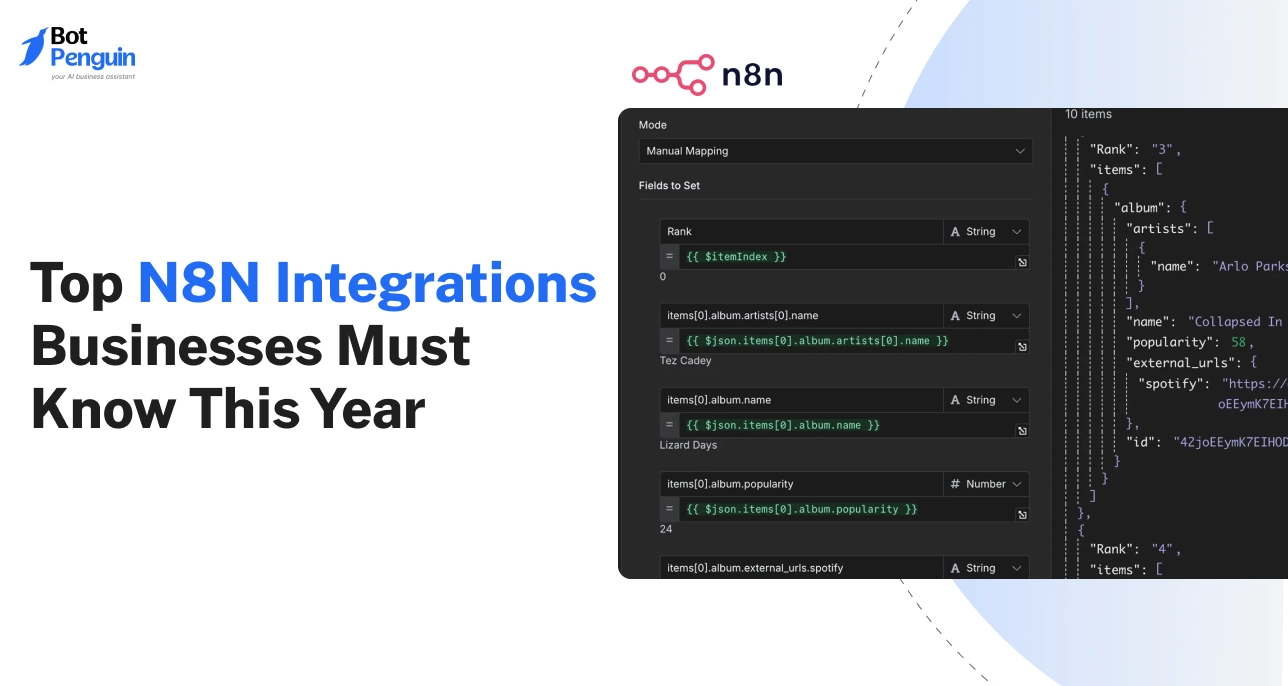
Top 40 N8N Integrations Businesses Must Know This Year
Updated at Jun 8, 2026
16 min to read

Key Takeaway
N8N AI agent integration is most valuable when workflows require reasoning over unstructured input, such as classifying free text, prioritizing support tickets, or making contextual routing decisions that cannot be covered by static conditional logic alone.
Reliability and auditability in N8N AI agent workflows depend on clearly defined objectives, explicit tool boundaries, structured input and output formats, and robust validation before executing any model-driven action.
Every model invocation introduces variable cost, latency, and potential non-determinism, so AI agents should only be used for high-value decisions while deterministic logic and fixed operations remain in standard workflow nodes.
Scaling N8N AI agent integration across teams requires ownership clarity, standardized prompts and schemas, centralized monitoring, and governance processes to prevent duplication, cost overruns, and compliance risks.
Most N8N workflows fail quietly. They run, but they do not think.
As automation scales, simple if-else logic can no longer keep up with real-world decisions.
Teams start stitching scripts, prompts, and retries together, hoping nothing breaks. That is where AI agents change the game.
N8N AI agents bring reasoning, tool selection, and decision-making into workflows without rebuilding your entire automation stack.
This guide explains how N8N AI agents work, when to use them, real-world workflow examples, and the integrations that make them production-ready.
An N8N AI agent is a workflow pattern in which a large language model is given context, instructions, and access to tools, and then allowed to decide the next action within controlled boundaries.
It operates inside N8N’s execution engine, not outside it. The workflow still manages triggers, data flow, logging, and error handling. The agent adds reasoning on top of that structure.
A traditional workflow in N8N follows predefined paths. Conditions are explicitly written. If input A matches rule B, action C runs. Every branch is manually defined.
This works well for deterministic logic but becomes complex when decisions depend on variable input, unstructured text, or multi-step reasoning.
An AI agent inside N8N shifts decision logic from static rules to model-driven reasoning. Instead of defining every possible branch, you define objectives, constraints, and available tools.
The model evaluates context and selects the appropriate action. The workflow becomes the container. The agent becomes the decision layer.
This distinction is critical. N8N still controls execution order, retries, and data passing between nodes. The agent does not replace the workflow engine. It operates within it.
In an AI agent N8N setup, the execution usually follows this structure:
Tool calling is controlled. The model does not directly access external systems. Instead, it outputs structured instructions that the workflow interprets.
N8N then executes the corresponding nodes. This preserves observability and control.
Decision-making happens within defined boundaries. You specify allowed tools, expected output format, and failure conditions.
Without these constraints, the system becomes unpredictable.
The large language model functions as a reasoning component, not as the orchestration engine.
It sits inside specific nodes configured to process prompts and return structured responses. N8N handles state management, credentials, execution logs, and retries.
In practical terms, N8N manages infrastructure-level responsibilities while the model handles cognitive tasks such as classification, summarization, prioritization, and action selection.
This separation is what makes an N8N AI agent viable for production use when designed carefully.
Understanding this architecture prevents two common mistakes. First, expect the model to replace workflow logic entirely.
Second, treating it as just another text processing node. It is neither. It is a bounded reasoning layer embedded within a controlled automation system.
Understanding how an N8N AI agent works is only part of the equation. The more important question is when to use it.
Many teams introduce intelligence into workflows too early, which increases cost and complexity without measurable benefit. Clear boundaries prevent architectural debt.
Traditional N8N workflows are sufficient when logic is deterministic and predictable. If every decision can be expressed through clear conditions, static routing, or structured data comparisons, an agent is unnecessary.
Use standard workflows when:
Examples include syncing CRM fields, routing tickets based on predefined tags, scheduled database updates, and webhook-triggered API calls.
In these cases, adding model-based reasoning introduces latency and cost without operational gain.
AI agents in N8N become useful when decision-making depends on interpretation rather than strict rules.
If your workflow handles unstructured text, ambiguous intent, or variable user input, static branching becomes hard to maintain.
Agents add value when:
In these scenarios, the reasoning layer reduces the number of manual condition nodes and makes the workflow more adaptable.
The key is to constrain the agent with defined objectives and allowed actions.
Overuse typically appears when teams attempt to replace basic logic with model calls. If an action can be handled by a simple conditional node, introducing an LLM adds unnecessary variability.
Common warning signs:
If you cannot clearly define what the agent is responsible for, it is likely overextended.
Every model invocation adds cost and response time. Unlike deterministic nodes, model calls depend on external inference services.
This introduces variability in execution duration and potential failure points.
Consider the following trade-offs:
To manage these trade-offs, restrict model usage to high-value decision layers. Keep deterministic operations inside native workflow nodes.
This separation maintains reliability while still allowing intelligent behavior where it matters most.
Applying these boundaries ensures that AI agents in N8N remain a performance enhancer rather than a source of operational instability.
Once you define when to use intelligence, the next step is architecture. A stable n8n AI agent workflow is not built around a single model node.
It is built around structured input, controlled reasoning, governed execution, and clear state handling.
Without this structure, even well-designed n8n AI agent workflows become unpredictable in production.
Every execution begins with a trigger. This can be a webhook, scheduled event, application update, form submission, or message from a communication channel.
The trigger defines the scope of the workflow and the data available for reasoning.
Raw input should never be passed directly to the agent. First, normalize and structure the data. Extract relevant fields, remove unnecessary attributes, and convert unstructured input into a clear JSON object.
Define fields such as user intent, source system, priority level, and any required identifiers.
Structured context improves reliability. It reduces ambiguity inside the reasoning layer and makes output validation easier.
If the agent depends on loosely formatted input, performance will vary significantly between executions.
The reasoning layer sits inside one or more model nodes. This is where decision-making occurs. The prompt must define three elements clearly:
Avoid open-ended instructions. Instead, specify the expected response format, including keys and data types.
Constrain the model to choose from predefined actions.This reduces hallucination and keeps the workflow deterministic at the orchestration level.
Control scope by limiting context length and defining explicit boundaries. If the agent is meant to classify, instruct it to classify only.
If it must choose a tool, restrict its options to an enumerated list. Validation nodes should verify output before passing control to execution nodes.
The agent does not directly execute external systems. Instead, it returns structured instructions that map to specific nodes inside the workflow.
For example, it may return an action field with values such as update crm, escalate ticket, or enrich data.
The workflow interprets this output and conditionally routes execution to the correct node. This pattern preserves observability and auditability.
Every action remains traceable inside the execution log.
Safe tool calling requires:
Never allow dynamic execution without validation. The workflow engine must remain in control.
Short-term context exists within a single execution. This includes the original input, intermediate results, and model outputs.
It should be passed between nodes in a structured manner.
Persistent memory requires external storage. If the agent needs conversation history, historical decisions, or long-term user data, store it in a database or vector store.
Retrieve relevant context at the beginning of execution and inject it into the reasoning layer in a controlled format.
State should be persisted outside N8N when:
Keeping the long-term state external reduces workflow complexity and improves scalability.
A production-ready architecture separates ingestion, reasoning, execution, and memory. Each layer has a defined responsibility.
This clarity is what turns an experimental setup into a reliable N8N AI agent workflow.
Architecture becomes clearer when applied to real scenarios. The following n8nAIi agent workflow examples show how reasoning, controlled execution, and validation work together in production settings.
Each example focuses on measurable outcomes, structured decision logic, and clear escalation paths.
This workflow begins with a webhook triggered by a form submission or inbound message.
Input data includes company size, budget range, use case description, and contact details. The data is structured before passing to the reasoning layer.
This setup reduces manual screening while keeping the routing logic explainable.
The trigger captures incoming support tickets from email or helpdesk platforms. The content is normalized and passed to the model with a defined classification schema.
If the issue falls outside defined categories or sentiment indicates risk, the ticket is escalated to a human agent.
This pattern improves response time without removing human oversight.
This workflow activates when new accounts are created or when enrichment is required before outreach. Basic company data is collected and structured.
Multi-tool execution
The agent determines which external services to query, such as company databases or public APIs. It returns an ordered list of actions, which the workflow executes through mapped nodes.
Validation steps
After enrichment, the workflow validates required fields such as industry classification and revenue range.
If inconsistencies appear, the process flags the record for review instead of committing updates.
This ensures enriched data meets quality standards before entering core systems.
Internal operations often involve coordinating multiple systems. The trigger may be a status change in a project management tool or finance system.
Cross-tool coordination
The agent evaluates context and selects appropriate actions such as generating reports, notifying stakeholders, or updating dashboards.
Each action corresponds to predefined execution nodes.
Failure handling
If any external API call fails, the workflow captures the error, logs the event, and retries according to policy.
Persistent failures trigger notifications to operations teams.
This example demonstrates how intelligent decision-making can coordinate tools while maintaining control and traceability.
These n8n AI agent workflow examples illustrate that value comes from disciplined structure.
Intelligence should sit inside clear execution boundaries, supported by validation and escalation logic.
Once workflows and reasoning layers are defined, integration depth determines real value.
Many teams experiment with isolated agents but fail to connect them to core systems. Effective n8n AI agent integrations focus on operational impact, not novelty.
CRM platforms are high-impact integration points. Agents can qualify leads, update lifecycle stages, assign ownership, and log structured notes.
Integrate directly when:
Avoid direct updates when the output is uncertain. In such cases, route through a review queue before committing changes.
Support systems benefit from classification, prioritization, and suggested responses. Agents can tag tickets, set urgency, and recommend knowledge articles.
Direct integration works well for:
Escalation decisions should remain controlled. When sentiment or ambiguity is high, route to human review instead of allowing automatic closure.
Databases are used for enrichment, memory retrieval, and reporting. Agents can query structured data to inform decisions or persist structured outputs.
Integrate directly when:
Large-scale analytics transformations should stay outside N8N in dedicated data pipelines. Use N8N for orchestration, not heavy processing.
Internal services often expose business logic. Agents may trigger provisioning, account updates, or operational workflows through these APIs.
Direct integration is appropriate when:
Critical system changes should include fallback logic and monitoring alerts.
External services such as document parsing or speech recognition can extend capabilities. The reasoning layer may coordinate these tools.
Keep these integrations modular. Do not embed excessive processing inside a single execution. If multiple AI services are chained, monitor latency and cost carefully.
Integrate directly inside N8N when actions are atomic, auditable, and reversible.
Keep long-running analytics, large data transformations, and high-risk financial operations outside the agent workflow. Separation of responsibilities improves reliability and maintainability.
Even well-designed workflows encounter operational risks. Addressing these concerns directly builds trust and prevents avoidable failures.
If the reasoning layer repeatedly calls tools without clear stopping criteria, executions can spiral.
Prevent this by defining maximum iteration counts and explicit termination conditions. Validate each model response before allowing further action.
Failures often occur when the model output does not match the expected schema. If validation is missing, the workflow may continue with incomplete data.
Mitigation steps include:
Visibility into execution logs is critical.
Without structured logging, diagnosing agent decisions becomes difficult. Log input context, model prompts, responses, and final actions.
Store execution identifiers for traceability. Avoid dynamic prompt generation that cannot be reproduced.
Each model invocation increases variable cost. Frequent low-value calls accumulate quickly.
Control cost by:
Agents often process sensitive information. Ensure credentials are securely managed and limit model access to necessary fields only.
Avoid passing entire database records when a subset of attributes is sufficient.
Review compliance requirements before storing conversation history or sensitive context. Access control and audit logging should align with organizational policies.
Addressing these common problems ensures that intelligence enhances automation without compromising stability, cost control, or security.
Early experiments often succeed with one or two intelligent automations. Complexity increases when multiple teams rely on agent-driven logic across sales, support, and operations.
At this stage, architecture decisions determine long-term stability. Scaling requires discipline across ownership, monitoring, and governance.
As use cases grow, separate workflows may contain different reasoning layers for lead routing, ticket triage, enrichment, and internal automation.
Without structure, duplication and inconsistency appear.
Best practices include:
Avoid embedding unrelated responsibilities inside a single workflow. Separation improves maintainability and reduces cross-impact failures.
Changes to prompts, output formats, or tool mappings can affect downstream systems. Formal version control is required once workflows impact revenue or compliance.
Governance should include:
This structure prevents uncontrolled modifications that alter business logic unexpectedly.
As execution volume increases, manual inspection is no longer sufficient. Observability must extend beyond success or failure status.
Key monitoring elements:
Alerting should trigger when anomalies appear in latency, output structure, or usage volume. Detailed logs enable root cause analysis without guessing how decisions were made.
At scale, full autonomy is rarely appropriate. Human review improves quality and reduces risk in high-impact scenarios.
Design patterns include:
This approach maintains operational control while benefiting from intelligent decision support.
While workflow-based orchestration can support many production scenarios, it has limits.
Recognizing those limits early prevents architectural strain and performance bottlenecks.
N8N excels at structured orchestration and tool execution. However, it is not designed as a full agent management framework.
Limitations may appear when:
Workflow engines are optimized for event-driven execution, not continuous agent supervision.
Indicators include:
At this stage, adding an abstraction layer dedicated to agent lifecycle management may reduce operational burden.
Certain capabilities are better handled by specialized systems, such as:
In these cases, N8N can remain the orchestration backbone while an external agent platform handles lifecycle management and reasoning strategy.
Understanding these boundaries enables informed decisions. The objective is not to replace workflows with full autonomy, but to choose the right architecture for the scale and complexity of your AI initiatives.
After defining integrations and scale considerations, the final step is operational discipline.
Many teams build working prototypes but fail to convert them into stable systems.
A production-ready n8n AI agent requires strict boundaries, monitoring, and governance.
This section focuses on standards that reduce risk and increase reliability.
Even when using model-based reasoning, the surrounding workflow must remain deterministic.
Define explicit input schemas, enumerated action lists, and required output structures. The model should choose from controlled options, not invent new actions.
Introduce validation nodes that reject outputs failing schema checks. Route invalid responses to error handling branches.
This keeps orchestration predictable even if reasoning varies.
Autonomy should be scoped by impact level. Low-risk actions, such as tagging or classification can run automatically.
High-risk operations, such as financial updates or customer communication should require confidence thresholds or approval checkpoints.
Define limits on tool access. Restrict the agent to a specific set of nodes relevant to its objective. Avoid broad permissions that allow unintended system changes.
No reasoning layer is perfect. Every workflow should include defined fallback paths.
Recommended safeguards:
Fallback logic transforms unexpected behavior into manageable exceptions rather than silent errors.
Every significant decision must be traceable—store input context, prompt instructions, model output, selected actions, and timestamps.
Maintain execution identifiers that link agent decisions to business records.
Auditability supports internal review, customer dispute handling, and regulatory checks.
Without structured logs, debugging and compliance verification become difficult.
If agents process personal data, financial information, or regulated content, they must apply strict access control and data minimization principles.
Pass only required attributes to the reasoning layer. Ensure credential management follows internal security policies.
Review data retention rules for stored context and conversation history. Align logging and storage practices with organizational compliance frameworks before scaling usage.
As workflows grow more intelligent, teams often evaluate whether a workflow engine alone is sufficient.
Understanding the conceptual difference between n8n AI agents and dedicated agent platforms helps guide architectural decisions.
In a workflow-centric approach, orchestration is primary. The workflow engine defines triggers, data movement, validation, and execution paths.
The reasoning layer is embedded within this structure.
In an agent-centric approach, the agent lifecycle becomes primary. Planning, memory, and coordination across tasks are managed by a dedicated system. Orchestration may still exist, but it is secondary to agent management.
Workflow-based implementations prioritize control. Actions are explicitly mapped, validated, and logged inside the execution engine.
Autonomy exists within predefined boundaries.
Agent platforms prioritize autonomy. They may allow dynamic planning, iterative reasoning, and broader tool selection.
This increases flexibility but may require additional governance layers.
Using N8N for intelligent workflows can accelerate development. Teams familiar with event-driven automation can introduce reasoning without adopting a new infrastructure layer.
However, as the number of agents, memory requirements, and cross-workflow coordination increases, dedicated systems may offer better lifecycle management and centralized oversight.
The decision is architectural, not ideological. For many use cases, embedding intelligence within workflows provides sufficient capability with strong control.
For more complex scenarios involving persistent multi-agent coordination, a broader platform strategy may be appropriate.
Choosing the right model depends on complexity, compliance requirements, and long-term growth plans rather than trend alignment.
As discussed earlier, workflow-based orchestration works well within defined boundaries.
However, when AI usage expands beyond isolated automations, operational overhead increases.
Managing prompts, memory, integrations, monitoring, and compliance across multiple workflows becomes complex.
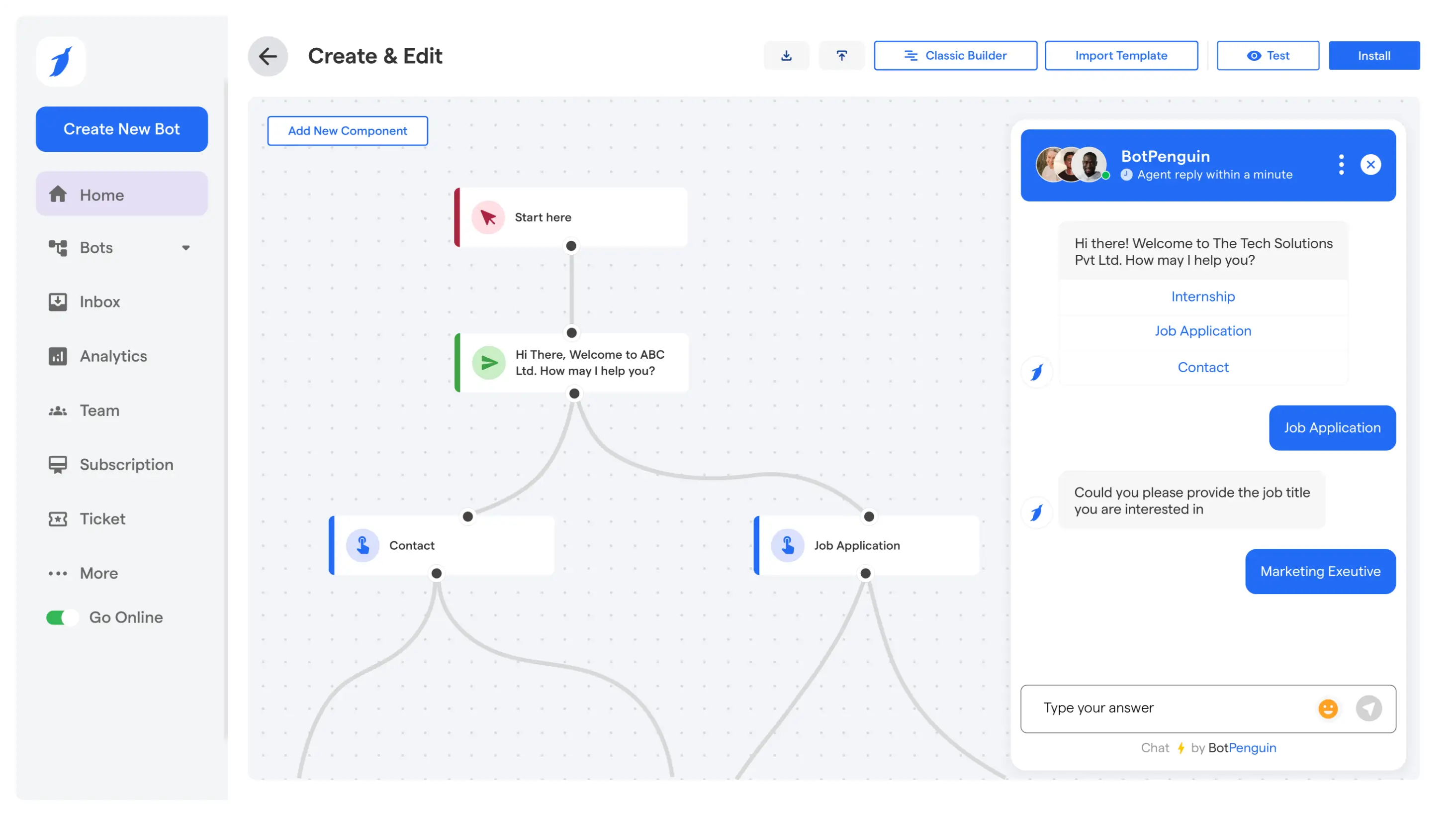
This is where a managed AI agent platform, such as BotPenguin, fits strategically.
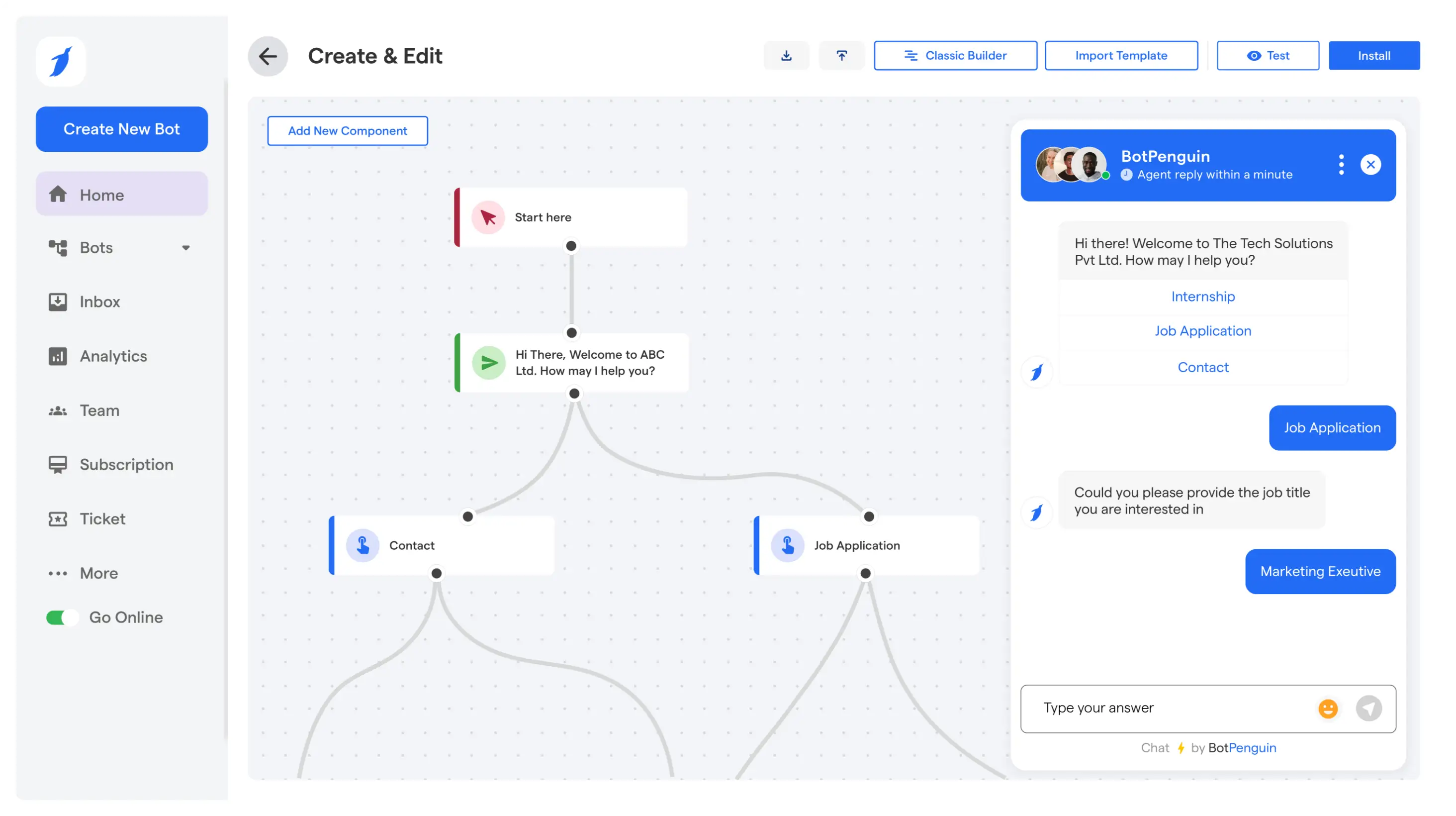
BotPenguin is built around AI agents rather than traditional static chat flows.
Instead of manually designing branching logic, agents operate through structured instructions, model reasoning, and controlled tool access.
It becomes relevant when:
Rather than replacing orchestration, it can sit alongside it.
N8N can continue handling backend automation and system coordination, while BotPenguin manages conversational intelligence, memory, escalation, and channel distribution.
For teams that started with experimental n8n AI agent workflows and are now facing scale, visibility, or governance challenges, a managed platform reduces architectural strain.
The decision is not binary. Workflow engines are strong for backend automation.
Agent platforms are strong for lifecycle management, user-facing conversations, and cross-channel intelligence. Combining both can create a more resilient and scalable AI strategy.
After reviewing architecture, integrations, scaling considerations, and governance, the conclusion becomes clear.
An N8N AI agent is most effective when used as a controlled reasoning layer inside a structured automation system.
It is not a replacement for workflow discipline. It is an enhancement when applied intentionally.
N8N AI agents are best suited for:
They are not ideal for fully autonomous, long-running systems without oversight.
Stability depends on deterministic boundaries, validation layers, monitoring, and defined escalation paths.
Safe and scalable usage requires:
Intentional architecture decisions matter more than tool choice. If your requirements involve structured automation with selective intelligence, embedding reasoning inside workflows is often sufficient.
If your roadmap includes persistent multi-agent coordination and centralized lifecycle management, choosing an AI agent platform strategy may be more effective than adding isolated tools.
Evaluate complexity, compliance obligations, team expertise, and long-term scale before expanding usage. Intelligent automation succeeds when control and reasoning are balanced carefully.
They can be production-ready when designed with validation, monitoring, and fallback logic. Stability depends on strict output schemas, controlled tool access, and clear error handling rather than model capability alone.
For structured event-driven automation with bounded reasoning, N8N can be sufficient. For advanced multi-agent coordination, persistent memory management, and centralized lifecycle control, dedicated frameworks may offer additional capabilities.
Costs depend on model usage frequency, token consumption, and execution volume. Limiting model calls to high-value decisions and monitoring usage metrics helps maintain predictable operational expenses.
Yes, when integrated through secure APIs and governed credentials. Proper access control, logging, and compliance alignment are essential for enterprise deployment.
BotPenguin is suitable when you need multi-channel AI agents, centralized monitoring, built-in human escalation, and compliance controls without managing complex agent governance manually. It complements backend orchestration while simplifying conversational and customer-facing intelligence.
Upgrade Your AI Agent Stack with BotPenguin
Deploy production ready AI agents with centralized monitoring, human escalation, and multi channel support without rebuilding your N8N workflows
Start with BotPenguinCheckout our related blogs you will love.
Updated at Jun 8, 2026
16 min to read

Updated at Oct 7, 2026
10 min to read

Updated at Oct 6, 2026
10 min to read

Updated at Oct 1, 2026
5 min to read
Updated at Oct 1, 2026
28 min to read

Updated at Oct 1, 2026
7 min to read
Table of Contents

