



Chatbot User Experience: How a Website Chatbot Improves UX
Updated at Oct 1, 2026
11 min to read
Chatbots are now a vital tool for businesses seeking to enhance customer engagement, streamline support processes, and boost overall efficiency.
Recent studies suggest that approximately 80% of businesses are expected to incorporate chatbots into their operations, highlighting their growing importance in today's online realm.
However, before choosing, it helps to understand what a website chatbot is and how it supports visitors. With many chatbot features available, it can still feel overwhelming to choose the right ones for your website.
In this guide, we will cover the critical aspects of choosing the right features for your website chatbot.
By the end of this post, you'll be equipped with the knowledge to create a high-performing chatbot that delivers a remarkable user experience, leaving your visitors thoroughly impressed.
Let’s dive in!
In today's digital landscape, having a chatbot on your website is no longer just a luxury, but a necessity.
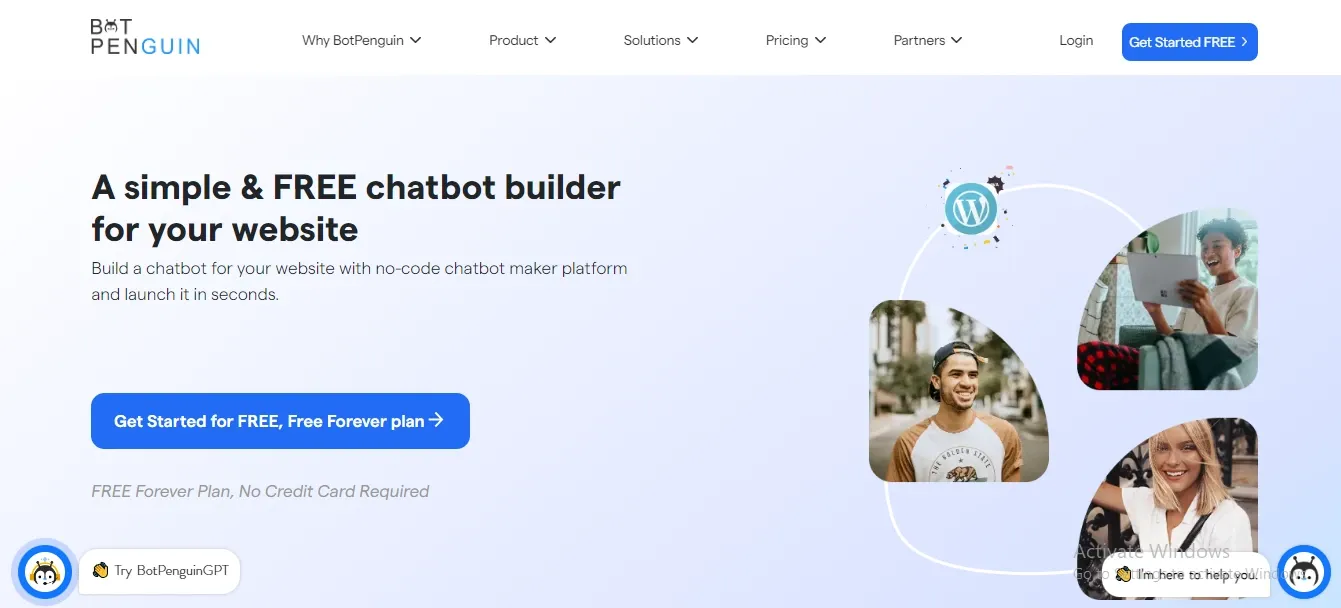
Chatbots provide instant support, addressing customer queries and concerns in real-time. This leads to a more satisfying and personalized experience, making customers feel valued and heard.
Unlike human support agents, chatbots are available round-the-clock, ensuring that your customers receive assistance whenever they need it, even during non-business hours.
Build your own Website Chatbot using BotPenguin, it also offers chatbot creation for social platforms, websites, wordpress:
Integrating a chatbot on your website can significantly reduce operational costs. By automating routine tasks and handling basic inquiries, chatbots free up your human support agents to focus on more complex issues, thereby increasing overall efficiency.
Chatbots can handle multiple conversations simultaneously, providing instant responses to customer inquiries.
This reduces wait times and keeps your customers engaged, leading to higher satisfaction levels.
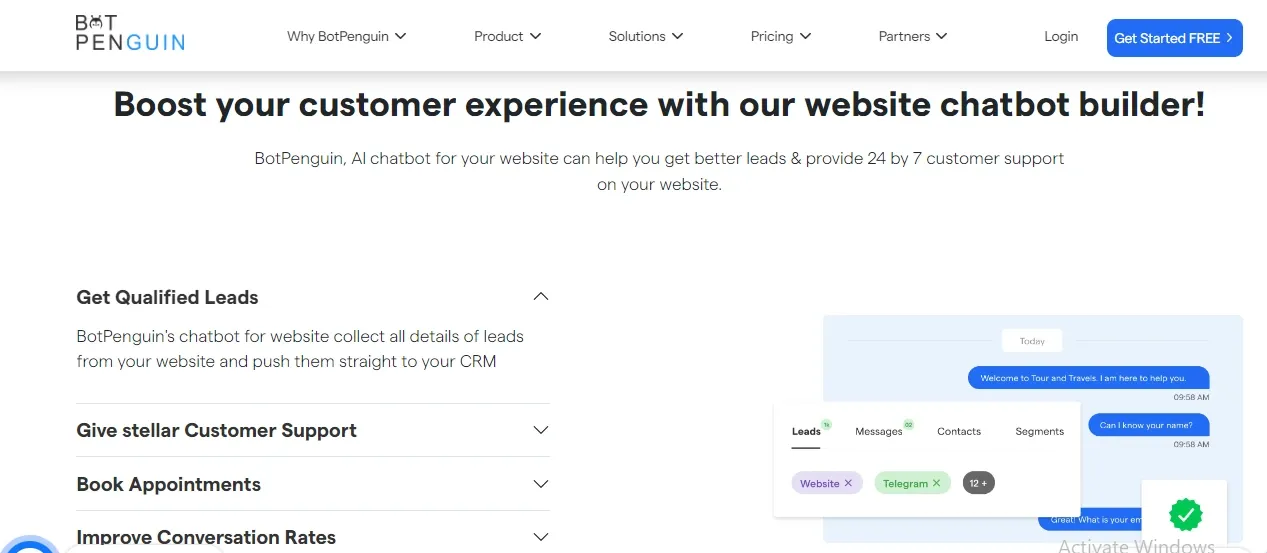
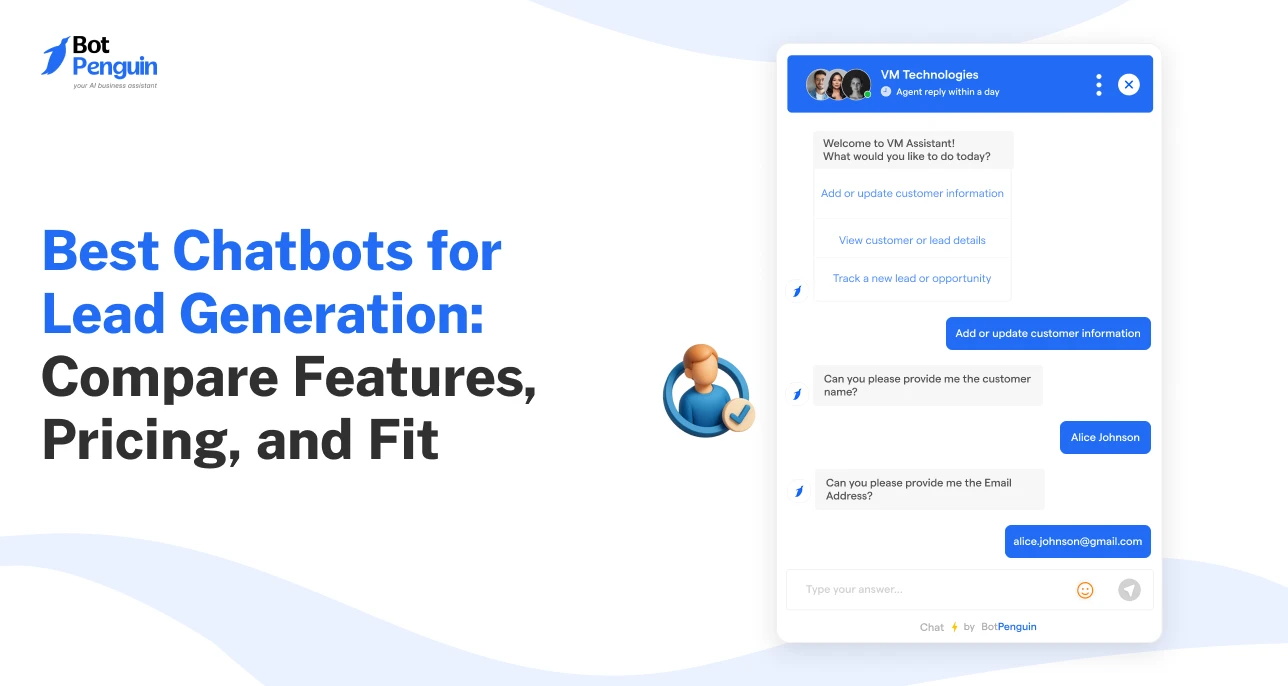
Chatbots can proactively engage with website visitors, collecting valuable information, and qualifying leads.
This data can be utilized by your sales team to follow up with potential customers, ultimately boosting your conversion rates.
Chatbots can be easily integrated with various platforms, such as CRM systems, social media, and messaging apps, creating a connected customer experience across multiple channels.
In conclusion, incorporating a chatbot into your website can significantly enhance customer experience, improve efficiency, and drive business growth.
By carefully selecting the right chatbot features, you can create a tailored solution that caters to your specific needs and objectives.
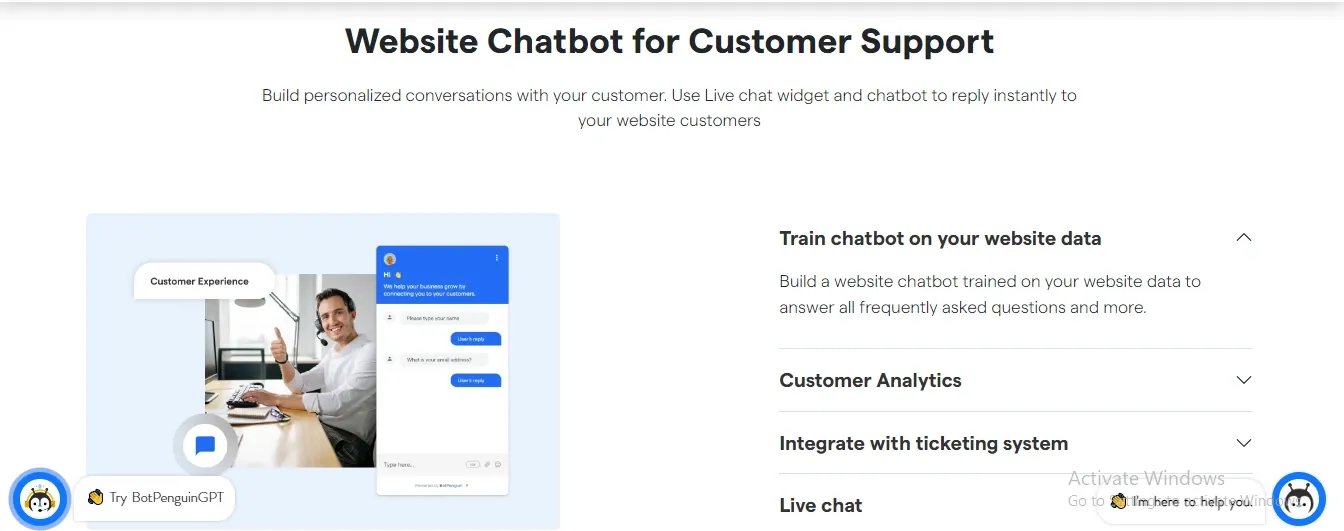
By automating repetitive tasks and answering frequently asked questions, chatbots help streamline your customer support process.
This not only reduces the workload for your support team but also ensures that customers receive consistent and accurate information.
Making calculative decisions that align with your needs is necessary when choosing the right features for your chatbot. Here are some factors that can help you out with the process.
Before choosing the perfect features for your website chatbot, it's essential to clarify the purpose and goals of your website. Consider what you aim to achieve through the chatbot's presence.
Is it to provide customer support, generate leads, or improve user engagement? Understanding your website's objectives will help you align the chatbot's features accordingly.
To select the right features for your chatbot, it's crucial to analyze your target audience. Identify their demographics, preferences, and needs. Are they tech-savvy and accustomed to using chatbots?
What are their most common inquiries or requests? By understanding your audience, you can determine the features that will cater to their specific requirements.
Clearly defining the role and scope of your chatbot is essential for feature selection. Decide whether your chatbot will serve as a support agent, provide information, or assist with transactions.
Determining its primary functions will help you identify the features necessary to fulfill its designated role effectively.
A key aspect of a chatbot is its conversational capabilities. Assess the level of sophistication your chatbot needs to engage users effectively.
Consider features such as natural language processing, sentiment analysis, and context retention to ensure smooth, meaningful conversations that mimic human interactions.
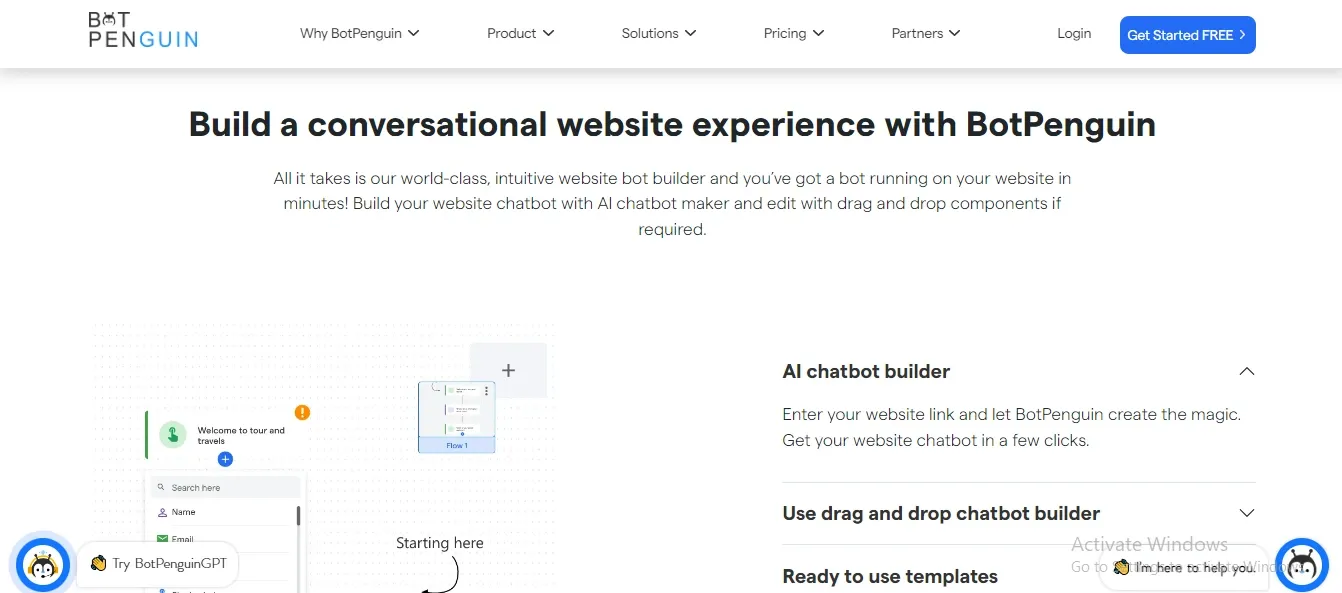
Focus on the core functionality that your chatbot should possess. These features should address the most common user needs and align with your website's goals.
Examples of core features include answering frequently asked questions, providing product information, and assisting with basic troubleshooting.
Modern website chatbots should support AI agent capability. This means the chatbot can understand intent, respond with context, and complete simple tasks without every path being manually scripted.
This is useful for support, lead qualification, booking, and product guidance. It helps the chatbot move beyond fixed replies.
Your chatbot should not stay limited to the website. Many customers continue conversations on WhatsApp, Instagram, Facebook, Telegram, or SMS.
Choose features that let you manage these channels from one place. This keeps customer conversations connected across different touchpoints.
A strong chatbot should detect the visitor’s language automatically. It should also respond in that language without forcing users to choose manually every time.
This matters for businesses serving mixed regions or global audiences. It also makes support more accessible for different customer groups.
Proactive triggers help the chatbot appear at the right moment. These can include exit intent, scroll depth, time on page, or page-specific triggers.
Use them carefully. The chatbot should support the visitor’s journey, not interrupt it.
Evaluate the compatibility of your chatbot with existing systems and platforms. Determine whether it should connect to CRM tools like HubSpot, Zoho, or GoHighLevel, or to your ticketing system and knowledge base.
Connected integration allows the chatbot to access relevant information and provide accurate responses to users.
Consider features that enhance personalization and improve the user experience. Features such as user profiling, retention of historical context, and recommendations based on user preferences can create a tailored experience for each visitor.
A personalized chatbot experience fosters engagement and builds customer loyalty.
As mobile usage continues to rise, ensuring your chatbot is mobile-responsive is crucial. Choose features that adapt well to different screen sizes and operating systems.
This allows users to interact with your chatbot smoothly, regardless of the device they use.
Implementing analytics and reporting features enables you to track your chatbot's performance. These features provide valuable insights into user interactions, popular queries, and areas for improvement.
Analytics help you refine your chatbot's features over time, ensuring its continuous enhancement and effectiveness.
Consider the scalability of your chatbot's features to accommodate future growth. Ensure that your chosen features can handle increased user volumes, expanding functionalities, and evolving user expectations.
Scalability is vital for long-term success and maximizing the value of your chatbot investment.
In 2026, the minimum viable website chatbot is an AI-powered tool with CRM integration, human handoff, and at least WhatsApp channel support. A basic keyword-matching chatbot is now a competitive liability rather than an asset.
Now that you know what features to choose, the next step is to understand the various use cases that your website chatbot can provide.
A website chatbot offers a powerful way to enhance customer engagement on your website. By providing instant responses to customer queries and offering personalized assistance, the chatbot creates an interactive and engaging experience.
Customers can receive immediate support, browse through product information, and seek guidance, all within the convenience of the chat interface.
A chatbot on your website ensures round-the-clock availability to assist visitors, even outside regular business hours. Customers no longer have to wait for a human agent to be available; they can get immediate assistance and support at any time.
This availability boosts customer satisfaction and ensures that no query goes unanswered, ultimately improving the overall customer experience.
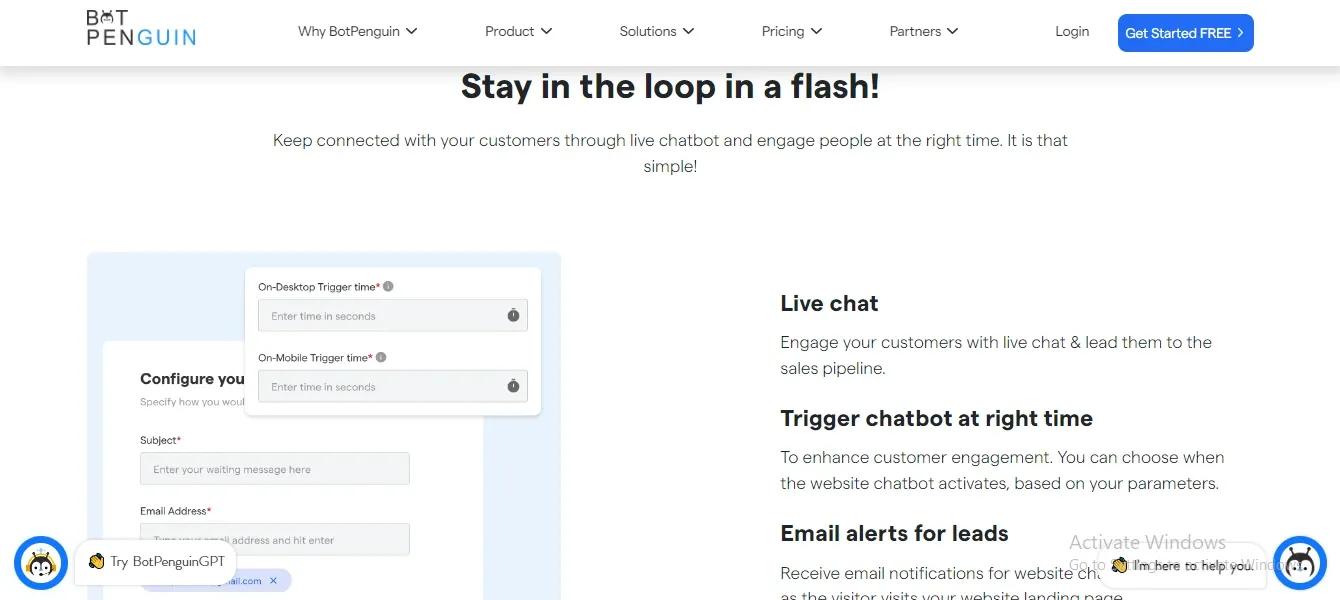
One of the primary use cases for a website chatbot is to handle frequently asked questions. The chatbot can provide quick answers to common queries, saving time for both customers and support agents.
By automating FAQ responses, the chatbot frees human agents to focus on more complex and specialized customer inquiries.
A website chatbot can play a crucial role in lead generation and qualification. By engaging visitors in personalized conversations, the chatbot can collect relevant information and assess their needs.
This data can be used to identify potential leads and prioritize them by likelihood of conversion, enabling more targeted marketing and sales efforts.
A chatbot can act as a virtual sales assistant, guiding customers through the sales funnel. It can recommend products or services based on customer preferences, answer questions about features or pricing, and provide additional information to help customers make informed purchase decisions.
The chatbot's personalized recommendations and support can significantly enhance the conversion rate and drive sales.
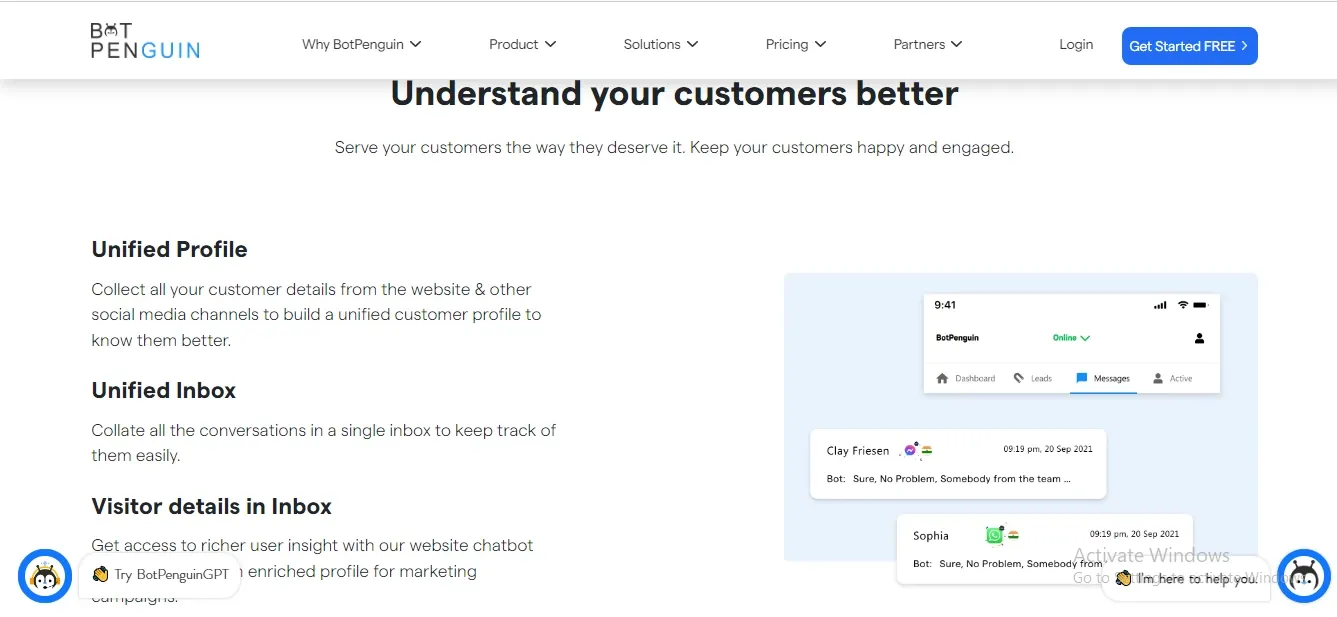
Website chatbots can streamline the order-tracking process and provide support throughout the customer journey. Customers can check the status of their orders, get updates on delivery schedules, and resolve any issues or concerns promptly.
The chatbot can automate these tasks, providing real-time information and reducing the need for manual intervention.
By analyzing customer preferences and purchase history, a chatbot can offer personalized product recommendations. It can suggest complementary items, showcase new arrivals, or present limited-time offers, tailored to individual customer interests.
These recommendations enhance the customer experience and increase the likelihood of upselling and cross-selling opportunities.
A website chatbot can serve as a valuable tool for conducting surveys and gathering feedback. It can initiate interactive conversations, ask targeted questions, and collect customer opinions and suggestions.
The chatbot's automated survey process ensures consistent data collection and analysis, enabling businesses to make data-driven decisions and improve their products or services.
Empowering customers with self-service support is another key use case for a website chatbot. By offering step-by-step instructions, troubleshooting guides, and relevant resources, the chatbot enables customers to resolve common issues independently.
This reduces the dependency on human support agents for routine inquiries, freeing them to focus on more complex and critical tasks.
A website chatbot can be integrated with other systems and platforms, such as CRM software or ticketing systems.
This integration allows the chatbot to access customer information, retrieve order details, or create support tickets, creating a connected and efficient customer experience.
The chatbot acts as a centralized hub, consolidating data and interactions to enhance customer support and streamline internal processes.
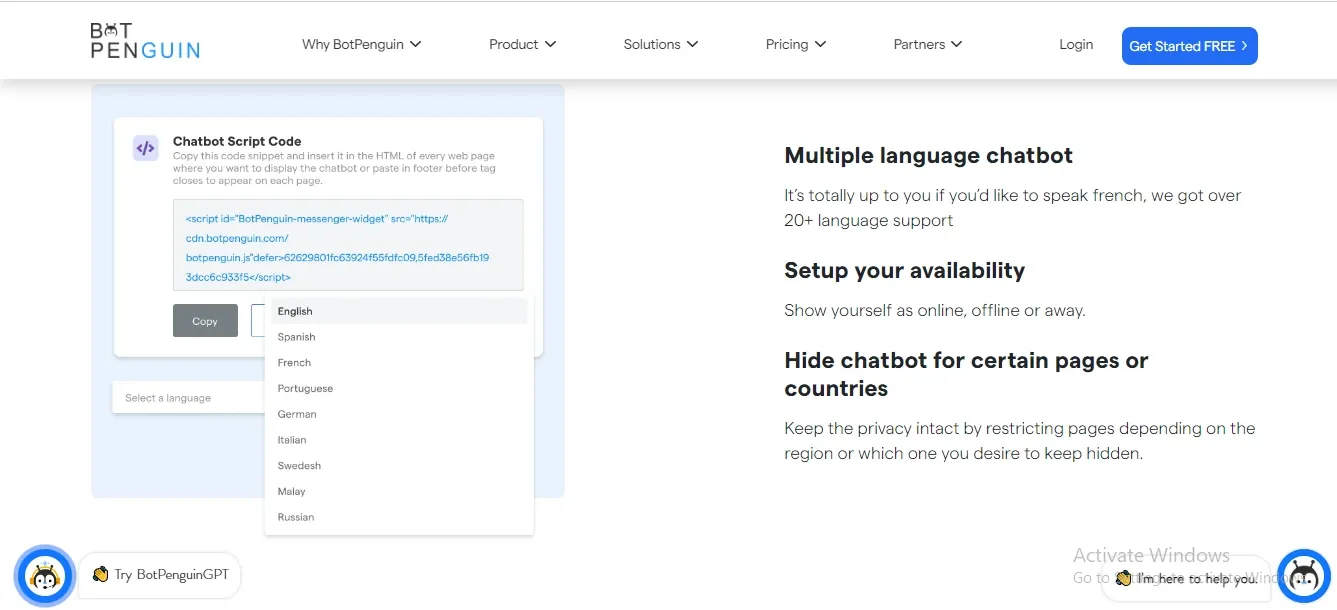
Selecting the perfect features for your website chatbot is a crucial step towards enhancing customer engagement, satisfaction, and driving business growth.
By understanding your audience, defining your chatbot's purpose, and comparing chatbot tools, you can choose features that match your business needs.
To make this process smoother, consider using BotPenguin, a chatbot platform that offers customizable features, simple integration, and reliable support.
With BotPenguin, you can build a high-performing chatbot that improves user experience and supports business growth. Embrace the future of customer engagement with BotPenguin today!
Must-have chatbot features in 2026 include AI-powered responses, live chat handoff, CRM integration, WhatsApp support, multilingual capability, analytics, and no-code setup. You should also check how much a website chatbot costs before finalizing advanced features.
Human handoff is the most important trust feature. It lets visitors reach a live agent when the chatbot cannot solve their issue.
Yes. Rule-based chatbots struggle with natural language questions. AI-powered chatbots understand intent and create context-aware replies without pre-programming every possible query.
Yes. A chatbot that captures leads but does not send them to your CRM creates manual work. CRM integration sends leads directly into your sales pipeline.
Mobile-first display, fast load time, and touch-friendly UI matter most. The chatbot should not cover the keyboard, buttons, or key page content.
Subscribe to Our Newsletter
Get the latest business insights straight into your inbox.
Checkout our related blogs you will love.
Updated at Oct 1, 2026
11 min to read
Updated at Sep 28, 2026
10 min to read

Updated at Sep 28, 2026
15 min to read

Updated at Aug 31, 2026
10 min to read
Updated at Aug 7, 2026
10 min to read
Updated at Jul 21, 2026
4 min to read
Table of Contents

