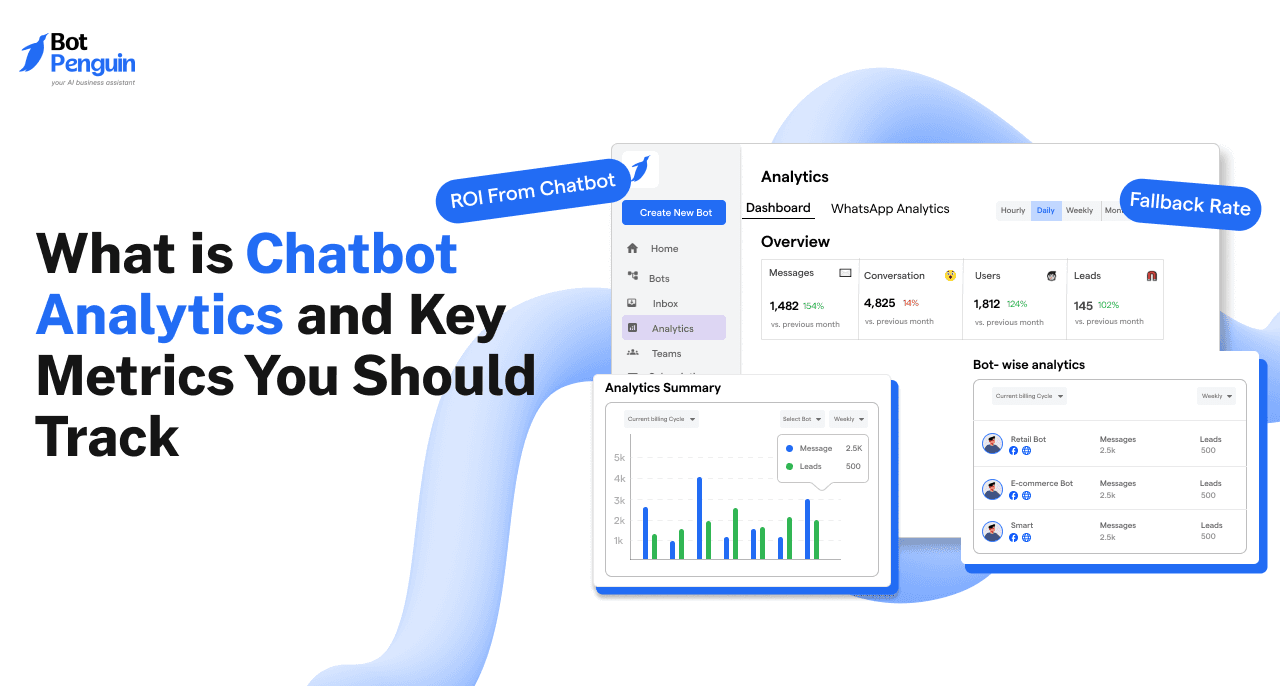
What is Chatbot Analytics and 12 Key Metrics You Should Track
Updated at Jan 16, 2025
16 min to read
.webp)
Your chatbot might be firing messages all day. But what if no one’s tracking what works?
Here’s the silent problem: Most businesses have zero visibility into how their chatbot is performing. It's like launching a marketing campaign and never checking the results.
Yet your bot is collecting gold: conversations, intent, objections, buying signals. But if you’re not plugged into Google Analytics for chatbots, all that data goes to waste.
The Good News? This stops today.
By the end of this guide, you'll learn how to use Google Analytics chatbot tracking to monitor real events—like when someone asks about pricing, clicks your CTA, or abandons the flow. No guesswork. No fluff. Just clean, actionable data. Tracked in real time.
This is how you go from "we hope it's working" to “we know what’s driving conversions.”
Ready to listen?
Most businesses launch a chatbot and never measure what it actually does. It’s a black box—full of assumptions and missed conversions.
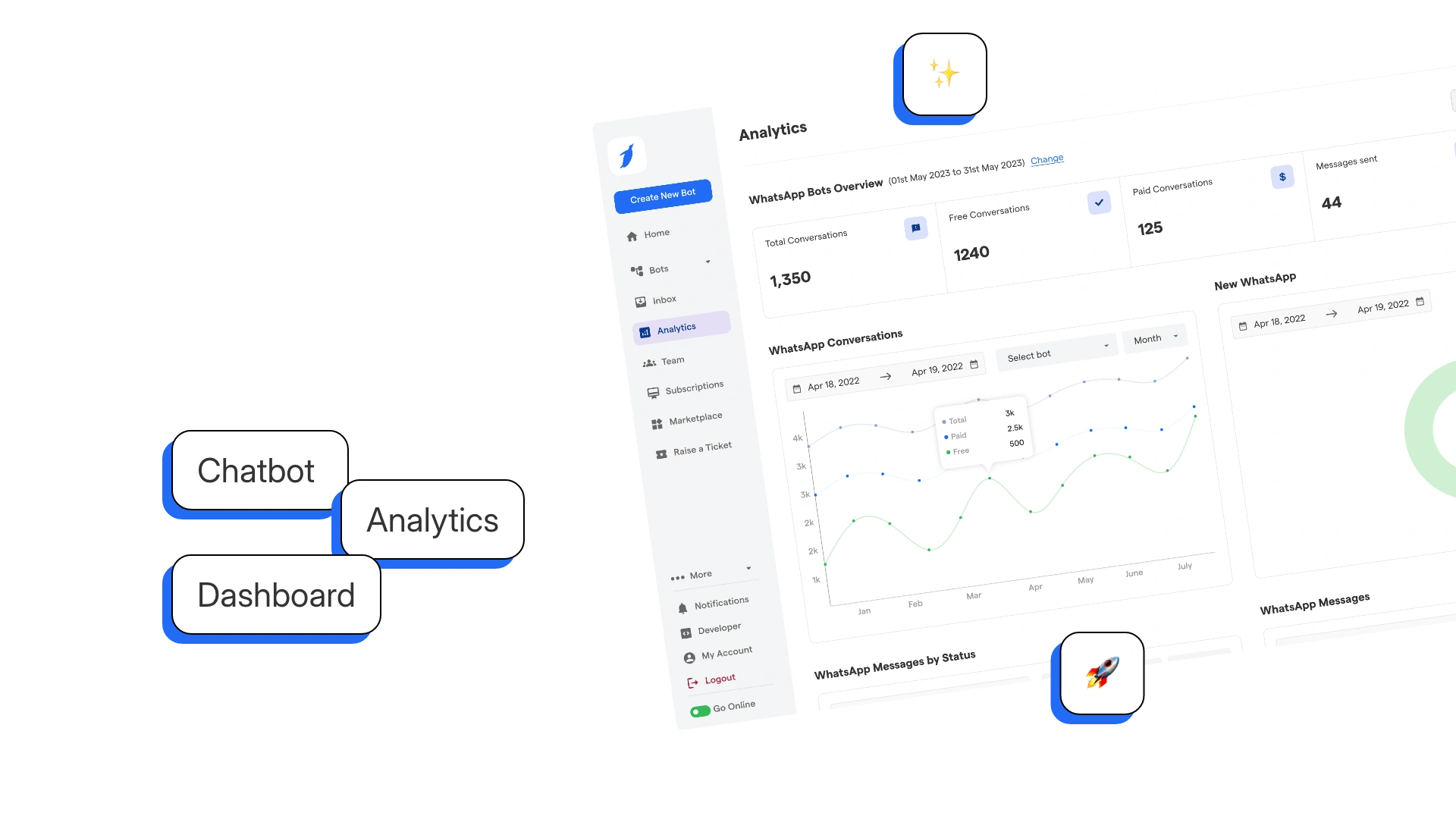
Chatbot analytics is all about understanding what users do, not just what they say.
Every interaction inside your bot is a micro-conversion. A user clicking a button. Typing a keyword. Asking about pricing. These are intent signals, just like clicking “Add to Cart” on a product page.
That’s where Google Analytics for chatbots comes in.
With GA4, you can treat each of these moments as events. Button clicks become CTAs. Question responses become qualifying triggers. Every message exchange becomes data you can act on.
This is not traditional pageview tracking. GA4 is built to capture event-based actions, which makes it perfect for bots that don’t load new pages but still guide decisions.
You’re not just looking at bounce rate anymore. You’re watching how people move through conversation flows—and where they drop out.
Here’s the fit: GA4 is built around events, not pageviews. That shift makes it ideal for chatbot tracking.
In a traditional site, you’d track pageviews and link clicks. In a chatbot, there are no pages—just conversations. Each message, button, or decision point can be an event.
So when a user clicks “Book Demo” in your chatbot, that’s a conversion event. When they exit after one message, that’s an abandonment event. You can tag and track both inside Google Analytics chatbot dashboards.
This gives you the power to compare performance:
And since GA4 works across web and apps, you can match chatbot events to your full funnel—from first visit to final conversion.
That’s how chatbot Google Analytics turns conversations into measurable results.
If you’re not measuring your chatbot performance with Google chatbot analytics, you're wasting time and leads.
You wouldn’t run paid ads without tracking conversions. Why run a bot that has no feedback loop?
GA4 makes chatbots measurable, scalable, and smarter.
You’ll stop guessing what works. You’ll start seeing exactly what moves users closer to conversion.
You can’t measure what you haven’t set up. Here’s what you’ll need to unlock full chatbot visibility using Google Analytics for chatbots.
To track conversations, your chatbot must allow event tracking. Some platforms do. Some don’t.
You’ll need a bot that can send custom events on things like:
If your current tool doesn’t support this, that’s a blocker. You can’t run chatbot analytics Google tools without events to track.
Choose a platform that supports JavaScript snippets or webhook pushes—tools like BotPenguin usually do.
💡 BotPenguin also offers a White Label option, letting you launch chatbots under your own brand. Whether you're reselling or using it for your own business, they handle all the tech so you can focus on growing, not troubleshooting.
No tracking without a destination. You need a Google Analytics chatbot setup already running.
Set up your GA4 property and install your tracking code. This becomes the central brain receiving all chatbot activity.
Make sure:
If you’re still on Universal Analytics, it’s time to switch. Google analytics for chatbot performance won’t work on legacy setups.
If you want flexibility without dev headaches, use GTM.
Google Tag Manager makes it easy to push chatbot events into GA4 without editing the site code every time.
You can:
It’s not required. But if your team is short on dev support, GTM gives you speed and control.
Set these up, and you're ready to start feeding Google chatbot analytics with real, high-intent conversation data.
You can’t improve what you don’t measure. These are the critical events every chatbot should send to Google Analytics for chatbots—so you know exactly what’s working (and what’s not).
These events reflect real user actions and decision points—perfectly matched with GA4’s event-based model.
Each event in this table gives you high-value insights into user behavior. Use them to map journeys, find drop-offs, and optimize for conversions.
Every one of these touchpoints can trigger deeper insights when you run chatbot analytics Google integrations with GA4. They show you:
This is where Google Analytics chatbot reporting becomes a growth tool, not just a dashboard.
Don’t treat your chatbot like a one-way script. Track it like a conversion channel.
Whether you’re a no-code builder or a developer, there’s a way to wire your chatbot directly into Google Analytics for chatbots. Here’s how to make it happen.
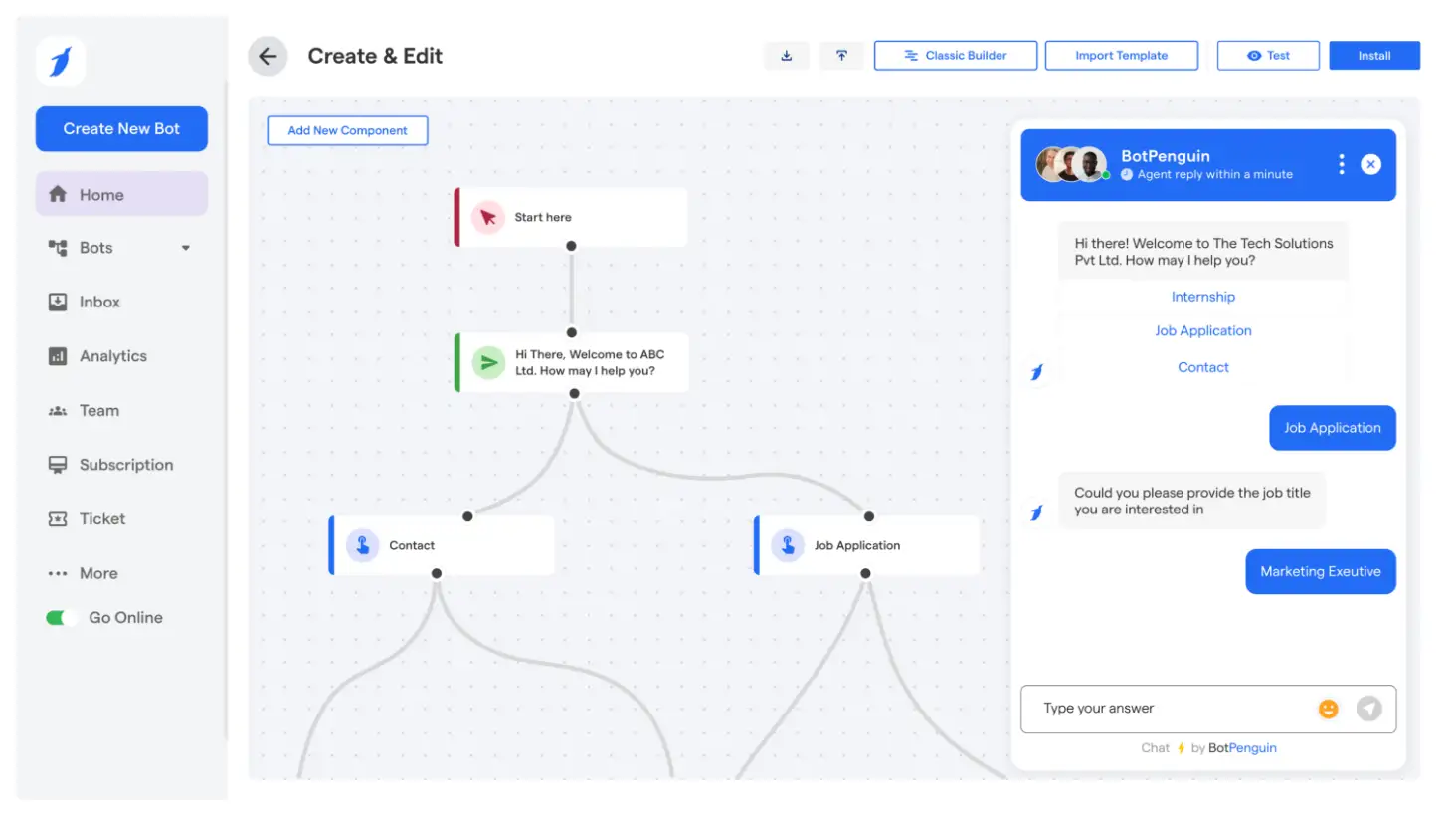
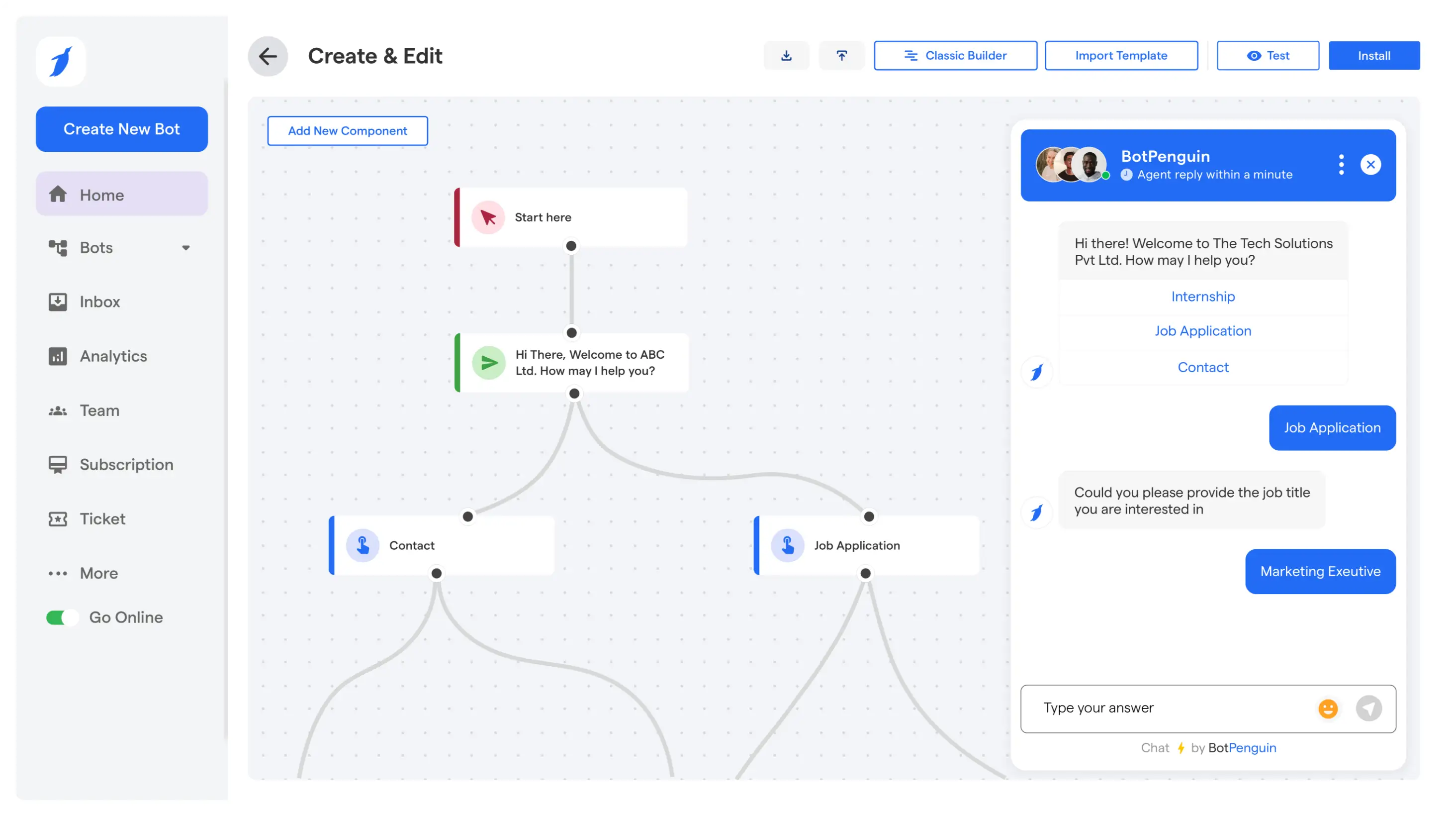
If your chatbot platform has built-in GA support, this is the fastest way to connect.
Platforms like BotPenguin let you push events into Google analytics chatbot dashboards using visual workflows. No coding needed.
Button: “Book a Demo”
That button click is now measurable. You’ll see it in your GA4 event list, just like a lead form or purchase button.

This gives you full control. Add a gtag.js or GA4 tracking script directly into your bot’s code or hosting container.
gtag('event', 'button_clicked', {
'event_category': 'chatbot',
'event_label': 'demo_booking',
'value': 1
});
It sends a chatbot google analytics event each time the user clicks your demo button, hits a CTA, or submits a form.
Add this script wherever your chatbot runs or use a webhook to trigger it externally.
This is the most flexible setup—ideal for long-term scale.
With GTM, you can create triggers and tags without changing your chatbot code every time. It’s perfect for marketers who want control without bothering developers.
You can manage all google chatbot analytics events in one place. Want to track a new button? Just add a new trigger—no code, no wait.
No matter how you build, you can track key moments with google analytics for chatbot performance insights. Start simple, grow smarter.
You’re sending chatbot events to GA4—but none of them are being counted as conversions.
This is where most businesses lose the plot. Without telling GA4 what “success” looks like, your google analytics for chatbots setup is just noise.
Let’s fix that.
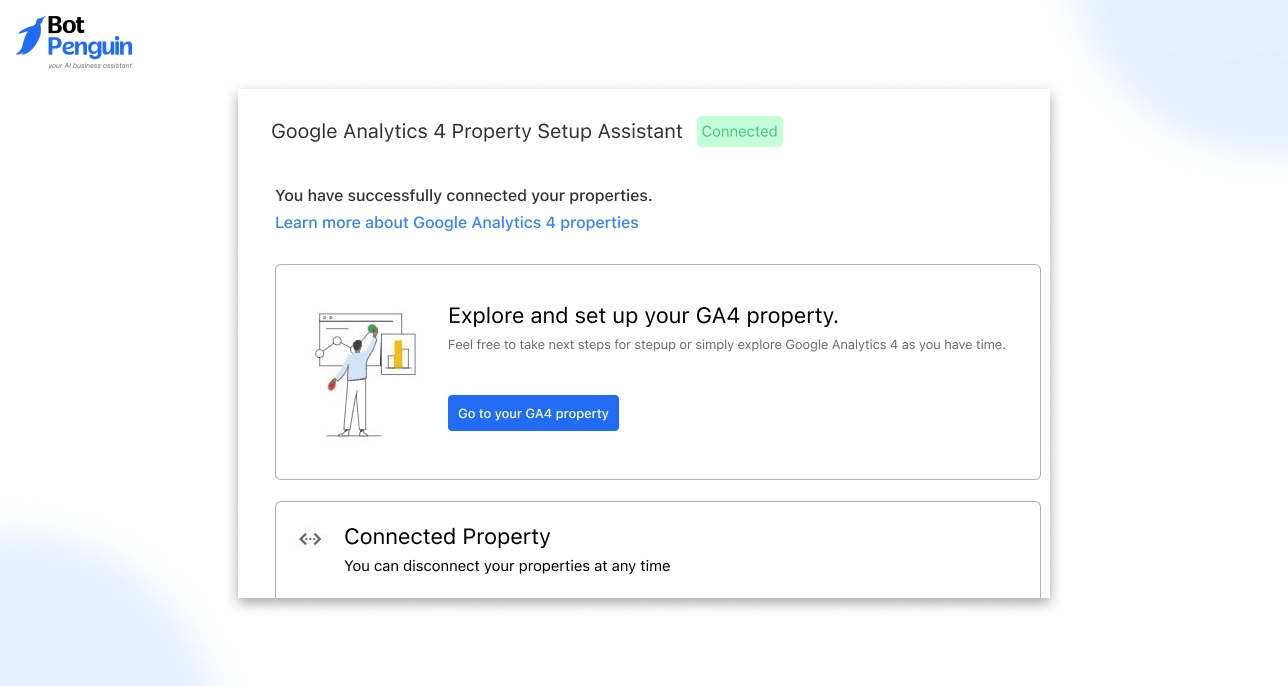
Once your chatbot is firing events, it’s time to label the high-value ones as conversions inside the GA4 interface.
Here’s how to do it in 60 seconds:
That’s it. From now on, GA4 will treat that chatbot event as a conversion—visible in reports, comparisons, and funnel analysis.
No custom goals needed.
💡 Tip: Use this for events like form_submitted, button_clicked, or agent_handoff tied to business outcomes.
Your event names aren’t just labels—they’re how you organize your tracking strategy.
Use clear, consistent naming like:
Avoid vague names like event_1 or interaction_done. They tell you nothing and hurt long-term analysis.
Follow this naming format:
[action]_[object]
It keeps your google chatbot analytics setup readable for everyone—marketers, analysts, and devs.
You’re tracking events in GA4, but something’s off. You see data coming in, yet nothing shows up in your conversion reports. That means you’re flying blind when it comes to what actually drives results.
Until you mark your key chatbot events—like demo_booked, form_submitted, or checkout_started—as conversions, GA4 won’t treat them as meaningful.
Once you flag those events, your chatbot analytics Google setup turns into a real performance engine. You stop tracking clicks for the sake of tracking, and start measuring actions that move the business forward.
This is the difference between collecting data—and acting on it.
Make this your turning point. Mark your events. Claim your conversions. Turn google analytics chatbot data into decisions that grow the business.
Every chatbot has a job to do. But most tracking setups treat all bots the same. That’s a mistake. The value of your data depends on what your bot is built for.
This section shows you what to track—based on why your chatbot exists.
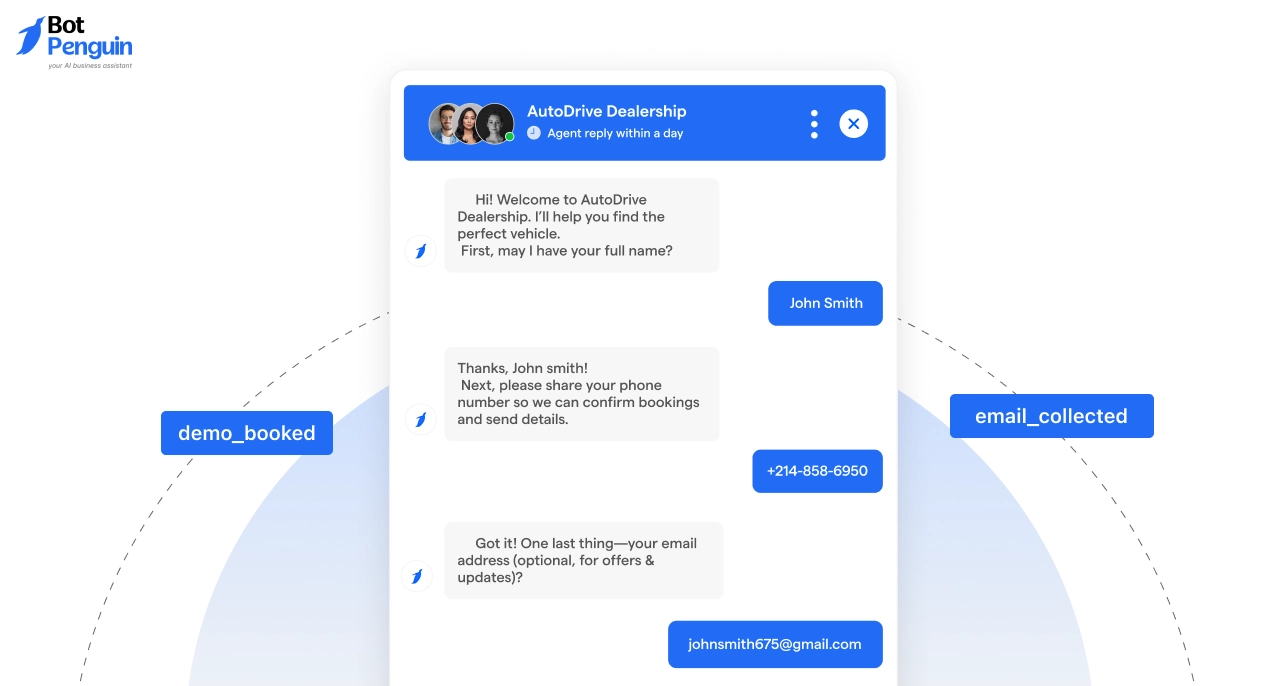
If your bot is meant to drive leads, you should know exactly when it succeeds.
Each of these should be marked as a conversion in google analytics for chatbot dashboards. This tells you how many real prospects came through conversation, not just page views.
Sales-focused bots should track the steps that move a user from browsing to buying.
Use this inside chatbot analytics Google reports to see where users drop off and which products get attention but no action.
Support bots help resolve problems fast—but only if you can track what they’re solving.
When you track these in google chatbot analytics, you’ll know how much your bot is deflecting tickets—and where live agents step in most.
Internal bots need to be measured too. Not for sales—but for efficiency.
Tracking these with google analytics chatbot integrations helps prove the bot’s value to internal ops. You’ll know what’s used most—and what’s ignored.
The takeaway?
You can’t measure all bots with one template. Each use case needs the right events. Set it up correctly in google analytics for chatbots, and you don’t just get data—you get answers.
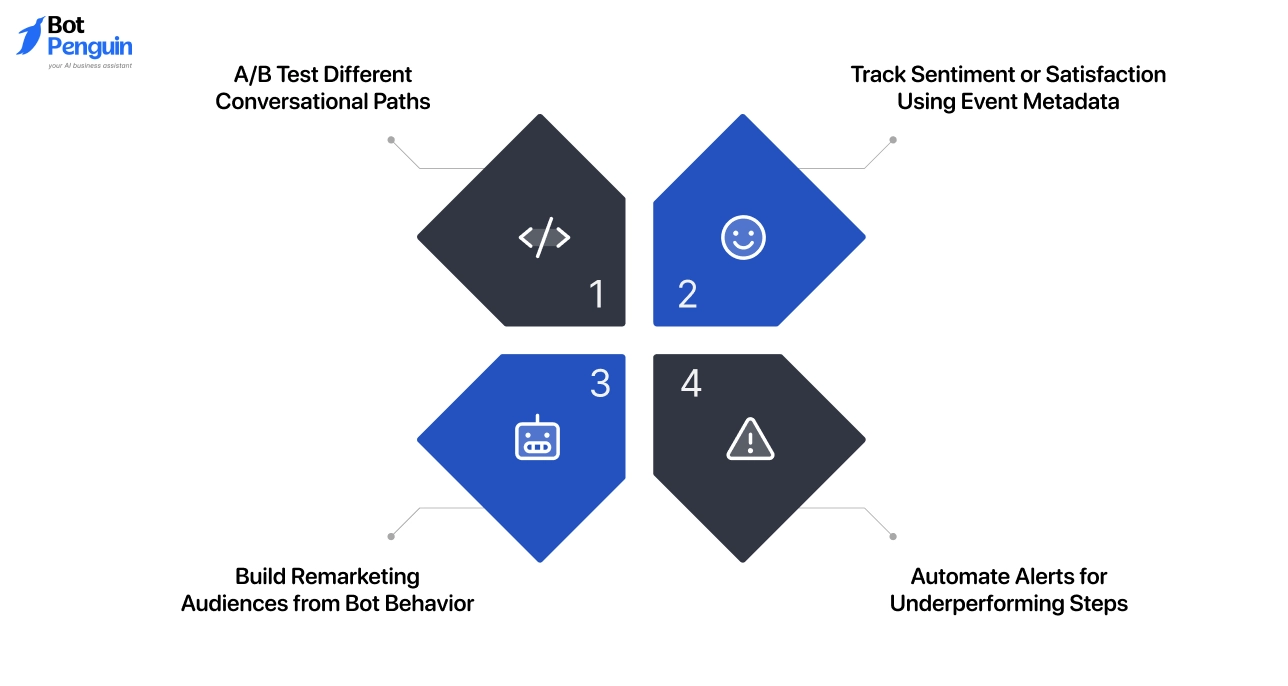
Once your Google Analytics for chatbots setup is live, the next step is improvement. This section shows you how to go from data collector to performance optimizer.
Each strategy here moves you closer to real ROI.
Tiny message changes can lead to massive engagement shifts. Use GA4 events to compare what actually drives action.
Keep the flow that gets more users to take the next step—whether that’s booking, buying, or submitting info.
Every event can carry more than a name. Add metadata like sentiment, confidence, or satisfaction to see what content lands best.
It helps you spot which moments feel helpful—and which leave users frustrated.
A user who clicked “See Pricing” but didn’t convert? That’s someone worth following up with.
With google analytics chatbot data, you can:
Now your chatbot isn’t just converting—it's fueling your ad strategy.
Don’t wait for a traffic drop to notice a broken bot. Use GA4’s alert system to flag underperformance in real time.
This saves you from losing days (or dollars) to unseen issues.
Optimizing with data is what separates high-performing bots from the rest. You already have the tools. These tips help you use them like a pro.
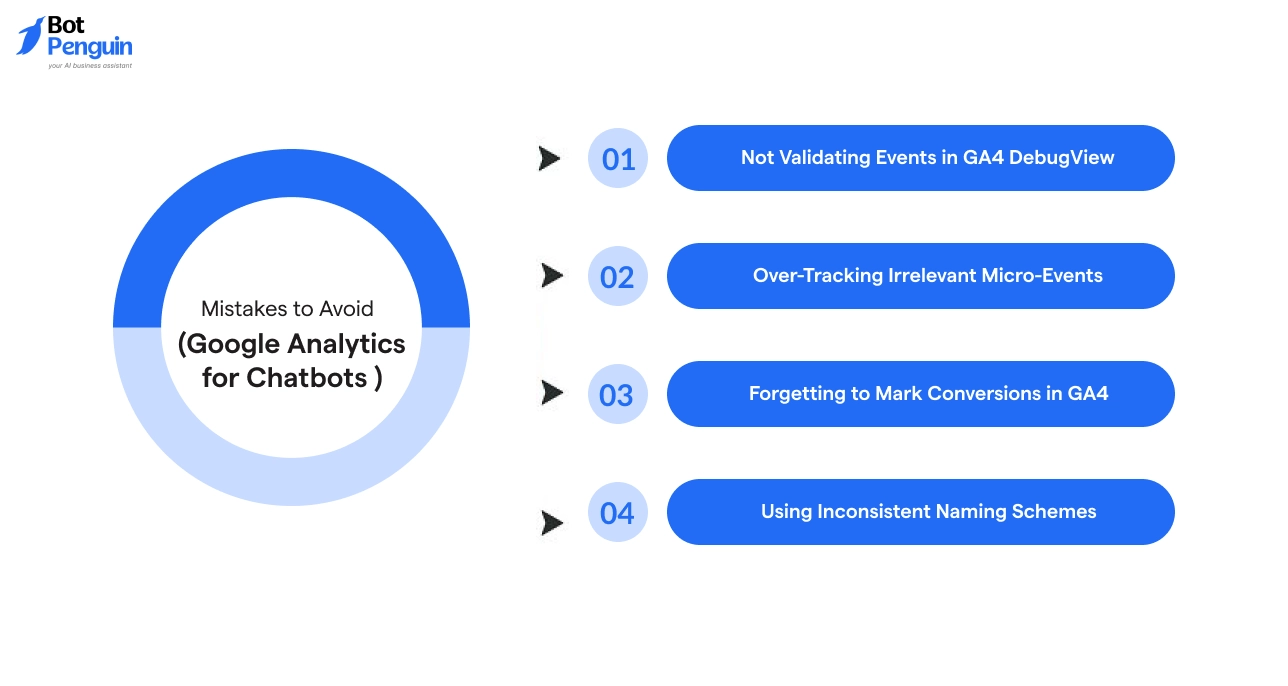
Setting up Google Analytics for chatbots is one thing—getting it right is another. These are the mistakes that cost you accuracy, clarity, and ultimately, conversions.
Avoid them early and you’ll save yourself time, confusion, and broken data.
You’ve set up event tracking. It looks good on paper. But nothing shows in GA4?
That’s the trap.
If you skip DebugView, you can’t confirm whether your chatbot events are firing—or firing correctly. Always test each interaction. Check event names, parameters, and triggers in real time. If it’s not showing there, it’s not being tracked.
This is non-negotiable in chatbot google analytics setups.
More data doesn’t mean better data.
Logging every typing pause, scroll action, or message view floods your reports with noise. It makes your key signals impossible to isolate.
Stick to high-intent actions—like demo_booked, form_submitted, or agent_handoff. Track what moves users forward. Let everything else go.
This keeps your google analytics chatbot reports focused and actionable.
Your bot’s booking meetings. It’s collecting emails. But GA4 doesn’t know that unless you tell it.
If you don’t mark those key events as conversions, they won’t show up in funnels, comparisons, or performance metrics.
That one unchecked box means your google chatbot analytics data looks flat—even when the bot is crushing it.
Fix it by going to Admin → Events → Toggle “Mark as conversion.”
Naming matters. A lot.
One day you’re tracking demo_clicked, the next day it’s clicked_demo_btn. Now you have two events for the same thing—and a broken report.
Use a clean format:
[action]_[object] → form_submitted, product_viewed, chat_cta_clicked
Consistent naming makes chatbot analytics Google data searchable, segmentable, and scalable.
Most issues with google analytics for chatbot setups aren’t tech problems—they’re process problems. Solve them early, and your chatbot will deliver real insights you can act on.
Your chatbot is more than a script. It’s a digital touchpoint loaded with user intent. But without the right setup, all of that gets lost.
You’ve now walked through every step—from setting up google analytics for chatbots to tracking key events, marking conversions, and optimizing real outcomes.
Most businesses guess what their users want.
But you’ve got a chatbot that can tell you—if you’re listening. The clicks, replies, forms, and even sentiment—it’s all trackable. It’s all usable. And it’s how google chatbot analytics turns simple chats into conversion engines.
Know what users do. Learn what they need. Then improve the flow, one event at a time.
If you want to make this easy, look into BotPenguin.
It’s a powerful no-code chatbot builder that comes with native Google Analytics chatbot support, advanced event tagging, and ready-made integrations. Whether you’re in sales, support, or lead gen, BotPenguin makes tracking feel built-in—not bolted on.
So, instead of guessing what works, you’ll know.
Yes, but it depends on how your WhatsApp bot is built.
If your WhatsApp chatbot supports webhooks or external integrations, you can send custom events to Google Analytics chatbot setups just like you would from a web-based bot.
You won’t get pageviews, but with proper event tagging, you can track actions like replies, button taps, and opt-ins.
The most reliable method is using event-based conversion tracking inside GA4.
Tag your key actions—like demo_booked, email_collected, or checkout_started—then mark them as conversions inside GA4. This lets you measure outcomes directly tied to conversation flows, not just visits or impressions.
This is exactly where chatbot analytics Google shines—it shows you what users actually do inside the bot.
You can connect chatbot event data to Google Ads via GA4 audiences.Once your google chatbot analytics setup is live, create audiences in GA4 based on specific chatbot actions (e.g., users who clicked “See Pricing” but didn’t convert).
Then sync those audiences with your Google Ads account.
Yes, GA4 supports cross-platform tracking using consistent event names and parameters. You can unify chatbot data from web, mobile, and other sources into one analytics property.
Use GA4’s Explore tab to create custom reports, funnels, and path explorations for chatbot events like clicks, submissions, and exits. This helps uncover drop-offs and optimize flows.
Track Chatbot Conversations in GA4 with BotPenguin
Use built-in event tracking to measure intent, optimize flows, and boost conversions—without code.
Explore Now!Checkout our related blogs you will love.
Updated at Jan 16, 2025
16 min to read
![Featured image for Essential Chatbot Statistics [2024]](https://cdn.botpenguin.com/assets/website/Essential_Chatbot_Statistics_for_2020_3d47c9f934.webp)
Updated at Oct 12, 2026
11 min to read
Updated at Oct 6, 2026
12 min to read
.webp)
Updated at Oct 6, 2026
15 min to read
Updated at Oct 6, 2026
15 min to read
Updated at Oct 5, 2026
8 min to read
Table of Contents