Facebook Chatbot Builder: What to Look For in 2026
Updated at Jul 21, 2026
12 min to read
Updated On Jul 20, 2026
12 min to read

Facebook remains one of the world’s most influential platforms, connecting businesses with billions of people through millions of active business pages.
But reach means little without responsiveness. Today’s buyers expect instant answers, and even a short delay can send them straight to a competitor.
As conversations multiply, handling every message manually quickly becomes impossible.
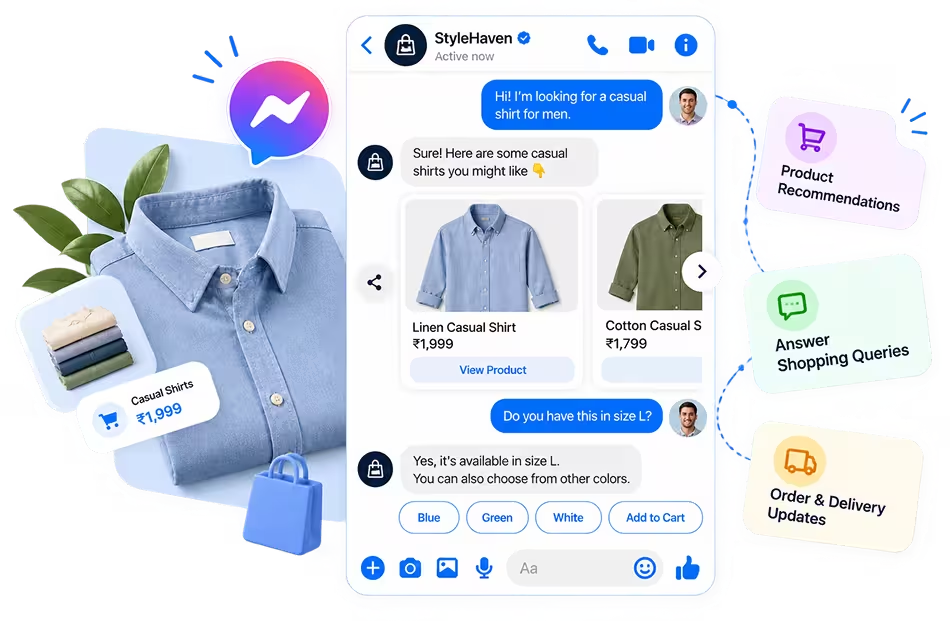
That’s where a Facebook chatbot steps in. It automates Messenger conversations, answers common questions, captures leads, and supports customers around the clock.
A Facebook chatbot is software that automatically talks to customers through Facebook Messenger. It helps businesses auto-reply to customers’ inquiries, record leads, and provide support to them.
At Facebook’s F8 developer conference, Meta reported that people and businesses were exchanging over 20 billion messages per month, across more than 40 million active businesses on Messenger.
The peak popularity of Messenger as a business channel is what pushed chatbots from a novelty into a necessity, since no support team could keep pace with that volume manually.
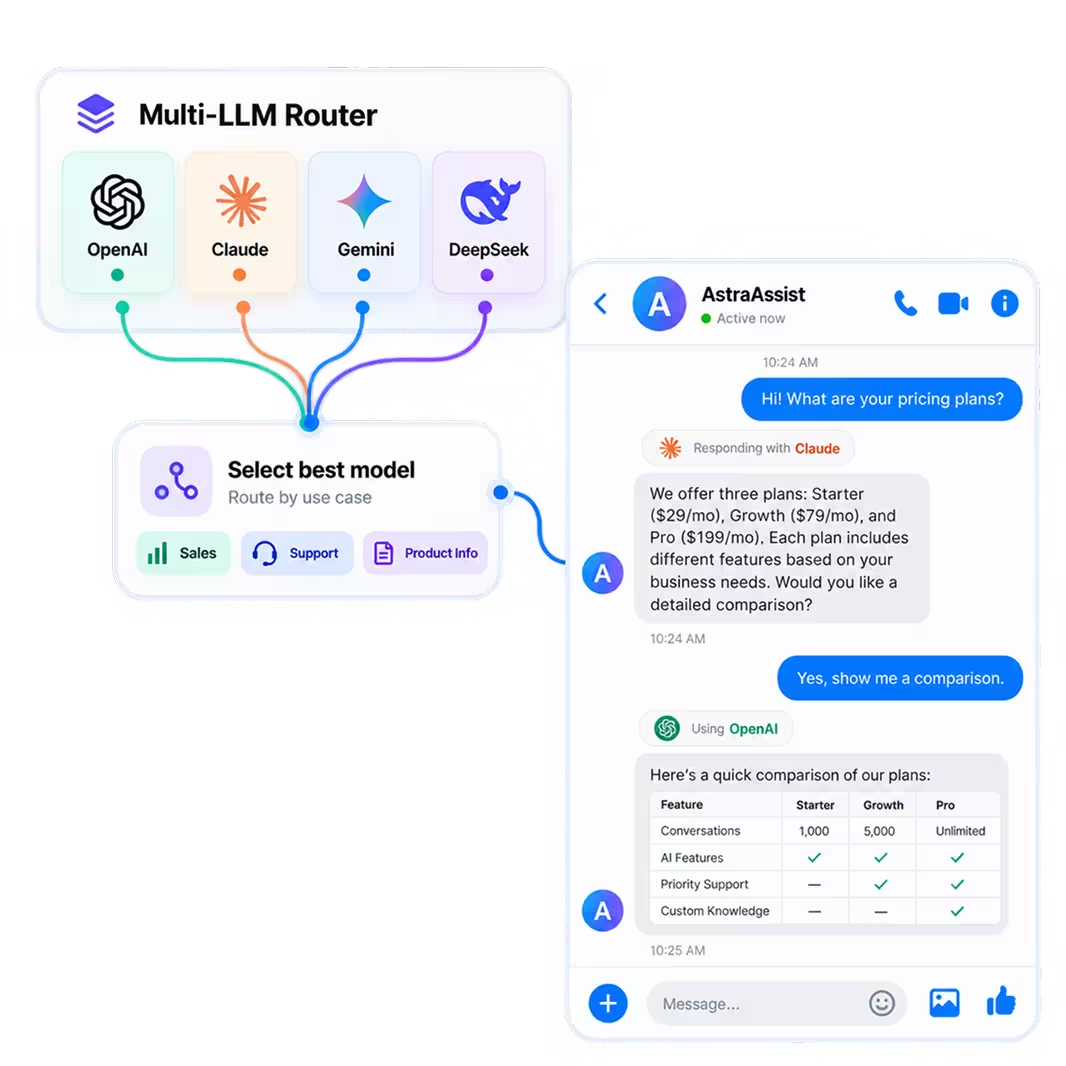
Rule-based chatbots follow predefined conversation flows, while AI-powered chatbots understand natural language. Choosing the right type depends on the conversations your business handles every day.
Here’s a quick overview of the different kinds of Facebook chatbots:
Regardless of the type you choose, a Facebook chatbot is only one part of Facebook automation.
It’s also important to understand how it differs from Facebook Page automation and Facebook Ads automation, as each serves a distinct purpose.
People often mistake the three (chatbot, page automation, and ads automation) for one another, but each one automates a different part of the customer journey.
Here’s how they actually differ.
Built for Conversations: Interacts with customers on Messenger, answers questions, and qualifies leads in real time
Drives Full Journeys: Books appointments, recommends products, and can hand off to a human agent when needed
Goal: Keeps the conversation moving until the customer completes an action
Built-in and Predefined: Facebook’s native feature for greeting messages, instant replies, and away messages
Good for Acknowledgment, Not Conversation: Works well to confirm receipt, but can't handle dynamic back-and-forth
Goal: Lets customers know you've seen their message, nothing more
Built for Advertising, Not Chatting: Automates audience targeting, budgeting, bidding, and campaign optimization
Operates Upstream of Conversations: Doesn’t talk to customers directly; it gets your business in front of them.
Goal: Drives discovery and traffic, not conversions inside a conversation
In Short: Facebook Ads automation gets people to notice you, Page automation gives them a quick acknowledgment, and a Facebook chatbot is what actually carries the conversation to a sale.
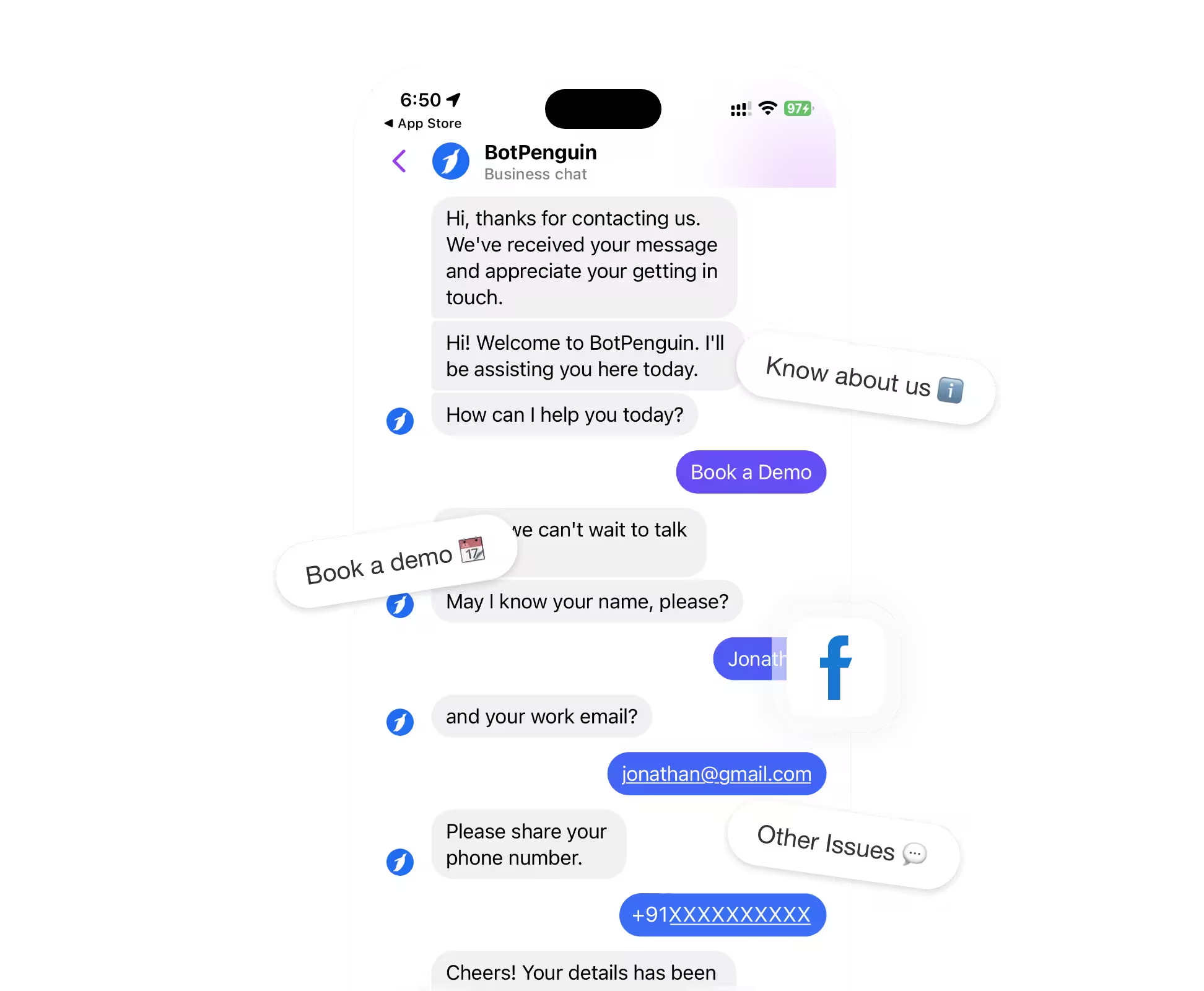
Most modern platforms combine rule-based workflows with AI to deliver the best of both worlds. For example, BotPenguin lets businesses build hybrid Facebook chatbots that answer FAQs, qualify leads, automate support, and easily hand conversations over to live agents when needed.

Messenger has become one of the first places customers reach out, but keeping up with every conversation is easier said than done.
Here’s how a Facebook chatbot helps businesses remove everyday roadblocks:
Ultimately, a Facebook chatbot doesn't just answer messages; it helps businesses stay organized, responsive, and ready for every customer conversation.

Whether it’s rule-based or AI-powered, every AI Facebook chatbot conversation moves through these four steps:
A customer messages your Page via Messenger, a Send Message ad, a post reply, or a QR code.
This message triggers a webhook, alerting the chatbot that a new conversation has begun.
Rule-based bots match keywords to predefined flows.
AI-powered bots use NLP and NLU to detect intent and extract entities, understanding requests even when phrased differently.
The chatbot replies, asks follow-up questions, or collects details through the Messenger Platform API.
Complex queries get routed to a live agent, with conversation context carried over.
Meta also enforces a 24-hour messaging window for standard replies, so timing matters here too.
Through API integrations, the chatbot books appointments, captures leads, updates your CRM, or triggers backend workflows, closing the loop without manual input.
The Result: Faster responses, less manual work, and a smoother customer experience.
Pro tip: Every customer who messages your Page gets a unique Page-Scoped ID (PSID). This is how your chatbot tracks context across a conversation without needing the customer's personal Facebook data.
Together, these steps turn Messenger conversations into structured, trackable workflows that guide customers from first message to completed action.
A Facebook chatbot shows up at nearly every stage of the customer journey, doing a different job each time.
Here's a quick map before we go deeper into each one:
A chatbot can ask the right questions the moment someone lands on your Facebook Page, capturing intent before a human ever gets involved.
It scores and routes leads automatically based on their answers, so your sales team only spends time on prospects worth chasing.
Customers expect an answer within minutes, not business hours.
The chatbot delivers that by resolving routine queries, order issues, and account queries immediately.
AI-driven support cuts first response times by 37% and resolves tickets 52% faster, per G2 research.
Anything too complex gets escalated to a live agent with full conversation context intact, so nothing gets repeated.
Driving Sales Through Conversational Commerce
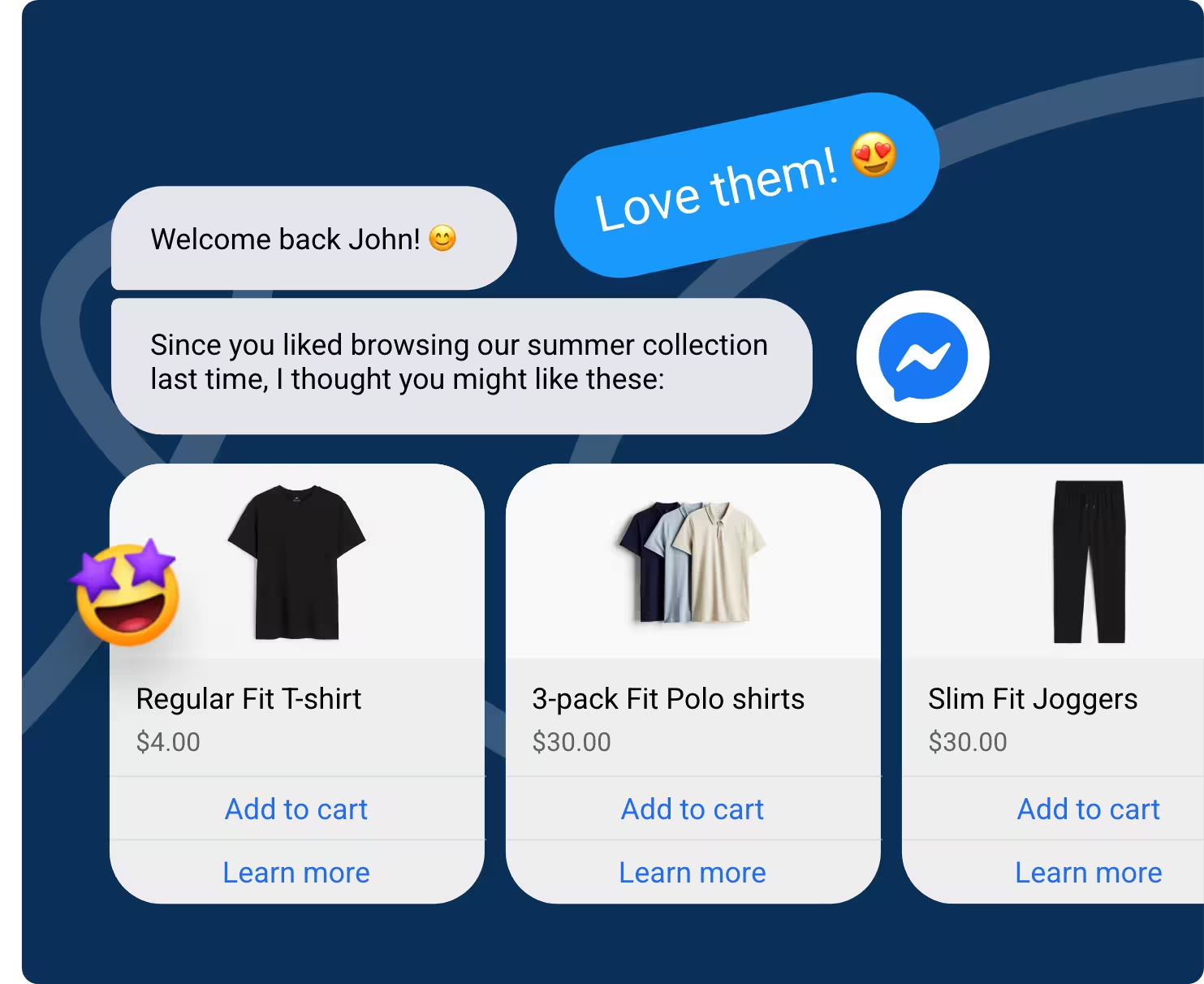
A chatbot can showcase products, answer pricing questions, and nudge shoppers past cart abandonment, all inside the same chat window they're already using.
It works especially well for catalog-heavy businesses where customers want quick answers before they buy.
Insurance sales depend on speed and relevance, and a chatbot can pre-qualify prospects by policy type, coverage needs, and budget before an agent steps in.
This means agents spend their time closing rather than chasing unqualified leads.
Read more on how insurance agents use Facebook chatbots for more leads.
Front-desk staff at clinics and practices field the same questions repeatedly: hours, insurance, appointment availability.
A chatbot handles these FAQs on-the-spot, freeing staff for in-person patient care.
Wondering whether it’s worth the investment for your practice? We break it down here.
Beyond first-touch conversations, a chatbot can send appointment confirmations, reminders, and rescheduling options without a staff member lifting a finger.
This is particularly valuable for service-based businesses like salons, clinics, and consultancies where no-shows directly hurt revenue.
These are just a few of the ways businesses use Facebook chatbots today.
The next step is understanding the tangible benefits they deliver, and whether those benefits justify the investment for your business.
Looking to start conversations directly from your posts? See how Facebook comment automation helps turn engagement into Messenger leads.

A Facebook chatbot for business improves how conversations move, how teams handle demand, and how easily customer interest turns into action.
Here’s a breakdown of the top advantages that teams get with Facebook chatbots:
Together, these outcomes make Messenger a more responsive, scalable channel for turning customer conversations into useful business actions.
Building a Facebook chatbot today does not require a developer. Most no-code platforms let you connect your Page, design conversation flows, and go live within a few hours.
Here’s a quick snapshot of how the process looks in practice:
Each step builds on the last, so a clear workflow matters more than trying to create every possible conversation at once.
Points Worth Remembering:
Want to build your no-code Facebook chatbot? See the full step-by-step guide.

The best Facebook chatbot platform should match your business goals, support the way your team works, and adapt as your customer conversations become more complex.
Before making a decision, focus on the capabilities that will have the biggest impact on your day-to-day operations:
The right Facebook chatbot platform isn't necessarily the one with the most features but the one that supports your business today and continues to meet your needs as they evolve.
Want to explore your options? Compare the top Facebook chatbot platforms or, if you're ready to build your own, explore our guide to selecting the right Facebook chatbot builder.

While Facebook chatbots can handle a wide range of customer interactions, they also have limitations.
Understanding them upfront helps you build a better customer experience:
Chatbots can answer common questions and follow structured workflows, but they may struggle with emotional situations, unique requests, or issues that require judgment.
Among customers reporting negative chatbot experiences, 45% pointed to the bot lacking the knowledge to solve their problem, per G2 research.
How to Overcome It: Build clear escalation paths so customers can reach a live agent whenever the chatbot can't resolve the issue.
Meta regularly updates Messenger features, messaging rules, and platform requirements. These changes can affect how your chatbot communicates with customers.
How to Overcome It: Choose a platform that actively maintains Meta compatibility and review Messenger policy updates before making major workflow changes.
A chatbot is only as helpful as the information it has. Without access to your CRM, booking system, or product data, responses may be incomplete or generic.
How to Overcome It: Connect your chatbot with the business tools it relies on so conversations are based on accurate, up-to-date information.
Customers ask the same question in different ways. Rigid conversation flows can leave people stuck when their query doesn't match the expected path.
How to Overcome It: Combine guided conversation flows with AI that understands natural language, and regularly refine the chatbot using real customer conversations.
Customers appreciate convenience, but they also expect empathy when dealing with sensitive issues or high-value purchases. A chatbot shouldn't replace human relationships.
How to Overcome It: Use chatbots for repetitive tasks and routine questions, then hand important or sensitive conversations to your team at the right moment.
The key isn’t to automate every conversation; it's to automate the right ones. A well-designed Facebook chatbot knows when to answer, when to ask, and when to bring in a human.
This is where the right platform makes a difference. BotPenguin helps businesses build Facebook chatbots that know when to answer, when to collect information, and when to frictionlessly hand the conversation over to a human agent.
Launching a Facebook chatbot is only the first step. Tracking the right metrics helps you understand whether it's creating value for your business or simply adding another touchpoint.
Start with these key performance indicators:
These metrics reveal whether your Facebook chatbot is resolving requests, capturing intent, and guiding conversations toward a useful outcome.
A Facebook chatbot is more than a messaging tool. It helps businesses manage conversations, support customers, capture leads, and create better experiences without adding unnecessary complexity.
The key is choosing the right platform, building thoughtful conversation flows, and reviewing performance regularly.
Start with one or two high-impact use cases, improve them over time, and expand as your needs grow.
Whether you're exploring Messenger automation for the first time or replacing an existing solution, understanding how Facebook chatbots work will help you make a smarter decision and build conversations that deliver real business value.
A Facebook chatbot is software that communicates with users through Facebook Messenger. It can answer questions, collect lead details, recommend products, book appointments, and route complex conversations to a human agent.
Yes. A Facebook chatbot, Messenger bot, and Facebook Messenger chatbot usually describe the same type of tool: an automated system that manages conversations between a Facebook Page and its Messenger users.
No. Facebook Ads automation manages campaign delivery, bidding, targeting, and budgets. A Facebook chatbot handles Messenger conversations after someone contacts a Page through an advertisement, post, QR code, or direct message.
No. Most Facebook chatbot builders use visual flow editors, templates, and drag-and-drop tools. You can connect your Page, create replies, add lead questions, test conversations, and publish without writing code.
Facebook chatbot pricing ranges from free plans with limited features to paid plans based on conversations, contacts, channels, or advanced tools. The final cost depends on usage, integrations, and AI requirements.
Yes. Many platforms offer a Facebook chatbot free plan or trial that lets you build basic Messenger workflows. As your business grows, you may need paid features such as AI responses, CRM integrations, analytics, and higher conversation limits.
A rule-based chatbot follows predefined paths, keywords, and buttons. An AI Facebook chatbot interprets intent and generates flexible replies, while a hybrid bot combines structured flows with AI-powered conversation handling.
Yes. A Facebook chatbot can hand over complex, sensitive, or high-value conversations to a live agent. The agent can usually view the chat history and collected details before continuing the discussion.

Build Smarter Facebook Chatbots With BotPenguin
Create AI-powered Messenger chatbots that capture leads, automate support, and connect with your CRM, all without coding.
Get Started NowCheckout our related blogs you will love.

Updated at Jul 21, 2026
12 min to read

Updated at Jul 21, 2026
8 min to read

Updated at Jul 21, 2026
7 min to read
Table of Contents