

HR automation trends in 2026 point to AI-assisted recruitment, employee self-service, conversational HR support, smarter learning systems, workforce analytics, compliance workflows, and connected employee operations. These developments help HR teams reduce repetitive work, improve access to information, and use workforce data more effectively while maintaining appropriate human oversight.
Introduction
HR technology is moving beyond simple task automation.
As HR automation evolves in 2026, organizations are increasingly using AI, self-service tools, workforce analytics, connected HR systems, and automated workflows to improve how employees and HR teams complete recurring processes.
Not every emerging technology will suit every organization. The most useful trends are those that solve specific HR problems while maintaining appropriate security, oversight, and human involvement.
This guide explores ten HR automation trends shaping recruitment, employee support, learning, compliance, workforce management, and other HR operations in 2026.
Why HR Automation Trends Matter in 2026
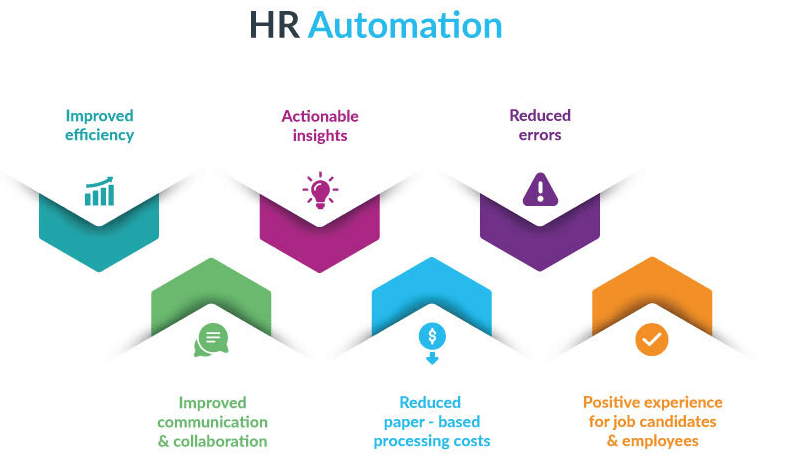
HR automation trends matter because they show how organizations are changing the way they manage recurring workforce processes.
Newer tools can help reduce repetitive administration, expand employee self-service, organize workforce data, coordinate distributed teams, and support more consistent HR workflows.
However, automation does not automatically make HR decisions more accurate, fair, or compliant. Outcomes still depend on data quality, workflow design, system configuration, and human oversight.
The following trends highlight the areas where HR technology is evolving most visibly in 2026.
1. AI-Powered Recruitment Tools
AI-assisted recruitment is becoming more useful for organizing large candidate pools and reducing repetitive hiring administration.
Recruiters can use these tools to review applications against defined criteria, organize candidate information, coordinate interviews, and identify applications that require closer human review.
AI-Assisted Candidate Screening
AI-assisted screening can help recruiters process applications more efficiently by comparing candidate information with defined job requirements.
This can reduce the time spent manually reviewing large applicant pools. However, screening criteria and outputs still require human oversight because automated systems can reflect limitations in their data, rules, or configuration.
Recruiters should regularly review how candidates are evaluated and avoid treating automated recommendations as final hiring decisions.
Recruitment Analytics and Decision Support
Recruitment platforms can also organize data related to candidate sources, hiring stages, response times, and application progress.
These insights can help HR teams identify bottlenecks and improve the recruitment process. They should support recruiter judgment rather than attempt to predict candidate success with certainty.
The 2026 trend is therefore not fully automated hiring. It is using AI to reduce administrative work while keeping people responsible for candidate evaluation and final decisions.
2. Employee Self-Service Portals
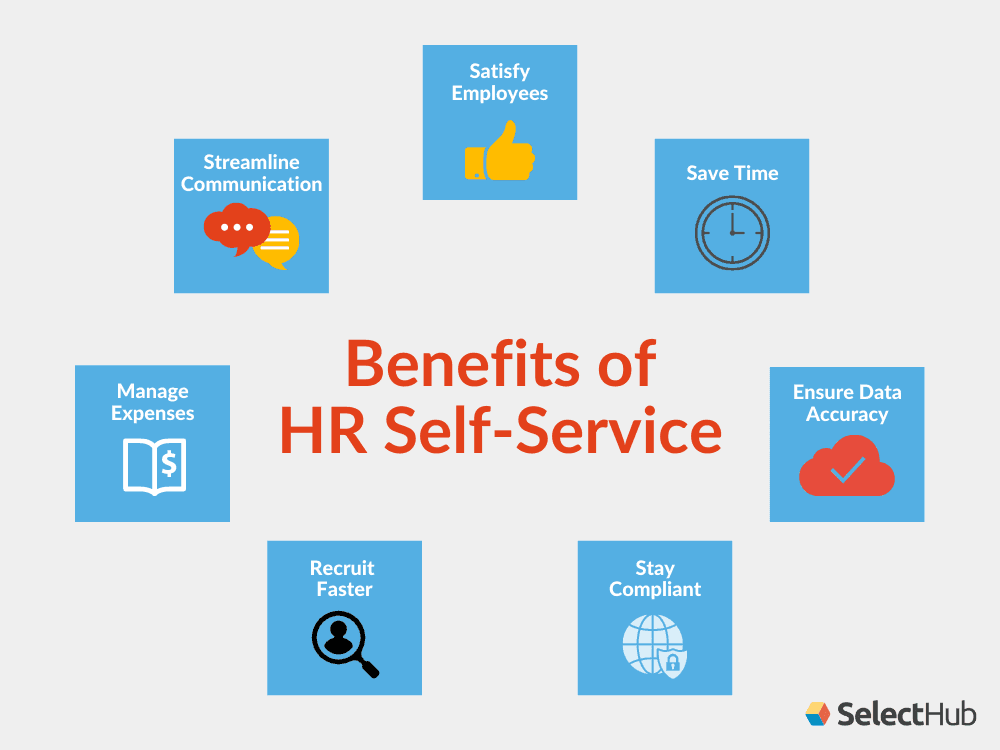
Employee self-service is becoming a larger part of HR operations as organizations give employees direct access to routine information and processes.
Instead of contacting HR for every request, employees can use connected portals to manage suitable tasks independently.
Easier Access to Employee Information
Self-service portals can give employees access to information such as payslips, leave balances, benefits, workplace policies, and personal records.
Depending on the system, employees may also update certain details, submit requests, or track the progress of existing requests.
This reduces dependency on HR teams for simple information while giving employees easier access to routine HR services.
Reducing Repetitive HR Administration
Self-service systems can also reduce manual work around leave requests, benefits administration, document access, and employee information updates.
HR teams still need to manage exceptions and sensitive issues, but they handle fewer routine requests individually.
Among current HR automation trends, self-service stands out because it shifts suitable recurring tasks closer to the employees who need them while keeping HR available for more complex support.
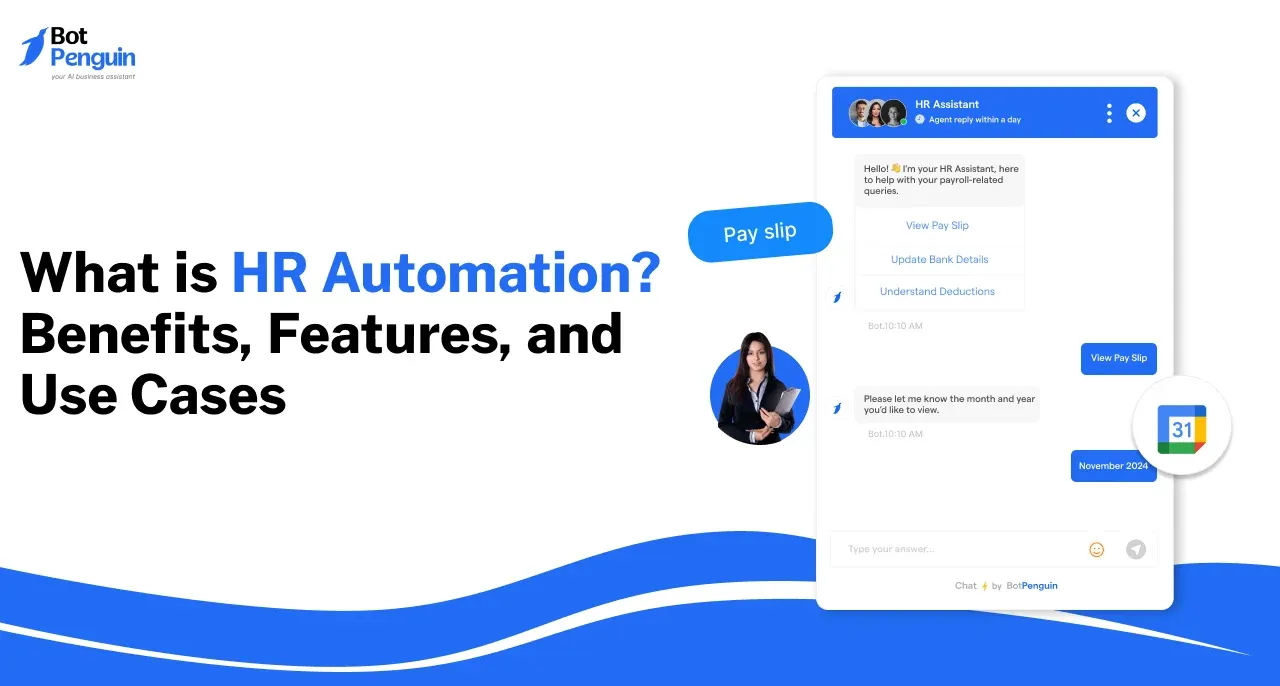
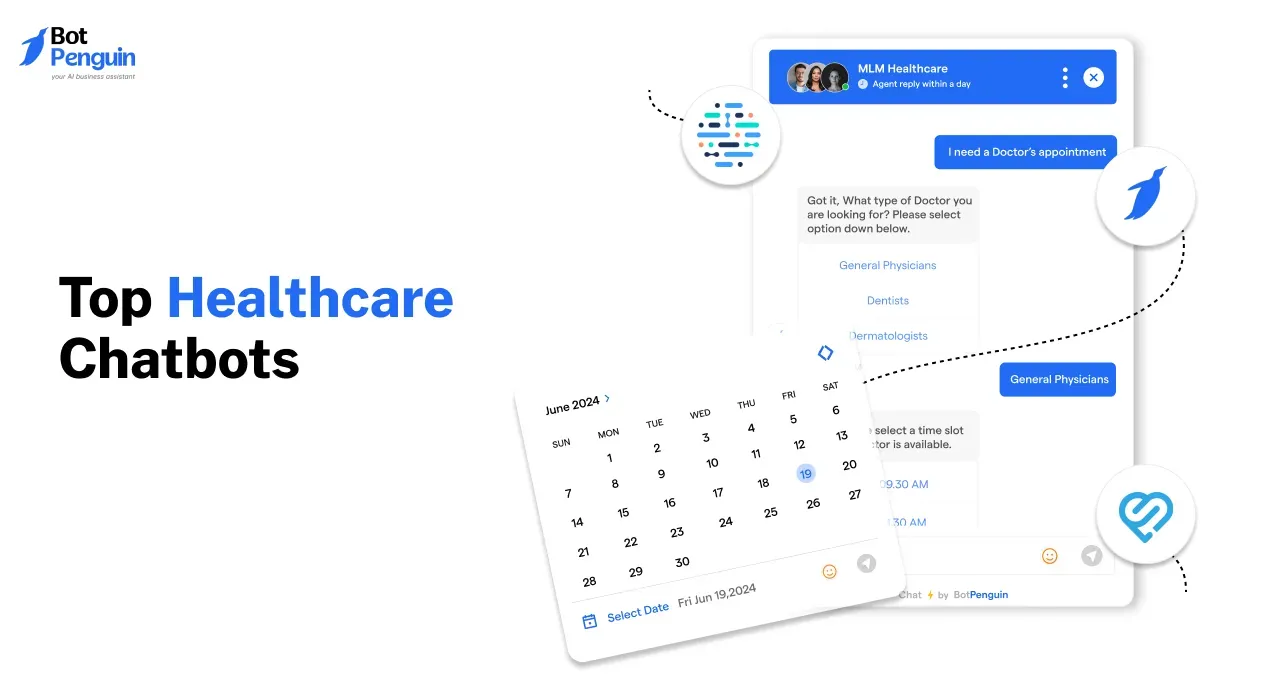
3. Advanced Chatbots and Virtual Assistants
Conversational AI is expanding employee self-service beyond traditional HR portals.
HR chatbots can give employees a conversational way to find information, complete routine requests, and navigate HR processes without searching through multiple systems.
Personalized HR Support With AI Chatbots
AI chatbots can answer supported questions about leave, benefits, policies, onboarding, payroll, and other recurring HR topics.
Natural language processing allows employees to ask questions conversationally instead of navigating fixed menus or searching through documentation.
When information is unavailable, or the request requires human judgment, the chatbot should provide a clear escalation path to the appropriate HR team.
Proactive Employee Support
Chatbots can also support recurring reminders and workflow guidance.
For example, employees may receive reminders about benefits enrollment, onboarding tasks, training deadlines, or documents that still require action.
An HR helpdesk chatbot can extend this model by supporting routine employee service requests while routing complex or sensitive matters to HR professionals.
The trend is shifting from simple FAQ bots to conversational support connected to broader HR workflows.
4. Integration of Blockchain in HR
As AI becomes more involved in recruitment, employee support, analytics, and workforce decisions, organizations also need stronger governance around how these systems are used.
This makes AI governance one of the more important HR automation trends for 2026.
Defining Where AI Should Be Used
HR teams should identify which processes are appropriate for AI assistance and which require direct human involvement.
Routine classification, information retrieval, reminders, and workflow support may be suitable for automation. Decisions involving hiring, disciplinary action, employee relations, compensation exceptions, or other significant consequences need stronger human review.
Clear ownership also helps teams understand who is responsible for reviewing automated outputs and correcting problems.
Reviewing AI Outputs and Data
AI systems should not be treated as automatically accurate or unbiased.
Organizations need processes to review outputs, monitor recurring errors, control access to employee data, and check whether automated decisions produce unintended outcomes.
For practical implementation guidance, review these HR automation best practices.
The goal is not to slow automation down. It is to make its use more deliberate, accountable, and appropriate for employee-facing processes.
5. Comprehensive Learning Management Systems (LMS)
Learning management systems are becoming more connected with onboarding, skills development, compliance training, and ongoing employee learning.
Automation allows HR and learning teams to coordinate recurring training activities without manually managing every assignment and reminder.
Automated and Personalized Learning Paths
Modern learning systems can assign courses based on roles, departments, required training, or identified development needs.
Some platforms can also recommend learning content based on employee profiles or skills data.
Automation can handle recurring tasks such as course assignments, enrollment, reminders, and completion tracking. Managers and learning teams should still determine whether training is relevant and effective for employee development.
Tracking Learning and Skill Development
Centralized learning systems can help teams monitor course completion, certifications, required training, and development activity.
This data can make it easier to identify skills that may require additional development and employees who need follow-up support.
The 2026 trend is toward connecting learning data with broader workforce planning rather than treating training as a separate administrative process.
6. Automation in Compliance Management
HR compliance involves recurring documentation, deadlines, acknowledgments, recordkeeping, and policy-related workflows.
Automation can help coordinate these administrative activities, but it cannot determine or guarantee legal compliance on its own.
Tracking Documentation and Deadlines
Automated workflows can help HR teams monitor document expiry dates, required acknowledgments, training deadlines, and missing records.
Alerts and reminders can reduce reliance on spreadsheets or manual follow-ups for recurring actions.
Audit trails can also provide a clearer record of when documents were submitted, reviewed, or acknowledged.
Flagging Potential Compliance Issues
Connected HR systems may also flag payroll discrepancies, missing documentation, unusual working-hour records, or other conditions that require review.
These alerts can help HR teams investigate issues earlier, but qualified people still need to determine whether a legal or policy requirement has been met.
Compliance automation should therefore support HR and legal processes rather than replace professional judgment.
7. Data-Driven Employee Retention Strategies
HR teams increasingly use workforce data to understand broader patterns in employee experience and turnover.
The focus is shifting from simply reporting historical numbers toward identifying patterns that may require attention.
Identifying Retention Patterns
Workforce analytics can combine information from employee surveys, absenteeism, turnover, exit feedback, performance processes, and other HR data.
Teams can use these patterns to identify departments, roles, or workforce groups experiencing recurring retention challenges.
Analytics should not be treated as a reliable prediction that a specific employee will resign. Instead, it can highlight signals that HR teams may want to investigate further.
Supporting Retention Decisions With Data
Retention analysis can also help organizations examine whether career development, management practices, workload, compensation, or other factors may be affecting employee experience.
HR teams can then use this information alongside employee conversations and qualitative feedback when planning retention initiatives.
The value of workforce analytics comes from improving visibility, not replacing the human context behind why employees stay or leave.
8. Hybrid Work Management Solutions
Hybrid and distributed work creates additional HR coordination across locations, schedules, policies, onboarding, and employee support.
Automation can help organizations manage recurring remote-work processes more consistently without requiring HR teams to coordinate every step manually.
Coordinating Distributed HR Workflows
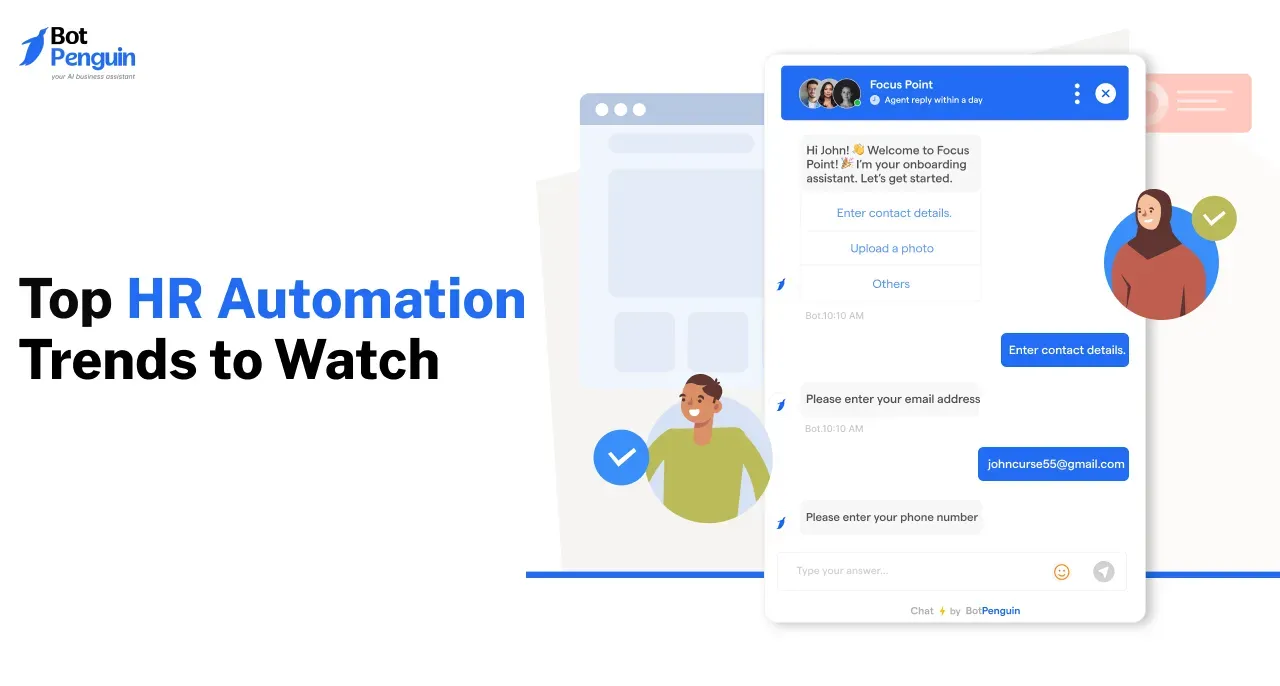
Automated workflows can support remote onboarding, policy acknowledgments, document collection, employee requests, recurring check-ins, and other distributed HR processes.
Centralizing these activities can also give HR teams better visibility into completed tasks and where follow-up is needed.
For organizations operating across regions, systems should be configured around the specific policies and requirements that apply to each workforce.
Supporting Collaboration and Employee Access
Connected workplace tools can make it easier for distributed employees to access HR information, receive notifications, and complete recurring tasks.
Integrations with collaboration platforms can also bring reminders or workflow updates into systems employees already use.
Automation cannot solve every challenge of hybrid work. Its role is to reduce coordination friction while managers and HR teams remain responsible for communication, inclusion, and employee experience.
9. Advanced Time and Attendance Tracking Systems
Time and attendance systems are becoming more connected with scheduling, payroll, leave management, and workforce planning.
The trend is moving away from isolated time records toward systems that can coordinate multiple workforce-management processes.
Automated Time and Attendance Tracking
Digital attendance systems can record working hours, maintain attendance histories, flag missing entries, and share approved data with connected payroll or HR systems.
This can reduce repetitive recordkeeping and make attendance information easier to review.
Some organizations also use biometric attendance technologies. When considering these, teams should evaluate applicable privacy requirements, employee-data protections, and whether the technology fits the workplace.
AI-Assisted Scheduling and Shift Management
Scheduling tools can use employee availability, staffing requirements, workloads, and configured rules to help managers create and adjust shifts.
Automation can also notify employees of schedule changes or flag potential conflicts that need attention.
Managers should still review exceptions, employee needs, and relevant working-time requirements instead of assuming an automatically generated schedule is always appropriate.
10. Automation in Compensation and Benefits Management
Time and attendance systems are becoming more connected with scheduling, payroll, leave management, and workforce planning.
The trend is moving away from isolated time records toward systems that can coordinate multiple workforce-management processes.
Automated Time and Attendance Tracking
Digital attendance systems can record working hours, maintain attendance histories, flag missing entries, and share approved data with connected payroll or HR systems.
This can reduce repetitive recordkeeping and make attendance information easier to review.
Some organizations also use biometric attendance technologies. When considering these, teams should evaluate applicable privacy requirements, employee-data protections, and whether the technology fits the workplace.
AI-Assisted Scheduling and Shift Management
Scheduling tools can use employee availability, staffing requirements, workloads, and configured rules to help managers create and adjust shifts.
Automation can also notify employees of schedule changes or flag potential conflicts that need attention.
Managers should still review exceptions, employee needs, and relevant working-time requirements instead of assuming an automatically generated schedule is always appropriate.
How to Evaluate HR Automation Tools in 2026
The right HR automation tool should support the specific processes your team wants to improve without adding unnecessary complexity.
When evaluating options, focus on these four factors:
Business Need
Start with the HR processes creating the most repetitive work, delays, or administrative overhead.
Look for tools that directly support those workflows rather than choosing software based on the longest feature list.
Integration and Compatibility
Check whether the platform can connect with the HR systems, payroll tools, communication platforms, and other software your team already uses.
Strong integration reduces duplicate data entry and makes automation easier to manage across connected workflows.
Security and Access Controls
HR systems may handle sensitive employee information, so review how the platform manages permissions, user access, data handling, and integrations.
Make sure the controls match your organization's security and privacy requirements.
Scalability and Usability
The platform should be practical for your current team while supporting future growth in employees, locations, workflows, or HR processes.
Also consider how easily HR teams can configure, maintain, and update the system without depending heavily on technical support.
For a detailed comparison of current platforms, see our guide to the best HR automation software.
Conclusion
The most important HR automation trends in 2026 are moving HR technology toward smarter self-service, connected workflows, workforce analytics, AI-assisted processes, and more structured employee operations.
The value of these tools depends on how you implement them. Organizations still need reliable data, secure integrations, clear governance, and human oversight for decisions involving employees, compliance, privacy, or significant consequences.
Rather than automating every process, HR teams should focus on technologies that solve specific operational problems and improve how employees and HR professionals complete recurring work.
Frequently Asked Questions (FAQs)
What HR Processes Can Automation Improve the Most?
HR automation is most useful for repetitive, rules-based processes such as payroll administration, onboarding tasks, leave requests, document handling, scheduling, reporting, and recurring employee support. Sensitive decisions involving judgment, exceptions, or employee relations should retain appropriate human oversight.
Can Automation Fully Replace HR Professionals?
No. Automation can handle repetitive workflows, reminders, data movement, and routine employee requests, but HR professionals remain responsible for strategy, employee relations, sensitive conversations, exceptions, and decisions requiring judgment. The strongest approach combines automation with clear human oversight.
How Can Automation Help Improve Employee Retention?
Automation can support retention by improving access to HR services, organizing employee feedback, tracking workforce patterns, and simplifying development processes. However, retention depends on broader factors such as management, compensation, workload, growth opportunities, and employee experience, not automation alone.
What Are the Security Risks With HR Automation Tools?
Key risks include unauthorized access, data exposure, weak permissions, insecure integrations, and inappropriate use of sensitive employee information. Organizations should evaluate access controls, encryption, authentication, data governance, vendor practices, and applicable privacy requirements before implementing HR automation tools.
Is Automation Cost-Effective for Small Businesses?
It can be, depending on the processes being automated, implementation costs, existing systems, and the volume of repetitive work. Small businesses should prioritize tools that solve clear operational problems, integrate with current workflows, and can scale without adding unnecessary complexity.