


A List of 11 Best Customer Service Chatbots
Updated at Oct 16, 2026
8 min to read
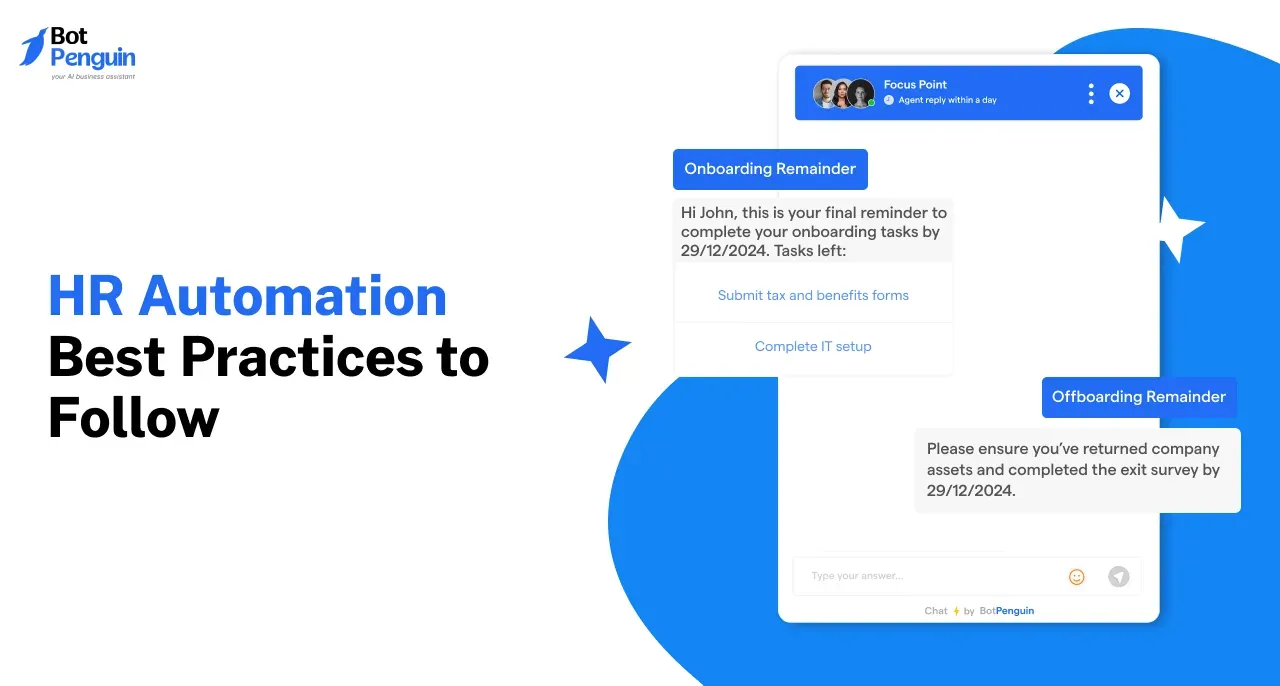
HR automation best practices help organizations automate HR processes without creating fragmented systems or poor employee experiences. Key practices include centralizing employee data, automating recurring workflows, protecting sensitive information, enabling employee self-service, improving performance processes, and regularly reviewing automation as workforce needs, technology, and business requirements change.
HR automation can reduce repetitive administrative work, but implementing tools without a clear process can create disconnected systems, inconsistent workflows, and new problems for HR teams.
Effective automation starts with deciding what to automate, how systems should work together, and where employees or HR professionals still need direct involvement.
This guide covers seven HR automation best practices for managing employee data, recruitment, onboarding, compliance, self-service, performance management, and offboarding more effectively in 2026.
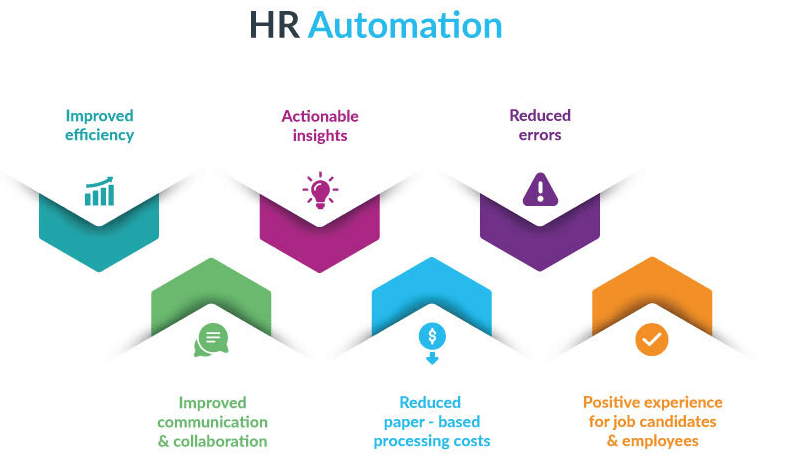
HR automation uses software and workflows to reduce repetitive administrative work across processes such as recruitment, onboarding, payroll, leave management, employee records, and reporting.
The technology is most effective when organizations automate suitable recurring tasks while keeping human oversight for sensitive issues, exceptions, and decisions requiring judgment.
For a complete explanation of how these systems work, see what HR automation is and where businesses use it.
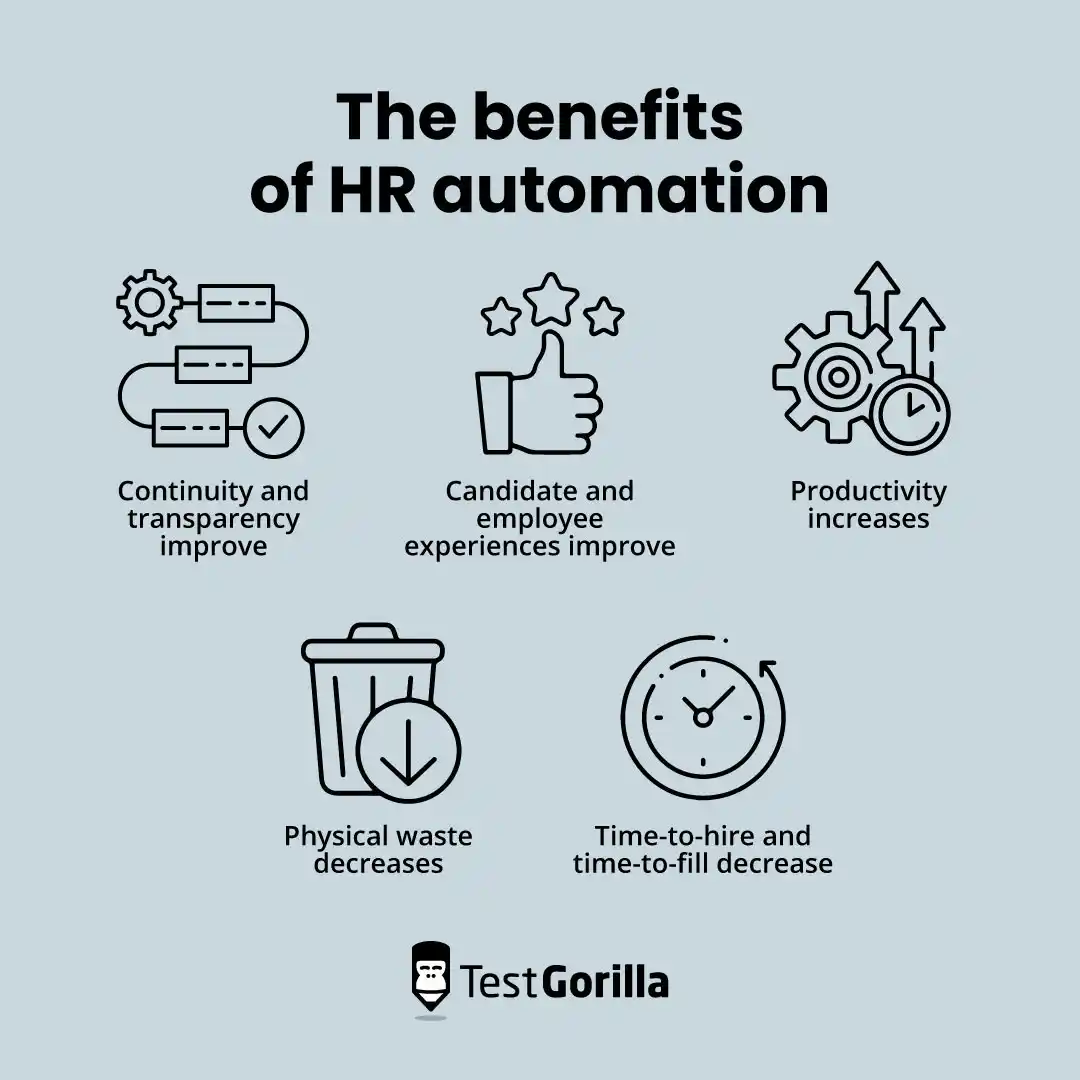
HR automation delivers better results when processes are designed carefully, not simply when you replace manual steps with software.
Following clear best practices can help organizations reduce repetitive administration, improve workflow consistency, maintain cleaner employee records, and make routine HR services easier for employees to access.
A structured approach also helps teams identify where automation is appropriate and where human involvement remains necessary. This is particularly important for employee relations, sensitive data, exceptions, compliance decisions, and other situations requiring judgment.
As an organization grows, well-designed workflows are also easier to review, improve, and scale than disconnected automation built around individual tasks.
The following seven practices provide a practical foundation for implementing HR automation more effectively.
HR automation is revolutionizing the way companies manage their workforce. It eliminates repetitive manual tasks, improves precision, and enhances efficiency, allowing HR professionals to focus on strategic initiatives.
To maximize its benefits, organizations must implement the right strategies.
Below are the top 7 HR automation best practices that can help businesses streamline operations and achieve better results.
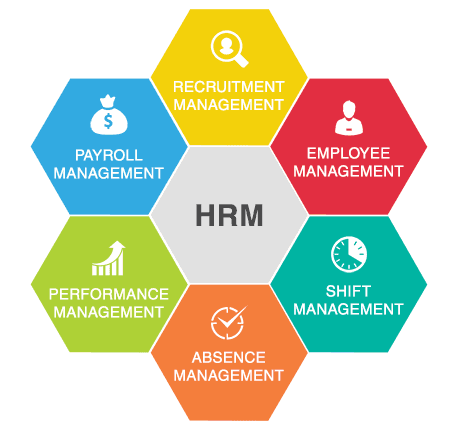
HR automation works best when employee information is stored in a centralized system, not scattered across spreadsheets, documents, and disconnected tools.
A centralized HR system can reduce duplicate or outdated records and give authorized teams more consistent access to employee information. It can also support reporting, workflow automation, and recordkeeping across different HR processes.
Access should still be controlled based on roles and responsibilities. Organizations should also review how they store, update, share, and retain employee data.
Best Practice: Define clear ownership for employee data and review access permissions regularly.
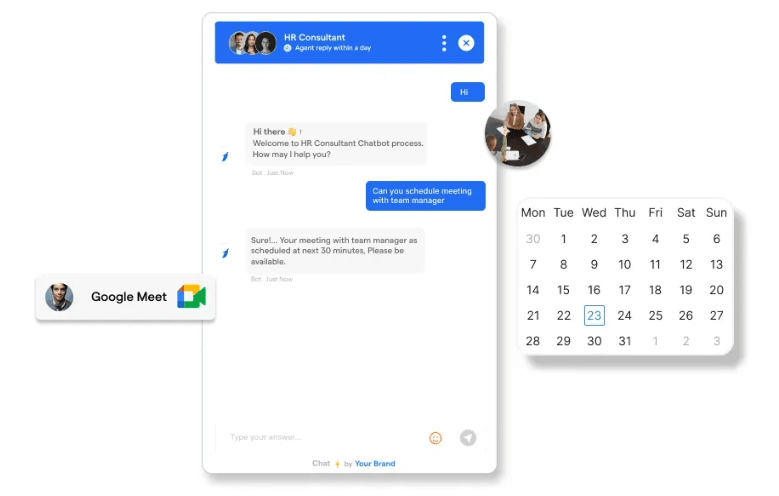
Recruitment involves several repetitive tasks, including job posting, application management, candidate communication, interview scheduling, and status updates.
HR automation can help streamline these administrative steps and keep the hiring process more organized. Applicant tracking systems can also help recruiters manage candidate information and move applicants through defined hiring stages.
Automation should support recruiters, not replace hiring judgment. Candidate evaluations, interviews, and final decisions still require appropriate human review.
Best Practice: Automate repetitive recruitment administration while keeping candidate evaluation and hiring decisions human-led.
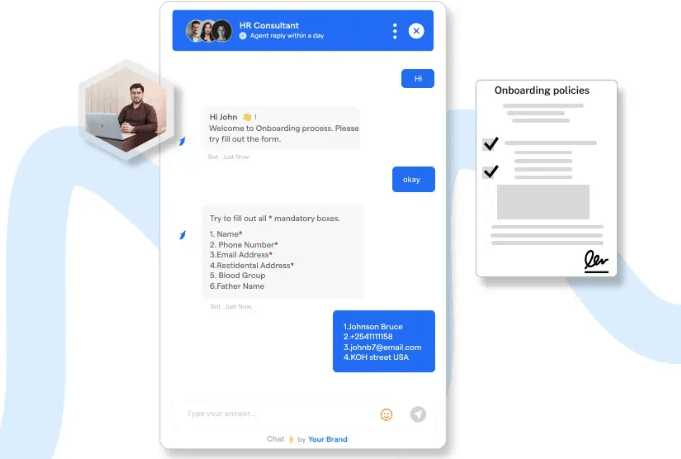
Employee onboarding often involves document collection, policy acknowledgments, training assignments, account setup, reminders, and other recurring tasks.
Automation can standardize these steps, reduce manual follow-ups, and make it easier for HR teams to track completion. It can also give new employees clearer guidance throughout onboarding.
An HR onboarding chatbot can support this process by answering common questions, sharing approved information, and guiding new hires toward the right resources or next steps.
Human support should still be available for questions or situations that require context, judgment, or direct assistance.
Best Practice: Automate repeatable onboarding steps while keeping HR available for personalized support.
HR teams manage recurring documentation related to policies, employee records, acknowledgments, training, and other workforce requirements.
Automation can help track deadlines, flag missing documents, send reminders, collect acknowledgments, and maintain records of completed actions. This makes documentation easier to manage and reduces reliance on manual follow-ups.
However, HR software does not guarantee legal or regulatory compliance. Organizations should determine which requirements apply and conduct appropriate HR, legal, or compliance reviews as needed.
Best Practice: Use automation to support documentation and tracking, but keep qualified people responsible for compliance decisions.
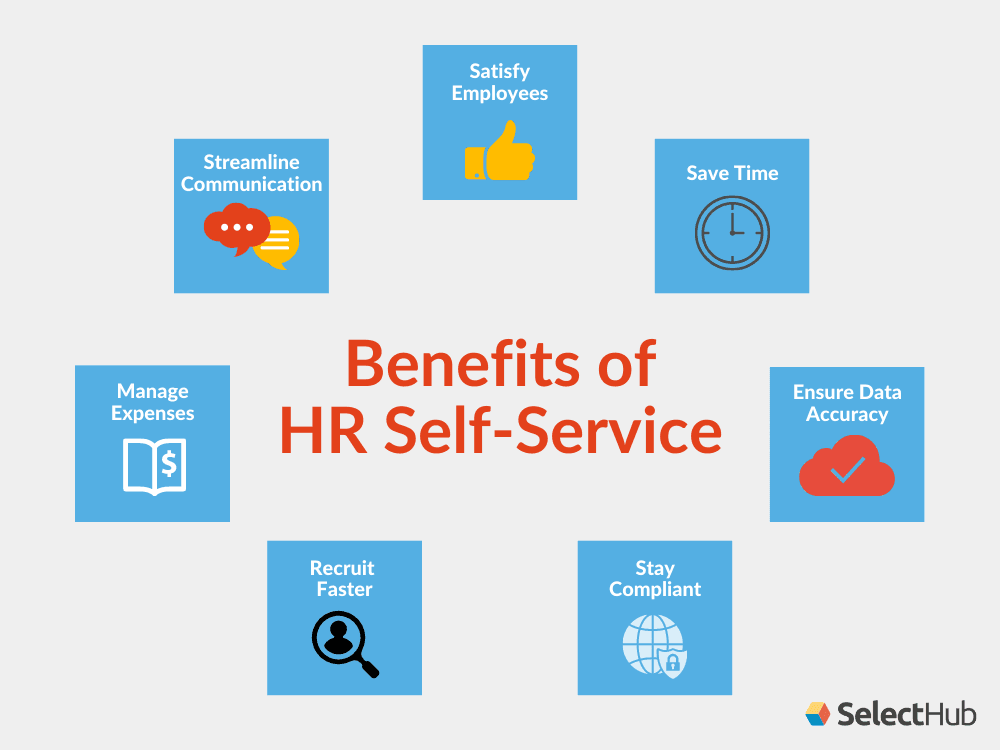
Employee self-service can reduce repetitive HR requests by giving employees direct access to routine information and processes.
Depending on the systems available, employees may be able to check leave balances, access payslips, update personal information, review benefits, find policies, or submit common HR requests without contacting HR for every step.
An HR helpdesk chatbot can extend self-service by answering supported questions and guiding employees toward the appropriate HR resource or workflow.
Human support should remain available when an employee needs help with a sensitive, complex, or unusual issue.
Best Practice: Automate routine self-service requests while providing clear escalation paths to HR teams.
Suggested Reading:
7 Recruitment Process Automation Strategies for Faster Hiring
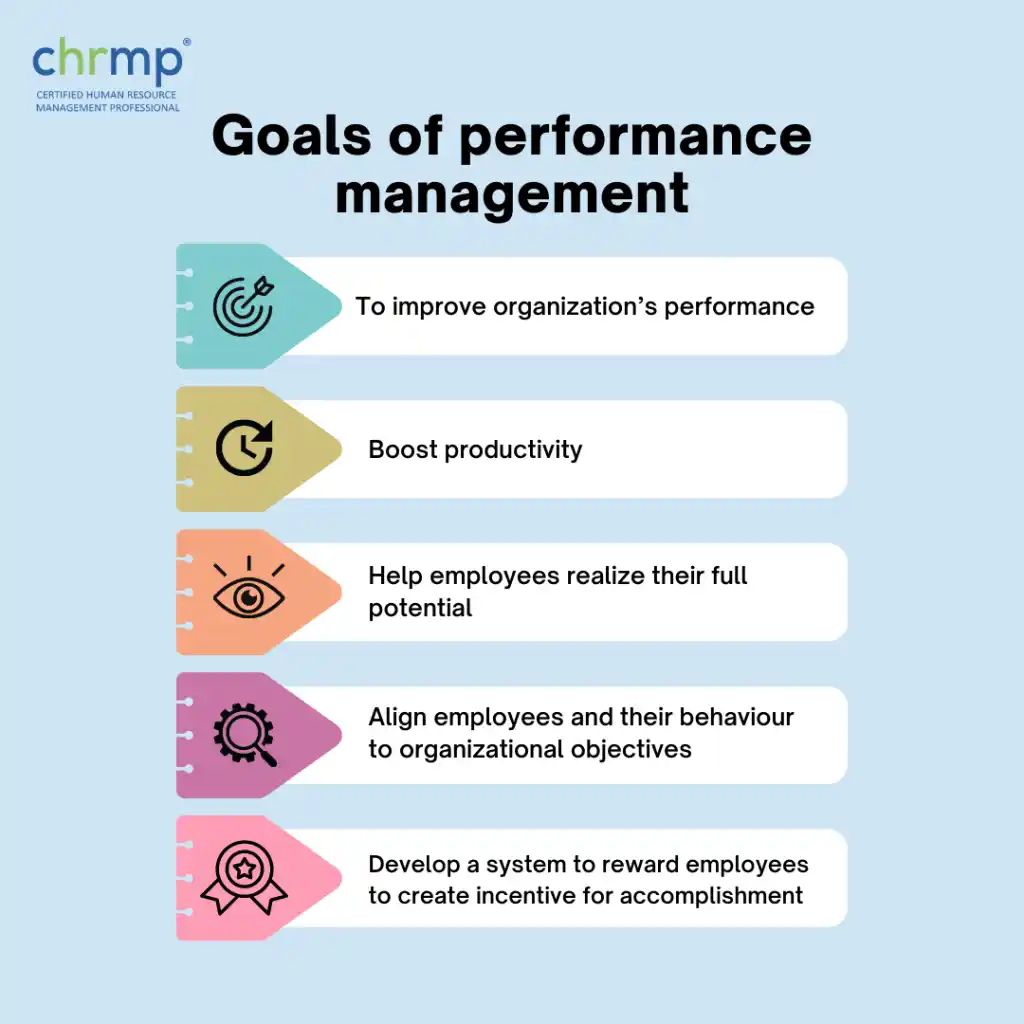
Automation can make recurring performance-management processes easier to coordinate and track.
HR teams can use automated workflows to schedule review cycles, send reminders, track completion, record goals, and organize structured feedback. Dashboards can also help managers monitor whether required review activities are being completed.
These systems can improve process consistency, but they should not replace managerial judgment or meaningful employee feedback. Managers remain responsible for evaluating performance fairly and considering context that automated systems may not capture.
Best Practice: Automate the administrative parts of performance reviews while keeping evaluation and feedback human-led.
To see how performance management and other HR processes are evolving, explore current HR automation trends.
Employee offboarding involves several recurring tasks across HR, IT, managers, payroll, and other teams.
Automation can help coordinate steps such as collecting documents, notifying relevant departments, requesting equipment returns, disabling system access, scheduling exit activities, and tracking whether required tasks have been completed.
A structured workflow can reduce missed steps and provide a clearer record of the offboarding process. However, organizations should still review exceptions, sensitive employee matters, and any legal or policy requirements that need human involvement.
Best Practice: Use a standardized offboarding workflow with clear task ownership, deadlines, and human review where required.
Effective HR automation best practices are less about automating every task and more about choosing the right processes, systems, and level of human involvement.
Centralized data, structured recruitment and onboarding workflows, employee self-service, reliable documentation, consistent performance processes, and planned offboarding can reduce repetitive work while keeping HR operations easier to manage.
In 2026, organizations should also review automated workflows regularly as technology, policies, workforce needs, and business processes change.
The strongest approach combines automation with appropriate security controls, system integration, ongoing review, and human judgment where employee decisions or sensitive situations require it.
Centralized data improves decision-making by providing accurate, real-time information. It reduces errors, ensures compliance, and streamlines HR processes by consolidating employee-related information into a secure, easily accessible system.
When selecting HR automation tools, consider your company’s size, HR needs, budget, and integration capabilities with existing systems. Trial versions and customer reviews can also help make an informed choice.
HR automation tools integrate with existing HR systems through APIs or connectors, enabling smooth data flow across different functions.
BotPenguin offers AI-driven automation solutions that streamline this integration for recruitment and employee management.
Tools like HRMS and compliance trackers monitor legal requirements, flag missing documents, and automate audits. These tools reduce legal risks, ensure transparency, and make managing policies and records easier for HR teams.
Common challenges include employee resistance to change, data privacy concerns, and initial setup costs. Businesses can address these through proper training, phased rollouts, and tools like BotPenguin.
Subscribe to Our Newsletter
Get the latest business insights straight into your inbox.
Checkout our related blogs you will love.
Updated at Oct 16, 2026
8 min to read
Updated at Oct 15, 2026
7 min to read

Updated at Oct 13, 2026
17 min to read

Updated at Oct 12, 2026
15 min to read
Updated at Oct 12, 2026
15 min to read

Updated at Oct 6, 2026
9 min to read
Table of Contents

