Facebook Messenger Bot for Business: What It Can Do

Platforms

Updated On Aug 8, 2026

10 min to read

bp generic

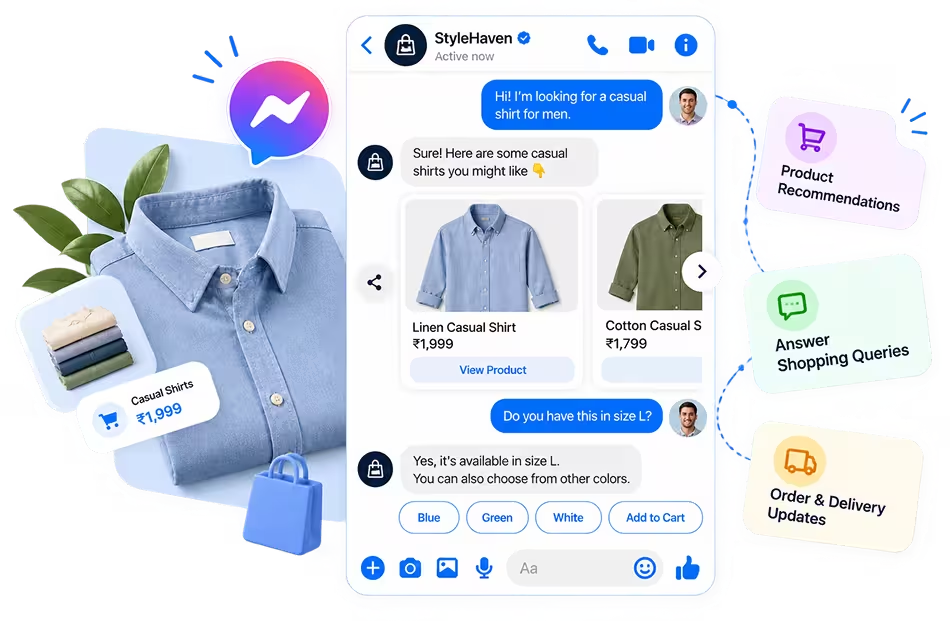
A Facebook Messenger bot for business can answer common questions, capture leads, book appointments, recommend products, share updates, and route complex requests to human agents. It helps businesses respond faster, manage repeated conversations, and support more customers without increasing manual work for every message.

Businesses receive the same questions on Messenger every day. Customers ask about prices, services, availability, appointments, policies, and order updates. Answering each message manually takes time and often creates unnecessary delays.

A Facebook Messenger bot for business helps manage these routine conversations automatically. It can respond instantly, even when customers message outside normal working hours. A Facebook Messenger chatbot can also collect basic details, guide users, and direct complex queries to the right team member.

The right Messenger bot starts with a repeated customer request and turns it into a clear, manageable workflow.

Why Businesses Use a Messenger Bot 

Quick replies are only part of the value. A Facebook bot for business should also manage repeated questions, collect useful details, and handle rising message volumes without adding pressure to the team.

Respond to Customers Faster 

Customers often ask about prices, services, availability, and policies outside normal business hours. A Messenger bot can provide instant answers to common questions, reduce waiting time, and keep responses consistent across every conversation.

Reduce Repetitive Work 

Teams spend hours replying to the same questions about pricing, opening hours, product availability, policies, and booking instructions. A Facebook chatbot for business can handle these routine requests while employees manage complex cases that require judgment or personal attention.

Capture Customer Intent 

A bot can ask visitors what they need, collect names and contact details, and identify prospects who are ready to speak with sales. The information can then be shared with the right team member, giving them clear context before the conversation begins.

Manage More Conversations 

Campaigns, product launches, and seasonal demand can cause sudden increases in Messenger activity. A bot can manage several routine conversations at the same time without reducing response quality.

This allows businesses to support higher message volumes without increasing headcount every time demand rises.

Businesses that want to improve response speed and lead handling can explore how BotPenguin supports Messenger automation.

Core Business Use Cases of a Facebook Messenger Bot 

Effective Messenger automation starts with conversations your business already receives. Review frequent questions, repeated requests, and common customer actions. Then build workflows that solve those needs clearly without making the Messenger experience harder.

Customer Support and FAQ Automation 

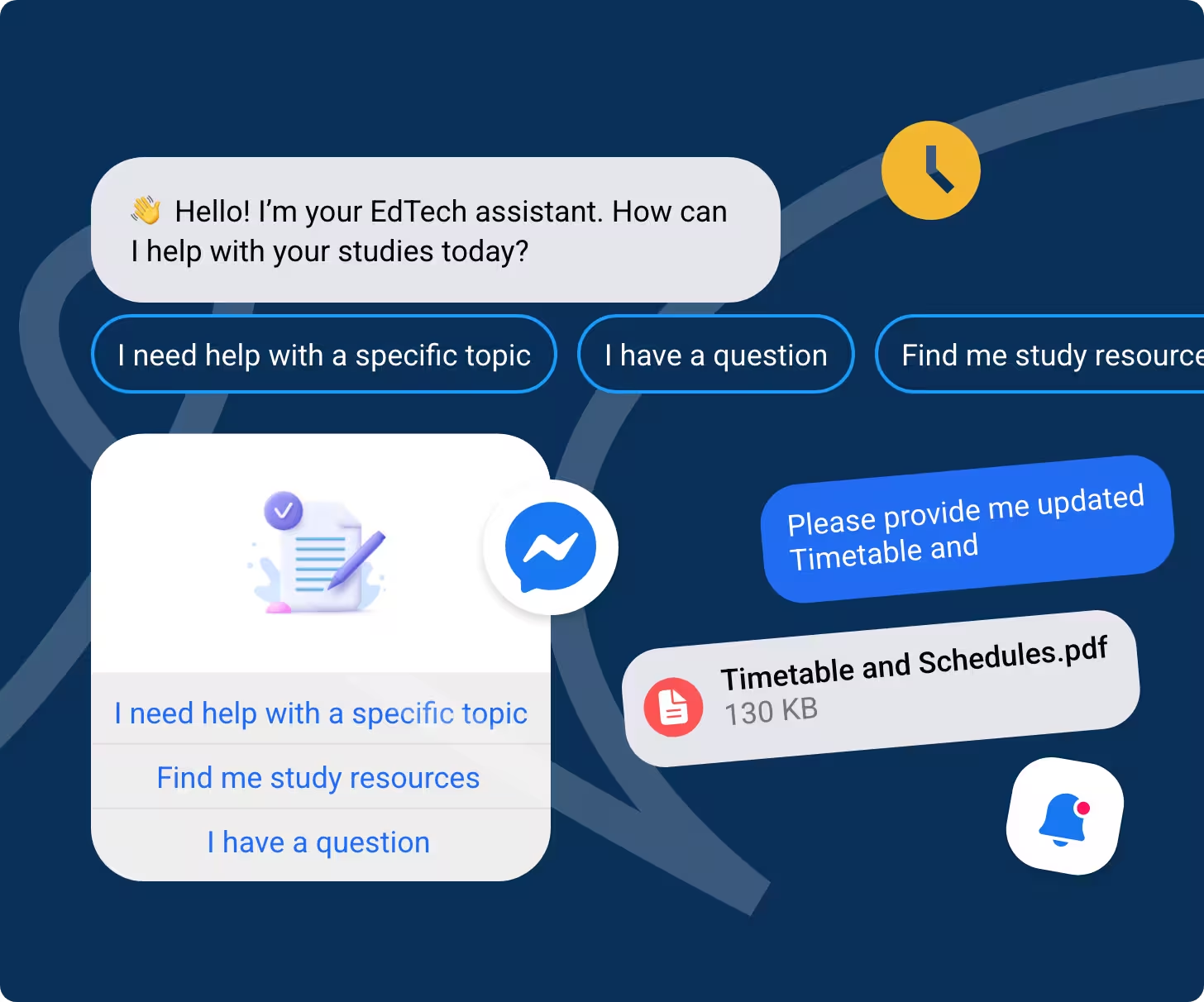
Customer support is one of the most practical uses of a Facebook Messenger bot. It can answer product and service questions, share business hours, explain policies, guide users through account tasks, and provide basic troubleshooting steps.

Answers should come from approved business information. This keeps responses accurate and consistent. When the request needs personal judgment, the bot should offer access to an employee.

Example Workflow 

A customer asks about a return policy. The bot provides the approved policy and asks whether the answer solved the issue. The customer can end the conversation or request more help. The conversation then transfers to an agent with the earlier messages available for context.

Lead Capture and Qualification 

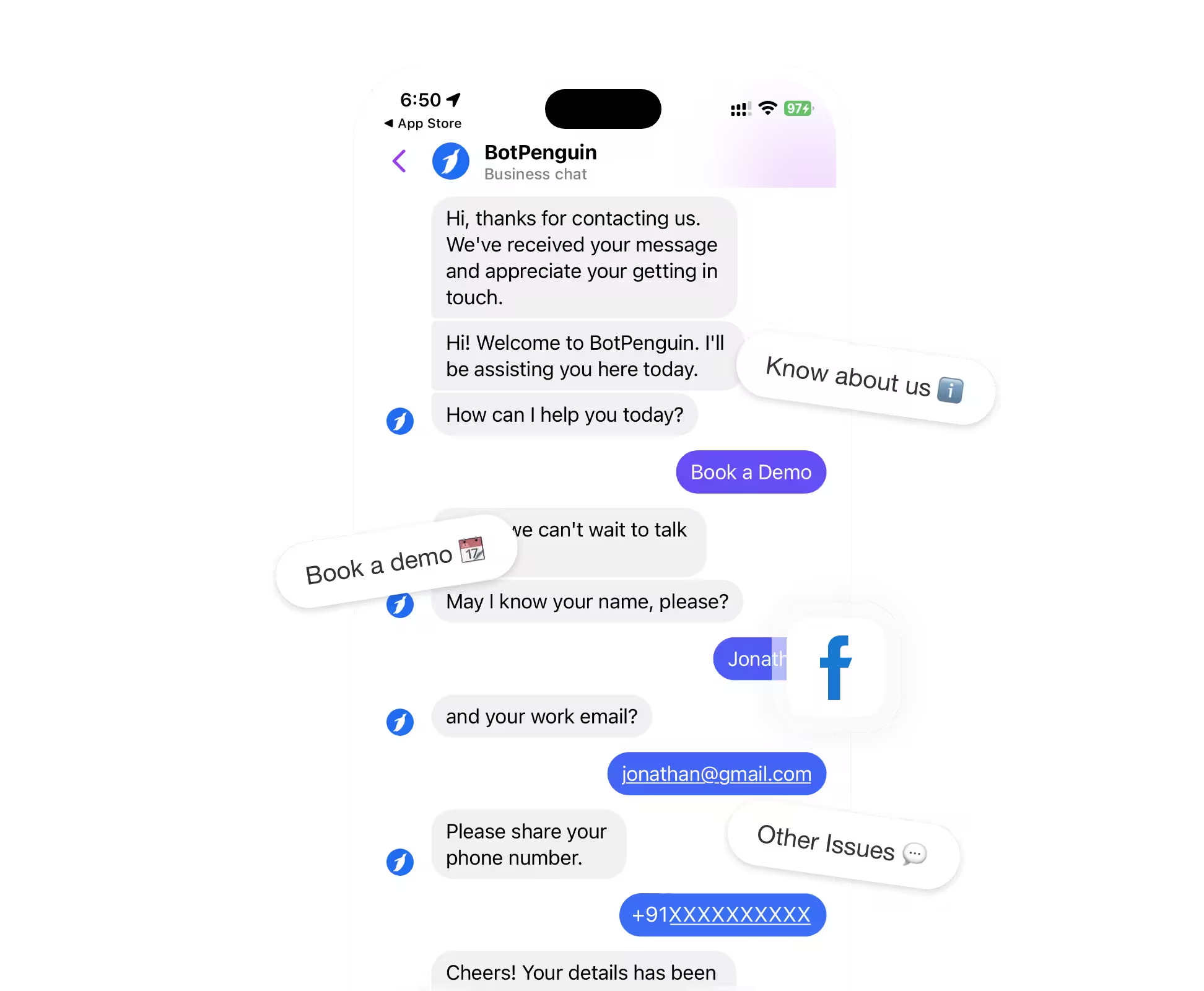
Messenger conversations often begin before a visitor is ready to complete a form or contact sales directly. A bot can collect the person's name, email address, phone number, company details, and specific requirements during the conversation.

It can also ask about budget, purchase timeline, team size, or service needs. These answers help categorize each inquiry and identify prospects who are ready for a sales conversation. Qualified leads can then be routed to the correct representative with their collected details.

Example Qualification Questions 

The bot may ask what service the prospect needs and what problem they want to solve. It can then ask when they plan to begin and how large their team or business is.

Each question should have a clear purpose. Asking for unnecessary details can cause prospects to leave before completing the process.

Appointment and Consultation Booking 

A Messenger bot can first identify the service the customer wants. It can then collect a preferred date and time, share an available booking link, and confirm that the request has been submitted.

Businesses can also provide rescheduling instructions and send reminders when their booking system supports them. This reduces the manual messages usually required to arrange a simple appointment.

Businesses That Can Use This Workflow 

Clinics can collect general appointment requests. Salons can help customers select services. Consultants can schedule discovery calls. Real estate agencies can arrange property viewings.

Education providers and professional service companies can also use the workflow to schedule counseling sessions, consultations, assessments, or initial meetings.

Product Discovery and Sales Assistance 

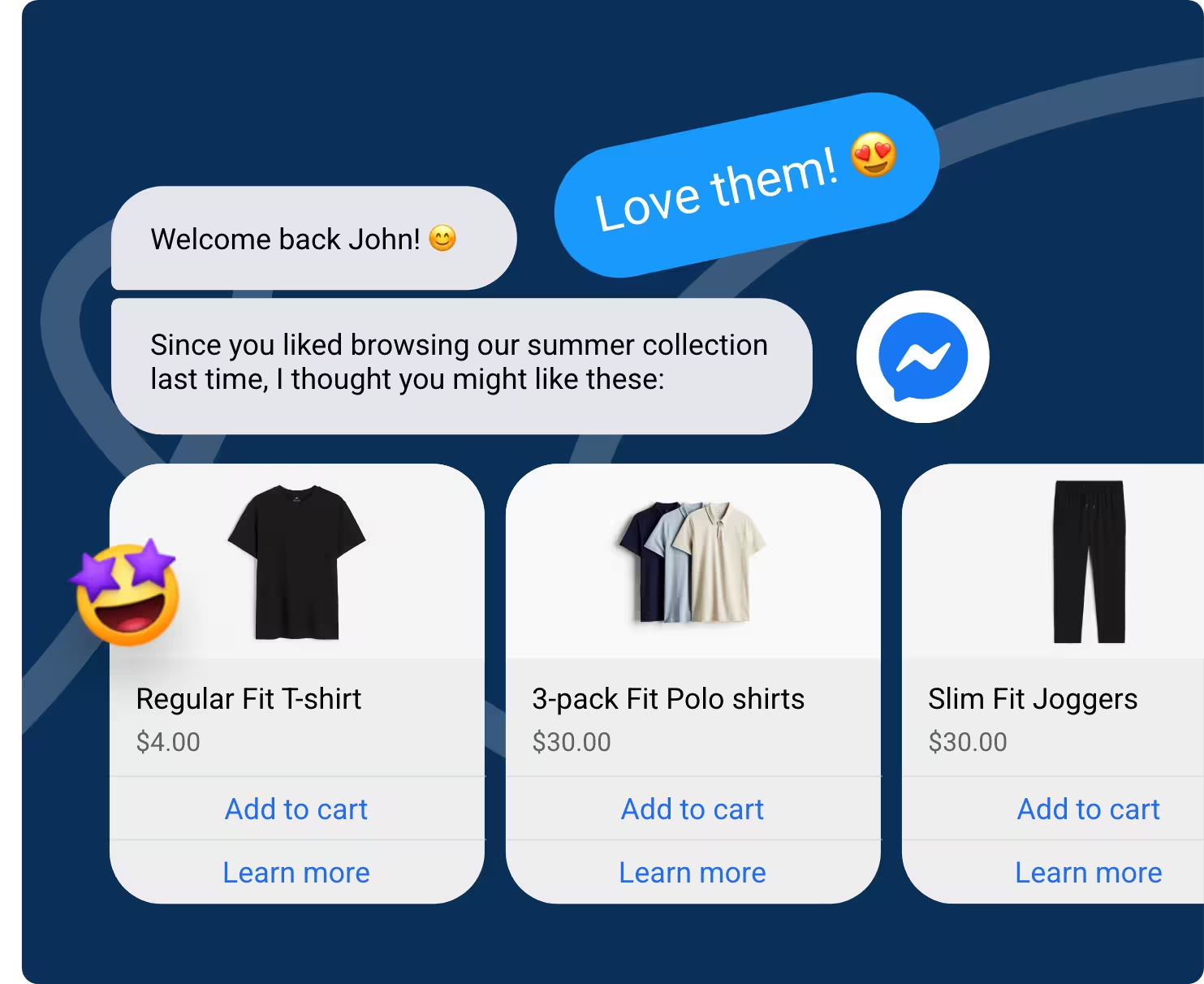
Customers may know what they need without knowing which product or service fits that need. A Facebook Messenger chatbot can ask focused questions and use the answers to recommend relevant options.

It can share product details, explain service differences, answer purchase questions, and direct interested customers to the correct page. High-value buyers can be transferred to a sales representative for detailed guidance, custom pricing, or negotiation.

Important Limitation 

A Messenger bot supports the buying process, but it does not automatically manage every sales function. Checkout, payments, inventory, shipping, and fulfillment require separate systems or suitable integrations.

Businesses should confirm which systems are connected before promising that customers can complete the entire purchase inside Messenger.

Order and Service Updates 

Customers often use Messenger to ask whether an order has shipped, when a delivery will arrive, or whether a service request has progressed. A bot can collect an order number, booking reference, or request identifier before checking the available information.

It can also share booking confirmations, return instructions, delivery updates, and service progress. Clear guidance can reduce repeated status questions while helping customers find the next required action.

Integration Requirement 

Real time order and service information usually requires a connection with an ecommerce platform, CRM, help desk, booking tool, or order management system.

Without that connection, the bot may only collect the reference number and transfer the request to an employee.

Human Handoff and Conversation Routing 

Automation should stop when a customer needs help that requires judgment, authority, or access to restricted information. The bot should recognize unsupported questions and provide a clear path to an employee.

It can route sales inquiries, support requests, billing concerns, and complaints to different teams. The assigned agent should receive the customer's earlier messages and collected details, so the customer does not need to repeat everything.

When Human Handoff Is Necessary 

Human support is usually required for complex questions, complaints, sensitive information, negotiations, custom requests, and high-value sales opportunities.

A clear handoff process keeps automation useful without trapping customers inside a conversation that cannot solve their problem.

Turn recurring Facebook conversations into automated support and lead generation workflows

Which Businesses Benefit Most From Messenger Bots? 

A business Messenger bot is most useful for companies that receive frequent questions, booking requests, or sales inquiries. The right workflow depends on what customers ask and which actions employees repeat every day.

Ecommerce Businesses 

Ecommerce teams can answer product questions, help customers discover suitable items, share order updates, and explain return steps without requiring manual replies for every request.

Professional Service Businesses 

Consultants, agencies, and service providers can qualify leads, collect project details, handle service enquiries, and direct interested prospects toward consultation bookings.

Real Estate Businesses 

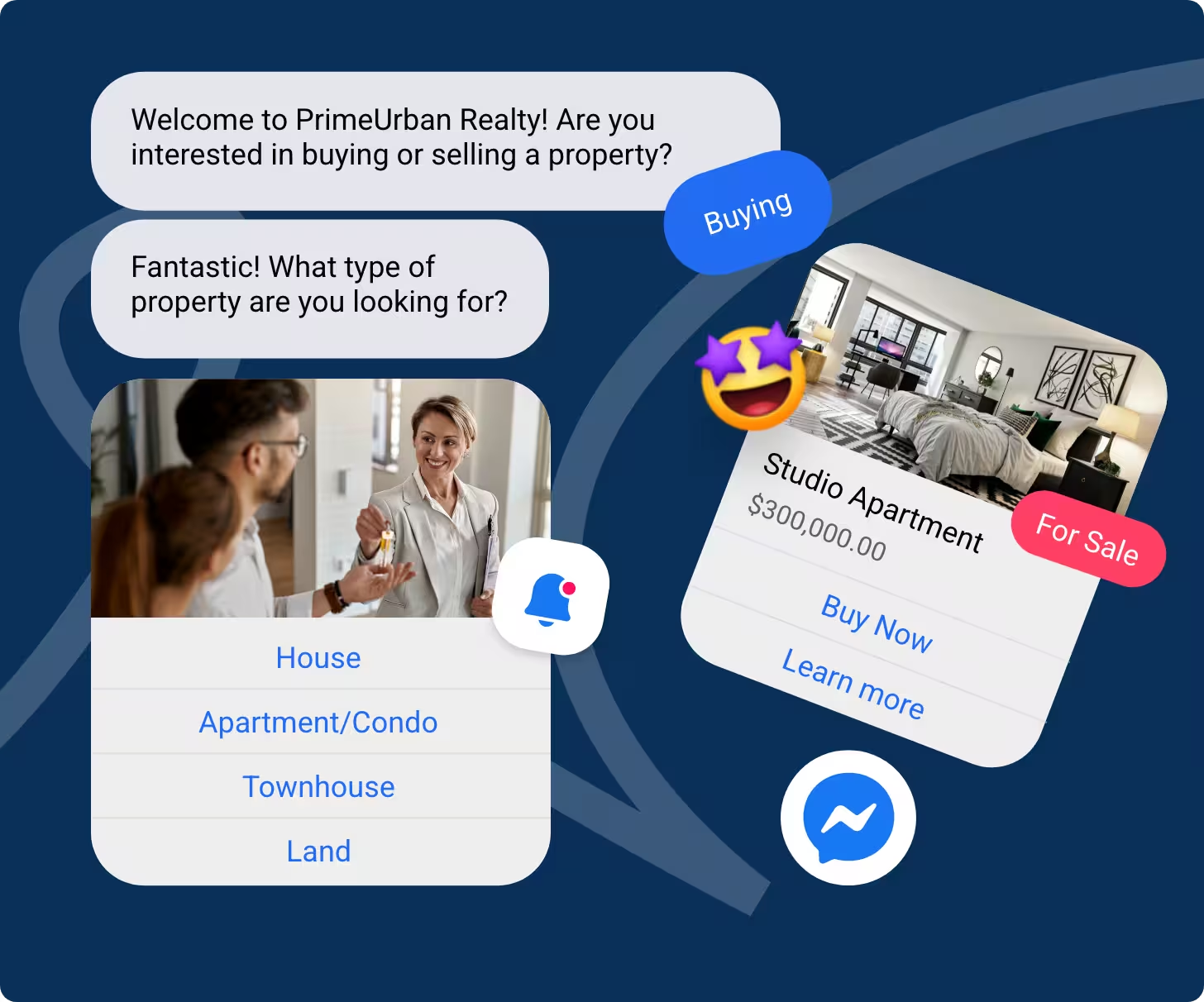
Real estate teams can collect property preferences, location details, budgets, and viewing requests. The bot can then route each enquiry to the most suitable agent.

Healthcare and Wellness Businesses 

Clinics and wellness providers can answer general service questions, share operating information, and collect appointment requests. The bot should not diagnose conditions or provide medical advice.

Education Businesses 

Education providers can answer course and admission questions, capture prospective student details, and support counseling session bookings.

Travel and Hospitality Businesses 

Hotels and travel companies can respond to availability questions, booking inquiries, policy requests, and customer update needs.

Local Businesses 

Local businesses can share opening hours, pricing, service availability, and appointment options.

Review your most common Messenger conversations to identify where automation can provide the clearest value.

Setting Up a Facebook Messenger Bot for Your Business 

BotPenguin keeps the setup process focused. Once your business goal and customer questions are clear, you can create, train, connect, and publish the bot through four main steps.

Create a New Facebook Chatbot 

Log in to BotPenguin, create a new bot, and select Facebook as the channel.

Connect to Your Facebook Page 

Sign in to your Facebook account and link the business Page where the bot will operate.

Design Chat Flows and Train Your Bot 

Create conversation flows, add FAQs, upload documents, connect website content, and provide AI instructions. Test how the bot responds to common customer questions before publishing it.

Deploy Your Chatbot Everywhere 

Direct users to the Messenger bot through website widgets, QR codes, and shared links.

Follow the full build guide for detailed instructions on connection, training, testing, and publishing.

Common Messenger Bot Mistakes to Avoid 

A Facebook Messenger bot needs clear limits, accurate information, and regular review. Avoiding these common mistakes helps customers complete tasks without confusion or unnecessary steps.

Automating Everything at Once 

Start with one or two proven workflows, such as FAQs or lead capture. Expand only after reviewing real conversations and results.

Removing the Human Support Option 

Give customers a clear way to contact a person. Complex requests, complaints, and sensitive issues often need human judgment.

Asking Too Many Questions 

Collect only the information required for support, qualification, or routing. Long question sequences can cause customers to leave before completing the conversation.

Using Outdated Business Information 

Review prices, policies, working hours, links, and product details regularly. Incorrect information can damage trust and create additional support requests.

Publishing Without Real Testing 

Test the bot using customer language, misspellings, short replies, unexpected questions, and incorrect selections. Confirm that each path provides a useful response or transfer option.

Ignoring Conversation Data 

Review where customers leave, request an agent, or receive incomplete answers. Use these patterns to improve weak responses and remove unnecessary steps.

Begin with a focused workflow, monitor how customers use it, and improve the experience through regular reviews.

How to Measure Messenger Bot Performance 

A Messenger bot should be measured against business goals, not message volume alone. Review whether it resolves customer needs, captures useful information, supports conversions, and reduces response delays.

Metric

What It Measures

Target or Baseline

What Poor Performance May Indicate

Automated resolution rate

Conversations completed without employee help

Compare with the pre-launch support baseline and improve over time

Missing answers, failed paths, or weak intent recognition

Lead completion rate

Users who complete the lead qualification flow

Compare completed flows with started flows and previous reporting periods

Too many questions, unclear prompts, or low-intent traffic

Appointment requests

Booking requests generated through Messenger

Track completed requests against started booking flows

Booking friction, unclear availability, or unnecessary steps

Human handoff rate

Conversations transferred to employees

Establish a baseline by query type and monitor changes over time

Missing automation coverage or inappropriate transfer rules

Conversation drop-off rate

Users who leave before completing the flow

Reduce against the first reporting-period baseline

Long forms, confusing buttons, repeated questions, or unclear prompts

Customer response time

Time taken to send the first useful reply

Compare with response time before automation

Delayed routing, unavailable agents, or slow system responses

Automated Resolution Rate 

Divide conversations completed by the bot by all eligible routine conversations. A low result may point to missing information, unclear replies, or weak intent recognition.

Lead Completion Rate 

Compare completed lead forms with the number of users who started the process. Review each question to find where prospects stop responding.

Appointment Requests 

Track how many users begin and complete a booking flow. Separate genuine requests from abandoned or incomplete submissions.

Human Handoff Rate 

Measure how often customers need an employee. Group transfers by topic to identify information the bot could handle better.

Conversation Drop-Off Rate 

Find the exact question or step where users leave. Simplify long forms, unclear buttons, and repeated requests.

Customer Response Time 

Compare response times before and after automation. Faster replies matter only when they are accurate and provide a clear next action.

Final Thoughts 

A Messenger bot works best when it is built around real customer questions and clear business goals. It can automate support, collect leads, book appointments, assist buyers, and route complex requests to the right team.

Start with one valuable workflow instead of trying to automate everything. Keep human support available for complaints, unusual requests, and sensitive conversations.

After launch, review completion rates, transfers, response times, and conversation drop offs. Use those insights to improve the bot over time.

Frequently Asked Questions (FAQs)

What can a Facebook Messenger bot do for my business? 

A Facebook Messenger bot can answer support questions, capture lead details, book appointments, recommend products, share order or service updates, and route complex conversations to employees. The exact workflow should reflect the questions and actions your customers request most often.

Is a Messenger bot only useful for large businesses? 

No. Small businesses may benefit even more because they often have limited sales and support staff. A bot can handle routine messages, collect enquiries, and respond outside working hours without requiring someone to monitor Messenger throughout the day.

How does a business Messenger bot differ from a personal chatbot? 

A business Messenger bot works toward defined sales or service goals. It uses approved company information, collects relevant customer data, follows structured workflows, and transfers conversations when needed. A personal chatbot is usually designed for general interaction rather than business operations.

How much does a business Messenger bot cost? 

Pricing depends on the platform and plan selected. Common factors include contacts, conversation volume, AI usage, team members, integrations, available features, and supported channels. Businesses should review the latest plan details before choosing a Messenger chatbot platform.

Can a Messenger bot transfer customers to a human agent? 

Yes. Supported platforms can route conversations to sales, support, billing, or other teams. They may also share the chat history and collected customer details, helping the assigned employee continue the conversation without asking the customer to repeat everything.

Can a Messenger bot capture leads automatically? 

Yes. A Messenger bot can ask qualification questions, collect contact and company details, identify customer needs, and categorize inquiries. Qualified leads can then be sent to the appropriate sales representative or added to a connected CRM for follow-up.

Start with one repeatable business workflow and create your Facebook Messenger bot with BotPenguin

Keep Reading, Keep Growing

Checkout our related blogs you will love.

Table of Contents

  • Why Businesses Use a Messenger Bot 
  • Core Business Use Cases of a Facebook Messenger Bot 
  • Which Businesses Benefit Most From Messenger Bots? 
  • Setting Up a Facebook Messenger Bot for Your Business 
  • Common Messenger Bot Mistakes to Avoid 
  • How to Measure Messenger Bot Performance 
  • Final Thoughts 
  • Frequently Asked Questions (FAQs)