


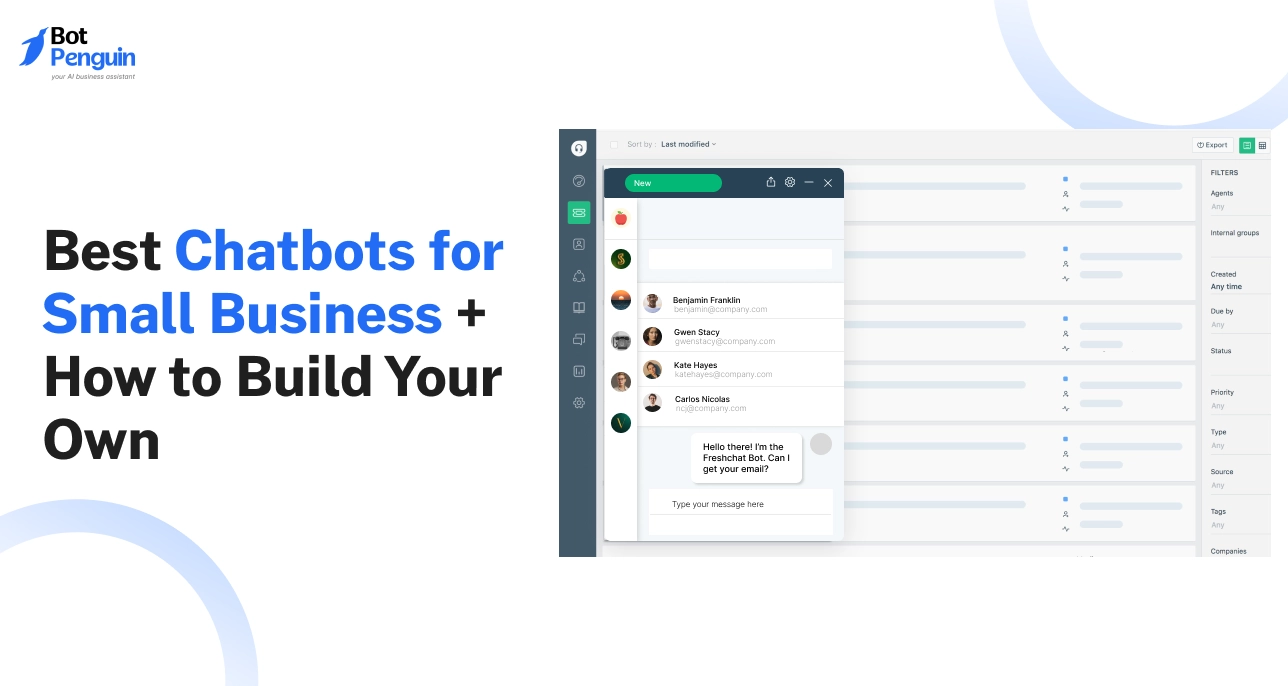
10 Best Chatbots for Small Business + How to Build Your Own
Updated at Jul 17, 2026
13 min to read



Do you plan to automate your business communication? Do you want to build a chatbot for your business? But at just the thought of it, you are so confused about where to start, what to do? If the answer to all the above questions is Yes. You are at the right place to get all the answers you need to get it going. Some of the facts before you learn how to create a chatbot:
First, you need to decide what you want to interact with your customers. The most important thing is identifying and being specific in what you want to achieve with your Chatbot. There are many possible use cases of chatbots that can help your business to grow. But you need to be aware of all of those before designing a chatbot. Do you want to use it for lead generation Or to answer customer queries? or want to increase customer engagement? Pick a goal and define it thoroughly.
Second, you need to decide where you want to interact with your customers. Businesses these days have various mediums to reach out to their customers such as Facebook Messenger, WhatsApp, Instagram, Telegram, Kik, Line, Viber, chat embedded on websites, emails, SMS and many more. To make most of a chatbot, you need to decide which of these channels you and your customers are most comfortable with. The brilliant idea is to pick a channel where you already have most of your customers interacting with your business. You are basically going to automate your communication with your customers by building a chatbot.
Thirdly, you need to decide which platform to use to build a chatbot. You need to decide on the right chatbot builder platform based on the use case and deployment channel you have chosen. While making the decision, the following things need to be considered:
BotPenguin offers you an easy-to-use platform with a choice of integrations and customization. You can explore it now.
Next, you need to decide how to map your chatbot use to chatbot conversation. In order to build an efficient and conversational chatbot you need to decide at a very high level how the conversation will look like. You need to decide at a high level:
These are some of the key pointers to build a conversational architecture.
Next, you need to decide how the Chatbot will interact with your customers Chatbos at times, are difficult to interact with. So it becomes very important that you pay attention to each of the chatbot messages content and placement such that it should be able to build an engaging conversation with your customers. Users at any point should not be left with dead ends in the conversation or get stuck in a loop. BotPenguin allows you to build a chatbot conversation with drag and drop and to test it at the same time so that you can make most of it.
Next, you need to decide on third party applications that Chatbot need to interact with Where will the data collected by Chatbot be saved? Is there any data that Chatbot needs to showcase to customers in case it is requested? Are there any third-party apps or software that you want Chatbot to interact with? These are some of the key questions that you need to answer in order to decide which chatbot integrations are required. If you are planning to use Chatbot for lead generation, then it is very likely that you would like to save your leads in your CRM for your future use. Similarly, suppose you are using Chatbot for customer support. In that case, you might want to integrate it with your existing customer support ticketing system to request the status of existing tickets or raise new ones. In case you are using Chatbot for meeting booking, you might want to integrate it with your google calendar so that any booking made should land directly in your calendar, Also there are no double bookings for the same slot. Similarly, there are many other use cases for third-party app or software integration depending on the software or use case you are choosing.
Next, you must test the Chatbot created internally before you launch it Before you go live with the Chatbot created it is advisable to test it thoroughly. You must make sure that the conversation is engaging, there must not be any dead ends or loops in the conversation, integrations are working as expected. If there are any bugs that you have identified, you must make the conversation changes to give a smooth experience to your customers.
Next, you can deploy the Chatbot in live environment Usually, deployment is pretty easy with all the chatbot builder platforms. But it can be tricky in case you are planning to deploy a chatbot on your website. You can follow these steps to deploy Chatbot on your website. Deployment on Facebook, Instagram, WordPress, etc can be done with just a few clicks. While deployment you must take care of configuring your Chatbot based on:
Once Chatbot is deployed on the platform you are all set to enjoy its service. Chatbots can really help you save a lot of time, energy and money.
Once Chatbot is functional it will collect lots of data, be prepared to store it. Chatbots used for lead generation or customer support will throw interesting conversations to look at. It is a good idea to analyze the chatbot conversations with your customers. You will be able to find if there are any areas of improvement. Some of the bots are self learning and they keep on learning from their mistakes but others have to be taught.
Once Chatbot is functional it will collect lots of data, be prepared to store it. Even though you think that your bot is doing really well with leads or customer support. With all the data of conversations at your disposal it is a good idea to analyze and make changes as required. Also, it is important to give a new experience to your repeat customers. If you keep updating your chatbot conversation, it will only help give your customers a better experience.
If you follow all the above steps carefully, you are bound to get great results. Just keep your approach precise and straightforward while designing your Chatbot and the accompanying chat flow. You will see your business grow faster and more efficiently with the right chatbot platform by your side. BotPenguin is one of the leading chatbot maker platforms which you can use to build your Chatbot.
Subscribe to Our Newsletter
Get the latest business insights straight into your inbox.
Checkout our related blogs you will love.
Updated at Jul 17, 2026
13 min to read
Updated at Jul 14, 2026
15 min to read

Updated at Jul 11, 2026
20 min to read
Updated at Jun 27, 2026
5 min to read
Updated at Jun 24, 2026
13 min to read
Updated at Jun 24, 2026
9 min to read
Table of Contents

