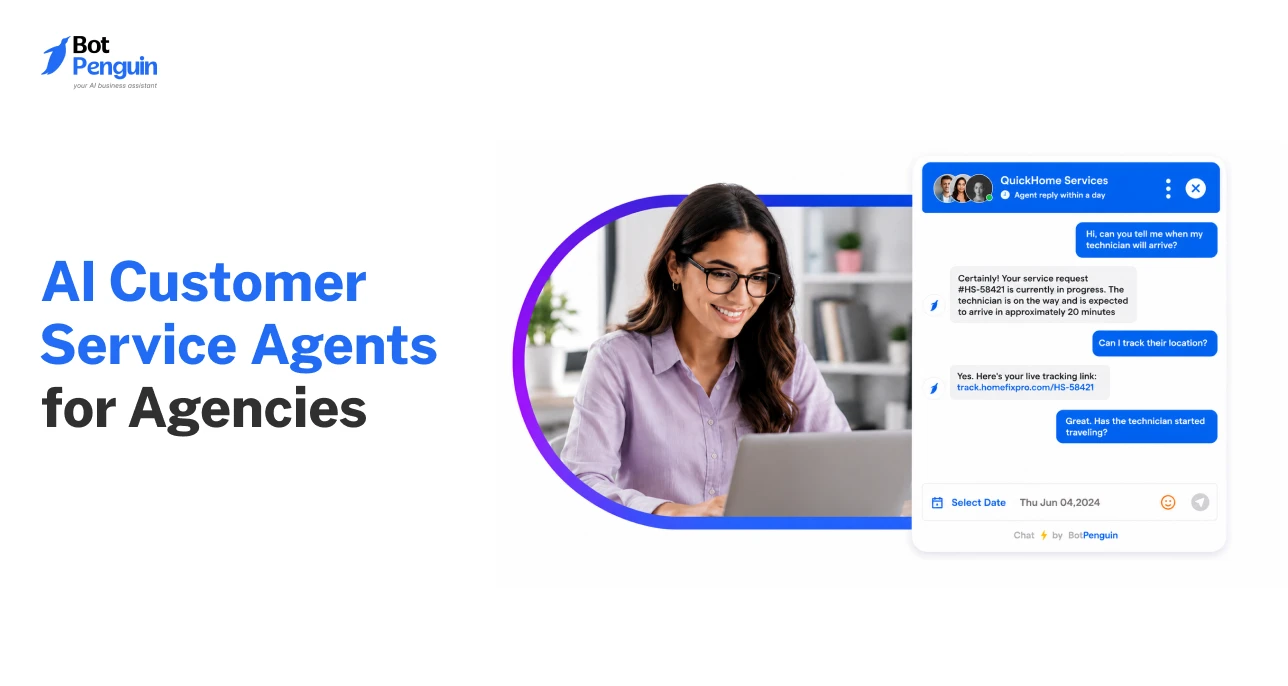
AI Customer Service Agents for Agencies: White-Label Guide
Updated at Sep 12, 2026
17 min to read
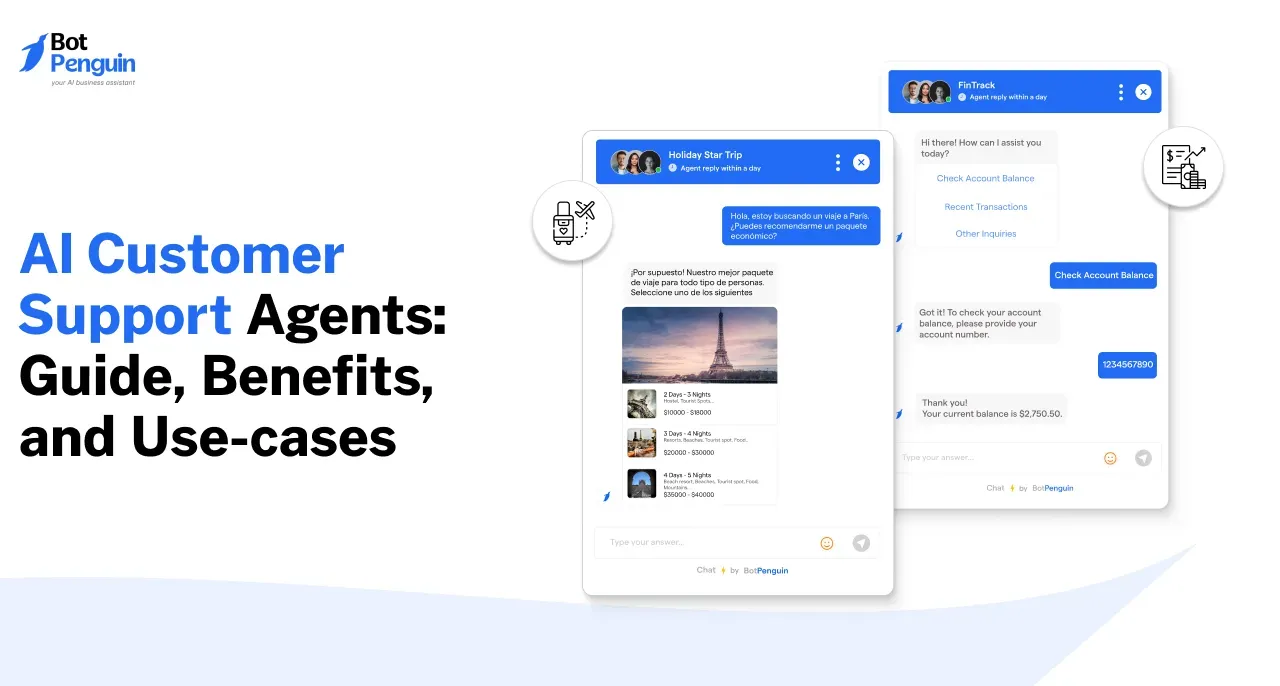
What Is an AI Customer Service Agent?
An AI customer service agent is software that resolves customer requests end to end. It understands what the customer is asking, pulls answers from your approved knowledge base, takes action in connected systems (booking, ticketing, CRM updates), and hands off the conversation to a human with full context when it cannot finish the job.
Most support teams handle similar requests every day. Where is my order? How do I reset my password? Can I reschedule my appointment?
Traditional support tools often provide answers or direct customers elsewhere. An AI customer service agent goes further by completing the required task. This shifts support from answering questions to resolving issues.
Gartner predicts agentic AI will autonomously resolve 80% of common service issues by 2029. It also forecasts a 30% reduction in operational costs.
However, adoption comes with challenges.
Gartner also predicts over 40% of agentic AI projects will be canceled by 2027. High costs, unclear value, and inadequate risk controls are key concerns.
This guide explores how an AI agent for customer support works. It also compares agents with chatbots and broader customer service automation. You'll also discover eight leading platforms and practical steps for implementation. First, let's examine how these agents resolve customer requests.
AI customer service agents follow four steps to resolve customer requests. They understand intent, retrieve information, perform actions, and escalate when needed.
Each step helps turn a customer question into a completed task.
The agent uses a large language model (LLM) to interpret customer requests. It identifies the real goal, even when messages are unclear.
For example, "My parcel never arrived, and I was charged twice."
The agent recognizes two issues: missing delivery and duplicate payment. It also considers conversation history, urgency, and customer sentiment.
Unlike scripted bots, LLMs can interpret requests beyond predefined conversation paths. Learn more about it from our guide on LLMs for customer support.
Next, the agent searches connected sources for relevant information. These include:
The agent uses retrieved information to generate a contextual response. This reduces reliance on potentially inaccurate general knowledge.
However, outdated or conflicting documents can produce incorrect answers. Businesses must maintain current, verified sources for reliable responses.
AI agents can perform tasks using connected business systems.
For example, they can:
Each action uses predefined permissions and required customer details.
Businesses should begin with read-only actions, such as checking orders. More sensitive actions can follow once you've tested the workflows.
Not every request should be handled automatically.
Complex complaints, sensitive decisions, or unresolved issues require human intervention. Customers may also request a human support agent.
During handoff, the AI transfers conversation history and relevant customer details. It also shares the issue summary and actions already completed.
This prevents customers from repeating information and helps teams respond efficiently.
Together, these steps distinguish task-focused AI agents from traditional chatbots.
Traditional chatbots follow predefined rules to answer questions and guide conversations. AI agents go further by understanding requests and completing actions through connected systems.
The main difference lies in their ability to resolve customer issues.
For example, a customer asks to reschedule an appointment.
A traditional chatbot might share a booking link or available options. An AI agent can check availability and update the appointment directly.
However, the distinction isn't simply about product names. Modern chatbots can also use AI, integrations, and advanced automation.
A customer service chatbot may offer similar capabilities, depending on how it's configured.
What matters is whether the system can complete tasks independently. It must also recognize when it needs human assistance.
These differences become clearer when examining how AI agents handle industry-specific support requests.
AI agents can handle customer requests across different industries. They work best with clearly defined tasks and connected business systems.
Their capabilities depend on available integrations, permissions, and escalation rules.
Online shoppers frequently ask about orders, deliveries, returns, and product availability.
AI agents can resolve these requests by:
For example, a customer requests an exchange for a damaged product. The agent checks eligibility and initiates the exchange process.
Human escalation: Disputed refunds, policy exceptions, and complex complaints require staff intervention.
SaaS customers often need help with account access, subscriptions, and billing issues.
AI agents can assist by:
For example, a customer requests a subscription downgrade. The agent checks plan eligibility and processes the authorized change.
Human escalation: Specialists handle complex technical failures, billing disputes, and security-sensitive changes.
Healthcare providers handle frequent appointment requests and administrative inquiries.
AI agents can support these workflows by:
For example, a patient requests to change an appointment. The agent checks availability and confirms a new slot.
Human escalation: Medical advice, emergencies, and sensitive patient concerns require qualified professionals.
Financial institutions receive frequent inquiries about accounts, policies, and claims.
AI agents can assist by:
For example, a policyholder asks about a pending insurance claim. The agent retrieves its status after completing required verification.
Human escalation: Financial decisions, disputed claims, and sensitive transactions require authorized personnel.
Across these industries, successful automation depends on matching capabilities to customer needs. Next, consider which platforms can support those workflows.
Choosing the right AI agent depends on your support requirements. Some platforms work best within existing CRM or helpdesk systems. Others offer broader automation across messaging, websites, and phone calls.
The following eight platforms offer different capabilities for customer support teams. Compare their channels, voice support, integrations, pricing, and primary use cases.
Disclaimer: Pricing information reflects vendor-published details available in October 2026. Confirm current rates and plan eligibility before purchasing.
BotPenguin suits businesses that want messaging, website, and voice automation in one platform. Its monthly plans offer a more predictable starting cost.
Intercom, Zendesk, and HubSpot suit teams already using their respective platforms. Salesforce Agentforce supports enterprises needing deeper CRM-driven workflows.
Ada, Sierra, and Decagon primarily target organizations with complex support requirements. Their custom pricing generally requires a sales consultation.
Pricing deserves particular attention. Usage-based charges can increase significantly as support volume grows. For example, 10,000 billable resolutions cost $5,000 at $0.50 each. The same volume costs $20,000 at $2 per resolution.
However, price alone cannot determine the right platform. Channel coverage, integration depth, and resolution quality matter just as much.
These differences make a structured evaluation essential before choosing an agent.
Choosing the right platform requires more than comparing features and subscription costs. Focus on how well it supports your existing customer service operations.
Use this checklist to evaluate your options:
The right choice should balance automation capabilities, operational fit, and predictable costs.
Once you've identified a suitable platform, the next step is implementation.
Implementing AI agents for customer service works best through a phased approach. Start with simple workflows, test performance, and expand gradually.
The following four steps help businesses deploy agents effectively.
Step 1: Pilot
Start with one support channel, such as your website or WhatsApp. Select 10–20 common, low-risk customer requests.
Prioritize order tracking, FAQs, appointment inquiries, or basic account assistance.
Establish baseline metrics, including resolution rate, response time, and customer satisfaction. These help measure improvements after deployment.
Step 2: Train
Provide accurate information from approved knowledge sources. These may include FAQs, product guides, policies, and support documentation.
Remove outdated content and resolve conflicting information before training.
Define the agent's tone, response instructions, and escalation rules. Test whether it understands customer requests and retrieves relevant answers.
Step 3: Integrate
Connect the agent to your existing business systems. Begin with read-only access to CRM, ecommerce, or scheduling platforms.
Test information retrieval before enabling actions that modify records.
Gradually introduce appointment changes, ticket creation, and authorized customer updates. Set permissions and confirmation requirements for sensitive operations.
Step 4: Measure
Regularly review conversations to identify successful resolutions and recurring issues.
Track resolution rates, customer satisfaction, escalation frequency, and operating costs. Examine failed interactions to identify missing information or workflow gaps.
Update knowledge sources and refine instructions based on actual conversations.
Expand into additional channels or workflows only after demonstrating reliable performance.
A successful rollout depends on continuous improvement, not simply activating automation. Measuring the right performance indicators helps determine whether the agent delivers meaningful results.
Deploying an AI agent is only the beginning. Businesses must measure whether it actually improves customer support outcomes.
Four key performance indicators help evaluate its effectiveness.
Resolution rate shows how effectively the agent handles customer requests independently. However, high resolution rates mean little if customers remain dissatisfied.
CSAT helps determine whether customers find AI-assisted support useful and reliable.
Handoff rate reveals where human intervention remains necessary. A high rate may indicate knowledge gaps or complex customer requirements.
Cost per resolution helps businesses evaluate financial efficiency as support volumes increase.
Additionally, track the repeat-contact rate to identify unresolved issues. Frequent follow-up requests may indicate incomplete or inaccurate resolutions.
Review these metrics together rather than evaluating them individually. An effective agent should balance resolution quality, customer satisfaction, and operational efficiency.
However, strong performance also depends on safeguards that prevent incorrect or unauthorized actions.
AI agents can resolve customer requests efficiently, but automation introduces certain risks. Without proper controls, mistakes can affect customers, data, and business operations.
Businesses should address these risks before expanding automated support.
These safeguards should align with your organization's security and compliance requirements.
Regular audits, permission reviews, and conversation monitoring help maintain reliable performance. They also prevent small issues from becoming larger operational problems.
With the right safeguards, businesses can deploy AI agents more confidently. The next consideration is how these capabilities work within a customer service platform.
BotPenguin helps businesses automate customer support across messaging, websites, and phone. Its AI customer service software combines AI agents, connected workflows, and human assistance.
Support teams can manage customer requests through these capabilities:
Agencies can explore white label AI customer service agents to offer branded solutions to clients.
Businesses evaluating affordable automation can compare AI agents for small business clients before choosing a platform.
At BotPenguin, we've helped 80,000+ businesses across 193 countries, generated 10M+ leads, and built a network of 250+ partners.
Together, these capabilities show how AI agents support practical customer service workflows.
An AI customer service agent handles customer inquiries, retrieves information, and completes support tasks. It can check orders, book appointments, update CRM records, and create tickets. When requests require human judgment, it escalates conversations with relevant customer context.
Traditional chatbots primarily follow predefined conversation flows and provide scripted responses. AI agents can interpret complex requests, retrieve contextual information, and execute actions through connected systems. However, modern AI-powered chatbots may offer similar capabilities, depending on how they're configured.
Pricing depends on the platform, features, and usage volume. Providers offer monthly subscriptions, per-conversation charges, per-resolution fees, or custom enterprise contracts. Businesses should compare integration costs, included usage limits, and potential additional charges before choosing a plan.
AI agents can handle routine inquiries, schedule appointments, update orders, and provide basic troubleshooting. However, complex complaints, sensitive decisions, and unusual situations still require human judgment. The goal is to reduce manual workloads while keeping human support accessible.
Basic agents handling FAQs and simple requests can be configured relatively quickly. Complex deployments involving CRM integrations, automated actions, and security requirements take longer. Implementation timelines depend on knowledge readiness, workflow complexity, testing, and approval requirements.
AI agents can access customer data safely when appropriate safeguards are implemented. These include role-based permissions, identity verification, encryption, and activity monitoring. Sensitive actions should require customer confirmation, while businesses must follow applicable data protection and compliance requirements.
AI customer service agents are changing how businesses manage customer support. They go beyond answering questions by completing tasks through connected systems. From order tracking to appointment scheduling, they help resolve requests faster.
However, successful automation requires careful implementation. Start with high-volume, low-risk workflows and test performance regularly.
Track resolution rates, customer satisfaction, and costs before expanding automation.
With BotPenguin, businesses can deploy AI agents across websites, WhatsApp, and voice channels. Connected workflows and human handoffs help maintain a consistent support experience.
Ready to improve your customer support? Start your free trial or book a demo to explore BotPenguin's AI agent capabilities.
Subscribe to Our Newsletter
Get the latest business insights straight into your inbox.
Checkout our related blogs you will love.
Updated at Sep 12, 2026
17 min to read
Updated at Oct 29, 2026
13 min to read
Updated at Sep 30, 2026
18 min to read
Updated at Sep 26, 2026
13 min to read
Updated at Sep 25, 2026
15 min to read
Updated at Sep 25, 2026
13 min to read
Table of Contents