

A custom ChatGPT app for enterprise is a ChatGPT-powered assistant built on your data, with the security, access controls, and compliance that a large organization requires. You can build one with engineering, or deploy it no-code on a compliant platform and roll it out across your website and internal channels.
Building a custom ChatGPT app for enterprise involves more than adding AI-powered conversations to business operations. Enterprises need applications that understand internal knowledge, protect sensitive information, and integrate with existing workflows.
But should you build an enterprise ChatGPT app from scratch or use a no-code platform?
The answer depends on your business goals, security requirements, technical resources, and deployment needs.
In this guide, you'll learn what enterprises need from a custom ChatGPT app, six practical tips for developing one, and how no-code platforms simplify deployment across business channels. You'll also discover how to balance customization, security, and scalability without adding unnecessary development complexity.
What Enterprises Need From a Custom ChatGPT App
An enterprise custom ChatGPT app must do more than generate conversational responses. It should securely access company knowledge, integrate with business systems, and scale to meet growing user demand.
Before starting development, enterprises should evaluate three essential requirements.
Security, Data Control & Compliance
Enterprise ChatGPT applications may process confidential documents, customer records, and sensitive business information. Protecting this data requires security measures throughout the application.
Key considerations include:
- Data protection: Encrypt sensitive information at rest and in transit.
- Access controls: Restrict data access based on employee roles and permissions.
- Compliance: Address applicable privacy regulations and industry requirements.
- Audit logs: Track user activity and monitor access to sensitive information.
For businesses evaluating BotPenguin, its compliance credentials are relevant:
BotPenguin is GDPR, HIPAA, and CCPA compliant, ISO certified, SOC 2 attested, and VAPT-assessed by a CERT-In empanelled auditor.
Enterprises should also evaluate data retention policies, model providers, and security configurations before deployment.
Integration With Enterprise Data and Systems
A custom enterprise AI chat application becomes more useful when it can access approved business information.
For example, it can connect with:
- Knowledge bases: Retrieve answers from company policies, FAQs, and internal documentation.
- CRM systems: Access authorized customer information and support sales workflows.
- Help desks: Retrieve ticket details and assist with customer inquiries.
- Business APIs: Connect with existing applications to retrieve information or complete approved tasks.
Using retrieval-augmented generation (RAG), enterprises can ground responses in current company documents without repeatedly retraining the underlying AI model.
This delivers relevant answers while making business knowledge easier to update.
Scalability and Performance
An enterprise ChatGPT app must remain reliable as employees, customers, and conversation volumes increase.
Businesses should evaluate:
- Concurrent users: Support multiple conversations without significant delays.
- Response speed: Maintain acceptable response times during peak demand.
- Availability: Minimize downtime through reliable infrastructure.
- Monitoring: Track errors, response quality, and system performance.
For example, a customer support assistant should handle increased inquiries during seasonal demand without compromising service quality.
Once these enterprise requirements are clear, the next step is building an application around specific business goals and workflows.
6 Tips to Build a Custom ChatGPT App for Enterprise
Building a custom ChatGPT app for enterprise requires careful planning, reliable data, and continuous testing. The goal is to create an AI application that solves business problems while meeting enterprise security and performance requirements.
Follow these six practical tips to guide development.
1. Define Business Goals and Use Cases
Start by identifying the business problem your ChatGPT application should solve. Avoid building an AI assistant without a clear purpose.
Consider three questions:
- Who will use it? Employees, customers, support agents, or sales teams?
- What will it do? Answer questions, retrieve information, or automate specific tasks?
- How will you measure success? Track resolution rates, response times, or operational costs.
For example, an HR assistant could answer employee policy questions and reduce repetitive requests.
Begin with one measurable use case before expanding to other departments.
2. Connect Enterprise Data and Knowledge Sources
A general-purpose AI model cannot automatically access private company information. Your application needs approved data sources to provide business-specific responses.
Start by identifying relevant documents, FAQs, policies, and knowledge bases.
Then:
- Organize information into accurate, up-to-date resources.
- Remove outdated or duplicate documents.
- Apply access permissions to sensitive information.
- Use retrieval-augmented generation (RAG) to retrieve relevant content.
You can also train it on your knowledge base to support more relevant, context-aware conversations.
3. Design the User Experience and Conversations
An enterprise AI assistant should make conversations simple, predictable, and useful.
Start by mapping common user questions and the outcomes they expect.
Focus on:
- Clear instructions: Help users understand what the assistant can do.
- Context awareness: Maintain relevant information throughout conversations.
- Fallback responses: Explain when information is unavailable or uncertain.
- Human handoff: Escalate complex or sensitive requests when necessary.
For example, a customer support assistant might answer a refund policy question but transfer a disputed refund request to an employee.
Test conversation flows with real user scenarios before launch.
4. Integrate Business Systems and APIs
Connecting your ChatGPT application to existing systems enables it to support business workflows beyond answering questions.
Depending on the use case, integrations may include CRM platforms, help desks, scheduling tools, and internal databases.
Follow these practices:
- Identify which systems the application genuinely needs.
- Use secure APIs and appropriate authentication.
- Restrict permissions to approved actions and data.
- Require confirmation before sensitive or irreversible actions.
For example, a sales assistant could retrieve product availability from an approved database or create a CRM lead after receiving the required information.
For broader implementation guidance, explore how to build a custom GPT solution for your business.
5. Test Accuracy, Security, and Performance
Before deployment, test the application against realistic business scenarios.
Enterprise testing should cover three critical areas:
Use representative questions, including ambiguous requests and cases where the application should decline or escalate.
Conduct user acceptance testing with employees or customers who will actually use the application.
Resolve critical issues before moving into production.
6. Monitor and Improve Your ChatGPT App
Launching the application is only the beginning. Enterprise requirements, business information, and user expectations change over time.
Monitor key performance indicators such as:
- Response quality: Accuracy, relevance, and unresolved questions.
- User satisfaction: Feedback and conversation ratings.
- Operational efficiency: Resolution rates and successful task completion.
- System performance: Latency, errors, and availability.
Review unsuccessful conversations to identify missing knowledge, integration issues, or confusing workflows.
Update approved data sources, refine instructions, and retest changes before releasing them.
While custom development offers flexibility, not every enterprise needs to build its entire AI application from scratch. No-code platforms offer another deployment approach worth evaluating.
The No-Code Path: Deploy Across Channels Without Engineering
Building a custom ChatGPT app from scratch requires development resources, infrastructure, and ongoing maintenance. However, enterprises can also use no-code platforms to simplify the creation and deployment of AI assistants.
This approach helps businesses launch conversational AI without developing every component internally.
When to Choose No-Code Over Custom Development
The right development approach depends on your business requirements, technical resources, and integration complexity.
For example, a customer support team might use a no-code platform to create an AI assistant trained on approved FAQs and product documentation.
However, applications requiring specialized infrastructure or complex internal workflows may benefit from custom development.
Even with no-code platforms, enterprises should validate security, permissions, integrations, and compliance before deployment.
Deploying With BotPenguin Across Business Channels
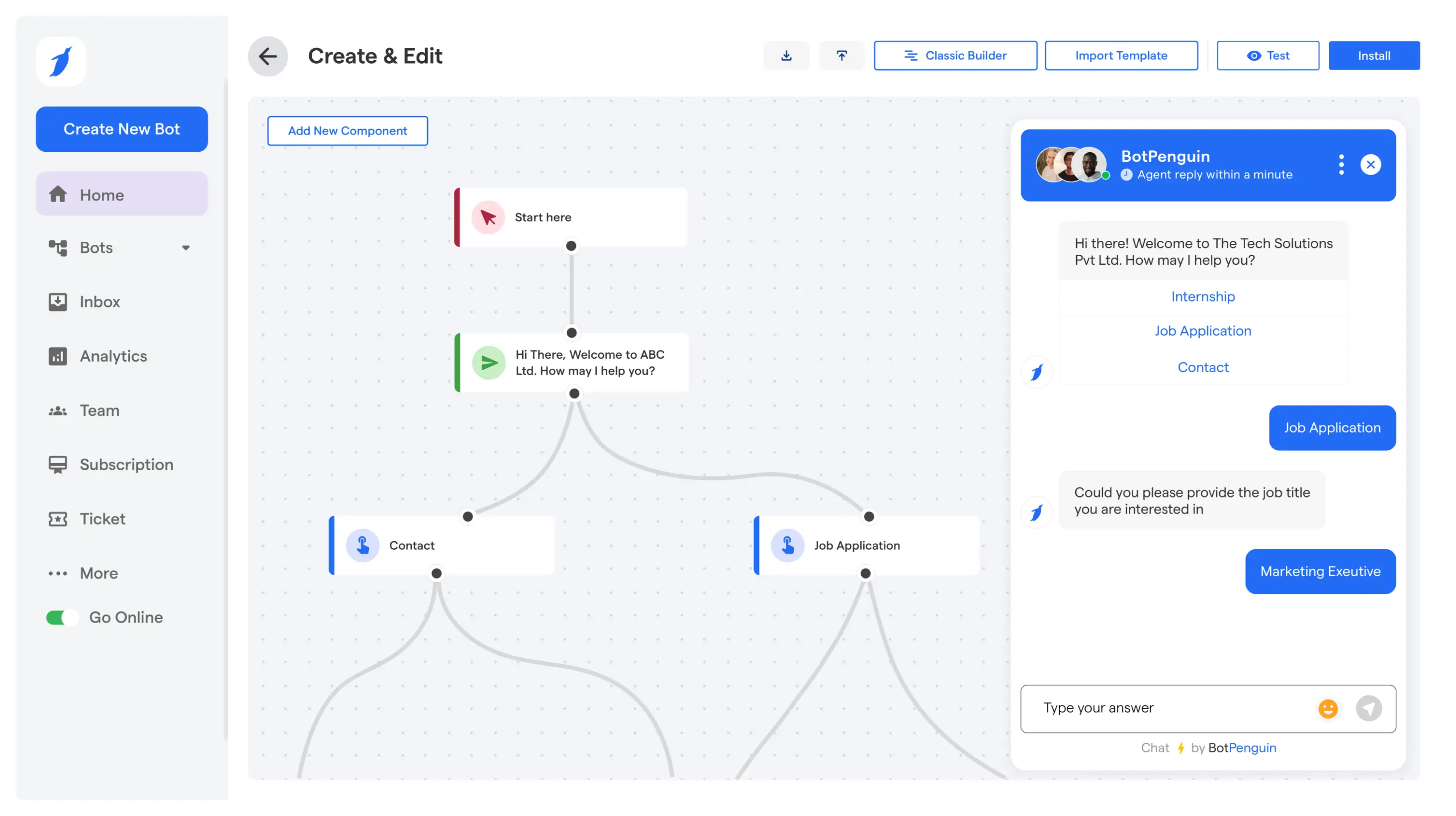
BotPenguin offers a no-code platform to create AI-powered chatbots and agents without building conversational interfaces from scratch.
Businesses can use BotPenguin to:
- Build AI assistants: Configure conversational experiences for customer support, lead generation, and business inquiries.
- Use business knowledge: Connect supported knowledge sources to provide more relevant responses.
- Deploy across channels: Reach users through websites, WhatsApp, Instagram, Facebook Messenger, and other supported channels.
- Connect business tools: Use supported integrations to streamline conversations and related workflows.
- Manage conversations: Combine AI-powered responses with human assistance when needed.
For example, an enterprise could deploy a website assistant to answer product questions and capture leads, then connect supported workflows to its CRM.
The no-code approach reduces development complexity while letting businesses tailor conversations to their operational needs.
Ready to explore no-code enterprise AI? Book a BotPenguin demo to discuss deployment options, integrations, and business requirements.
Final Thoughts
Building a custom ChatGPT app for enterprise starts with clear goals, secure data access, and reliable integrations. Whether you choose custom development or a no-code platform, prioritize accuracy, compliance, and scalability.
Start with a focused use case, test thoroughly, and expand as business requirements evolve.
Frequently Asked Questions
Is ChatGPT Safe for Enterprise Use?
ChatGPT can support enterprise use with appropriate security measures. Businesses should evaluate data privacy, encryption, access controls, and compliance requirements. A custom ChatGPT app also requires secure integrations, controlled data access, and regular testing to protect sensitive business information.
How Do I Build a Custom ChatGPT App for My Business?
Start by defining business goals and identifying relevant use cases. Connect approved knowledge sources, configure AI responses, integrate necessary systems, and test performance. You can use custom ChatGPT development for specialized requirements or choose a no-code platform like BotPenguin to simplify deployment.
What Is the Difference Between ChatGPT Enterprise and a Custom ChatGPT App?
ChatGPT Enterprise is OpenAI's enterprise-focused ChatGPT offering with organizational administration and security features. A custom ChatGPT app is a separately developed or configured application tailored to specific workflows, business data, integrations, and deployment channels, potentially using OpenAI models through an API.