


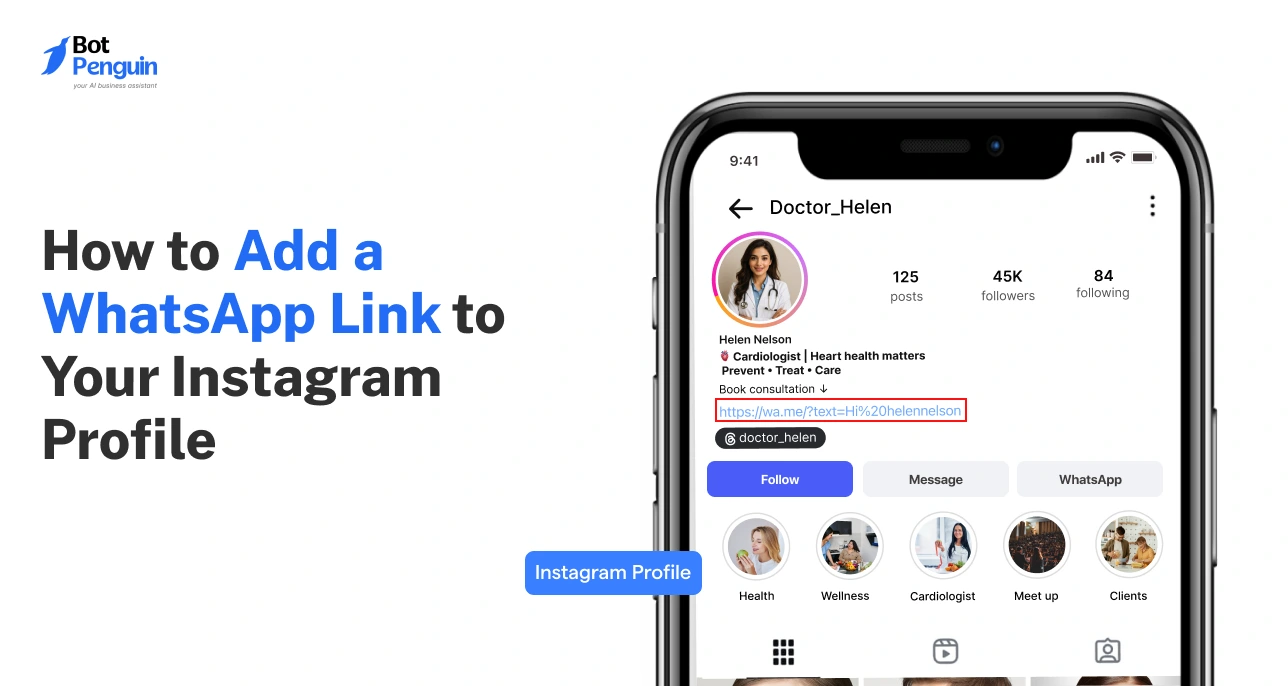
How to Add a WhatsApp Link to Your Instagram Profile
Updated at Oct 8, 2026
14 min to read
Key Takeaway
Tracking only open rates or message counts in WhatsApp analytics leads to false confidence—businesses must measure conversions, clicks, and revenue to understand true campaign impact.
Segmenting WhatsApp users based on behavior, purchase history, or engagement patterns significantly increases campaign effectiveness compared to sending generic messages to all contacts.
Integrating WhatsApp analytics with CRM systems enables full-funnel tracking, connecting conversations to lead progression, customer journeys, and revenue attribution for actionable insights.
A WhatsApp chatbot with a resolution rate above 40-70% and a fallback rate below 15% can drastically reduce human support workload and improve response times, but a high fallback rate signals the need for better bot training.
Most businesses use WhatsApp. Few measure what it actually delivers.
With over 3 billion users and nearly 98% open rates, it drives high engagement. Yet, most teams lack visibility into performance, campaigns, and ROI.
This is where WhatsApp analytics matters. It helps you track what’s working, identify gaps, and improve results.
In this guide, you will learn how to use analytics, dashboards, and campaign tracking to measure performance and optimize your WhatsApp strategy effectively.
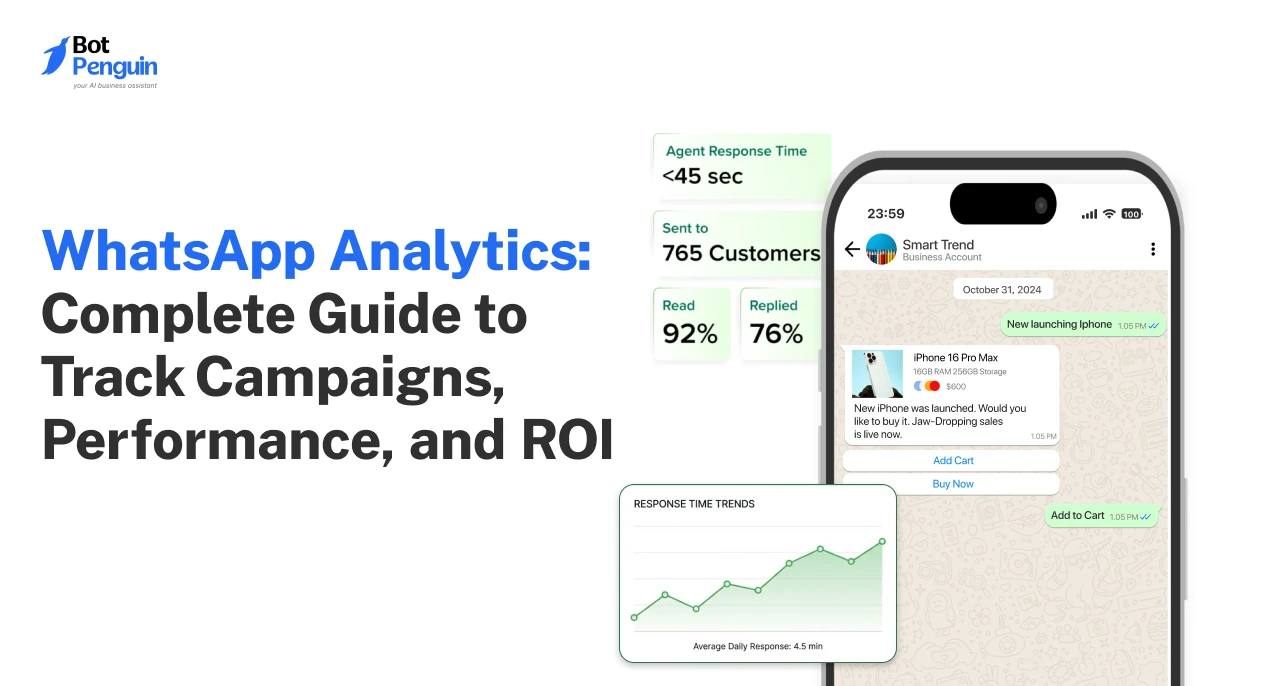
WhatsApp analytics is the way of tracking and analyzing message performance, user interactions, and campaign outcomes to measure what is working and what needs improvement.
Without analytics, decisions are based on assumptions. With it, every message becomes measurable.
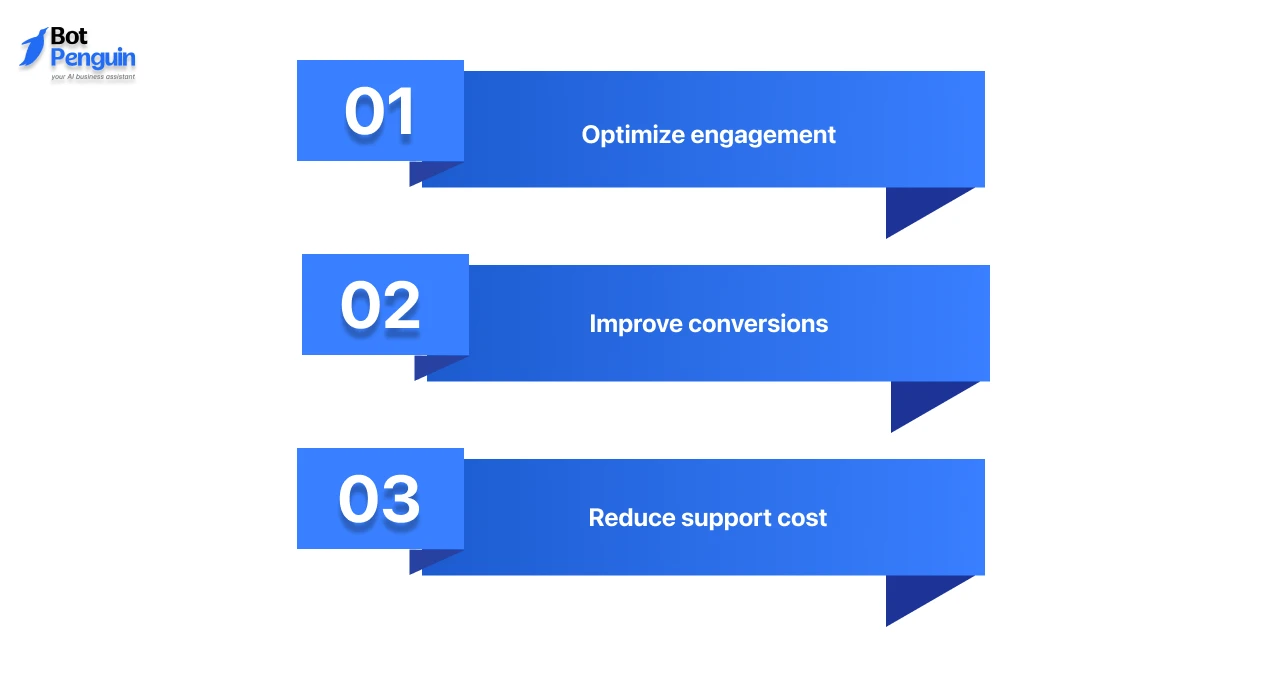
To improve results, your business needs visibility into performance. Analytics gives you that clarity across engagement, conversions, and support efficiency.
Here’s what it allows you to do:
Thus, a simple shift from sending messages to analyzing them can directly improve how WhatsApp performs as a revenue and support channel.
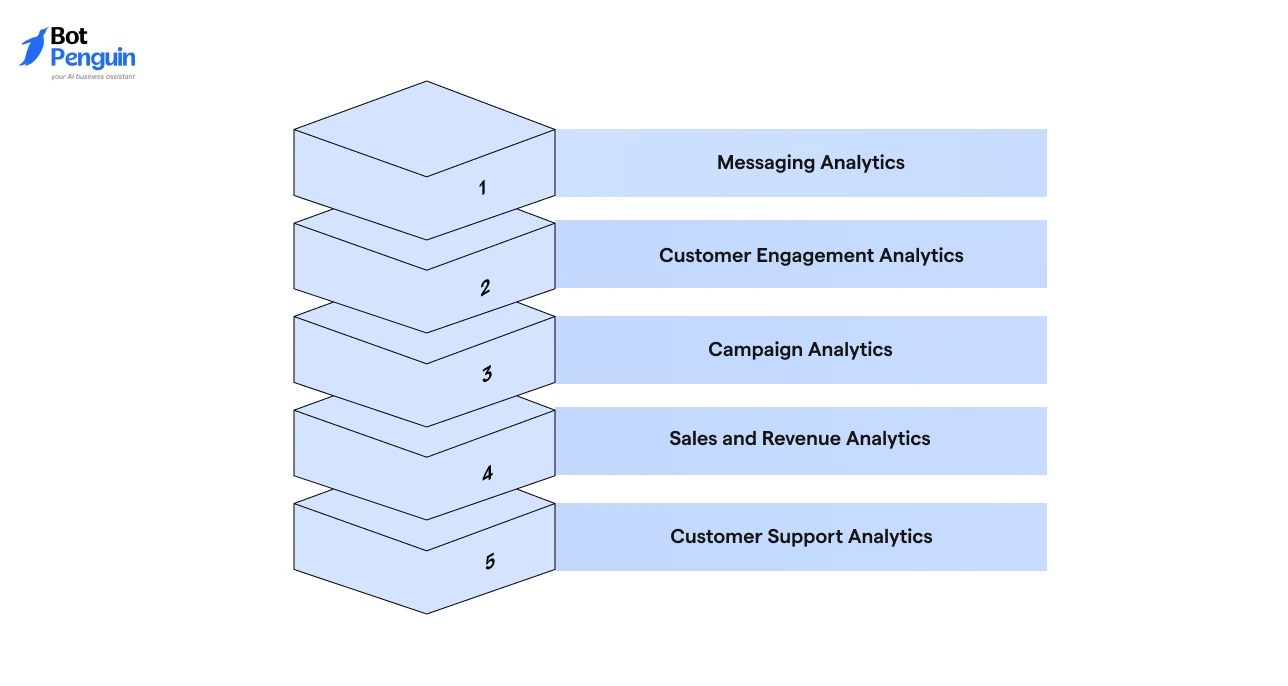
Tracking one metric is not enough. Real WhatsApp analytics comes from combining multiple data points to understand performance across messaging, campaigns, sales, and support.
Here are the different types of WhatsApp analytics you must monitor to get the big picture:
This is the foundation of all analytics for WhatsApp. It shows how your messages are delivered and how users respond at a basic level. These include:
If 1,000 messages are delivered but replies are low, the issue is content, not reach. This is where WhatsApp message analytics helps identify gaps early.
Messages alone do not tell the full story. Engagement data shows how users interact during conversations and across sessions. Check:
A service business can track where users stop replying and fix that step. This improves overall WhatsApp performance without increasing message volume.
Campaign performance is where most businesses lose visibility. You need clear tracking to understand what drives results. Track:
If one campaign brings leads and another does not, WhatsApp campaign analytics helps you focus on what works and eliminate waste.
This is where WhatsApp becomes a measurable revenue channel. It connects conversations directly to outcomes. These include:
A D2C brand can track which message led to a purchase.
This is how WhatsApp turns from a communication tool into a revenue engine using WhatsApp campaign performance analytics.
Support data helps you measure efficiency and service quality. It directly impacts cost and customer experience. Look for:
Tracking performance metrics helps teams reduce delays and improve service.
Over time, this leads to better customer satisfaction and lower operational costs.
When combined, these analytics create a complete WhatsApp analytics dashboard that shows what is working, what is failing, and where to optimize next.
Platforms like BotPenguin make this easier by combining WhatsApp automation, campaign tracking, chatbot analytics, and performance reporting in one place.
Next, we’ll break down the important metrics for each analytics type.
Now that you know the main types of WhatsApp analytics, the next step is to map each analytics type to the right metrics.
This makes tracking more logical and helps you understand what each data point reveals about performance.
Metrics alone do not improve performance. Interpretation does.
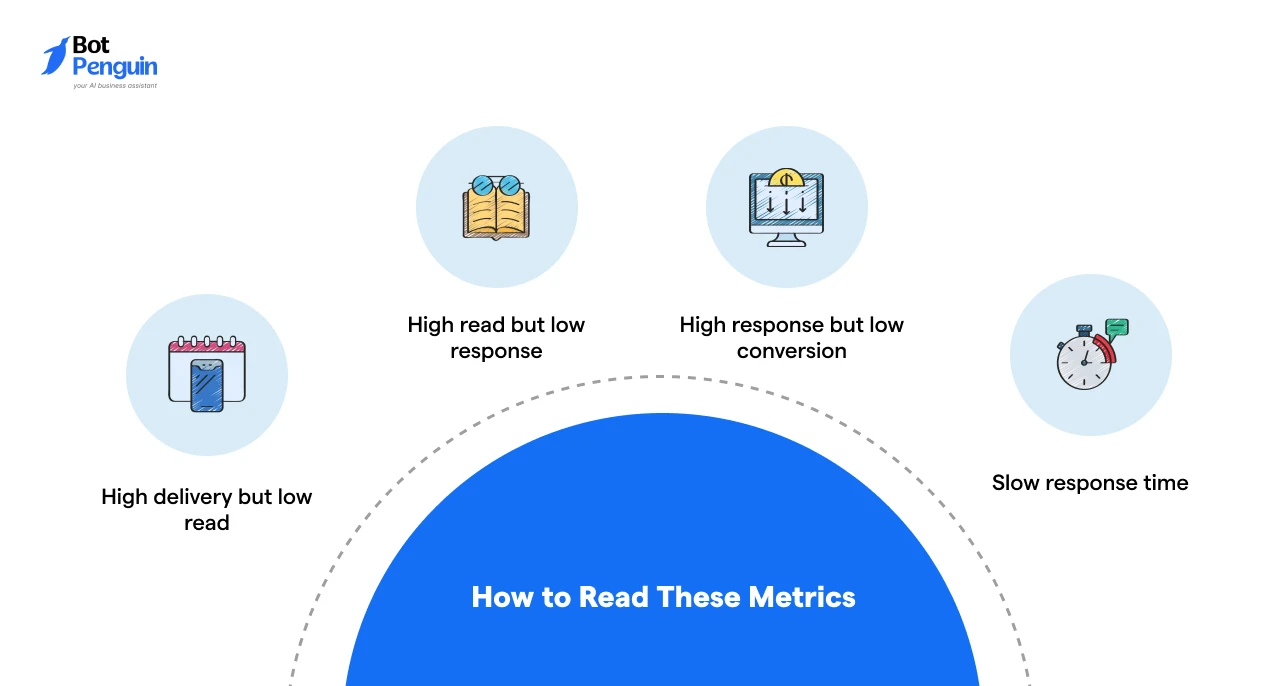
When each analytics type is connected to the right metric, WhatsApp analytics and reporting become easier to act on.
You can identify gaps faster, fix weak stages, and improve campaign performance, customer experience, and revenue outcomes.
Native WhatsApp analytics provides basic visibility into message activity, while third-party analytics tools offer deeper insights into campaigns, customer behavior, and revenue performance.
Here’s how to visualize that difference:
Native analytics works well for basic monitoring, but businesses that want deeper reporting, optimization, and revenue attribution usually rely on advanced WhatsApp analytics tools.
A WhatsApp analytics dashboard converts scattered WhatsApp data into a structured view so you can track performance, spot issues, and improve outcomes in real time.
Often maintained through a WhatsApp Business API platform or third-party analytics tool, this dashboard helps you with:
Instead of checking raw logs or spreadsheets, you get a clear view of what is happening and why.
It helps a marketing team instantly identify which campaign is generating clicks and which one is failing.
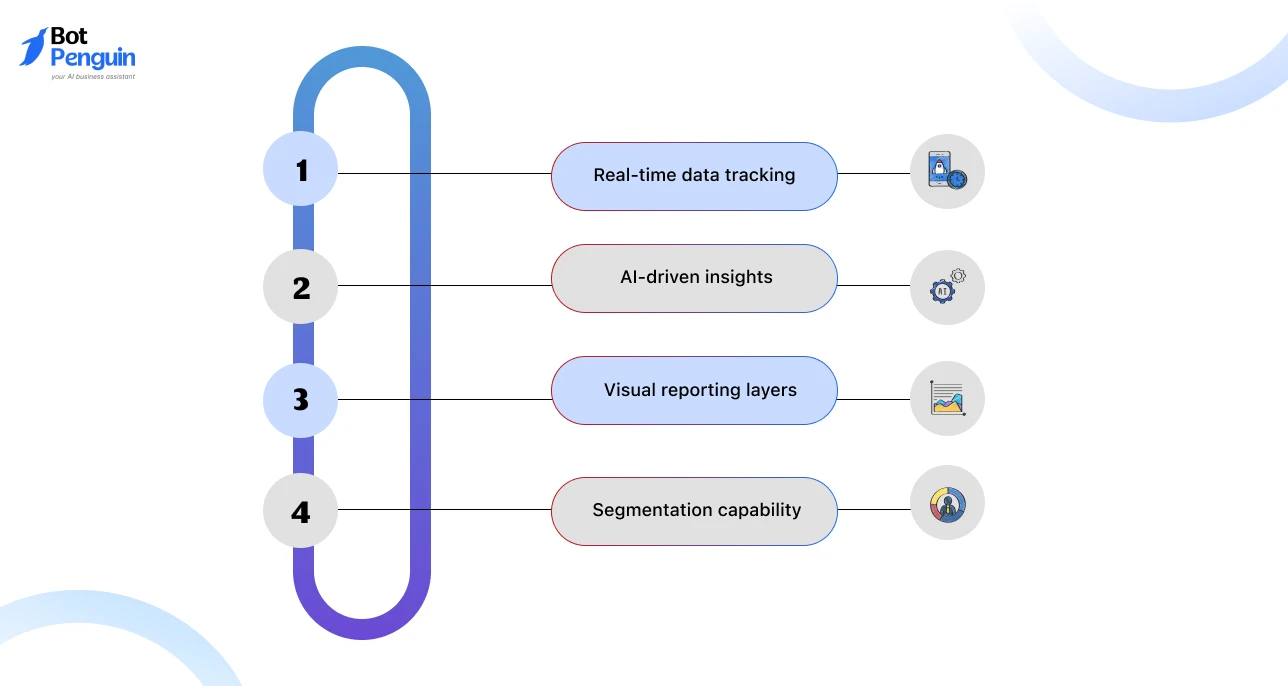
A basic dashboard shows numbers. A good one helps you take action using structured WhatsApp analytics and reporting.
Here are the features to look for:
A strong analytics setup reduces analysis time and makes performance gaps easier to identify.
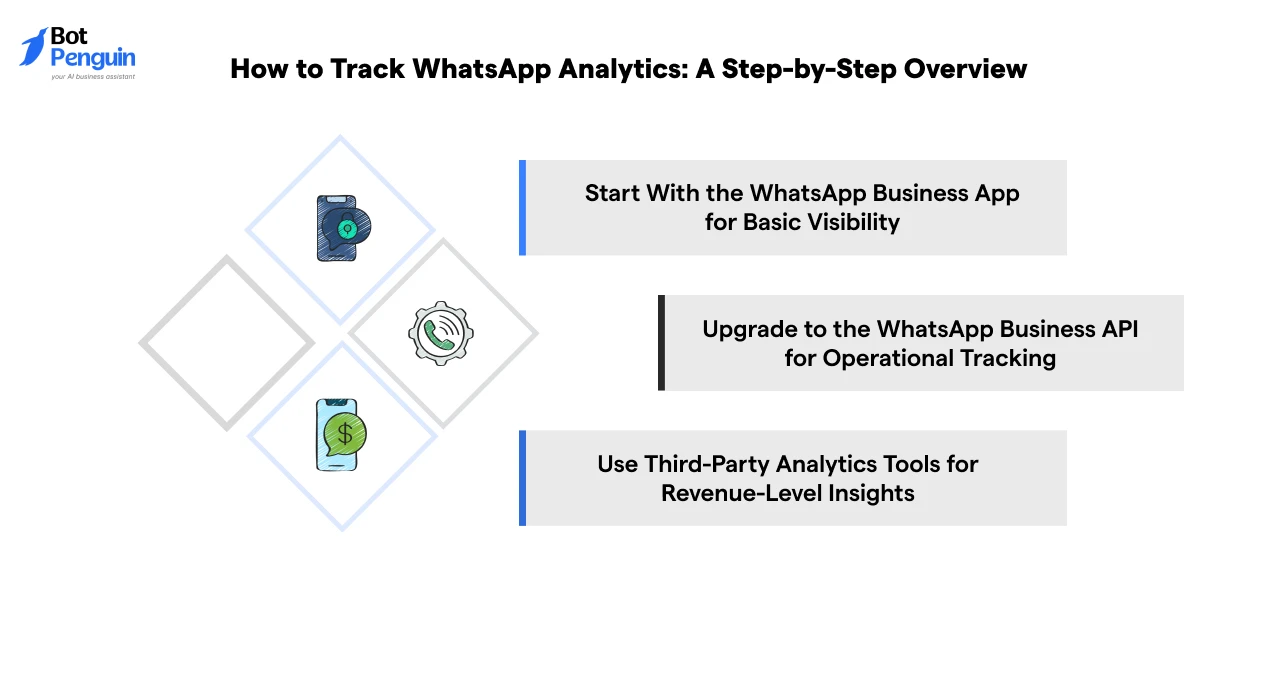
To track WhatsApp analytics effectively, you need to move from basic message visibility to full-funnel performance tracking.
Each step adds deeper insights into engagement, conversions, customer behavior, and ROI.
The WhatsApp Business App is the simplest way to begin tracking messaging analytics.
It gives limited visibility into message activity but does not provide advanced reporting.
A small business running promotions can see whether messages are read, but cannot measure WhatsApp campaign performance analytics or ROI.
This creates reporting gaps and decision-making based on assumptions.
The WhatsApp Business API enables structured data collection and tracking through integrations and business platforms.
An ecommerce business can identify which campaigns generate more responses and which agents resolve conversations faster.
Third-party platforms provide the most advanced WhatsApp analytics dashboard capabilities.
This is where WhatsApp becomes a measurable growth and revenue channel.
A SaaS company can track which WhatsApp message generated a signup, which campaign produced revenue, and where users drop during the conversion journey.
This is where analytics and reporting become business-critical.
The difference between basic and advanced analytics is significant because it changes how performance decisions are made.
Choosing the Right WhatsApp Analytics Setup
Your setup should depend on your business goals and messaging scale.
Thus, understanding this process helps businesses move from basic tracking to full-funnel WhatsApp analytics and make more informed, data-driven decisions.
As businesses scale WhatsApp conversations through automation, tracking chatbot performance becomes equally important to ensure efficiency, accuracy, and customer satisfaction.
As discussed above, the most important WhatsApp chatbot performance metrics focus on resolution efficiency, understanding user intent, and reducing conversation failures.
Here’s how to visualize them in practice:
Key Insight: A high fallback rate usually indicates poor training data or unclear conversation flows, while a low resolution rate suggests the bot is not effectively reducing support workload.
Tracking chatbot performance alone is not enough. You need to compare it with human handling to understand real efficiency gains.
What to focus on:
A support team handling 1,000 queries daily can reduce workload significantly if even 40–60% are resolved by the bot.
Most businesses collect WhatsApp data but still fail to improve performance because they track the wrong metrics or miss critical insights.
Here are the most common mistakes and how to fix them:
Many businesses focus only on high open rates or message volume. These numbers may look impressive, but do not show real business impact.
Solution: Track conversions, clicks, leads, and revenue instead of just reads and sends. Use WhatsApp campaign analytics to measure actual outcomes.
Teams often stop at replies and message activity without checking whether conversations generate business outcomes.
Solution: Connect WhatsApp interactions with bookings, purchases, or lead generation using proper WhatsApp analytics and reporting tools.
Sending the same message to every user reduces engagement and lowers WhatsApp performance.
Solution: Segment users based on behavior, activity, purchase history, or engagement patterns using your analytics dashboard.
Without CRM integration, businesses cannot track the customer journey or connect conversations to revenue.
Solution: Integrate WhatsApp with your CRM to track lead progression, conversions, and customer lifecycle metrics accurately.
Most analytics mistakes happen when businesses track activity instead of outcomes. The goal is not just to measure messages, but to measure engagement, conversions, and business impact.
Avoiding these mistakes helps businesses move from basic message tracking to meaningful performance analysis.
When your WhatsApp analytics focuses on conversions, customer behavior, and ROI, optimization becomes far more effective and data-driven.
Basic analytics shows what happened. Advanced analytics helps businesses understand why it happened and how to improve future performance.
Connecting WhatsApp with CRM systems helps track conversations, leads, conversions, and customer journeys in one place.
This gives better visibility into business performance metrics and revenue impact.
Tools like Power BI and GA4 help businesses analyze large datasets, compare campaign performance, and build custom WhatsApp analytics dashboards for deeper reporting.
Advanced tracking follows the complete customer journey from message delivery to final conversion.
This helps identify drop-offs and improve campaign performance analytics.
Predictive analytics helps identify high-intent users, forecast conversions, and optimize campaigns using historical interaction data.
Basic analytics helps businesses track activity. Advanced analytics helps improve decisions, optimize conversions, and drive measurable growth.
Platforms like BotPenguin combine analytics, automation, and campaign tracking to help businesses improve WhatsApp engagement, conversions, and customer experience.
BotPenguin helps businesses track WhatsApp performance across conversations, campaigns, users, and automation from one place.
Instead of only showing message counts, it gives actionable insights into engagement, drop-offs, campaign performance, and chatbot effectiveness.
Here’s why BotPenguin proves to be the right fit for your business:
Together, these insights help businesses improve engagement, optimize conversions, and turn WhatsApp into a measurable growth and customer communication channel.
WhatsApp analytics helps businesses move beyond sending messages to measuring real performance.
By tracking engagement, conversions, customer behavior, and ROI, you can identify what works, fix weak points, and improve every interaction.
Whether you use the WhatsApp Business App, API, or advanced analytics tools, the goal remains the same: turn conversations into measurable business outcomes.
Businesses that consistently analyze and optimize their WhatsApp performance are the ones that achieve better engagement, stronger customer experiences, and higher conversions.
WhatsApp analytics is the process of tracking message performance, user interactions, and campaign outcomes to measure engagement, conversions, and overall WhatsApp business performance.
Measure WhatsApp campaign performance using CTR, conversion rate, cost per lead, and revenue. Track the full journey from message delivery to clicks, conversations, and final conversions.
The best WhatsApp analytics tool depends on your needs. Tools like BotPenguin offer dashboards, campaign tracking, and performance insights for businesses.
Improve WhatsApp performance by reducing response time, optimizing message timing, personalizing campaigns, fixing drop-offs, and using analytics to continuously refine messaging and automation strategies.
Key metrics include delivery rate, read rate, response rate, CTR, conversion rate, cost per lead, first response time, and chatbot resolution rate to evaluate complete WhatsApp performance.
Avoid tracking only open rates, ignoring conversions, skipping segmentation, and not connecting WhatsApp data with CRM, sales, or support reports.
Track WhatsApp Performance Like a Pro
Measure campaigns, conversations, chatbot performance, and conversions with real-time WhatsApp analytics and reporting.
Explore BotPenguinCheckout our related blogs you will love.
Updated at Oct 8, 2026
14 min to read
Updated at Oct 7, 2026
12 min to read
Updated at Oct 6, 2026
13 min to read
Updated at Oct 6, 2026
10 min to read
Updated at Oct 5, 2026
11 min to read
Updated at Oct 1, 2026
9 min to read
Table of Contents



