


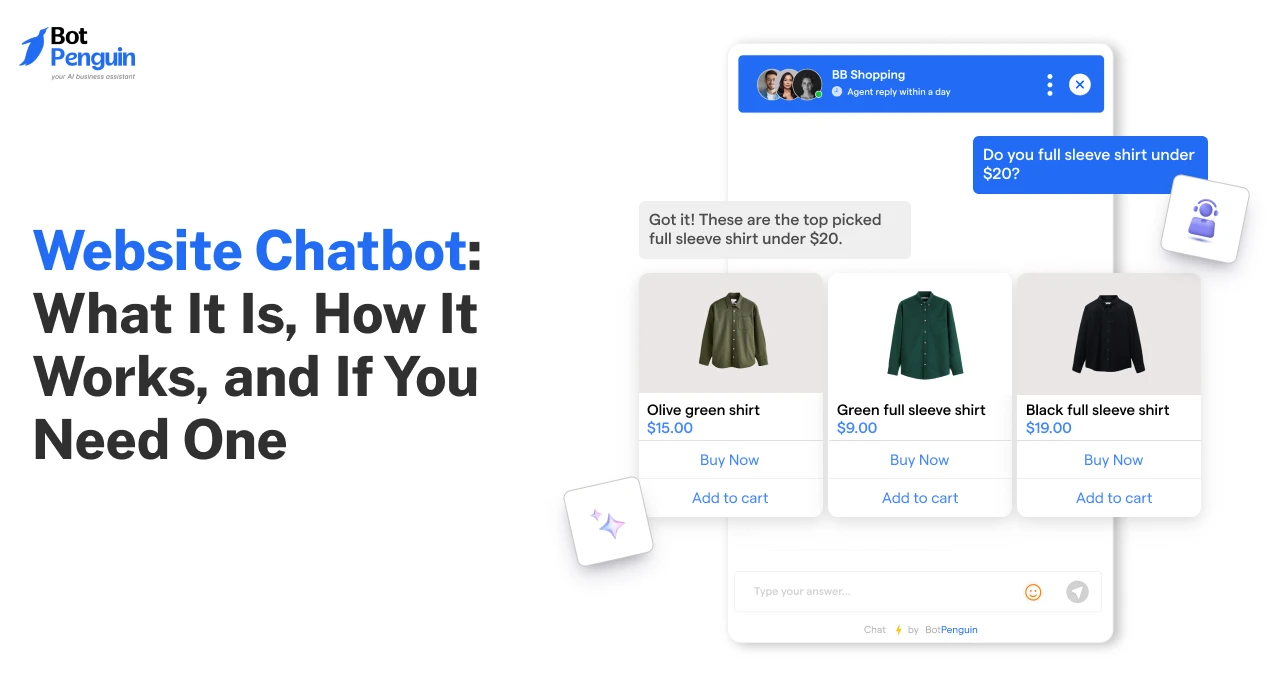
Website Chatbot: What It Is, How It Works, and If You Need One
Updated at Oct 6, 2026
12 min to read
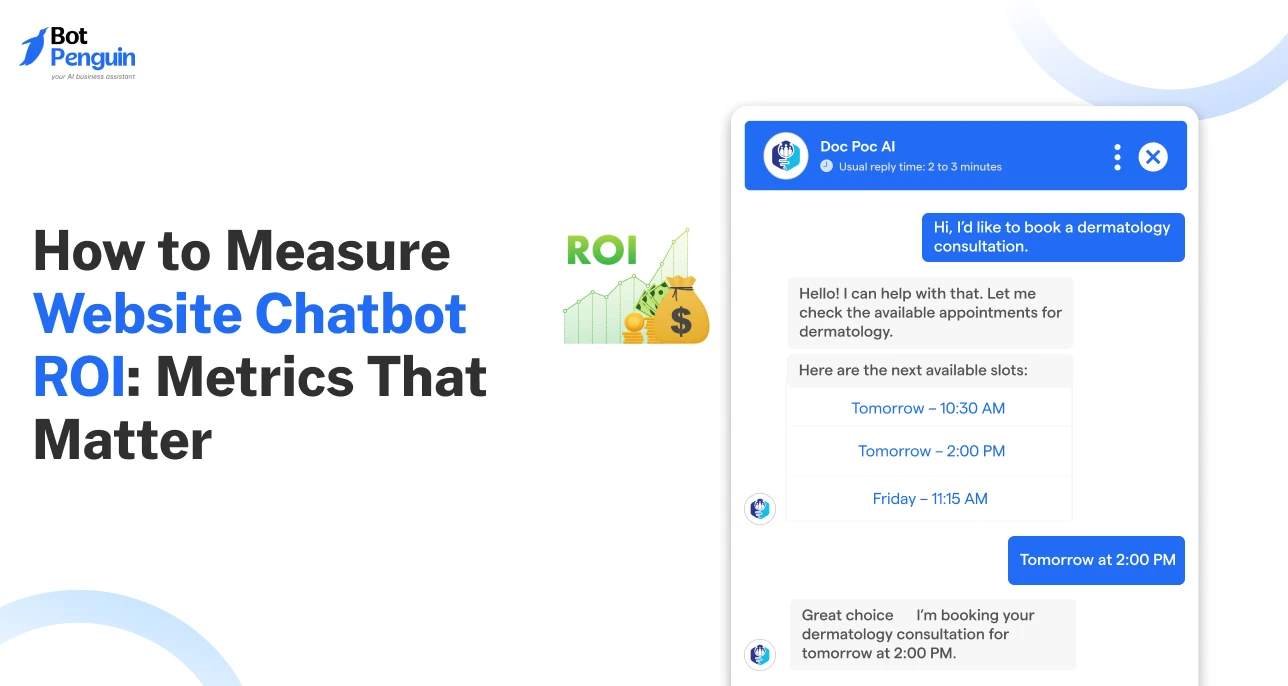
A busy chatbot is not always a profitable one.
Many businesses judge a website chatbot by conversation volume. But more chats do not guarantee more leads, higher conversions, or lower support costs.
A chatbot with fewer conversations can deliver far greater business impact if it improves the right outcomes. That is why measuring website chatbot ROI takes more than engagement reports.
You need the right formula, the right chatbot metrics for website performance, and clear benchmarks.
This guide shows you how to calculate website chatbot ROI, track the metrics that matter, and prove the value of your website chatbot.
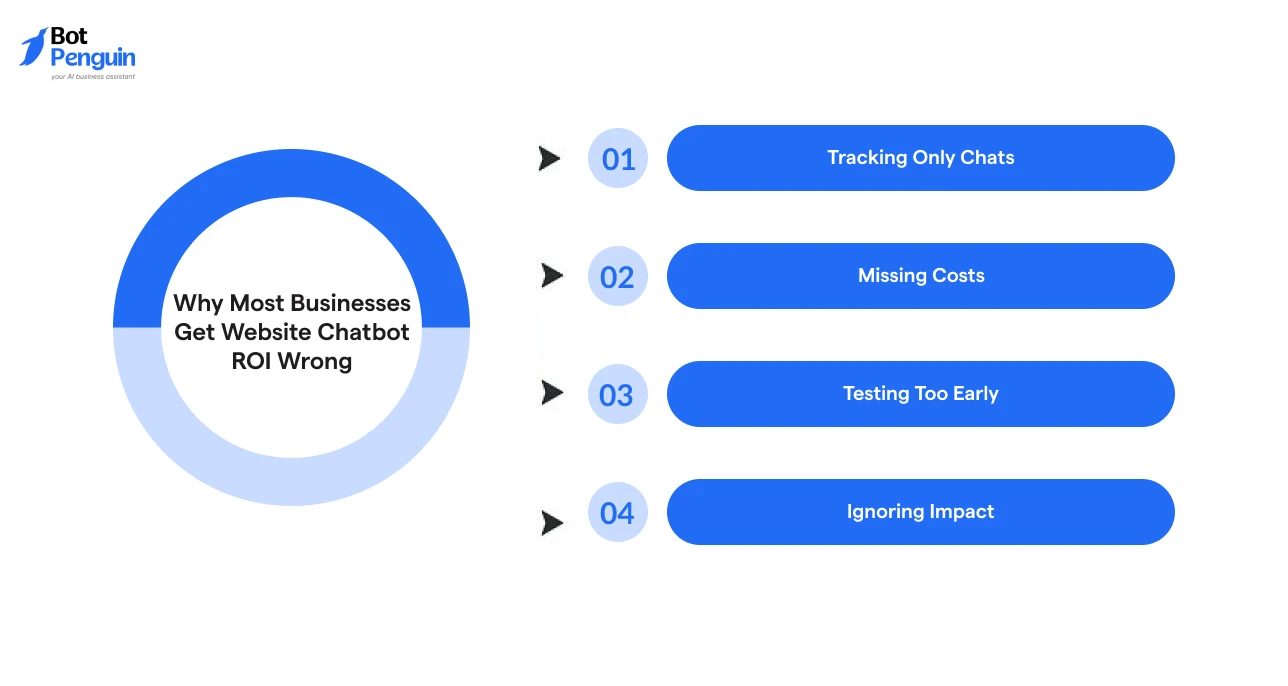
Most companies chase the wrong numbers when it comes to web chatbots. They celebrate volume, ignore hidden costs, or pull the plug before the data has a chance to speak.
These mistakes can create a false picture of chatbot performance and ROI. Here’s why many teams get website chatbot ROI wrong:
Every chatbot conversation costs roughly $0.50 versus $6.00 for a human agent, a gap that turns support savings into measurable website chatbot ROI.
Before measuring ROI, it helps to understand how a website chatbot works. If you’re new to the space, explore our complete guide on what a website chatbot is to get started.
The right chatbot platform should make ROI tracking simple from day one. With platforms like BotPenguin, businesses can monitor key performance metrics, improve conversation flows, and understand how their chatbot contributes to lead generation or support efficiency.
Before tracking detailed chatbot metrics for website performance, start with the basic ROI formula. It shows whether your chatbot is creating more value than it costs.
Website Chatbot ROI = (Value Generated − Chatbot Cost) ÷ Chatbot Cost × 100
Here, “Value Generated” means the measurable business value created by your website chatbot. This can come from leads, sales, bookings, or support savings.
Likewise, “Chatbot Cost” includes the full cost of running the chatbot. This means the subscription fee, setup cost, integration work, and maintenance time.
Here is a simple illustrative calculation.
If your chatbot captures 40 qualified leads, and each lead is worth ₹2,000:
40 × ₹2,000 = ₹80,000 in value generated
If the chatbot costs ₹20,000 to run, the ROI becomes:
(₹80,000 − ₹20,000) ÷ ₹20,000 × 100 = 300% ROI
This means the chatbot returned three times more value than its cost. To calculate your own numbers, use the chatbot ROI calculator.
Once this formula is clear, the next step is choosing the right metrics that feed into it.
The right chatbot metrics for website performance should connect directly to revenue, savings, or customer experience.
Use the table below as a quick reference. Then review each metric in detail to understand what it means and how to improve it.
Each of these metrics has been explained in detail below.
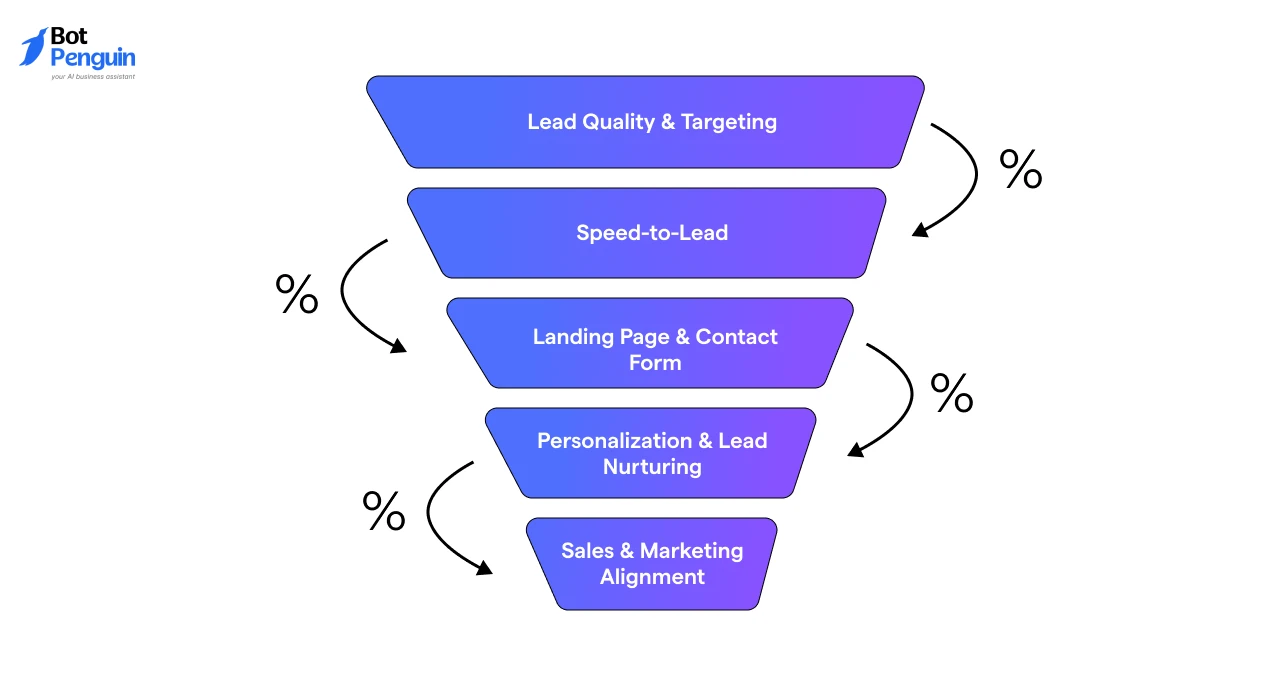
Lead conversion rate shows how many chatbot conversations turn into captured leads.
For a website chatbot for lead generation, this is one of the most important metrics.
A good chatbot should not just start conversations. It should collect useful details like name, phone number, email, requirement, budget, or booking intent.
Learn how a website chatbot supports lead generation and discover strategies to capture, qualify, and convert more prospects.
Best Practice: Ask one or two intent-based questions first. Then ask for contact details once the visitor shows interest.
Conversation completion rate shows how many users reach the final step.
That step could be lead capture, demo booking, support resolution, or product recommendation.
This metric also helps identify where visitors drop off. If many users leave midway, the flow may feel long, confusing, or irrelevant.
Best Practice: Keep each flow focused on one outcome. Do not mix sales, support, pricing, and booking inside the same path.
Deflection rate shows how many conversations the chatbot resolves without human help.
This directly impacts support cost and team workload.
For support-heavy websites, deflection rate is a major ROI driver. It shows how much recurring work the chatbot removes from human agents.
Chatbot resolution varies sharply by query type. Gartner found chatbots resolve 58% of returns and cancellations against only 17% of billing disputes.
Best Practice: Train the chatbot on your top support questions first. Start with FAQs, pricing queries, order updates, booking help, and basic troubleshooting.
Cost per resolved conversation shows how much each bot-handled conversation costs.
This metric is useful when comparing chatbot cost with human support cost.
For example, if your monthly chatbot cost is ₹20,000 and it resolves 1,000 conversations, your cost per resolved conversation is ₹20.
This becomes valuable when the same query would cost more through a support agent.
Best Practice: Review this metric monthly. As resolved conversation volume grows, the cost per resolution should decrease.
Time to lead capture measures how long it takes before the chatbot collects contact details. This matters because visitors have limited patience.
If the chatbot waits too long, interested users may leave. If it asks too soon, users may feel pushed.
The ideal range is usually 3 to 5 exchanges. That gives enough time to understand intent before asking for details.
Best Practice: Use progressive qualification. Ask for the visitor’s needs first, then collect contact details after clear intent appears.
CSAT or thumbs-up rate measures how visitors feel about the chatbot interaction.
It does not directly calculate revenue, but it protects the quality of your ROI.
A chatbot may capture leads or deflect support tickets. But if users are unhappy, the long-term impact can be negative.
Best Practice: Add a simple thumbs-up or thumbs-down question after key interactions. Then review negative responses to improve chatbot scripts and answers.
Note: For stakeholder reporting, prioritize deflection rate and lead conversion rate first.
Deflection rate shows cost savings, while lead conversion rate shows revenue impact. Together, they give the clearest picture of website chatbot ROI.
A lead generation chatbot, support chatbot, and e-commerce chatbot all create value differently.
That is why website chatbot ROI should be reviewed by use case. The right metric depends on what the chatbot is expected to improve.
The more specific the use case, the easier it becomes to select the right chatbot metrics for website ROI reporting.
That said, choosing the right metric per use case is only half the picture; the real value comes from tracking it consistently over time.
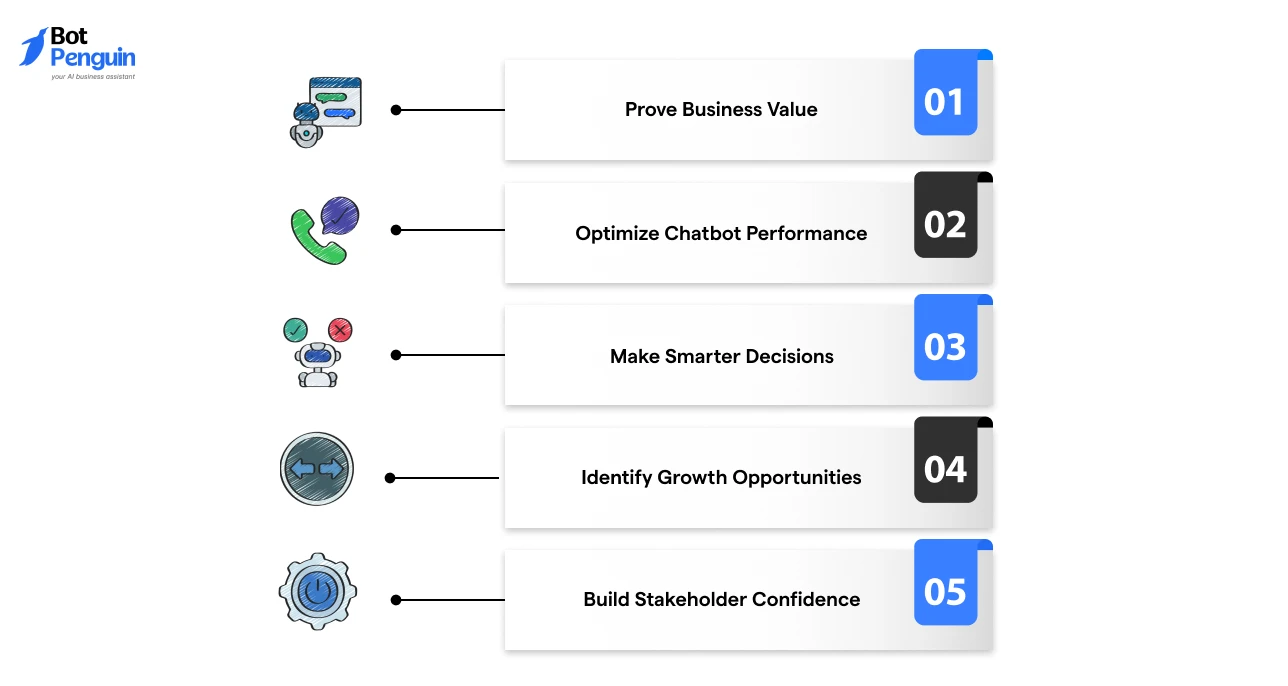
Measuring website chatbot ROI helps businesses move beyond assumptions and understand the real impact of their investment.
It reveals what is working, where improvements are needed, and how chatbots contribute to business goals.
Connect chatbot activities to measurable outcomes like leads, conversions, revenue, and cost savings.
This helps teams justify investment with clear performance data.
Identify which conversations, workflows, and features drive results.
Use these insights to refine chatbot experiences and improve overall effectiveness.
Oftentimes, improving chatbot ROI starts with a well-designed setup. From choosing the right platform to creating effective conversation flows, learn how to set up a chatbot on your site for better results.
Use accurate ROI data to guide future chatbot investments, resource allocation, and growth strategies instead of relying on guesswork.
Discover missed conversion points, customer needs, and high-impact use cases by analyzing chatbot performance trends.
Show teams and decision-makers the tangible impact of a website chatbot with transparent metrics and measurable results.
Together, these advantages turn a website chatbot from a support tool into a measurable growth channel.
The value of a website chatbot becomes clearer when every interaction can be connected to a business outcome. With BotPenguin, businesses can build smarter chatbot workflows, track meaningful performance signals, and continuously improve the results their chatbot delivers.
Measuring website chatbot ROI is not about counting conversations. It is about understanding the value those conversations create.
The right chatbot metrics for website performance help you see what is driving leads, improving support, and contributing to business goals.
Start by tracking meaningful outcomes, accounting for all costs, and giving your chatbot enough time to improve. With accurate data, you can make smarter decisions, optimize performance, and prove the impact of your investment.
A chatbot for a website becomes truly valuable when you can measure how it supports growth.
Calculate chatbot ROI by subtracting chatbot costs from generated value, dividing by cost, and multiplying by 100 to get the ROI percentage.
Key chatbot metrics include conversion rate, completed conversations, lead quality, resolution rate, deflection rate, and cost per resolved interaction.
Most businesses can measure initial chatbot ROI within 30 to 60 days, with results improving as workflows and responses are optimized.
A good chatbot deflection rate is typically 60% to 80%, showing that most customer queries are resolved without human assistance.
Yes, a chatbot can have negative ROI when costs exceed returns due to poor adoption, weak workflows, or ineffective conversation design.
The most important chatbot metric depends on goals, but conversion rate, qualified leads, and cost savings usually reveal business impact.
Measure website chatbot success by tracking leads generated, customer issues resolved, sales influenced, user satisfaction, and operational savings.
See What Your Chatbot Investment Returns
Estimate potential savings, revenue impact, and performance gains. Use data-backed insights to understand your website chatbot’s true value.
Get Started NowCheckout our related blogs you will love.
Updated at Oct 6, 2026
12 min to read

Updated at Jul 29, 2026
13 min to read
Updated at Jul 14, 2026
8 min to read
Updated at Jul 10, 2026
11 min to read
Updated at Oct 22, 2026
9 min to read
![Featured image for Essential Chatbot Statistics [2024]](https://cdn.botpenguin.com/assets/website/Essential_Chatbot_Statistics_for_2020_3d47c9f934.webp)
Updated at Oct 12, 2026
11 min to read
Table of Contents


