


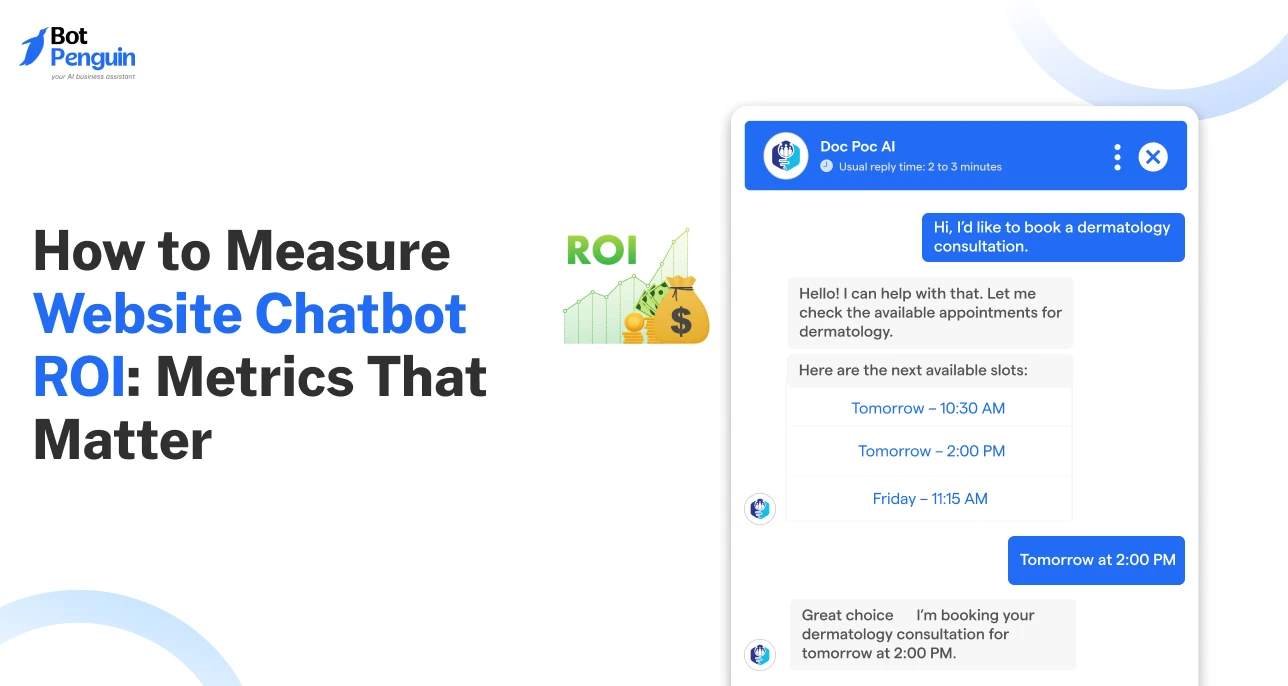
How to Measure Website Chatbot ROI: Metrics That Matter
Updated at Oct 5, 2026
8 min to read
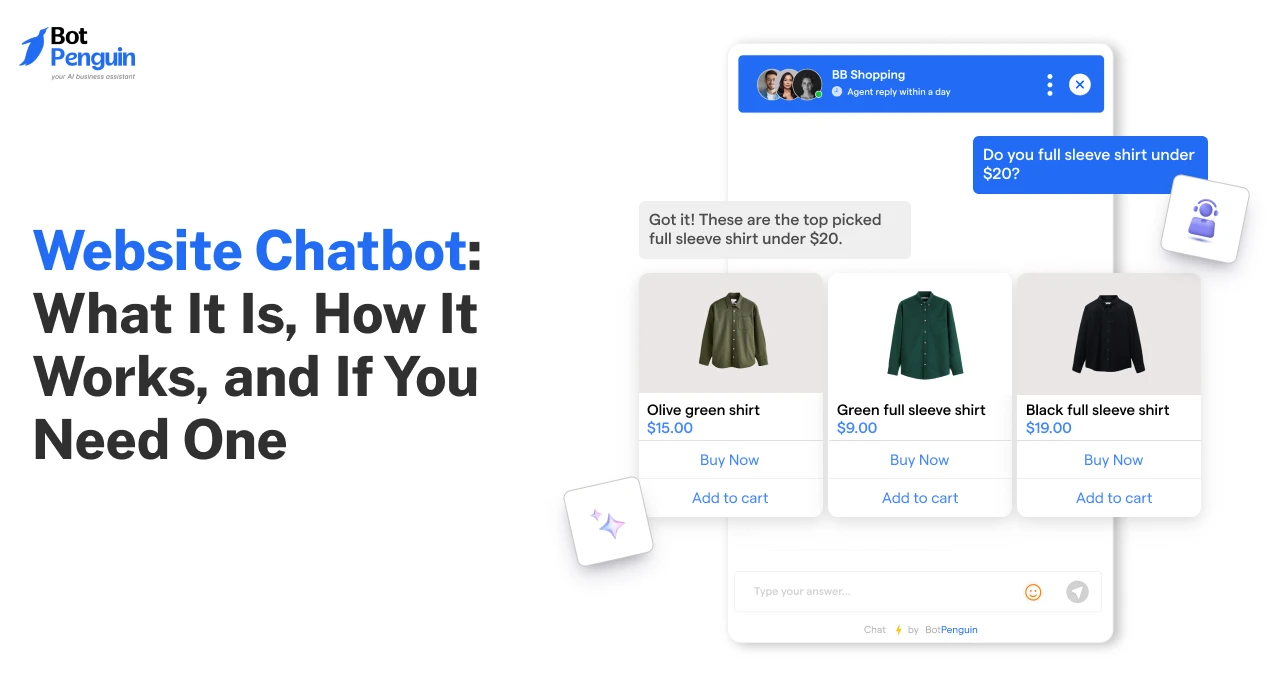
The most valuable part of your website might not be a page; it could be a conversation.
If you've been exploring ways to improve your website, you've probably come across the term website chatbot more than once.
You've seen competitors use one, heard it can build up engagement or sales, but you're still unsure whether it's relevant to your business.
Before deciding if you should invest in a chatbot, it helps to understand what a website chatbot actually is, how it works, and where it delivers real value.
In this guide, you'll learn how website chatbots work, the different types available, their benefits, common use cases, real-world examples, and how to determine if your website needs one.
A website chatbot is software that communicates with visitors through a chat interface, helping them find answers, complete tasks, and take action without unnecessary effort.
The terms website chatbot, rule-based chatbot, and website virtual assistant are often used interchangeably, but they don't always mean the same thing.
Here's a quick breakdown of the most common terms you'll come across in this regard:
No matter which type you choose, the goal stays the same: help visitors get answers faster and move through your site without friction.
According to Salesforce's seventh State of Service report (a survey of 6,500 service professionals), AI is projected to resolve half of all customer service cases by 2027.
That shift is pushing more businesses to move website chatbots from a nice-to-have to a core part of their setup.
If you're exploring website chatbot platforms, look for one that supports rule-based, AI, and hybrid experiences in a single solution. Platforms like BotPenguin let you start with simple automated workflows and gradually add AI capabilities as your business grows.
Understanding what a website chatbot is is only the first step. The bigger question is why so many businesses are adding one, and what difference it actually makes.
Your website already has contact forms, menus, and maybe even live chat. But those tools rely on visitors knowing what to do next or waiting for someone to respond.
A chatbot on website, on the other hand, changes that by guiding conversations in real time, making it easier for visitors to find answers and take action the moment they need help.
Want a detailed comparison of chatbot vs live chat? See which option best fits your business.
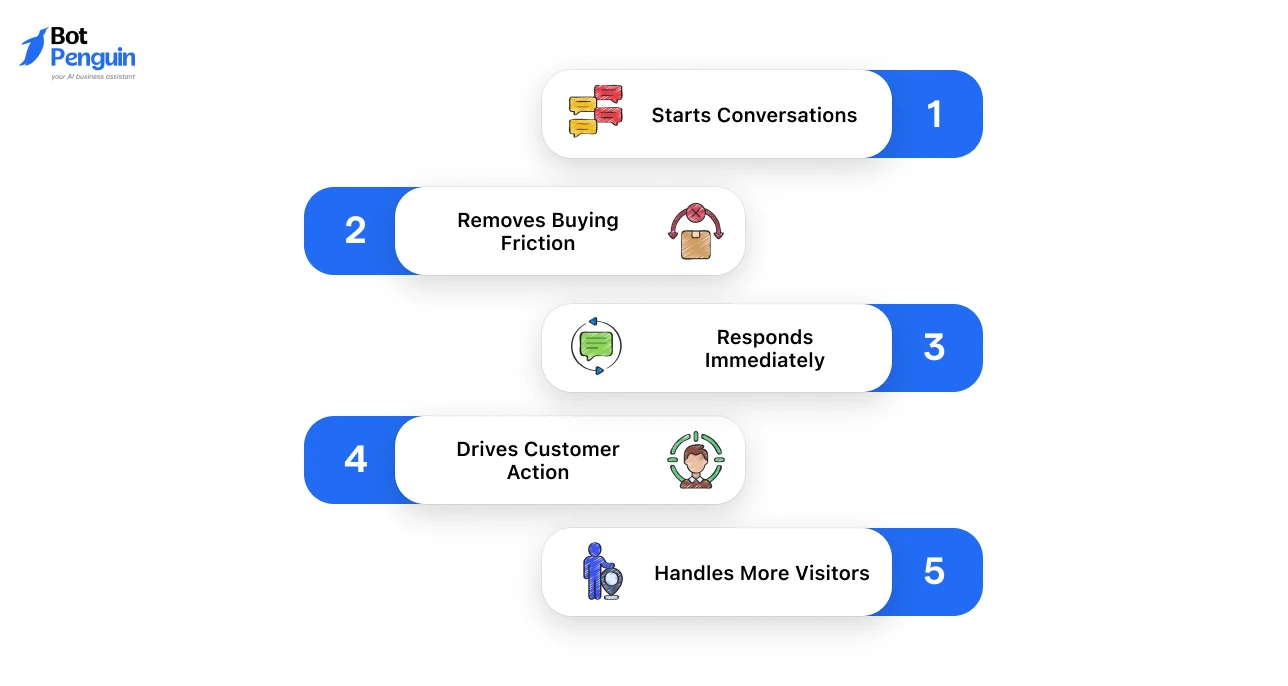
Here’s why companies should invest in a website chatbot:
Together, these scenarios show why a website chatbot isn't just a support add-on; it's a growth lever that keeps visitors moving instead of dropping off.
Wondering what it will cost? Read our guide on how much a website chatbot costs to compare pricing models, plan tiers, and expected monthly costs.
Now that you know why a website chatbot matters, it's time to understand which type best matches your business needs.
Not every website needs the same type of chatbot. The right choice depends on your business goals, visitor expectations, and the kinds of interactions you want to automate.
Ready to choose a platform? Check out our guide to the best website chatbots to compare features, pricing, and AI capabilities.
A chatbot for website reads intent, matches it against a knowledge base or flow, and responds in a way that feels close to a real conversation.
Here’s how that process comes together, step by step.
Each of these steps happens within seconds, which is exactly what makes chatbots feel instant rather than automated.
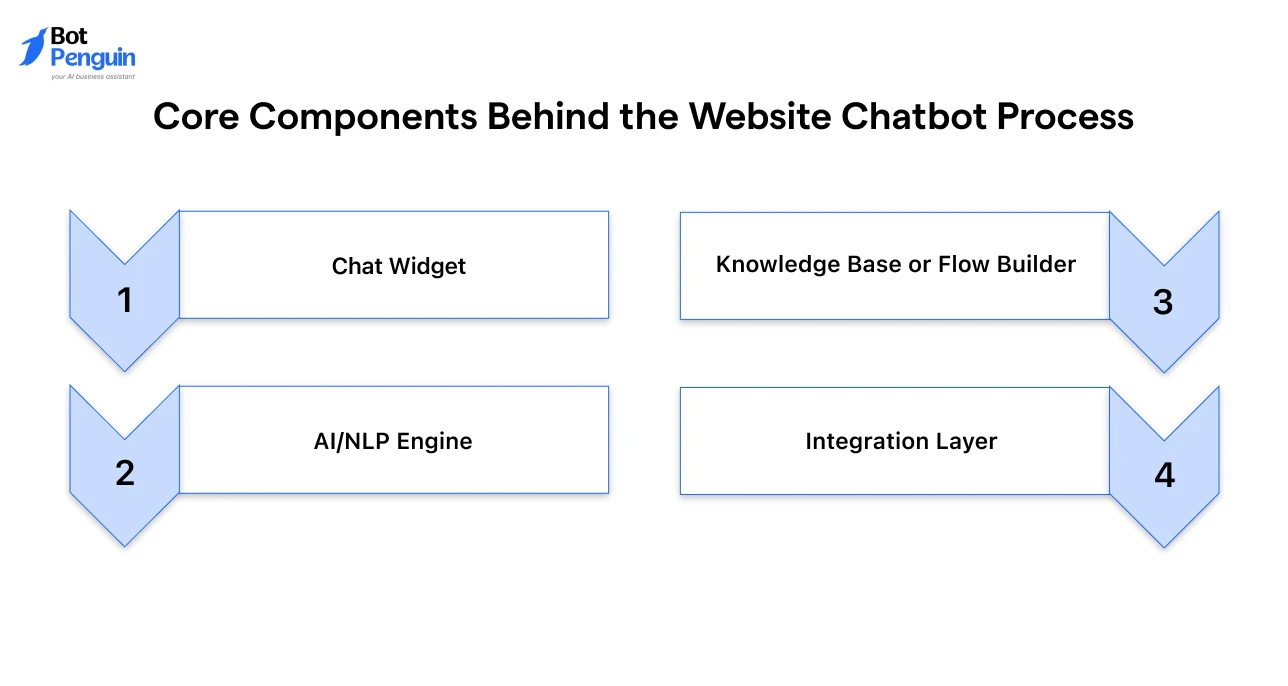
A website chatbot isn't a single piece of software; it's a stack of components working together:
Together, the above components decide how “smart” a chatbot feels, and how much manual work it saves your team.
Where a visitor lands and what stage of the journey they're in decides what the chatbot should be doing: answering a question, qualifying a lead, or nudging a purchase.
Here's where chatbots add the most value, mapped to the customer journey:
Let’s explore each of these use cases in detail.
On landing and pricing pages, a chatbot's job is to qualify visitors before they reach a form, asking a few quick questions to separate serious buyers from casual browsers.
Relevant to the awareness and consideration stages, this website chatbot use case qualifies visitors, captures leads, and moves high-intent prospects toward the next step.
On help and account pages, chatbots handle FAQs and troubleshooting around the clock.
They resolve common issues instantly, lowering wait times while allowing support teams to focus on complex cases.
AI chatbots can handle up to 80% of routine customer support questions without needing a human agent. (Source: IBM)
On product and checkout pages, chatbots recommend products, answer sizing or shipping questions, and recover carts before visitors leave.
Baymard Institute reports a 70.2% average cart abandonment rate, much of it driven by checkout friction that website chatbots can address instantly.
On service pages, chatbots let visitors pick a slot directly in chat, syncing with your calendar. This removes booking friction and helps convert high-intent visitors before delays slow them down.
On blogs and resource pages, chatbots surface related articles based on what a reader is viewing, keeping them engaged longer instead of bouncing after one page.
Rather than serving a single purpose, a website chatbot supports every stage of the customer journey, from first interaction to post-purchase support.
Its value lies in delivering the right conversation exactly when visitors need it.
Ready to put one on your own site? Follow our step-by-step guide on how to add a chatbot to your website and get started in minutes.
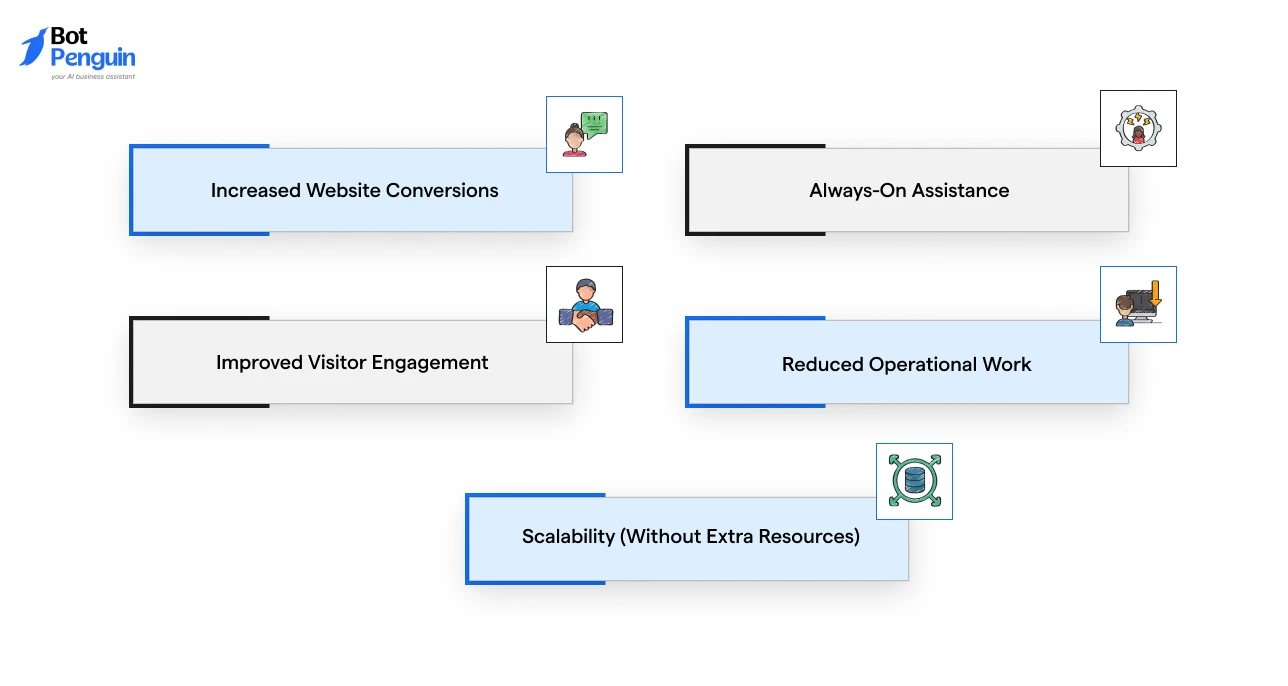
When designed around visitor intent, a chatbot for a website improves engagement, removes delays, and creates a smoother path from first visit to final action.
Here’s a breakdown of the top benefits of a website chatbot that help businesses convert more visitors:
Every unanswered question creates hesitation.
A chatbot keeps visitors moving by providing immediate guidance, helping them compare options, understand offerings, and take the next step without leaving the page.
A strong customer service experience makes 88% of customers more likely to buy again from the same brand.
Unlike traditional support channels, a chatbot remains available around the clock.
Visitors can get answers, book appointments, or submit requests regardless of business hours, minimizing missed opportunities.
For service questions, 9 in 10 customers consider quick replies important.
Instead of passively browsing, visitors interact with your website through conversations.
This encourages deeper exploration, increases time on site, and helps users reach relevant content more quickly.
By handling recurring conversations automatically, chatbots free up sales and support teams to focus on complex requests that require human expertise.
As traffic grows, a website chatbot can manage thousands of simultaneous conversations with consistent speed and quality, without increasing staffing requirements.
In reality, the greatest value of a website chatbot isn't any single feature, but how it continuously improves every visitor interaction across your website.
Want to see real-world implementations? Explore how leading brands use chatbots on their websites in these chatbot examples across industries.
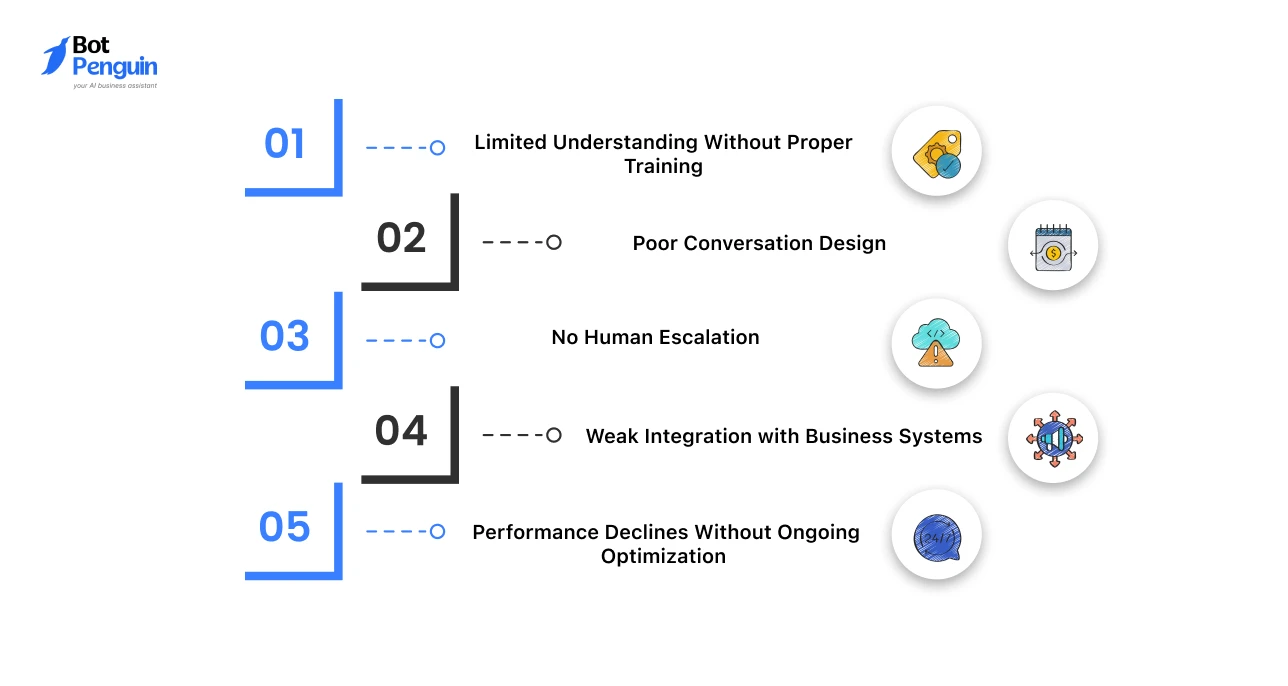
Like any technology, a chatbot’s effectiveness depends on how it's designed, trained, and maintained.
Understanding these common limitations helps you avoid poor user experiences and get better results.
A chatbot is only as good as the information it has access to. If its knowledge base is incomplete or outdated, it may provide inaccurate or unhelpful responses.
Solution: Regularly update your knowledge base, train the chatbot on real customer queries, and review unanswered conversations to improve accuracy over time.
Even advanced AI can frustrate visitors if conversations feel confusing, overly long, or difficult to navigate.
Solution: Keep interactions simple, ask only essential questions, provide quick-reply options, and always make the next step clear.
Some issues require empathy, judgment, or account-specific support that automation alone cannot provide.
Solution: Allow visitors to switch to a live agent whenever needed, especially for complex, sensitive, or high-value conversations.
A chatbot that cannot access appointments, customer records, inventory, or CRM data creates disconnected experiences.
Solution: Integrate your chatbot with the tools your business already uses so it can deliver accurate, real-time assistance.
Visitor needs, products, and business processes change over time. A chatbot that isn't monitored quickly becomes less effective.
Solution: Track chatbot analytics, review conversation trends, refine responses, and continuously test new flows to improve performance.
Most chatbot challenges aren't caused by the technology itself; they're the result of poor implementation.
With the right training, integrations, and ongoing optimization, a website chatbot can continue delivering better experiences as your business grows.
Choosing the right chatbot software is just as important as designing good conversations. Platforms like BotPenguin provide the tools needed to continuously improve chatbot performance as your business grows.
Without measurement, it's difficult to know whether your chatbot is actually improving business outcomes.
Tracking the right website chatbot metrics helps you understand whether it's supporting business goals and delivering measurable results.
The table below summarizes the key metrics every business should monitor to measure chatbot performance effectively.
Website chatbots are evolving from simple support tools into intelligent digital assistants that can understand intent, take action, and deliver highly personalized experiences.
As AI continues to advance, chatbots will become an even more important part of how businesses engage, support, and convert website visitors. Major changes driving this shift include:
Want a deeper look at what’s next? Read our guide on the latest website chatbot trends to see how AI-powered conversations are shaping the future of customer engagement.
A website chatbot does more than automate conversations. It helps visitors discover information, make decisions, and take action without unnecessary delays.
Whether you're considering a chatbot for your website to capture leads, support customers, or simplify bookings, its success depends on how well it fits your users' needs.
Start with one clear objective, monitor the right metrics, and refine the experience as you learn from real conversations.
As AI continues to evolve, a website AI chatbot will become an essential part of delivering faster, more personalized digital experiences, not just another feature added to your website.
A website chatbot is software that interacts with visitors through a chat interface. It answers questions, captures leads, provides support, and helps users complete tasks directly on your website.
A chatbot for a website uses predefined rules, AI, or both to understand visitor requests, respond instantly, and connect with business systems when needed.
No. Live chat connects visitors to a human agent, while a website AI chatbot automates conversations and provides 24/7 assistance. Many businesses combine both for the best customer experience.
No. Rule-based chatbots work well for FAQs and simple workflows, while AI chatbots understand natural language and handle more complex conversations.
A web chatbot can answer FAQs, qualify leads, recommend products, schedule appointments, track orders, and route complex issues to a human agent.
Yes. A website chatbot helps small businesses respond instantly, capture leads outside business hours, and reduce repetitive support work without hiring additional staff.
Website chatbot pricing ranges from free plans to enterprise solutions. Costs typically depend on AI capabilities, features, integrations, and monthly conversation volume.
Yes. Most website chatbot platforms work with WordPress, Shopify, Wix, Webflow, custom-built websites, and other popular CMS platforms using a simple code snippet.
Common challenges include poor conversation design, outdated knowledge, limited integrations, and no human handoff. Regular updates, training, and optimization help a website chatbot deliver better results.
Track metrics like conversation completion rate, containment rate, response time, lead conversion rate, customer satisfaction (CSAT), and human handoff rate to measure your website chatbot's performance and ROI.
Build an AI Website Chatbot That Converts
Qualify leads, resolve customer queries, recommend products, and book appointments automatically, all from a single website chatbot.
Get Started NowCheckout our related blogs you will love.
Updated at Oct 5, 2026
8 min to read

Updated at Jul 29, 2026
13 min to read
Updated at Jul 14, 2026
8 min to read
Updated at Jul 10, 2026
11 min to read
Updated at Oct 22, 2026
9 min to read
![Featured image for Essential Chatbot Statistics [2024]](https://cdn.botpenguin.com/assets/website/Essential_Chatbot_Statistics_for_2020_3d47c9f934.webp)
Updated at Oct 12, 2026
11 min to read
Table of Contents


