


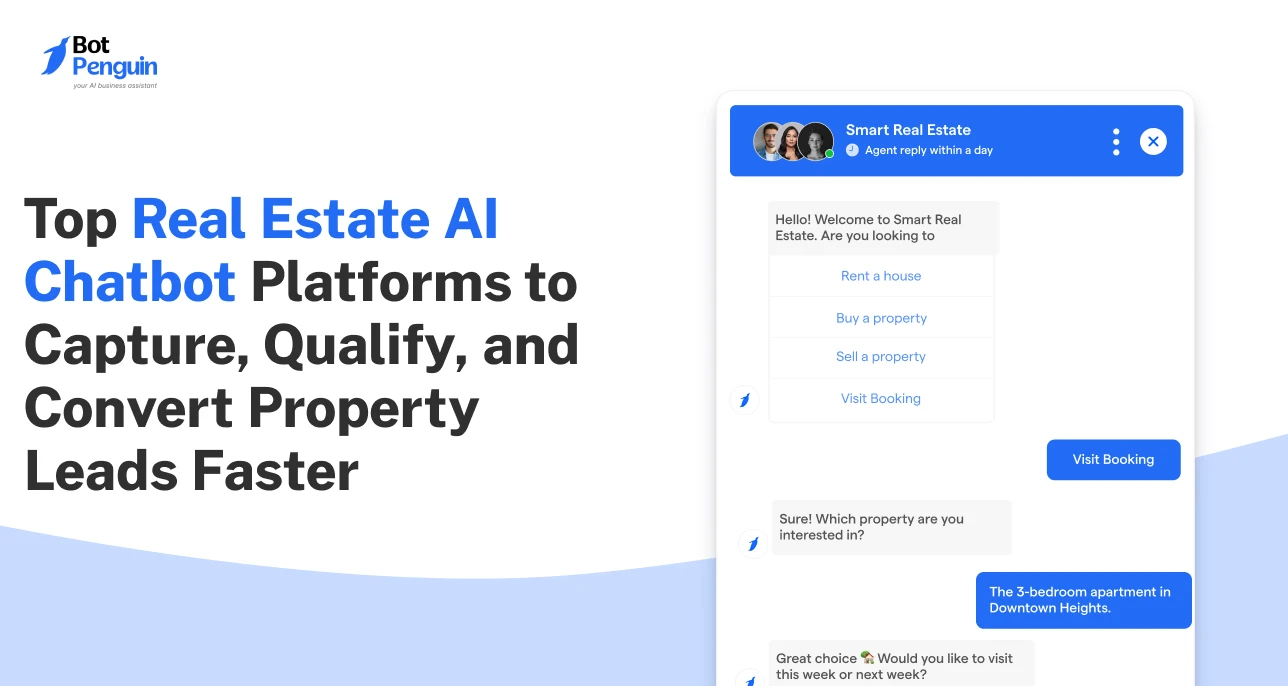
Top Real Estate AI Chatbot Platforms to Capture, Qualify, and Convert Property Leads Faster
Updated at Sep 25, 2026
12 min to read

Property inquiries do not stop after office hours. A Facebook chatbot for real estate can answer listing questions, capture buyer and renter details, qualify prospects, schedule property showings, and continue follow-up when agents are unavailable.
It keeps each conversation moving while interest is still high.
For agencies receiving inquiries from Facebook posts, advertisements, and property pages, this type of Facebook chatbot for business reduces missed conversations without replacing the agent.
A property inquiry can arrive while an agent is showing another home, speaking with a client, or away from the phone.
Facebook chatbots manage these early conversations so buyers and renters can get useful information before moving to another listing.
Digital property search is already a central part of the buying process. In 2024, browsing properties online was the first step in the home-search process for 43% of buyers. Another 51% found the home they eventually purchased through an online search. (Source: National Association of Realtors, 2024)
Many buyers browse Facebook listings outside standard office hours. Renters may also compare several properties before contacting an agent.
A delayed reply may lead the prospect to contact another seller or agency. A chatbot provides an immediate first response, confirms the inquiry, and guides the visitor toward the next step.
Agents can remain responsive without staying online throughout the day.
Most property conversations begin with similar questions. Prospects commonly ask about:
Automating these replies saves agents from entering the same information repeatedly.
It also gives each prospect an answer based on the approved listing details.
A prospect may still be comparing properties when the inquiry is sent. An immediate reply lets the person continue researching without waiting for an agent.
The chatbot can answer the first questions, collect relevant details, and send the conversation to an agent when personal support is required.
A real estate chatbot can manage the early stages of a property inquiry.
It answers questions, captures prospect details, checks buying intent, schedules viewings, and sends qualified leads to the appropriate agent.
For the broader role of AI across property discovery, lead qualification, and follow-up, see our real estate AI chatbot guide
To understand the technology behind these use cases, explore how Facebook chatbots work and the benefits they offer.
Property seekers often compare several listings at the same time. Quick answers help them decide whether a property matches their requirements.
A chatbot can share:
A buyer asking about an apartment can receive its price, furnishing status, parking details, and viewing options within the same conversation.
All answers should come from approved listing information or an updated property database.
Agents should review prices, availability, and property details regularly.
Long forms can interrupt a property inquiry. A chatbot collects essential lead information through short questions within the conversation.
It can ask for:
Facebook lead automation gives agents more than basic contact information.
It records what the prospect wants, which listing generated the inquiry, and what action the person may take next.
The chatbot should collect only the details required for qualification and follow up.
Too many questions can make a simple property inquiry feel like a formal application.
A name and phone number do not indicate whether someone is ready to buy, rent, or invest.
Qualification questions help agents understand budget, fit, and urgency.
The chatbot can ask:
These answers help distinguish casual browsers from prospects with a clear requirement and timeline.
They can also determine which agent, location, or property team should receive the inquiry.
A dedicated chatbot can capture and qualify leads automatically before an agent begins a personal conversation.
Once a prospect chooses a property, the chatbot can move the conversation directly toward a viewing.
It can:
Available slots should come from the connected calendar or booking system.
This prevents visitors from selecting times that are already occupied.
The confirmation should include the property name, appointment time, contact details, and any instructions needed before the visit.
Not every property inquiry ends with an immediate booking.
A chatbot can continue the conversation when the next action is still pending.
It can:
Follow-up messages should relate directly to the property or action discussed.
Repeated generic messages may feel intrusive and reduce trust.
For broader property lead capture, qualification, and viewing workflows across channels, explore BotPenguin's real estate chatbot solution.
A property conversation should lead toward a clear next action.
This flow can begin when someone responds to a Facebook property post, advertisement, or business Page and continue until the prospect books a viewing.
The conversation begins when someone notices a property and wants to confirm whether it is available.
Visitor: Hi, is the two-bedroom apartment in Downtown still available?
Chatbot: Yes, it is currently available. Would you like to view the property details or schedule a showing?
The chatbot answers the first question and gives the visitor two relevant choices.
The prospect can review the main property details before deciding whether to continue.
Visitor: Show me the details.
Chatbot: The property has two bedrooms, two bathrooms, covered parking, and access to a shared gym. The listed price is $320,000.
The reply provides essential information without requiring the visitor to leave Facebook or wait for an agent.
Once the visitor shows interest, the chatbot collects information to help the agent assess readiness and fit.
It may ask:
These answers help the assigned agent prepare before making personal contact.
The chatbot can present available viewing slots from a connected calendar or booking system.
Chatbot: The next available viewing times are Tuesday at 4:00 PM and Wednesday at 11:00 AM. Which works better?
Visitor: Tuesday at 4:00 PM.
Chatbot: Your showing is booked. The assigned agent will contact you with the property address and viewing details.
This flow:
You can explore innovative ways to use a chatbot for Facebook marketing across different customer journeys.
A clear flow helps prospects move from interest to action without making the process difficult.
A useful chatbot begins with a clear purpose.
Decide which property questions it should answer, what details it should collect, and when the conversation should move to an agent.
Agents should regularly update listing availability, pricing, property status, and viewing slots.
Every response and booking path should be tested before publishing.
Read the full build guide for detailed setup instructions.
A real estate chatbot works best when its information, qualification questions, and agent handoff match the actual sales process.
Clear rules help prospects receive accurate answers while giving agents enough context to continue each conversation.
Property details can change quickly. Every chatbot response should reflect the latest approved information.
Review these details regularly:
Outdated information can frustrate prospects and damage trust before an agent enters the conversation.
Qualification should identify fit without making visitors complete a long application.
Collect only what agents need to assess and assign the lead:
Remove questions that do not affect the next action.
Some conversations require judgment, advice, or direct discussion.
Visitors should have a clear way to request an agent for:
These requests should reach the appropriate agent instead of forcing visitors through more automated questions.
The assigned agent should receive:
This context prevents agents from repeating questions and helps them continue from the point where the chatbot stopped.
Use these practices to keep property conversations accurate, relevant, and easy for both prospects and agents to manage.
For a broader look at AI-powered lead qualification, property recommendations, bookings, and follow-ups, see our real estate AI chatbot guide.
These questions address the main concerns real estate professionals may have before using a Facebook chatbot for property inquiries and lead management.
Real estate agents can use a Facebook chatbot to answer listing questions, collect contact details, qualify buyers or renters, schedule property showings, and continue follow up when agents are unavailable or outside normal business hours.
Yes. The chatbot can display available viewing slots, collect the prospect’s preferred time, confirm the appointment, and add the booking to a connected calendar or scheduling tool used by the assigned agent.
No. It handles repetitive early conversations, basic listing questions, and appointment scheduling.
Agents remain responsible for property advice, negotiation, relationship management, legal discussions, and guiding buyers or renters through closing.
Yes. It can ask about budget, preferred location, property type, buying or renting intent, expected timeline, and financing status.
These answers help agents identify serious prospects and assign them to the right team.
Yes. A chatbot can guide visitors through several listings and filter options by price, location, size, or property type.
The listing information must be organized, approved, and regularly updated to keep answers accurate.
Yes. Qualified leads can be routed to the appropriate salesperson, location, property team, or CRM pipeline.
The agent can receive the contact details, listing viewed, qualification answers, questions, and appointment information.
Costs vary based on conversation volume, required features, integrations, number of users, and support requirements.
Simple setups may cost less, while advanced qualification, calendar connections, and CRM routing may increase the price.
A Facebook chatbot for real estate is most valuable when it handles the repetitive work surrounding property inquiries.
It can answer listing questions, capture buyer or renter details, qualify prospects, schedule showings, continue follow-up, and pass serious conversations to the appropriate agent.
Prospects receive timely information while agents receive useful context before they enter the conversation.
The chatbot should support the sales process rather than replace the agent.
Property advice, negotiation, relationship building, and closing still require human judgment.
Start with one clear flow, such as a listing inquiry that leads to a booked showing.
Test every response, update property information regularly, and improve the conversation using real prospect questions.
Subscribe to Our Newsletter
Get the latest business insights straight into your inbox.
Checkout our related blogs you will love.
Updated at Sep 25, 2026
12 min to read
Updated at Sep 25, 2026
14 min to read
Updated at Sep 24, 2026
14 min to read

Updated at Sep 17, 2026
15 min to read
Updated at Sep 16, 2026
12 min to read
Updated at Oct 19, 2026
11 min to read
Table of Contents



