


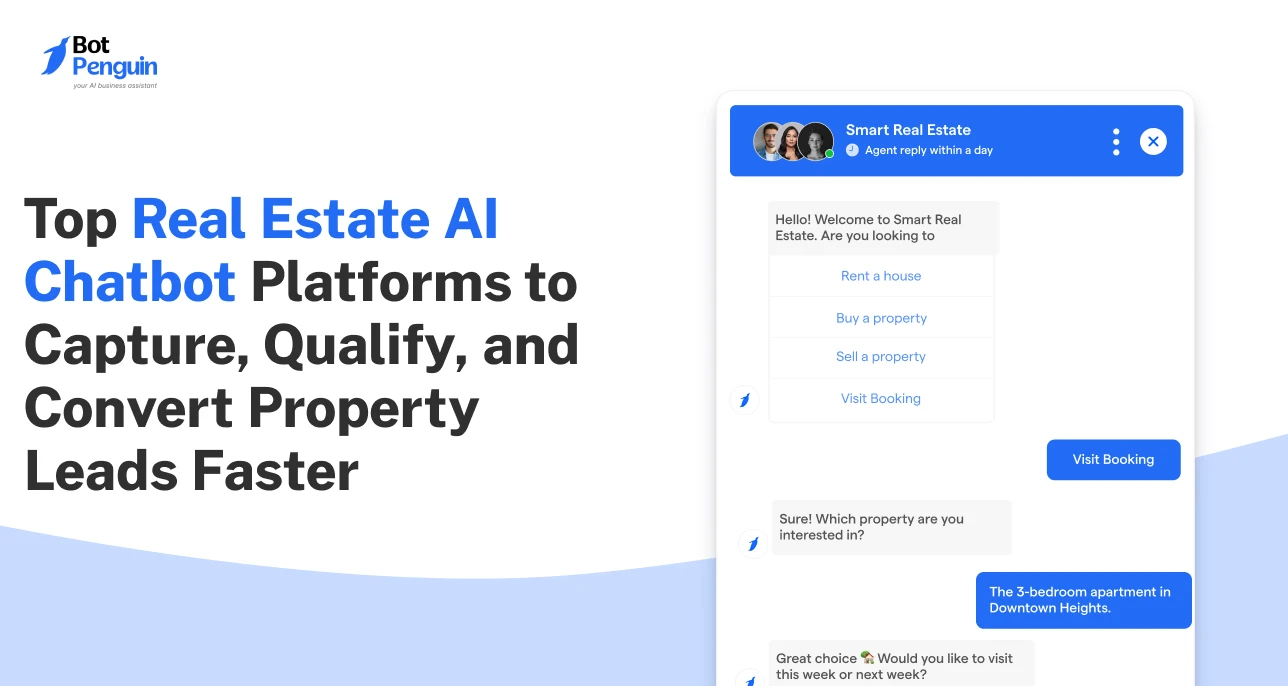
Top Real Estate AI Chatbot Platforms to Capture, Qualify, and Convert Property Leads Faster
Updated at Sep 25, 2026
12 min to read

Automation for real estate uses chatbots to keep buyer follow-up moving. A matching property can trigger an alert without waiting for someone to check every saved search. The same chatbot can continue the conversation through WhatsApp or SMS. This is marketing nurture, not backend transaction or PropTech workflow management.
A buyer who saves a property search today may not book a viewing this week. That does not make the lead unimportant. It simply means the timing is not right yet.
The challenge is staying relevant until that timing changes. A suitable listing may appear tomorrow. The buyer may raise their budget next month. Sometimes, a property they dismissed becomes interesting after a price reduction.
Each change gives the brokerage a genuine reason to reconnect. The difficulty is noticing it in time.
Manual follow-up works when the buyer list is short. A coordinator can check new listings against saved searches and send a personal message. As the list grows, that routine becomes harder to maintain. The work increases with every buyer, even though the team's time does not.
The resulting gaps are more common than many firms realize.
A 2025 mystery-shopping study examined responses from 50 home builders. It found that 24% never sent a personalized email. Another 42% never made a phone call.
The buyer journey also lasts much longer than one inquiry.
That leaves plenty of time for an interested buyer to disappear into a spreadsheet. They may still be searching. They simply have not received anything worth replying to.
A chatbot for real estate agents handles the repeatable parts of this work. It remembers the buyer's criteria and watches for an agreed trigger. When something relevant happens, it sends the approved message. The agent joins when the conversation needs context or judgment.
This page focuses on proactive nurture. If the need is broader inbound chat and qualification, the Real estate chatbot guide covers that separate use case.
The point is not to message people more often. It is to contact them when there is a useful reason.
Behind every useful nurture flow is a simple decision: something happened, so the conversation should move forward.
Suppose a buyer saves a search for a two-bedroom apartment below $600,000. Three days later, a matching property enters the brokerage's listing source. That new match becomes the trigger.
The next step is not automatically “send a message.” The workflow first checks whether the buyer agreed to receive alerts. It may also check whether the property is still available. If the buyer received another update recently, the alert can wait.
Once those conditions pass, the chatbot sends a short message on the approved channel. It might share the listing link and ask one question: Would you like the details or a viewing?
What happens next depends on the reply. A request for similar properties keeps the nurture flow active. A viewing request moves the buyer closer to an agent. A financing question may need a human response straight away.
This table shows how a few common events can shape the next conversation.
Channel choice matters here. Website chat often handles the first interaction. Later updates may continue through WhatsApp or SMS, provided the buyer has agreed to that contact.
The CRM keeps the history together. When the buyer changes a preference, that detail should not stay buried in a chat transcript. It should update the field used by future matches.
The flow usually follows this order:
1. Capture the buyer's search criteria and consent.
2. Watch for a relevant listing or follow-up event.
3. Check whether the message should be sent.
4. Continue according to the buyer's response.
5. Update the CRM or bring in an agent.
It sounds straightforward because it should be. The value comes from making the same sensible decision consistently, even when the team is busy.
Consider Maya, who is looking for a two-bedroom apartment. She has narrowed the search to two neighborhoods and set a firm upper budget. Her purchase timeline is around six months.
Maya visits a brokerage website after office hours. The chatbot asks what she is looking for and records her answers. Before the conversation ends, she chooses WhatsApp for future property alerts.
The chatbot repeats the saved criteria in plain language. Maya spots that one neighborhood is missing and corrects it. That small confirmation prevents the wrong listings from entering the sequence later.
Her answers are then written to the CRM as usable fields. The next workflow does not need to interpret an old conversation from scratch.
Three days later, a new apartment enters the connected listing source. It sits within Maya's budget and matches her chosen area. The property type is right too.
Before contacting her, the workflow checks the essentials. Maya's WhatsApp consent is still valid. She has not received too many recent alerts. The property remains available.
The message is brief: A new two-bedroom apartment matches your saved search. It is in your preferred area and within budget. Would you like the listing details or an available viewing time?
Maya asks for the listing. The chatbot sends the approved link, then offers a choice between more details and a viewing.
She chooses the viewing. The chatbot checks the connected calendar and shows a few available times. Maya selects Saturday morning.
The booking enters the calendar, and the assigned agent receives the conversation. By the time the agent speaks with Maya, the important context is already there. The agent knows which property she selected and why it matched. Her earlier question is also visible.
Now consider a different reply. Maya asks whether the building permits pets, but the approved listing source does not say. The chatbot should not fill that gap with a confident guess. It should acknowledge the missing information and bring in the agent.
The same restraint applies when a buyer raises a legal or financing question. Nurture automation is useful because it knows what to do next. Sometimes, the right next step is to stop talking.
The sequence also needs a clear ending. It stops if Maya withdraws consent or completes her purchase. A request to pause alerts should take effect immediately. If her budget changes, the workflow should update instead of keeping her on old matches.
One buyer has now moved from a saved search to a booked viewing without being chased. The experience still feels personal because every message relates to something Maya actually asked for.
A useful system should fit the brokerage's existing nurture process. A long feature list means little if the buyer data is incomplete or the agent receives a poor handoff.
Start with the channels buyers already use. Website chat may capture the inquiry, while an opted-in buyer may prefer WhatsApp for later alerts. SMS can be useful when it is supported by the chosen setup.
The important question is what happens between those conversations. If a buyer moves from the website to WhatsApp, does the context move too? An agent should not have to search several inboxes to understand one lead.
Consent also needs to follow the buyer. When someone pauses alerts or chooses another contact method, that decision should reach every active sequence.
The system should respond to events that matter in a property search. A saved-search match is the clearest example. A price change may also justify an update. So might a viewing request or a period of silence.
Useful triggers need conditions around them. A location match is not enough when the price exceeds the buyer's budget. An alert should also stop when the listing becomes unavailable.
Ask whether the coordinator can see why a message was sent. When something goes wrong, a visible decision trail makes the problem much easier to fix.
List the fields used in one real nurture sequence. Where is the budget stored? Which field records consent? What changes when a buyer books a viewing?
Then check what the chatbot can read and write. The handoff should include the conversation itself, not just a “new lead” notification. That context saves the agent from rebuilding the entire story.
A clean sync should preserve any changes the buyer made during the conversation.
Some teams need more than scheduled nurture. If the requirement involves autonomous lead handling across several steps, read AI agents for real estate. That is a different use case.
Finally, confirm how the connection works. A common CRM or calendar may have a native integration. A custom listing source could require an API. That detail can change the amount of setup involved.
BotPenguin lets a brokerage manage buyer conversations and follow-up flows in one place. A website visitor can share their requirements through chat. The same information can support later conversations on WhatsApp.
The current integrations directory lists 80+ connections. CRM options include HubSpot and Pipedrive, along with Zoho CRM and Salesforce. Google Calendar is available for scheduling. Calendly and Acuity are listed too.
For a brokerage, those connections can support a focused nurture workflow:
Capture a buyer's requirements through guided questions
Continue approved follow-up on supported channels
Offer viewing times through a connected calendar
Send useful conversation details to the CRM
Bring an agent into higher-intent conversations
Review what happened after each interaction
The Feature List gives teams a broader view of the available capabilities. The live integrations directory should be checked against the brokerage's actual CRM and scheduling setup.
SMS workflows may require a supported messaging connection. Listing feeds can also vary from one brokerage to another. These details are worth confirming during setup rather than assuming every source connects in the same way.
Buyer records contain personal information. A saved search can reveal budget and location preferences. Chat history adds further context. Review Security and Trust before connecting those records.
The easiest way to begin is with one narrow flow. Saved-search alerts make sense because the team can inspect whether the matches are accurate. It can also see whether buyers reply and whether agent handoffs work.
Once that flow is reliable, the brokerage can consider another. A price-change alert may be useful next. Dormant-lead follow-up may make sense for another team.
Product claims should not be the only evidence considered. BotPenguin Testimonials and available Case Studies can provide more context. They should still be treated as evaluation material, not guaranteed outcomes.
The BotPenguin homepage provides the wider product overview. A demo can then focus on the brokerage's own lead flow and tools.
It watches for relevant changes in the buyer journey. A matching property can trigger an alert. A quiet lead may receive a planned follow-up. The chatbot keeps approved messages moving, while agents handle conversations that require personal judgment. This keeps the buyer engaged without manual reminders.
No. This approach focuses on nurturing communication with buyers and sellers. PropTech operations tools work behind the transaction. They may manage documents or internal processes instead. A brokerage can use both systems, but they solve different problems. One manages communication; the other manages operational work.
Yes. The chatbot compares a new listing with the buyer's saved search. It confirms that the main criteria match, then checks consent before sending anything. The alert can include the listing link and an option to request a viewing right away.
No. It manages repeatable contact between meaningful agent conversations. A chatbot for real estate agents keeps the lead warm and collects replies. When the buyer shows intent or needs personal advice, the agent takes over. Human support remains available throughout the search.
Common channels include website chat and WhatsApp. SMS may also be available through the chosen setup. The buyer must agree to receive messages there. When an agent takes over, the earlier conversation should remain available. This prevents the buyer from starting over.
A growing buyer list should be a good problem for a brokerage. It becomes a bad one when useful follow-up depends on someone remembering every saved search.
Automation for real estate keeps those routine conversations from slipping away. The chatbot watches for the right moment and sends an approved message. The agent remains responsible for the relationship.
Start with one sequence that the team already understands. A saved-search alert is often enough. Watch what buyers do with it, then fix the weak points before adding another flow.
The aim is not more outreach. It is better timing, based on what the buyer has actually asked for.
Book a demo to see how BotPenguin can fit that process around your listings and CRM.
Automate Real Estate Follow-Ups
Send timely listing alerts and keep buyers engaged until they are ready to schedule a viewing with your agents.
Start Free TrialCheckout our related blogs you will love.
Updated at Sep 25, 2026
12 min to read
Updated at Sep 25, 2026
14 min to read
Updated at Sep 24, 2026
14 min to read

Updated at Sep 24, 2026
8 min to read
Updated at Sep 16, 2026
12 min to read
Updated at Oct 19, 2026
11 min to read
Table of Contents



