



Facebook Auto Reply: How to Set Up Messenger Auto Replies and Automated Messages
Updated at Nov 5, 2026
7 min to read
Updated On Jul 28, 2026
7 min to read
Facebook lead automation uses a chatbot to engage Messenger visitors, ask qualifying questions, collect contact details, and route prospects to your CRM. Facebook lead ads automation extends this process to ad-generated conversations, helping teams respond faster and prioritize qualified leads.
Most Facebook leads do not need more interest. They need a faster response.
Facebook lead automation closes that gap inside Messenger.
It responds immediately, asks qualifying questions, captures contact details, and filters serious buyers. Facebook lead ads automation extends the same process to people arriving from paid campaigns.
A Facebook chatbot for business keeps every conversation moving while the prospect remains active. It identifies buying intent, records useful details, and prepares qualified leads for CRM handoff.
Sales teams receive better context without monitoring every Messenger conversation manually.
The result is a faster lead process with fewer delays and missed opportunities.
A Facebook chatbot turns an initial interaction into a structured sales opportunity. Each step collects information and moves the visitor closer to action.
The four stages below show how that process works.
The process begins when someone interacts with your Facebook presence. They may send a Messenger message, click a Page button, or respond to an ad.
A configured trigger opens the chatbot flow immediately. Facebook page automation can also start conversations from selected Page actions.
This quick response matters because interest can fade within minutes.
The chatbot next asks questions that reveal buying intent. These questions should match your sales process.
It may ask about:
Each answer can guide the next question. Strong prospects move forward, while others follow a different path.
Teams can see real chatbot examples to compare how these flows collect intent.
Once the visitor shows interest, the chatbot collects useful details. Common fields include name, email address, and phone number.
It may also collect:
The chatbot should request only necessary information. Too many fields can increase drop-offs.
The chatbot then sends the captured data into your CRM. It can include contact details, answers, source, and conversation history.
The CRM can automatically create a new record. It may also assign the lead to the correct salesperson.
This handoff gives sales teams better context before follow-up. It also keeps lead data organized and reduces manual entry.
Together, these steps make Facebook lead automation a repeatable process. The chatbot responds, qualifies, captures, and routes every suitable prospect.
Next, the focus shifts to choosing questions that separate serious buyers from casual inquiries.
Not every Messenger inquiry deserves immediate sales attention. Qualification helps separate ready buyers from casual visitors.
The following sections show how chatbots assess responses and guide each lead forward.
Your chatbot should ask specific questions tied to sales decisions.
Use prompts such as:
Each answer gives the chatbot useful context. It also helps identify whether the lead matches your offer.
Facebook lead automation can change the conversation based on each response. A high budget may trigger detailed product options. A nearby location may open appointment booking.
Qualification answers should determine the visitor’s next step.
A serious prospect should not be left behind by casual inquiries. The chatbot can alert sales when buying intent is clear. Lower-intent leads should follow a different path. They may receive educational content, reminders, or later follow-up.
This approach protects your sales team’s time. It also keeps promising leads moving while their interest remains active.
Once qualification ends, the next step is to transfer the complete lead data into your CRM.
Capturing a lead is only useful when the data reaches sales. CRM integration keeps every detail organized and ready for follow-up.
The steps below show how chatbot data enters your sales workflow.
The chatbot sends captured details directly into your CRM. These may include names, emails, phone numbers, and service interests.
The CRM can automatically create a new contact. It can also update an existing record when details are already in place.
Common systems include HubSpot, Salesforce, and Zoho CRM. The exact connection depends on your chatbot and CRM setup.
The CRM should receive more than basic contact information. It should also store budget, timeline, location, and purchase intent.
Conversation history gives sales teams additional context. Representatives can review what the lead asked before making contact.
This makes Facebook lead automation more useful for sales. Teams receive both the lead and the reason behind their interest.
Lead responses can determine assignment rules. High-intent prospects may be added to a priority pipeline.
The CRM can also assign leads by location, service, or team. This reduces manual sorting and prevents missed opportunities.
Sales representatives can follow up with clearer information. They spend less time researching and more time continuing the conversation.
Next, let's see how this process changes across different business types.
The lead flow stays similar across industries. However, each business needs different qualification questions and routing rules.
The examples below show how Facebook lead automation adapts to specific buying journeys.
A Facebook chatbot for real estate can ask about property type, location, budget, and buying timeline.
It may also check financing status before routing the prospect. Ready buyers can reach an available agent immediately.
An insurance chatbot can first identify the required policy type. It may ask about coverage needs, eligibility details, and renewal dates.
The chatbot can also collect the preferred contact method. Qualified prospects can then reach the correct insurance advisor or pipeline.
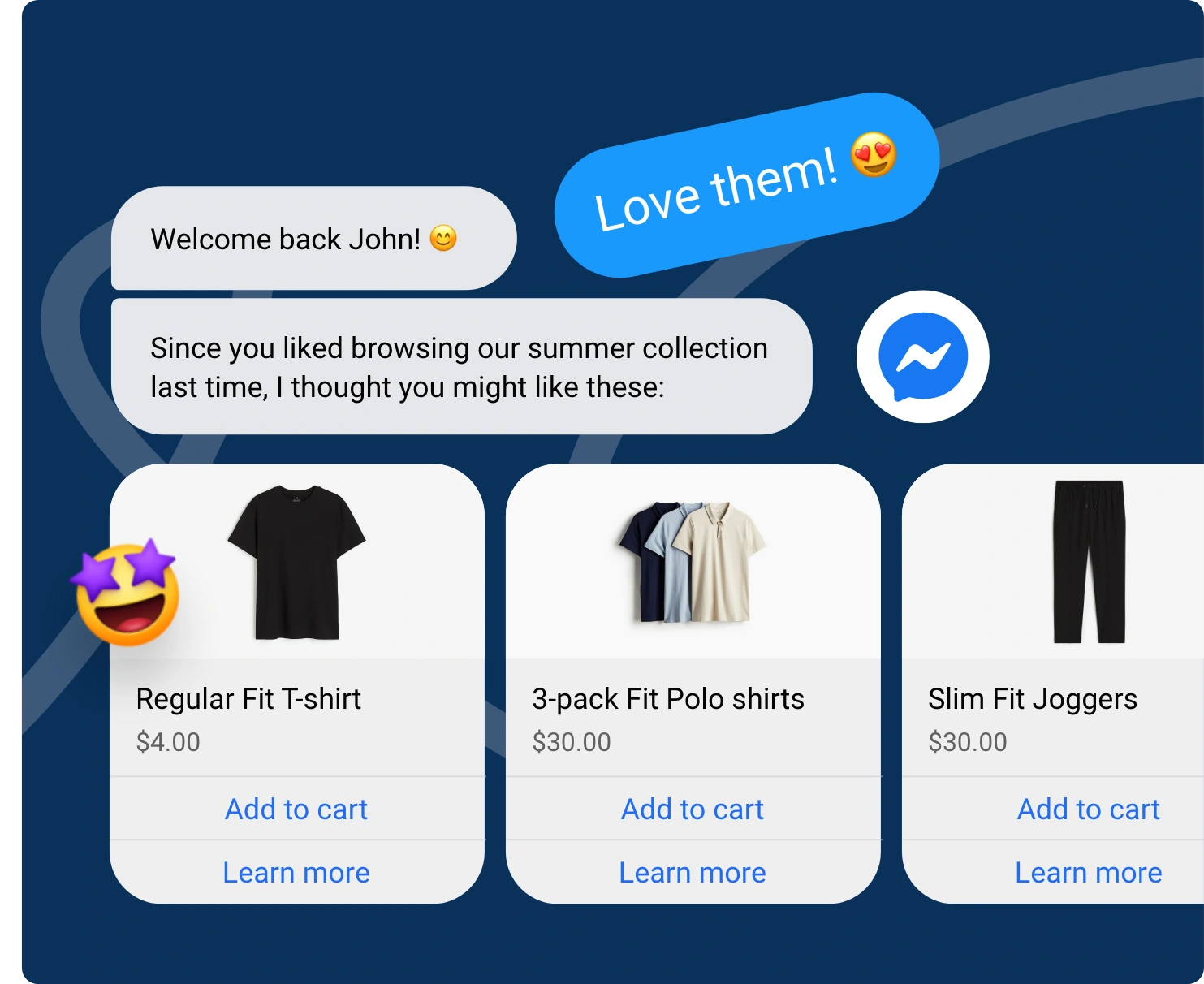
An ecommerce chatbot can identify the shopper’s product interest and purchase intent. It may ask about budget, delivery location, or product concerns.
Responses can determine the next action. Ready buyers may receive product options, while hesitant shoppers get relevant information.
Each industry uses the same basic process. The questions vary depending on the sales decision.
Next, the chatbot flow must be configured around those questions and outcomes.
Setting up lead generation requires a short, structured workflow. Each step should support qualification, routing, and follow-up.
Keep the setup focused on your sales process. Avoid collecting details your team will not use.
For step-by-step instructions, use our full build guide for a Facebook Messenger chatbot. A tested setup makes Facebook lead automation easier to manage after launch.
A Facebook chatbot initiates conversations, asks qualifying questions, and automatically collects contact details. It can identify needs, budget, timeline, and intent before routing suitable prospects to sales. This makes Facebook lead automation faster, more consistent, and easier to manage.
Yes. A chatbot can ask about budget, exact needs, location, timeline, and purchase readiness. It can then score or route each response, sending strong prospects to sales while directing lower-intent leads into a different follow-up path for later nurturing automatically.
Most chatbot tools can connect with CRMs such as HubSpot, Salesforce, or Zoho CRM. Captured details, qualification answers, and conversation history can create or update records, assign leads, and support faster follow-up without repeated manual data entry by sales teams.
Yes. Lead generation focuses on attracting, capturing, and qualifying new prospects for sales. Customer support automation answers questions, resolves issues, and assists existing customers. The goals, conversation paths, captured information, and success measures differ between these two automation use cases.
Businesses receiving Messenger inquiries benefit most. Common examples include real estate, insurance, ecommerce, education, and local services. These businesses often need quick responses, structured qualification, accurate contact capture, and fast routing before a prospect loses interest or chooses a competitor.
Messenger traffic creates value only when businesses respond while interest remains active.
A Facebook chatbot replies immediately and guides each prospect through a clear lead journey.
It asks relevant questions, captures useful contact details, and filters casual inquiries from serious opportunities. Qualified leads then enter the CRM with their answers and conversation context attached.
This process reduces manual follow-up and gives sales teams clearer priorities.
Facebook lead automation turns passive Messenger conversations into a structured, CRM-ready pipeline without depending on constant manual Messenger monitoring.
Use BotPenguin to start capturing leads for free and build a more responsive Facebook lead process.
Capture More Facebook Leads
Qualify Messenger prospects, collect contact details, and automatically route sales-ready leads into your CRM every single day with BotPenguin Facebook chatbots.
Build Your FB ChatbotCheckout our related blogs you will love.
Updated at Nov 5, 2026
7 min to read
Updated at Oct 13, 2026
7 min to read
Updated at Oct 22, 2026
13 min to read
Updated at Oct 15, 2026
12 min to read
Updated at Oct 10, 2026
18 min to read

Updated at Oct 6, 2026
10 min to read
Table of Contents



