



Best Facebook Chatbot & AI Agent Platforms for 2026 (Compared)
Updated at Oct 6, 2026
10 min to read
Updated On Oct 15, 2026
12 min to read

Facebook Messenger ads are Meta ads that open a Messenger chat with your business instead of a website. The most common format, Click-to-Messenger ads, uses a Send Message button. Businesses create these ads in Meta Ads Manager and can use a Messenger chatbot to respond automatically, answer questions, and capture leads.
Getting clicks on your Facebook ads is only half the job. What happens when someone starts a conversation but doesn't get a timely response?
Facebook Messenger ads help businesses connect with potential customers directly through Messenger. Instead of sending people to a landing page, these ads encourage them to start a conversation.
However, turning those conversations into qualified leads requires quick responses and consistent follow-ups.
In this guide, you'll learn how to create Click-to-Messenger ads, explore practical examples, and track campaign performance. You'll also learn how BotPenguin automates Messenger replies, qualifies leads, and manages customer conversations.
To explore campaign management beyond Messenger conversations, learn how Facebook ads automation helps businesses manage advertising workflows.
Facebook Messenger ads are Meta advertisements that help businesses start conversations with potential customers through Messenger. They connect ads to direct messaging, letting customers ask questions, explore products, or request information.
Messenger advertising has traditionally included three formats. However, Meta has discontinued two older options.
Click-to-Messenger ads remain the relevant option for businesses in 2026. These ads feature a Send Message button that opens a Messenger conversation.
Unlike traditional ads that direct users to websites, they encourage immediate interaction. Businesses can then answer questions, qualify prospects, and collect lead information.
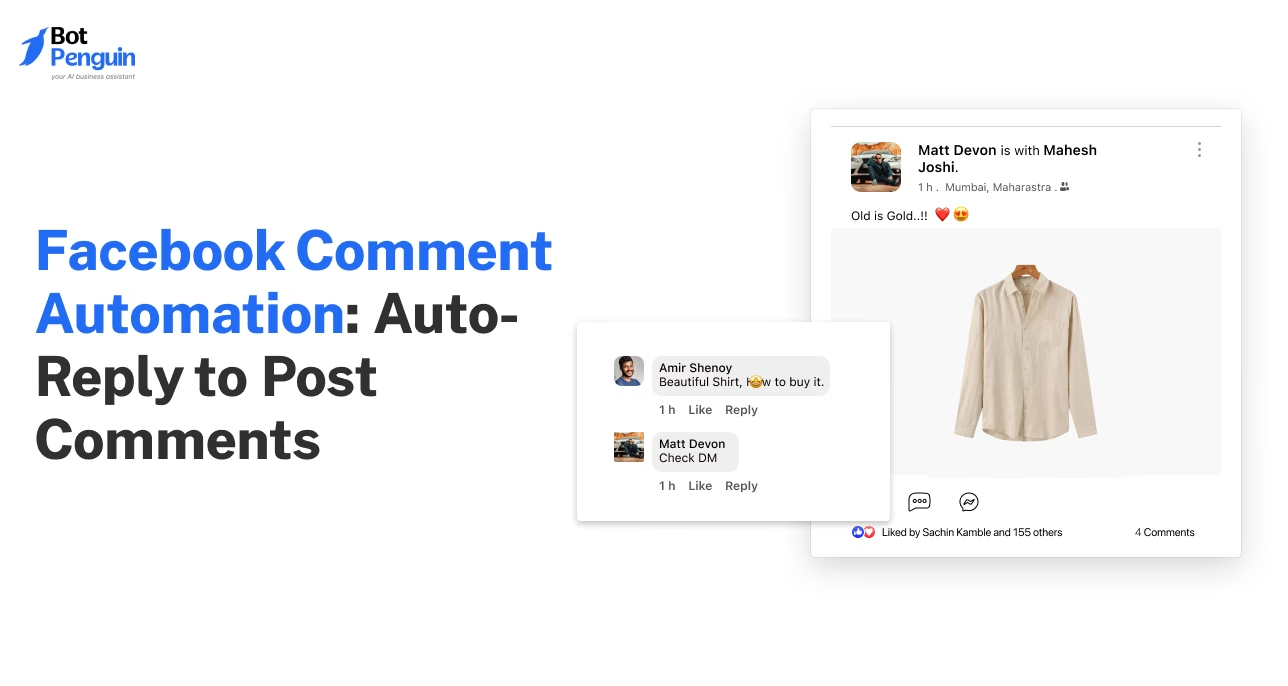
Businesses can also reply to ad comments automatically, engaging users directly in Facebook comment sections beyond Messenger conversations.
The next step is to create these ads in Meta Ads Manager.
You can create Click-to-Messenger ads through Meta Ads Manager by selecting a messaging campaign, choosing Messenger as the destination, and setting up the opening conversation.
Follow these steps to launch your campaign.
Open Meta Ads Manager and click Create. Select your business's ad account and enter a campaign name.
Select Engagement to focus on starting Messenger conversations. Depending on your campaign goals and account setup, Meta also supports messaging ads under Traffic, Leads, and Sales objectives.
Click Next to continue.
At the ad set level, select the messaging conversion location. Choose Click to Message where available, and set Messenger as your messaging app.
Select the Facebook Page that will receive customer conversations.
Define your target audience using location, demographics, and available targeting options. Set your daily or lifetime budget, campaign schedule, and ad placements.
Upload an image or video, write a clear headline, and explain why someone should message your business.
Select Send Message as the call-to-action button.
Under Message Template, select Create New and add a welcoming message.
Include frequently asked questions or quick replies to start conversations. Explore these Messenger greeting examples for inspiration before saving your template.
Preview your ad and confirm that Messenger is the selected destination. Check your budget, creative, and opening message before clicking Publish.
Meta reviews your campaign before it goes live.
Once the ad goes live, the next challenge is responding to the conversations it generates.
Clicking a Messenger ad opens a conversation, but it doesn't guarantee a lead or conversion. What happens next determines whether the prospect continues engaging or leaves.
Meta's message templates can greet visitors and display FAQs. However, businesses still need to manage the conversation beyond these initial responses.
Here's where potential leads often get lost:
Delayed Responses: Customers leave when their questions go unanswered for too long.
Missing Qualification: Without relevant questions, businesses struggle to identify serious prospects.
Incomplete Lead Details: Conversations end without collecting names, contact information, or customer requirements.
Poor Human Handover: Complex inquiries remain unresolved when customers cannot reach a team member.
For example, someone clicking a real estate ad might ask about property availability. A quick response should confirm their requirements, collect contact details, and connect them with an agent when needed.
Managing these interactions manually becomes difficult as conversation volume increases. Automating Messenger replies helps businesses respond consistently and move prospects toward the next step.
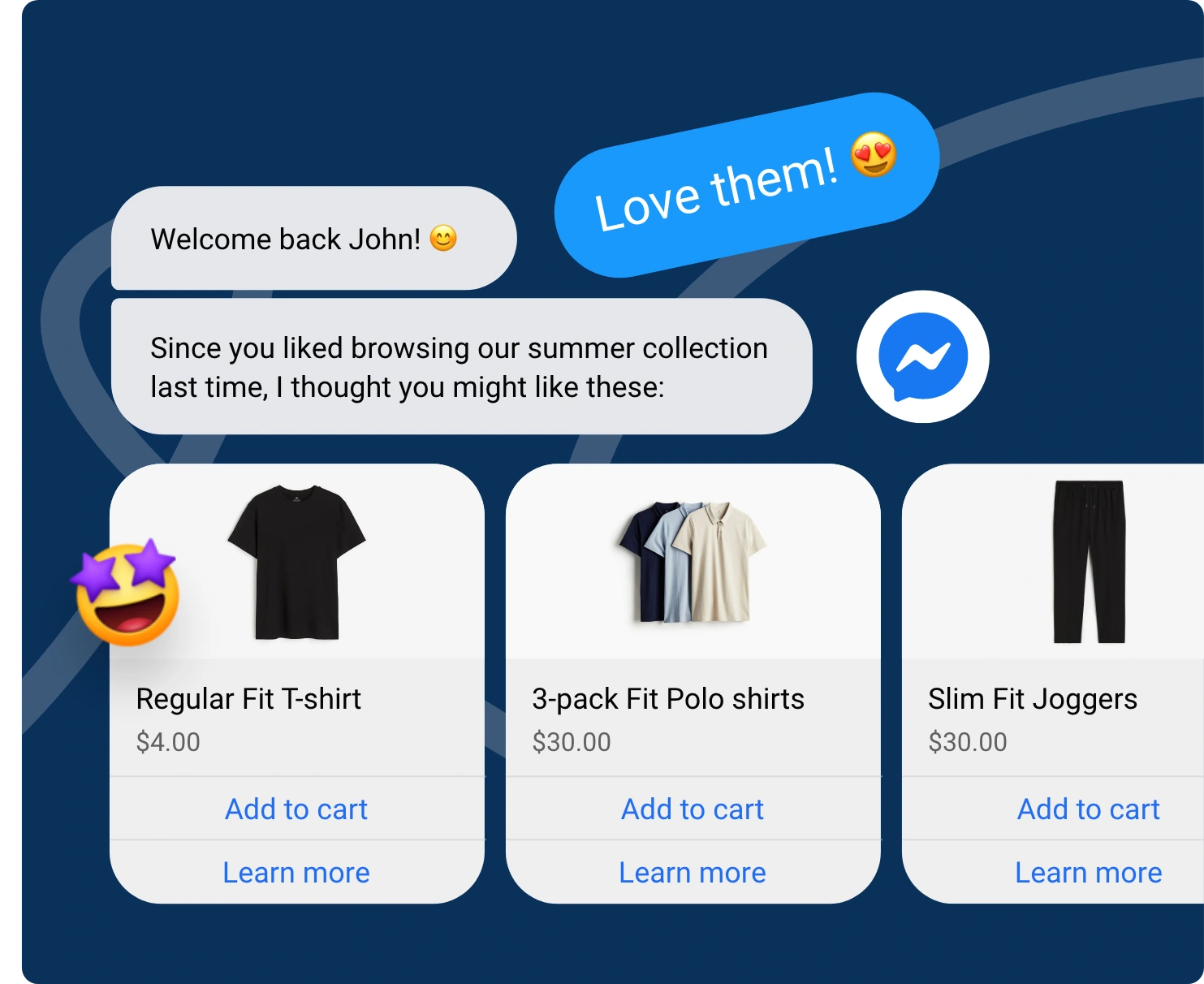
BotPenguin helps businesses respond automatically to Messenger conversations, qualify potential customers, and manage inquiries without relying entirely on manual replies.
When someone clicks your ad and starts a Messenger conversation, a connected Facebook chatbot can handle the interaction.
Here's what BotPenguin helps automate:
Instant Replies: Respond to incoming messages without keeping customers waiting.
Lead Qualification: Ask relevant questions to understand customer needs and buying intent.
FAQ Handling: Answer common questions using your business knowledge base.
Contact Collection: Capture names, phone numbers, and other relevant lead details.
Appointment Booking: Schedule appointments through integrations such as SimplyBook.me.
CRM Updates: Send lead information to connected CRM systems.
Human Handover: Transfer conversations to your team through the live chat inbox.
On BotPenguin's King plan, the AI Agent on Facebook Messenger answers customer questions from your knowledge base and takes action inside the conversation: it checks open slots and books appointments, updates the contact's details, tags and status, sends lead data to your CRM, and hands the chat to your team when a person needs to step in.
BotPenguin is a Meta Business Partner.
With incoming Messenger conversations managed, businesses can focus on choosing the right ad format for their lead generation goals.
For plan details and available automation features, explore BotPenguin's pricing.
Click-to-Messenger, Facebook Lead Ads, and Click-to-WhatsApp ads generate leads in different ways. The right choice depends on where you want conversations to happen and how you plan to follow up.
Choose Click-to-Messenger when you want prospects to ask questions and receive immediate answers.
Choose Facebook Lead Ads when collecting structured contact details is your priority.
Choose Click-to-WhatsApp when you want customer conversations to happen directly on WhatsApp.
With BotPenguin, businesses can send Facebook Lead Ads leads to WhatsApp for automated follow-ups rather than Messenger.
Once you've selected your ad format, the next step is creating messages that encourage prospects to engage.
Click-to-Messenger ads work best when the ad message matches the conversation that follows. A relevant opening question helps visitors engage and move toward their goal.
Here are five practical templates for different businesses.
Ad Hook: Found your dream home? Message us to explore available properties and book a viewing.
Opening Bot Message: "Hi! Thanks for your interest. Are you looking to buy or rent a property?"
Quick-Reply Buttons:
Buy a Property
Rent a Property
A Facebook chatbot for real estate can then collect preferences and help schedule viewings.
Ad Hook: Need a doctor's appointment? Message our clinic to check available slots.
Opening Bot Message: "Hello! Welcome to our clinic. Would you like to book an appointment or ask about our services?"
Quick-Reply Buttons:
Book Appointment
Explore Services
A Facebook chatbot for healthcare appointment bookings can help patients find suitable appointment times.
Ad Hook: Explore courses that match your career goals. Message us for admission details.
Opening Bot Message: "Hi! Which information would help you get started with your course selection?"
Quick-Reply Buttons:
Course Details
Admission Fees
A Facebook chatbot for education can answer course questions and collect student inquiries.
Ad Hook: Interested in our latest collection? Message us for product details and availability.
Opening Bot Message: "Hi! Thanks for checking out our products. What would you like to know?"
Quick-Reply Buttons:
Check Availability
View Product Details
The conversation helps shoppers find relevant information before they buy.
Ad Hook: Looking to grow your business? Message our team to discuss your marketing goals.
Opening Bot Message: "Hello! We'd love to learn about your business. How can we help you today?"
Quick-Reply Buttons:
Book Consultation
Explore Services
The conversation can capture business requirements before connecting prospects with an agency representative.
These examples are illustrative templates, not actual brand campaigns. Customize the messages and quick replies around your customers' needs.
Once your ads start generating conversations, tracking the right metrics helps measure their effectiveness.
Tracking Messenger ad performance helps businesses measure lead quality, response efficiency, and campaign costs. Focus on metrics that show what happens after someone starts a conversation.
For example, a campaign generating many conversations but few qualified leads may need better qualification questions.
Similarly, a high cost per conversation could indicate problems with targeting, creative, or audience relevance.
Review these metrics regularly using Meta Ads Manager and your conversation management tools. Together, they help identify opportunities to improve campaign performance and lead handling.
Facebook Messenger ads encourage users to start conversations with businesses. The three traditional formats are Click-to-Messenger ads, Sponsored Messages, and Messenger inbox ads. Only Click-to-Messenger remains available for new campaigns.
Messenger ad costs depend on your campaign budget, targeting, competition, and Meta's advertising auction. Set your budget in Ads Manager and monitor cost per conversation to evaluate performance.
Meta's message templates provide greetings and suggested questions. A Messenger chatbot like BotPenguin can automate replies, answer FAQs, qualify leads, collect contact details, book appointments through integrations, and transfer conversations to human agents.
Businesses can generally respond within Meta's standard 24-hour messaging window after a customer's interaction. Messages outside that window require an applicable permitted messaging mechanism. Always follow Meta's current messaging policies.
Facebook Messenger ads help businesses turn advertising clicks into direct customer conversations. However, generating messages is only the first step toward capturing qualified leads.
Success depends on choosing the right campaign objective, creating relevant opening messages, and responding quickly to customer inquiries.
With BotPenguin, businesses can automate Messenger replies, qualify prospects, capture contact details, and connect customers with human agents when needed.
Start by setting up your Click-to-Messenger campaign in Meta Ads Manager. Then, use automation to make every incoming conversation count.
Reply to every Messenger ad chat automatically. Start free with BotPenguin.
Convert Messenger Ad Clicks
BotPenguin automatically answers Messenger inquiries, qualifies interested prospects, captures lead details, and connects customers with your team when needed.
Start Automating FreeCheckout our related blogs you will love.
Updated at Oct 6, 2026
10 min to read
Updated at Aug 31, 2026
7 min to read
Updated at Oct 22, 2026
13 min to read
Updated at Oct 13, 2026
7 min to read
Updated at Oct 10, 2026
18 min to read
Updated at Sep 10, 2026
12 min to read
Table of Contents



