


What is HR Automation? Benefits, Features, and Use Cases
Updated at Oct 30, 2026
10 min to read
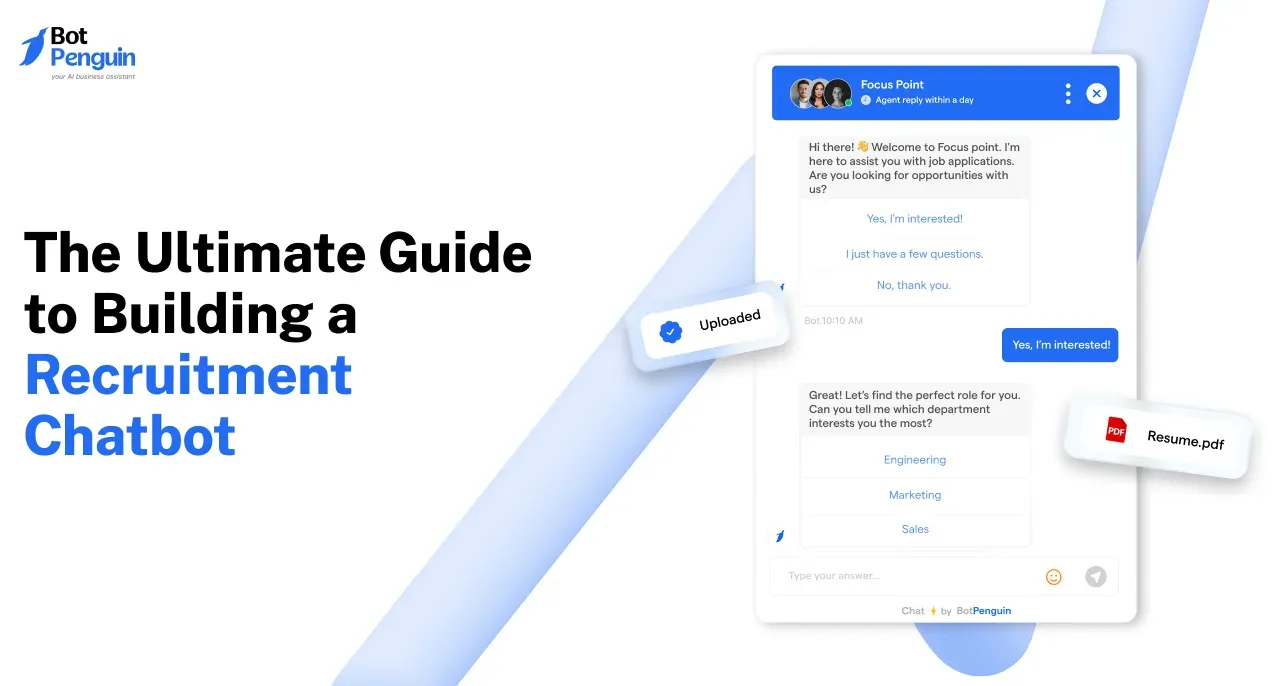
To learn how to build a recruitment chatbot, start by defining its hiring goal and candidate journey. Add accurate job and policy information, create screening and routing flows, connect required recruitment tools, and set human handoff rules. Then test every path, deploy the chatbot, and monitor performance to improve it over time.
AI is already reshaping recruiting workflows.
LinkedIn’s 2025 Future of Recruiting report found that 37% of recruiting teams were actively integrating or experimenting with generative AI, up from 27% a year earlier.
For teams learning how to build a recruitment chatbot, implementation matters more than automation alone. A well-planned recruitment chatbot needs accurate hiring information, clear candidate flows, integrations, and human handoff rules.
This guide covers the complete build process, from defining the chatbot’s role to preparing recruitment data. You will learn how to design candidate flows, connect recruitment systems, test critical paths, launch confidently, and improve performance after deployment.
A strong recruitment chatbot setup starts with clear requirements. Define what the chatbot should handle before building any conversation flow.
Hiring Objective: Decide the chatbot’s main job. It may answer questions, pre-screen candidates, schedule interviews, or route applicants.
Candidate Information: List the details you need to collect. This may include names, contact details, experience, location, and role preferences.
Recruitment Knowledge: Prepare current job descriptions, hiring FAQs, benefits, policies, interview steps, and workplace information.
Screening Criteria: Define the questions used to qualify candidates. Keep them relevant to the role and easy to answer.
Candidate Channels: Choose where candidates will interact with the chatbot. Focus on channels your hiring process already uses.
Integrations: Identify systems that must exchange candidate data. These may include ATS platforms, calendars, or other recruitment automation tools.
Human Handoff: Define when recruiters should take over. Complex questions, exceptions, or sensitive conversations should have a clear escalation path.
Once these requirements are clear, you can turn them into a structured recruitment chatbot workflow. The next step is building that workflow from start to launch.
If you want to learn how to build a recruitment chatbot, start with one clear hiring workflow. Then build each step around the candidate journey you want to automate.
Decide what the chatbot should handle before building the flow.
Common goals include:
Answering candidate questions
Capturing applicant information
Pre-screening candidates
Routing qualified applicants
Scheduling interviews
Escalating conversations to recruiters
Keep the first use case focused. Avoid automating tasks that still require recruiter judgment.
Teams planning broader multi-step hiring automation can also explore how AI agents for recruiting handle more complex recruitment workflows.
Decide where candidates will interact with the chatbot.
Choose channels based on how candidates actually behave. Consider where applicants discover jobs and contact your hiring team.
Start with one primary channel when possible. A focused recruitment chatbot setup is easier to test and improve before expanding.
Give the chatbot accurate information it can use during conversations.
If you are still choosing a platform, comparing the best recruiting chatbots can help you identify options that fit your hiring workflow.
Useful sources may include:
Active job descriptions
Careers page content
Role requirements
Employee benefits
Interview stages
Workplace policies
Hiring FAQs
Remove outdated information before adding it.
Then define tone, response boundaries, and escalation rules. The chatbot should know when to answer and when to involve a recruiter.
Turn the hiring objective into a simple conversation path. A basic recruitment chatbot workflow may look like this:
Candidate enters → identifies intent → gets job information → answers screening questions → provides details → gets routed or scheduled → reaches a recruiter when needed
Keep screening questions short and relevant.
Also create fallback paths for unclear answers, incomplete information, and recruiter requests. Every path should give the candidate a clear next step.
Connect only the systems needed to complete the workflow.
Depending on your process, the chatbot may need to:
Store candidate details
Update applicant records
Trigger interview scheduling
Notify recruiters
Pass conversation context
Map candidate information carefully between systems.
Also plan what happens if an integration fails. Candidates should still receive a clear next action.
Test every major candidate journey before launch.
Check:
Job information
Screening branches
Invalid inputs
Human handoff
Interview scheduling
Integrations
Mobile experience
Fallback responses
Include both expected and unexpected candidate behavior.
Recruiters should review the flow before deployment. They can identify missing questions, weak routing, or unnecessary steps.
Once testing is complete, launch the chatbot on your chosen channel.
Monitor:
Conversation completion
Candidate drop-off
Screening completion
Human handoff rate
Scheduling completion
Unanswered questions
Use those signals to improve the flow.
For example, high drop-off may indicate excessive screening questions. Frequent handoffs may reveal missing recruitment information. Update job details whenever hiring information changes.
Review the flow regularly as candidate behavior evolves. Reviewing relevant recruitment chatbot case studies can also show how different hiring workflows are structured and improved over time.
Following these steps gives you a practical way to build a recruitment chatbot without overcomplicating the first version. The next step is avoiding the common implementation mistakes that can weaken an otherwise solid build.
Small implementation mistakes can weaken an otherwise strong recruitment chatbot workflow. The table below shows the most common issues and the practical fix for each.
Also review applicable employment, privacy, and AI requirements before deployment.
Avoiding these mistakes keeps the chatbot reliable and easier to maintain. The next step is to apply a few build practices that further improve the candidate experience.
A strong chatbot should stay simple, accurate, and easy to maintain. These practices help keep the candidate experience clear after launch.
Keep Screening Conversations Short: Ask only what is needed for early qualification. Long flows can increase candidate drop-off.
Use Clear Candidate Language: Keep questions and responses simple. Avoid internal recruiting jargon that candidates may not understand.
Ask Only for Necessary Information: Collect data that directly supports the hiring process. Avoid unnecessary personal details.
Keep Job Information Current: Update roles, requirements, policies, and hiring FAQs whenever they change.
Provide Human Handoff: Give candidates a clear path to a recruiter. Use it when the chatbot reaches its limits.
Test Branches Regularly: Recheck screening paths, scheduling, fallbacks, and integrations after major updates.
Monitor Unanswered Questions: Repeated unanswered queries often reveal gaps in the chatbot’s knowledge.
Review Candidate Drop-Offs: Identify where conversations end early. Simplify those parts of the recruitment chatbot workflow where needed.
These practices help keep the chatbot useful beyond its initial launch. The final step is bringing the build process together into a practical implementation mindset.
Building a recruitment chatbot works best when you keep the scope focused from the start.
Define one hiring goal, prepare accurate recruitment information, design a clear candidate journey, and connect only the systems the workflow truly needs. Test every major path before launch, especially screening, integrations, fallbacks, and human handoff.
Learning how to build a recruitment chatbot is only the first step. Keep job information current, involve recruiters where judgment matters, and improve weak points using real candidate interactions.
If you are ready to put that process into practice, BotPenguin offers a no-code way to start building and refining recruitment conversations.
Start by defining one hiring objective and candidate journey. Prepare accurate job information, create screening and routing logic, choose a candidate channel, connect required recruitment systems, test every major path, then launch and improve the chatbot using real interaction data.
Train it on current job descriptions, role requirements, careers-page content, benefits, workplace policies, interview stages, locations, remote-work rules, and hiring FAQs. Remove expired roles and conflicting information first, then assign someone to keep the recruitment knowledge current after launch consistently.
Yes. A no-code recruitment chatbot builder can let teams create candidate flows, screening questions, routing rules, knowledge sources, integrations, and handoff paths without programming. The important work remains process design, accurate recruitment data, testing, and deciding where recruiters should intervene.
Connect the chatbot through a supported native integration, API, webhook, or automation layer, depending on your ATS. Map candidate fields carefully, test record creation and updates, verify permissions, and create a fallback process for failed transfers before deploying it live.
Test job answers, screening branches, invalid inputs, human handoff, scheduling, integrations, mobile behavior, privacy-sensitive inputs, and fallback responses. Run both expected and unexpected candidate journeys, then ask recruiters to review the flow for missing questions or unclear routing before launch.
Subscribe to Our Newsletter
Get the latest business insights straight into your inbox.
Checkout our related blogs you will love.
Updated at Oct 30, 2026
10 min to read

Updated at Oct 24, 2026
12 min to read
Updated at Oct 23, 2026
10 min to read
Updated at Oct 16, 2026
8 min to read
Updated at Oct 15, 2026
7 min to read

Updated at Oct 13, 2026
17 min to read
Table of Contents


