




Shopify Customer Service Chatbot: How It Improves Support
Updated at Oct 16, 2026
15 min to read

Shopify automation uses rules, triggers, and connected tools to complete repetitive store tasks without manual action. Merchants can automate marketing messages, customer support, order processing, fulfillment updates, inventory alerts, and internal workflows. The right starting point depends on the store’s biggest recurring task or operational bottleneck.
Most Shopify stores automate a few obvious tasks and stop there. Meanwhile, repetitive work grows across marketing, support, orders, and operations.
Shopify automation connects those tasks through clear triggers and actions.
The harder part is deciding where automation will matter most. When you automate Shopify store workflows without a plan, tools can overlap, creating extra work.
Start by identifying the tasks causing the most manual effort.
From there, you can decide what should run automatically. You can also define where human judgment still matters. That begins with understanding the main categories of automation.
Shopify automation uses rules that connect a store event with a predefined action. The trigger starts the workflow, while the action completes the task.
For example, inventory may fall below ten available units. Shopify can then notify the assigned employee when stock is low. This creates a clear link between the event and response.
Automation is not a single tool in every Shopify store. It combines Shopify features, connected apps, and defined workflows. Merchants choose each setup based on the task involved.
Common automation categories include:
Many merchants can automate Shopify store tasks without writing code.
No-code builders use menus, templates, and visual workflow steps. Merchants select a trigger, choose an action, and test the result.
Shopify marketing automation connects sign-ups, product views, purchases, and stock changes with timely customer messages.
When a first-time visitor subscribes, Shopify records the new customer. A connected workflow then sends a welcome message and product recommendation. The recommendation can reflect the shopper’s viewed category or selected preferences.
Useful Shopify marketing workflows include:
Each workflow needs a specific Shopify event and customer segment. A returning buyer should not receive first-time shopper messaging. Likewise, unrelated offers can weaken engagement and trust.
Shopify apps can manage email, SMS, and chatbot workflows together. However, merchants should avoid building every flow at once. Start with events that already occur frequently inside the store.
Email setup requires more deliberate decisions about timing, segments, and sequences. Merchants can go deeper on Shopify email automation specifically.
Keep every message tied to a real Shopify event and customer segment. This prevents irrelevant offers and overlapping campaigns.
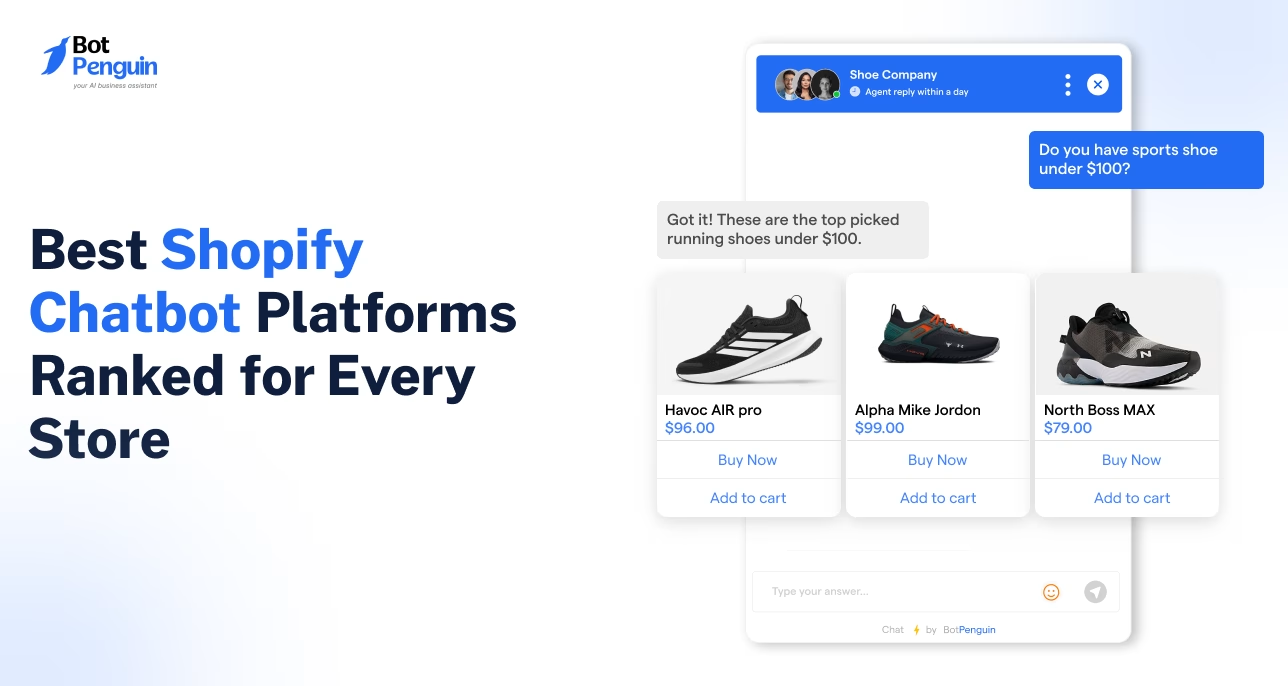
Shopify support automation answers repetitive questions before they reach an agent, keeping support queues manageable.
When a customer asks about an order, the chatbot requests an order number. It then returns the latest status from connected Shopify data. This workflow reduces repeated order-tracking requests.
Common support workflows include:
These workflows work best when answers use current Shopify store data. Static replies can become inaccurate after policy or inventory changes. Regular reviews keep automated responses useful.
Automation does not replace customer service teams. It handles predictable requests that follow clear rules. Agents can then focus on complaints, exceptions, and sensitive issues.
A handover should happen when the chatbot lacks enough information. It should also happen when the customer requests human help. The agent should receive the full chat and collected details.
Merchants can read our guide to understand more about what a Shopify chatbot actually does.
Order automation connects Shopify events with clear fulfillment actions. Each workflow should begin with a measurable trigger.
Common workflows include:
Triggers should match the store’s actual fulfillment process. An alert without a clear owner may still delay action. Each notification should reach the responsible employee or team.
Return workflows also need defined conditions. An eligible request can automatically create a return label. An expired request should route to an agent for review.
Abandoned checkout workflows can use email, SMS, or chatbot messages. Timing should reflect the product and purchase cycle. Frequent reminders may annoy shoppers and weaken trust.
BotPenguin reports up to a 35% cart recovery rate from an automated flow. Merchants can read our guide to learn how to set up abandoned cart recovery.
Shopify workflow automation connects internal store events with assigned actions. It reduces manual updates across purchasing, finance, sales, and fulfillment teams.
Useful operational workflows include:
Each workflow needs a clear owner because unassigned notifications create more administrative work. Defined ownership also makes every alert easier to resolve.
Shopify tags can also support internal routing. A high-risk order may receive a review tag. The fraud or finance team can then inspect it before fulfillment.
Connected apps can pass information between Shopify and other systems. Customer details may be updated in a CRM after purchase. Inventory events may also create tasks inside project management tools.
These workflows reduce copying, forwarding, and repeated status checks. Staff spend less time coordinating routine actions. They can focus on exceptions that require judgment.
Choosing Shopify automation software starts with the store’s biggest manual burden. The goal is not collecting more apps, but reducing one repeated task with measurable results.
Use these factors before choosing a tool:
Merchants should begin with one frequent, measurable task. Order-status questions, stock alerts, or delayed fulfillment are useful starting points.
The selected tool should define clear triggers and actions. It should also show whether each workflow completed successfully. Without reporting, merchants cannot identify failures or measure saved time.
Store requirements may change as order volume grows. The software should support new workflows without forcing a complete rebuild. However, extra features should not outweigh usability or cost.
Even the right tool can create problems when setup, testing, or ownership is weak.
Automation can create new problems when workflows lack clear rules, testing, or ownership.
Common mistakes include:
Each workflow should have one owner and one measurable outcome. That owner should regularly review failures, delays, and customer responses.
Merchants should also check whether existing apps trigger similar actions. Duplicate rules can confuse customers and create conflicting records.
Start with one workflow. Test it using real store scenarios and measure the outcome. Expand only after the first workflow performs reliably.
Shopify can automate marketing messages, customer support, order updates, fulfillment tasks, inventory alerts, and internal operations. Triggers can respond to subscriptions, purchases, stock changes, or support questions. Each workflow connects a store event to a useful action, message, or staff task without requiring repeated manual input.
No. Many Shopify tools include no-code builders, prebuilt templates, and native integrations. Store teams can select triggers, define actions, and test workflows through visual interfaces. A developer may still help with custom APIs, unusual data requirements, or complex connections during implementation, testing, or later expansion.
A small store should begin with tasks that happen every day. Order confirmations, order-status questions, and repeated support requests usually offer clear value. These workflows reduce manual responses and are easy to measure before adding broader marketing or inventory automations.
No. Automation manages predictable requests, including order tracking, shipping details, and return guidance. Customer service teams still handle complaints, unusual orders, payment disputes, and situations requiring judgment. A clear human handover protects the customer experience when automated answers fail, or customers request direct help.
Basic Shopify automation workflows can be set up on free or low-cost plans. Pricing often increases with the number of monthly orders, contacts, messages, or conversations, as well as with advanced integrations. Merchants should compare expected usage, included limits, and overage charges before choosing tools for each planned workflow.
Shopify automation works best as connected workflows, not as a single standalone tool. Each workflow should solve a specific store problem through a clear trigger, action, and owner.
Start by identifying the manual task that repeats most often. Choose one workflow that directly addresses that burden. Test its trigger and action using realistic store scenarios.
Measure time saved, completed actions, response speed, or error rates. Fix weak points before adding another automation. Expand only after the first workflow performs reliably.
This gradual approach reduces overlap between apps and internal processes. It also makes failures easier to identify and correct. Merchants focused on support and marketing can start automating their Shopify store with BotPenguin.
Automate Your Shopify Store
Handle support, marketing, and repetitive store tasks with one Shopify chatbot built for faster customer responses and smoother operations using BotPenguin.
Start Automating TodayCheckout our related blogs you will love.
Updated at Oct 16, 2026
15 min to read
Updated at Oct 15, 2026
15 min to read
Updated at Oct 14, 2026
7 min to read
Updated at Oct 13, 2026
9 min to read
Updated at Oct 13, 2026
11 min to read
Updated at Oct 13, 2026
8 min to read
Table of Contents


