


7 Best Instagram Chatbots in 2026: Features, Free Plans, and Pricing
Updated at Nov 5, 2026
11 min to read


Instagram engagement tools fall into three main categories. An Instagram automation tool manages DMs and comment replies. Content scheduling tools help teams plan and publish posts consistently. Analytics and insights tools measure reach, engagement, audience activity, and content performance. Each category solves a different problem, so the right choice depends on your current Instagram engagement bottleneck and business goals.
Instagram engagement often drops for one simple reason. Businesses use tools without first identifying the real problem.
An Instagram automation tool can improve slow replies. Scheduling tools can fix inconsistent posting. Analytics tools can show which content performs well.
This blog compares practical Instagram engagement tools across those three categories. You will see what each category does, where it fits, and which tools deserve consideration.
By the end, you can choose based on your actual bottleneck, not feature lists or broad marketing claims.
Instagram engagement tools handle conversations after users send messages, leave comments, or reply to Stories. They reduce repetitive work while keeping human support available.
Before comparing tools, understanding what an Instagram chatbot is can clarify how triggers, automated replies, and human handovers work.
The following sections compare each tool’s features, strengths, ideal users, and limitations.
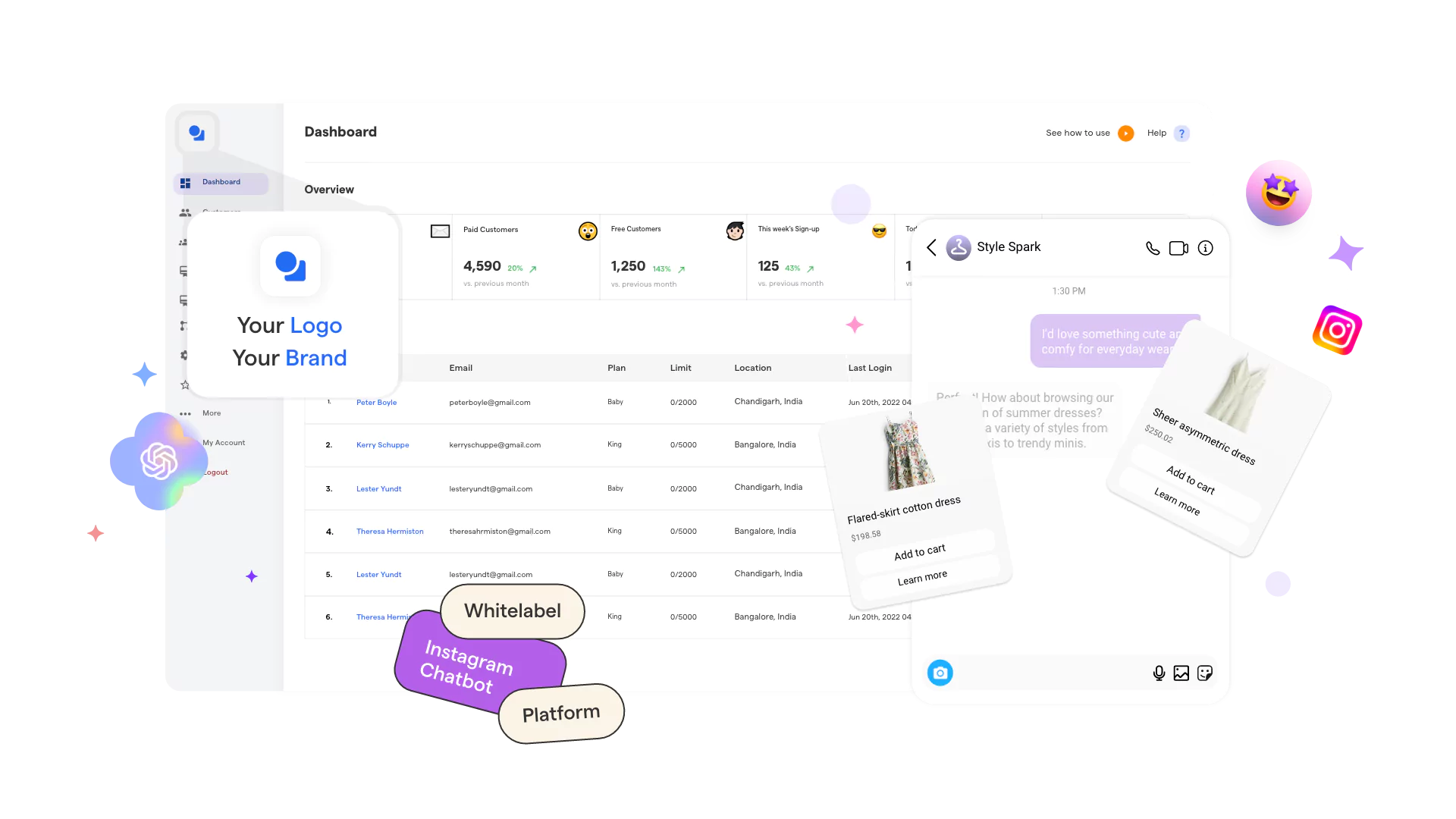
BotPenguin combines Instagram messaging automation with lead capture and support workflows.
Best suited for: Businesses managing sales, support, appointments, or lead generation.
Main strength: It supports broader customer communication across several channels.
Limitation: Its wider feature set may be unnecessary for basic comment replies.
ManyChat focuses on creator marketing and social engagement campaigns.
Best suited for: Creators, ecommerce brands, and digital marketing teams.
Main strength: Its Instagram-focused campaign tools are easy to understand.
Limitation: Complex flows require careful setup, testing, and maintenance.
Chatfuel combines no-code messaging automation with AI-assisted customer conversations.
Best suited for: Service businesses receiving sales or appointment inquiries.
Main strength: It supports focused lead generation and appointment workflows.
Limitation: Businesses should confirm whether its AI setup matches their needs.
Among these automation tools for Instagram, the right choice depends on the main workflow. Compare triggers, lead handling, live support, integrations, and setup effort.
Businesses comparing AI features, integrations, pricing, and workflow depth may need a broader evaluation. Our guide on choosing the right Instagram chatbot platform explains those selection factors in detail.
Next, let's compare content scheduling tools for consistent Instagram posting.
Scheduling tools solve inconsistent publishing, not slow conversations. They help teams plan posts, maintain calendars, and publish across channels.
The following tools differ mainly in workflow depth and team support.
Later focuses on visual Instagram planning and creator workflows.
Best suited for: Creators and visual-first brands.
Its visual planner helps teams preview their Instagram feed. However, larger approval workflows may require another option.
Buffer offers a simpler workflow for consistent cross-channel publishing.
Best suited for: Small teams, creators, and growing businesses.
Its clean workflow suits teams wanting straightforward scheduling. Advanced collaboration needs may require higher-tier features.
Hootsuite combines scheduling with broader social media management.
Best suited for: Teams managing several accounts and channels.
Its broad feature set suits larger social operations. Smaller teams may find the workflow more extensive than needed.
Sprout Social offers structured publishing for larger marketing teams.
Best suited for: Agencies and established social media teams.
Its planning and approval tools support complex workflows. Basic scheduling needs may not require this level of detail.
Choose a scheduler based on content volume, team size, and approval needs. Next, let’s check out analytics tools that show whether that scheduled content performs.
Analytics tools show which content earns attention and supports growth. They reveal patterns across reach, engagement, followers, and individual posts.
The following tools suit different reporting and comparison needs.
Instagram Insights provides native analytics for professional Instagram accounts.
Best suited for: Creators and businesses needing basic performance data.
Key capabilities:
Main strength: Performance data appears directly inside Instagram.
Limitation: Reporting, exports, and competitor comparisons remain limited.
Sprout Social offers detailed Instagram reporting for larger teams.
Best suited for: Agencies and established marketing departments.
Main strength: It connects account reporting with competitor benchmarking.
Limitation: Smaller teams may not need its reporting depth.
Iconosquare focuses on detailed analytics and custom reporting.
Best suited for: Brands and agencies managing several social profiles.
Main strength: Its dashboards make detailed reporting easier to customize.
Limitation: Advanced reporting may exceed basic account needs.
Socialinsider specializes in competitor analysis and benchmarking.
Best suited for: Teams comparing performance against competitors or industry peers.
Main strength: It provides focused competitive context around Instagram performance.
Limitation: Some private metrics remain unavailable for competitor profiles.
Choose an analytics tool based on the depth of reporting and the need for comparison. Next, it’s time to match each tool category to the problem it solves.
Start with the problem that most limits your engagement. Choosing a category first prevents unnecessary tools and overlapping features.
The table matches each common engagement problem with the most suitable tool category.
The following sections explain when each category makes the most sense.
Choose DM and comment automation when messages remain unanswered. This category also suits businesses receiving repeated product or support questions.
It can capture leads, answer FAQs, and route complex requests. Start here when response delays directly affect customer conversations.
Choose scheduling tools when publishing lacks consistency. They help teams plan posts, Reels, Stories, and campaigns in advance.
This category suits businesses with enough content but weak execution. It does not solve slow replies or unclear performance.
Choose analytics when you publish regularly but lack direction. These tools reveal reach, engagement, follower growth, and post-level results.
They also show which formats deserve more attention. Use these findings before changing your content strategy.
Some businesses face several engagement problems at once. Avoid adopting every tool immediately.
Start with the issue causing the greatest loss. Add another category after the first workflow becomes stable.
A suitable Instagram automation tool should solve a defined problem. Compare individual products only after choosing the right category.
The best tools depend on your main bottleneck. Reply automation supports faster conversations. Scheduling tools improve publishing consistency. Analytics tools explain content performance. Compare Instagram growth tools by category before choosing a specific product or combining several tools.
A chatbot is not required for better engagement. However, it helps when slow DM or comment replies cause missed conversations. An Instagram automation tool can answer common questions, capture leads, and transfer complex requests to human agents.
A scheduling tool plans and publishes posts, Stories, and Reels. A chatbot manages conversations after users comment or send messages. Scheduling improves content consistency, while chatbot automation improves response speed, lead capture, and customer support.
No. BotPenguin also supports chatbots across WhatsApp, Facebook Messenger, Telegram, websites, and Microsoft Teams. Businesses can manage multiple customer communication channels through a single system rather than creating separate workflows for each channel.
Some Instagram engagement tools offer free plans or trials. BotPenguin, ManyChat, and Buffer currently list free plans, while BotPenguin offers a 7-day free trial for paid plans. Features and usage limits vary, so check official pricing pages before selecting a plan.
No single tool can solve every Instagram engagement problem. The right choice depends on your main bottleneck.
Use scheduling tools for inconsistent posting. Use analytics tools when performance remains unclear. Choose an Instagram automation tool when slow DMs and comment replies reduce engagement.
BotPenguin fits businesses that need DM automation, comment replies, lead capture, and human handover. It should be considered for conversation workflows, not content scheduling or advanced social reporting.
Start with the problem causing the most friction. Then assess BotPenguin for Instagram to speed up DM and comment management.
Automate Instagram Engagement
Reply to DMs, automate comments, capture leads, and hand off complex conversations to your team without slowing down daily engagement using the BotPenguin Instagram chatbot.
Start Automating TodayCheckout our related blogs you will love.
Updated at Nov 5, 2026
11 min to read
.webp)
Updated at Nov 3, 2026
12 min to read

Updated at Oct 13, 2026
7 min to read
Updated at Oct 12, 2026
10 min to read

Updated at Oct 8, 2026
9 min to read
Table of Contents



