


Facebook Ads Automation in 2026: Rules, Advantage+ and What Happens After the Click
Updated at Oct 21, 2026
23 min to read

Facebook chatbot marketing automation for healthcare connects Facebook ad engagement with automated Messenger conversations. It helps practices answer approved service questions, qualify patient interest, support appointment scheduling, and route clinical or sensitive queries to appropriate human staff.
For many people, checking a healthcare practice’s Facebook page feels easier than searching for its website.
They ask about services, pricing, availability, or appointments right there, often before deciding whether to book. But when those questions sit unanswered, interest moves to the next practice with a faster reply.
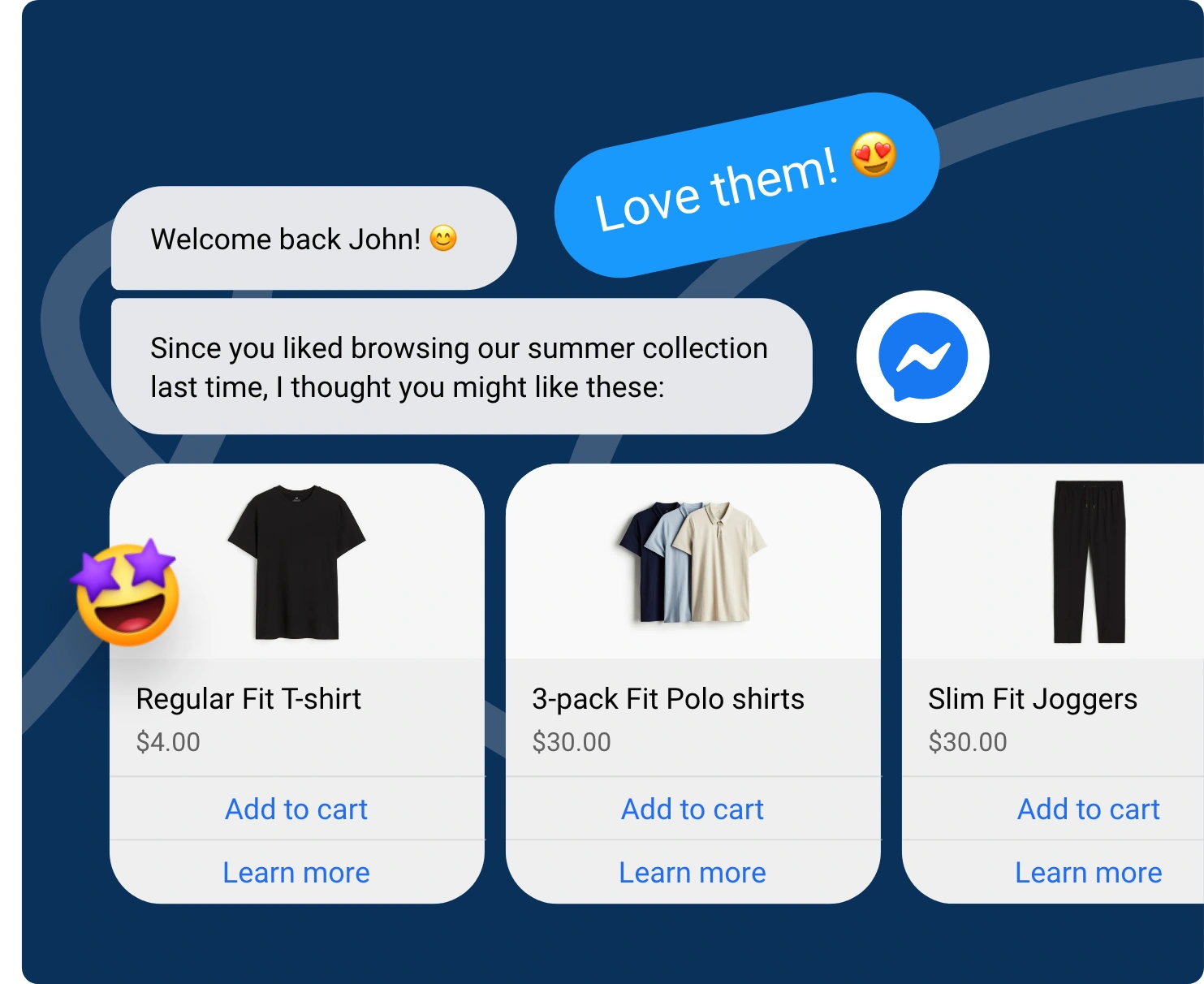
A Facebook chatbot changes that. It can respond the moment a question comes in, collect patient details, share the right information, and guide people toward booking. Paired with Facebook marketing automation, it creates a connected path from first message to follow-up.
This guide explains how Facebook chatbot marketing automation for healthcare works and how practices can use it effectively.
Facebook chatbot marketing automation for healthcare uses automated Messenger conversations to engage people from Facebook ads.
It answers practical service questions, captures scheduling interest, and directs prospective patients to approved booking or contact channels without making clinical claims or diagnoses.
Salesforce’s Global Connected Health Consumer Report found that 58% of patients skip care due to scheduling friction, while 67% prefer round-the-clock AI support over waiting.
These challenges show where a Facebook chatbot for healthcare can improve paid campaign performance while keeping patient interactions appropriately limited.
Used correctly, this automation helps healthcare practices convert Facebook ad interest into qualified scheduling inquiries while keeping chatbot conversations practical, controlled, and non-clinical.
Explore how a Facebook chatbot for healthcare supports patient communication →
For practices looking to put this into action, BotPenguin helps build Facebook chatbot flows for lead qualification, scheduling interest, and controlled handoffs. These workflows can be configured around approved, non-clinical patient interactions.
A healthcare Facebook ad can move directly into an automated Messenger conversation.
From the first click to scheduling handoff, each step should keep the interaction relevant, practical, and clearly separated from questions that require clinical judgment.
Each of these steps has been detailed below.
Prospective patients click on a Click-to-Messenger Meta ad highlighting a specific health service or offer.
Instead of sending users to an external landing page where drop-offs happen, the ad immediately opens a direct Facebook Messenger chat thread, initializing automated engagement while patient intent is at its peak.
Meta found that advertisers combining Messenger with instant forms achieved 8% lower cost per lead and nearly 48% greater reach than instant forms alone.
The automated chatbot opens with a personalized greeting that mirrors the exact service, promotion, or campaign message displayed in the ad.
This easy transition reassures users that they are in the right place, maintaining immediate context without forcing prospective patients to repeat their intent or initial search goals.
The chatbot delivers pre-approved, non-sensitive responses regarding operational details like clinic hours, accepted insurance providers, parking facilities, and provider locations.
Providing immediate clarity on practical concerns keeps prospects engaged, resolves common barriers to care, and eliminates unnecessary phone calls to your busy administrative front desk.
Through interactive prompt buttons, the chatbot collects basic non-PHI details to assess lead suitability.
It verifies age eligibility, geographic proximity, and general service needs before proceeding further.
Filtering out irrelevant inquiries ensures your intake team focuses strictly on high-value prospective patients ready for real care.
Once a user confirms interest in booking, the system passes them to the practice’s approved scheduling system or secure web portal.
This keeps formal intake outside the Messenger qualification flow while giving interested patients a clear next step toward scheduling.
Whenever a user asks complex medical questions, reports urgent symptoms, or requests personalized advice, the automation immediately flags the interaction.
The system notifies the appropriate staff member and redirects the user to an approved secure channel for further support.
A well-structured workflow turns Facebook ad interest into qualified scheduling opportunities without crossing into clinical decision-making. The next priority is defining exactly what healthcare automation should never claim.
Facebook marketing automation exists to answer practical, administrative questions in a healthcare setting, not to substitute for a clinical conversation.
Getting this boundary wrong doesn't just risk a bad patient experience; it risks regulatory exposure.
A few specific claim categories deserve their own guardrails:
The chatbot should never suggest a diagnosis, imply a specific treatment outcome, or promise results.
Any question that edges toward clinical judgment, such as whether a symptom indicates a particular condition, should route immediately to a person, regardless of how confident the chatbot's underlying model might sound.
Pulling patient reviews or testimonials into automated Messenger replies (even to build trust) can trigger separate compliance issues around patient privacy and marketing consent, especially if the testimonial references a specific condition or outcome.
Keep testimonials on your website or ad creative, reviewed and approved, never generated or surfaced dynamically inside the bot.
Automation should avoid language like “based on what you've told me” when responding to anything symptom-adjacent.
Even softly personalized phrasing can read as tailored medical guidance rather than a general FAQ answer, which shifts the practice's liability position.
If a practice offers multiple treatment options, the bot should never compare their effectiveness, suggest one is “better”, or reference off-label use.
These are FTC- and FDA-sensitive claim categories that require legal review, not automated phrasing, however factual it seems.
By maintaining these strict boundaries, your practice leverages Facebook automation to drive patient conversions without ever crossing into clinical or legal liability.
Automating prospective patient communication on Facebook offers tremendous marketing efficiency, but patient safety must always come first.
Establishing rigorous protocol for crisis and emergency scenarios ensures your practice handles urgent messages appropriately, mitigating severe clinical risks.
The chatbot system must monitor incoming messages for critical safety terms like chest pain, severe bleeding, or suicidal thoughts.
Hardcoded keyword detection acts as a continuous safety filter, recognizing urgency in real time regardless of where the user sits within your Facebook marketing ad campaign.
When a crisis keyword triggers, the platform must instantly halt the active promotional or scheduling script.
Interrupting the standard conversational flow ensures the bot never responds to a dangerous medical situation with irrelevant marketing questions, qualifying prompts, or automated appointment offers.
The bot must immediately present clear, pre-approved safety instructions to the user.
Direct them to contact local emergency services or seek immediate emergency care, and clearly state that Facebook Messenger should not be used for urgent medical assistance.
Once emergency logic activates, all secondary automated follow-ups, promotional nudges, and marketing drip sequences are immediately muted for that user.
Preventing further automated outreach supports patient safety while reducing unnecessary compliance and operational risk.
For non-life-threatening clinical inquiries, such as medication side effects or post-op concerns, the system safely pauses the bot and notifies your clinical intake team.
Staff receive an alert to continue the conversation through the practice’s approved secure channel or callback process.
Regularly audit your emergency triggers by simulating urgent scenarios during business hours and overnight.
Validating fallback messages and staff notifications helps confirm that after-hours safeguards work as intended before running live paid ad traffic.
Building proactive safety protocols into your Facebook marketing workflows protects vulnerable patients when every second counts.
By prioritizing emergency rerouting over marketing goals, your practice supports safer handling, reduces compliance and operational risk, and helps preserve patient trust.
Platforms like BotPenguin help healthcare practices build Facebook chatbot workflows with defined triggers, approved responses, and human handoffs. This helps manage routine patient interactions while routing sensitive or urgent messages to the appropriate staff or emergency resources.
Healthcare marketing needs tighter conversational boundaries than many general-purpose chatbot use cases, especially when patient questions move close to clinical topics.
BotPenguin is built with more restraint, giving practices a chatbot that knows exactly where its job ends and a clinician's begins.
BotPenguin can continue Facebook ad engagement directly through automated Messenger conversations.
Practices can answer approved service questions, qualify initial interest, and guide prospective patients toward scheduling without adding another manual follow-up step.
When a question requires clinical judgment, the flow can route the conversation to human staff instead of attempting to handle it through marketing automation.
BotPenguin supports patient communication across Facebook, WhatsApp, websites, and Telegram, helping practices manage conversations across multiple channels.
Appointment reminders, follow-ups, and re-engagement workflows can also be managed within the broader BotPenguin setup, reducing fragmented communication across channels.
Instead of starting with a blank flow builder, practices can use pre-built healthcare chatbot templates designed around common patient communication and appointment workflows.
That means less time writing conversational logic from scratch, and more time reviewing it carefully for accuracy, tone, and compliance before it ever reaches a patient.
BotPenguin's native integrations connect directly to the scheduling systems and CRM tools practices already run on, so qualified leads move into a booking flow without a manual handoff.
Fewer gaps between “interested” and “scheduled” translate directly into fewer prospective patients quietly lost somewhere in between.
Building and adjusting the chatbot doesn't require an engineering ticket or a queued request.
Front desk or marketing teams can update flows, tweak responses, or launch a new campaign directly, which matters most when a compliance review flags a phrase that needs changing fast.
By combining healthcare-specific restraint with effortless multi-channel integration, BotPenguin bridges the gap between Facebook ad traffic and booked appointments without compromising patient safety.
Facebook can be more than a place to promote your healthcare practice. With the right chatbot and marketing workflows, it can become a useful channel for answering common questions, guiding patients, collecting details, and following up on inquiries.
The key is to keep patient safety at the center of every interaction. Clear boundaries, approved responses, human handoffs, and emergency safeguards are essential.
Start with simple use cases and build from there based on what your patients need most.
When planned carefully, Facebook chatbot marketing automation for healthcare can help practices create smoother patient journeys without taking away the human care patients expect.
Facebook chatbot marketing automation connects Facebook ads with automated Messenger chats. The chatbot can answer common questions, collect basic details, understand what the person needs, and guide them to book an appointment or talk to a staff member.
Yes. A Facebook chatbot can answer approved questions about services, collect appointment requests, and help sort inquiries after someone interacts with an ad. It should not diagnose health problems, give treatment advice, or make medical claims.
Yes, if it is connected to a suitable booking system. The chatbot can ask about appointment needs, share booking options, or send the request to staff. Sensitive health information should be collected through approved systems.
It should not diagnose conditions, suggest treatments, promise results, or make medical claims. Healthcare chatbots should provide approved information and send questions that need medical advice to qualified staff.
No. A Facebook chatbot can help with early questions and appointment requests, but formal patient intake should still happen through the practice’s approved systems. Chatbots should not replace clinical or patient intake processes.
Yes. A chatbot can ask which service, specialty, or location the person is interested in. It can then guide them to the right information or send the inquiry to the appropriate team.
The chatbot should stop the normal marketing flow when a message suggests an emergency or needs medical judgment. It should show approved emergency guidance and direct the person to the right emergency or human support.
Improve Patient Engagement With Facebook Chatbots
Handle patient questions, appointment requests, and follow-ups on Facebook. Guide patients to the right next step and keep routine interactions moving with chatbot workflows.
Get Started NowCheckout our related blogs you will love.
Updated at Oct 21, 2026
23 min to read
Updated at Oct 13, 2026
11 min to read
Updated at Oct 10, 2026
12 min to read
Updated at Oct 10, 2026
19 min to read
Updated at Oct 9, 2026
8 min to read
Updated at Oct 7, 2026
12 min to read
Table of Contents


