


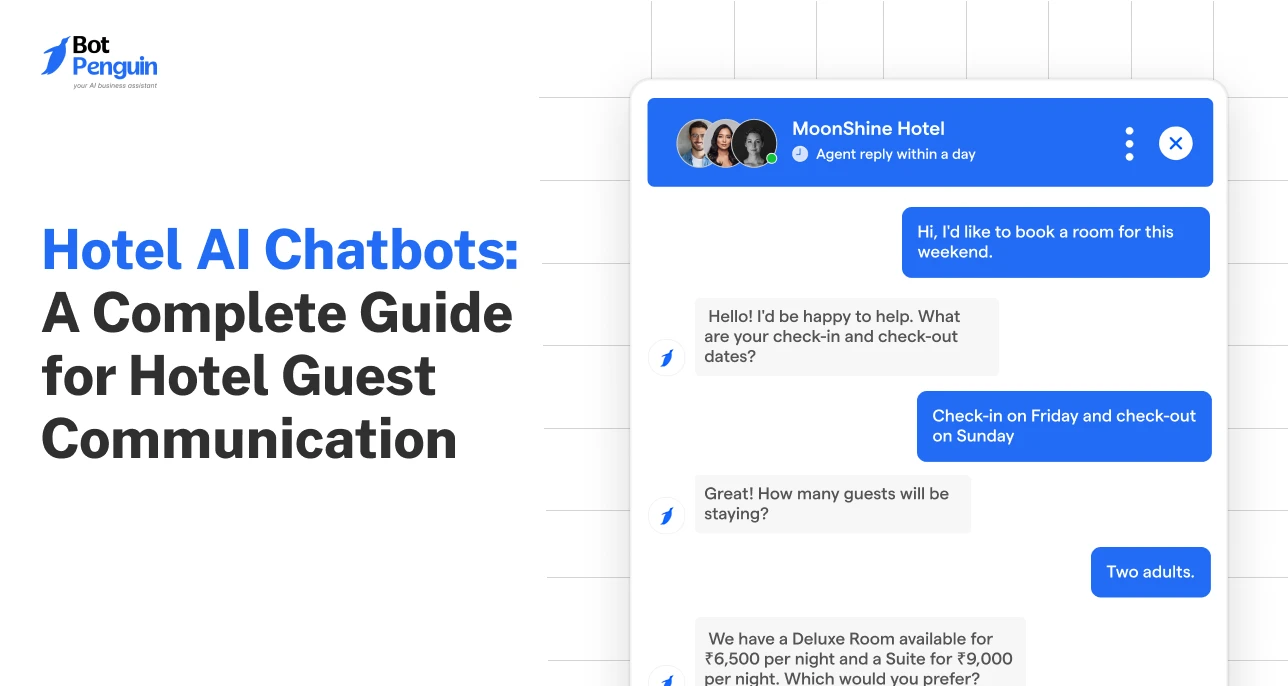
Hotel AI Chatbots: A Complete Guide for Hotel Guest Communication
Updated at Oct 14, 2026
10 min to read

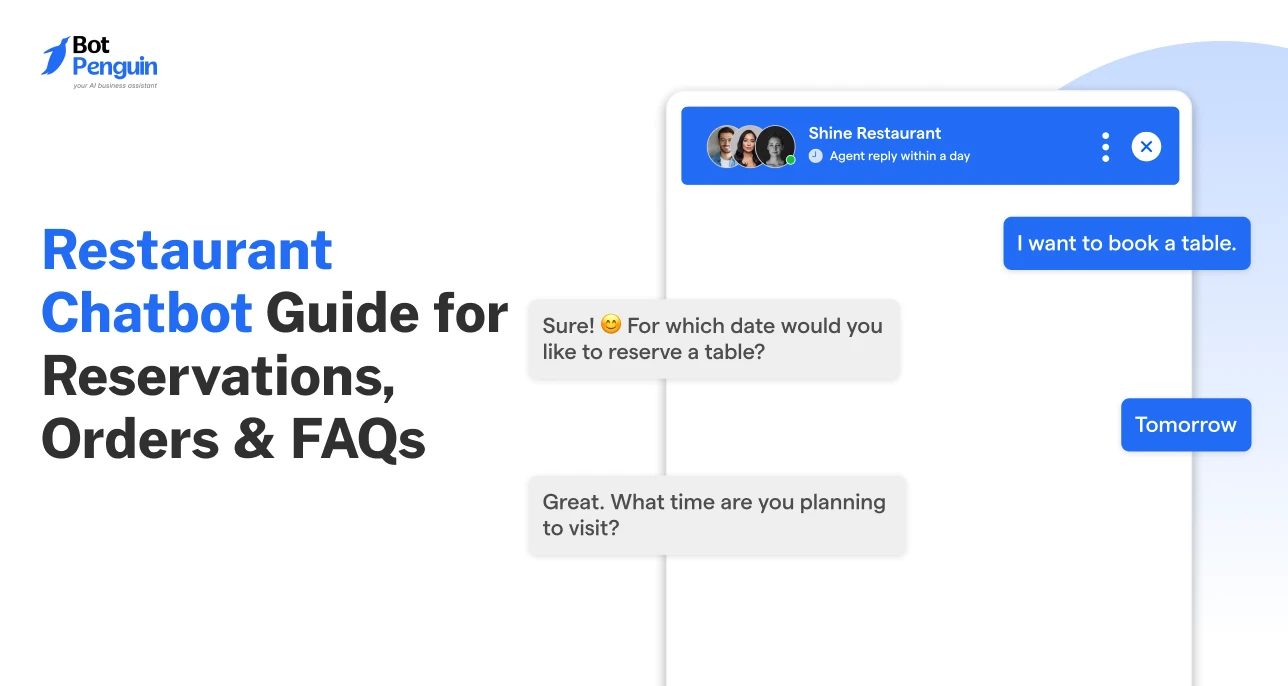
A restaurant chatbot is a conversational software assistant that handles guest interactions across websites and messaging channels. It can answer menu questions, manage table reservations, take food orders, share offers, and route complex requests to staff. Restaurants use chatbots to respond faster while reducing repetitive front-of-house work.
The restaurant experience now begins on a screen, not at the table.
Customers now discover restaurants, browse menus, place orders, and book tables from their phones. They expect quick answers too, and that's hard to keep up with when staff is busy on the floor.
This is where a chatbot for restaurants helps. It can answer common questions, manage reservations, take food orders, and guide guests to the right information, without pulling staff away from service.
From a simple restaurant chatbot to a full AI chatbot for restaurants, these tools support guests across the dining journey.
In this guide, you'll learn how restaurant chatbots work and what to look for before you choose one.
Every unanswered call carries a cost: a lost booking, a missed order, a guest who stops trying. Phone-only operations cap demand capture, especially at peak hours when staff are stretched thin.
69% of Americans say they would be likely to skip a restaurant if their call went unanswered, according to a Harris Poll survey of 2,065 U.S. adults. (Source: The Harris Poll, 2025)
Here's where the pressure builds most:
Peak-hour Call Overload: Reservation and order calls spike at the exact moment staff have the least bandwidth to answer them.
After-hours Demand Loss: Guests search for hours, menus, and availability outside business hours, and unanswered demand rarely comes back later.
Order Accuracy Under Pressure: Rushed phone orders lead to mixed-up items and wrong quantities, driving refunds and repeat-visit risk.
Inconsistent Brand Experience: Answers vary by who picks up the phone, which undercuts the consistency guests expect from a trusted brand.
No Data Trail on Demand: Without a system logging requests, restaurants miss patterns in bookings, popular dishes, and recurring guest questions that could inform decisions.
The problem is not that restaurants lack demand. It is that phone-based service cannot scale when guest requests arrive all at once.
A restaurant chatbot adds a second service layer, handling routine conversations instantly while staff stays focused on guests in front of them.
For teams looking to bring these interactions into one place, BotPenguin lets restaurants build AI chatbots that can handle guest questions, reservations, and orders across channels. This gives staff another service layer while keeping the guest experience connected.
In the next section, we’ll learn what they are and how they actually work.
A chatbot for restaurants is a software tool that talks to guests through chat or messaging apps, handling reservations, orders, and questions without a staff member on the other end.
It sits on the website, WhatsApp, Instagram, or other messaging channels, and responds based on rules, AI, or a mix of both, depending on how the restaurant sets it up.
For restaurants that rely on WhatsApp, a WhatsApp chatbot for restaurants can automate orders, reservations, and customer queries directly within the messaging app.
60% of restaurant executives surveyed by Deloitte said their organizations use chatbots daily, with restaurants using them for orders, reservations, and customer service. (Source: Deloitte, 2025)
A few core pieces make this work behind the scenes:
Natural Language Processing (NLP): Lets the chatbot understand what a guest is asking, even if it's typed casually or phrased differently each time
Integrations: Connects the chatbot to the restaurant's POS, reservation system, and payment gateway, so bookings and orders sync without manual entry
AI or rule-based logic: Rule-based bots follow fixed decision trees for simple tasks, while AI-driven bots handle open-ended questions and adapt responses based on context.
Channel support: The chatbot runs across web chat, WhatsApp, Instagram DMs, or other messaging channels, depending on where guests prefer to reach out.
Having understood the technology behind a restaurant chatbot, let’s now see how these components work together during a typical guest interaction.
A restaurant chatbot follows a simple flow, from understanding the guest’s request to completing the action or routing it to staff.
A guest reaches out through the restaurant's website, app, or WhatsApp, asking about table availability, a menu item, or operating hours.
This first message can arrive any time of day, whether staff are free to answer the phone or not.
Tools like BotPenguin use NLP, AI, or configured decision-tree flows to identify intent, whether the guest wants to book a table, check today's specials, or ask about dietary options.
This step turns casual phrasing into a clear, actionable request.
The chatbot can check availability through reservation systems such as OpenTable or pass order information to POS systems such as Toast, depending on the restaurant's setup.
This real-time sync keeps information accurate and helps reduce the risk of confirming a table or item that's already unavailable.
The guest receives an instant reply: a confirmed table, a placed order, or a direct answer to their question.
No waiting for a callback -- just a resolution within seconds of asking!
If a request needs human judgment, the chatbot passes it to staff along with the full conversation context.
This keeps the guest from repeating themselves and lets staff step in only where they add real value.
Once this workflow is in place, restaurants can apply it to the guest interactions that consume the most staff time, from reservations to orders and routine questions.
The strongest restaurant chatbot use cases are the ones tied to moments where delays directly affect revenue, guest satisfaction, or staff workload.
That makes prioritization more important than simply automating every possible interaction.
Each of these restaurant chatbot use cases has been explained below.
Guests book, modify, or cancel tables through chat instead of calling in. The chatbot checks live availability, confirms party size and time, and sends automated reminders.
This can help lower no-shows and frees staff from juggling a reservation book during peak hours.
Guests browse the menu, customize orders, and check dietary details directly in chat.
The chatbot syncs orders to the POS in real time, flags allergens, and suggests add-ons based on what's already in the cart, reducing order errors and missed upsells.
Guests ask about hours, parking, dress code, or private dining without waiting on hold.
The chatbot answers instantly from a pre-built knowledge base and escalates anything unusual to staff, keeping response times fast even during a dinner rush.
Guests join a virtual waitlist by chat instead of standing at the host stand.
The chatbot sends real-time updates on wait times and notifies guests when their table is ready, letting them wait nearby instead of crowding the entrance.
Pro Tip: Let the chatbot send a menu preview while guests wait. Some guests place their first round of drinks or starters before they're even seated, so the kitchen can get a head start before service begins.
After a visit, the chatbot sends a quick follow-up asking about the experience.
It captures ratings, flags complaints for manager review, and nudges satisfied guests toward a public review, turning routine follow-up into a steady source of reputation data.
Guests message in their preferred language, and the chatbot responds without needing bilingual staff on shift.
This matters most for restaurants near tourist areas or with diverse local communities, where language gaps otherwise slow down service or cause errors.
Chatbots turn scattered restaurant touchpoints into one steady channel that works for guests and staff alike.
Feature lists can look similar on paper, so the better evaluation question is how well the chatbot fits daily operations.
Restaurants should prioritize control, compatibility, and maintainability because those factors determine whether automation stays useful after launch.
76% of restaurant operators believe technology strengthens their competitive position, making operational fit an important factor when evaluating new tools. (Source: National Restaurant Association, 2024)
A strong chatbot should work across the channels guests already use while keeping context consistent.
This minimizes fragmented workflows and prevents staff from managing separate processes for website, WhatsApp, Instagram, or Facebook inquiries.
For phone-call automation, read our guide on AI voice agents for restaurants.
Look for a chatbot that connects with existing restaurant systems.
Integrations can pass booking details, order information, or availability between tools, lowering duplicate entry and lowering the risk of staff working from outdated data.
Multilingual support should preserve clarity around menus, dietary details, policies, and booking instructions.
This matters most for restaurants serving tourists or multilingual communities, where language gaps can slow service or create avoidable misunderstandings.
The chatbot should answer from information the restaurant controls.
Menus, hours, policies, and dietary details change often, so teams need a simple way to update knowledge and prevent unsupported or outdated responses.
A capable ordering flow should capture sizes, quantities, toppings, sides, cooking preferences, and special instructions before confirmation.
This matters for restaurants with customizable menus, where basic item selection alone is not enough.
Not every request should stay automated.
Complaints, unusual dietary concerns, and special requests may need staff judgment, so the chatbot should transfer the conversation with prior context intact instead of making guests repeat themselves.
A no-code chatbot lets restaurant teams update flows, menus, FAQs, and responses without relying on developers.
This is useful when operating hours, offers, policies, or menu details change frequently and require quick updates.
Look for support for modern AI and large language models that can handle natural, open-ended guest questions.
Restaurants should also be able to control knowledge sources, response behavior, and fallback rules to reduce inaccurate answers.
The right choice is the chatbot that fits existing restaurant systems, stays easy to manage, and remains accurate as operations change.
BotPenguin combines restaurant-ready automation with broader AI capabilities, giving teams more control over how guest conversations are built, managed, and scaled.
No-Code Builder: Create and update restaurant chatbot flows without developers, making menu changes, booking prompts, offers, and FAQs easier to manage internally.
80+ Integrations: Connect BotPenguin with CRM, payment, automation, and business tools to keep guest conversations linked with the restaurant’s wider operational setup.
7+ Communication Channels: Engage guests across website, WhatsApp, Instagram, Facebook Messenger, Telegram, Microsoft Teams, and phone from one broader conversational ecosystem.
AI-Powered Conversations: Use AI to handle natural guest questions beyond fixed flows, including menu queries, dietary requests, opening hours, and booking-related conversations.
Restaurant Chatbot Templates: Start with ready-made restaurant chatbot templates instead of building every reservation, ordering, and support conversation from an empty workflow.
Custom AI Knowledge: Train the chatbot on restaurant-specific information so responses can reflect current menus, policies, timings, services, and other approved business details. Restaurants handling guest information can also review BotPenguin’s Security and Trust practices.
Conversation Analytics: Review chatbot activity and interaction patterns to identify recurring guest questions, engagement trends, and areas where conversation flows may need refinement.
Human Handoff: Route conversations requiring judgment or personal attention to staff, while preserving context so guests do not need to repeat their request.
These features give restaurants a chatbot that fits how they already operate, not one they have to operate around.
See what existing users say in BotPenguin reviews and explore case studies for real-world implementation examples.
Most chatbot failures come down to setup, not the technology itself. Knowing where restaurants typically go wrong makes it easier to avoid the same guest-facing missteps.
Many restaurants set up a chatbot once and never update it. Menus change, hours shift for holidays, and promotions end, but the bot keeps repeating outdated answers.
This erodes guest trust faster than having no chatbot at all.
Fix: Assign someone to review and update chatbot content on the same schedule as menu or hours changes.
A chatbot that traps guests in a loop, with no way to reach a real person, turns a helpful tool into frustration.
Complex requests, complaints, or large group bookings still need a person, and the bot should recognize that and route accordingly.
Fix: Build clear handoff triggers into the flow so the bot escalates automatically once a request goes beyond routine.
A chatbot that takes orders or bookings without syncing to the restaurant's actual systems creates double bookings, missed tickets, and manual reconciliation work.
Integration isn't optional; it's what makes the automation trustworthy in the first place.
Fix: Confirm POS and reservation sync during setup, before the chatbot goes live to guests.
Some restaurants try to cram the entire menu, every policy, and every FAQ into the first message. Guests abandon the chat before finding what they need.
A focused, step-by-step flow performs better than one that dumps everything upfront.
Fix: Design the first message around the top three guest requests, and let follow-up prompts surface the rest.
A chatbot that works fine during a quiet afternoon can lag or misfire during a Friday dinner rush.
Restaurants that skip load testing often discover the gaps only after guests already had a bad experience.
Fix: Test the chatbot during an actual peak-hour shift before rolling it out restaurant-wide.
Most of these mistakes trace back to treating the chatbot as a one-time setup instead of an ongoing part of restaurant operations.
A chatbot for restaurants doesn't replace your staff. It picks up the messages, orders, and questions they don't have time for.
Guests get faster answers. Staff get fewer interruptions. Fewer bookings and orders slip through the cracks.
The use cases covered here, reservations, ordering, guest support, waitlists, feedback, only work when they connect to your existing systems. A chatbot that runs apart from your POS or reservation book creates more problems than it solves.
Start with whatever costs you the most right now: missed calls or slow order turnaround. Test it during a real peak hour first. That's how you know it holds up.
A chatbot for restaurants is an AI or rule-based assistant that handles reservations, orders, menu questions, and guest support across websites and messaging channels without requiring staff to answer every request manually.
A restaurant chatbot receives a guest message, identifies the intent, checks connected information or systems, and responds automatically. More complex requests can be transferred to staff with the previous conversation context preserved.
Yes. A restaurant ordering chatbot can guide guests through menu items, quantities, modifiers, and special requests. Depending on its integrations, order information can then be passed to payment or restaurant management systems.
Yes. A restaurant chatbot can collect the guest’s date, time, and party size, check available booking information, confirm reservations, and send reminders when connected to the restaurant’s reservation workflow.
Yes. Restaurants can train chatbots using approved menu information, ingredients, dietary details, opening hours, and policies. This helps guests get quick answers while reducing repetitive questions handled by restaurant staff.
Restaurant chatbots can operate across websites and messaging channels such as WhatsApp, Instagram, and Facebook Messenger. Available channels depend on the chatbot provider and the communication channels supported by the restaurant.
Yes. Many restaurant chatbots can respond in multiple languages, helping restaurants serve tourists and multilingual communities. The quality of support depends on the chatbot’s language capabilities and configured restaurant knowledge.
Subscribe to Our Newsletter
Get the latest business insights straight into your inbox.
Checkout our related blogs you will love.
Updated at Oct 14, 2026
10 min to read
Updated at Sep 22, 2026
11 min to read

Updated at Sep 21, 2026
14 min to read
Updated at Oct 30, 2026
10 min to read
Updated at Oct 29, 2026
11 min to read
Updated at Oct 28, 2026
15 min to read
Table of Contents


