


Best Platforms to Build a Microsoft Teams Chatbot: 6 Compared (2026)
Updated at Oct 28, 2026
9 min to read

Power Virtual Agents and Copilot Studio are the same Microsoft product. Microsoft renamed Power Virtual Agents to Copilot Studio in November 2023, expanding its generative AI and agent-building capabilities. Existing bots remained available, although upgrading classic bots may require migration. Today, businesses evaluating Power Virtual Agents for Teams should compare Copilot Studio's Teams plan and standalone subscription.
Choosing the right chatbot for Microsoft Teams depends on more than native integration. IT teams must also consider setup effort, workflow needs, pricing, and channel reach.
If you are researching Power Virtual Agents for Teams, the key challenge is comparing Microsoft’s current Copilot Studio with third-party options.
Understanding what a Microsoft Teams chatbot is also helps define those requirements.
This comparison examines where Copilot Studio performs well and where it has limitations. It also explains how BotPenguin differs across deployment, usability, pricing considerations, and broader communication needs.
Microsoft Copilot Studio replaced Power Virtual Agents with expanded AI and automation capabilities. The core chatbot-building functionality remains, but licensing and available features have evolved.
The main difference is the product's expanded capabilities, not two competing platforms. Businesses should evaluate the current Copilot Studio licensing and features when choosing a Teams chatbot.
Licensing information checked: October 2026.
Microsoft introduced Copilot Studio as the successor to Power Virtual Agents in November 2023. The updated product expanded chatbot development with generative AI, connected workflows, and agent customization.
For existing users, the change was more than a new name. Microsoft retained core bot-building capabilities while introducing additional tools and licensing options.
Businesses researching Power Virtual Agents for Teams should therefore evaluate Microsoft Copilot Studio's current features, licensing, and deployment requirements.
Copilot Studio offers clear advantages for organizations built around Microsoft 365. Its strongest value comes from ecosystem fit, connected workflows, and familiar administration.
Five strengths explain why it works well in Microsoft-focused environments.
Copilot Studio connects naturally with Teams and Microsoft 365 services.
Organizations can place agents where employees already communicate and work. Agents can also work with approved Microsoft data and connected services.
This reduces the need to create separate internal systems.
Microsoft-focused organizations gain a familiar operating environment.
Copilot Studio works with Microsoft services, connectors, and business data. IT teams can manage agents alongside existing Microsoft processes.
This makes adoption easier for organizations already using Microsoft extensively.
The Copilot Studio for Teams plan is included with select Microsoft 365 subscriptions. It supports classic chatbot workflows within Teams but excludes capabilities such as generative orchestration and premium connectors.
Standalone Microsoft Copilot Studio offers broader capabilities and additional deployment channels. Licensing options include prepaid Copilot Credit packs and pay-as-you-go billing.
Organizations should compare these options based on required features, deployment channels, and expected usage.
Microsoft licensing information checked: October 2026.
Copilot Studio uses a graphical, low-code authoring environment.
Teams can build agents without having to develop every workflow from scratch. Topics, actions, and conversational logic can be configured visually.
Technical teams can also support more advanced customization where required.
Copilot Studio works well when workflows depend on Microsoft business data. Agents can connect with supported services and automated processes.
This is especially useful for internal workflows tied to Microsoft 365. Teams can keep automation closely aligned with their existing technology stack.
These strengths make Microsoft Copilot Studio for Teams a credible Microsoft-centered choice. The next question is where that ecosystem-focused approach can create practical limitations.
Copilot Studio can handle sophisticated Teams use cases. However, its fit changes when costs, configuration, and communication requirements expand.
Four practical limitations matter before considering another chatbot option.
For clarity, the Teams plan refers to Copilot Studio access included with select Microsoft 365 subscriptions. Standalone Copilot Studio is separately licensed and supports broader capabilities.
Microsoft-centered administration
Copilot Studio supports several channels beyond Teams. However, administration still relies heavily on Microsoft and Power Platform environments. Custom applications may also require configuration of the Direct Line API.
Usage-based cost planning
Standalone Copilot Studio can consume Copilot Credits based on agent activity. Microsoft offers prepaid capacity and pay-as-you-go options. Administrators must therefore estimate usage as conversations and agent actions increase.
Premium connector requirements
The Teams plan does not provide the same connector capabilities as standalone Copilot Studio. Premium connectors require the standalone offering for supported scenarios. This can affect licensing when agents need external business data.
More layers for advanced workflows
Basic agents can remain manageable. Advanced requirements can introduce actions, permissions, flows, connectors, and capacity management. Each component adds configuration that IT teams must understand and govern.
A Power Virtual Agents alternative makes sense when Teams is one of several channels you need to automate, or when you want a no-code bot without managing Power Platform environments, premium connectors, and Copilot Credits.
The difference is operational fit. Businesses may prefer one dedicated chatbot system for Teams and customer-facing channels. That matters when website, WhatsApp, or other conversations need consistent management.
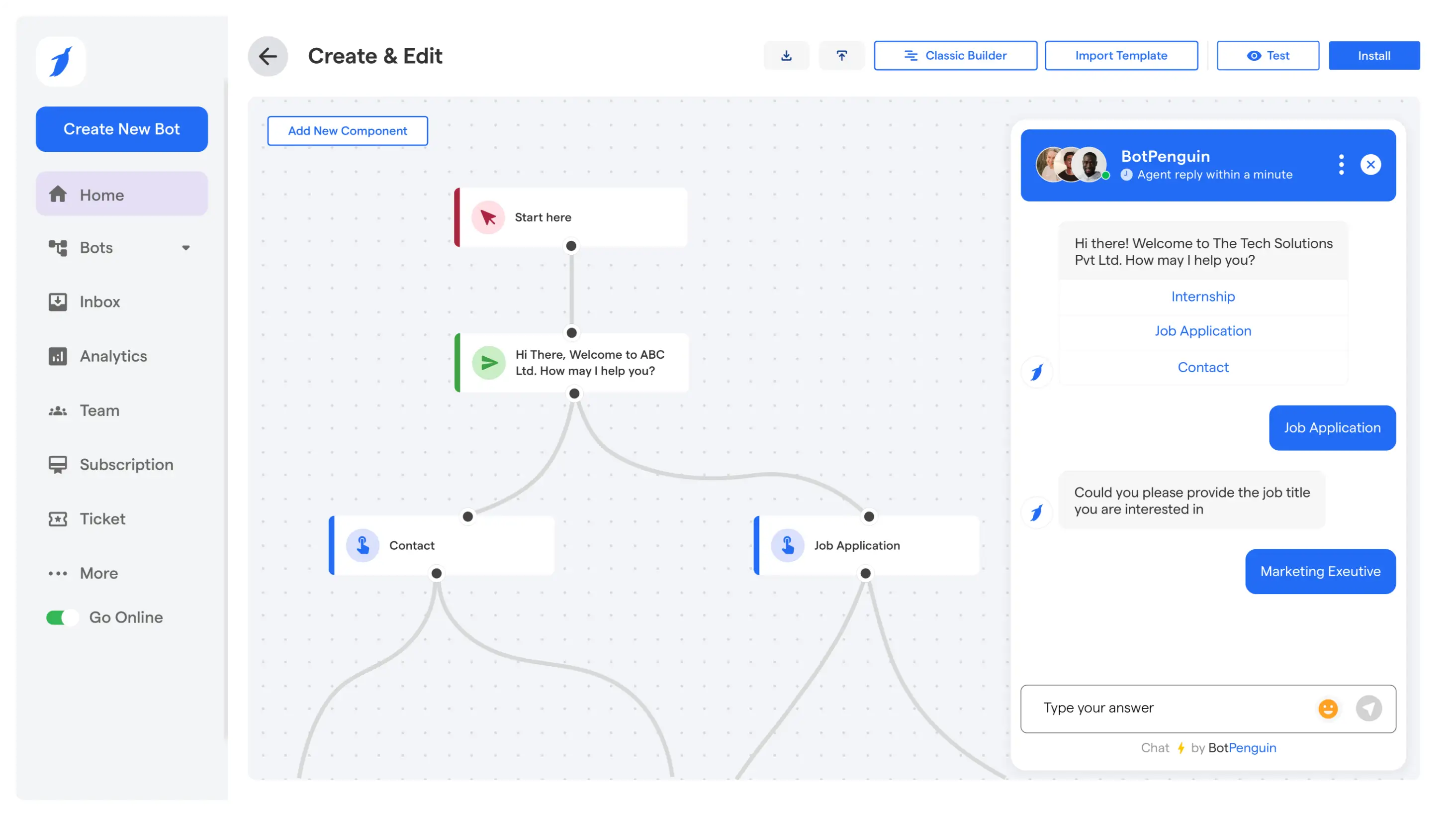
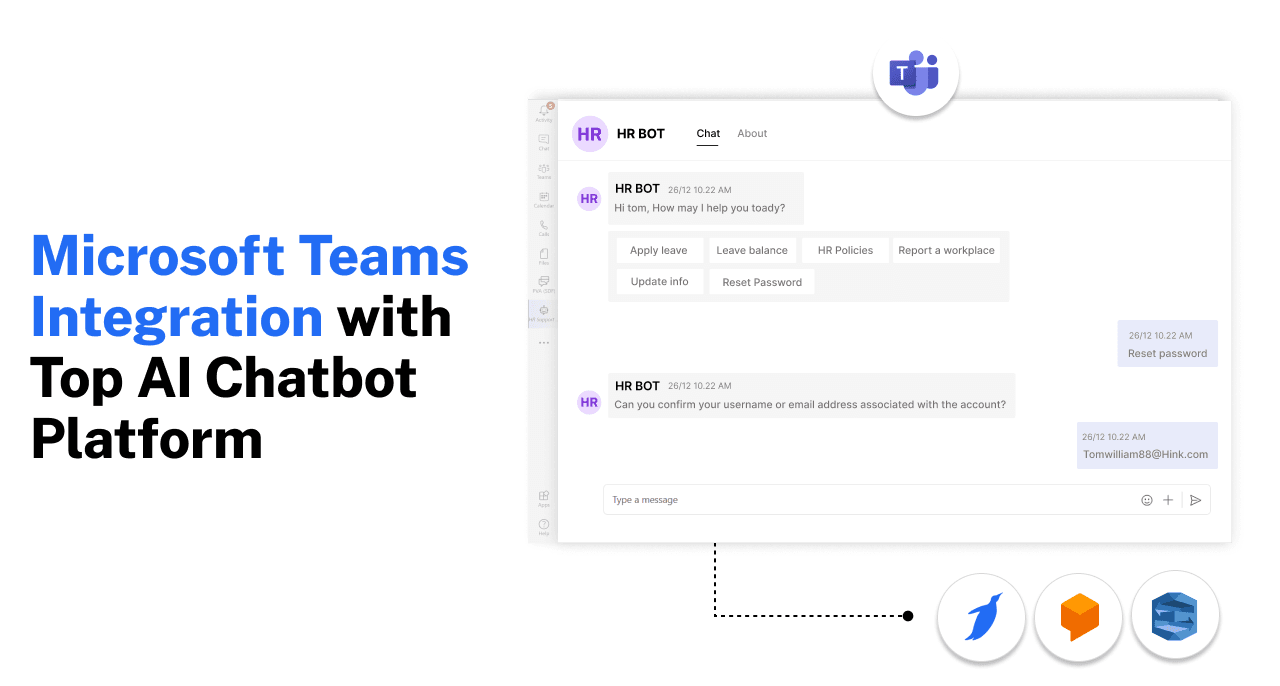
Businesses evaluating these requirements can explore BotPenguin's Microsoft Teams chatbot to see how its no-code approach supports Teams conversations alongside other channels.
Both platforms support Microsoft Teams chatbots, but they serve different business needs. Copilot Studio focuses on Microsoft-connected workflows, while BotPenguin supports no-code conversations across multiple channels.
Copilot Studio is a strong choice for Microsoft-centered internal workflows. BotPenguin offers an alternative when Teams is part of a broader communication strategy.
Pricing and licensing checked: October 2026.
BotPenguin is for teams that want focused chatbot deployment across multiple channels. Its value differs from Copilot Studio’s deeper approach within Microsoft's ecosystem.
The main differences appear in setup, chatbot workflows, deployment, and channel coverage.
BotPenguin reduces the amount of chatbot development teams must handle themselves. Microsoft Teams configuration and organizational approval are still required.
The setup centers on a defined deployment process:
Create the bot through the Microsoft Teams Developer Portal.
Generate the required Bot ID and secret key.
Submit the Teams app for organizational approval.
Connect those credentials inside BotPenguin.
Configure the chatbot flow and AI settings.
For detailed configuration instructions, follow BotPenguin's Microsoft Teams bot setup guide.
This approach suits teams wanting a no-code chatbot builder. They can focus more on conversations than custom application development.
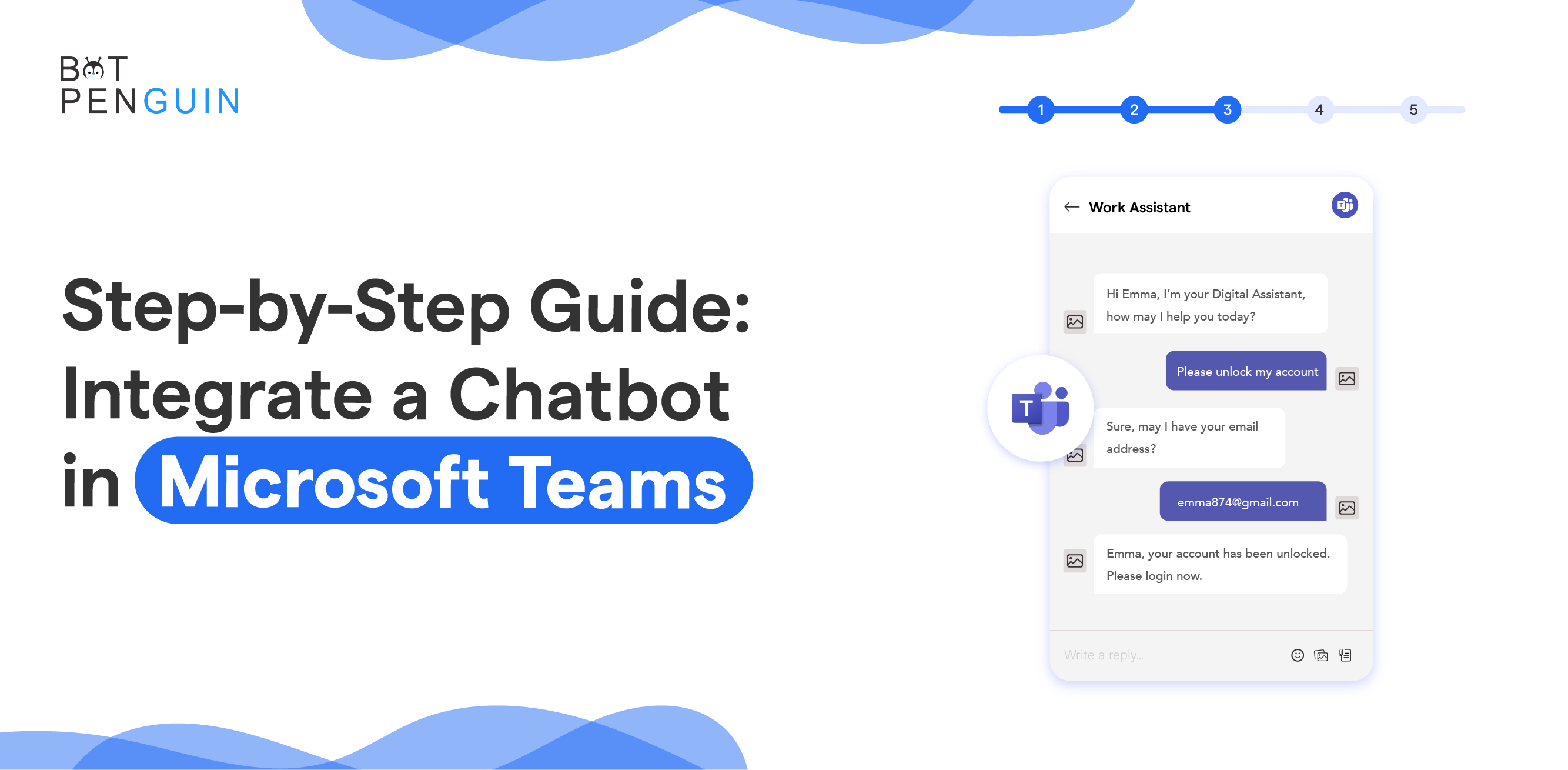
For comparison, Microsoft's Azure-based integration approach is covered in our step-by-step guide to integrating a chatbot in Microsoft Teams.
BotPenguin supports conversational workflows inside Microsoft Teams. Businesses can configure routine interactions without building custom applications.
Key capabilities include:
Ready-made Teams Templates: Start with predefined chatbot flows.
Automated Message Handling: Respond to routine questions and requests.
Broadcast and Drip Messages: Deliver announcements and scheduled communications.
Permission-Based Actions: Control actions based on assigned permissions.
Adaptive Cards: Create interactive conversations within Teams.
These capabilities support internal communication, onboarding, and routine employee requests.
BotPenguin supports generative AI within Microsoft Teams chatbot workflows. Businesses can use BotPenguin AI credits or connect their own OpenAI API key.
Key capabilities include:
AI Agent Mode: Configure instructions, conversational tone, and AI model preferences.
Chat Detail Capture: Collect relevant information shared during conversations.
Multilingual Replies: Respond to users in their preferred language.
These capabilities help businesses configure AI-powered Teams conversations without custom development.
BotPenguin becomes more relevant when Teams is only one channel. The product also supports customer-facing conversations outside Microsoft Teams.
From one system, businesses can create automation for:
Websites
Facebook Messenger
Telegram
SMS
Microsoft Teams
Microsoft Teams is available as a $100/month add-on for BotPenguin King plan users. The King plan costs $99/month and supports website, WhatsApp, Instagram, Facebook Messenger, and Telegram chatbots. SMS is available separately under the Emperor plan.
This matters when employees use Teams while customers use other channels. Businesses can avoid treating each communication environment as a separate chatbot project.
If you are considering other options, you can compare platforms to build a Microsoft Teams chatbot.
BotPenguin does not need to replace everything Copilot Studio offers. Copilot Studio remains valuable for Microsoft-centered agent development.
BotPenguin serves a different operational requirement. It suits teams prioritizing dedicated chatbot workflows and broader channel coverage.
The decision therefore depends on how deeply workflows rely on Microsoft. Teams that need broader conversational automation can evaluate BotPenguin’s chatbot for Microsoft Teams.
Licensing, coexistence, and setup questions still influence that final choice.
Yes. Power Virtual Agents and Copilot Studio are the same Microsoft product. Microsoft renamed Power Virtual Agents to Copilot Studio in November 2023, expanding its generative AI and agent-building capabilities. Businesses evaluating Power Virtual Agents today should review Copilot Studio's current features and licensing.
Not necessarily. The Copilot Studio for Teams plan is included with select Microsoft 365 subscriptions. It supports classic chatbot workflows within Teams. Standalone licensing provides broader capabilities, including premium connectors and additional deployment channels, with applicable usage-based billing.
BotPenguin offers no-code Teams chatbot setup without Azure or Power Platform administration. It also supports customer-facing channels such as WhatsApp and websites. Microsoft Teams costs an additional $100/month and is available only to BotPenguin King plan users.
Yes. Organizations can use Copilot Studio for internal workflows connected to Microsoft 365. BotPenguin can support Teams conversations alongside website, WhatsApp, and other customer-facing channels. Both products can serve different communication requirements within the same organization.
Not necessarily. Copilot Studio provides graphical tools for building agents. Advanced workflows may require additional Power Platform configuration, permissions, or connectors. BotPenguin offers no-code chatbot flows, although Teams Developer Portal setup and organizational approval are still required.
The Copilot Studio for Teams plan is limited to classic orchestration and Teams deployment. Generative orchestration and premium connectors require broader licensing. Standalone Copilot Studio can introduce Copilot Credits billing and additional Power Platform administration, depending on the agent's configuration and usage.
Copilot Studio is a strong choice when chatbot requirements stay closely tied to Microsoft 365. Its native integrations and low-code environment suit teams already working inside Microsoft’s ecosystem.
For businesses comparing Power Virtual Agents for Teams, the right option depends on operational priorities. BotPenguin fits teams that value no-code chatbot setup, focused workflows, and broader channel coverage.
It can support Microsoft Teams alongside websites, WhatsApp, and other customer communication channels. This matters when Teams represents only one part of the overall chatbot strategy.
If broader deployment is a priority, consider BotPenguin’s chatbot for Microsoft Teams when making your final decision.
Choose Better MS Teams Chatbot
Understand where BotPenguin fits when Copilot Studio feels too Microsoft-focused for broader chatbot deployment across customer communication channels.
Build Teams ChatbotCheckout our related blogs you will love.
Updated at Oct 28, 2026
9 min to read
Updated at Oct 19, 2026
9 min to read

Updated at Oct 19, 2026
10 min to read

Updated at Oct 19, 2026
12 min to read
Updated at Oct 13, 2026
12 min to read
Updated at Oct 10, 2026
8 min to read
Table of Contents

