


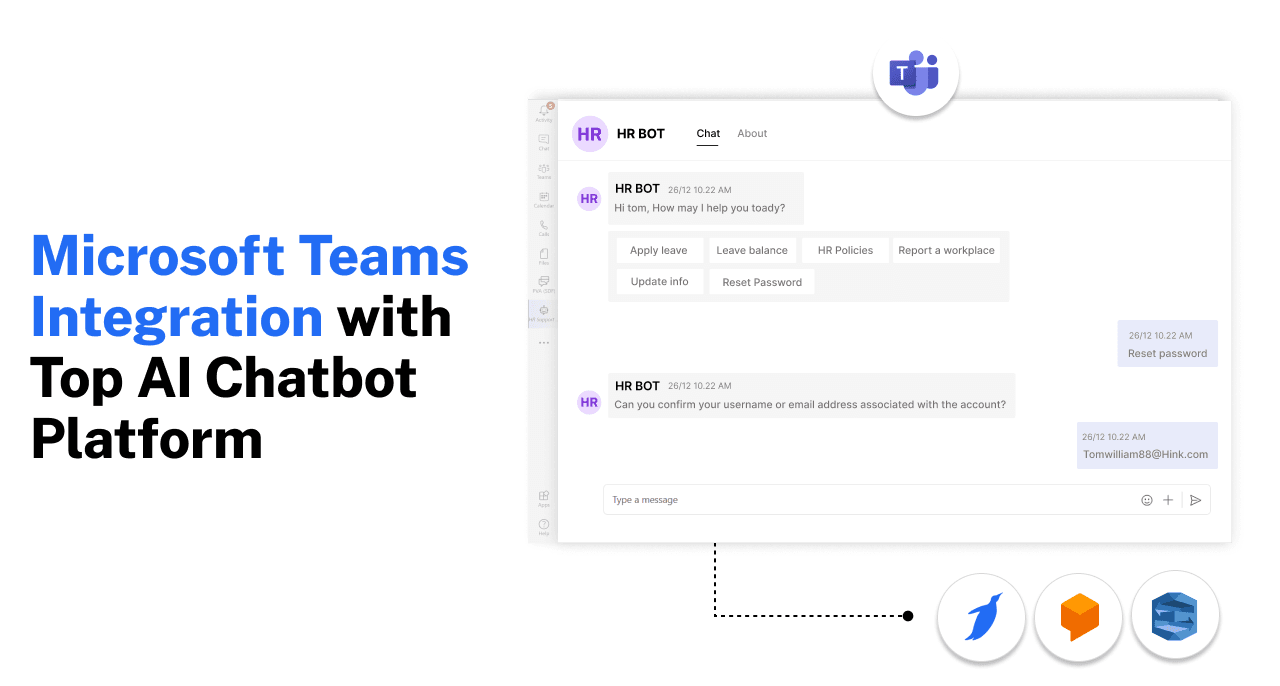
Best Platforms to Build a Microsoft Teams Chatbot: 6 Compared (2026)
Updated at Oct 28, 2026
9 min to read

A Microsoft Teams standup bot automates daily progress updates by sending scheduled questions, collecting team responses, and organizing updates in one place. It helps distributed teams track progress and blockers asynchronously, minimizing the need for everyone to attend the same daily meeting.
Daily standups can become a time sink. What should take a few minutes can turn into a long meeting that interrupts focused work.
Teams need a simple way to share updates, flag blockers, and keep everyone aligned without adding another meeting to the calendar.
That is where a Microsoft Teams standup bot can help. It collects daily updates directly in Teams, prompts team members at set times, and brings responses together for easy review.
Businesses needing customizable check-ins can also explore BotPenguin's chatbot for Microsoft Teams for broader internal workflows.
This guide covers how Teams standup bots work, what to look for in one, and where free options fit in, so you can choose the right bot for your team.
If you are new to the broader concept, start with what a Microsoft Teams chatbot is before comparing standup-specific options.
A Microsoft Teams standup bot automates asynchronous daily check-ins by prompting team members for updates, gathering responses directly within chat, and consolidating them into a central, easy-to-read summary for clear visibility into updates, blockers, and progress.
Atlassian reports that meetings rank as the top productivity barrier, with 78% of workers saying meeting overload makes it difficult to complete their actual work.
Here is how the standup bot powers up team operations behind the scenes:
In short, a Teams standup bot turns scattered daily check-ins into one structured, always-on system, so your team stays aligned without a single meeting invite. If you also need broader workflows beyond standups, BotPenguin can support custom check-ins alongside wider Microsoft Teams automation.
Dedicated standup tools and general-purpose chatbots can both automate daily check-ins, but they serve different workflow needs.
The comparison below shows where each approach fits best inside Microsoft Teams.
Dedicated standup bots help teams manage recurring check-ins, blockers, and Agile workflows without daily meetings.
Here are six options for running asynchronous standups in Microsoft Teams.
Geekbot automates asynchronous standups, retrospectives, surveys, and recurring check-ins in Microsoft Teams. It suits teams needing scheduled updates and visibility into blockers.
The tool supports customizable questions, schedules, and out-of-office settings. It also offers reporting insights, analytics, and 25+ ready-made templates.
Best for: Small teams seeking customizable standups with a free plan for up to 10 active participants.
Standuply supports structured Agile and Scrum workflows inside Microsoft Teams, including standups, retrospectives, surveys, and progress reporting.
It supports customizable questions, voice and video responses, and vacation settings. Teams can also connect standup workflows with supported project management tools.
Its free Starter plan supports three automation respondents.
Best for: Agile teams seeking structured check-ins and flexible response formats.
Polly offers AgilePolly, a dedicated Microsoft Teams standup solution for recurring Scrum check-ins and team collaboration.
It includes three editable Scrum questions, custom schedules, closing dates, and reminders. Teams can create standups with up to five questions.
Responses appear in Teams channels or group chats, helping managers review progress and reported blockers.
Best for: Scrum teams seeking recurring standups within Microsoft Teams.
ScrumGenius automates daily standups and status reporting through Microsoft Teams chat. Team members submit updates asynchronously without joining scheduled meetings.
Managers can review responses, identify blockers, and track progress through reporting features. The tool also supports Microsoft sign-in and Teams-based check-ins.
Integrations with Jira, GitHub, Azure DevOps, and Asana help connect project activity with team updates.
Best for: Development teams needing standup reporting alongside project management integrations.
Dailybot supports asynchronous standups, team check-ins, and recurring workflows inside Microsoft Teams.
It sends personalized questions through direct messages and gathers responses automatically. Teams can share summaries in channels and identify blockers without additional meetings.
Dailybot also supports customizable questions, retrospectives, and check-ins across departments and time zones.
Best for: Distributed teams managing daily updates and collaboration across multiple departments.
StandupBot runs scheduled asynchronous standups directly inside Microsoft Teams. Team members answer structured questions, and their responses remain available for review.
The tool supports customizable schedules, AI-generated summaries, searchable standup history, and individual time zones.
It also includes out-of-office handling, helping teams manage participation when employees are unavailable.
Best for: Teams needing structured standup records, searchable history, and automated summaries.
Not every Microsoft Teams standup bot offers a permanent free plan. Some provide limited free access, while others offer trials before requiring payment.
Compare the available options below.
Note: Plans checked in October 2026. Check each vendor's website for current pricing and limitations.
For smaller teams, Geekbot, Standuply, and Dailybot offer permanent free plans with different usage limits.
Teams needing advanced Scrum reporting may prefer dedicated paid tools. Businesses requiring customizable check-ins alongside HR and IT workflows can consider BotPenguin.
Yes. Some Microsoft Teams standup bots offer permanent free plans with usage limits.
Geekbot supports up to 10 active participants, while Standuply allows three automation respondents. Dailybot also offers a free plan with limited monthly check-in reports.
These options suit smaller teams needing basic asynchronous standups without additional software costs.
For advanced reporting, integrations, or higher usage limits, you may need a paid plan.
If your team needs more than standups, a general-purpose Teams chatbot can support check-ins alongside broader internal workflows.
When daily check-ins are just one element of your team's operational needs, relying on a single-purpose tool can lead to app sprawl.
A general-purpose chatbot inside Microsoft Teams can support standup-style check-ins while handling internal HR, IT, and employee workflows.
A general-purpose bot fits when standups are just one piece of a wider automation puzzle, not the whole point.
BotPenguin helps businesses automate daily check-ins and internal workflows within Microsoft Teams.
Unlike dedicated standup tools, it supports customizable conversations across HR, IT, and other internal operations.
Pricing: Microsoft Teams is available as a $100/month add-on for King plan users ($99/month).
Explore BotPenguin's chatbot for Microsoft Teams to automate daily check-ins alongside broader internal workflows.
BotPenguin lets teams create customized standup workflows inside Microsoft Teams. You can collect daily updates, identify blockers, and share responses with connected business tools.
Here's how to configure the process.
Open BotPenguin's visual chatbot builder and create a check-in flow.
Include three standard standup questions:
Configure the flow to capture each employee's responses.
Create a bot and app through the Microsoft Teams Developer Portal.
Complete the required configuration, obtain admin approval, and connect the Bot ID to BotPenguin.
Follow the Microsoft Teams bot setup guide for detailed instructions.
Configure broadcasts or drip messages to send standup questions on your preferred schedule.
Employees can respond through the configured chatbot flow without attending a live meeting.
Connect supported integrations such as Google Sheets, HubSpot, or Salesforce.
Use these connections to send captured responses to the appropriate system for follow-up.
Selecting the right automation tool directly impacts daily productivity, developer focus, and software ROI. Here is why aligning your choice with your operational setup is critical:
Engineering teams thrive on uninterrupted deep work. The wrong bot setup risks creating noisy channel spam. Smart, time zone-aware prompts help team members submit updates naturally without derailing focus or cluttering team chat logs.
Dedicated tools can scale with Scrum teams, while broader organizations may prefer fewer tools covering multiple workflows. Choosing a solution aligned with your long-term roadmap prevents painful platform migrations as your team structure and automation demands evolve.
Per-user pricing can increase costs as team size grows. Comparing dedicated Agile tools with a multi-use chatbot helps teams choose software that fits their budget and workflow requirements.
Standups exist to uncover bottlenecks before project timelines slip. The right bot makes blockers easier for team leads to identify and address earlier.
Choosing the right setup keeps standups useful today without creating unnecessary workflow or cost constraints as your team grows.
For more options beyond daily standups, explore the best Microsoft Teams bots for other workplace automation needs.
A Microsoft Teams standup bot can make daily check-ins simpler and easier to manage.
Dedicated tools suit teams that want deeper Agile features. General-purpose chatbots work better when standups are only one part of a wider automation setup.
If your team needs that broader flexibility, BotPenguin can support custom check-ins, internal workflows, and other Microsoft Teams automations.
Choose the option that fits how your team actually works.
A Microsoft Teams standup bot sends scheduled questions, collects team updates, and summarizes responses in one place. This helps teams run daily check-ins asynchronously without requiring everyone to join a live meeting.
Yes. Some dedicated standup tools offer free plans for smaller teams. Limits may depend on team size, respondents, features, or usage, so check current pricing before choosing one.
Geekbot and Standuply are practical free options for smaller teams. Geekbot supports up to 10 active participants, while Standuply allows three automation respondents. Choose based on your team's size and workflow requirements.
Yes. Standuply, ScrumGenius, and Dailybot offer alternatives for asynchronous standups in Microsoft Teams. If you also need customizable HR, IT, and employee workflows, BotPenguin provides broader chatbot automation.
Choose a dedicated tool if you need deeper Agile reporting, retrospectives, or Scrum workflows. A general chatbot works better when standups are only one part of broader team automation.
Yes. Many standup tools support time zone-based scheduling, so distributed team members can receive prompts at suitable local times without coordinating one fixed meeting across every region.
Setup time depends on the tool, required integrations, and workflow complexity. Microsoft Teams admin approval may also be necessary before the bot becomes available to employees.
Yes. Teams can automate recurring check-ins through a dedicated standup bot or configurable chatbot. These tools can collect responses, organize updates, and share them directly inside Microsoft Teams.
A standup bot can replace many routine status meetings, especially for distributed teams. Live meetings still make sense when blockers require discussion, collaboration, clarification, or quick decisions from several people.
Subscribe to Our Newsletter
Get the latest business insights straight into your inbox.
Checkout our related blogs you will love.
Updated at Oct 28, 2026
9 min to read

Updated at Oct 19, 2026
15 min to read

Updated at Oct 19, 2026
10 min to read

Updated at Oct 19, 2026
12 min to read
Updated at Oct 13, 2026
12 min to read
Updated at Oct 10, 2026
8 min to read
Table of Contents

