19 Best AI Chatbots for Customer Support and Customer Service
Updated at Oct 28, 2026
15 min to read
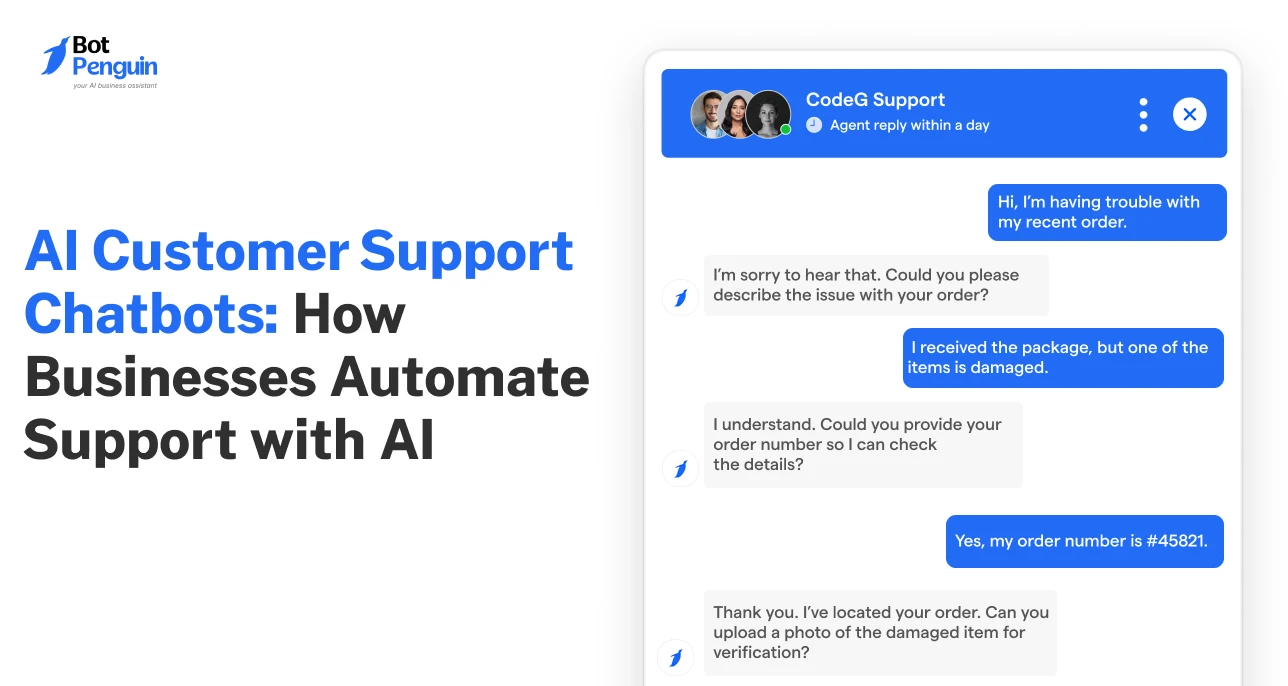
A customer service chatbot acts as the first point of contact for customer inquiries across digital channels. Powered by AI and business knowledge, it handles common support requests around the clock while connecting customers with human agents when needed.
What separates a good brand from a better one is how well it responds to its customers. And customer support plays a big role in shaping that experience.
However, when hundreds of customers ask the same questions every day, even the best support teams struggle to keep up. This is exactly where a customer service chatbot changes the equation.
From answering common queries to tackling support requests, chatbots help businesses respond faster without overwhelming their teams.
In this guide, you’ll explore how an AI customer support chatbot works, its benefits, real-world examples, and how to implement one effectively.
An AI customer support chatbot is a software application that uses artificial intelligence to understand customer queries, reply automatically, and assist users across support channels.
According to Salesforce, service teams estimate that AI currently handles 30% of customer service cases, with this figure expected to reach 50% by 2027.
Ultimately, a customer service chatbot is about making support more accessible, efficient, and manageable as customer expectations grow.
For a clearer distinction, explore how support chatbots vs lead generation chatbots serve different business goals.
Think of a rigid phone menu that forces you to “press 1 for billing”. Now think of a knowledgeable support rep who actually understands what you're asking.
This is what AI-powered customer service chatbots aim to deliver. Here’s how to visualize that difference in practice:
Both have their place. AI chatbots work well for open-ended customer questions, while rule-based chatbots are useful for predictable workflows that require consistent responses.
Want a deeper look at language processing? Explore NLP chatbots for customer support or compare the best customer service chatbots.
Platforms like BotPenguin help businesses move beyond rigid, script-based chatbots to AI-powered conversations that understand customer intent and deliver relevant responses.
An AI customer support chatbot handles every request in five steps:
Now that you understand how these chatbots work, let's explore where they fit into the customer journey and how businesses use them in practice.
Customer questions show up at every stage, from the first product doubt to the post-purchase follow-up, and a customer service chatbot can support each one. Here’s where it fits across the journey:
Each of these use cases has been explained below.
A customer support chatbot answers product questions, checks availability, compares pricing, and recommends items based on stated needs, then guides buyers to the right page.
Fewer unanswered doubts mean fewer abandoned visits and more confident purchase decisions.
Checkout is where sales quietly slip away. The chatbot helps troubleshoot payment errors, assists with discount codes, explains shipping options and delivery timelines, and answers last-minute doubts in the chat itself.
This way, customers finish the purchase instead of leaving the cart behind.
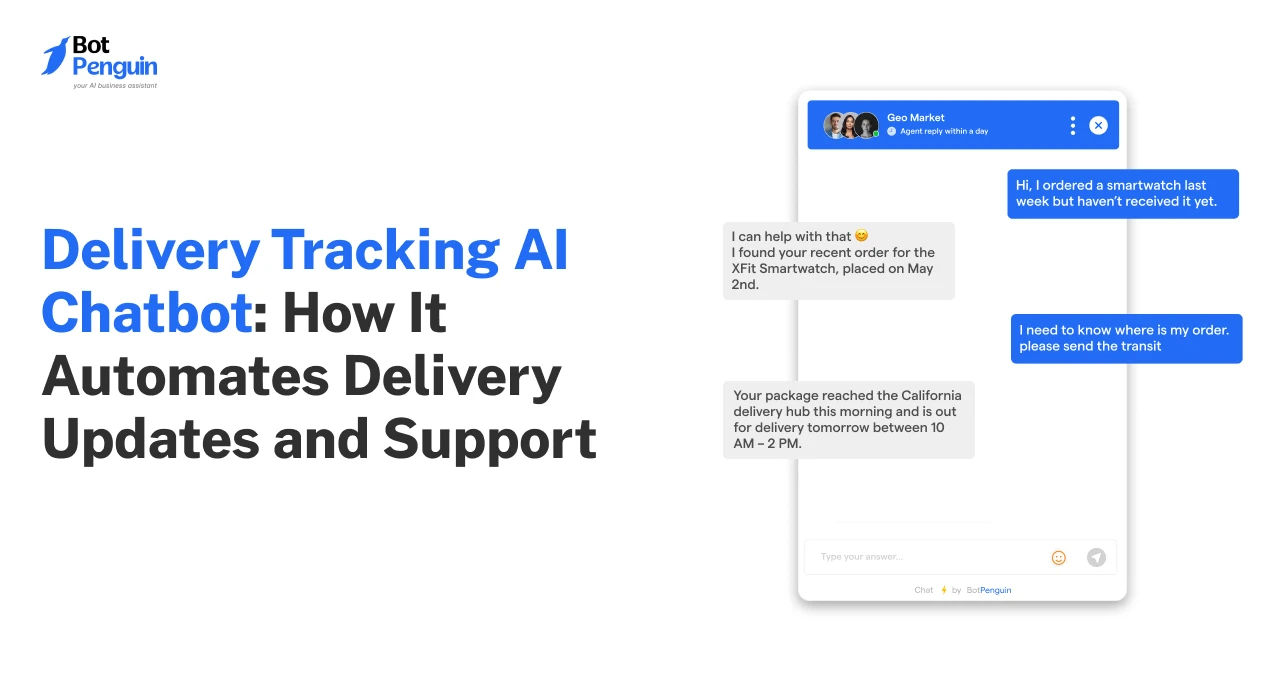
"Where is my order?" is one of the most common support questions.
Connected to your order system, a chatbot shares live tracking and delivery updates and guides customers through returns and refunds, so agents are freed from routine status checks.
Frustrated customers need speed and empathy. A chatbot identifies the issue, walks through basic troubleshooting, and logs a ticket.
When sentiment turns negative, or the problem stays unresolved, it transfers the chat to an agent with full context, so customers never repeat themselves.
Support does not end at resolution. A chatbot collects feedback after a resolved interaction, sends timely follow-ups and reminders, and tailors messages to past purchases and preferences.
These small touches keep customers engaged and quietly reveal why others stop returning.
Next, we’ll explore the advantages of these chatbots that make them a valuable addition to modern customer support operations.
Businesses are investing in AI customer support chatbots because they improve both customer experience and support efficiency at scale.
Here are the top advantages that businesses stand to gain from AI chatbot solutions:
For businesses looking beyond chatbots, customer service automation also extends to ticket routing, follow-ups, and other support workflows.
Individually, each of these benefits is compelling… But together, they compound. Faster responses can build trust, strengthen customer loyalty, and contribute to long-term revenue growth
From banking and retail to travel and energy, businesses across industries are putting AI chatbots to work in customer support. But what does success look like in practice?
Here are six real-world customer service chatbot examples that demonstrate how leading companies are improving support efficiency and delivering measurable results.
Sources: Bank of America, Klarna, Vodafone, Air India, Lyft, and Octopus Energy.
The takeaway is simple: Chatbot success isn't just about faster replies, but smarter customer support. And chatbots are only one piece of the larger AI customer service puzzle.
Implementing an AI customer support chatbot starts with understanding your existing support process and identifying where AI can make the greatest difference. Here's how to get started:
Review past support tickets, chat transcripts, and customer feedback to identify frequently raised questions.
Prioritize issues such as order tracking, refunds, and account access that can be resolved through straightforward conversations.
Map out conversation paths for common customer requests, including troubleshooting, bookings, and complaints.
Add clear prompts, follow-up questions, and escalation triggers to guide customers toward the right resolution without unnecessary steps.
Feed the chatbot accurate FAQs, help center articles, product documentation, and historical conversations.
Organize information by customer intent, remove outdated answers, and test responses against actual customer questions before deployment.
For instance, BotPenguin lets businesses train AI chatbots using website URLs, PDFs, documents, spreadsheets, and FAQs to deliver responses grounded in their business information.
Connect your chatbot with CRM software, helpdesk systems, order databases, and communication channels like WhatsApp.
These connections enable personalized responses, real-time information retrieval, ticket creation, and smoother transitions between AI and human agents.
Per Zendesk, 74% of consumers feel frustrated when they have to repeat information during customer support interactions, highlighting the importance of connected systems.
Test different customer scenarios, including unclear questions and failed requests, before going live.
Start with one channel, monitor resolution rates and customer feedback, and refine responses based on actual conversations.
These five steps lay the groundwork for a successful chatbot launch, but a few best practices can make the implementation even more effective.
Beyond the technical setup, a few practices keep your chatbot reliable, helpful, and easy to use.
Businesses serving multiple markets should also consider multilingual customer support for consistent assistance across languages.
Thus, implementation isn't a one-time project; it's an ongoing commitment. The businesses seeing the strongest results treat their AI chatbot like a team member: onboarded carefully, trained consistently, and improved continuously.
Many businesses implement AI customer support chatbots expecting immediate results.
However, poor planning and weak customer experience strategies often limit chatbot performance.
Trying to automate every conversation can frustrate customers during sensitive or complicated situations.
Solution: Businesses should use AI chatbots for repetitive tasks while routing complex issues to human agents.
Customers often get stuck when chatbots cannot solve their problems.
Solution: Smooth escalation workflows help transfer conversations to support agents without losing context.
Outdated FAQs and incomplete support information lead to inaccurate chatbot responses.
Example: Air Canada's chatbot incorrectly explained its bereavement fare refund policy, resulting in a tribunal ruling against the airline.
Solution: Businesses should regularly update their knowledge base with clear and reliable content.
Many businesses launch chatbots but fail to track whether conversations actually resolve customer issues, leading to overlooked problems and declining support quality.
For instance, DPD disabled its AI chatbot functionality after a system update led to inappropriate responses during a customer conversation.
Solution: Monitor conversations, customer feedback, and resolution rates regularly. Test chatbot responses after every system update to catch unexpected errors or changes in behavior.
Robotic replies and poor conversation flow can damage customer trust.
Solution: Businesses should design chatbot interactions to feel natural, helpful, and conversational.
A poorly implemented chatbot damages the very customer relationships you're trying to protect.
Thoughtful implementation, on the other hand, is what separates a chatbot that frustrates from one that converts.
Tracking the right metrics helps businesses understand whether their AI customer support chatbot is actually improving support performance and customer experience.
Here's a breakdown of the core metrics to monitor and what to look for when evaluating chatbot performance.
Businesses should track these metrics regularly to identify support gaps, improve chatbot accuracy, and optimize customer experience across channels.
Platforms like BotPenguin offer built-in chatbot analytics to help businesses monitor performance, understand customer interactions, and identify areas for improvement.
Interested in learning how your customer data stays protected with BotPenguin? Explore BotPenguin security and compliance to understand its data protection practices.
And if you're wondering how to put all of this into practice, the next section is exactly what you need.
For businesses looking to put these practices into action, BotPenguin offers AI-powered customer support across multiple communication channels.
1. AI Customer Support Across Multiple Channels: Connect with customers through websites, WhatsApp, Instagram, Facebook Messenger, and Telegram, delivering consistent assistance across touchpoints.
2. AI Chatbot Training with Business Knowledge: Train chatbots using website URLs, PDFs, documents, spreadsheets, and FAQs to deliver answers based on your business information.
3. CRM and Helpdesk Integrations: Connect customer conversations with Zendesk, HubSpot, Salesforce, and Zoho CRM to support ticket creation and customer data access. CRM integrations are available on the King plan.
4. Human + AI Hybrid Support: Transfer complex conversations to human agents through a unified inbox, giving them access to chat history and customer context.
5. AI Voice Support: Extend customer assistance beyond text with AI voice agents that handle incoming calls, answer questions, and route conversations when human support is needed.
6. Chatbot Analytics: Monitor conversations and chatbot performance to identify support gaps and improve customer interactions.
BotPenguin brings AI chatbots, human agents, and connected support tools together, helping businesses deliver more responsive customer experiences.
Explore BotPenguin's AI customer service software to see how these capabilities fit your support operations.
Customers today want quick answers, support across channels, and help at any time. Most support teams struggle to keep up with those expectations manually.
A customer service chatbot helps businesses handle common queries, accommodate higher support volumes, and improve response times without compromising customer experience. It also makes support across multiple channels easier to coordinate.
But chatbots work best when paired with the right workflows, accurate knowledge bases, and smooth human handoff.
Businesses that balance AI with real customer needs are the ones delivering faster, more reliable, and more consistent support experiences today.
A customer service chatbot answers questions and guides users through conversations, while an AI customer service agent can perform multi-step tasks across connected business systems.
No. Chatbots handle common questions and straightforward requests, while human agents address complex, sensitive, and high-value conversations that require personal judgment.
A basic chatbot can launch within a few days using a no-code solution. More advanced implementations involving CRM integrations, knowledge-base training, and testing may take several weeks.
A customer service chatbot addresses delayed responses, limited support availability, high ticket volumes, and difficulties finding information. It also assists with order tracking, account access, returns, and basic troubleshooting.
Yes, when implemented with appropriate safeguards such as data encryption, access controls, privacy policies, and compliance measures. Security also depends on the vendor's capabilities and business configuration.
Costs vary based on conversation volume, features, integrations, and deployment requirements. Some providers offer free plans, while advanced capabilities and enterprise implementations typically involve subscription or custom pricing. Review BotPenguin's pricing for available plans.
Subscribe to Our Newsletter
Get the latest business insights straight into your inbox.
Checkout our related blogs you will love.
Updated at Oct 28, 2026
15 min to read

Updated at Oct 6, 2026
17 min to read
Updated at Sep 28, 2026
15 min to read
Updated at Sep 28, 2026
19 min to read
Updated at Sep 25, 2026
9 min to read
Updated at Sep 1, 2026
10 min to read
Table of Contents