Is the Jira chatbot integration free?
The Jira chatbot integration is included on every paid BotPenguin plan at no extra cost. View BotPenguin pricing to compare plans. You can test it during your free trial without a credit card. There is no separate charge for the connection.
Do I need a developer to connect Jira to BotPenguin?
No. You need three things from your Atlassian account: an API token (generated at id.atlassian.com/manage/api-tokens in under two minutes), your Atlassian account email address, and your Jira domain (yourcompany.atlassian.net). Enter all three into BotPenguin, map your fields on a visual screen, run a test, and go live. Most teams finish in under ten minutes.
Does the Jira integration work with WhatsApp?
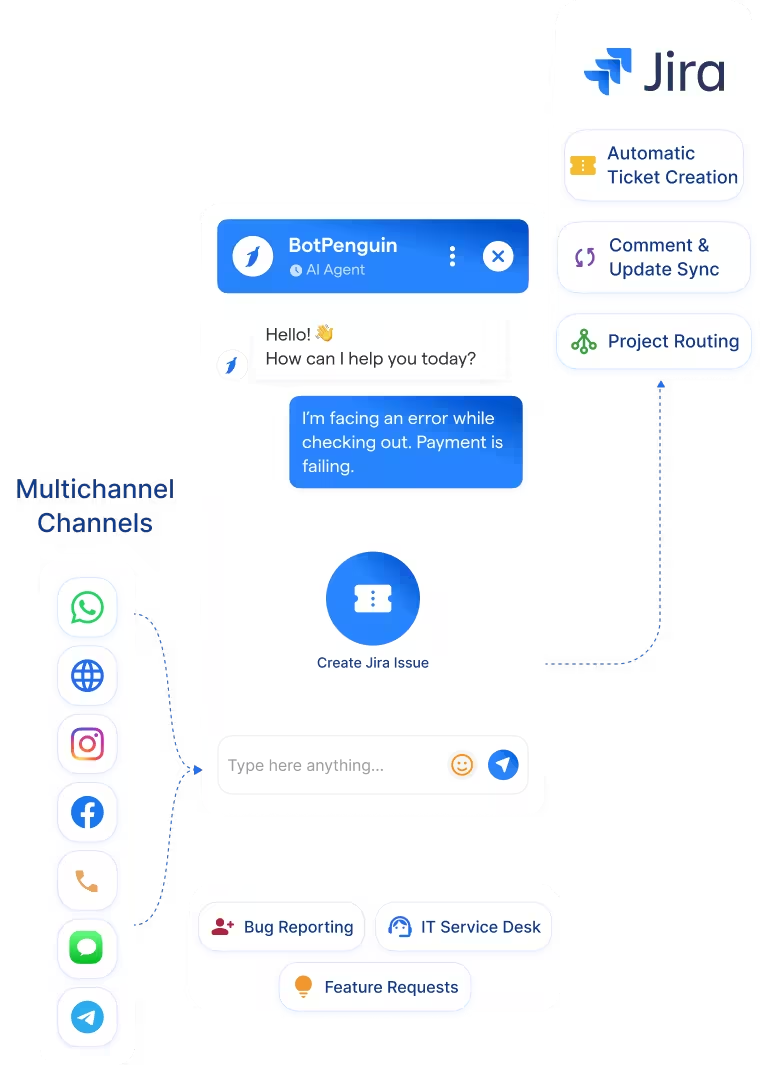
Yes. Issues reported via WhatsApp are captured by your chatbot, all required fields are gathered in conversation, and a Jira ticket is created automatically with the WhatsApp conversation as the description. The same applies to your website, Instagram, Facebook, Telegram, SMS, and Microsoft Teams.
Which Jira fields can BotPenguin populate automatically?
Summary, description, project, issue type, priority, and any custom field your workflow uses. Every question your chatbot asks can be mapped to a Jira field during setup on a visual screen with no code required.
Does BotPenguin work with Jira Service Management as well as Jira Software?
Yes. BotPenguin works with both Jira Software and Jira Service Management. For service management, you can route conversations to specific request types and set SLA priority based on chatbot conversation data.
What happens when a user sends a follow-up message about an existing issue?
BotPenguin can add the follow-up conversation as a comment on the existing Jira issue rather than creating a duplicate ticket. All related communication stays in one place on the correct ticket.