Is the Insightly CRM chatbot integration free?
The Insightly CRM chatbot integration is included on every paid BotPenguin plan at no extra cost. View BotPenguin pricing to compare plans. You can test it during the free trial without a credit card. There is no separate charge for the connection.
Do I need a developer to connect Insightly CRM to BotPenguin?
No. You need your Insightly API key, which is available in your Insightly User Settings under the API section in under two minutes. Paste it into BotPenguin, map your chatbot answers to Insightly fields on a visual screen, run a test lead, and go live. Most teams finish in under ten minutes.
Does the Insightly CRM integration work with WhatsApp?
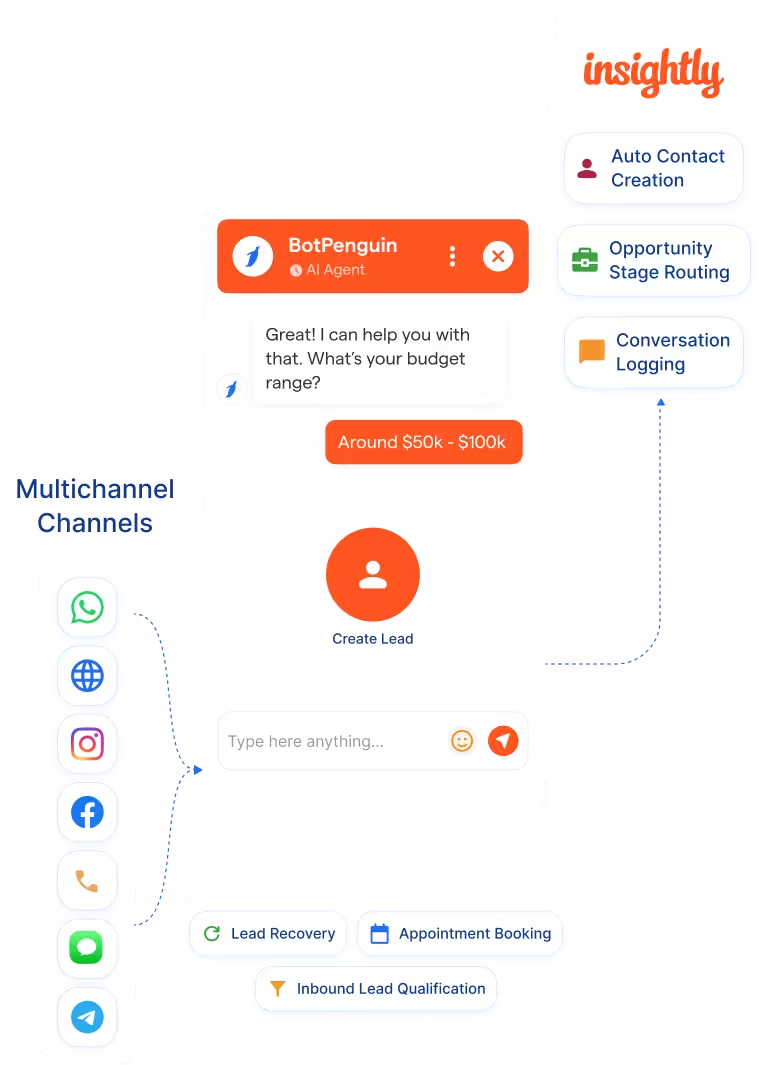
Yes. Leads captured on WhatsApp sync to Insightly in real time as new or updated contacts and opportunities, with the full conversation logged as an activity note. The same applies to your website, Instagram, Facebook, Telegram, SMS, and Microsoft Teams.
Can BotPenguin update existing Insightly contacts, or only create new ones?
Both. BotPenguin creates new contacts, leads, and opportunities, and updates existing records, matching by email or phone number. Duplicate prevention is built in so a returning lead updates the record you already have rather than creating a duplicate.
Which Insightly objects does BotPenguin sync?
Contacts, leads, opportunities, and tasks. Custom fields also sync based on your field mapping configuration.
Can BotPenguin work as an AI agent with Insightly, not just a rule-based chatbot?
Yes. BotPenguin's AI agent qualifies leads in natural multi-step conversation and creates or updates the Insightly contact, lead, and opportunity before the chat ends. It runs across WhatsApp, your website, Instagram, and more, on all paid BotPenguin plans.