



WhatsApp AI Chatbot vs Rule-Based: What’s the Difference?
Updated at Sep 16, 2026
7 min to read
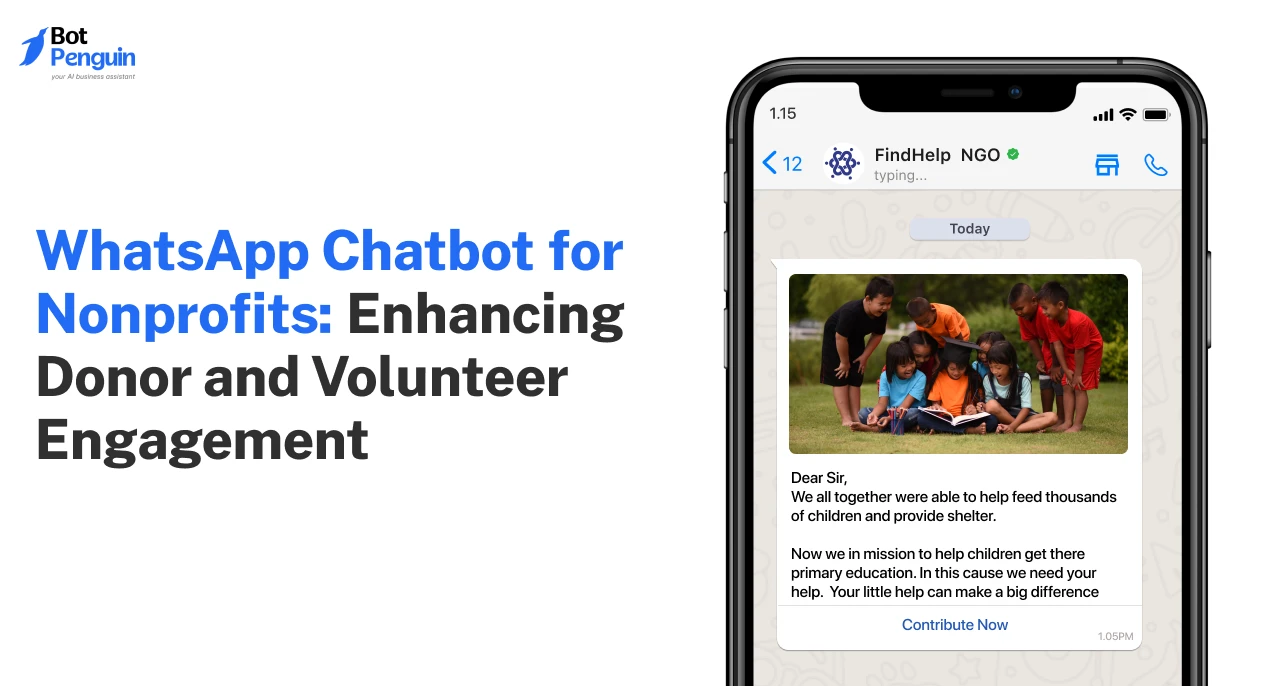
The hardest part isn’t finding supporters for a good cause; it's reaching them.
Nonprofits often compete for attention in crowded inboxes and overflowing social feeds. Every missed donation or volunteer sign-up is a lost opportunity to create impact.
That's why many organizations are turning to WhatsApp, where people already read and reply to messages.
A WhatsApp chatbot for nonprofits helps automate donor communication, volunteer coordination, and beneficiary support without losing the human touch.
This guide explains how the nonprofit chatbot on WhatsApp works, where it helps most, and what to consider before getting started.
Want a broader overview first? Our chatbot for nonprofits guide covers the use cases and key considerations.
Every unanswered donor question and delayed volunteer reply chips away at a cause's momentum.
Nonprofits run lean, and the tools they use rarely match the channels people already trust. WhatsApp helps these teams close that gap.
Meta confirms more than 175 million people message business accounts on WhatsApp daily.
Donors often have simple questions before contributing, from payment methods to campaign details.
When these questions go unanswered, many leave without donating.
A WhatsApp chatbot helps nonprofits in this case by responding instantly, sharing donation links, answering routine queries, and keeping supporters updated.
Beneficiaries frequently need updates about programs, eligibility, or available services.
A WhatsApp chatbot provides immediate answers and directs them to the right resources, improving access to support.
Managing volunteer registrations, schedules, reminders, and event updates manually can overwhelm small teams.
A WhatsApp chatbot automates these tasks, making volunteer management faster and more organized.
Most nonprofits operate with small teams and tight budgets. As conversations increase, keeping up becomes difficult.
This gap is filled by WhatsApp, which can handle routine interactions 24/7, allowing staff to focus on fundraising and community impact.
Keeping donors, volunteers, and supporters informed across multiple channels is challenging.
The chatbot sends timely campaign updates, event reminders, and impact stories on a single platform people already use, improving engagement.
These gaps all trace back to one problem: nonprofits are stretched thin, and supporters feel the delay. A WhatsApp chatbot doesn't replace the human touch; it just makes sure no one is left waiting.
If you're looking for a simple way to get started, platforms like BotPenguin let nonprofits build WhatsApp chatbots for donor engagement, volunteer coordination, and beneficiary support without complex development.
Every meaningful supporter relationship starts small, often with just a “Hi”.
What happens next decides whether that person stays engaged or drifts away. Here's how a WhatsApp chatbot turns that first message into a lasting connection:
From that first message to a receipt, reminder, or thank-you weeks later, the chatbot keeps the conversation alive. For nonprofits, that's the real win: no supporter falls through the cracks between one interaction and the next.
A single chatbot can carry a supporter through very different journeys, from a first donation to a Saturday shift confirmation.
Here’s a quick view of where it delivers the most value, followed by the details behind each one:
Most donors abandon a gift over a small unanswered question, like which payment methods you accept.
The chatbot manages these on-the-spot, shares the donation link, and follows up with a reminder if someone starts but doesn't finish.
Per G2, roughly two-thirds of users say fast, convenient replies are what they value most in a chatbot experience: the same instinct that drives someone to abandon a gift over an unanswered donation question.
This is where a chatbot saves you, the coordinator, the most time. Instead of texting each volunteer individually, you send one broadcast:
Chatbot: "We need volunteers for Saturday's event, 10am to 2pm. Can you make it?"
Visitor: "Yes, I can come."
Chatbot: "Great, you're confirmed. We'll send a reminder Friday evening.”
This helps save valuable staff time and keeps volunteer communication organized in one place.
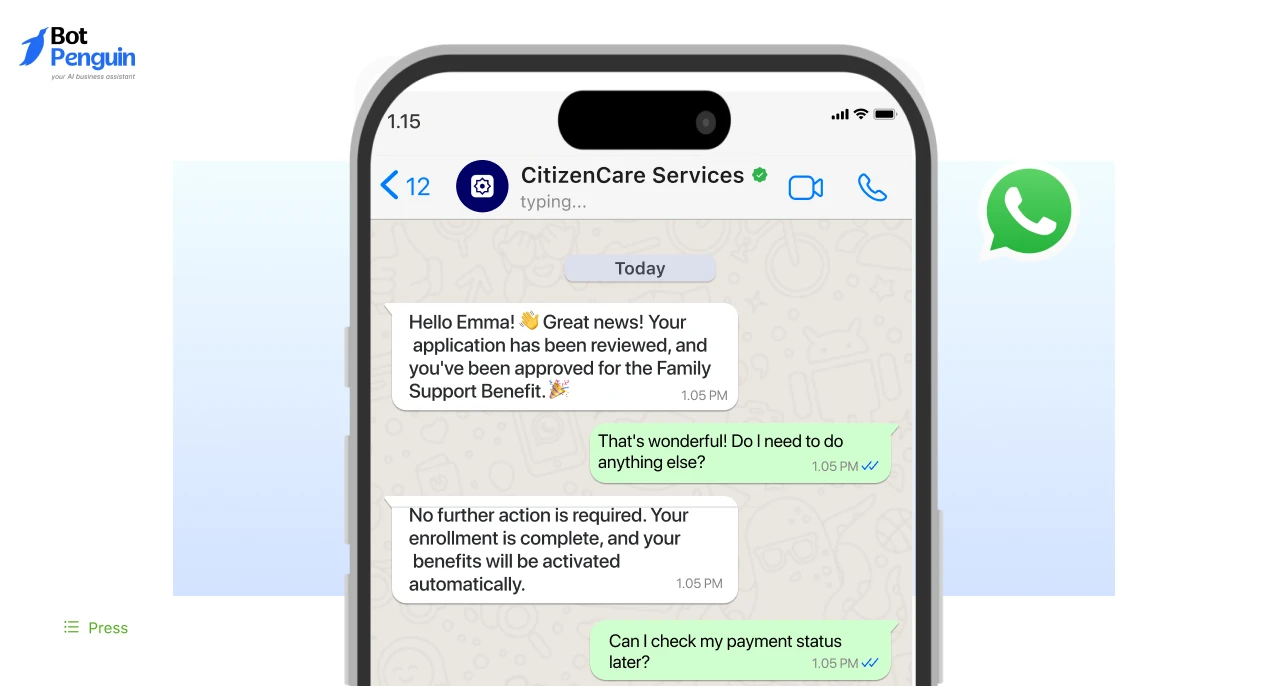
Beneficiaries often need quick answers on eligibility or available services.
The chatbot handles these routine questions immediately, freeing your team to focus on cases that need a human touch.
For fundraisers or awareness drives, the chatbot collects RSVPs conversationally and sends reminders as the date approaches.
Together, these use cases show how one WhatsApp chatbot can simplify daily operations while improving the experience for everyone you serve.
Want to explore more chatbot workflows and automation ideas? Read our complete guide to WhatsApp chatbots.
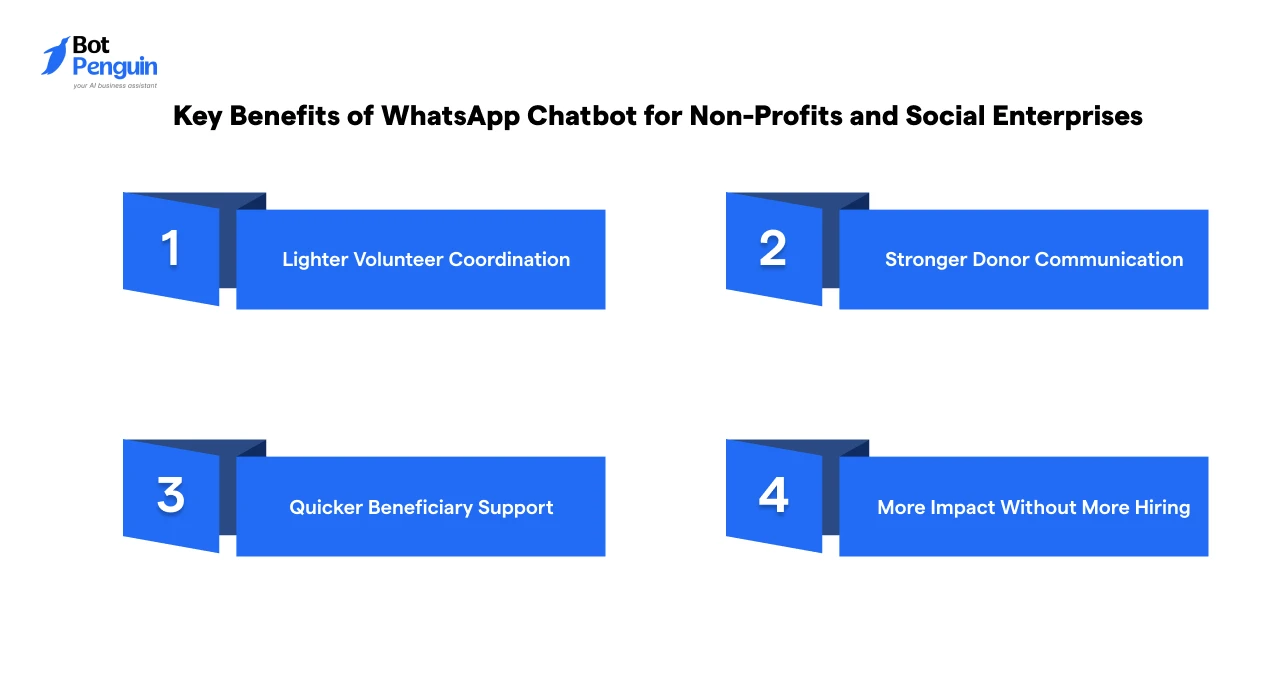
A WhatsApp chatbot for nonprofits helps you stay responsive without placing more pressure on a small team.
It handles routine conversations so staff and volunteers can spend more time on programs, fundraising, and community support.
The real value is not just fewer admin tasks. It is more time for the work that moves your mission forward.
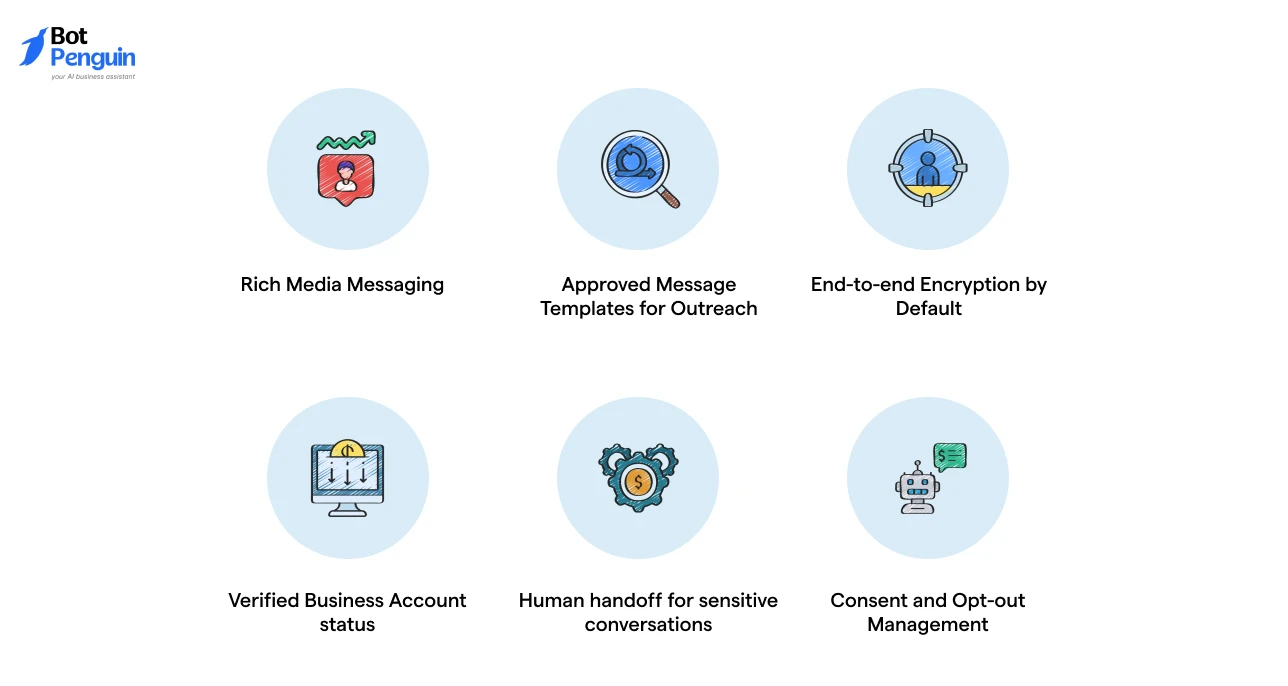
The most useful features are the WhatsApp-native capabilities that keep conversations personal, plus the safeguards that protect donor and beneficiary trust.
Here's what to look for:
Share photos, videos, PDFs, and voice notes directly in chat, useful for showing campaign impact or explaining a program without sending people to another link.
WhatsApp requires pre-approved templates for business-initiated messages outside an active conversation.
Hence, your chatbot should manage template creation and approval so campaign updates and reminders go out without getting blocked.
Every WhatsApp conversation is protected by the same Signal protocol encryption used in personal chats.
This matters when beneficiaries share personal or sensitive details.
A Meta-verified badge signals authenticity to donors and beneficiaries, helping your nonprofit stand out from unofficial or scam accounts on the platform.
Routine questions stay automated, but anything involving a beneficiary's personal situation or a donor's complaint should route to a real person.
Supporters should be able to unsubscribe or manage what they receive at any time, keeping outreach compliant and respectful of WhatsApp's opt-in requirements.
These capabilities help your nonprofit deliver secure, timely, and meaningful conversations at scale. Teams should choose a platform that balances automation with human support for the best experience.
Budget is often the first question a nonprofit asks before adopting any new tool, and WhatsApp chatbots are no exception.
The total cost usually comes from a few separate pieces, not one flat fee, so it helps to know what you're actually paying for before you compare vendors.
A few things worth keeping in mind as you evaluate options:
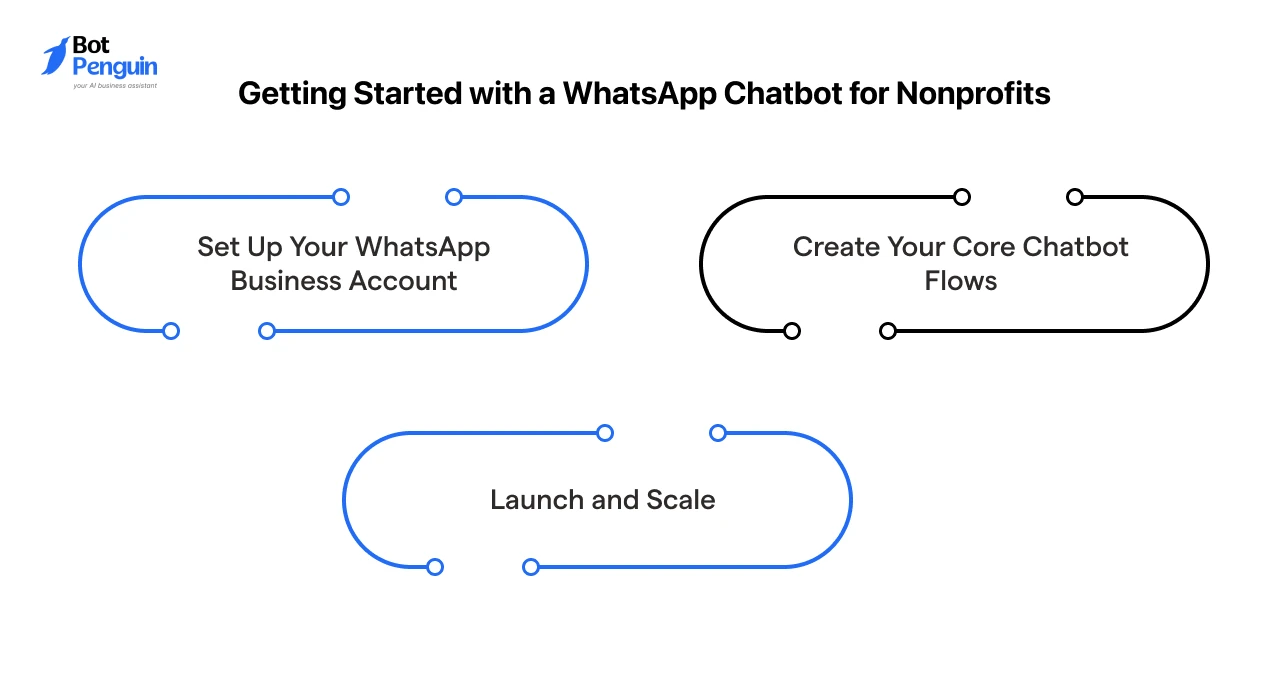
Once you know what to look for in a chatbot and what it will cost, the actual setup is simpler than most nonprofits expect.
Here's how to go from idea to a live chatbot in three steps:
For a complete walkthrough, read our guide on how to build a WhatsApp chatbot.
None of these steps require a technical team. With the right platform, most nonprofits can go from setup to a working chatbot within days, not months, freeing up time to focus on the people you serve.
If you're evaluating platforms, BotPenguin offers a simple way to build and launch a WhatsApp chatbot without writing code, complete with AI-powered conversations, live agent handoff, and built-in analytics to track engagement.
A WhatsApp chatbot for nonprofits helps you respond faster, engage supporters consistently, and minimize the manual work that often slows small teams down.
From donor engagement to volunteer coordination and beneficiary support, it keeps communication simple and organized. Start with a few essential workflows, then expand as your programs grow.
The right chatbot doesn't replace your team; it gives them more time to focus on the people and causes that matter most.
Small improvements in communication can lead to stronger relationships and greater impact over time.
A WhatsApp chatbot for nonprofits automates conversations with donors, volunteers, and beneficiaries. It can answer FAQs, share donation links, register volunteers, send updates, and provide support through WhatsApp, reducing manual communication.
Yes. A WhatsApp chatbot can share volunteer opportunities, collect registrations, confirm participation, send reminders, and answer common questions. This reduces manual follow-ups and helps nonprofit teams coordinate volunteers more efficiently.
Yes. It can answer common donor questions, share secure donation links, send fundraising updates, and remind supporters about ongoing campaigns or recurring donations, helping nonprofits improve donor engagement and reduce drop-offs.
Some chatbot platforms offer free plans or trial versions with limited features. Larger nonprofits typically choose paid plans to access the WhatsApp Business API, advanced automation, analytics, and higher messaging limits.
Many chatbot providers offer special nonprofit pricing or discounts for eligible organizations. Check the provider's eligibility criteria and application process, as discount availability and terms vary by platform.
Yes. A WhatsApp chatbot can answer questions about programs, eligibility, service availability, and appointments. It provides instant information and directs beneficiaries to human support whenever more personalized assistance is needed.
Most nonprofits can launch a basic WhatsApp chatbot within a day after connecting their WhatsApp Business API account. Setup time depends on the number of conversation flows, integrations, and customization required.
Streamline Nonprofit Communication With WhatsApp Chatbots
Engage donors, coordinate volunteers, answer beneficiary queries, and automate campaign updates on WhatsApp. Reduce manual work, respond faster, and strengthen every supporter interaction.
Explore Now!Checkout our related blogs you will love.
Updated at Sep 16, 2026
7 min to read
Updated at Sep 10, 2026
10 min to read
Updated at Sep 10, 2026
9 min to read

Updated at Aug 6, 2026
11 min to read
Updated at Aug 5, 2026
7 min to read
Table of Contents


