


10 Best WhatsApp Chatbot Platforms in 2026 (Reviewed & Compared)
Updated at Oct 1, 2026
9 min to read

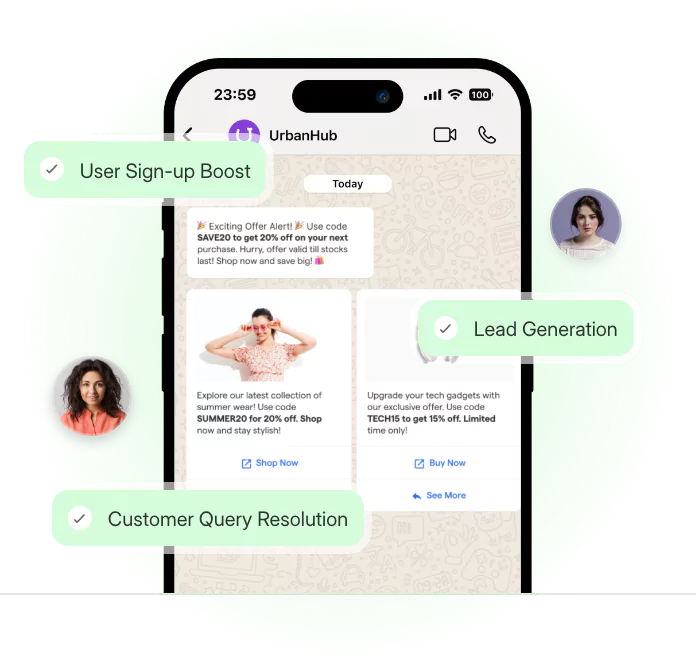
A WhatsApp chatbot for automotive dealerships helps your showroom respond when buyers are ready to talk.
But if you need to know the basics first, go through our guide to what a WhatsApp chatbot is before looking at dealership-specific workflows.
Car buyers often ask about test drives, service slots, pricing, and available models outside business hours.
A delay can move that lead to another dealership.
This guide shows how WhatsApp-based chatbot workflows support test-drive booking, service reminders, inventory questions, and financing FAQs. It focuses on dealership-specific WhatsApp use cases rather than general chatbot benefits.
For broader automotive chatbot use cases beyond WhatsApp, explore our guide on automotive chatbots.
Dealership demand rarely follows showroom hours.
Buyers compare models during lunch breaks, commutes, and late evenings. A 9 PM inquiry can carry real purchase intent.
WhatsApp works because it feels direct and familiar. Buyers can ask a question without filling a long form.
Here is why it fits dealership conversations:
A WhatsApp chatbot for automotive dealerships helps capture these inquiries as soon as they arrive. The buyer gets basic answers, available slots, or next steps immediately.
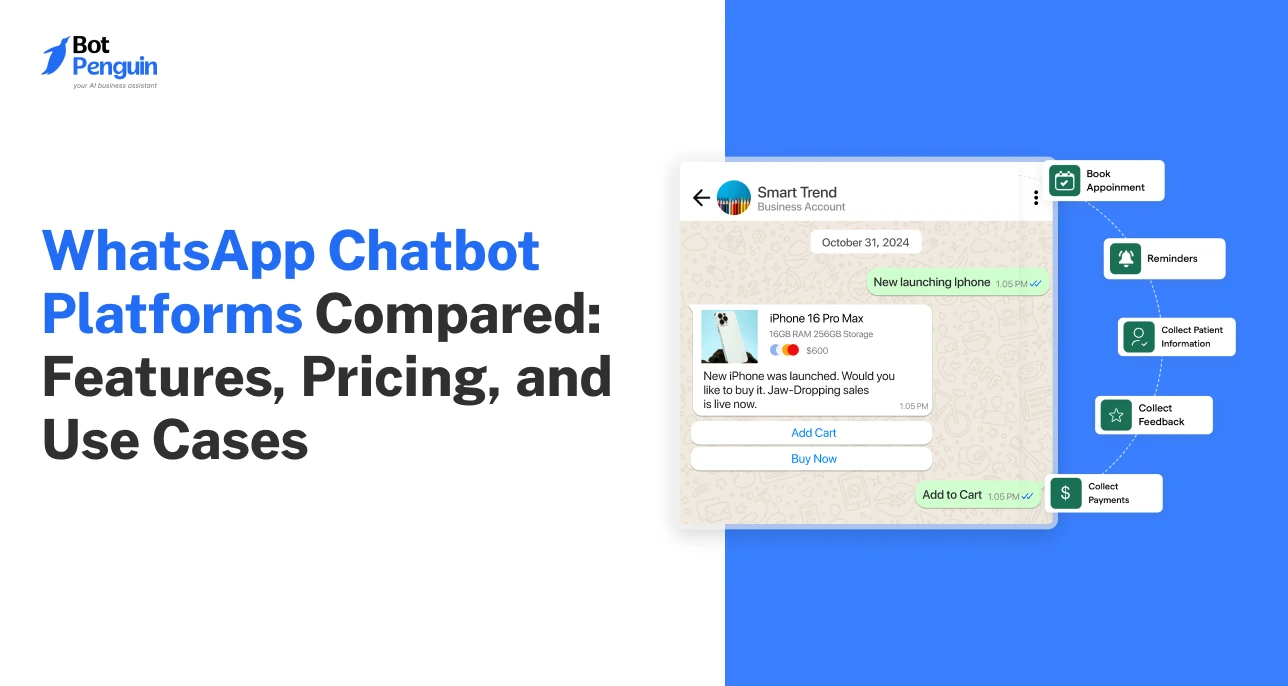
BotPenguin’s WhatsApp integration supports these dealership workflows through automated chat flows. It helps manage sales and service conversations from one channel.
This is not generic WhatsApp automation for business. For dealerships, the value sits in timing, buyer intent, and faster handoffs.
That becomes clearer when you look at the main dealership use cases.
A WhatsApp chatbot for automotive dealerships works best with clear workflows. It should not only reply to messages. It should move buyers and service customers toward the next step.
The table below shows the main dealership conversations this section covers.
The sections below explain each workflow in practical terms for dealerships.
Test-drive booking is the strongest lead-capture use case. It turns a WhatsApp inquiry into a scheduled showroom visit.
A simple flow can work like this:
This flow captures intent while the buyer is active. It also reduces back-and-forth for sales teams.
Service reminders help dealerships bring customers back on time.
The chatbot can send maintenance alerts and service due-date reminders. It can also ask if the customer wants a service slot.
This keeps service follow-up timely without manual calling.
Inventory questions often repeat throughout the day.
A chatbot can share available models, pricing ranges, and vehicle photos. It can also ask about budget, model preference, and location.
This helps sales teams focus on qualified buyers.
Financing questions need careful handling.
The chatbot can answer basic questions about down payments, documents, and EMI ranges. For specific terms, it can route the buyer to a finance specialist.
For a WhatsApp chatbot for car dealerships, the goal is simple. Turn WhatsApp inquiries into booked actions and cleaner staff handoffs.
BotPenguin’s flow builder and reminder scheduling can support these WhatsApp dealership workflows.
These use cases matter most when they create clear dealership benefits. Let's explore them next.
For teams comparing wider platform options, see the best automotive chatbots compared.
A WhatsApp chatbot for automotive dealerships turns daily dealership conversations into clearer business outcomes.
The benefit is not only faster replies. It is better lead capture, cleaner service follow-up, and less repetitive work for sales teams.
The sections below explain how these benefits show up in dealership workflows.
Many car buyers research after work or late at night.
A chatbot can reply when your showroom is closed. It can collect contact details, model interest, and test-drive preference.
This helps your team start the next day with warmer leads.
Service reminders keep customers aware of upcoming maintenance.
The chatbot can send due-date messages and appointment reminders on WhatsApp. It can also ask if the customer wants to confirm or reschedule.
That helps service teams protect booked slots.
Inventory questions can slow down sales staff.
A chatbot can first answer basic model, price, and availability questions. Sales teams can then focus on buyers who are ready for the next step.
This is where WhatsApp automation for business becomes practical for dealerships.
Once the benefits are clear, the next step is setup.
Setting up a WhatsApp chatbot for automotive dealerships should start with one clear workflow. Do not build every conversation on day one.
Follow these steps first:
Connect your WhatsApp Business number to the chatbot platform.
Create a test-drive booking flow with model, date, and time fields.
Set up service-reminder flows for maintenance and follow-up messages.
Test one sample inquiry before going live.
Use a real dealership scenario while testing. Ask about a vehicle, pick a slot, and check the reminder message.
If your number, inventory details, and booking rules are ready, many dealerships can launch a basic version within a day.
Now, to move from planning to setup, use BotPenguin to build a WhatsApp chatbot right away.
Yes. A WhatsApp chatbot can show available test-drive slots, collect the buyer’s preferred time, confirm the booking, and send a reminder before the visit. It helps your team capture intent before the buyer moves to another dealership during after-hours searches.
Yes. It can send automated service reminders for scheduled maintenance, upcoming due dates, or confirmed service appointments directly on WhatsApp. It can also ask customers to confirm, reschedule, or request help without making your service team call every customer manually.
Yes. It can share current inventory, general pricing ranges, model availability, and vehicle details through WhatsApp. For financing terms, trade-ins, discounts, or final pricing, it can connect the buyer with a sales representative to proceed.
Yes. A WhatsApp chatbot for automotive dealerships can ask about budget, preferred model, purchase timeline, location, and contact details. This helps sales teams identify serious buyers before starting a manual follow-up or assigning the conversation to a representative.
Yes. The chatbot can handle common questions first and transfer complex conversations to the right team member. Sales queries can be routed to sales staff, while service-related questions can be routed to service advisors, with the conversation context intact.
No. It supports dealership staff by handling repetitive questions, reminders, and basic booking flows. Your team still handles negotiations, financing details, final pricing, trade-ins, and conversations that need human judgment or dealership-specific approval.
The strongest value of a WhatsApp chatbot for automotive dealerships is timing.
A buyer may ask about a car after your showroom closes. If your team replies late, that buyer may contact another dealership first.
A chatbot keeps that enquiry active. It can answer basic questions, collect buyer details, book test drives, and send reminders without waiting for office hours.
For service centers, it also supports timely reminders and fewer missed appointments.
This makes WhatsApp a practical channel for sales and service conversations. It helps your team focus on buyers who need real human attention.
To start turning WhatsApp enquiries into booked actions, build a WhatsApp chatbot today!
3X Your Business
Growth on WhatsApp
See how our chatbot automates replies, qualifies leads & books appointments on autopilot.
Watch Demo NowCheckout our related blogs you will love.
Updated at Oct 1, 2026
9 min to read

Updated at Sep 24, 2026
7 min to read
Updated at Sep 24, 2026
9 min to read
Updated at Aug 13, 2026
8 min to read
Updated at Oct 8, 2026
14 min to read
Updated at Oct 7, 2026
12 min to read
Table of Contents



