


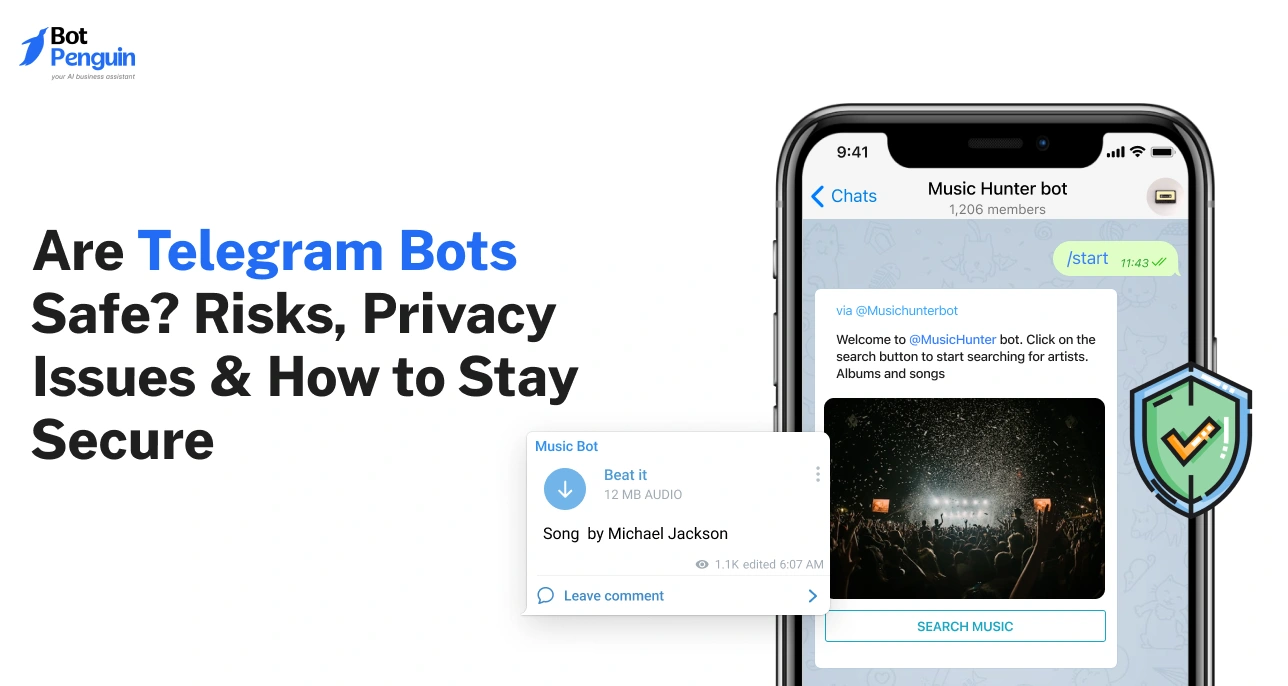
Are Telegram Bots Safe? Risks, Privacy Issues & How to Stay Secure
Updated at Aug 11, 2026
10 min to read

A Telegram chatbot for ecommerce helps a store automate order updates, answer common product questions, and follow up on abandoned carts, all inside an app most customers already use, without adding to a support team's workload.
Most ecommerce stores lose sales in seconds, not days. A Telegram chatbot for ecommerce closes that window before a customer clicks away.
It lives inside an app people already open every day, not something new to install. That means order updates and product questions reach customers right where they are already looking.
It can also answer sizing or shipping questions instantly, cutting the back and forth that slows a sale down. No more chasing replies across email or social DMs.
For a growing store, that adds up to fewer support tickets and faster answers, without adding headcount.
Ecommerce brands did not start this shift. Shoppers moved to Telegram first, using it daily for chats and updates, and stores followed to meet them there. Here is why that move keeps paying off for support and sales.
A brand can use Telegram for:
All three happen inside one app. No separate shopping app to download, no portal login to remember.
They open Telegram daily to talk to friends and family, so a message from a store lands in the same familiar space, not in a folder they rarely check. That trust carries over to how they treat replies from a brand.
Compare how updates actually reach a customer:
This gap shows up clearly around order tracking and returns. A customer waiting on a delivery checks Telegram before email, since that is where updates from other apps already arrive.
Shoppers in an active Telegram group ask questions openly, because they see other buyers getting quick answers. That visibility builds confidence faster than a support ticket sitting in a queue.
For a growing store, the result is fewer missed messages and quicker replies without hiring more staff. A Telegram chatbot for ecommerce turns this shift into a working channel, not just a place to post updates.
Want to see how this looks in practice? The next section breaks down the specific use cases worth automating first.
A Telegram chatbot for ecommerce earns its place once it takes over the questions that repeat every single day. Four use cases cover most of what a store needs, from the first product query to the message after delivery.
Shoppers often browse Telegram groups the same way they scroll a product page, asking questions instead of searching filters. A bot built for this can answer sizing, stock, and shipping questions the moment they come up.
Example: A customer asks if a jacket runs small. The bot pulls the answer straight from the size chart and replies in seconds, no wait for a support agent.
This is the most common job a Telegram automation bot handles for a store. It sends a confirmation the moment checkout completes, then follows up automatically as the order moves through each stage, from confirmed to shipped to delivered.
Example: A customer checks out at 2 pm. By evening, they get a shipping notice with a tracking link, without anyone on the support team sending it manually.
Carts get abandoned for reasons that have nothing to do with the product, adistraction, a slow page, a forgotten payment method. A short reminder message often brings the customer back, as long as their Telegram account is linked to their store profile.
Example: A customer adds three items and leaves. Two hours later, a bot sends a reminder with a direct link back to checkout, recovering a sale that email might have missed.
Support does not end at delivery. Customers come back with return requests, warranty questions, and review prompts. A bot can handle the first layer before handing off anything that needs a human decision.
Example: A customer messages about a delayed return. The bot pulls up the return policy, shares the form link, and only brings in a human if the case involves a dispute.
Each of these use cases solves a specific problem, not a hypothetical one. A store does not need to automate all four on day one. Starting with order and shipping updates alone removes the single biggest source of repeat questions; then the rest can follow as the channel grows.
Ready to see how the setup actually works? The next section walks through getting an ecommerce bot for Telegram live on your store.
Getting a bot live is closer to setting up a new app than launching a development project. BotPenguin breaks the entire process into four steps, and none of them require writing code.
The first step is verification. Enter a phone number and confirm it with the code Telegram sends. This links the bot to a real, verified account before anything else gets built.
Next comes naming the bot and designing its chat flow. BotPenguin uses a drag-and-drop builder for this, so a store owner can map out order confirmations, shipping updates, and FAQ replies without touching a line of code.
A bot works better when connected to the tools a store already runs on. BotPenguin supports integrations with CRMs like HubSpot, Zoho, and Salesforce, along with automation tools like Zapier and Pabbly, so order data and customer details sync without manual entry.
The final step is a single click. Once activated, the bot goes live and starts handling conversations right away.
These four steps typically take under an hour for a basic setup, order confirmations, shipping updates, and a few FAQ replies. Product discovery, abandoned cart recovery, and post-purchase support can be layered in afterward, once the core flow is running.
For the full technical walkthrough, including privacy settings and permission steps for group chats, see our guide on how to deploy your Telegram bot. It covers the setup details this overview does not, step by step.
Getting a Telegram chatbot for ecommerce running is far simpler than most store owners expect. The next section walks through what a completed order update flow looks like in practice.
A setup guide only shows half the picture. Seeing an actual conversation makes it clear what a customer experiences from checkout to delivery, and why each message matters.
The flow starts the moment a customer completes checkout. A message confirms the order number, items purchased, and total amount, sent within seconds of payment.
This message does more than confirm a purchase. It reassures the customer that the order went through correctly, cutting down messages asking "did my order go through" that would otherwise land in a support inbox.
Once the order leaves the warehouse, the bot sends a second message with the tracking number and a direct tracking link. No manual update from the support team required.
A Telegram automation bot pulls this update straight from order status changes, so the message goes out the moment the status flips to shipped, not hours later when someone remembers to send it.
The final message confirms the order has arrived. Many stores pair this with a short prompt asking for a review or feedback, since customers are most responsive right after receiving their product.
This closes the loop on the entire order journey. The customer never has to check a separate tracking website or email for updates, since every stage arrives inside the same chat they already use daily.
Three messages, sent automatically, replace what would otherwise be several manual emails or a customer messaging support to ask about order status. Each message answers a question before the customer has to ask it.
For a store handling hundreds of orders a week, this alone removes many repeat support tickets tied to "where is my order" questions.
It does this without adding more staff.
Want to see this flow built out with real screenshots from live stores? Check out real Telegram chatbot examples for a closer look at how different brands structure their flows.
A Telegram chatbot for ecommerce built around this three-message flow gives customers clarity at every stage, and gives support teams one less recurring question to answer.
Yes. A Telegram chatbot for ecommerce can send automated shipping confirmation, tracking, and delivery status updates the moment an order status changes. No manual work is needed from the support team, and customers see updates within seconds of each stage.
Yes, if a customer's Telegram account is linked to their store profile. The bot can send a reminder message about items left in the cart, similar to an abandoned cart email but read much faster inside the app.
No. Customers only need the Telegram app itself, which many already have installed for personal use. There is no separate app to download or plugin to configure before a store can start sending updates.
Yes. It can answer common questions about sizing, availability, and shipping instantly, pulling answers from a store's own product pages and policies. This reduces the number of repetitive support tickets a team has to handle each day.
Yes, especially for order updates and FAQ handling. A small store can automate the questions that repeat most often without hiring extra staff, since a Telegram automation bot handles the routine load and only escalates complex cases to a person.
No. Telegram does not charge a commission on payments processed through its Bot Payments API (Source: Telegram Official Bot Payments Documentation, core.Telegram.org, 2026). A store's card processor still applies its normal rate, so the only cost is the standard payment processing fee, not an added Telegram charge.
Ecommerce support does not need to grow with every new order. It needs the right system handling the repeat questions first.
A Telegram chatbot for ecommerce gives a store a low-effort way to keep customers updated and answer common questions without adding to the support team. Start with order and shipping updates, since that single flow removes the largest share of repeat tickets on its own.
Once that flow runs well, expand into product discovery, abandoned cart recovery, and post-purchase support. Each addition builds on a foundation that already works, rather than launching everything untested at once.
BotPenguin sets up all four use cases without code, connects to the CRM and automation tools a store already runs on, and includes a free forever plan to start. A store can start with a focused order-update flow and expand it after testing.
Subscribe to Our Newsletter
Get the latest business insights straight into your inbox.
Checkout our related blogs you will love.
Updated at Aug 11, 2026
10 min to read
Updated at Jun 27, 2026
9 min to read
Updated at Jun 2, 2026
11 min to read

Updated at Jun 2, 2026
12 min to read
Updated at May 19, 2026
8 min to read
Updated at May 19, 2026
10 min to read
Table of Contents

