



Shopify Customer Service Chatbot: How It Improves Support
Updated at Oct 16, 2026
15 min to read
The right Shopify chatbot app should match your customer channels, answer varied questions accurately, fit your budget as demand increases, stay manageable for your team, and work with live Shopify data. These five checks reveal whether a platform will suit your store over time.
More than fancy features, what matters most in a Shopify chatbot app is how well it fits your store.
At the same time, the most advanced platform is not always the right one. If it cannot answer customer questions, connect with your existing tools, or support your sales process, its extra features add little value.
That is why selecting a chatbot platform takes more than comparing AI capabilities or pricing. You need a solution that matches your business goals and customer needs.
This guide explains how to evaluate a Shopify chatbot app, what features to prioritize, and how to choose the best Shopify chatbot for your store.
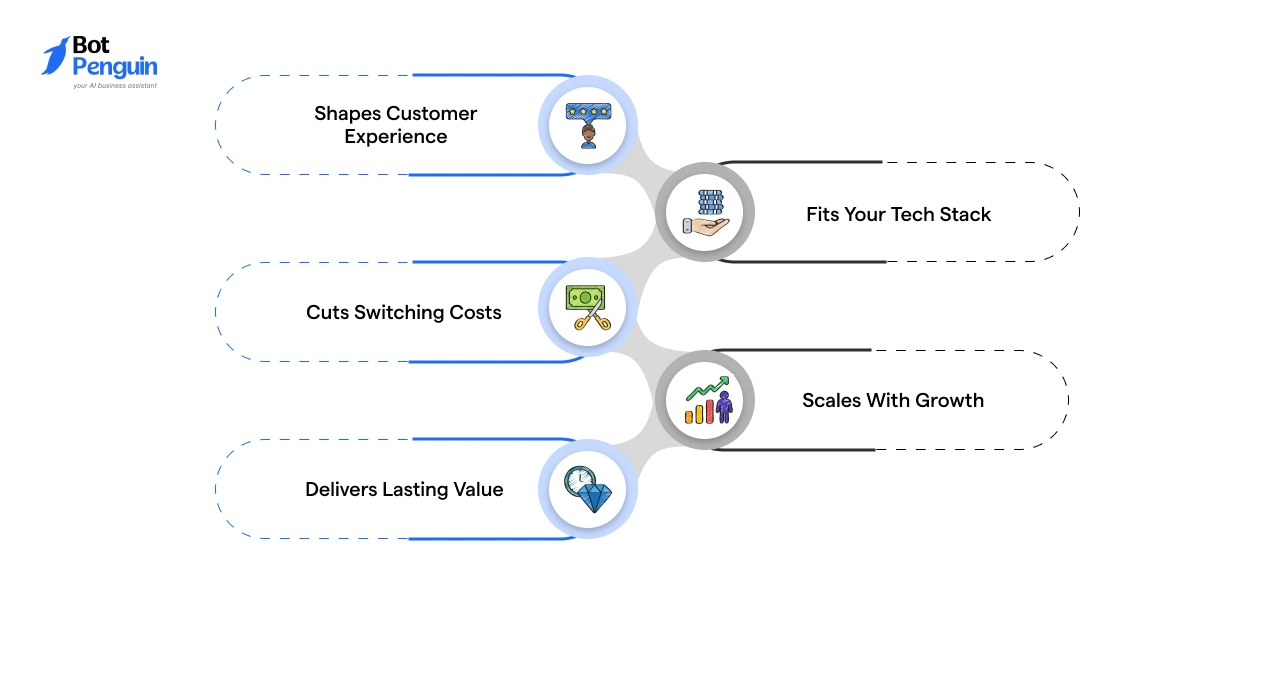
The platform you pick becomes the layer between your store and every customer conversation, so the choice shapes revenue, support load, and how much rework you face later.
A well-matched chatbot compounds in value as your store grows. A poorly matched one compounds in cost, quietly, until you’re rebuilding and retraining.
Here’s what’s really at stake when you get this choice right:
That makes the decision less about chasing features and more about choosing a platform that fits how your store actually operates.
If you’re looking for a platform built around these criteria, options like BotPenguin follow this approach. Instead of focusing only on AI features, they combine Shopify integration, customizable workflows, and omnichannel capabilities to support growing stores.
A long channel list means little if customers only show up in one or two places.
Pull up your Shopify analytics, support inbox, and social message volume before comparing platforms. That data, not the vendor's feature list, should decide which channels you prioritize.
A web-only chatbot app for Shopify works when most questions arise mid-browse or at checkout. Look for coverage across product, cart, and help pages.
The bot should answer questions, capture leads, and hand off complex chats cleanly.
If social messaging barely registers in your support volume, web chat alone may be enough.
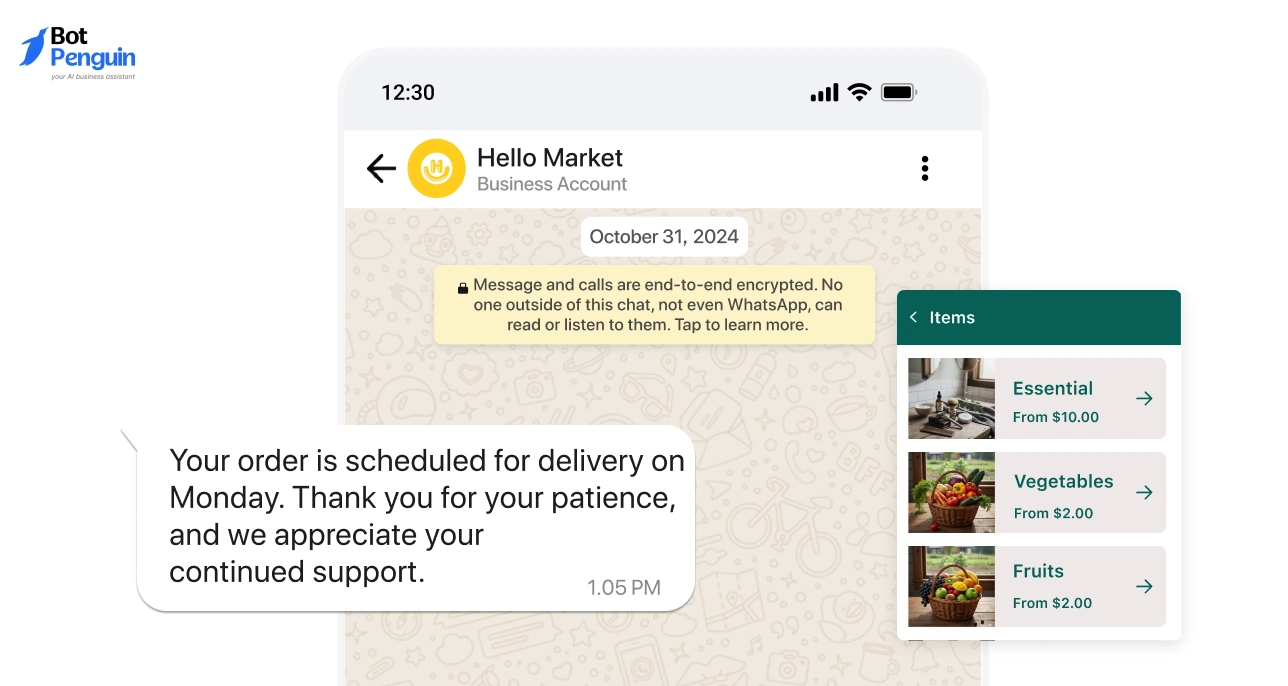
Once customers use WhatsApp for order updates, product questions, or returns, web-only support falls short.
Check for native support for the WhatsApp Business Platform, not just a click-to-chat link. It should pull live Shopify order data and retain context across sessions.
A WhatsApp link is not the same as an integrated chatbot.
When conversations span website chat, WhatsApp, Instagram DMs, and Messenger, single-channel thinking stops working.
Check whether every channel feeds one shared inbox, with history, notes, and handover status visible in one place.
Also confirm whether channels carry separate fees or automation limits. Fragmented setups quietly get expensive.
Nearly two-thirds of customers use multiple channels within a single buying journey, according to Salesforce Research.
Choose based on verified customer behavior, not the longest feature list. The right channel coverage cuts missed conversations without adding cost you don't need.
While both AI-powered and rule-based chatbots have their place, they solve customer interactions in very different ways. The table below reflects that difference in practice:
A low starting price does not always mean lower long-term cost. The real question is which activity causes your bill to increase.
Before choosing a Shopify chatbot app, map each pricing model against your conversation volume, team size, and customer database.
This model charges according to the number of chatbot conversations handled each month.
It suits stores with predictable support demand but can become expensive during campaigns, holidays, or sudden traffic spikes.
Seat-based plans charge for each employee using the inbox or support dashboard.
Costs remain predictable when message volume rises, but larger support teams may trigger frequent plan upgrades.
Contact-based plans charge according to stored customers, subscribers, or leads.
This model may suit smaller databases, but costs can rise even when many contacts remain inactive.
The headline price rarely shows the full operating cost. Advanced automation, Shopify data access, WhatsApp messaging, and analytics may only appear in higher tiers.
Compare pricing using your expected usage twelve months ahead. The right model should remain affordable when conversations, contacts, and support demand increase.
A chatbot for Shopify can look simple on the surface but still take weeks to launch. The setup depends on your store’s complexity, available integrations, and internal resources.
There are mainly two ways you can set up a Shopify chatbot app: no-code, using visual builders and prebuilt templates, or developer-assisted, involving custom API and backend work.
Before choosing a Shopify chatbot app, check who will build, test, and maintain it after launch.
A common pattern is starting no-code to launch fast and validate what customers actually ask, then bringing in developer support later for deeper Shopify data access, custom logic, or multi-system integrations.
The setup model matters less than whether your team can realistically maintain what you build.
A powerful developer-built bot with no one to update it will age worse than a simple no-code flow someone actively owns.
Still comparing platforms? See the full ranked comparison to evaluate the top Shopify chatbot apps side by side.
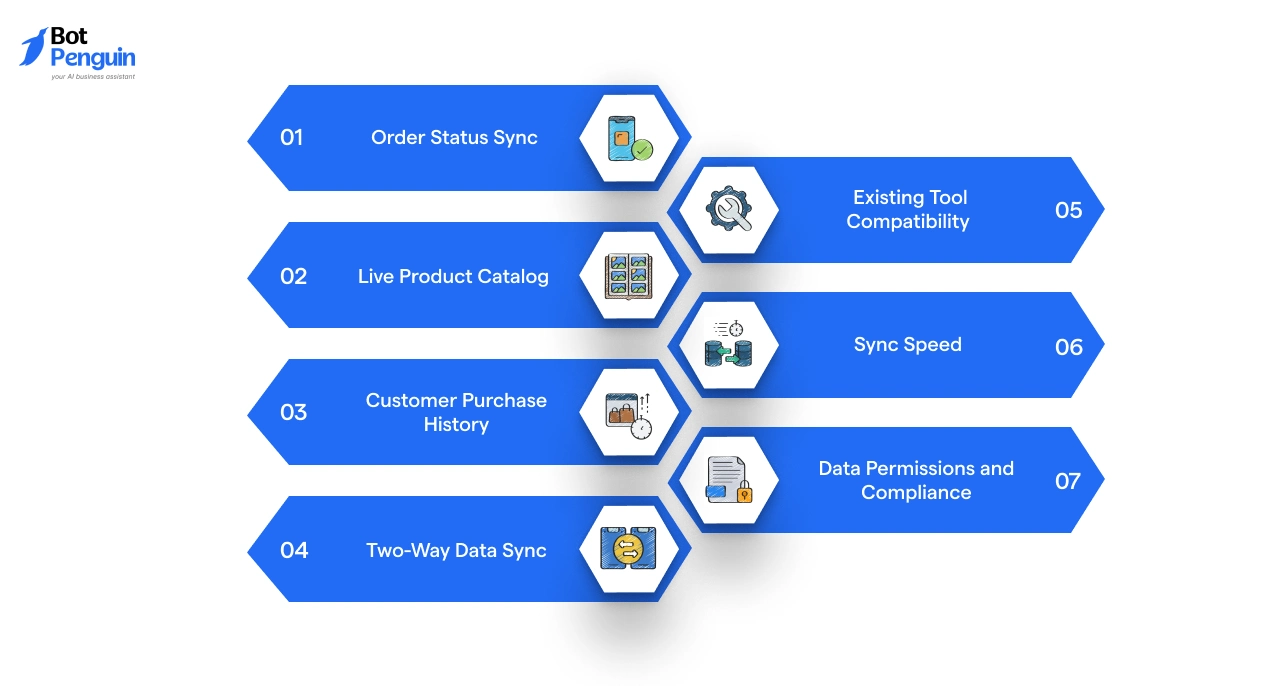
A real Shopify chatbot integration lets the bot work with live store data, not a script sitting on top of it. Before choosing a Shopify chatbot app, check exactly which data it can read, update, and use mid-conversation.
Order data lets the chatbot answer questions on payment status, shipping progress, delivery dates, and cancellations, using the customer's actual purchase, not a generic script.
Confirm it can pull order IDs, fulfillment status, tracking, and refund details directly from Shopify in real time.
Catalog access lets the chatbot recommend items using current pricing, variants, sizes, colors, and stock availability.
Confirm whether catalog updates sync automatically. Manually uploaded catalogs go stale fast the moment pricing or inventory shifts.
Purchase history lets the chatbot recognize returning shoppers and reference past orders for more relevant support.
Faster-growing companies generate 40 percent more revenue from personalization efforts compared to their slower-growing competitors, per McKinsey.
Check whether it uses profiles, tags, and chat history without exposing sensitive customer data.
Some integrations only read Shopify data; deeper ones write back into the store too, adding tags, logging preferences, or updating lead details.
Check which actions are supported and whether approval rules can be set before data changes go live.
Your store likely runs a CRM, helpdesk, email tool, or fulfillment system alongside Shopify.
The chatbot should pass data between these without creating duplicate records, supporting the workflows your team already runs, not replacing them.
Real-time sync and batch sync behave very differently at scale.
A chatbot pulling stock or pricing data with a delay can quote a customer an out-of-stock item as available, which is a bigger problem during flash sales or high-traffic periods than most stores anticipate upfront.
Deeper integrations mean more customer data flowing through the chatbot.
Check how the platform handles access controls, data residency, and compliance requirements like GDPR, especially if the bot has write access to customer profiles or order records.
Learn how to set up your chatbot once you've chosen one with our Shopify chatbot integration guide.
Strong integrations often separate an average chatbot from one that genuinely improves the shopping experience. BotPenguin combines Shopify with popular business tools, giving merchants a connected foundation instead of isolated chatbot flows.
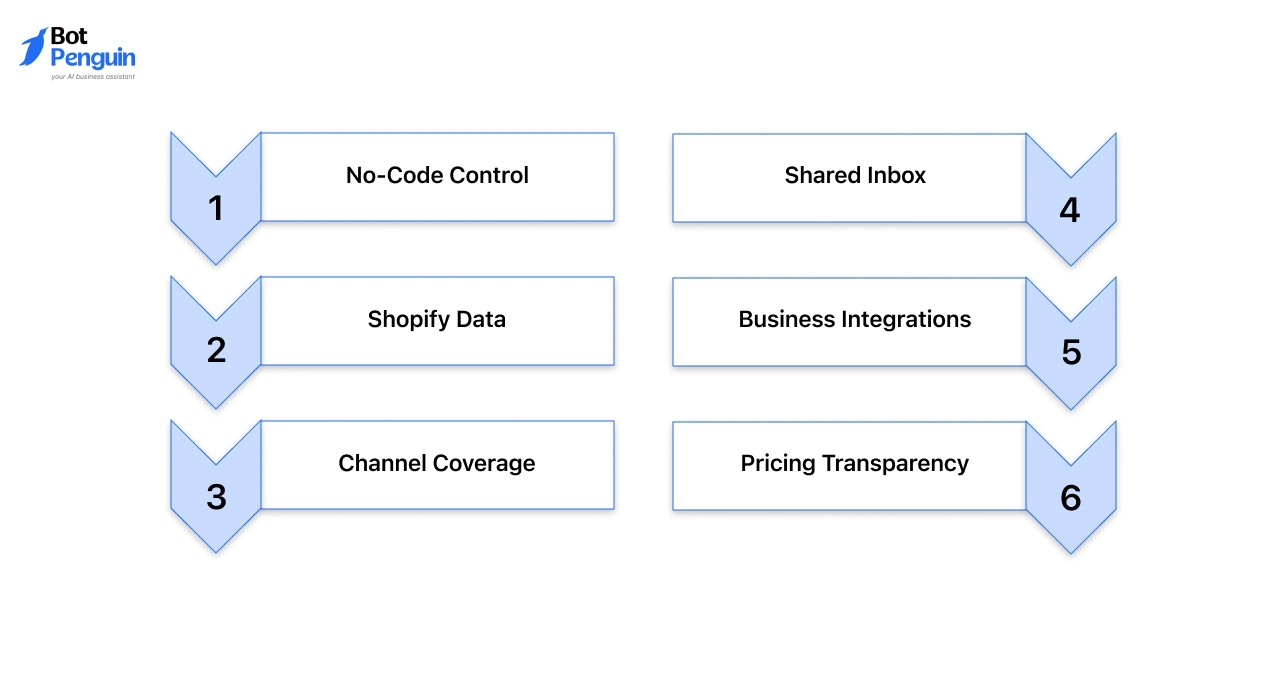
BotPenguin gives Shopify teams a no-code workspace to build, test, and improve customer conversations.
It also keeps chatbot activity, agent handovers, store data, and performance visible from one dashboard. Here’s why it emerges as a strong choice for businesses:
If your Shopify store needs a chatbot that grows with it instead of getting rebuilt every time your workflows change, BotPenguin is worth putting on your shortlist.
The right Shopify chatbot app should fit your store, not follow hype. Check where customers message you, how well the chatbot replies, how pricing changes at scale, and how much setup your team can manage.
Review how it works with products, orders, and customer history. Test common questions, handover, and reporting before you commit.
BotPenguin follows this approach with Shopify integration, flexible workflows, and support across key channels. Use the same checklist to judge whether it suits your store long-term.
Check channel coverage, AI response quality, pricing limits, setup requirements, and Shopify data access. The right Shopify chatbot app should fit your current workflows and remain practical as conversations, customers, and support needs grow.
Choose rule-based automation for fixed tasks and predictable questions. Choose an AI-powered chatbot when customers ask varied questions or need product guidance. Many stores benefit from combining both approaches within the same chatbot.
Pricing may depend on conversations, contacts, agent seats, channels, or AI usage. Compare plans using your expected monthly activity, not only the starting price. Also check overage charges and paid feature limits.
Shopify-specific integration gives the chatbot access to current product, order, inventory, and customer information. Without this access, it may provide generic replies or require customers to repeat details already stored in your Shopify store.
A basic no-code chatbot may take a few hours or days to prepare. Stores with custom workflows, several business tools, or advanced automation may need more time for configuration, testing, and staff training.
Yes. Your Shopify store data remains in Shopify. However, you may need to rebuild conversation flows, reconnect business tools, transfer chatbot content, and retrain your team on the new system.
Yes. Use a free trial or demo to test real customer questions, Shopify data access, agent handover, response accuracy, and dashboard usability. Product demonstrations alone may not reveal how the chatbot performs with your store’s actual workflows.
Choose the Right Shopify Chatbot for Your Store
Compare features, test AI capabilities, and connect Shopify with your favorite tools. Deliver better shopping experiences with a chatbot built for your business.
Explore Now!Checkout our related blogs you will love.
Updated at Oct 16, 2026
15 min to read

Updated at Oct 15, 2026
15 min to read
Updated at Oct 14, 2026
7 min to read
Updated at Oct 13, 2026
9 min to read
Updated at Oct 13, 2026
11 min to read
Updated at Oct 13, 2026
8 min to read
Table of Contents


