


AI Agent for Recruiting: How It Works and 6 Key Workflows
Updated at Oct 6, 2026
10 min to read

Recruitment automation uses software to reduce repetitive hiring work, from candidate FAQs and screening to interview scheduling. This guide focuses on the conversational AI layer, which supports candidate interactions alongside an ATS rather than replacing full hiring workflows.
Hiring can become a full-time job in itself. As applications pile up, recruiters spend hours screening resumes, scheduling interviews, sending updates, and chasing follow-ups.
The result? Good candidates slip through the cracks while hiring teams scramble to keep pace.
This is where recruitment automation comes in. It uses software to take routine hiring tasks off recruiters' plates and keep the process moving, without losing human judgment. From resume screening to candidate communication, automation can tighten up several stages of the hiring funnel.
In this guide, you'll learn what recruitment automation is, how it works, where the conversational AI layer fits into your hiring process, and what to weigh before adopting it.
Recruitment automation is the use of software to handle repetitive, rules-based tasks across the hiring process.
Resume screening, interview scheduling, candidate updates, and follow-ups can run on autopilot, while recruiters focus on conversations and decisions that actually need a human.
LinkedIn is a prominent name leveraging recruitment automation to take time-consuming recruiting tasks off recruiters’ plates and keep them focused on people.
Here's where recruitment automation makes the biggest difference:
According to iCIMS, 60% of surveyed U.S. frontline workers abandoned job applications; half cited lengthy or time-consuming forms, highlighting candidate friction. (Source: iCIMS, 2025)
Recruiters often face hundreds of applications for a single role.
Automated screening tools can scan resumes against job criteria and surface the strongest matches first, cutting down hours of manual review.
Coordinating interview times across candidates, hiring managers, and panels can stretch a process out by days.
Automated scheduling tools sync calendars and confirm slots instantly, closing that gap.
Candidates left waiting without updates often drop out or lose interest.
Automated messaging keeps candidates informed at every stage, from application received to interview confirmed to decision made.
Manual follow-ups tend to fall through the cracks when recruiters juggle multiple roles at once.
Automated reminders and triggers make sure no candidate is left hanging too long.
Hiring data often lives in spreadsheets, emails, and separate systems, making it hard to track progress.
Automation platforms centralize this information, giving teams one clear view of where every candidate stands.
These challenges show why recruitment automation works best when it removes hiring friction without removing the human judgment behind each decision.
If you are looking to simplify candidate communication, automate routine queries, and keep follow-ups moving, BotPenguin’s AI agent and chatbot platform can streamline recruitment workflows across channels.
A fully automated hiring system can span multiple tools and teams, so knowing who owns each function helps set expectations before rollout:
Ownership clarity matters here because automation only works when someone's accountable for each piece running smoothly.
These functions show the broader hiring automation picture. This guide focuses more closely on the conversational AI layer and how it works alongside these systems.
AI parses resumes against job criteria and ranks candidates by fit, surfacing top matches instantly.
Recruiters spend less time reading every application and more time engaging with candidates who actually qualify for the role.
Calendars sync automatically across candidates, hiring managers, and panels, removing the email back-and-forth.
Slots can be confirmed as availability updates, reducing the delays caused by manual scheduling.
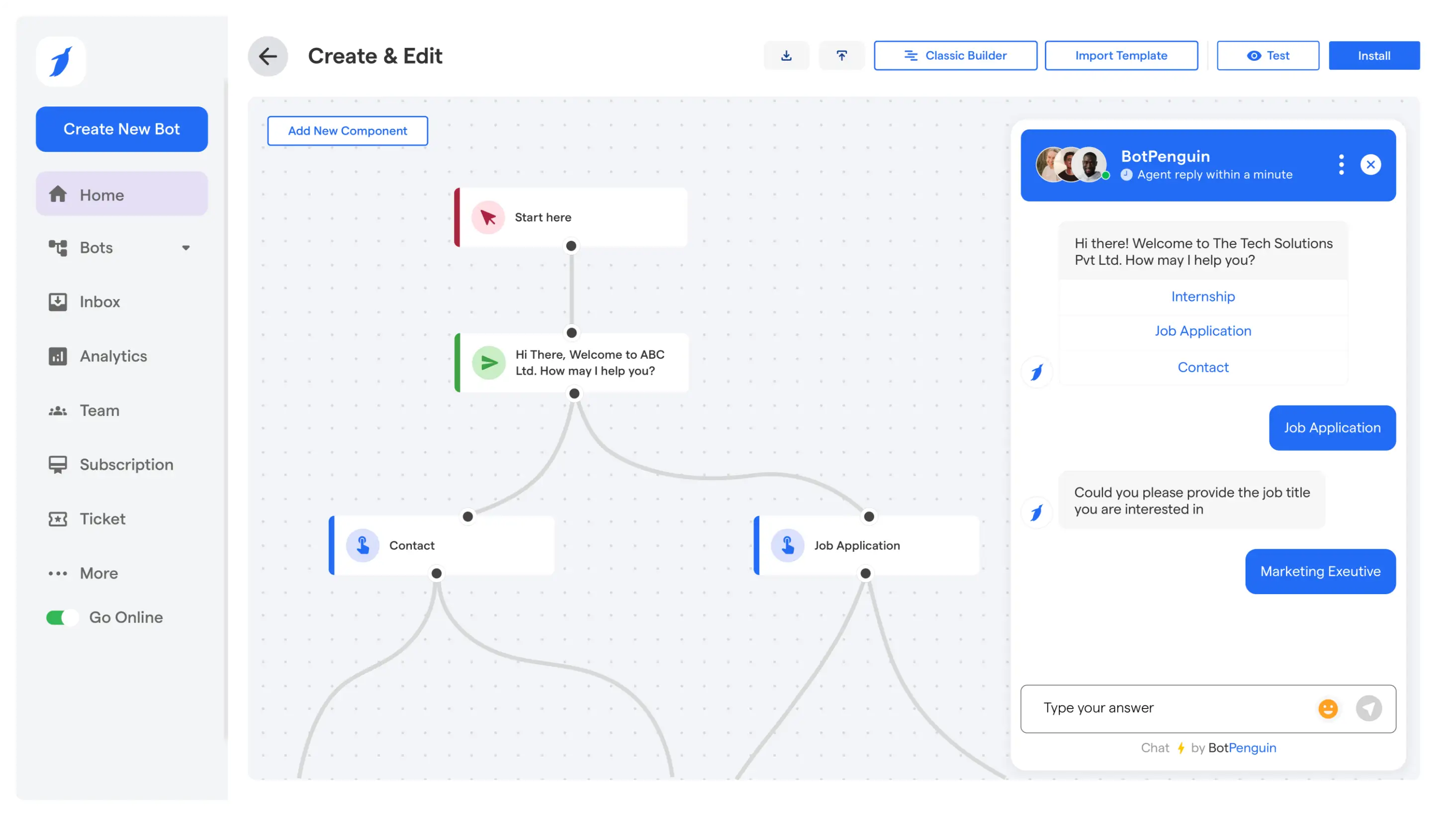
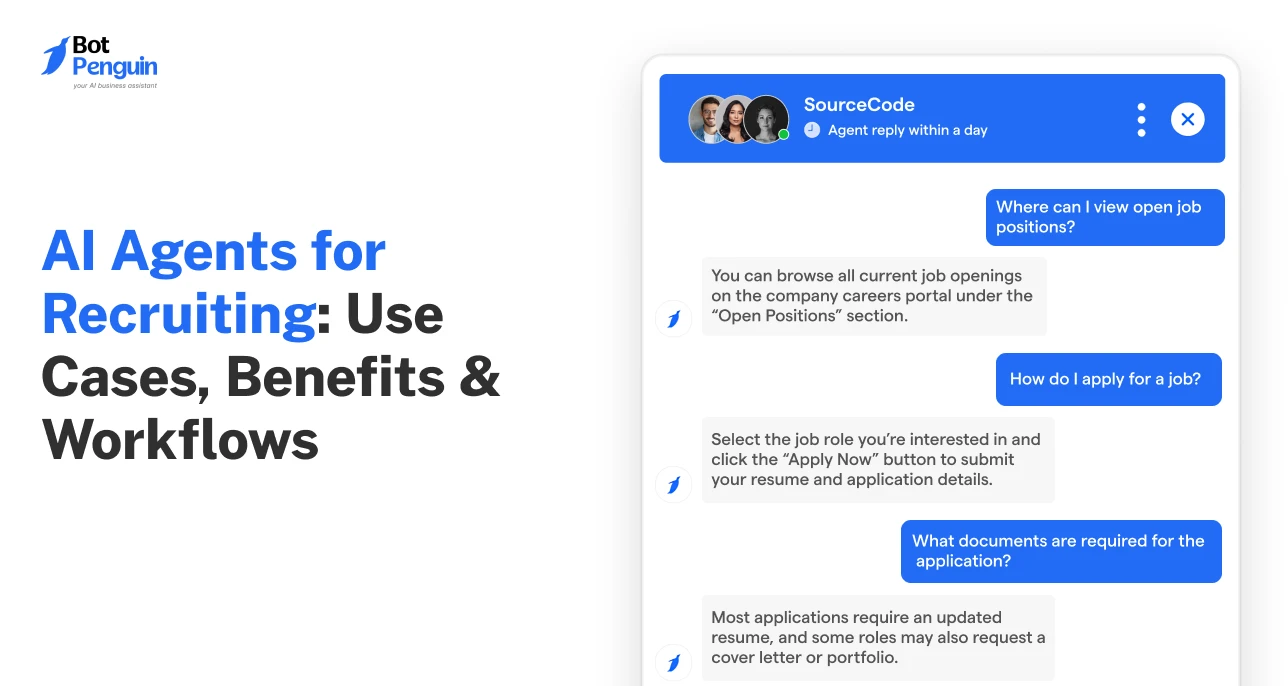
Chatbots or agents handle FAQs, pre-screening questions, and status updates around the clock, keeping candidates informed without requiring recruiter input for every interaction.
BotPenguin's AI agents can manage these conversations end-to-end, from first query to interview booking.
Offer letters, background checks, and compliance paperwork move through automated triggers once a candidate is selected.
This keeps the transition from "hired" to "day one" consistent and prevents paperwork from stalling in someone's inbox.
Metrics like time-to-fill, source quality, and drop-off rates get tracked automatically instead of pieced together from spreadsheets.
Recruiting teams get a live view of what's working and where candidates are falling off.
In the next section, we’ll look at where conversational AI fits within recruitment automation and how it supports the candidate journey.
Conversational AI sits at the candidate-facing layer of recruitment automation, handling routine interactions while working alongside the ATS.
54% of organizations using AI in hiring apply it to candidate communication, making it a leading adoption use case. (Source: iCIMS, 2026)
Here's what that looks like in practice:
Candidates ask the same questions on repeat: salary range, work mode, application status, next steps.
An AI agent answers these the moment they're asked, day or night, so recruiters aren't repeatedly fielding the same routine questions.
Instead of a static form, candidates chat through basic eligibility questions like work authorization, notice period, and experience level.
The agent or bot captures responses against predefined criteria, helping recruiters identify which candidates need further review.
Once a candidate qualifies, the agent pulls open slots from the recruiter's calendar and lets the candidate pick one directly in the chat. No email chain or waiting on a reply.
For a deeper look at autonomous recruiting workflows, see how AI agents for recruiting can handle multi-step candidate interactions.
Rather than candidates emailing to ask "any update?", the agent pushes status changes automatically: application received, shortlisted, interview scheduled, decision pending.
This alone cuts a large chunk of candidate-initiated follow-up traffic.
For teams hiring across regions, conversational AI can switch languages based on the candidate's input, removing a barrier that email-based communication doesn't handle well.
Conversational AI is often the first practical step toward recruitment automation because it improves candidate interactions without replacing the ATS. The next section explains why.
Automation rollouts often become harder when teams try to overhaul everything at once. Conversational AI avoids that trap.
It's the one layer that touches candidates directly and plugs into existing systems rather than replacing them.
Here’s how conversational AI changes the day-to-day recruitment workflow:
This is also why conversational AI tends to be a practical entry point for teams that are automation-cautious: recruiters stay in control of every decision that matters, while the volume work runs itself in the background.
For internal employee support rather than candidate-facing hiring, HR chatbots cover a different use case.
Pro Tip: If you're rolling out conversational AI in phases, start with FAQs before screening and scheduling. FAQs usually require less workflow logic, while screening and scheduling depend on eligibility rules, calendar permissions, and deeper configuration.
Conversational AI works best when teams know where to draw the line.
Most missteps happen not because the technology fails, but because it's asked to do more than it should, or set up without enough thought given to how candidates actually experience it.
Automation can shortlist and pre-screen, but handing the agent the yes/no decision erodes candidate trust fast.
Keep its role limited to moving candidates forward, not filtering them out silently.
Candidates hit questions an agent can't answer, salary negotiation, role nuances, team fit.
Without a clear handoff to a recruiter, the conversation stalls and candidates drop off.
Trying to automate FAQs, screening, and scheduling simultaneously on day one increases setup complexity and the odds something breaks.
Sequential rollout catches issues before they scale.
A bot that sounds robotic or overly scripted can make candidates feel like a number, especially in early-stage conversations.
Conversational design still needs a human voice behind it.
Unusual availability windows, unexpected candidate responses, or multilingual queries can break a poorly tested flow.
Skipping this step turns a good automation setup into a source of candidate frustration.
Recruitment automation also handles sensitive candidate data, making security and trust part of the rollout decision.
Knowing these mistakes also makes the limits of automation clearer. Next, let’s look at what recruitment automation does not cover and when other systems are a better fit.
Automation scales the busywork, but every tool hits a ceiling where judgment, accountability, and human context take over, and knowing that line matters before you build around it.
For starters, saying yes or no to a candidate is a call automation was never meant to make. Automation can shortlist, score, and schedule, but the final decision stays with the hiring manager.
No tool replaces judgment on culture fit, team dynamics, or gut checks that data alone can't capture.
Automation supports documentation workflows, but background verification, offer letter legality, and labor law compliance need a legal or HR compliance specialist.
Getting this wrong carries real liability that a chatbot can't absorb.
Salary discussions and offer negotiations require a human on the other end. Candidates expect flexibility and context here that automated systems aren't built to handle.
Automation runs the mechanics, but the tone, values, and story a company tells candidates still need a marketing or employer branding lead shaping that narrative.
Chatbots handle scheduling and pre-screening well, but technical assessments and panel interviews still need subject matter experts evaluating real skill and problem-solving.
For structured pipeline management, offer workflows, or compliance at scale, a full applicant tracking system is the better fit. Conversational AI works alongside these systems rather than replacing them.
The goal isn’t to automate hiring end-to-end, but to automate what should never slow your hiring team down.
For the candidate-facing side of recruitment automation, BotPenguin can handle FAQs, screening conversations, follow-ups, and interview booking while recruiters stay in control of final decisions.
Explore BotPenguin’s features, see real-world outcomes in its case studies, and read what users say in BotPenguin reviews.
Recruitment automation isn't about replacing recruiters. It's about giving them back time. Resume screening, scheduling, and candidate updates can run on autopilot, while people handle the parts that actually need judgment.
Conversational AI is often a practical place to start. It touches candidates directly and works alongside your existing systems.
But automation has limits. Final hiring calls, compliance, and compensation still need a human in the loop.
Get that balance right, and recruitment automation becomes a tool that speeds up hiring without losing the human side of it.
Recruitment automation uses software to handle repeatable hiring tasks such as candidate communication, screening, scheduling, and follow-ups. It reduces manual work while keeping recruiters responsible for judgment, interviews, and final hiring decisions.
Recruitment automation works through rules, workflows, integrations, and AI tools that trigger actions during hiring. These systems can answer candidate questions, collect screening information, schedule interviews, send updates, and record relevant data.
An ATS stores and manages candidate records, pipeline stages, offers, and hiring workflows. Recruitment automation performs repeatable tasks around that process, often working alongside the ATS rather than replacing it as the system of record.
An automated hiring system combines tools that handle repeatable recruitment tasks, from screening and scheduling to candidate communication. It may include an ATS, conversational AI, workflow automation, and other recruiting technologies working together.
No. Recruitment automation can handle repetitive tasks, but recruiters should retain responsibility for interviews, nuanced evaluations, compensation discussions, compliance decisions, and final hiring choices that require human judgment and accountability.
Hiring teams can start with high-volume, low-risk tasks such as candidate FAQs, screening conversations, and interview scheduling. This introduces automation in recruitment gradually without requiring a complete replacement of existing hiring systems.
Conversational AI handles the candidate-facing layer of recruitment automation. It can answer FAQs, collect screening details, send status updates, and support interview scheduling while recruiters and ATS tools continue managing broader hiring decisions.
Automate Recruitment With AI-Powered Workflows
Automate candidate queries, updates, follow-ups, and routine hiring tasks. Keep candidates engaged while your recruiters focus on conversations and hiring decisions.
Start NowCheckout our related blogs you will love.
Updated at Oct 6, 2026
10 min to read
Updated at Sep 18, 2026
10 min to read

Updated at Sep 18, 2026
12 min to read
Updated at Sep 17, 2026
12 min to read
Updated at Sep 16, 2026
10 min to read
Updated at Oct 19, 2026
11 min to read
Table of Contents



