Free Recruitment Chatbot Template for Candidate Intake, Role Matching, and Interview Scheduling
Capture candidate profiles, match applicants to open roles, collect employer job briefs, schedule interviews, and re-engage passive candidates with an AI chatbot, AI agent, and automation tools. Built for recruitment agencies, staffing firms, and hiring teams. No code. Free forever.
FREE Forever plan. No Credit Card Required.
Live Preview
See How Recruitment Agency Chatbot Capture Candidate Profiles Before Consultant Review
See how the chatbot, AI agent, and automations support candidate intake, role matching, employer briefs, and interview coordination.

Candidate Profile Intake
Captures current role, experience, skills, location preference, salary expectation, and employment type.

Role Matching
Matches candidates with open positions based on profile details and role requirements.

Interview Scheduling
Books screening calls or client interviews directly in chat with calendar confirmations.
This is the actual Recruitment Agency AI Chatbot template. Yours to use free.
 AI CHATBOT
 Your Candidate Intake, Role Matching, and Interview Scheduling Stack in One Template
Use cases, channels, and integrations for AI chatbots, AI agents, and automations built around recruitment agency workflows.
Use Cases
Built for every need in your practice


Deploy On
Meet your customers where they are


Integrations
Connect with the tools you love










Where This Recruitment Chatbot Template Improves Hiring Pipeline Flow
Built to capture candidate profiles faster, re-engage passive talent, and reduce interview coordination work.
- 6 in 14Passive Candidates Re-Engaged Per Outreach
- 3XMore Candidate Profiles Captured Without Consultant Time
- 24/7Available for Candidate Inquiries and Employer Briefs
- MinutesFast Template Setup
How BotPenguin Chatbots Fit Into Your Recruitment Agency Workflow
Three steps. From first candidate message to consultant handoff, each step is built around role fit, availability, employer needs, and interview timing.
- 1
Candidate or Employer Starts a Chat
Step 1 - 2
BotPenguin Captures and Routes Details
Step 2 - 3
Consultant Gets a Complete Brief
Step 3


Why It Works
Built Around How Candidates and Employers Move Through Hiring
Recruitment conversations move quickly. This template captures intent, keeps talent warm, and reduces coordination gaps.

Candidates Apply When Consultants Are Offline.
A candidate may see a role at night and message immediately. BotPenguin captures their profile, matches relevant roles, and offers a screening call. Your consultant starts with a ready brief.

Old Databases Need Active Re-Engagement.
A candidate who was available six months ago may now be hired. The AI agent checks availability and updates preferences. Your database stays closer to the current market.

Interview No-Shows Often Start With Poor Communication.
Candidates and employers forget details when reminders are weak. Automations send interview reminders and preparation notes to both sides. Everyone enters the interview with clearer context.
Templates for similar businesses
All free. All ready to deploy in minutes.

Event Planner
Free event planner chatbot template. Automate event inquiries, brief collection, and vendor coordination for your events business. No code required.
Digital Marketing Agency
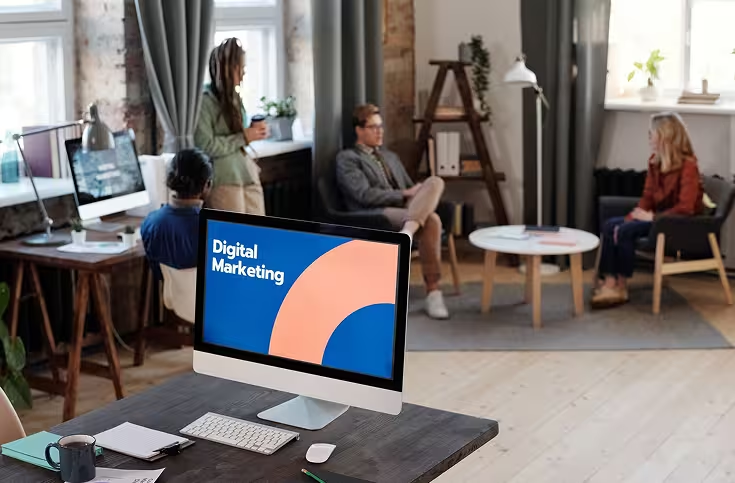
Free digital marketing agency chatbot template. Automate client inquiries, project brief collection, and proposal follow-ups. Works on WhatsApp and your website. No code.

Legal Services
Free legal services chatbot template. Automate client intake, case inquiries, and consultation bookings for your law firm. No code. Live in minutes.
Frequently Asked Questions: Recruitment Chatbot Template
Everything you need before setting it up.
How does a recruitment chatbot template handle candidate and employer inquiries?

Can this recruitment chatbot template work on WhatsApp?
Can the chatbot automatically match candidates to open roles?
Can the recruitment chatbot re-engage passive candidates?
Do I need a developer to set up this free recruitment chatbot template?
Is this recruitment chatbot template really free?
Is this the same as BotPenguin’s professional services AI chatbot solution?
Start Capturing Candidates Before Your Next Consultant Call
Use BotPenguin’s recruitment chatbot template to capture candidate profiles, collect employer briefs, match roles, and schedule interviews across WhatsApp and your website.