Free Food Ordering Chatbot Template for Eateries, Takeaways & Quick-Service Spots
Let customers browse food options, place orders, confirm details, and check order status through chat. Customize this no-code template for your eatery, takeaway, cloud kitchen, or quick-service business.
FREE Forever plan. No Credit Card Required.
Live Preview
See How the Food Ordering Chatbot Template Works
Use conversational flows to capture food orders, answer common questions, and keep customers updated from order placement to pickup or delivery.
Browse Food Options
Help customers explore available meals, categories, add-ons, and meal choices inside chat.
Capture Order Details
Collect item selections, quantities, customizations, contact details, and pickup or delivery preferences.
Share Order Status
Let customers check whether an order is confirmed, being prepared, ready for pickup, or on its way.

QuickBite Orders
Food Ordering Assistant
This is the actual Food Ordering AI Chatbot template. Yours to use free.
Everything You Need for Conversational Food Ordering
Start with a ready-made workflow for taking food orders, confirming details, answering routine questions, and sharing order updates.
Use Cases
Built for every need in your practice
Deploy On
Meet your customers where they are


Integrations
Connect with the tools you love












Turn Food Enquiries Into Complete Orders
Give customers a guided ordering experience while reducing repetitive manual conversations for your team.
- 40%More Complete Orders Captured
- 3xReduction in Repetitive Tasks
- 24/7Take Orders Anytime
- 2Minutes to Deploy
Launch Your Food Ordering Chatbot in 3 Steps
Customize the template around your food business and put it in front of customers without building flows from scratch.
- 1
Choose the Template
Step 1 - 2
Customize Your Ordering Flow
Step 2 - 3
Publish It to Your Channels
Step 3
Why It Works
Built Around the Real Food Ordering Journey
The template focuses on the repetitive steps that slow down food orders when staff handle every conversation manually.
Customers send incomplete orders.
The chatbot asks for required information in sequence, including food choices, quantities, customizations, fulfillment preferences, and customer details.
Staff repeatedly answer order-status questions.
Customers can check order progress through the same conversation instead of calling the business for routine updates.
Ordering conversations get scattered across channels.
Use a structured food-ordering workflow across supported BotPenguin channels while keeping the conversation logic consistent.
Templates for similar businesses
All free. All ready to deploy in minutes.
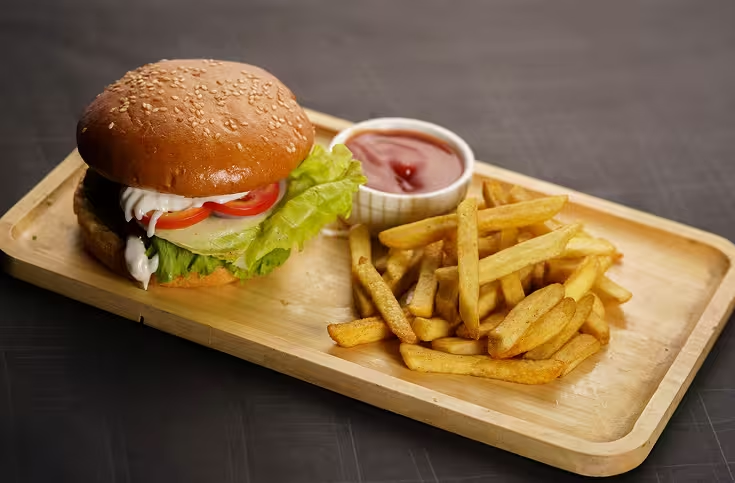
Eatery Order Tracking
Let customers track orders, get status updates, and resolve delivery issues without calling. Free order tracking chatbot template, no code, live in minutes.
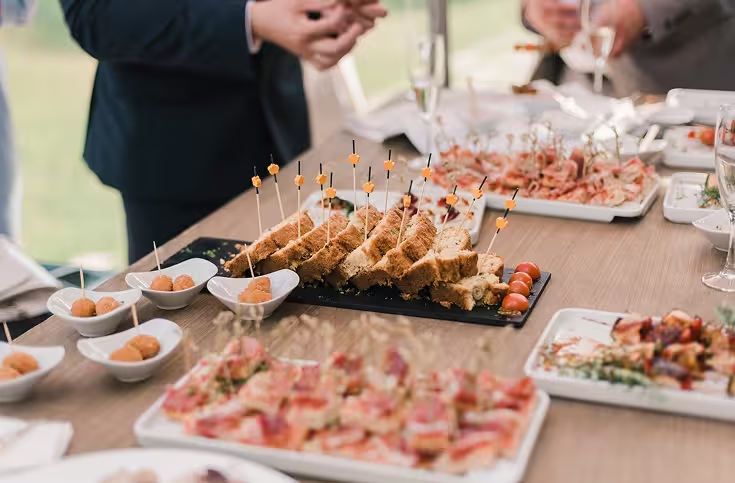
Catering Services
Capture event details, generate catering quotes, confirm availability, and collect booking deposits automatically. Free catering chatbot template, no code, live in minutes.
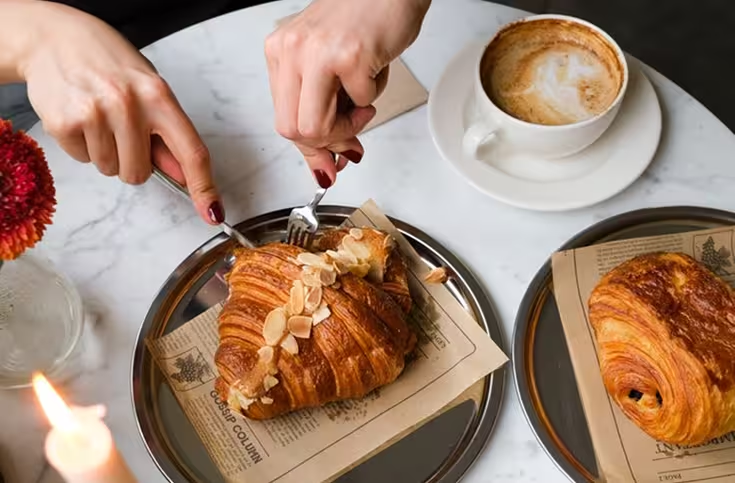
Cafe
Handle ahead-of-queue pickup orders, loyalty stamp tracking, and in-store event booking automatically. Free cafe chatbot template, no code, live in minutes.
Food Ordering Chatbot Template FAQs
Understand what the template covers, how to customize it, and where it fits within your food business.
What Is a Food Ordering Chatbot Template?

Can I Customize the Food Ordering Flow?
Can the Chatbot Handle Order Tracking?
Where Can I Use This Template?
Do I Need to Code the Template?
Is This the Same as BotPenguin's Restaurant Chatbot Template?
Start Taking Food Orders Through Chat Today
Customize the food ordering chatbot template around your menu, order flow, and customer channels without starting from scratch.