


10 ways E-commerce chatbots are changing the way we shop
Updated at Jun 22, 2026
7 min to read
TL;DR
Ecommerce automation can reduce operational costs by up to 30% while increasing speed and accuracy in online business processes.
BotPenguin, among 12 top ecommerce automation tools, enables unified marketing and customer support automation for online stores.
Klaviyo, ShipStation, and Zapier help automate marketing, streamline fulfillment, and connect workflows across multiple ecommerce platforms.
Start with a single workflow, ensure tools integrate with your systems, and expand automation gradually for sustainable growth.
According to McKinsey, businesses that automate workflows can reduce operational costs by up to 30% while improving efficiency.
Thus, ecommerce automation software is extremely important. It connects your tools, streamlines workflows, and helps you scale without adding manual effort.
In this guide, you will explore the best ecommerce automation software and learn how to choose the right solution for your business.
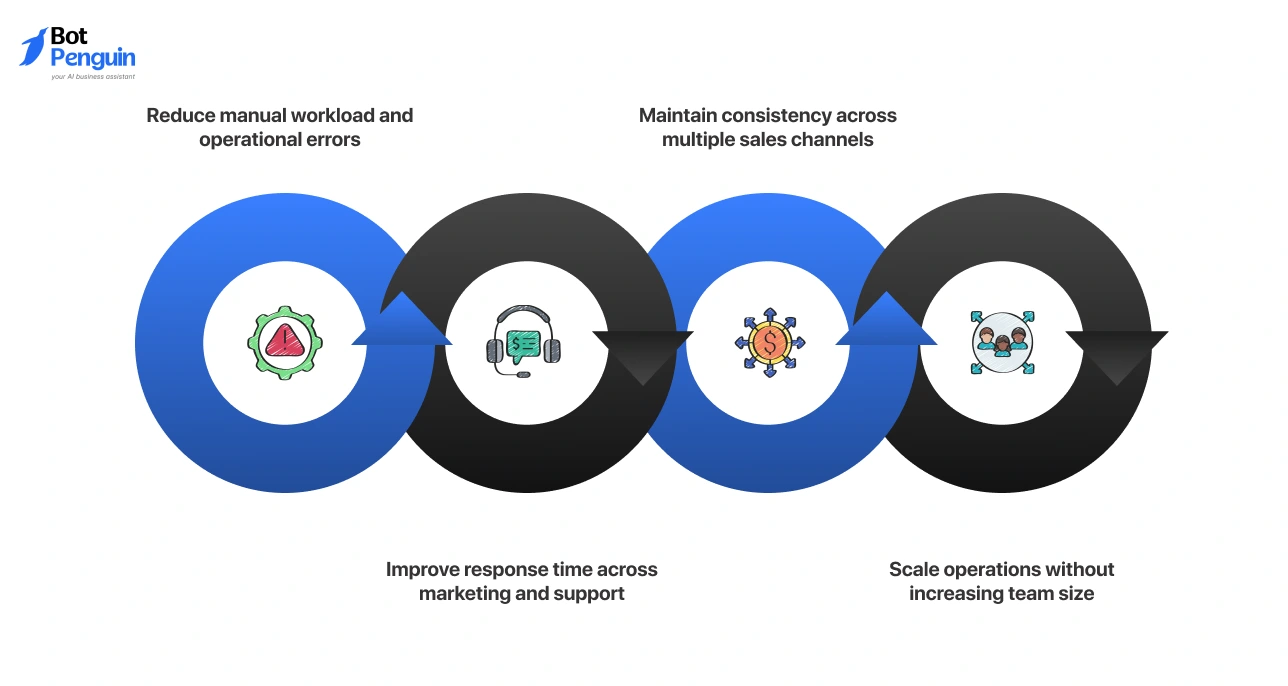
Ecommerce automation software is a tool that automates repetitive tasks across your online store, including marketing, order processing, and customer support. It replaces manual effort with structured workflows, helping you run operations faster and with fewer errors.
Most businesses adopt ecommerce automation software to:
However, not all automation solutions are built the same. So, you first need to understand the different types available.
And, if you want a broader understanding, you can explore this ecommerce automation guide.
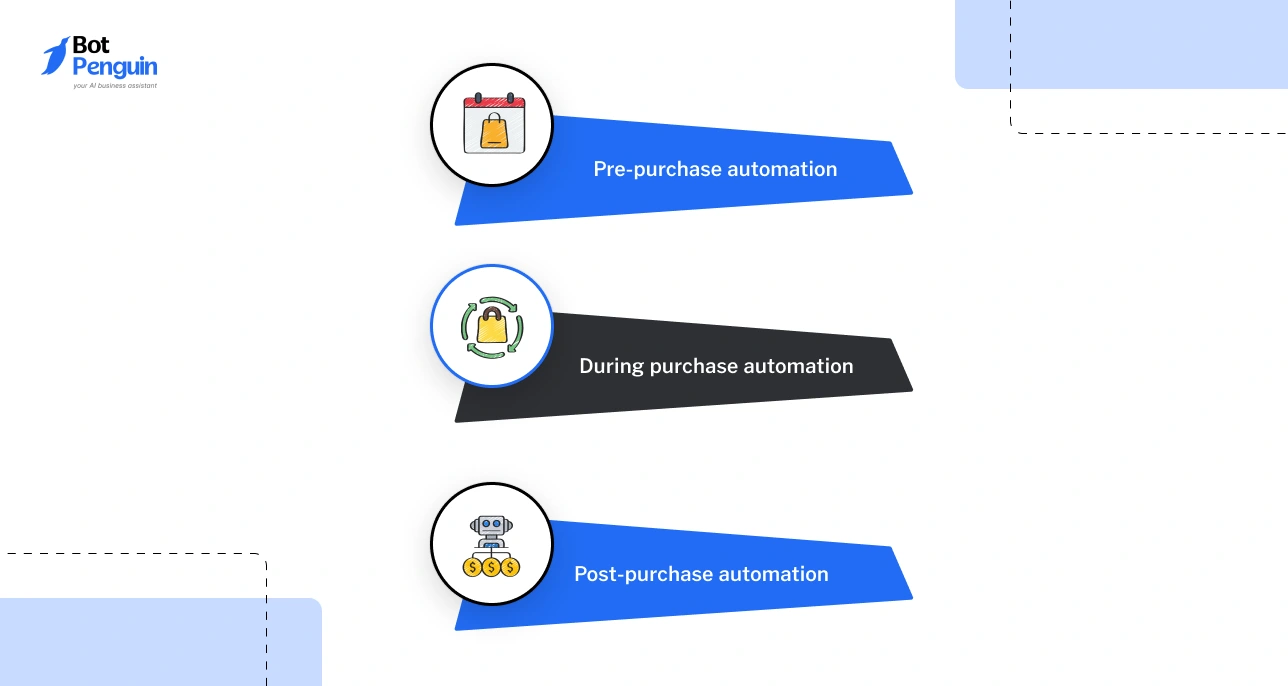
Ecommerce automation works across three key stages of your customer journey: before, during, and after a purchase.
Different tools support different parts of this workflow, so let’s look at them individually next.
Different ecommerce automation tools solve different problems. The right choice depends on the workflow you want to automate and how your business operates.
*Pricing based on publicly available vendor pages at the time of writing.
Now comes the detailed review of each ecommerce automation tool based on use case.
Ecommerce marketing automation tools help you engage customers through email and SMS, boosting retention and conversions. These tools automate campaigns, personalize messaging, and recover lost revenue through timely communication.
Klaviyo is a marketing automation platform built for ecommerce brands that rely on data-driven email and SMS campaigns.
Key capabilities:
When to choose: Choose Klaviyo if you want deep personalization and data-driven campaigns to maximize retention and customer lifetime value.
Pricing: Free plan available; paid plans start at around $20/month and scale with contacts
Limitation: Costs increase quickly as your contact list grows
Omnisend is a multi-channel marketing automation tool designed for ecommerce businesses looking to combine email and SMS campaigns.
Key capabilities:
When to choose: Choose Omnisend if you want an easy-to-use platform with ready-to-launch automation workflows across email and SMS.
Pricing: Free plan available; paid plans start at $16/month (approximately)
Limitation: Limited flexibility for advanced segmentation compared to more data-driven tools
Mailchimp is a widely used marketing platform that offers email automation and basic ecommerce campaign features.
Key capabilities:
When to choose: Choose Mailchimp if you are starting with email automation and need a simple platform to manage campaigns.
Pricing: Free plan available; paid plans start at around $13/month
Limitation: Limited advanced ecommerce automation compared to specialized tools
Ecommerce fulfillment automation tools help you manage shipping workflows, order tracking, and delivery updates without manual effort. These tools ensure orders are processed efficiently and customers stay informed throughout the delivery process.
ShipStation is a shipping automation platform that manages orders and fulfillment across multiple sales channels and carriers.
Key capabilities:
When to choose: Choose ShipStation if you manage high order volumes and need a centralized system to automate shipping across multiple carriers.
Pricing: Starts at $9.99/month (based on shipment volume)
Limitation: Interface and setup can feel complex for new users
AfterShip is a delivery tracking platform focused on post-purchase experience and shipment visibility.
Key capabilities:
When to choose: Choose AfterShip if you want to improve post-purchase experience through automated tracking and customer notifications.
Pricing: Free plan available; paid plans scale based on shipment volume
Limitation: Limited control over shipping operations compared to full fulfillment tools
Ecommerce operations automation software helps you manage inventory, stock levels, and backend processes across multiple sales channels. These tools ensure accurate inventory sync, reduce stock discrepancies, and streamline operations as your business scales.
NetSuite is a cloud-based ERP platform that combines inventory management, order processing, and financial operations into a single system.
Key capabilities:
When to choose: Choose NetSuite if you need complete visibility and control over inventory and operations across a growing or complex ecommerce business.
Pricing: Custom pricing based on business size and requirements
Limitation: Implementation requires time, resources, and technical expertise
Cin7 is an inventory and order management platform designed for ecommerce businesses selling across multiple channels.
Key capabilities:
When to choose: Choose Cin7 if you need accurate inventory tracking and multi-channel stock management without implementing a full ERP system.
Pricing: Custom pricing based on plan and business needs
Limitation: Initial setup and onboarding can take time for complex operations
Ecommerce workflow automation tools help you connect different apps and automate processes across your tech stack. These tools enable cross-platform workflows, reduce manual data transfer, and allow you to build automation logic without rebuilding your systems.
Zapier is a no-code automation tool that connects apps and automates workflows through simple trigger-based actions.
Key capabilities:
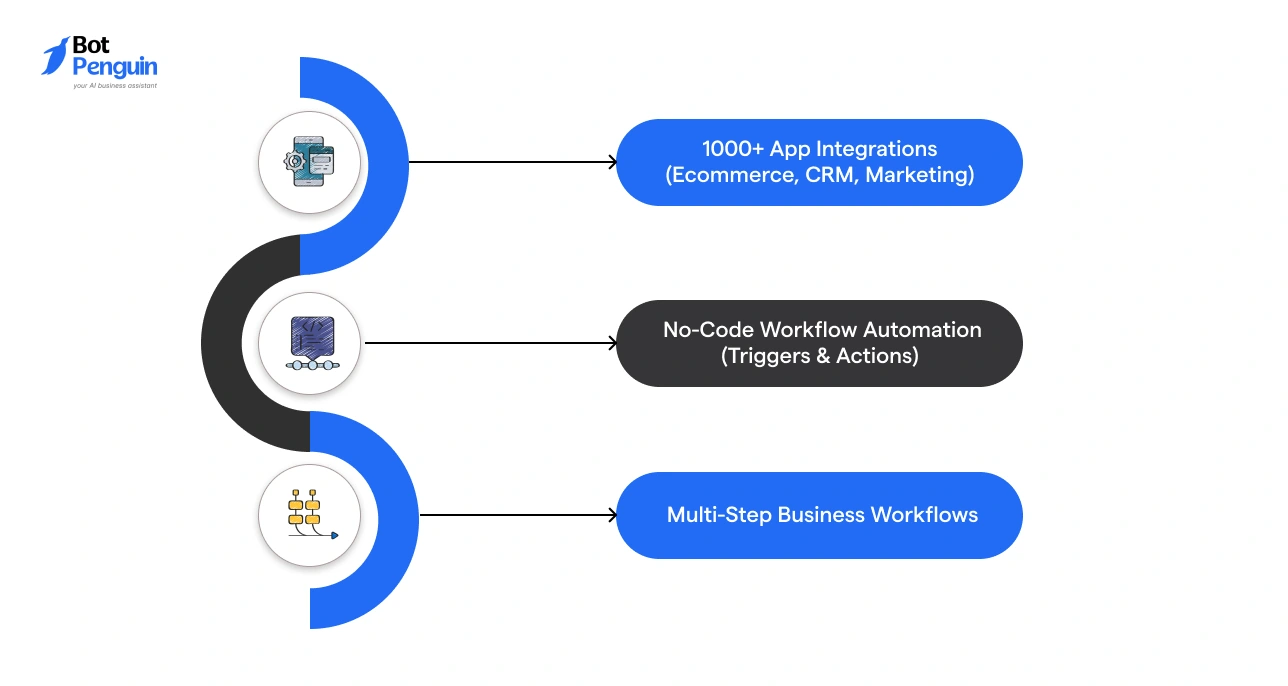
When to choose: Choose Zapier if you want a quick and easy way to automate tasks across multiple tools without technical setup.
Pricing: Free plan available; paid plans start at around $19.99/month
Limitation: Costs increase as automation volume and task usage grow
Make is a visual automation platform that allows you to design complex workflows across multiple applications.
Key capabilities:
When to choose: Choose Make if you need more control over workflow logic and want to build detailed automation processes.
Pricing: Free plan available; paid plans start at around $9/month based on operations
Limitation: Requires time to learn for building complex workflows
Ecommerce support automation software helps you manage customer conversations across channels while reducing manual effort. These tools combine chat automation, ticketing, and conversation tracking to improve response time and consistency.
BotPenguin is a no-code ecommerce automation platform that uses AI agents and chatbots to automate customer journeys across marketing, support, and engagement channels.
Key capabilities:
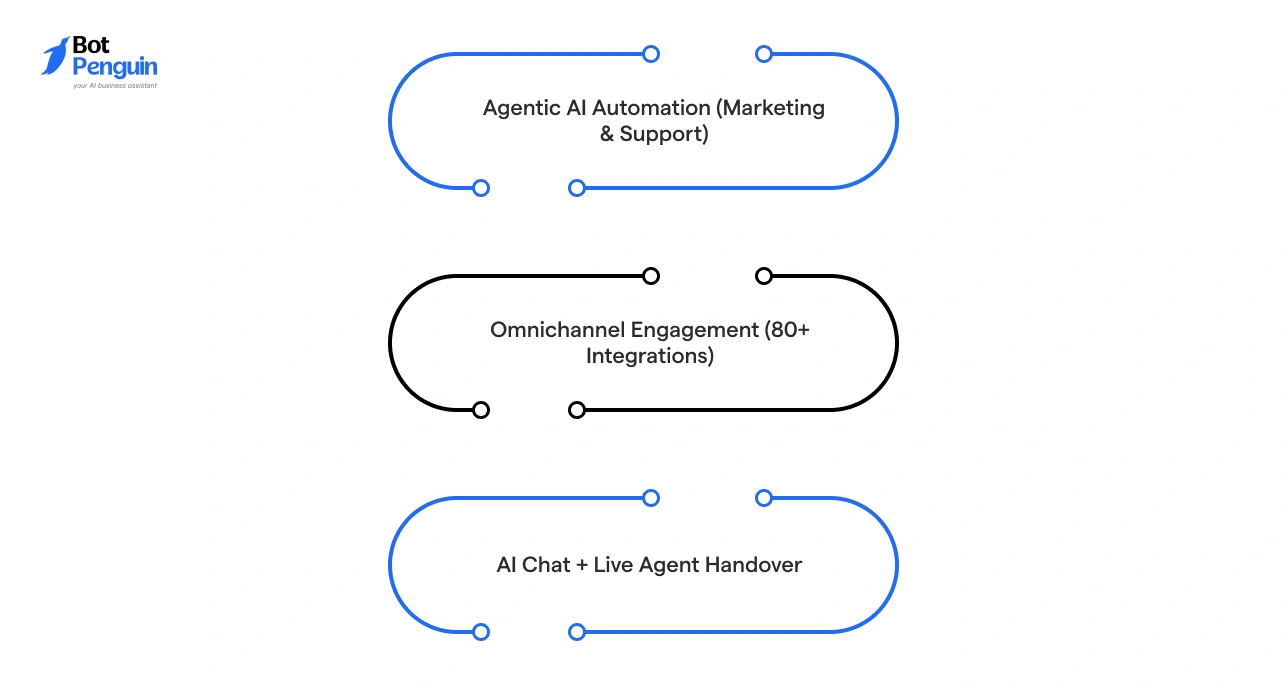
When to choose: Choose BotPenguin if you want to automate both marketing and support journeys within conversations, not just manage support tickets.
Pricing: Free plan available; paid plans start at $29/month and scale based on features and usage
Limitation: Advanced workflow customization may require integrations or additional configuration
Gorgias is an e-commerce-focused helpdesk built for brands managing high volumes of support queries, especially on Shopify.
Key capabilities:
When to choose: Choose Gorgias if your support team handles frequent order, refund, and delivery queries and needs data-driven responses.
Pricing: Starts at $10/month (based on ticket volume)
Limitation: Costs increase significantly as ticket volume grows
Zendesk is a scalable customer support platform designed for teams that need structured ticketing and advanced workflow automation.
Key capabilities:
When to choose: Choose Zendesk if you need a structured system to manage high-volume, multi-channel support operations.
Pricing: Starts at $55/month per agent
Limitation: Initial setup and customization can be time-consuming for smaller teams
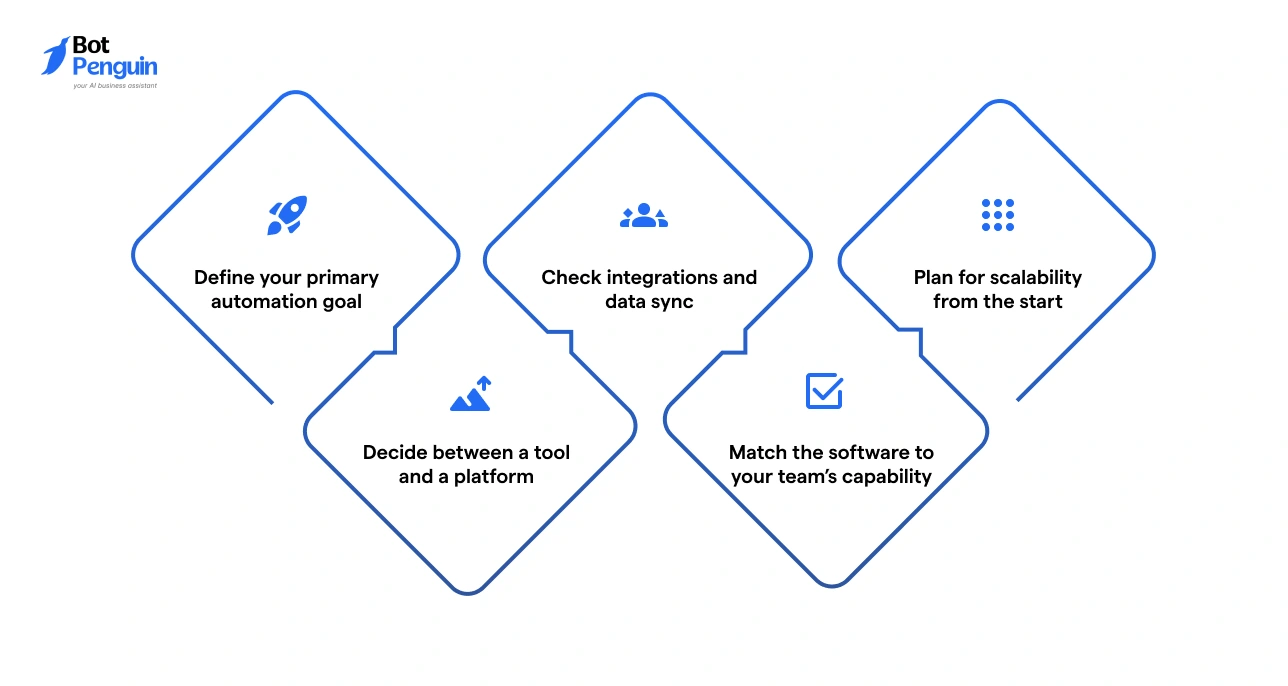
Choosing the right ecommerce automation software means matching the solution to your workflow, team, and growth plans. A simple evaluation process makes it easier to narrow down your options.
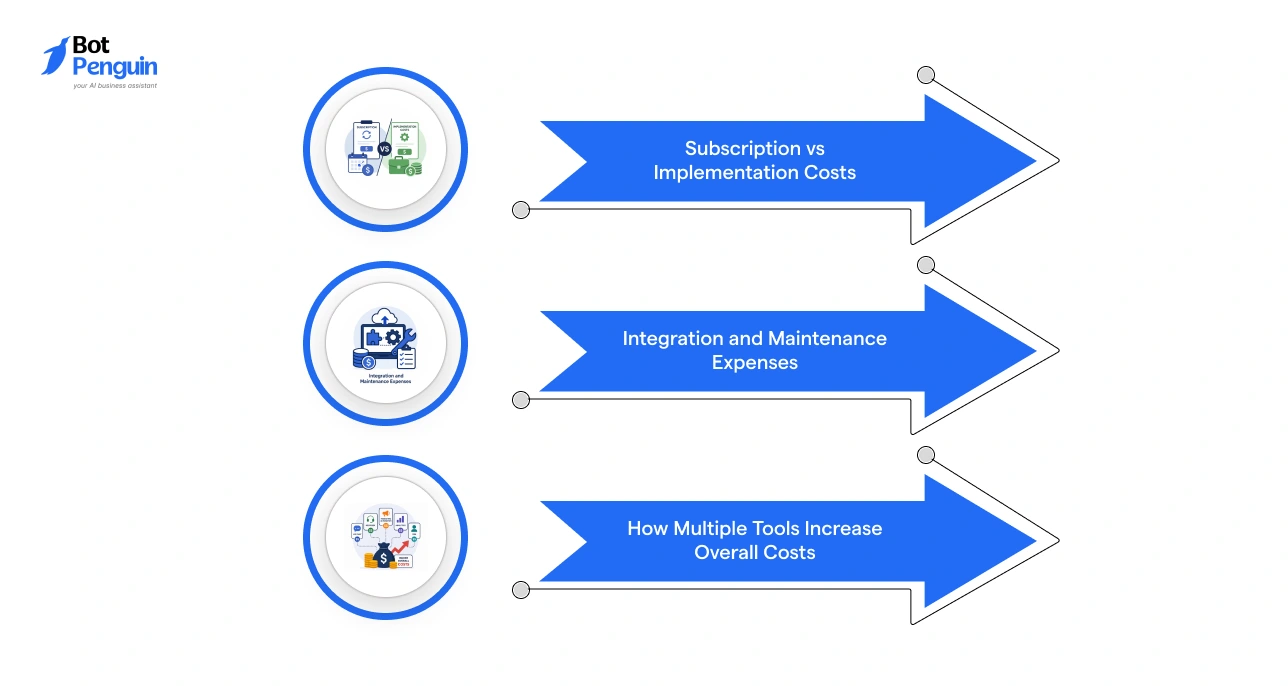
Ecommerce automation cost goes beyond monthly pricing. The total cost depends on setup, integrations, and how your automation evolves as your business grows.
Choosing the wrong ecommerce automation software often leads to higher costs and inefficient workflows. Most issues come from poor planning and an unclear ecommerce automation strategy.
Avoiding these mistakes helps you build a more efficient and scalable ecommerce automation setup.
After selecting ecommerce automation software, the next step is to implement it in a way that supports your workflows and growth.
Most businesses begin by automating one high-impact workflow, such as customer support or cart recovery, before expanding further.
Performance should be tracked using metrics such as response time, conversions, and operational efficiency. This helps identify what is working before scaling automation across additional processes.
The goal is not to automate everything at once, but to build a system that improves over time.
If you are looking for a solution that can automate both customer support and marketing within one platform, you can explore how BotPenguin supports ecommerce automation here.
The best ecommerce automation software for small businesses depends on the workflow you want to automate. Tools like BotPenguin AI chatbots work well for customer support and engagement.
Ecommerce automation tools improve conversions by engaging users at the right time. They automate actions such as cart recovery, product recommendations, and follow-ups, helping reduce drop-offs and increase purchases without manual effort.
You need specialized tools if you want to solve a specific problem, such as email marketing or support. An ecommerce automation platform is better if you want to manage multiple workflows from a single system and reduce your reliance on multiple tools.
Ecommerce automation cost includes subscription fees, setup, integrations, and maintenance. While some tools offer free plans, the total cost increases as your automation scales or when you use multiple tools together.
Most ecommerce automation solutions support integrations with platforms like Shopify, CRMs, and marketing tools. However, integration depth varies, so it is important to check compatibility before choosing a tool.
Automate Ecommerce Workflows
Bring your ecommerce support and marketing workflows together with BotPenguin. Automate conversations, engage customers, and improve conversions without relying on multiple disconnected tools.
Explore BotPenguin PlatformCheckout our related blogs you will love.
Updated at Jun 22, 2026
7 min to read
Updated at Jun 4, 2026
13 min to read
Updated at May 21, 2026
12 min to read

Updated at May 20, 2026
8 min to read
Updated at May 20, 2026
26 min to read

Updated at Apr 30, 2026
10 min to read
Table of Contents


