Insurance AI Chatbots: Types, AI vs Rule-Based, and How to Choose
Updated at Oct 7, 2026
13 min to read
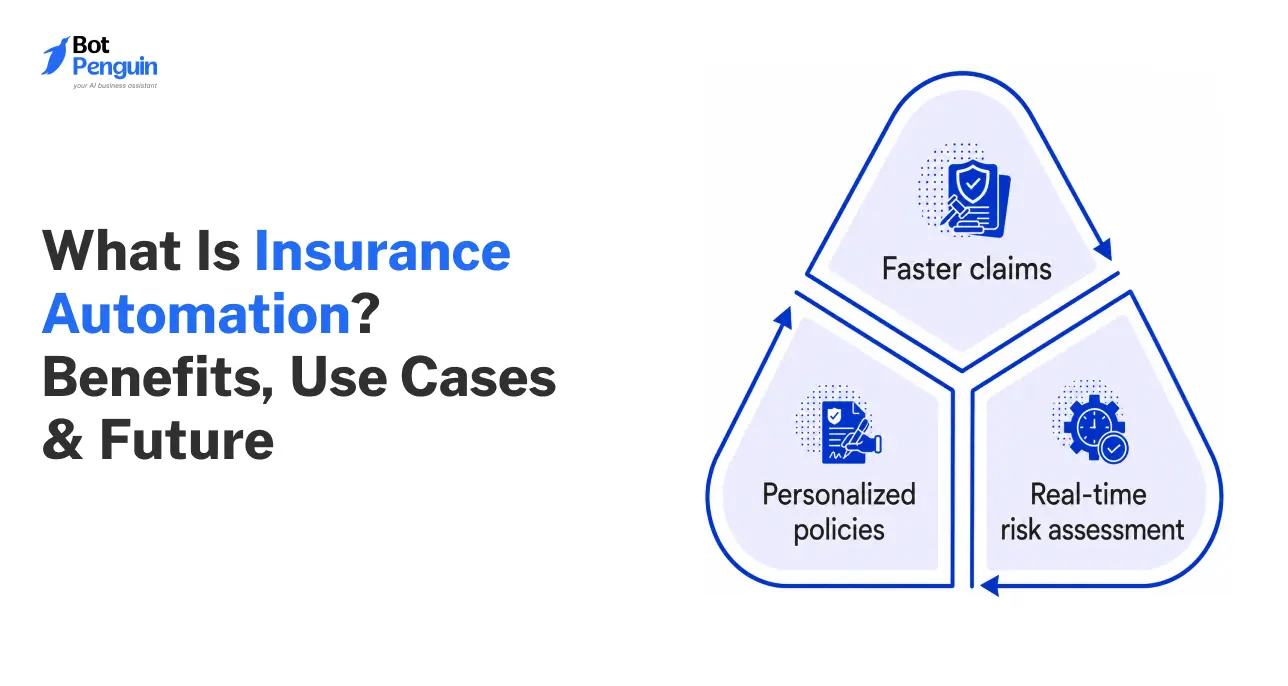
Insurance automation for agencies uses AI, chatbots, and connected workflows to handle repetitive lead follow-up, customer communication, onboarding, renewals, document collection, and FNOL intake. It reduces manual work while keeping licensed professionals responsible for coverage decisions, claims judgments, and other tasks requiring human expertise.
Insurance is personal. When something goes wrong, people expect answers, not delays.
Yet insurance teams often juggle follow-ups, onboarding, renewals, and claims intake across emails, calls, forms, and spreadsheets. Every extra handoff is another chance for information to slip through or a customer to be left waiting.
AI can change how these processes run, without taking decisions away from people. With the right workflows, automation for insurance can support marketing follow-ups, policyholder onboarding, renewal reminders, and first notice of loss (FNOL) intake.
The key is knowing what AI should handle, and where human judgment stays firmly in control.
In this guide, you’ll learn how automation fits into each stage of the insurance journey, from lead follow-up to claims intake, and where the line between automation and adjudication has to hold.
Before getting into what insurance automation actually looks like, it helps to understand why the old way of running these processes is starting to break down.
Manual follow-up and intake put agencies in a tough spot. Response times slip, small errors creep into files, and teams start to burn out.
As inquiry volume grows, work that depends entirely on people ends up capping how much an agency can grow, and how many clients it keeps.
A 2026 Liberty Mutual study found 98% of independent agents consider client retention very important to agency success. (Source: Independent Agent Magazine, 2026)
The Speed-to-Lead Drop-off: Today’s policyholders expect a quick response. If a lead sits in a form for hours before someone calls back, chances are a faster competitor already picked them up.
Incomplete FNOL Data: When claims come in over the phone or through scattered emails, details go missing. Adjusters end up chasing information that should've been captured upfront, adding days before a file even moves forward.
Post-Sale Onboarding Friction: Chasing signatures, driver lists, property details, and first payments by hand creates friction right after a client says yes, exactly when trust should be building, not wearing thin.
Reactive Renewals: When renewal outreach relies on someone remembering to check a task list, account managers end up re-quoting at the last minute. That leaves coverage gaps open and upsell opportunities on the table.
Talent Burnout: Licensed producers didn't sign up to do data entry all day. Piling on repetitive admin work drives away the people agencies most need for client advisory, and drives up overhead in the process.
The problem is not a lack of effort. It is that manual workflows cannot keep pace with growing customer and operational demands.
Insurance automation is the use of software and AI to handle repetitive, rules-based tasks across the policyholder journey, things like lead follow-up, document collection, renewal reminders, and initial claims intake.
It captures information, routes it to the right person, and keeps a process moving without requiring someone to manually chase each step.
It’s worth being clear about what automation doesn’t do:
Doesn’t validate claims
Doesn’t calculate payouts
Doesn’t make underwriting calls
Doesn’t replace licensed judgment
Those decisions stay with licensed professionals. Automation handles the intake and coordination work that happens before and around them.
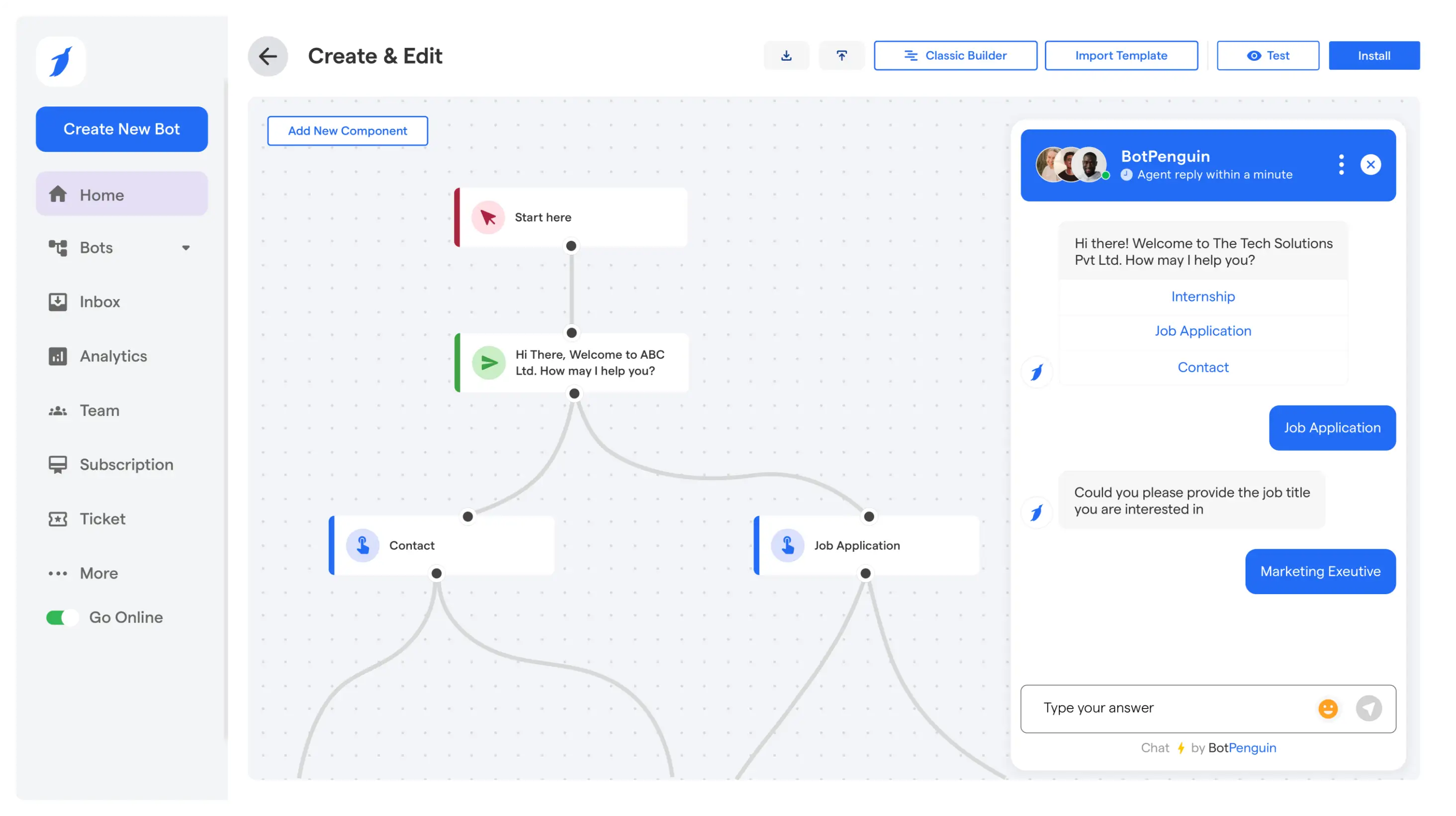
For customer-facing workflows, insurance chatbot automation can handle routine questions, collect policyholder information, and escalate complex requests. See how AI-powered insurance automation supports these conversations across the customer journey.
Every automated workflow follows the same basic shape.
Something triggers it, information gets collected, the system checks for gaps, and the case lands in front of the right person, complete and ready to act on.
A lead form submission, missed call, claim report, or renewal date sets the workflow in motion. Nothing waits on someone remembering to start it.
A chatbot or voice agent collects the details that matter. Contact info, policy number, loss details, or documents, depending on what the workflow calls for.
Before a file moves forward, the system checks for missing fields. A gap gets flagged, and the customer is prompted again, instead of the file landing incomplete on someone's desk.
Based on type and urgency, the case gets sent to the right queue. Sales, onboarding, or claims, without someone manually sorting through a shared inbox.
The human team member gets a complete file and an alert. They start the conversation informed, not from scratch.
Get this step right, and every case downstream starts complete, not scrambled together after the fact.
This is where an AI platform like BotPenguin can fit into the workflow. It lets insurance teams build AI-powered chat and voice workflows to capture lead details, collect information, handle follow-ups, and route cases to the right team.
Automation looks different depending on where a policyholder sits in their journey.
Much of customer communication automation in insurance focuses on lead follow-up, onboarding, renewals, document collection, claims intake, and timely handoffs to human teams.
Here is how agencies apply it across these workflows.
Each of these use cases has been explained below.
When a prospect fills out a quote form, a chatbot can respond within moments, ask qualifying questions, and route the chat to the right agent.
Missed calls trigger a text follow-up, keeping every inquiry warm until a person picks it up.
Pro Tip: Speed matters more than the message. A quick “we got your request, here's what's next” beats a polished response sent an hour later. Prospects remember who replied first, not who replied best.
Agencies can also automate Facebook-based lead journeys. Facebook chatbot marketing automation for insurance can qualify inquiries, while Facebook chatbot appointment booking for insurance can move interested prospects toward an advisor conversation.
After a policy is bound, automation sends signature requests, collects driver or property details, and confirms first payment, all without repeated phone tag.
New clients get a guided checklist instead of scattered emails, building trust right when the relationship starts.
For ongoing service requests, a Facebook chatbot for insurance customer support can answer routine questions and route complex cases to the right team.
Renewal dates trigger outreach weeks in advance, prompting policyholders to review coverage before it lapses.
Account managers see which clients need a call and which just need a reminder, so renewal season stops feeling like a scramble against the calendar.
For messaging-led workflows, WhatsApp automation for insurance can handle renewal reminders, document requests, routine questions, and follow-ups directly within WhatsApp.
When a policyholder reports a loss, a chatbot or voice agent collects the details an adjuster needs: what happened, when, and supporting documents.
The file reaches the claims team complete, cutting the back-and-forth that usually delays a case before review even starts.
Pro Tip: Configure severity triggers so urgent claims, such as fire, injury, or total loss, are routed directly to a human instead of entering a standard queue.
Instead of chasing IDs, photos, or signed forms over email, automation prompts customers for exactly what's missing and checks formats before submission.
Files arrive organized and complete, so staff spend less time hunting for attachments and more time on client conversations.
Cases move between sales, onboarding, and claims teams without status updates falling through a shared inbox.
Everyone sees where a file stands, who owns it next, and what's still outstanding, so handoffs happen on record instead of over a hallway conversation.
Across these workflows, insurance automation removes repetitive handoffs while keeping people involved where judgment and trust matter most.
Every automation platform looks capable on a demo call. Here's what actually matters once it's running inside an agency, beyond the standard feature checklist:
Policyholders reach out however convenient: chat, SMS, voice, or email. A tool that only handles one channel forces customers to switch channels mid-conversation.
Look for a platform that captures the same structured data regardless of where the conversation starts.
An intake tool is only useful if the file it builds actually reaches the claims management system without manual re-entry.
Check whether the platform connects directly to your existing claims software, or if someone still has to copy details across systems by hand.
The tool should collect and organize information, not make coverage or payout decisions.
Anything that claims to "assess" or "determine validity" is overstepping. A well-scoped tool hands off a complete file and stops there, leaving judgment calls to licensed adjusters.
Insurance data includes sensitive personal and financial details, so review the platform’s Security and Trust practices and applicable compliance requirements.
Ask how data is stored, who can access it, and whether it's encrypted both in transit and at rest.
Automation should know when to step back. Look for configurable triggers, like high claim value, complex coverage questions, or customer frustration.
These should route the conversation to a person automatically. That way, a bot never pushes through a situation it isn't equipped to handle.
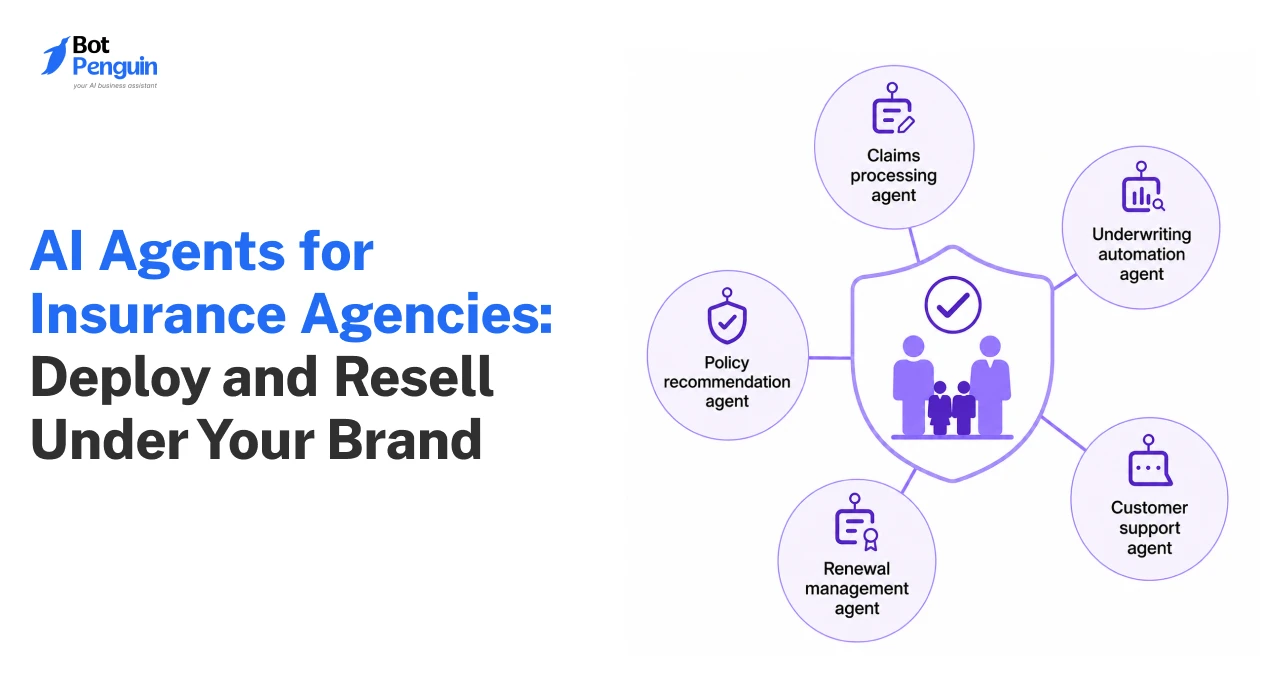
For workflows that require more autonomous actions beyond intake and routing, see how AI agents for insurance agencies work.
The best insurance automation does not replace judgment; it clears the path so teams can use it where it matters most.
BotPenguin brings automation, AI, integrations, and customer conversations into one system.
Here are the capabilities from its Feature List most relevant to insurance agencies:
BotPenguin lets insurance teams build chatbot and automation workflows without coding.
Agencies can configure flows, connect tools, and deploy customer-facing experiences without relying on developers for every change.
This makes routine workflow updates easier to manage as agency processes evolve.
BotPenguin supports 80+ native integrations across CRM, scheduling, automation, support, and other business tools.
Insurance teams can also connect policy or claims systems through APIs.
This helps conversation data move into existing workflows without repeated manual entry across different systems.
BotPenguin supports AI models including ChatGPT, Claude, Gemini, and DeepSeek, with additional model options available.
Teams can choose different AI models for conversational workflows based on specific insurance workflow needs.
BotPenguin then handles deployment, routing, integrations, and customer-facing automation across supported channels.
BotPenguin brings automation to WhatsApp, website chat, Instagram, Facebook, Telegram, Microsoft Teams, SMS, and phone-based conversations, all from a single workspace.
Agencies manage every customer touchpoint from one place instead of juggling separate tools.
The same workflow logic carries across channels, so nothing needs to be rebuilt from scratch each time.
BotPenguin can sync conversation data with CRMs and other back-office tools, while policy management systems can connect through REST APIs.
This helps agencies move lead, renewal, and intake information into existing systems without relying on repeated manual copying between tools.
BotPenguin further routes conversations to a live agent the moment a case needs human attention, carrying the full context along so nothing gets repeated.
Complex or high-value cases reach a specialist automatically, while routine steps keep moving without ever standing in the way of judgment.
Set up right, these capabilities let agencies automate the repetitive work without losing the human judgment insurance runs on.
See BotPenguin Testimonials and Case Studies for customer feedback and real-world implementation examples.
Automation fails less often because of the technology, and more because of how it's set up. Here are five mistakes that show up most often, and how to avoid them:
Some agencies let automation suggest coverage or hint at claim outcomes to sound more helpful. This blurs the line into adjudication and creates liability.
Fix: Keep automation limited to intake and coordination. Every judgment call stays with a licensed professional.
A single generic FNOL form either misses details on complex claims or over-asks on simple ones. Both push customers to abandon the process.
Fix: Set validation rules by claim type, so each form asks exactly what that case needs.
Without clear escalation rules, bots keep pushing through conversations they aren't equipped to handle, high claim value, frustrated customers, or ambiguous coverage questions.
Fix: Configure specific triggers that route these cases to a person automatically, before frustration builds.
Workflows built once and never revisited drift out of sync with actual agency processes. Renewal timelines shift, new products launch, and forms go stale.
Fix: Review workflows quarterly to keep automation aligned with how the agency actually operates.
When no one on the team owns the automation setup, small issues go unnoticed for weeks.
Fix: Assign a single owner, even part-time, to keep the system accountable.
Get these right, and automation stops being a tool the team manages around and becomes one they can actually rely on.
Insurance agencies cannot afford to rely on slow manual processes anymore.
Adopting automation for insurance helps teams respond to leads faster, onboard new clients smoothly, and collect claims intake data with less manual follow-up.
This is not about replacing your human staff. It is about removing repetitive paperwork from their daily workload. When your team stops chasing signatures and typing intake notes, they can focus more time on helping clients.
Start small by fixing your lead follow-up or claims intake. As repetitive tasks disappear, your agency can handle growing workloads more efficiently while giving policyholders a faster, more consistent experience.
Insurance automation for agencies uses AI, chatbots, triggers, and connected workflows to handle lead follow-up, onboarding, renewals, document collection, customer communication, and FNOL intake while keeping licensed professionals responsible for coverage, claims, underwriting, and other judgment-based decisions in every case.
Insurance chatbot automation uses conversational workflows to answer routine questions, collect customer information, send reminders, gather documents, support claims intake, and route conversations while leaving coverage, underwriting, liability, and payout decisions to qualified insurance professionals who provide human judgment carefully.
Customer communication automation in insurance can handle lead responses, renewal reminders, document requests, routine questions, and follow-ups across connected channels. Agencies should route coverage questions, complaints, complex claims, and other sensitive conversations to licensed professionals when human judgment is required.
WhatsApp automation for insurance can manage lead qualification, policy reminders, document requests, routine questions, and follow-ups through WhatsApp. Complex or sensitive conversations can then be escalated to the appropriate insurance professional with the relevant customer and conversation context preserved throughout.
Insurance claims automation supports First Notice of Loss intake by collecting incident details, policyholder information, and required documents before human review and verification. It should not replace claims adjudication, where qualified professionals determine coverage, liability, settlement terms, or payout decisions.
Insurance automation should not replace human agents or adjusters. It is best suited to repetitive communication, intake, routing, and data collection, while licensed professionals remain responsible for coverage questions, advisory conversations, claim decisions, complex cases, and other judgment-based work daily.
Agencies should look for multi-channel support, CRM and system integrations, secure data handling, configurable human handoff, no-code workflow controls, and clear boundaries between automated intake and insurance decisions that still require licensed professionals, regulatory oversight, or specialized human judgment requirements.
Simplify Insurance Workflows With AI Automation
Handle lead follow-ups, onboarding, renewals, and claims intake with AI-powered workflows. Capture customer details, collect documents, and route cases to the right team with less manual effort.
Start NowCheckout our related blogs you will love.
Updated at Oct 7, 2026
13 min to read
Updated at Sep 21, 2026
10 min to read
Updated at Sep 21, 2026
15 min to read
Updated at Oct 19, 2026
11 min to read
Updated at Oct 14, 2026
11 min to read
Updated at Oct 14, 2026
10 min to read
Table of Contents