


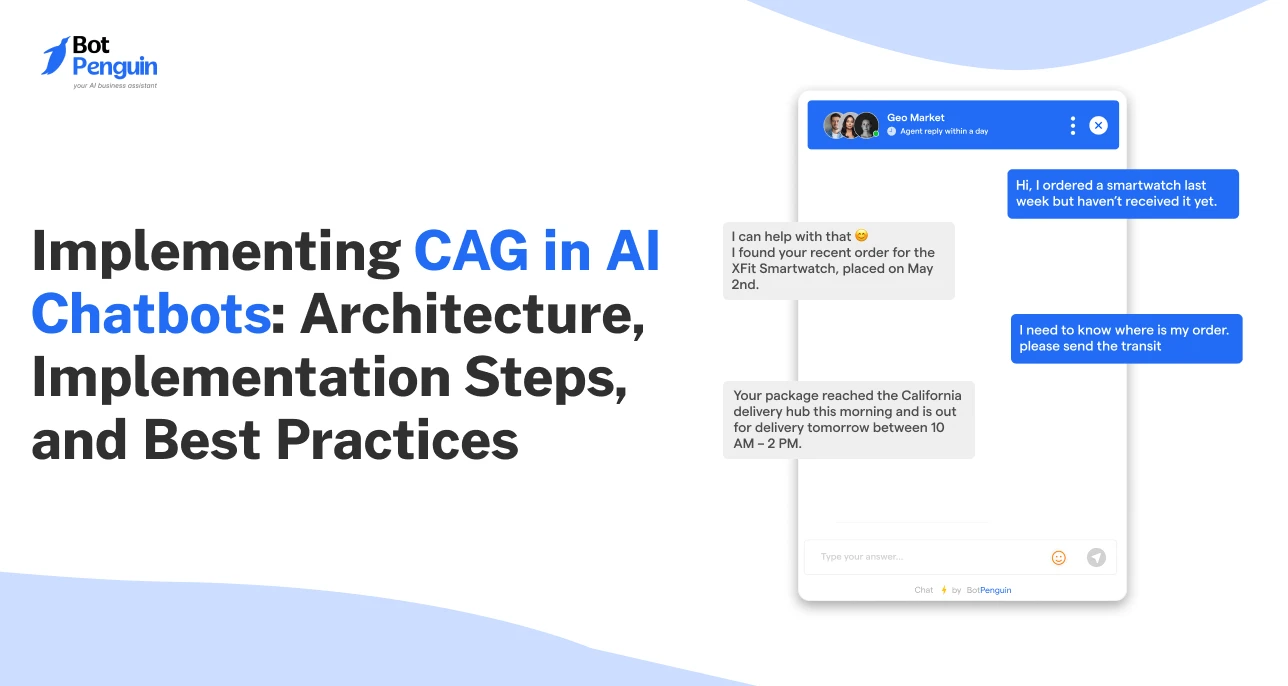
Implementing CAG in AI Chatbots: Architecture, Implementation Steps, and Best Practices
Updated at May 22, 2026
8 min to read
Updated On May 27, 2026
10 min to read
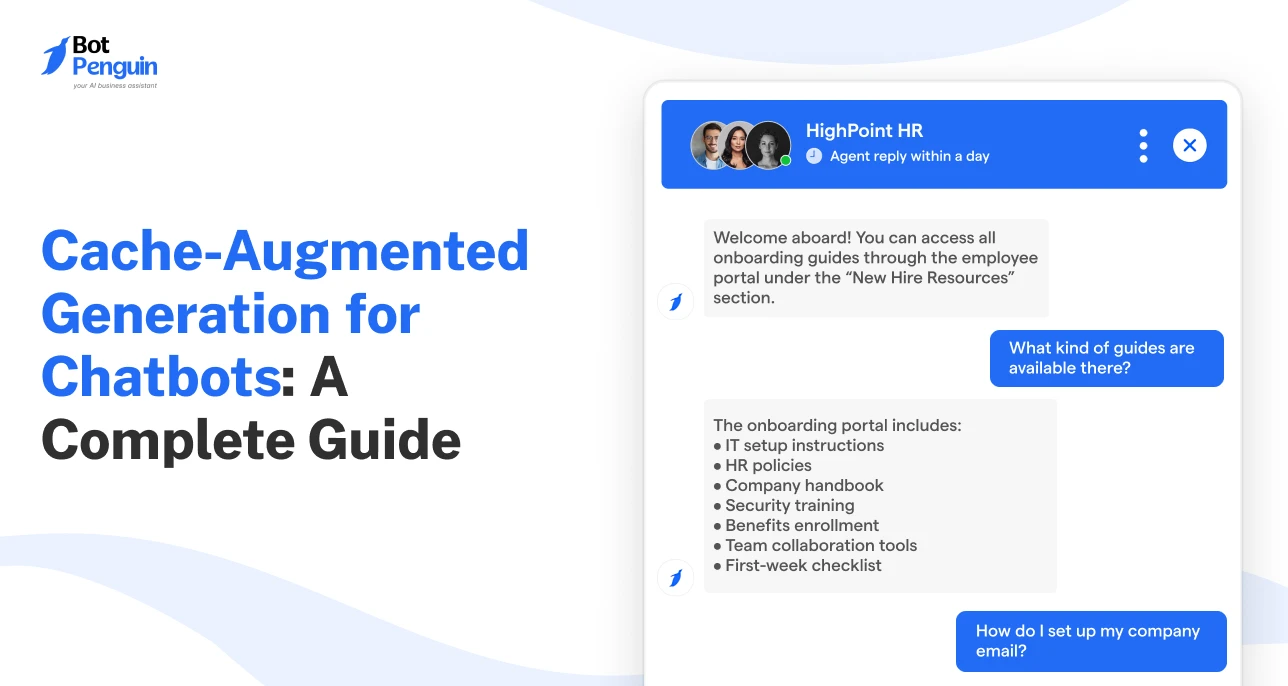
AI chatbots traditionally struggle with latency when retrieving real-time data, which can increase complexity and delay responses.
Cache-augmented generation for chatbots transforms how AI systems deliver responses.
By preloading relevant information into the model’s context, CAG accelerates response times of chatbots and improves reliability without relying on external retrieval systems.
This article explains what CAG for chatbots is, how it works, its differences from RAG, and real-world use cases. By the end, you’ll understand whether this model is the right fit for your chatbot use case.
Cache Augmented Generation for chatbots is an AI approach where relevant knowledge is preloaded into the chatbot’s context before the conversation starts, so the chatbot can answer without retrieving documents at runtime.
In simple terms, CAG allows the chatbot to respond faster when the user asks a question that is already covered by the cached knowledge.
A CAG chatbot can preload:
Best for: CAG for Chatbots works best when the chatbot needs to answer from a stable and bounded knowledge base. It is less suitable when the chatbot must answer from information that changes every minute.
The system can also precompute the KV cache (reusable attention states that help the model retain processed context), enabling the model to reuse earlier computations rather than reprocess the same knowledge from scratch.
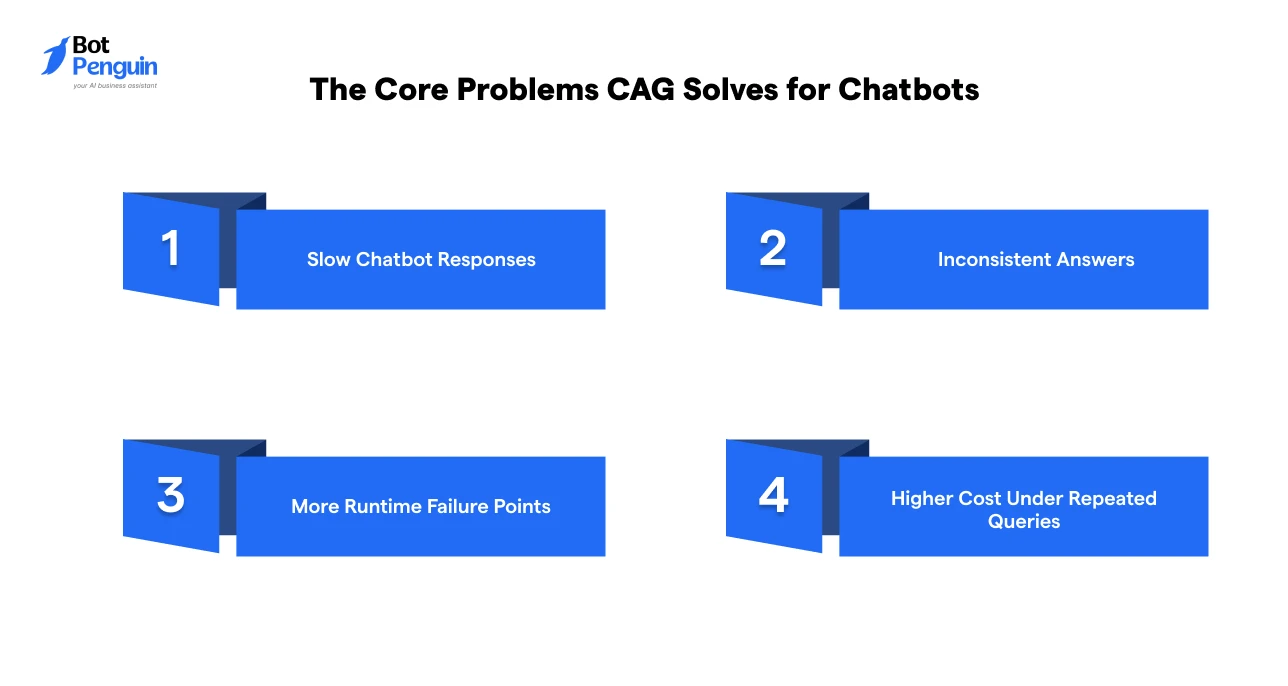
CAG for chatbots solves problems caused by live retrieval, including slow responses, inconsistent answers, runtime failures, and repeated processing costs.
These issues appear when a chatbot must search, rank, fetch, and pass content to the model before every reply. Let’s look at each of these in detail below:
Traditional chatbot systems often retrieve information during the conversation. This adds delay when users expect instant answers.
This is a problem in:
Cache Augmented Generation for chatbots reduces this delay by preparing selected knowledge before the conversation starts.
Retrieval-based chatbots may pull different documents for similar questions. This can create different answers across users, sessions, or channels.
For example, two customers asking about the same refund policy may receive slightly different explanations.
CAG improves consistency because the chatbot answers from a fixed, approved knowledge set.
Live retrieval depends on several systems working together. These may include:
If one layer fails, the chatbot response may become delayed, incomplete, or incorrect. CAG reduces this dependency because retrieval work happens before the live conversation.
Many business chatbots answer the same questions repeatedly, such as password resets, cancellation policies, order tracking, onboarding documents, and product FAQs.
CAG helps reduce repeated retrieval for these common chatbot questions. The chatbot can reuse prepared context, which supports lower latency and more predictable performance.
Now that the problems are clear, it is worth understanding exactly how CAG in chatbots works, specifically through its three-phase preparation and response model.
CAG for chatbots works by preparing knowledge before the conversation, loading it into the chatbot context, and using that cached context during live replies.
The process has three main phases:
The business first selects stable information the chatbot needs for common questions, such as FAQs, help articles, SOPs, onboarding guides, compliance rules, and service policies.
The content is then prepared by:
The goal is to make the chatbot start with the most useful approved knowledge already available.
The prepared knowledge is loaded into the model context. The system can also precompute the KV cache, so the chatbot does not reprocess the same knowledge each time.
This is useful when many sessions depend on the same core content, such as:
Each session still needs a clean cache state to avoid cross-user leakage or stale conversation carryover.
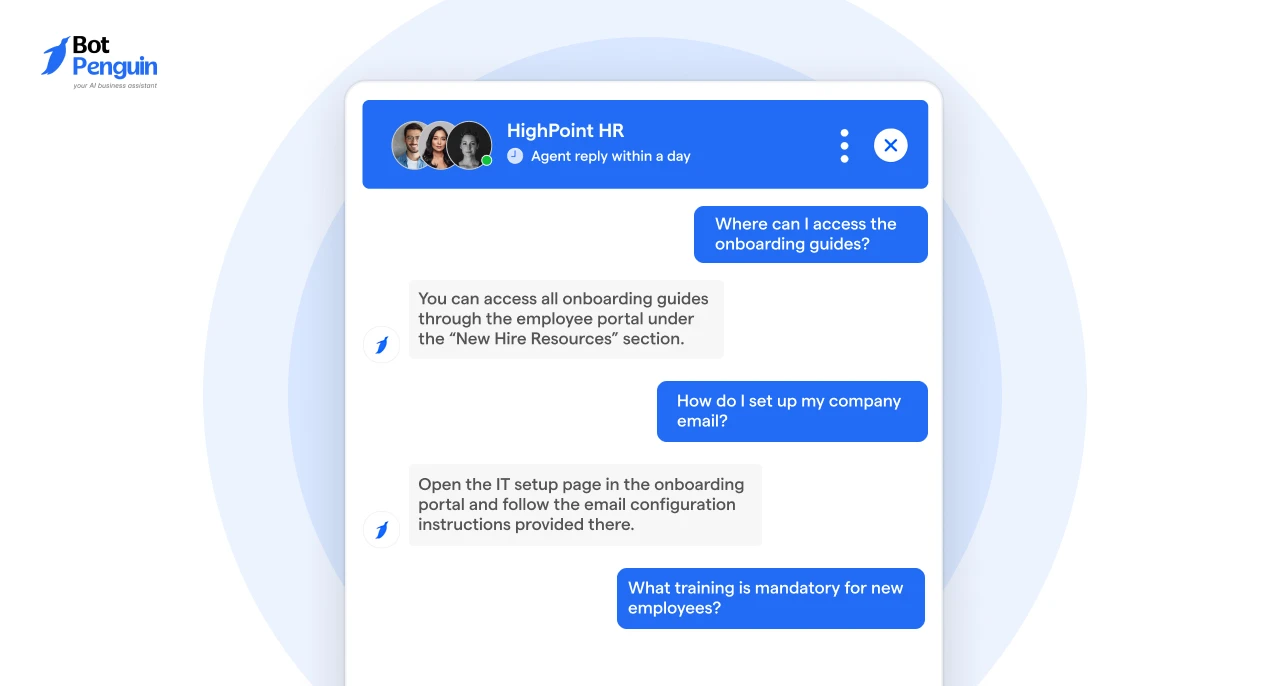
During the live conversation, the chatbot answers from the preloaded context instead of searching documents at runtime.
This helps the chatbot:
This three-phase setup helps Cache-Augmented Generation for chatbots deliver faster, more reliable, and more scalable conversational experiences.
The three phases describe the workflow, but to deploy CAG reliably in production, you need to understand the architectural layers that support it.
CAG architecture for chatbots includes the knowledge layer, cache layer, chatbot inference layer, and response layer.
The implementation architecture can become technical, so the key point is understanding how each layer supports chatbot performance.
The knowledge layer contains the information the chatbot needs.
This may include:
For CAG to work well, this knowledge must be stable, accurate, and narrow enough to fit inside the usable context window.
If you’re curious about how to implement CAG in chatbots, read our comprehensive guide on CAG implementation for chatbots.
The cache layer stores the preloaded knowledge and related model states.
In CAG chatbots, this may include the KV cache, session cache, and sometimes external cache storage such as Redis or in-memory systems.
The main purpose is to reduce repeated computation and avoid runtime retrieval for known chatbot queries.
The inference layer is where the language model generates the answer.
Instead of waiting for a retrieval pipeline, the model uses the cached context and the user’s message to create a response.
This improves chatbot speed when the answer exists inside the cached knowledge.
The response layer controls how the chatbot delivers the final answer.
It may include:
This layer ensures the chatbot not only responds quickly but also responds in a useful and controlled way.
Understanding the architecture is one thing; seeing how it maps to real business problems is another. The next section covers the top scenarios where CAG chatbots create the most measurable value.
The top CAG use cases for chatbots are found in areas where questions repeat often, knowledge stays stable, and fast responses matter.
CAG is not meant for every chatbot. It works best when the chatbot answers from a reliable body of knowledge that does not constantly change.
The table below shows practical business use cases and examples where CAG chatbots can create value:
These use cases show the practical boundary of CAG for Chatbots. It fits workflows where the same approved knowledge is used repeatedly and speed matters.
For businesses planning this setup, BotPenguin can support the deployment layer by helping teams build no-code AI chatbots across WhatsApp, websites, Instagram, Facebook, and Telegram.
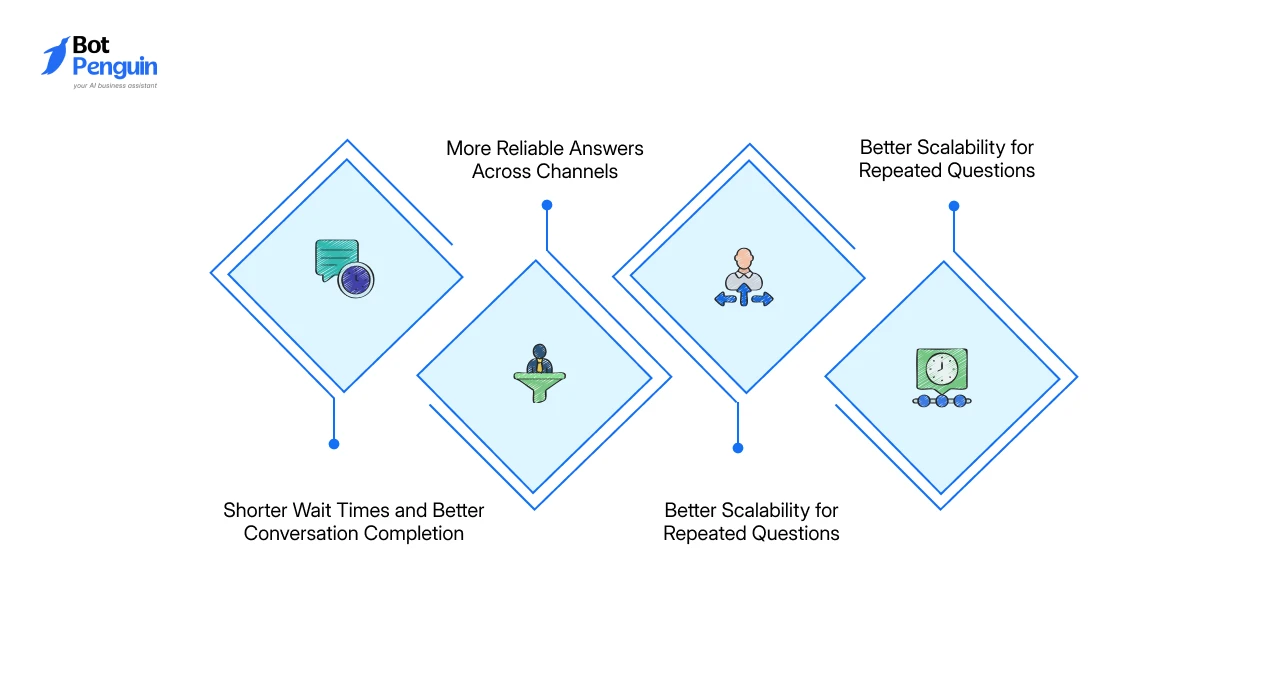
CAG helps chatbots become faster, simpler, more consistent, and easier to scale when the knowledge base is stable.
The greatest benefits are seen in customer support, internal knowledge access, helpdesk automation, onboarding, and high-volume chatbot environments.
CAG for chatbots reduces delays caused by live document searches, database lookups, and retrieval pipelines.
Users receive answers faster, which can reduce drop-offs in support, sales, onboarding, and employee help desk conversations where waiting often leads to abandonment.
CAG uses prepared knowledge, so the chatbot is less likely to explain the same policy, product rule, or process differently across sessions.
This improves trust in customer support, HR, healthcare, finance, SaaS, and compliance-sensitive workflows.
CAG reduces the need to manage complex retrieval workflows for every chatbot answer.
Teams can focus more on preparing, reviewing, and refreshing approved knowledge instead of debugging live retrieval failures.
High-volume chatbots often receive the same questions repeatedly.
CAG helps them handle repetitive queries with more predictable speed, cost, and response quality.
CAG-driven chatbot’s advantages become even clearer when compared with the most common alternative: Retrieval Augmented Generation.
In the next section, we’ll explore how the two approaches compare across the dimensions that matter most for chatbot deployments.
While CAG preloads stable knowledge before the chat, RAG retrieves information during the chat.
Both approaches are useful, but they fit different chatbot requirements.
The table below compares both approaches from a chatbot performance and deployment perspective.
In essence, CAG is usually the better fit for chatbot that handle stable, repetitive, and high-volume questions, such as FAQs, policies, onboarding guides, product manuals, and internal support content.
RAG, on the other hand, is better when the chatbot needs fresh, broad, or frequently changing information, such as live pricing, order status, inventory updates, news, CRM records, or large document repositories.
In practice, many chatbot systems use both.
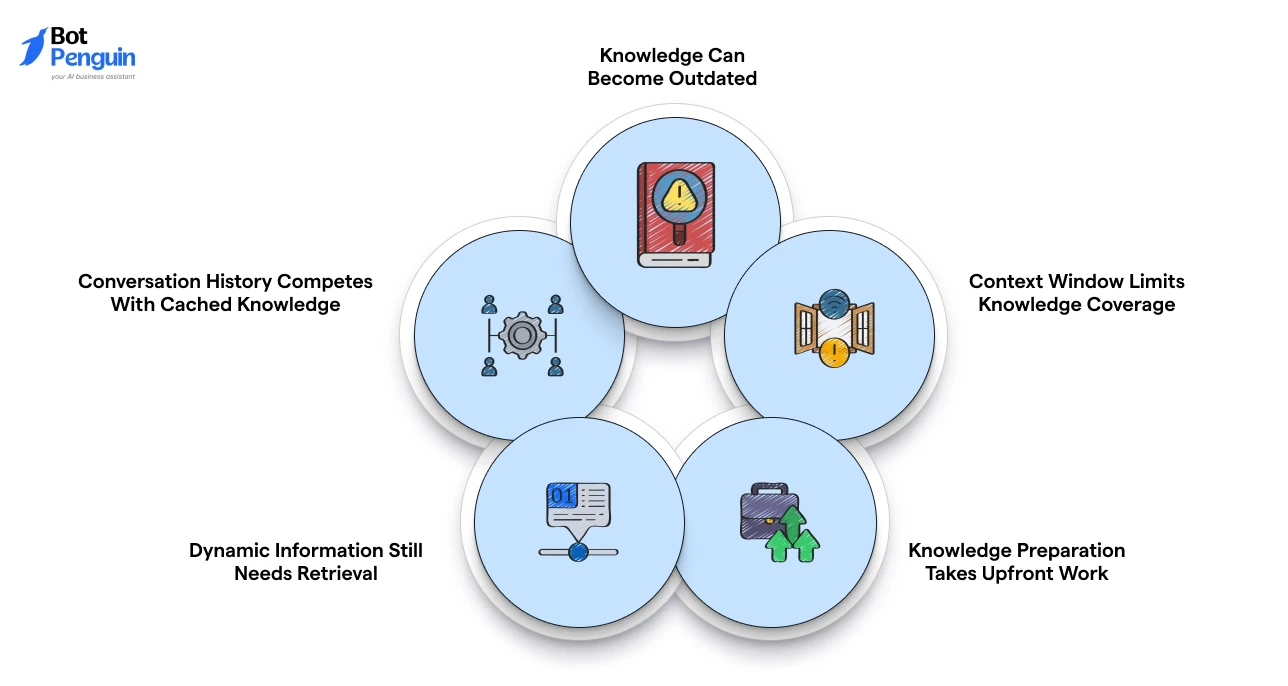
CAG improves chatbot speed and consistency, but it works best with stable, well-prepared knowledge.
Its main limitations arise when content changes frequently, context space runs out, or cached data is not maintained properly.
Challenge: Cached knowledge may keep serving old answers when policies, prices, workflows, or product details change.
Solution: Set content owners, refresh schedules, version tracking, approval workflows, update alerts, and RAG or API fallback for dynamic information.
Challenge: CAG depends on what fits inside the model’s usable context, where cached knowledge, user history, system instructions, and safety rules compete for space.
Solution: Use CAG for common chatbot questions and stable documents, while routing long-tail queries, live data, and sensitive cases to RAG, APIs, or human handoff.
Challenge: CAG requires teams to clean, validate, organize, approve, and structure knowledge before it can be cached effectively.
Solution: Prepare source content carefully, especially for healthcare, finance, legal, HR, and compliance-heavy workflows, where poor knowledge can lead to risky chatbot responses.
Challenge: CAG is not ideal for fast-changing data such as order status, payment updates, inventory, weather, prices, or breaking news.
Solution: Use caching for repeated stable context, and connect APIs or retrieval systems for real-time facts that cannot safely remain static.
Challenge: If too much context is reserved for cached knowledge, less space remains for user history, profile details, instructions, and response rules.
Solution: Balance cached knowledge with conversation memory based on use case, session length, risk level, and fallback design.
For teams that want to address these challenges proactively, BotPenguin can help deploy chatbot experiences across customer-facing channels, while teams focus on approved knowledge, built-in knowledge management, 80+ integrations, and live handoff logic.
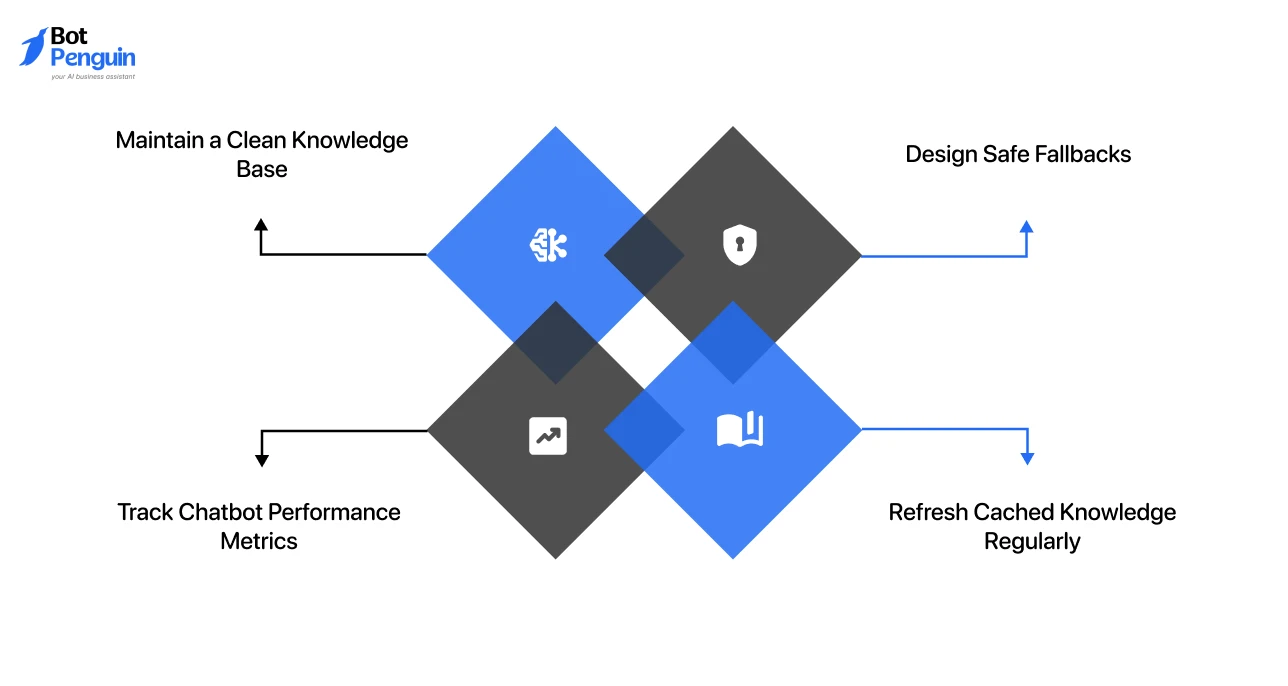
Production CAG chatbots need clean knowledge, clear fallback rules, performance tracking, and regular cache maintenance.
CAG works best when cached knowledge is treated as a managed business asset.
A CAG chatbot is only as reliable as the content it receives. So, teams should:
This reduces the risk of inaccurate or outdated answers.
Performance monitoring shows whether CAG for chatbots is improving speed, accuracy, and user experience.
Track:
If fallback rates stay high, the cache may be incomplete. If latency remains high, model settings or infrastructure may need to be optimized.
A CAG chatbot should not guess when cached knowledge is missing. Fallbacks can include:
This is critical for healthcare, finance, legal, insurance, and compliance workflows.
Cached knowledge should follow clear update rules.
For example:
A strong production setup gives fast answers to common questions and safely routes edge cases.
As these practices mature across teams, the technology itself is also evolving, and the next phase of CAG development points toward some significant capability shifts.
The future of CAG for chatbots will focus on larger context windows, smarter cache refreshes, hybrid retrieval, and multimodal experiences.
As models improve, chatbots will preload more structured knowledge for support, training, education, compliance, and internal operations. However, larger context windows will not remove the need for careful content selection. Businesses must still decide what information is worth caching.
Smarter cache refreshes will also make CAG easier to manage. Instead of rebuilding full caches manually, systems may detect source updates and refresh only the affected knowledge.
Many chatbots will combine CAG and RAG. CAG can handle stable, repeated queries, while RAG can manage fresh or broader information.
Multi-modal CAG (MCAG) may also expand to include images, videos, audio, and diagrams, and support visuals for richer chatbot experiences.
Cache-Augmented Generation for chatbots helps businesses deliver faster, more consistent answers when chatbot knowledge is stable and repetitive.
By preparing approved content before the conversation, CAG reduces live retrieval delays and makes support, onboarding, HR, and internal knowledge bots more predictable.
But CAG works best when paired with the right fallback layer. RAG can handle fresh or long-tail information, while human handoff can cover sensitive cases.
With a no-code AI chatbot platform like BotPenguin, businesses can combine approved knowledge, automation, 80+ integrations, live chat, and multichannel deployment to build CAG-driven chatbot experiences that are faster, safer, and easier to scale.
CAG for chatbots is an AI approach that preloads important knowledge and cached model context, enabling chatbots to answer faster, more consistently, and with fewer live retrieval steps.
Yes. CAG improves chatbot response speed by preloading approved knowledge and reducing the number of live retrieval steps during customer or employee conversations.
CAG is better for stable, FAQ-based chatbots. RAG is better when support chatbots need knowledge sources that are fresh, changing, or very large.
CAG chatbots can handle periodic updates, but fast-changing information usually needs RAG, APIs, or a hybrid chatbot architecture.
Top CAG use cases include support chatbots, HR policy bots, healthcare FAQ bots, SaaS helpdesk bots, and internal knowledge assistants.
Subscribe to Our Newsletter
Get the latest business insights straight into your inbox.
Checkout our related blogs you will love.
Updated at May 22, 2026
8 min to read
Updated at Oct 7, 2026
11 min to read
Table of Contents

